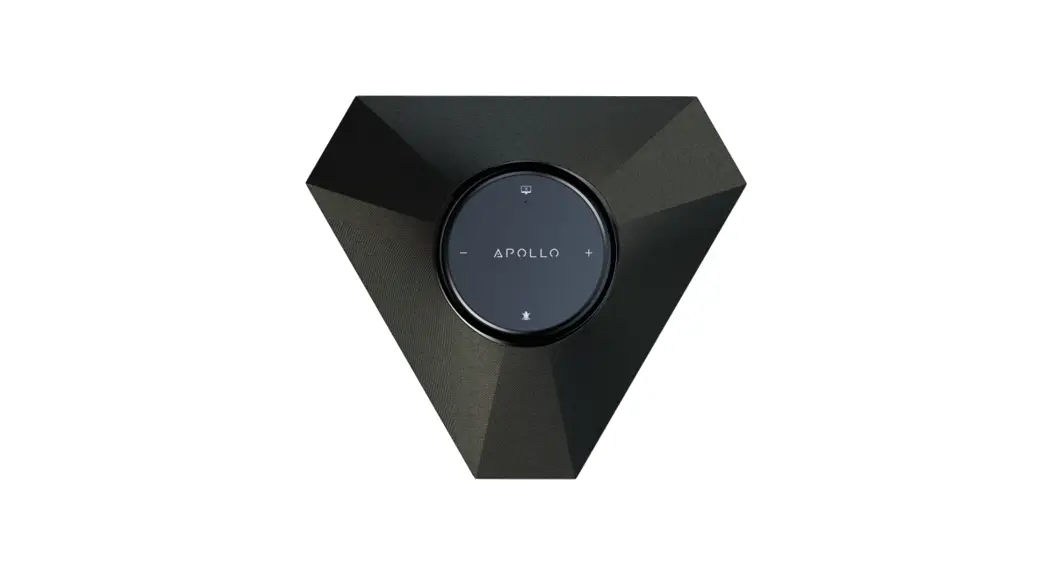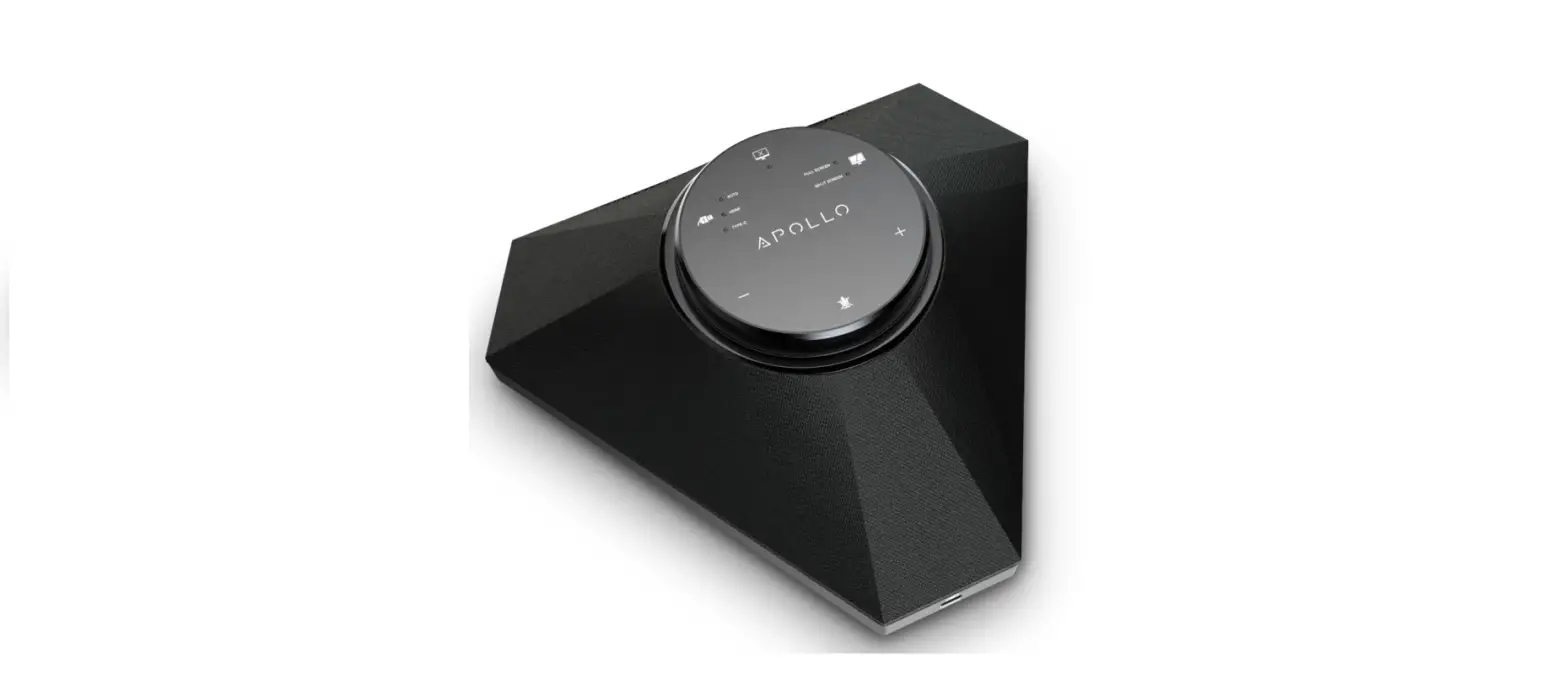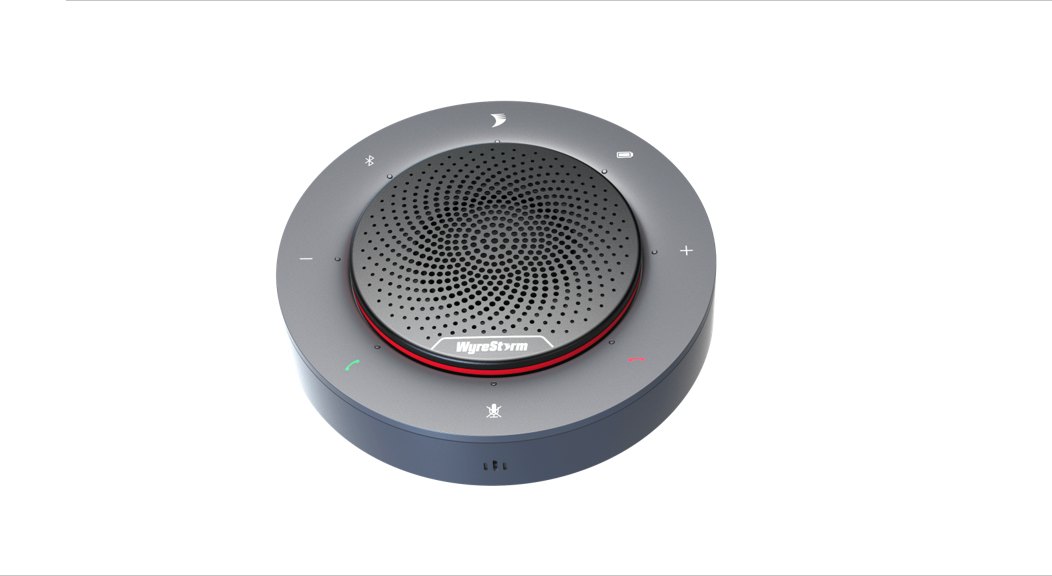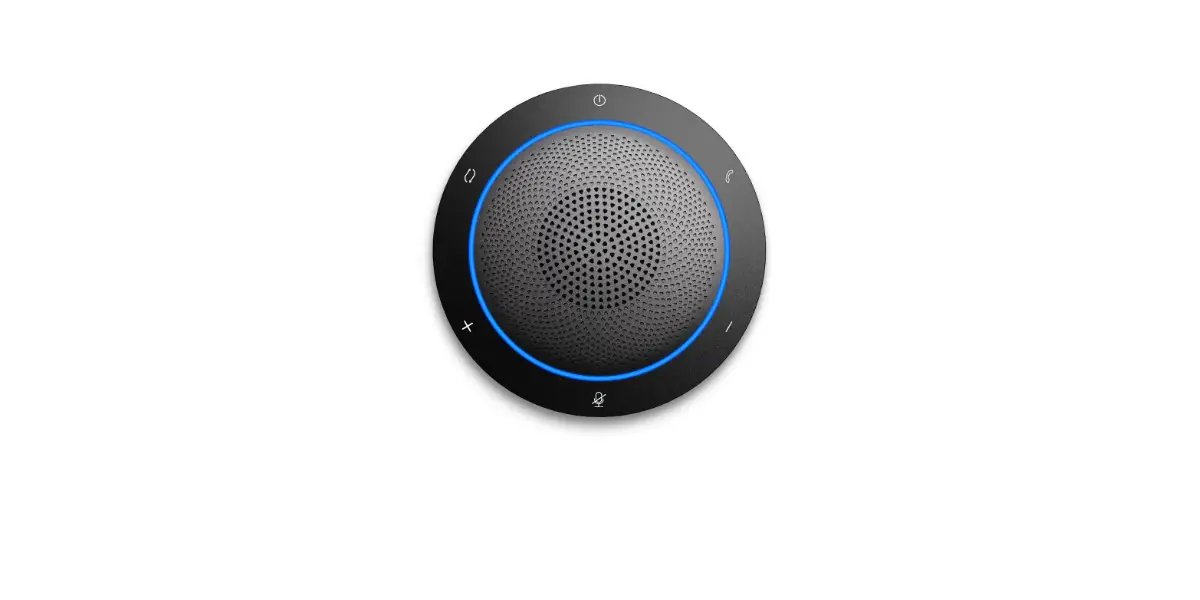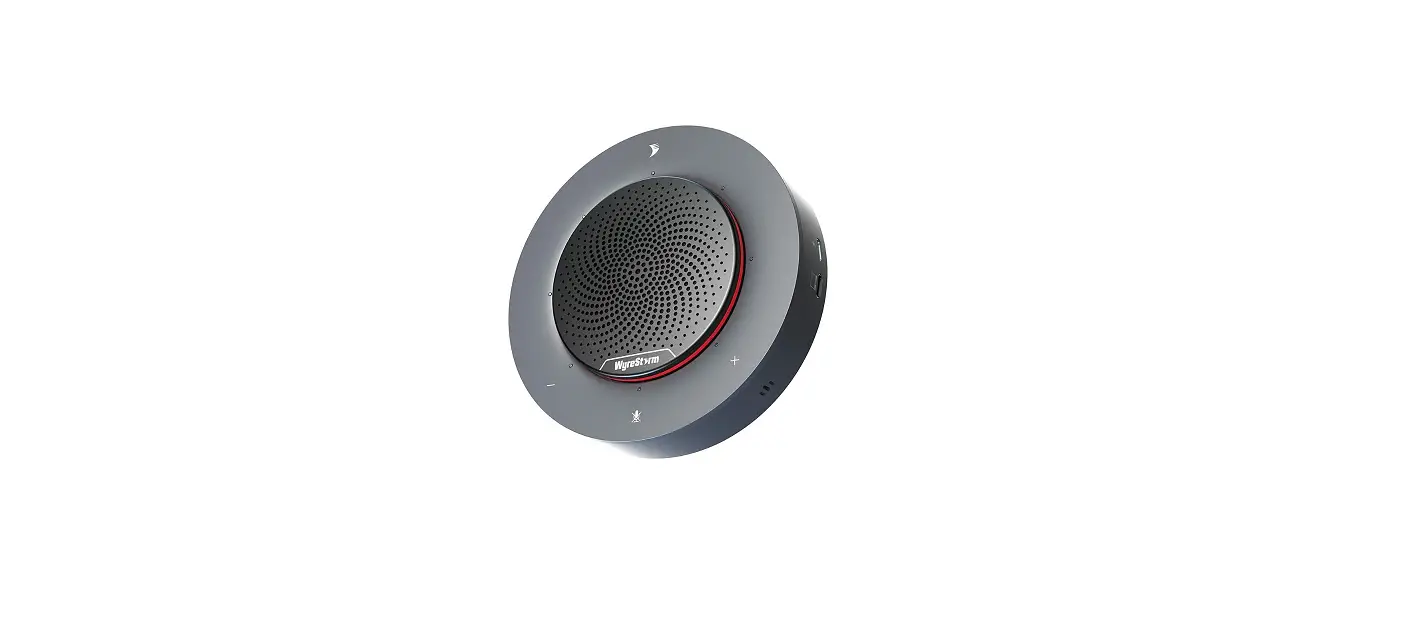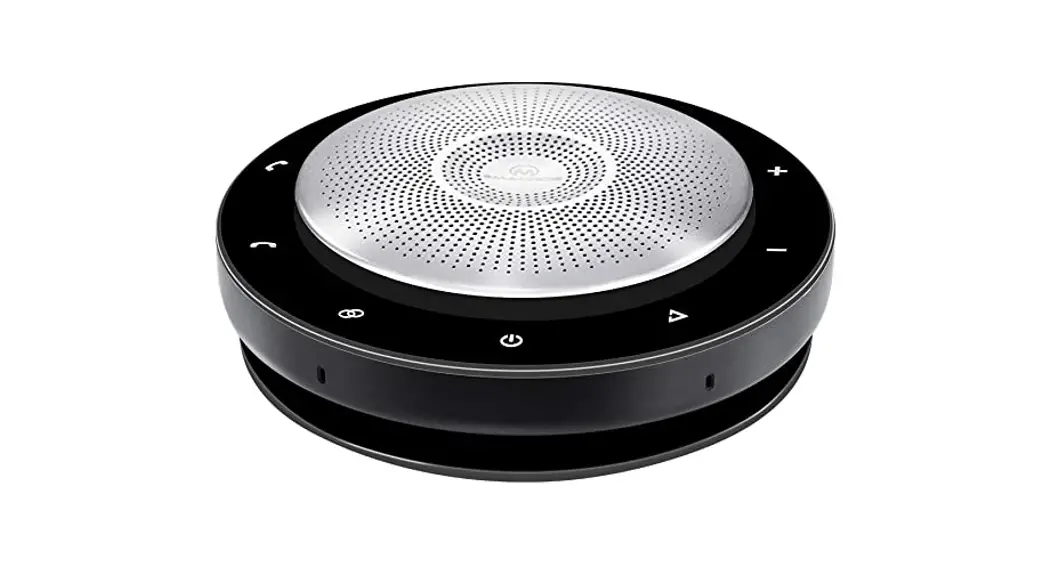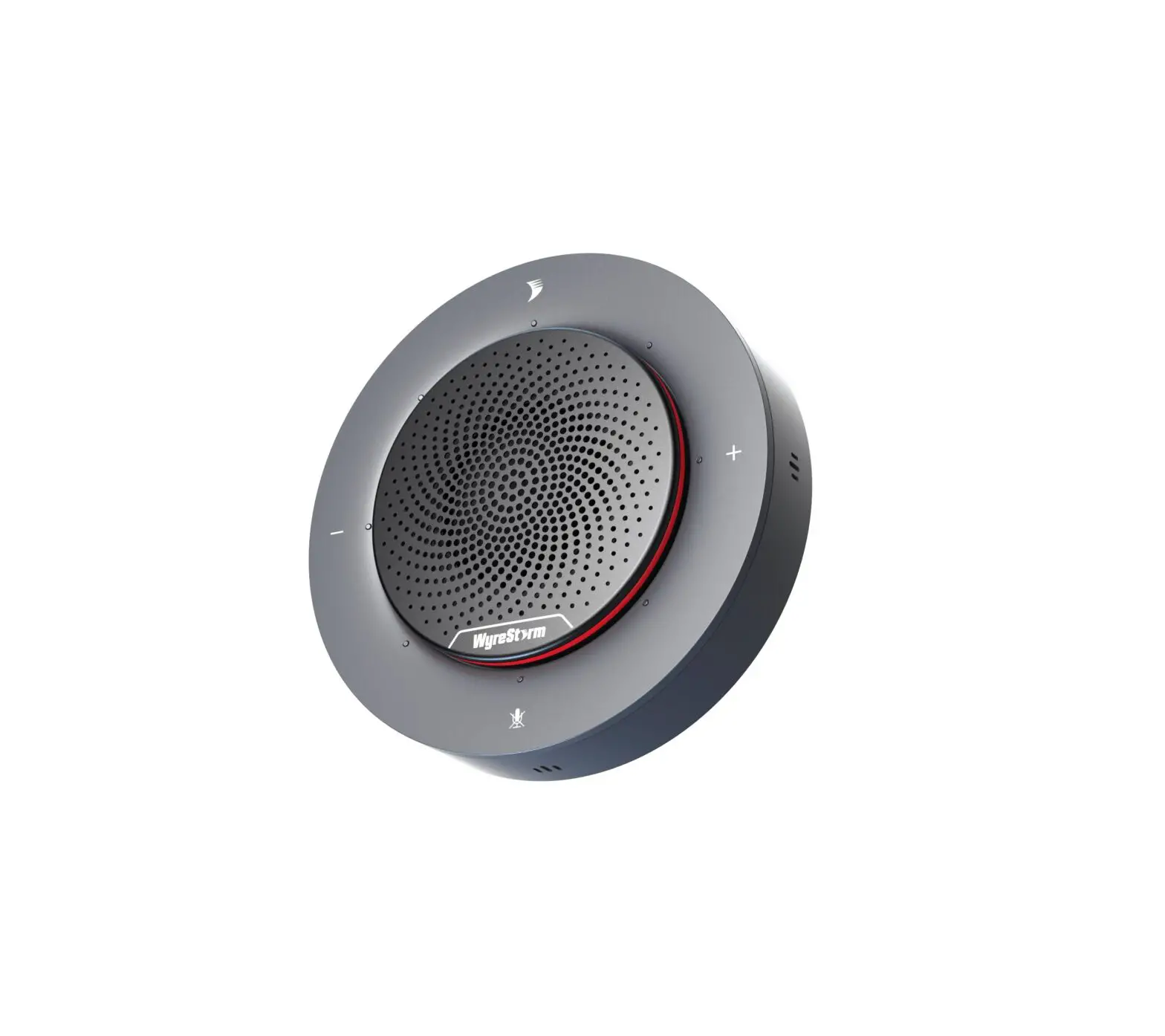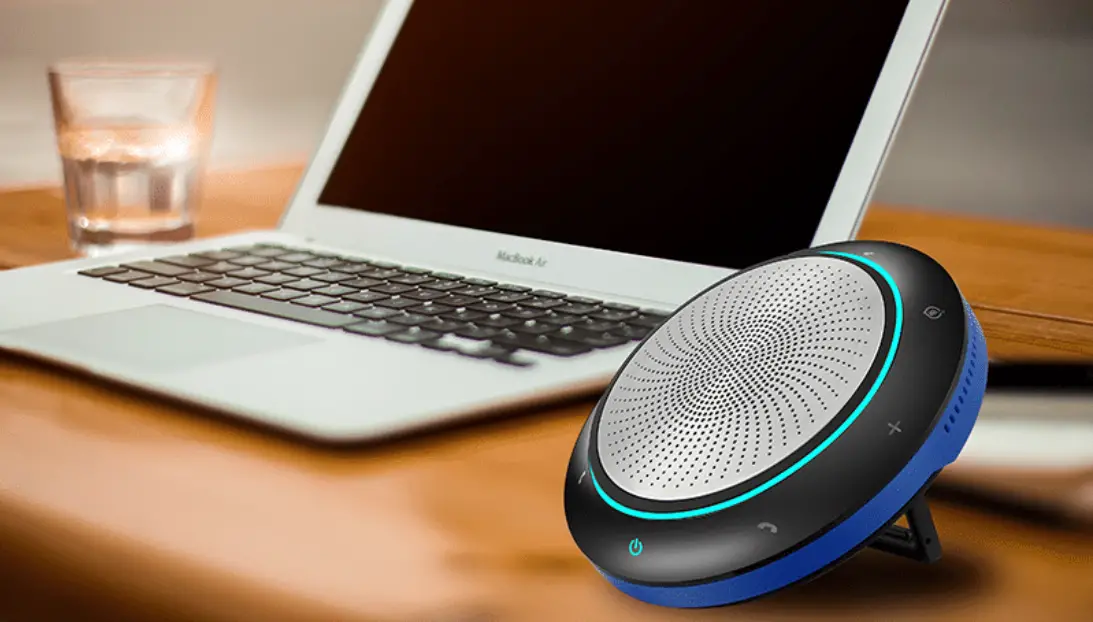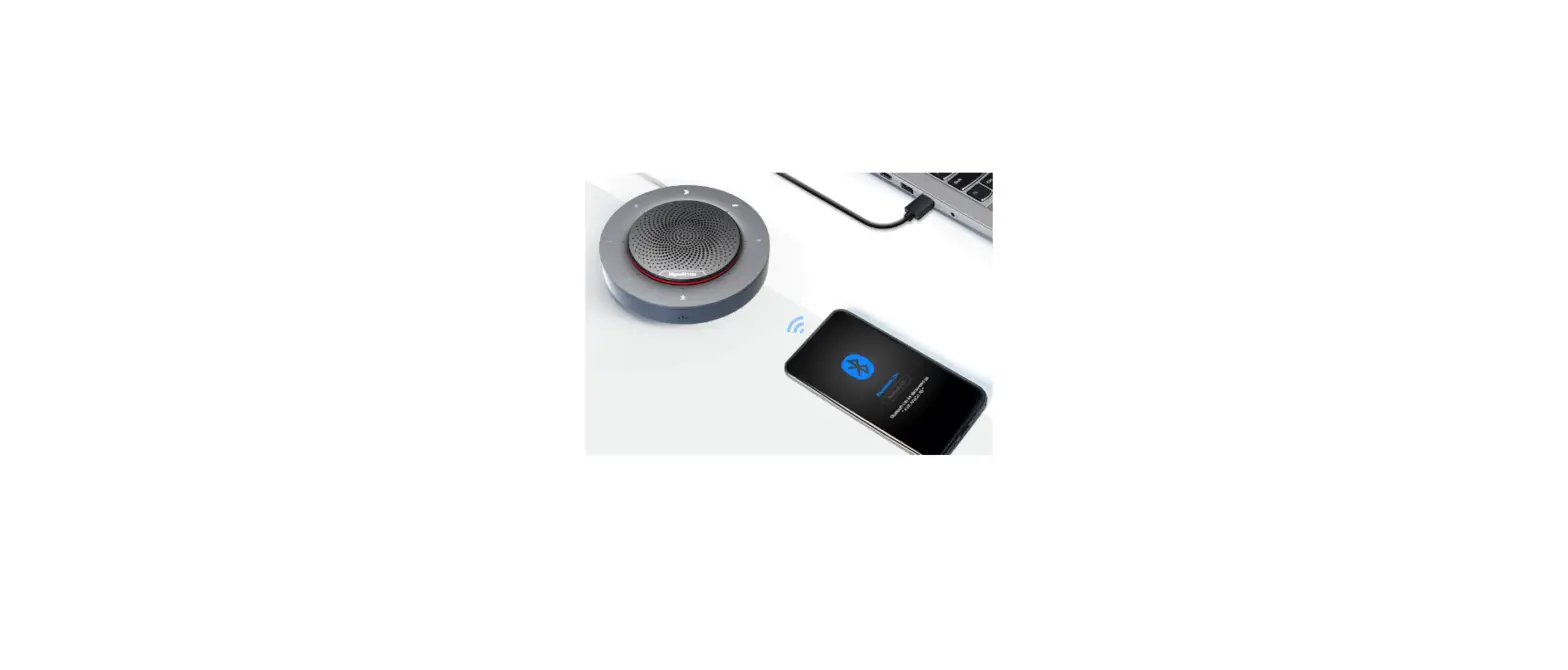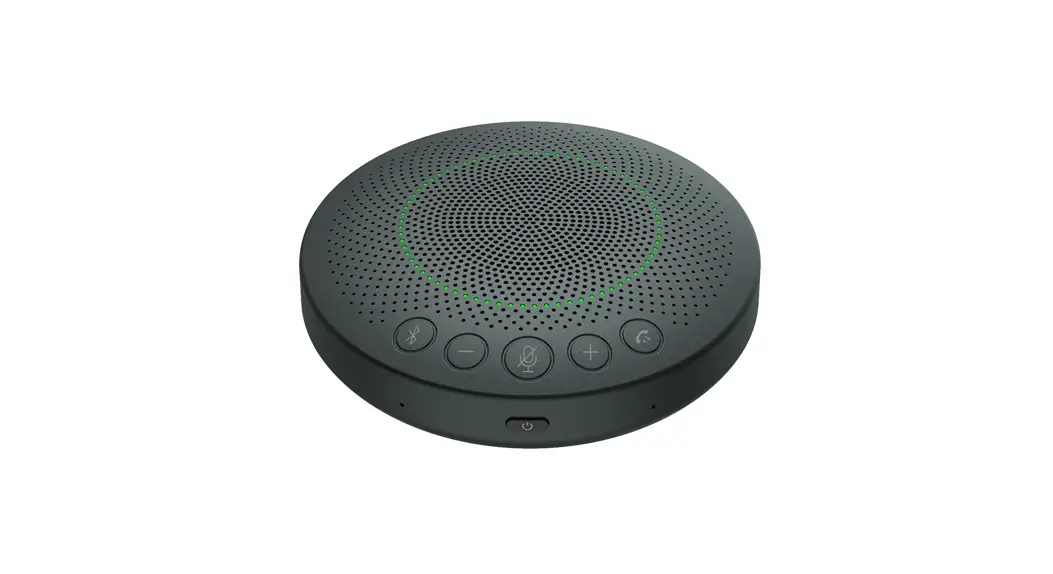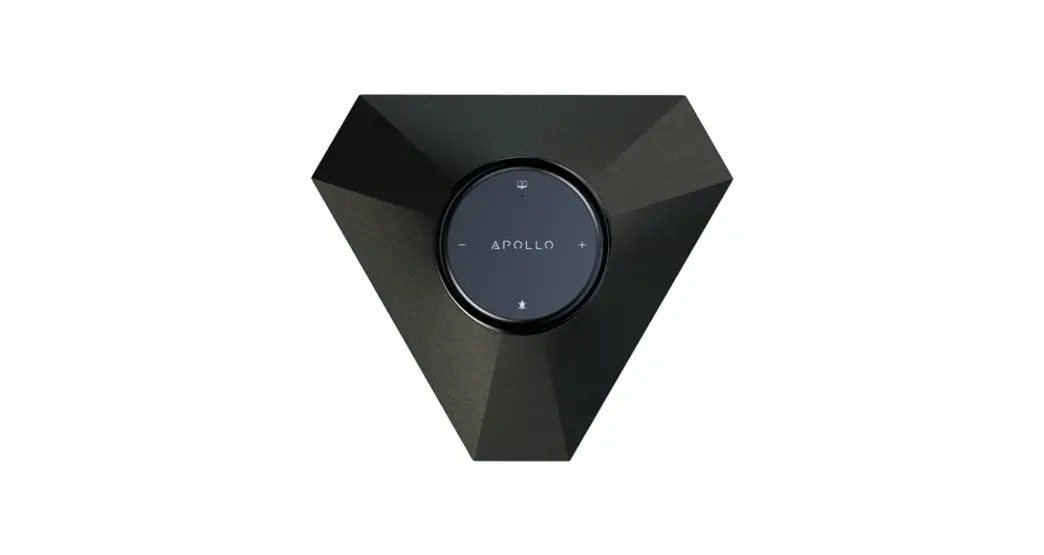
 Apollo Series Integrated Conference Speakerphone and Presentation Switcher
APO-100-UC | APO-200-UC | APO-210-UC
User Manual
 WyreStorm recommends reading through this document in its entirety to become familiar with the product’s features prior to starting the installation process.
 IMPORTANT! Installation Requirements
- Visit the product page to download the latest firmware, document version, additional documentation, and configuration tools.
- Read through the Wiring and Connections section for important wiring guidelines before creating or choosing premade cables.
In the Box
1x Apollo Speakerphone
1x 24V DC 5A PSU (US/UK/EU/AU)
1x 1.5m USB-C cable (with USB-A adapter)
1x 2m Mini USB-B 2.0 cable (200 and 210 models only)
1x Quickstart Guide (this document)
APO-100-UC Basic Wiring Diagram
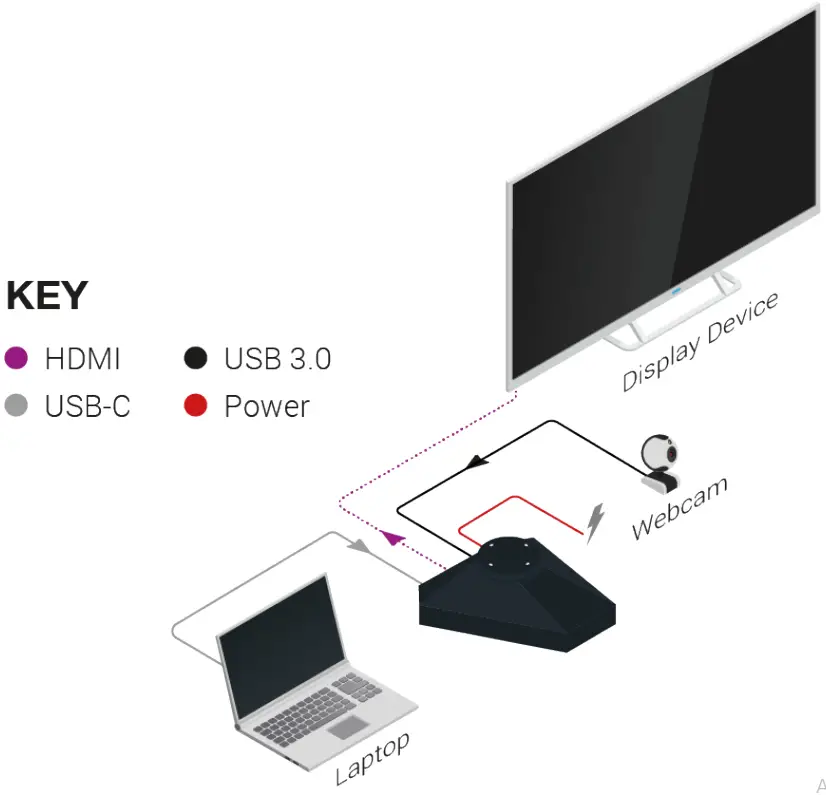 APO-200/210-UC Basic Wiring Diagram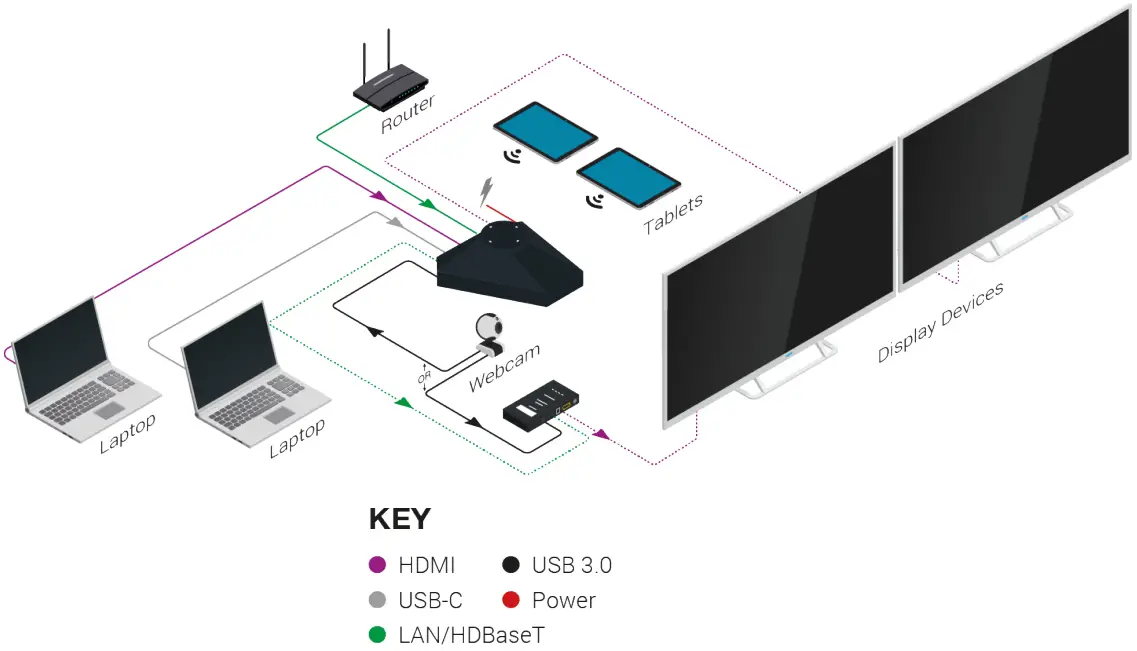
Wiring and Connections
WyreStorm recommends that all wiring for the installation is run and terminated prior to making connections to the switcher. Read through this section in its entirety before running or terminating the wires to ensure proper operation and avoid damaging equipment. IMPORTANT! Wiring Guidelines
- The use of patch panels, wall plates, cable extenders, kinks in cables, and electrical or environmental interference will have an adverse effect on the signal transmission which may limit performance. Steps should be taken to minimize or remove these factors completely during installation for best results.
- WyreStorm recommends the use of shielded category cables to minimize signal noise and interference.
- WyreStorm recommends using pre-terminated HDMI cables due to the complexity of these connector types. Using pre-terminated cables will ensure that these connections are accurate and will not interfere with the performance of the product.
 *Only applicable on the APO-210-UC
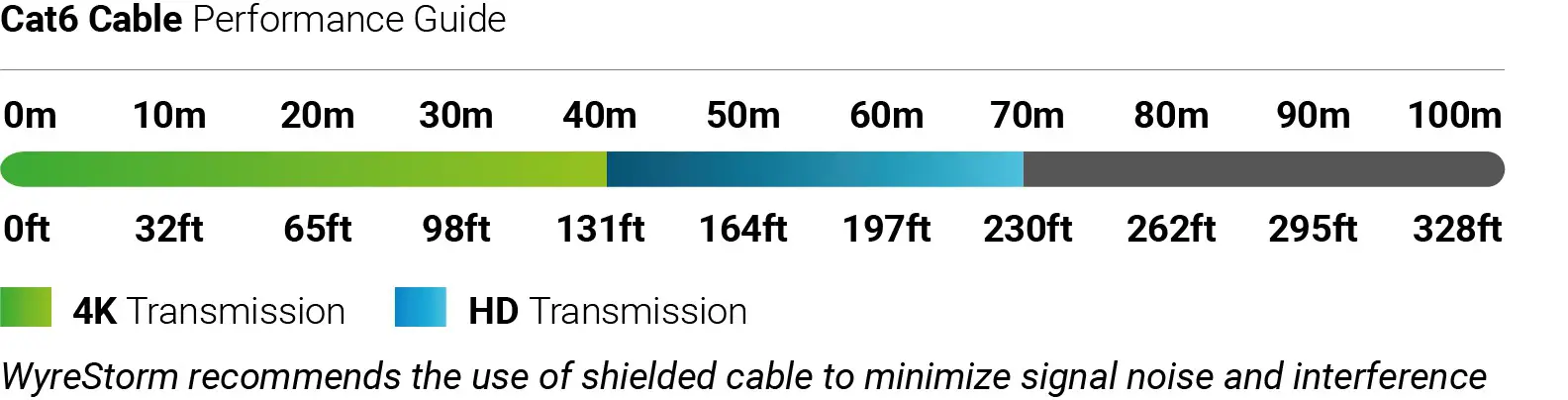 *Only applicable on the APO-210-UC
Software Device Setup
Connecting To Zoom
To connect the WyreStorm Apollo device to your Zoom software, first navigate to your settings pane which can be found by clicking the gear icon in the top right-hand corner, then click on the audio tab. Here you can change both the Speaker and Microphone device by using the dropdown menus. Select WyreStorm Apollo under all options.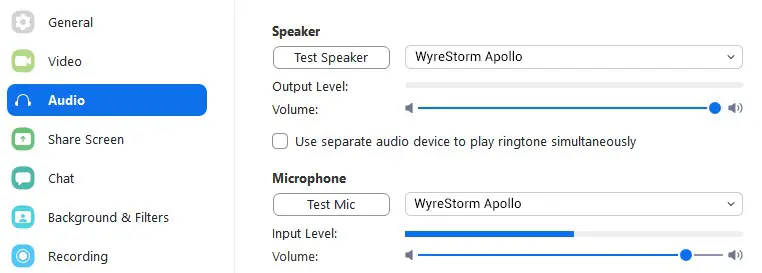 Connecting To Microsoft Teams
To connect the WyreStorm Apollo device to your Microsoft Teams software, first navigate to your settings pane which can be found by clicking on your display image in the top right-hand corner, then click on the devices tab. Here you can change both the Speaker and Microphone device by using the dropdown menus. Select WyreStorm Apollo under all options.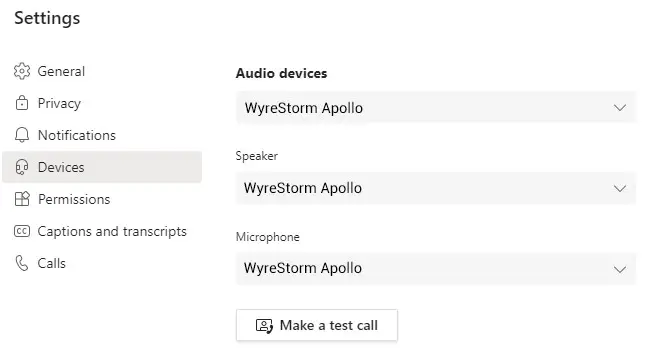
Setup and Configuration
Accessing the Web UI
By default, the IP address is set to DHCP and will pull the IP address from a connected DHCP server. Should the network not contain a DHCP server the IP address will be generated based on the unit’s mac address. The above operation will occur unless the IP Address setting in the web UI is set to static.
- Connect the Apollo to the same network as a PC.
- Using a 3rd party network scanner, scan the network for the IP address of the Apollo.
- Open a web browser and enter the IP Address of the Apollo.
- Enter the password for the matrix. Default Password: admin
IP Address Notes
- WyreStorm recommends changing the password for installer login to avoid any unwanted changes being made to the Apollo configuration.
- Web UI is only applicable on the APO-200-UC and APO-210-UC models
Default IP Address DHCP Default IP Port 23
Troubleshooting
No or Poor Quality Picture (snow or noisy image)
- Verify that WyreStorm Apollo has been selected in your software’s device settings
- Verify that A/V mute is not enabled. Check Web UI for status on the selected output
- Verify that the device is not on standby
- Verify that power is being supplied to the device
- Verify that all HDMI and HDBaseT connections are not loose and are functioning properly
- Verify that the HDBaseT cable is properly terminated following EIA568B standard
- Verify that the output resolution of the source and display is supported by this device
- If transmitting 4K, verify that the HDMI cables used are 4K rated
No Audio Input or Output
- Verify that WyreStorm Apollo has been selected in your software’s audio input/output settings
- Verify that the volume on your PC/Mac is not muted
- Verify that the microphone settings on your PC/Mac are not muted
Troubleshooting Tips:
- WyreStorm recommends using a cable tester or connecting the cable to other devices to verify functionality.

This equipment has been tested and found to comply with the limits for a Class B digital device, pursuant to part 15 of the FCC Rules. These limits are designed to provide reasonable protection against harmful interference in a residential installation. This equipment generates, uses, and can radiate radio frequency energy and, if not installed and used in accordance with the instructions, may cause harmful interference to radio communications. However, there is no guarantee that interference will not occur in a particular installation. If this equipment does cause harmful interference to radio or television reception, which can be determined by turning the equipment off and on, the user is encouraged to try to correct the interference by one or more of the following measures:
- Reorient or relocate the receiving antenna.
- Increase the separation between the equipment and receiver.
- Connect the equipment into an outlet on a circuit different from that to which the receiver is connected.
- Consult the dealer or an experienced radio/TV technician for help.

Changes or modifications not expressly approved by the party responsible for compliance could void the user’s authority to operate the equipment. The distance between the user and products should be no less than 20cm. We declare that this device is in compliance with the essential requirements and other relevant provisions of Directive 2014/53/EU. The power adapter shall be installed near the equipment and shall be easily accessible.
Manufacturer: Shen Zhen Proitav Technology Co., Ltd Address: 301-401, Building 16, Hejing Industrial Park, No.87, Hexiu west Road, Heping Community, Fuhai Street, Baoan District, Shenzhen, China
Accessory: USB-C cable Manufacturer: Dongguan YIZE Electronics C0., Ltd. Address: 27 Wusha Haibin Road, Chang’an Town, Dongguan City, Guangdong, China
Accessory: Power cord (UK/US/EU/AU)
Manufacturer: Shenzhen Hong Yun Electron Co., Ltd
Address: 3rd Floor, B Bld., Sanmin Ind. park, 518108 Shiyan Town, Shenzhen, Guangdong, China
Accessory: Power Supply
Manufacturer: Dongguan NB Power Electronic Limited
Address: No.365, South Dongkeng Road, Dongkeng Town, Dongguan City, 523443, China
Accessory: USB-B cable
Manufacturer: Shenzhen Yishenghua Electronics Co., Ltd
Address: 307, 3rd Floor, Building C, Kaihuimao Industrial Zone, Heping Community, Fuhai Street, Baoan District, Shenzhen, China
Warranty Information
WyreStorm Technologies LLC warrants that its products be free from defects in material and workmanship under normal use for a period of five (5) years from the date of purchase. Refer to the Product Warranty page on wyrestorm.com for more details on our limited product warranty.
Specifications
| APO-100-UC | APO-200-UC | APO-210-UC | |
| Audio and Video | |||
| USB-A Display Link 1920x1080p @60Hz 8bit | USB-A Display Link 1920x1080p @60Hz 8bit | USB-A Display Link 1920x1080p @60Hz 8bit | |
| Native USB-C 3840×2160 @30Hz 8bit 4:4:4 | Wireless Casting 1920x1080p @30Hz 8bit | Wireless Casting 1920x1080p @30Hz 8bit | |
| Video Resolutions (Max) | Native USB-C & HDMI 3840×2160 @30Hz 8bit 4:4:4 | Native USB-C & HDMI 3840×2160 @30Hz 8bit 4:4:4 | |
| HDMI 15m | HDMI: 15m HDBaseT: 40m/13ft Cat6 or higher | ||
| Inputs | 1x USB-C 1x USB 3.0 Female Device Port | 1x USB-C 1x HDMI: 19-pin type A 1x USB 3.0 Female Device Port 1x USB 2.0 Mini USB-B Host Port (for HDMI input devices) | 1x USB-C 1x HDMI: 19-pin type A 1x USB 3.0 Female Device Port 1x USB 2.0 Mini USB-B Host Port (for HDMI input devices) |
| Outputs | 1x HDMI: 19-pin type A | 1x HDMI: 19-pin type A | 1x HDMI: 19-pin type A 1x HDBT: 8-pin RJ-45 Female |
| Supported Standards | RGB | USB | ||
| Maximum Pixel Clock | 300Mhz |
| Speakerphone | |||
| Microphone | 4x Omni-directional mic array with echo cancellation Pick-up Range: 5m/16.4ft Frequency Response: 100Hz ~ 20KHz Sample Rate: 16 bit 48KHz | ||
| Speaker | 10 watts 78 dB @ 1.5m/4.9ft Sample Rate: 24bit 48Khz | ||
| Control | Capacitive touch volume +/- and microphone mute buttons | Capacitive touch volume +/- and microphone mute buttons | Telnet API | |
| Communication and Control | |||
| HDMI | NA | HDMI 2.0 | HDCP 2.2 | EDID | CEC | |
| HDBaseT | NA | NA | Class B Spec 2.0 |
| USB | USB-C: USB 3.2 Gen 1 Max bandwidth: 5Gbps (60w max charging) USB-A 3.0 | Max Bandwidth 5Gbps | USB-C: USB 3.2 Gen 1 | Max Bandwidth: 5Gbps (60w max charging) USB-A 3.0 | Max Bandwidth 5Gbps USB-B 2.0 Mini: 480Mbps (USB over HDBT is limited to 190Mbps) | |
| LAN | NA | 1 x 8-pin RJ45 | |
| RS-232 | NA | NA | Passthrough over HDBaseT (requires compatible HDBaseT receiver) |
| Power | |||
| Power Supply | 24V DC 5A | ||
| Power Consumption | Max: 10w Max with USB-C charging: 70w | Max: 20w Max with USB-C charging: 80w |
| Environmental | ||
| Operating Temperature | 32°F ~ 113°F (0°C ~ 45°C), 10% ~ 90%, non-condensing | |
| Storage Temperature | -4°F to ~ 158°F (-20°C ~ +70°C), 10% ~ 90%, non-condensing | |
| Maximum BTU | Standard: 34 BTU/hr | Standard: 68 BTU/hr |
| Dimensions and Weight | ||
| Length x Width x Height | Corner to corner (widest point): 266.7mm/10.5in Height: 106.6mm/4.2in | |
| Weight | 1.08kg/2.4lbs | 1.47kg/3.25lbs |
| Regulatory | ||
| Safety and Emission | CE | FCC | RoHS | RCM | EAC | |
Note: WyreStorm reserves the right to change the product specification, appearance, or dimensions of this product at any time without prior notice.
Copyright © 2021 WyreStorm Technologies
wyrestorm.com
Apollo Series Full Product Range Quickstart Guide
210811
UK: +44 (0) 1793 230 343
ROW: 844.280.WYRE (9973)
[email protected]
 WyreStorm - Professional Audio Visual Solution Provider