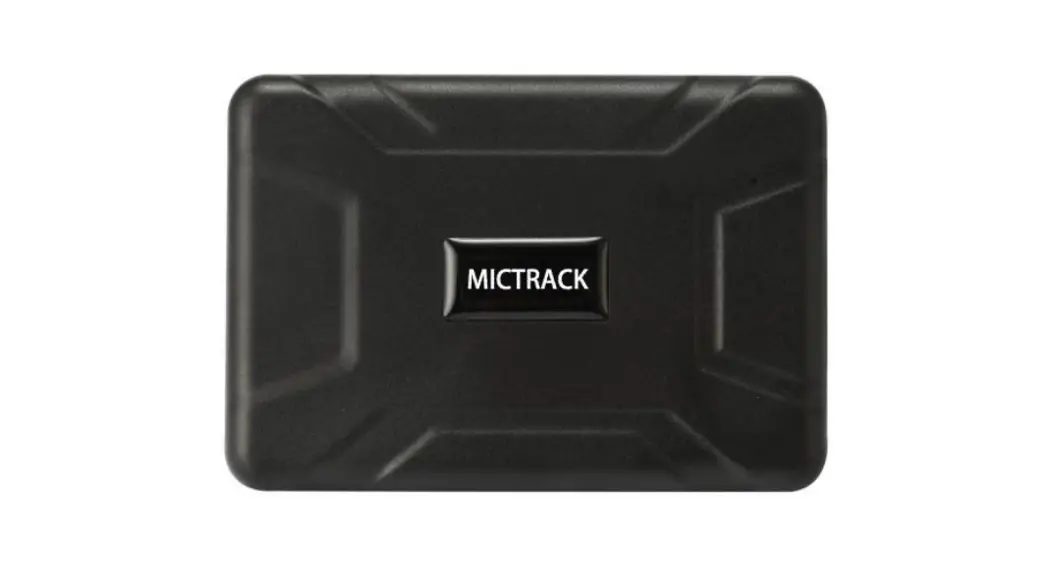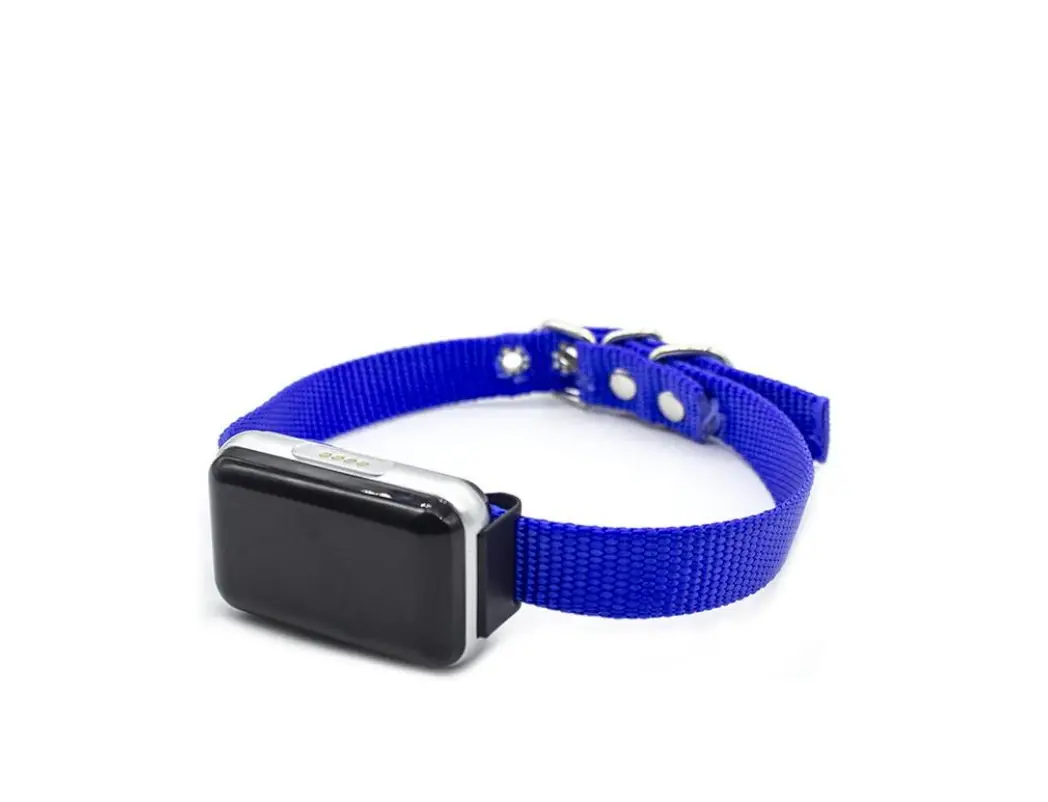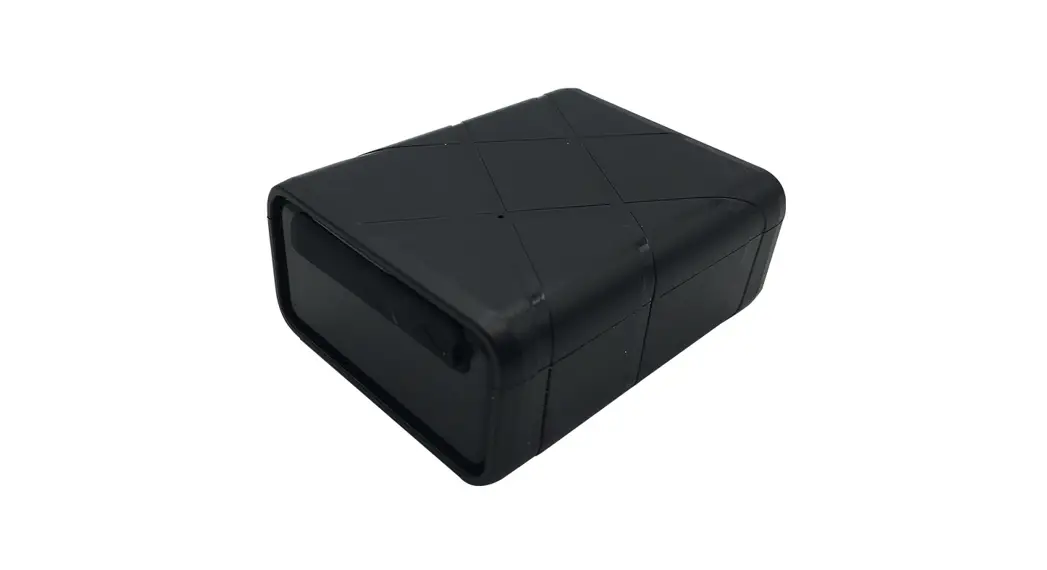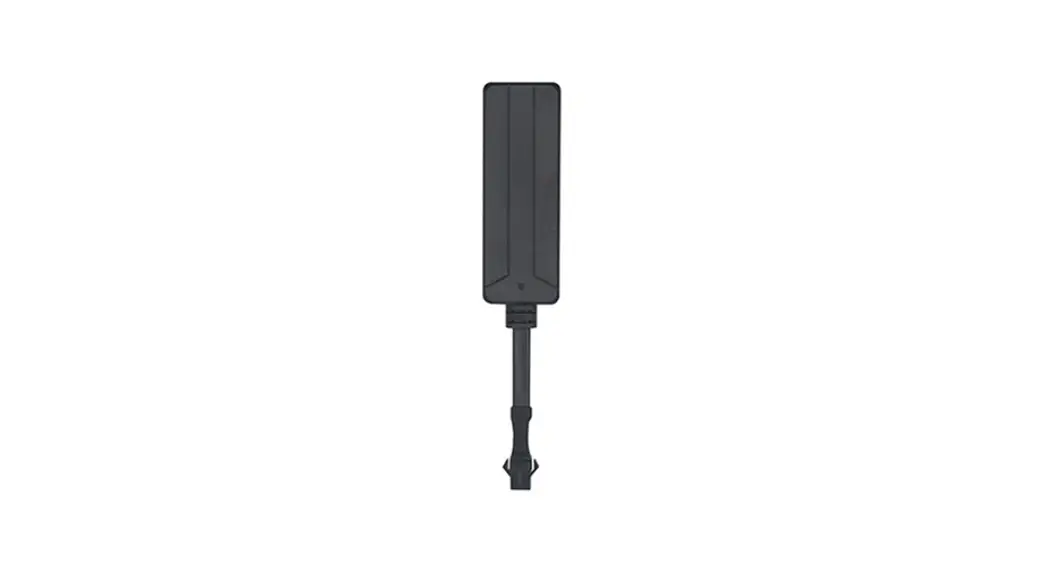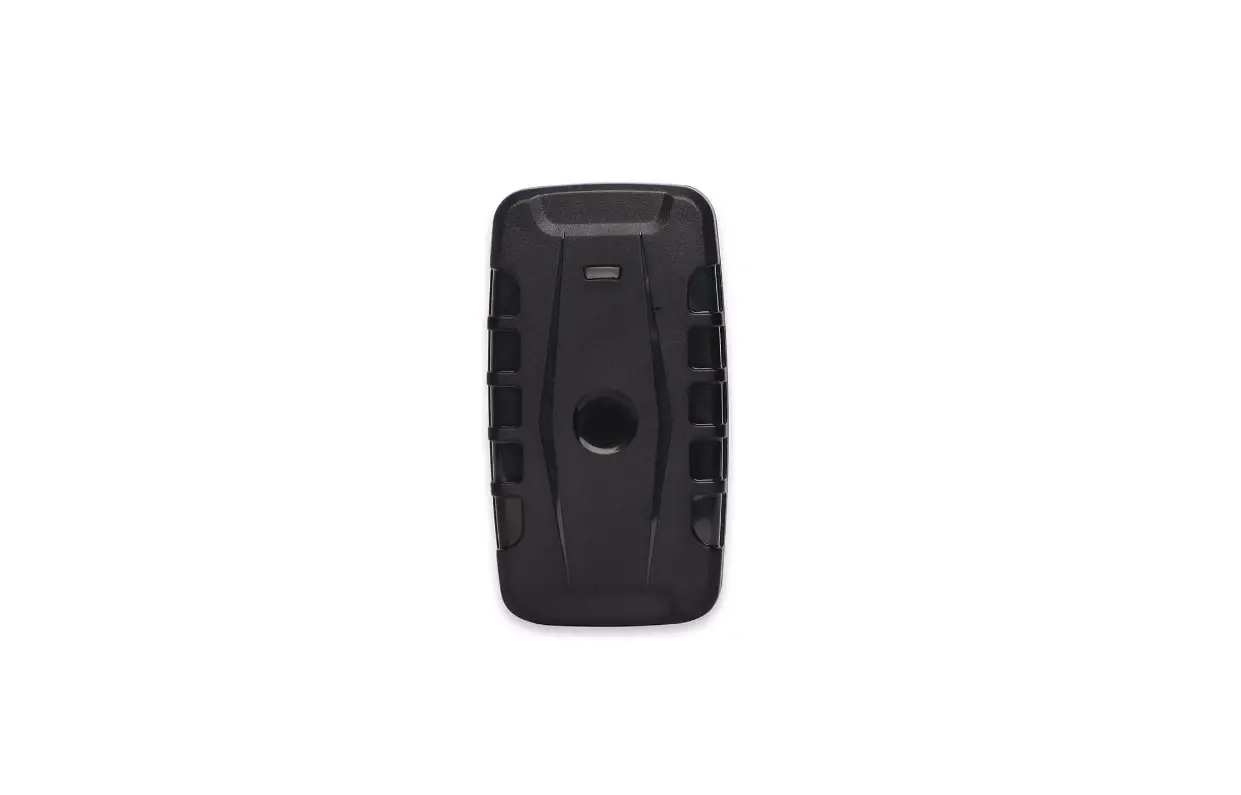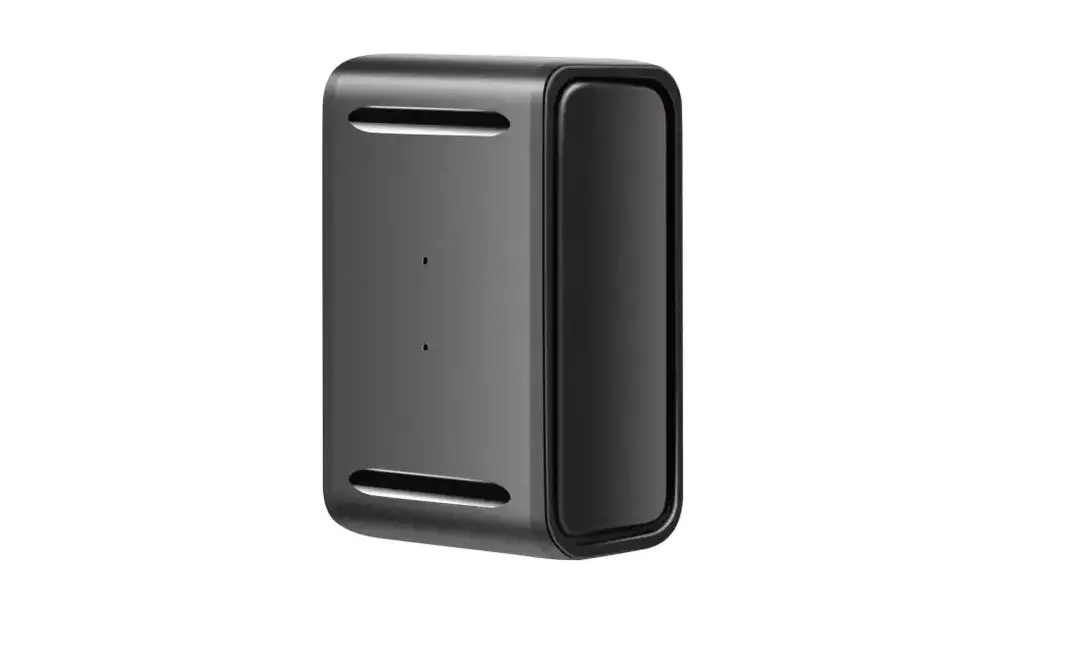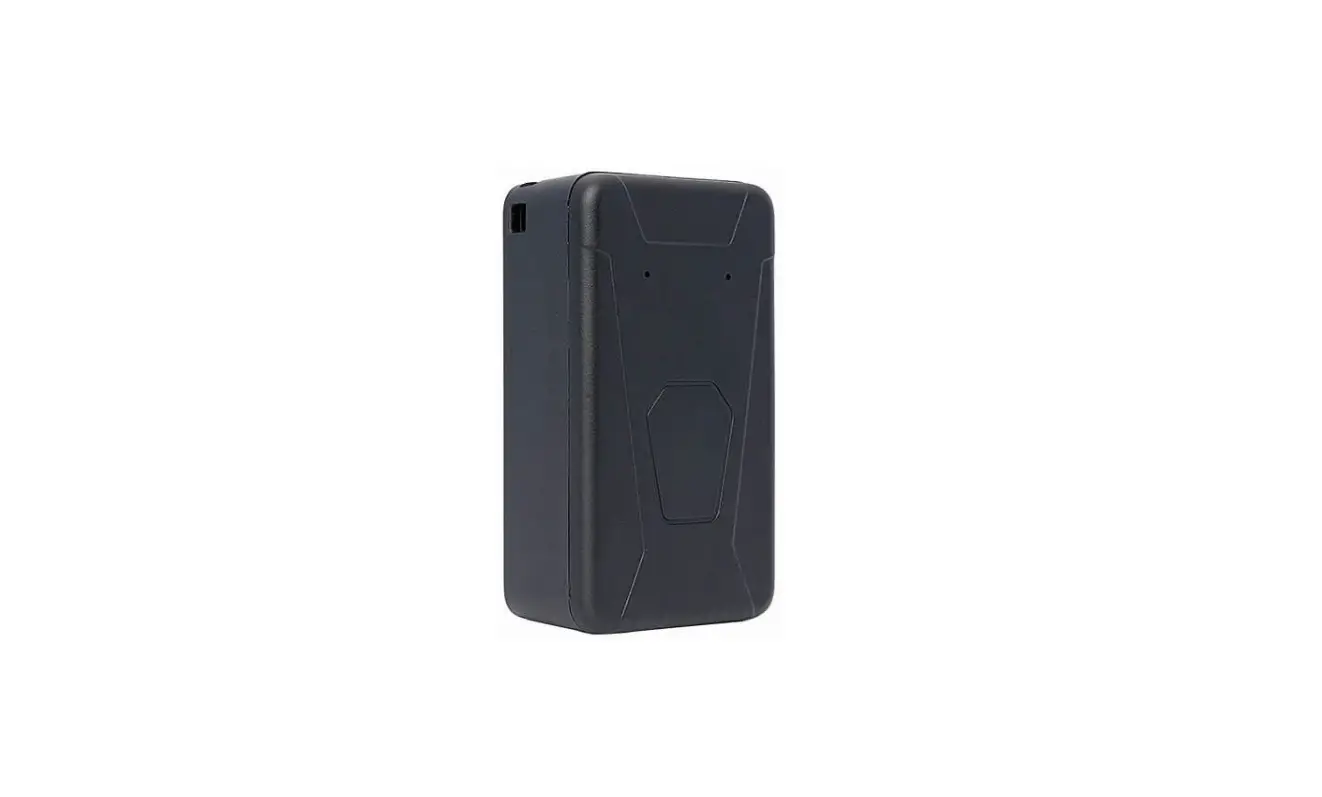
 Tracker AT-NG5
User Manual
Revision: 1.00
AT-NG5 GPS Locator Tracker
| Document Title | AT-NG5 User manual |
| Version | 1 |
| Finale Date | 8/10/2022 |
| Status | Released |
| Document Control ID | TRACKER AT-NG5 |
Introduction
AT-NG5 use lithium battery. it is a powerful GPS locator which is designed for vehicle, and assets tracking . With superior receiving sensitivity, Its location can be real time or schedule tracked by backend server or specified terminals. Based on the embedded wireless tracking protocol, AT-NG5 can communicate with the backend server through LTE Cat-M and NB-IoT network, and transfer reports of emergency, Geo-fencing, device status and scheduled GPS position etc… Service provider is easy to setup their tracking platform based on the functional wireless tracking protocol.
The WIFI function will be activated and report the MAC addresses once the device is in alerting state.
Product Overview
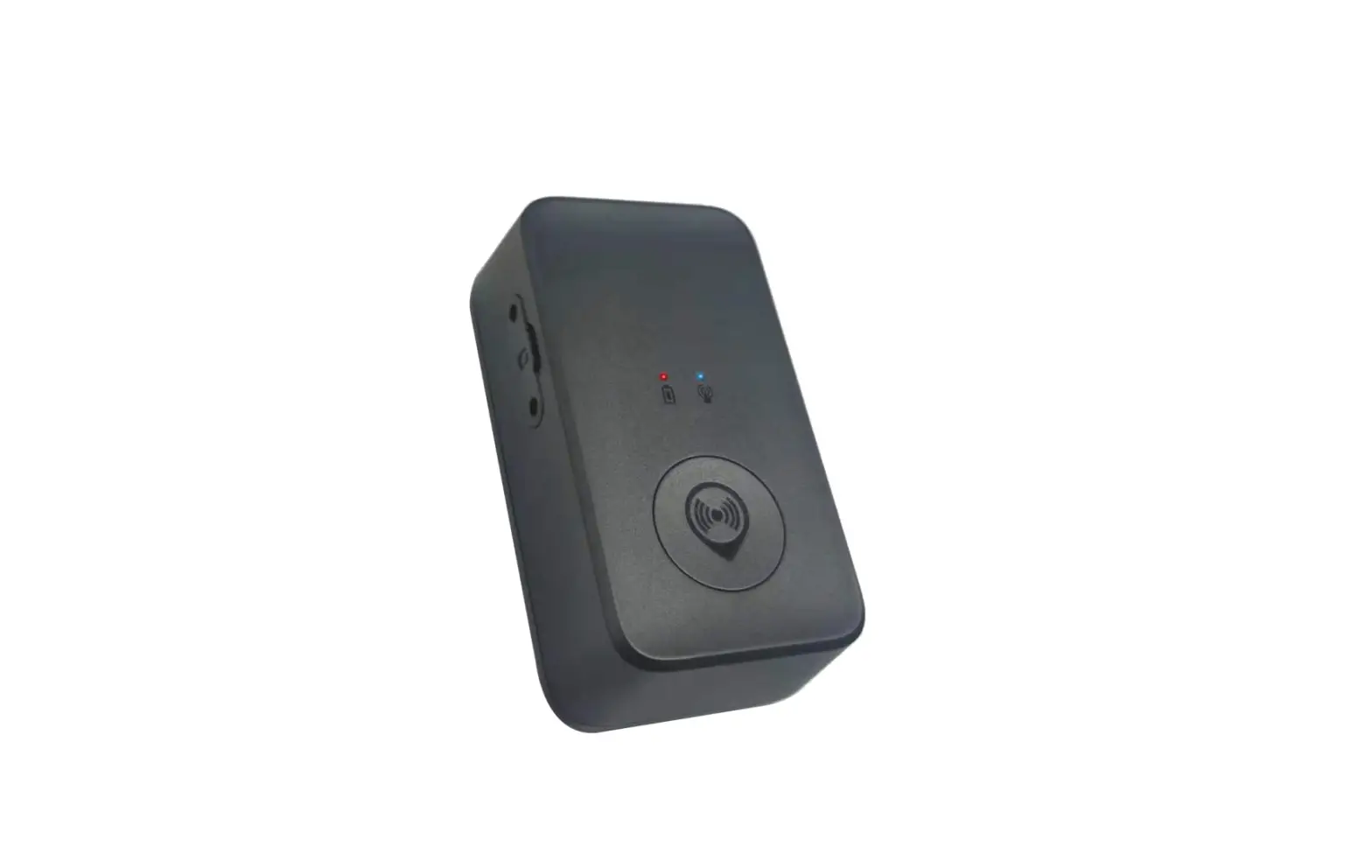
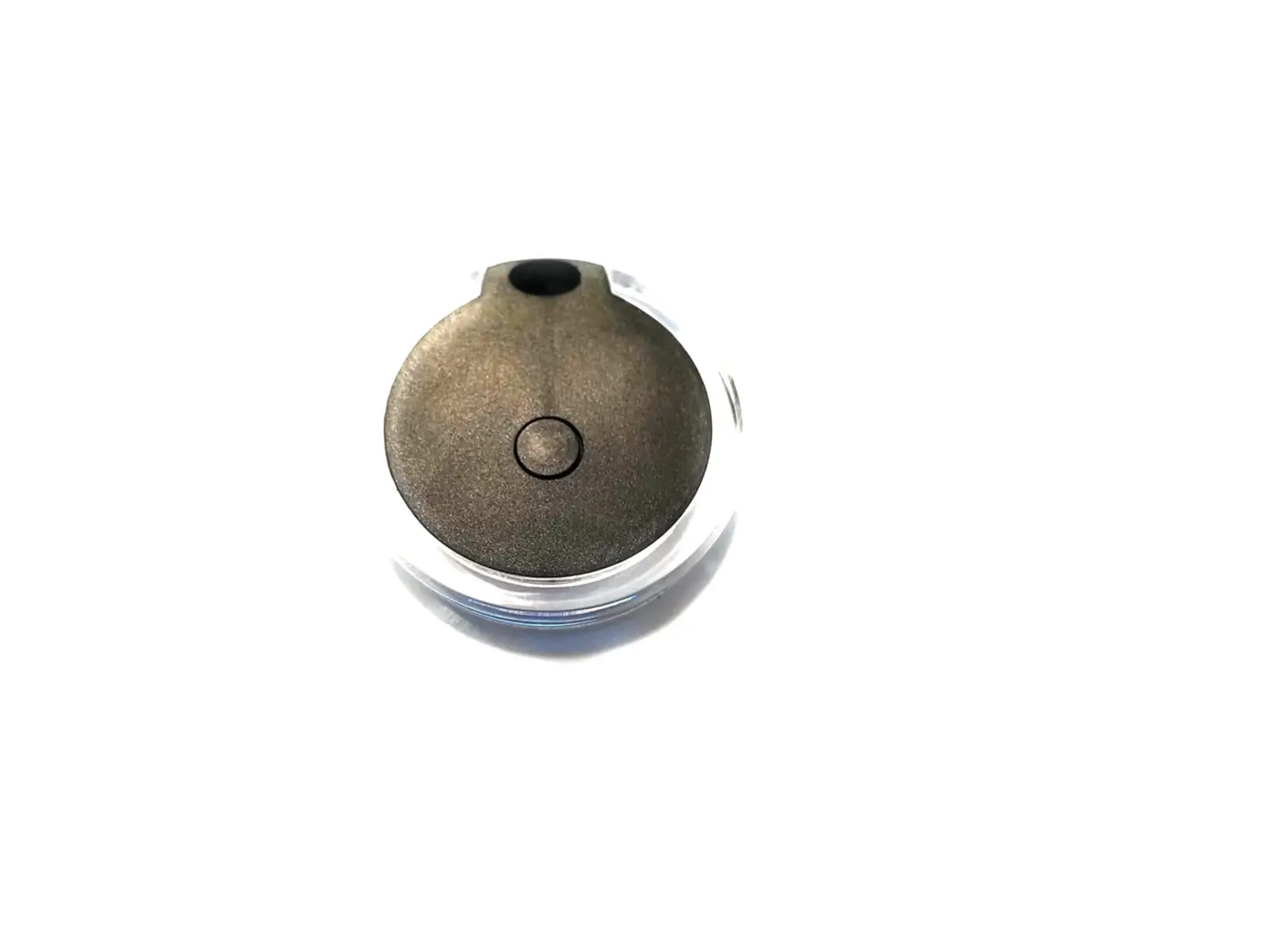
2.1 Appearance
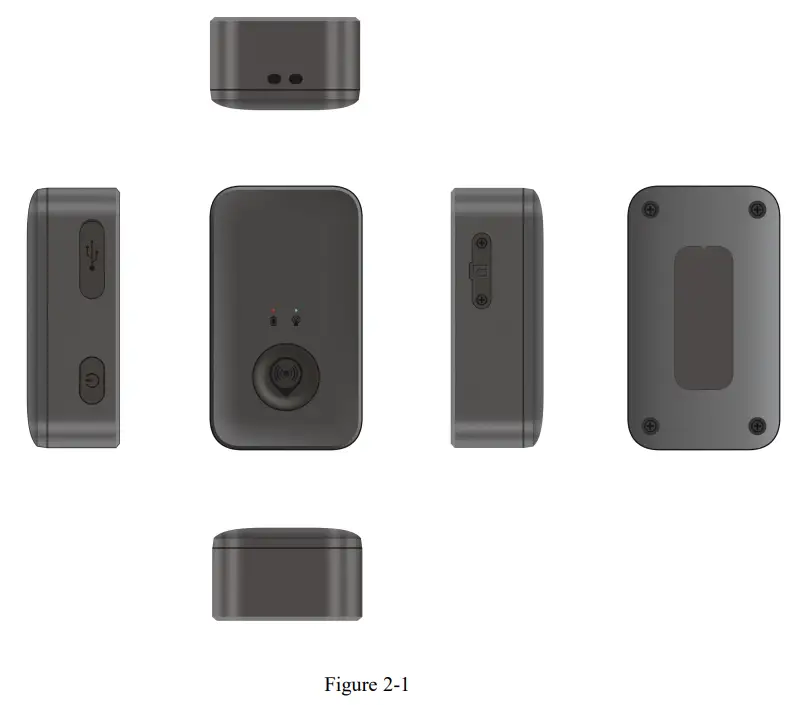
2.2 LED Description
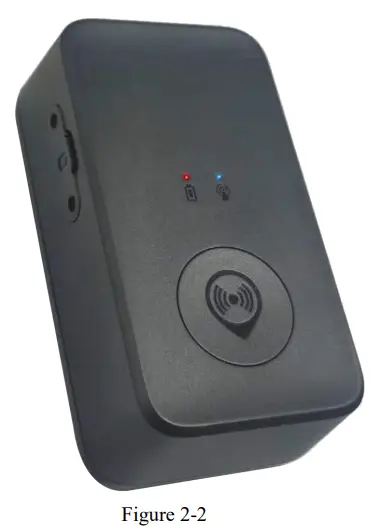
There is one tricolour LED lights in AT-NG5 device, the description as following.
| Light | Event | State |
| LED show blue | GPS fixed | Solid |
| LED show red | low power | Solid |
Getting Started
3.1 Parts List
| Name | Picture | Remark |
| AT-NG5 | 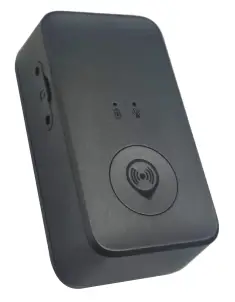 | The LTE/GPS locator. |
3.2 How GPS position Fix
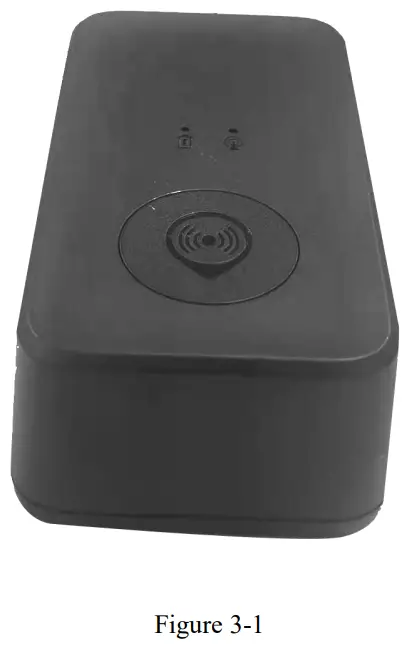
Your device has an unobstructed view of the sky,lying face up,so it can obtain the initial GPS Fix
3.3 Insert SIM Card
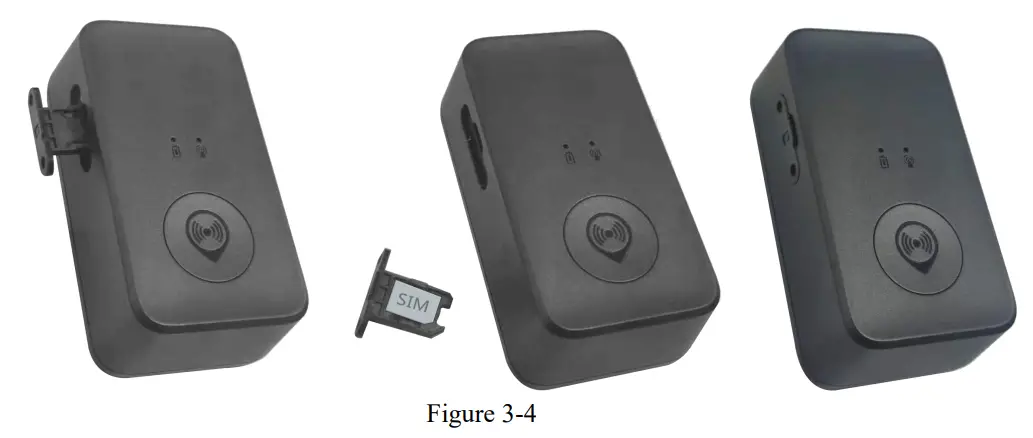
3.4 Device Power on
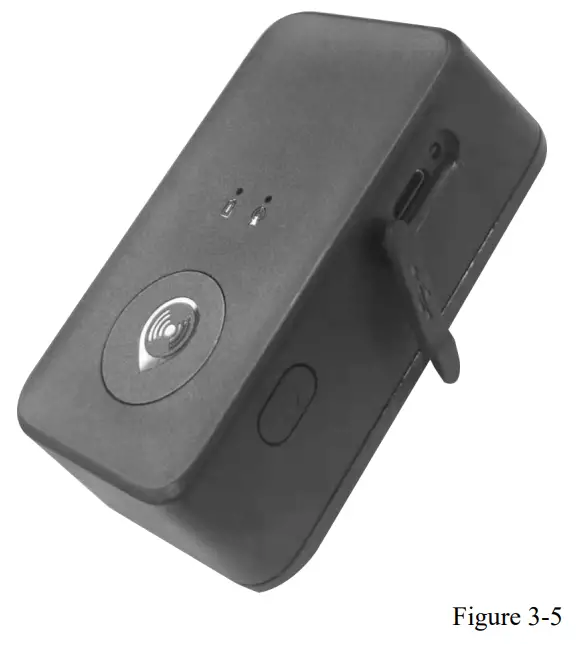
Long press the power button for 4 seconds, and the device will start when the red and blue light lights up
Trouble shooting and Safety info
4.1 Trouble shooting
| Trouble | Possible Reason | Solution |
| Messages can’t be reported to the backend server by Mobile network. | APN is wrong. Some APN can not visit the interne’ directly. | Ask the network operator for the right APN. |
| The IP address or port of the backend server is wrong. | Make sure the IP address for the backend server is an identified address in the interne’. | |
| Unable to power off AT-NG5. | The function of power key was disabled by AT+GTFKS. | Enable the function of power key by AT+GTFKS. |
| Battery can not be charged | The battery has not been used for too long time and has been locked. | Using a external power source with 3.65V DC power supply to active the battery or apply for after sale help. |
| AT-NG5 can’t fix GPS successfully. | The GPS signal is weak. | Please move AT-NG5 to a place with open sky. |
| It is better to let the top surface face to the sky. (The same surface with indication LED) |
4.2 Safety info
The following items are suggestion for safety use, please pay more attention.
- Please do not disassemble the device by yourself.
- Please do not put the device on the overheating or too humid place, avoid exposure to direct sunlight. Too high temperature will damage the device or even cause the battery explosion.
- Please do not use AT-NG5 on the airplane or near medical equipment.
The following warning statements
This device complies with part 15 of the FCC Rules. Operation is subject to the following two conditions:
- This device may not cause harmful interference, and
- this device must accept any interference received, including interference that may cause undesired operation.
Changes or modifications not expressly approved by the party responsible for compliance could void the user’s authority to operate the equipment.
NOTE: This equipment has been tested and found to comply with the limits for a Class B digital device, pursuant to Part 15 of the FCC Rules. These limits are designed to provide reasonable protection against harmful interference in a residential installation.
This equipment generates, uses and can radiate radio frequency energy and, if not installed and used in accordance with the instructions, may cause harmful interference to radio communications. However, there is no guarantee that interference will not occur in a particular installation. If this equipment does cause harmful interference to radio or television reception, which can be determined by turning the equipment off and on, the user is encouraged to try to correct the interference by one or more of the following measures:
- Reorient or relocate the receiving antenna.
- Increase the separation between the equipment and receiver.
- Connect the equipment into an outlet on a circuit different from that to which the receiver is connected.
- Consult the dealer or an experienced radio/TV technician for help.
Exposure to Radio Frequency Radiation. This equipment must be installed and operated in accordance with provided instructions, and the antenna(s) used for this transmitter must be installed to provide a separation distance of at least 20 cm from all persons and must not be collocated or operating in conjunction with any other antenna or transmitter.
This device complies with Industry Canada RSS standard(s). Operation is subject to the following two conditions:
- this device may not cause interference, and
- this device must accept any interference, including interference that may cause undesired operation of the device.
– This Class B digital apparatus complies with Canadian ICES-003.