Bolt-2 Powerful GPS Locator
User Manual
| Revision | Document Title | Version | Final Date | Status | Document Control ID |
|---|---|---|---|---|---|
| 1.00 | 23-04-21 | Released |
Contents
- Introduction
- Product Overview
1 Introduction
2 Product Overview
2.1 Appearance

2.2 LED Description

| Light | Event | State |
|---|---|---|
| Power LED | Power on and normal | Fully charged |
| Power LED | In charging | Solid (White) |
| Power LED | Power is low | Dark Slow flash (green) |
| Power LED | Quick flash (red) | Slow flash (red) |
3 Getting Started
3.1 Parts List
| Name | Picture | Remark |
|---|---|---|
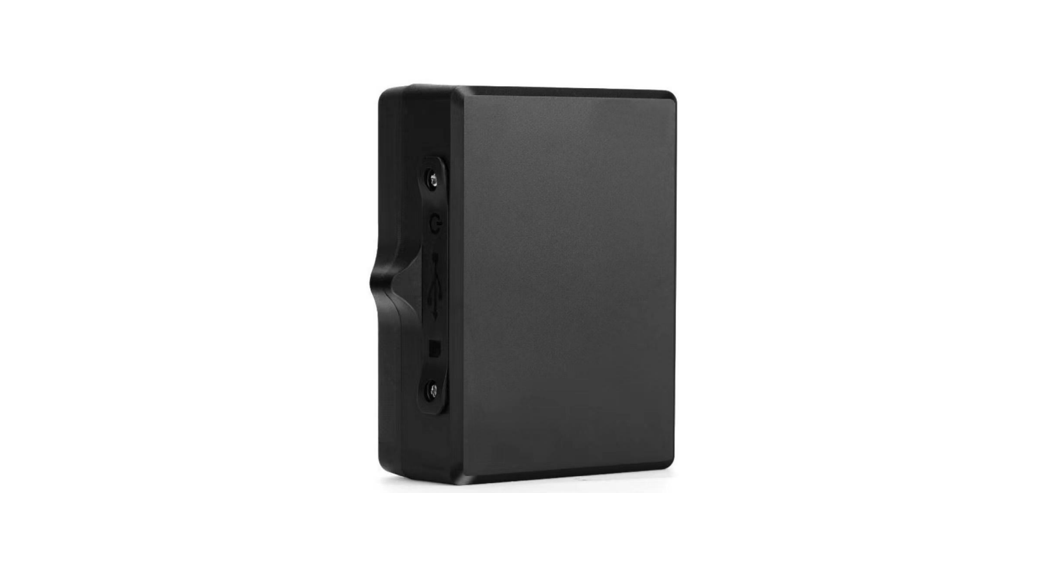
| Bolt-2 |  | The LTE/GPS locator. |
3.2 Insert SIM Card

3.3 RF433
According to the configuration, Bolt-2 can send a message every
35 seconds. When the receiver enters the RF433 sending distance of
Bolt-2, it can receive a signal, and the closer the distance, the
stronger the signal, thus determining the location range of
Bolt-2.
3.4 Power on/Power off
It will automatically turn on when charging and turn off when
the battery is depleted.

4 Frequency
| LTE | Band2 | Band4 | Band12 | Band13 |
|---|---|---|---|---|
| LTE BAND2 | LTE BAND4 | LTE BAND12 | LTE BAND13 | |
| 433 | 1850~1910MHz | 1710~1755MHz | 699~716MHz | 777~787MHz |
| WIFI | 2.4GHz (WIFI is only used for scanning) | |||
| GPS | 1575.42MHz | |||
5 Trouble shooting and Safety info
5.1 Trouble shooting
| Trouble | Possible Reason | Solution |
|---|---|---|
| Messages can’t be reported to the backend server by Mobile network. | APN is wrong. Some APN can not visit the internet directly. The IP address or port of the backend server is wrong. The function of power key was disabled by AT+GTFKS. | Ask the network operator for the right APN. Make sure the IP address for the backend server is an identified address in the internet. Enable the function of power key by AT+GTFKS. |
| Battery can not be charged | The battery has not been used for too long time and has been locked. The GPS signal is weak. | Using an external power source with 7.2V to 8.4V DC power supply to activate the battery or apply for after-sale help. Please move ATW to a place with open sky. It is better to let the top surface face the sky (the same surface with indication LED). |
5.2 Safety info
- Please do not disassemble the device by yourself.
- Please do not put the device on an overheating or too humid
place, avoid exposure to direct sunlight. Too high temperature will
damage the device or even cause the battery explosion. - Please do not use the device on the airplane or near medical
equipment. - FCC Caution: Changes or modifications not expressly approved by
the party responsible for compliance could void the user’s
authority to operate the equipment. - WIFI Exposure Information: WIFI of this equipment only has
reception function.
User Manual
Revision: 1.00
Document Title Version Finale Date Status Document Control ID
1.00 23-04-21 Released
1
Contents
1 Introduction ………………………………………………………………………………………………………………………… 3 2 Product Overview ………………………………………………………………………………………………………………. 3
2. 1 Appearance ………………………………………………………………………………………………………………. 3 2.2 LED Description ……………………………………………………………………………………………………….4 3 Getting Started …………………………………………………………………………………………………………………….5 3. 1 Parts List …………………………………………………………………………………………………………………. 5 3.2 Battery Charging ………………………………………………………………………………………………………. 5 3.3 RF433……………………………………………………………………………………………………………………… 6 3.4 Power on/Power off…………………………………………………………………………………………………… 6 3.5 Remove……………………………………………………………………………………………………………………. 6 4 Frequency …………………………………………………………………………………………………………………………… 6 5 Trouble shooting and Safety info …………………………………………………………………………………………. 7 5. 1 Trouble shooting ………………………………………………………………………………………………………. 7 5.2 Safety info ……………………………………………………………………………………………………………….. 7
2
1 Introduction
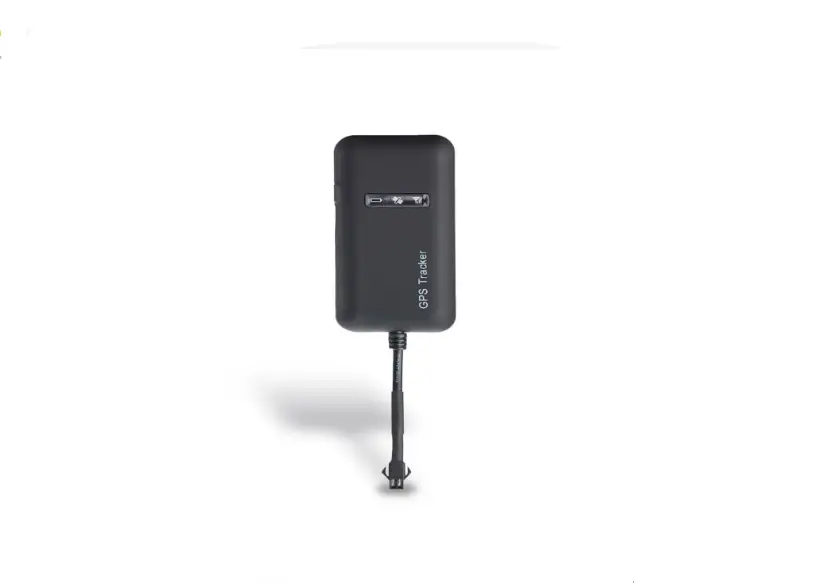
Bolt-2 is a powerful GPS locator designed specifically for monitoring and tracking the position of items such as cars. Its location can be real time or schedule tracked by backend server or specified terminals. Based on the embedded wireless tracking protocol, Bolt-2 can communicate with the backend server through 4G LTE Cat M network, and transfer reports of emergency, Geo-fencing, device status and scheduled GPS position etc…Service provider is easy to setup their tracking platform based on the functional wireless tracking protocol. The WIFI function will be activated and report the MAC addresses once the device is in alerting state.
2 Product Overview
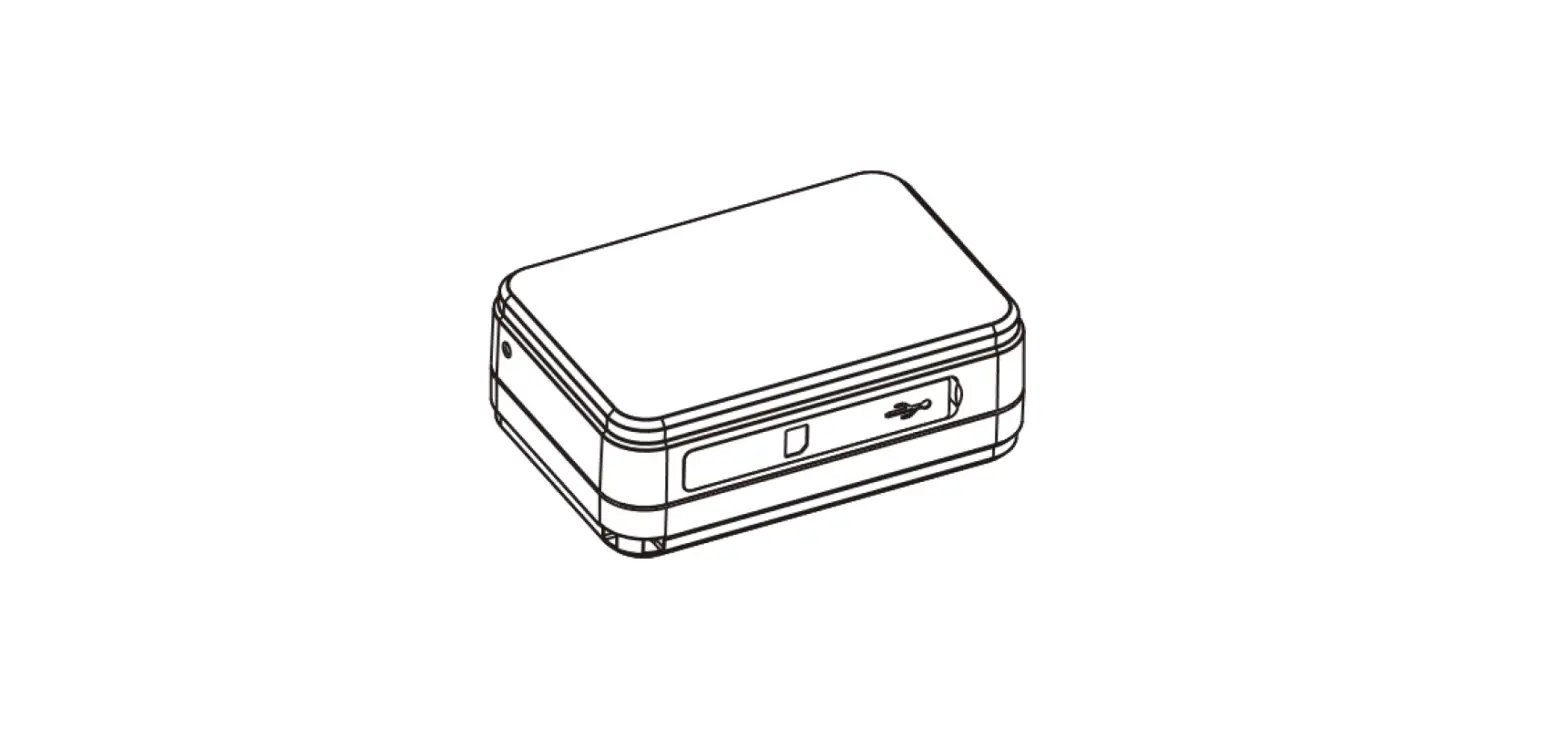
2.1 Appearance
Figure 2 – 1
3
2.2 LED Description
Figure 2-2
Light
Power LED
Event
Power on and normal Fully charged
In charging
The charger plug in to power on the device
State
Dark Slow flash (green)
Slow flash (red)
Solid (White)
Power is low
Quick flash (red)
4
3 Getting Started
3.1 Parts List
Name
Picture
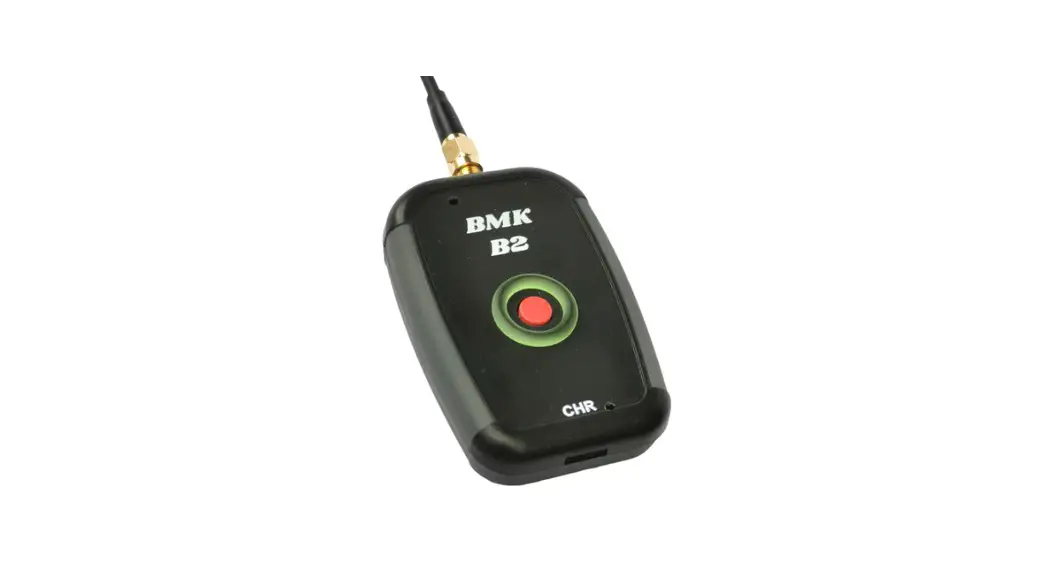
Bolt-2
Remark The LTE/GPS locator.
3.2 Insert SIM Card
Figure 3-2 5
3.3 RF433
According to the configuration, Bolt-2 can send a message every 35 seconds. When the receiver enters the RF433 sending distance of Bolt-2, it can receive a signal, and the closer the distance, the stronger the signal, thus determining the location range of Bolt-2.
3.4 Power on/Power off
It will automatically turn on when charging and turn off when the battery is depleted
3.5 REMOVE
The removal detection button of Bolt-2 is in a pressed state for a long time due to sticking to an object during normal operation. When Bolt-2 is moved, the button pops up and a prompt will be sent to the user
Figure 3-3
6
4 Frequency LTE:Band2Band4Band12Band13
LTE BAND2 LTE BAND4 LTE BAND12 LTE BAND13
433
1850~1910MHz 1710~1755MHz
699~716MHz 777~787MHz 433.92MHz
WIFI:2.4GHz(WIFI is only used for scanning) GPS:1575.42MHz
5 Trouble shooting and Safety info
5.1 Trouble shooting
Trouble
Possible Reason
Solution
Messages can’t be Reported to the backend server by Mobile network.
Unable to power off AT-NG5.
APN is wrong. Some APN can not visit the internet directly. The IP address or port of the backend server is wrong. The function of power key was disabled by AT+GTFKS.
Ask the network operator for the right APN.
Make sure the IP address for the backend server is an identified address in the internet. Enable the function of power key by AT+GTFKS.
Battery can not be charged
ATW can’t fix GPS successfully.
The battery has not been used for too long time and has been locked. The GPS signal is weak.
Using a external power source with 7.2V to 8.4V DC power supply to active the battery or apply for after sale help. Please move ATW to a place with open sky. It is better to let the top surface face to the sky. (The same surface with indication LED)
5.2 Safety info
The following items are suggestion for safety use, please pay more attention. Please do not disassemble the device by yourself.
7
Please do not put the device on the overheating or too humid place, avoid exposure to direct sunlight. Too high temperature will damage the device or even cause the battery explosion.
Please do not use the device on the airplane or near medical equipment.
FCC Caution.
§ 15.19 Labelling requirements. This device complies with part 15 of the FCC Rules. Operation is subject to the following two conditions: (1) This device may not cause harmful interference, and (2) this device must accept any interference received, including interference that may cause undesired operation. § 15.21 Information to user. Any Changes or modifications not expressly approved by the party responsible for compliance could void the user’ s authority to operate the equipment. § 15.105 Information to the user. Note: This equipment has been tested and found to comply with the limits for a Class B digital device, pursuant to part 15 of the FCC Rules. These limits are designed to provide reasonable protection against harmful interference in a residential installation. This equipment generates uses and can radiate radio frequency energy and, if not installed and used in accordance with the instructions, may cause harmful interference to radio communications. However, there is no guarantee that interference will not occur in a particular installation. If this equipment does cause harmful interference to radio or television reception, which can be determined by turning the equipment off and on, the user is encouraged to try to correct the interference by one or more of the following measures: – Reorient or relocate the receiving antenna. – Increase the separation between the equipment and receiver. – Connect the equipment into an outlet on a circuit different from that to which the
receiver is connected. – Consult the dealer or an experienced radio/TV technician for help.
WIFI Exposure Information: WIFI of this equipment only has reception function.
BT Exposure Information: BT of this equipment only has reception function.
RF Exposure Information :
This equipment complies with FCC radiation exposure limits set forth for an uncontrolled environment. This equipment should be installed and operated with minimum distance 20cm between the radiator & your body .
8
ISED RSS Warning: This device complies with Innovation, Science and Economic Development Canada licence-exempt RSS standard(s). Operation is subject to the following two conditions: ( 1) this device may not cause interference, and (2) this device must accept any interference, including interference that may cause undesired operation of the device. Le pré sent appareil est conforme aux CNR d’ ISED applicables aux appareils radio exempts de licence. L’exploitation est autorisée aux deux conditions suivantes: ( 1) l’appareil ne doit pas produire de brouillage, et (2 ) l’utilisateur de l’appareil doit accepter tout brouillage radioélectrique subi, mê me si le brouillage est susceptible d’en compromettre le fonctionnement.
WIFI Exposure Information: WIFI of this equipment only has reception function. Informations sur l’exposition WIFI: WIFI de cet équipement a seulement la fonction de réception. Radiation Exposure Statement : This equipment complies with IC radiation exposure limits set forth for an uncontrolled environment. This equipment should be installed and operated with minimum distance 20cm between the radiator & your body. Déclaration d’exposition aux radiations : Cet équipement est conforme aux limites d’exposition aux rayonnements IC établies pour un environnement non contrôlé. Cet équipement doit être installé et utilisé avec un minimum de 20 cm de distance entre la source de rayonnement et votre corps.
9
The following warning statements This device complies with part 15 of the FCC Rules. Operation is subject to the following two conditions: (1) This device may not cause harmful interference, and (2) this device must accept any interference received, including interference that may cause undesired operation. Changes or modifications not expressly approved by the party responsible for compliance could void the user’s authority to operate the equipment. NOTE: This equipment has been tested and found to comply with the limits for a Class B digital device, pursuant to Part 15 of the FCC Rules. These limits are designed to provide reasonable protection against harmful interference in a residential installation. This equipment generates, uses and can radiate radio frequency energy and, if not installed and used in accordance with the instructions, may cause harmful interference to radio communications. However, there is no guarantee that interference will not occur in a particular installation. If this equipment does cause harmful interference to radio or television reception, which can be determined by turning the equipment off and on, the user is encouraged to try to correct the interference by one or more of the following measures: — Reorient or relocate the receiving antenna. — Increase the separation between the equipment and receiver. — Connect the equipment into an outlet on a circuit different from that to which the receiver is connected. — Consult the dealer or an experienced radio/TV technician for help. Exposure to Radio Frequency Radiation. This equipment must be installed and operated in accordance with provided instructions, and the antenna(s) used for this transmitter must be installed to provide a separation distance of at least 20 cm from all persons and must not be collocated or operating in conjunction with any other antenna or transmitter.
This device complies with Industry Canada RSS standard(s). Operation is subject to the following two conditions: (1) this device may not cause interference, and (2) this device must accept any interference, including interference that may cause undesired operation of the device.
Le présent appareil est conforme aux CNR d’Industrie Canada applicables aux appareils radio exempts de licence. L’exploitation est autorisée aux deux conditions suivantes:
(1) il ne doit pas produire de brouillage et (2) l’ utilisateur du dispositif doit étre prêt à accepter tout brouillage radioélectrique reçu, même si ce brouillage est susceptible de compromettre le fomctionnement du dispositif. The distance between user and products should be no less than 20cm La distance entre l’utilisateur et les produits ne doit pas être inférieure à 20 cm
– This Class B digital apparatus complies with Canadian ICES-003. – Cet appareil numerique de la classe B est conforme a la norme NMB-003 du Canada.