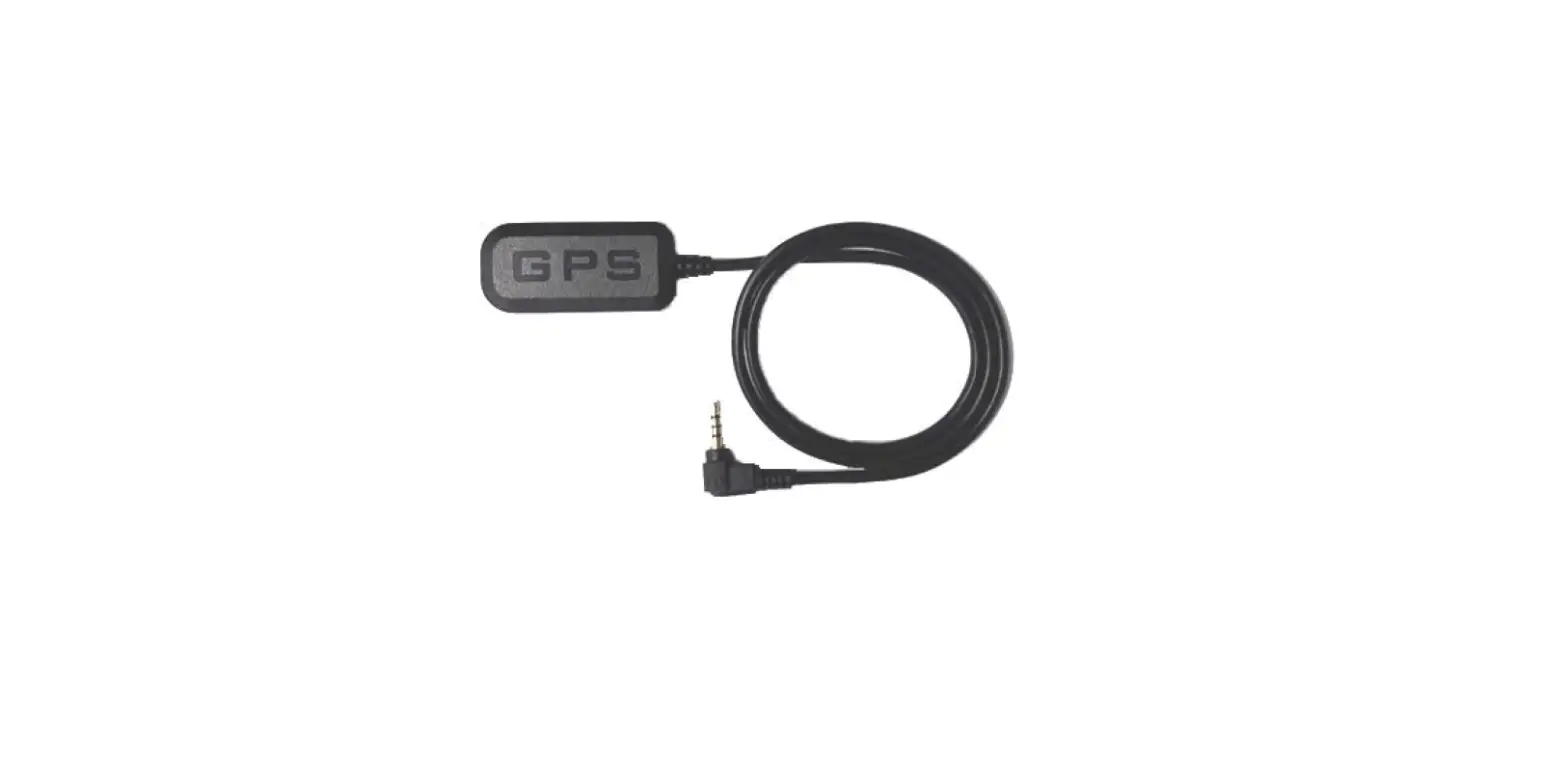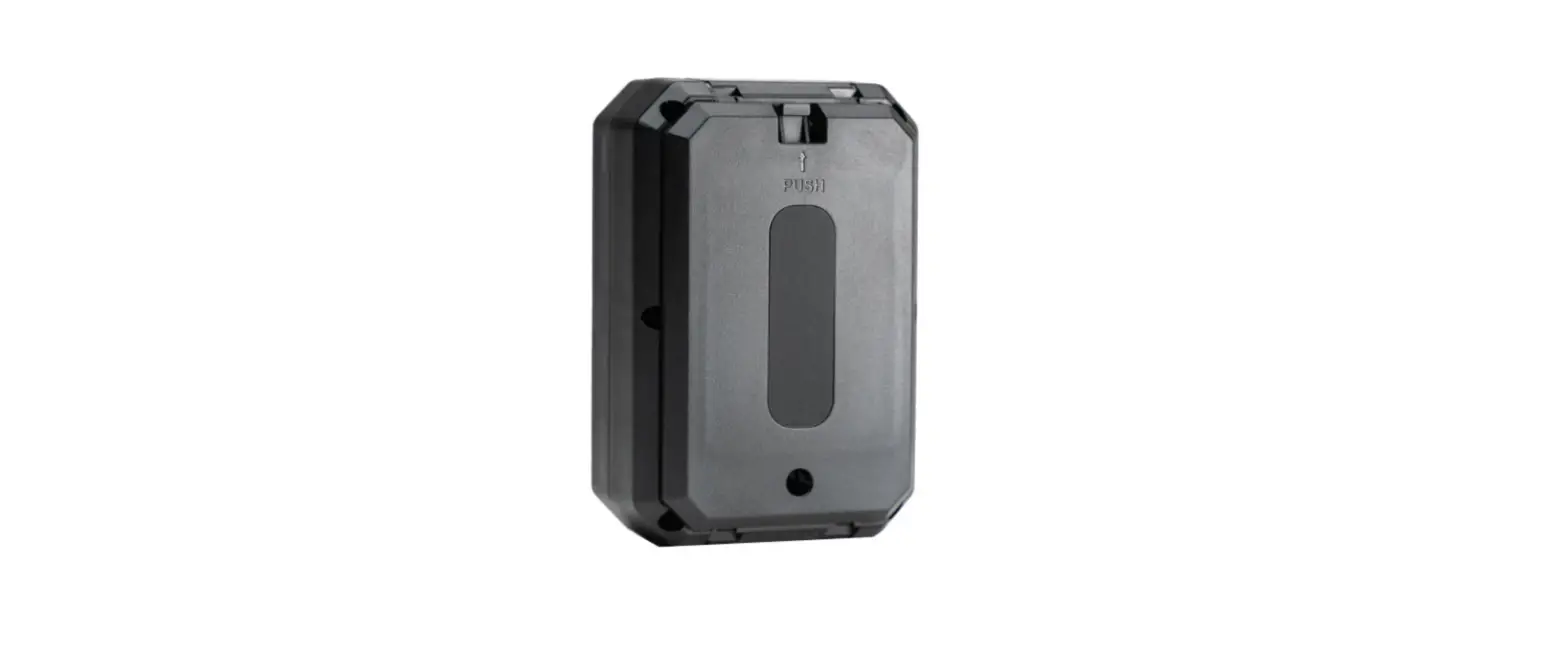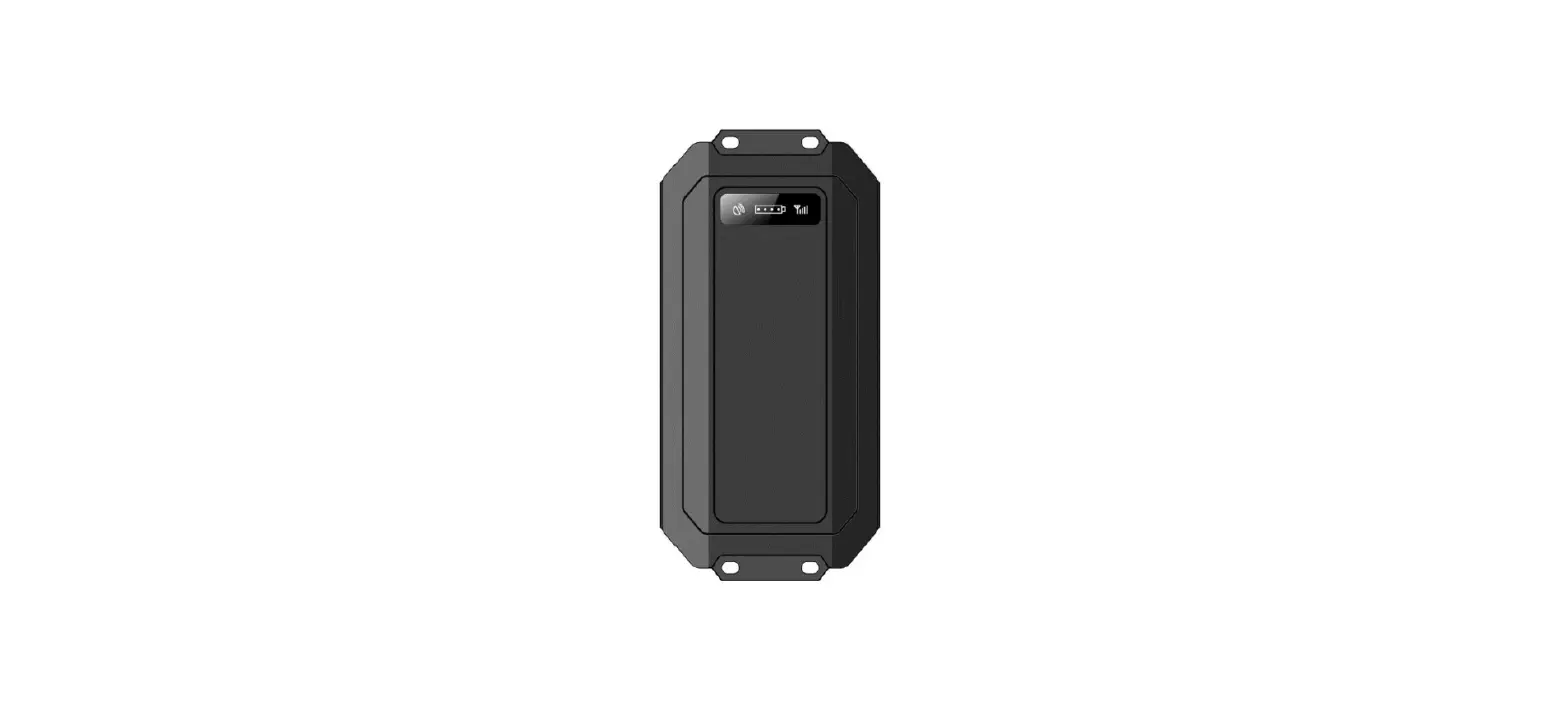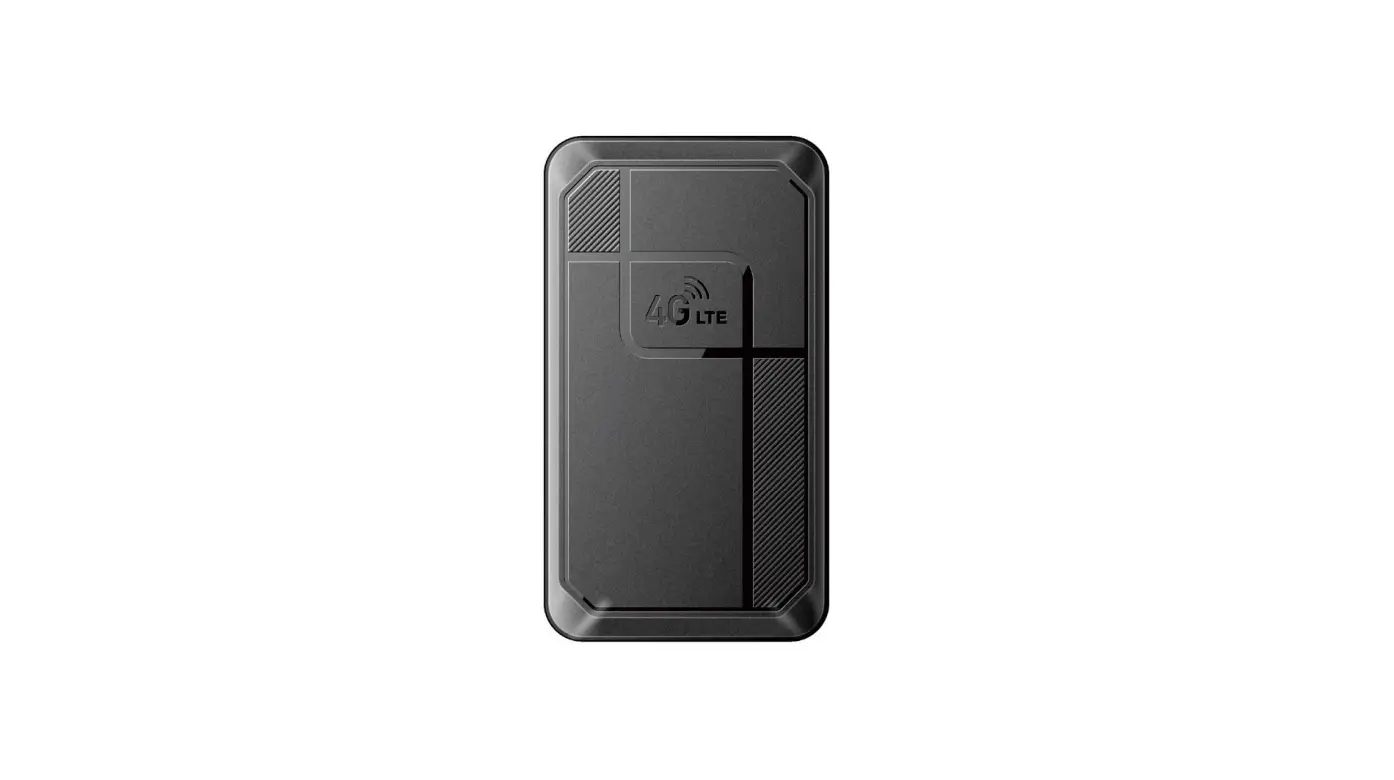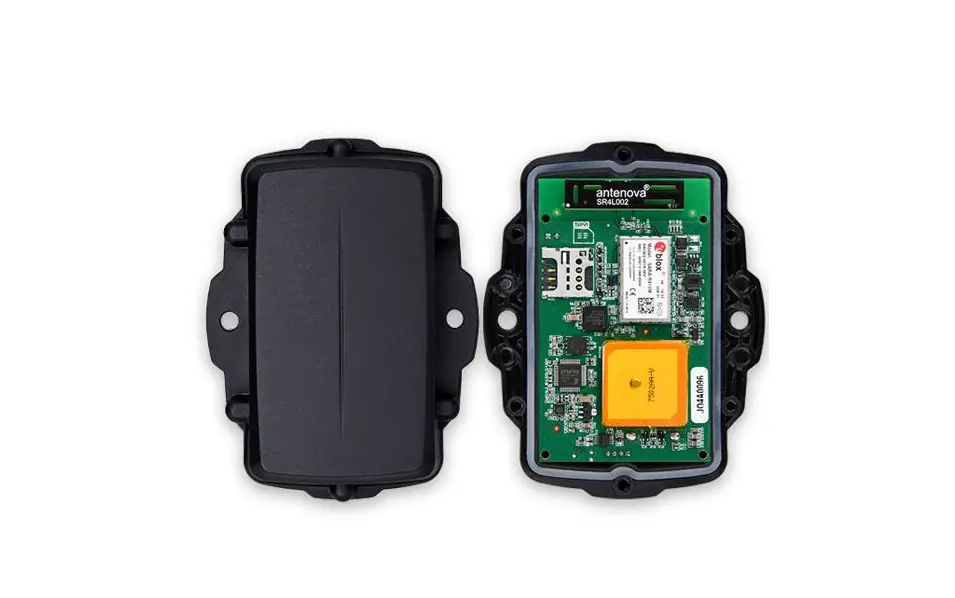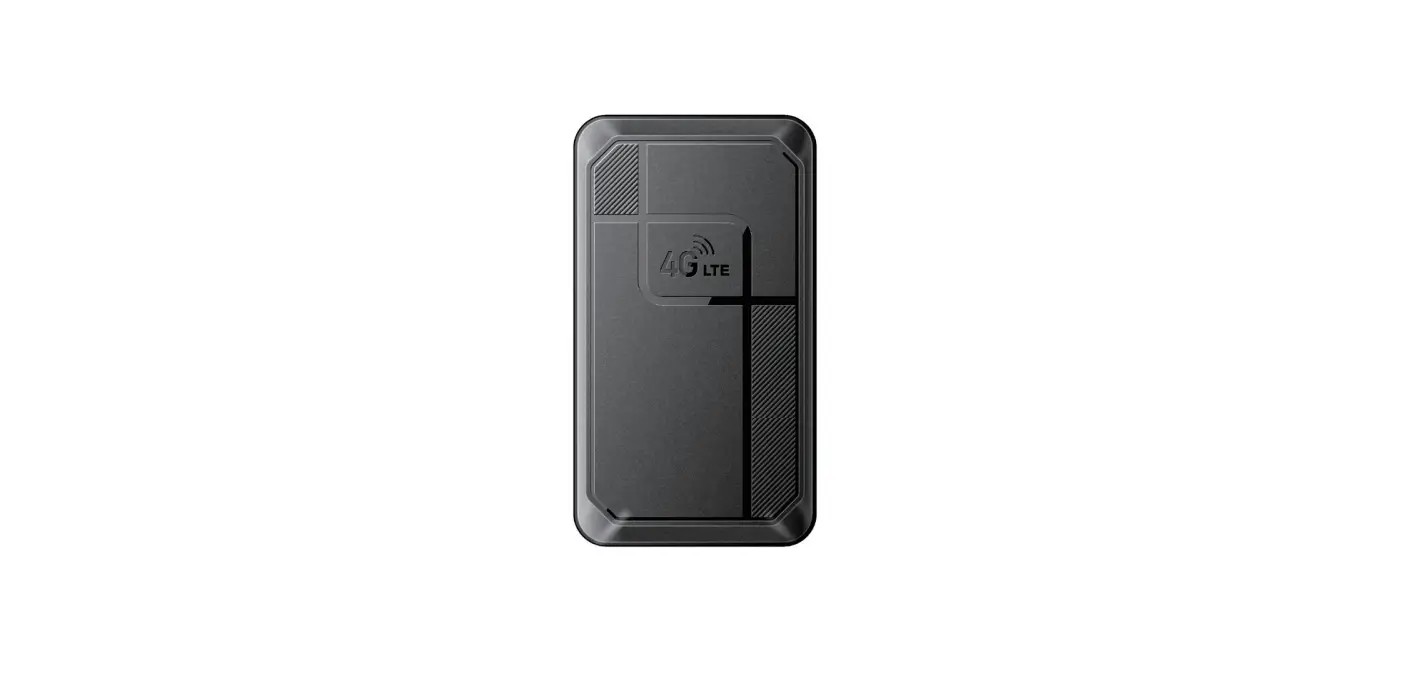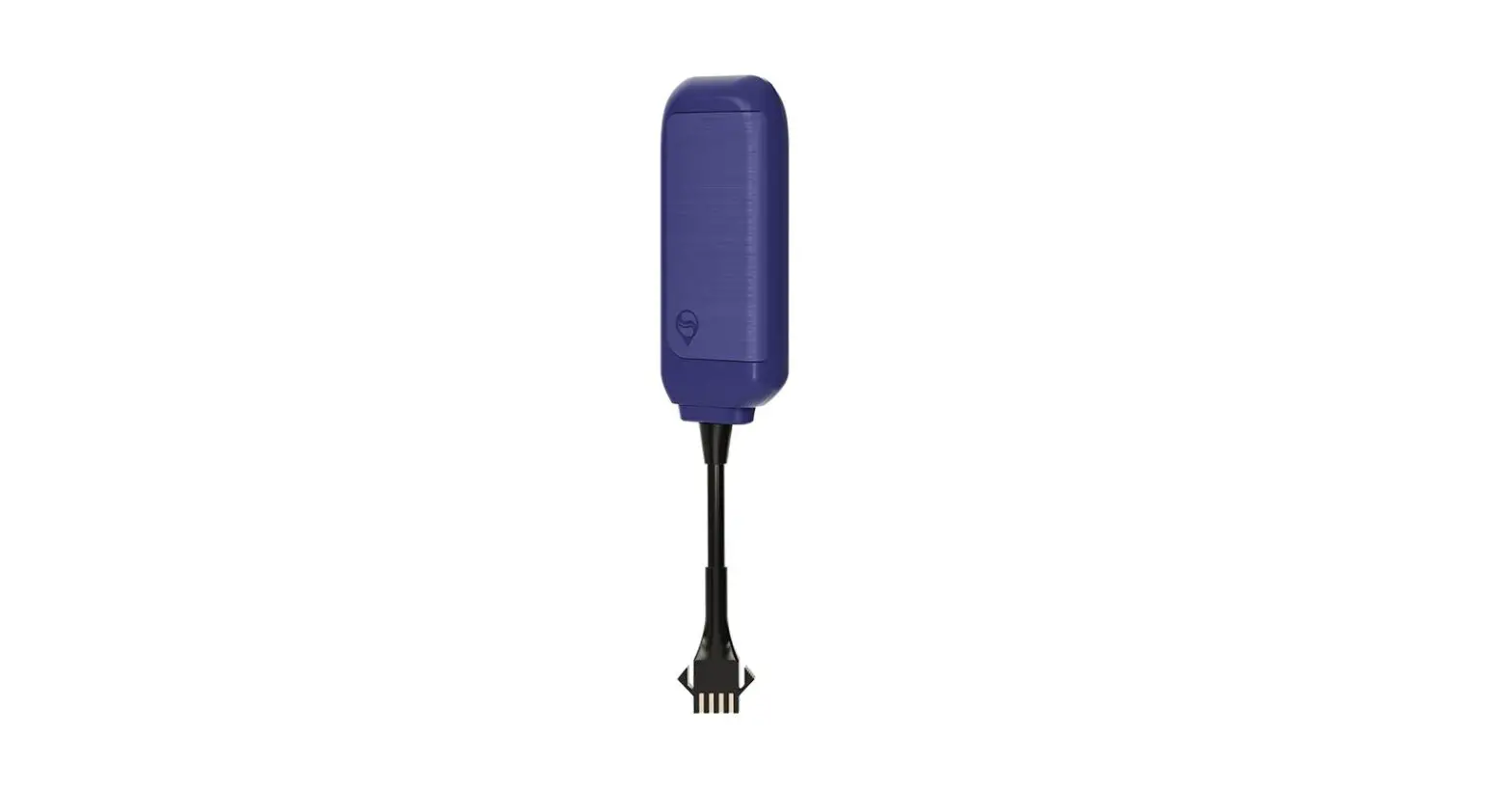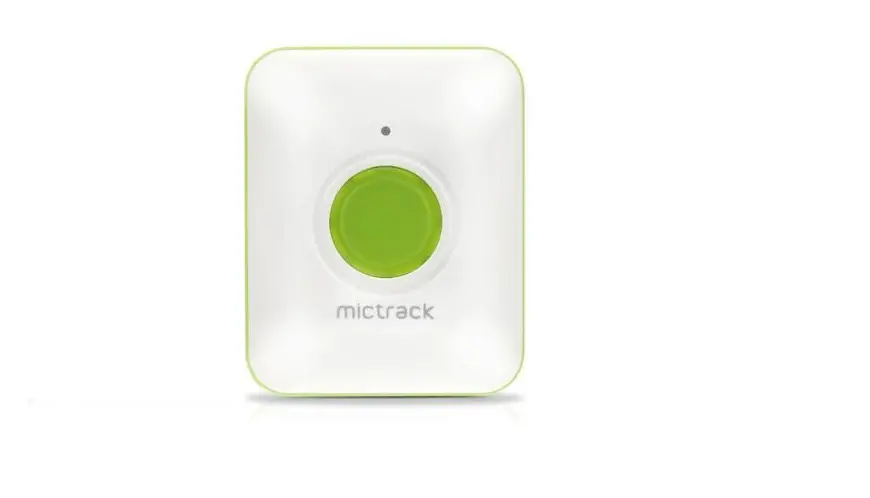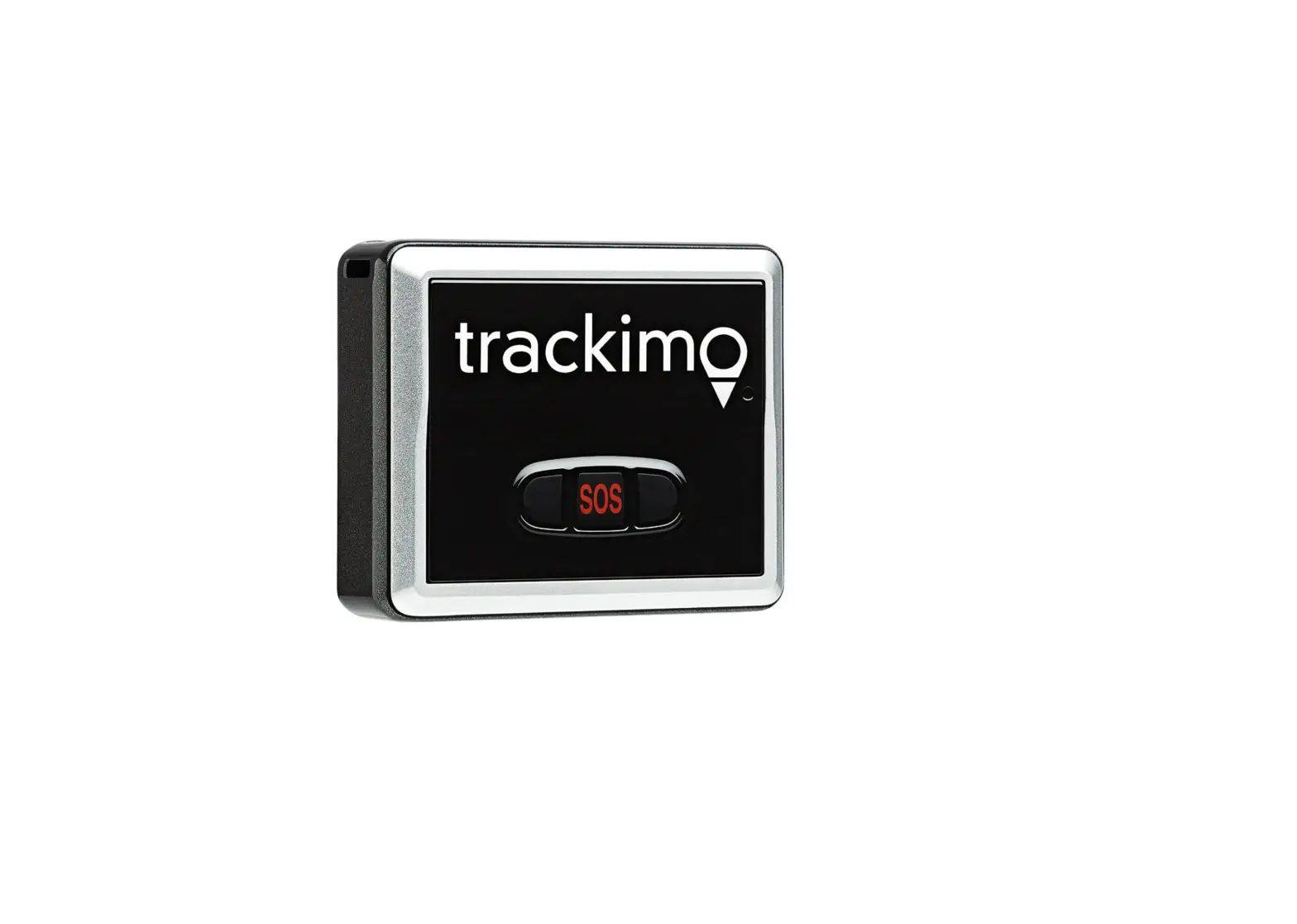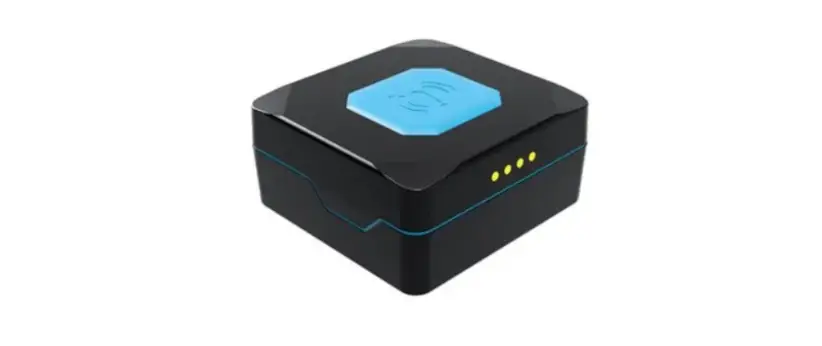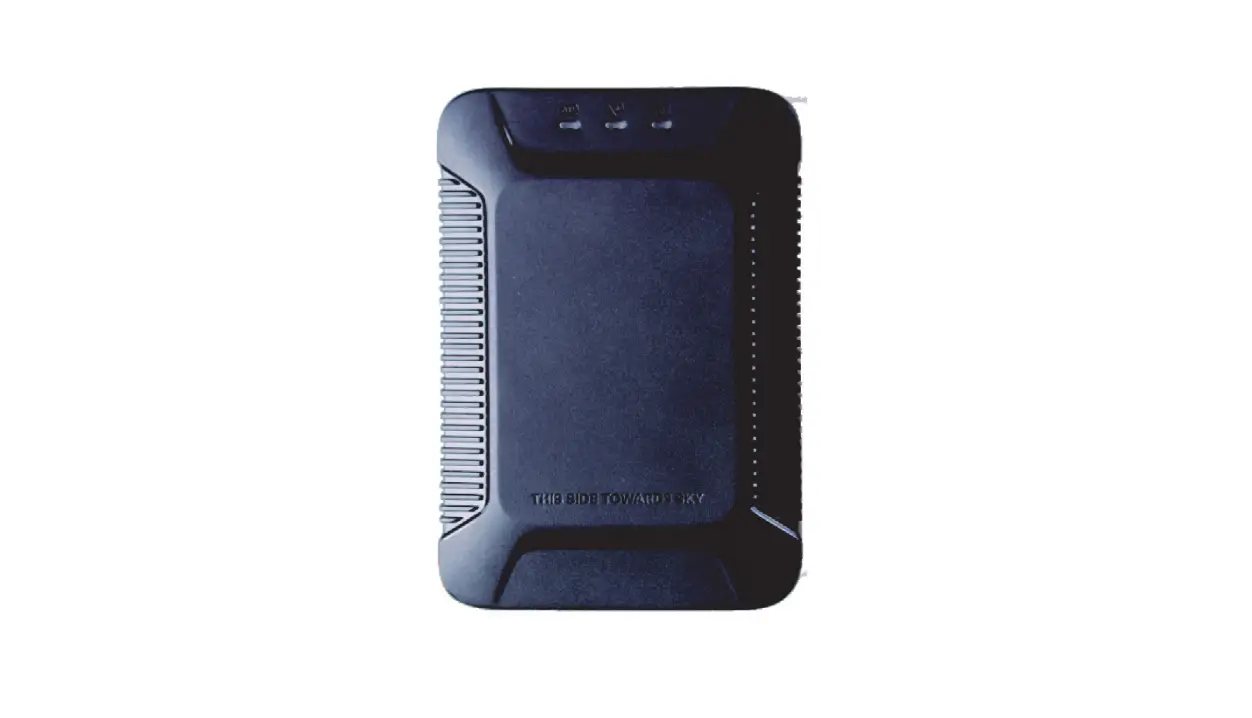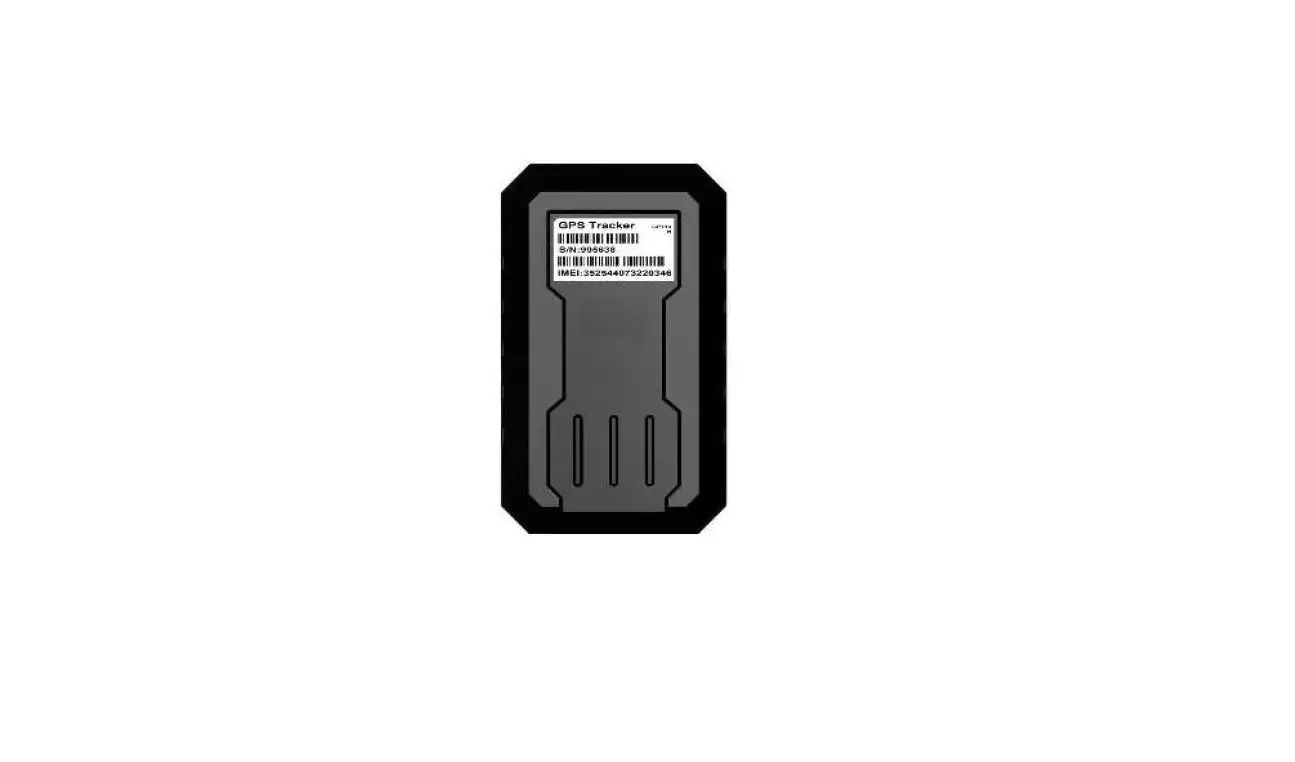

Farnear Electronics FN01-4GWB IOT Terminal GPS Tracker
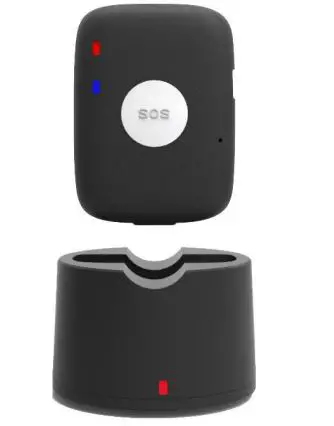
Model: FN01-4GWB
Version: V1.2
Date: Feb 20th
Farnear IOT Terminal
Copyright and Disclaimer
- All copyrights belong to Farnear Technology Co., Limited. You are not allowed to revise, copy or spread this file in any form without consent of Farnear.
- NF is trademark of Farnear, protected by law.
- Please read this user guide carefully before using or installation to avoid any possible personal injury or property loss.
Revision History
| Version | Author | Revision Date | Description of change |
| V1.0 | Kaisen | Jan 8th, 2019 | First version |
| V1.1 | Kaisen | June 22nd, 2019 | Edit |
| V1.2 | Kaisen | Feb 20th, 2020 | Edit |
Related Files
| Version | File | Remarks |
| V1.2 | <Farnear FNIOT GPRS Protocol and Command List> | GPRS/SMS Data communication |
| V1.3 | <Farnear FNIOT GPRS Protocol and Command List> | GPRS/SMS Data communication |
| V1.4 | <Farnear FNIOT GPRS Protocol and Command List> | GPRS/SMS Data communication |
| Download link: | ||
Related Software
| Version | Software | Remarks |
| V1.0 | < Parameter Tool > | Parameter configuration tool on PC (Under developing) |
| Download link: | ||
Introduction
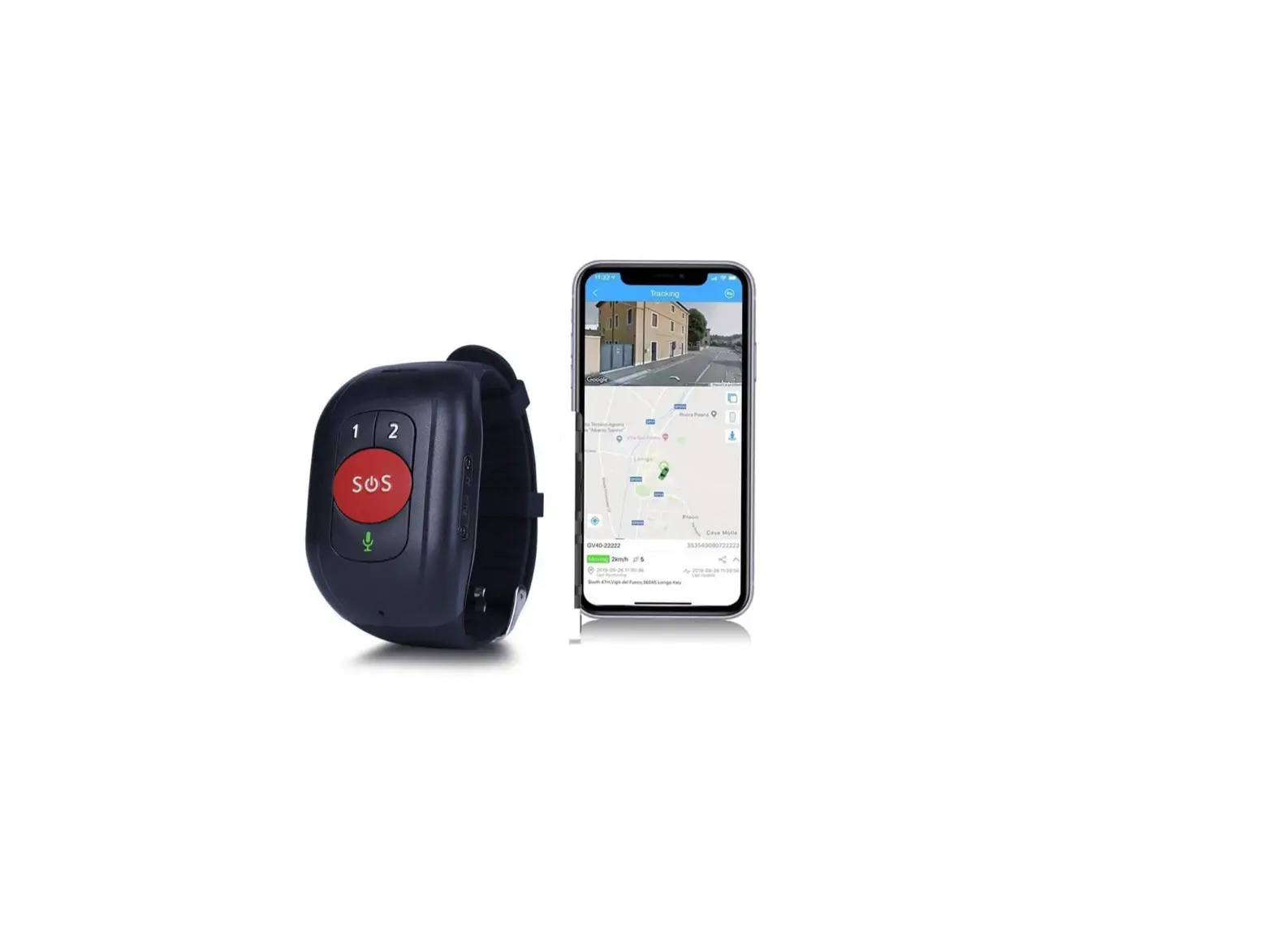
FN01 is a personal remote location device with small size, IP67 case, build-in long standby time battery and easy to use. This tracker can be used as an emergency cellular phone and allows speed dialing authorized numbers for 2-way voice communication, of course, you can define the dialing yourself. This tracker sends alert and call the preset numbers for immediate assistance. The alerts include Date, Time, Coordinate, Speed and Map URL link. It will send the coordinate to the designated server by GPRS and then displaying the location by tracking platform.


Main function
- IP67 Real waterproof
- 3G/2G full band and 4G
- Real Time Tracking on PC/Tablet/Mobile
- One week battery life
- Voice monitoring
- Two way talking
- SOS/GEO-Fence/Fall down alarm
- Speed/Low battery Alarm
- Small size 61*45*19mm
- OTA
Hardware
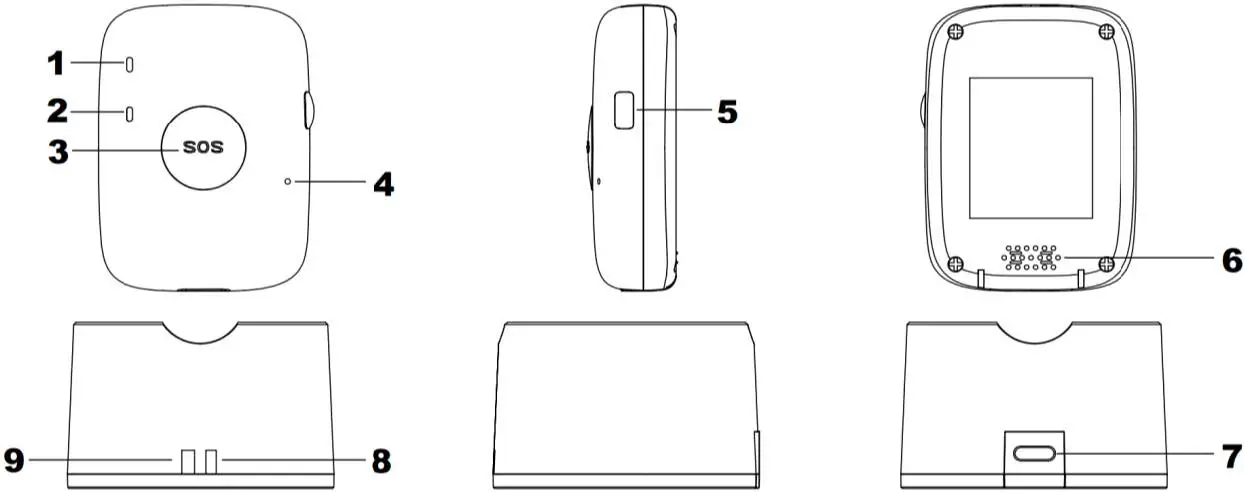
| GPS Tracker | ||
| 1 | RED LED | Power and GSM signal |
| 2 | Blue LED | GPS signal |
| 3 | SOS Button | SOS Alarm, Wake up the device |
| 4 | Microphone | |
| 5 | Power Button | 1. Switch on/off, 2. Make calling |
| 6 | Speaker | |
| Charger Station | ||
| 7 | Type C port | Charger station port |
| 8/9 | RED LED | Get Power |
Specification
| Item | Specification | |
| Case | Real IP67 (1m deep water, stay 30m) | |
| Dimension | 61*45*19mm | |
| Weight | Device is 50g, Full box is around 250g | |
| GSM Chip | Qualcomm(4G) | |
| GPS Chip | Qualcomm/Ublox, Accuracy: 5m-15m | |
| Charging Voltage | DC 5V/1A | |
| Internal Battery | 900mAh/3.7V Lithium polymer battery | |
| Power Consumption | Average 3~5mA standby current | |
| Battery Life | 30 seconds time interval 20h | |
| 5 minutes time interval 2days | ||
| 10 minutes time interval 3days | ||
| 60 minutes time interval 5days | ||
| Operating Temperature | -20℃~70℃ | |
| Humidity | 5%~95% | |
| LED Light | 2 LED lights indicating GPS/GSM/Power status | |
| Button/Switch | 1 SOS button, 1 Power button (Define the button yourself) | |
| SIM Card | Nano SIM Card | |
| Sensor | 3D Acceleration sensor | |
| Frequency Band | 2G | 850MHz/900MHz/1800MHz/1900MHz |
| 3G | Europe: B1/B8, North America: B2/B4/B5 | |
| 4G | North America : B2/4/5/12/13 | |
| GPS Sensitivity | -161dBm | |
| GPS Start Speed | Cold start 29s, Warm start 28s, Hot start 1s | |
| Accuracy | 5m-15m | |
| Charge/Data | Dock station | |
| Memory | Store 20.000 location data. | |
| Option | WiFi, BLE | |
| Protocol and Data | Protocol: MQTT, HTTP, TCP Data: txt, binary, json | |
Operation
Charging
When you get FN01, Please charge it first. Full charge will take 3 hours.
Installing SIM Card
FN01 is suitable to Nano SIM Card only, and it support 2G/3G band.
Ensure the sim card is available and has enough fee.
Ensure PIN code is closed.
Caller ID service is necessary to FN01.
If you use gps tracking platform, please confirm that your sim card has GPRS function. The tracker should be switched off before installing sim card.
Open the tracker as follow picture, and put into your sim card, then close the device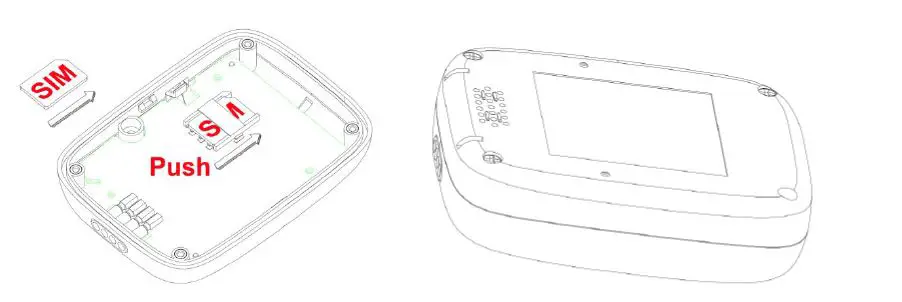
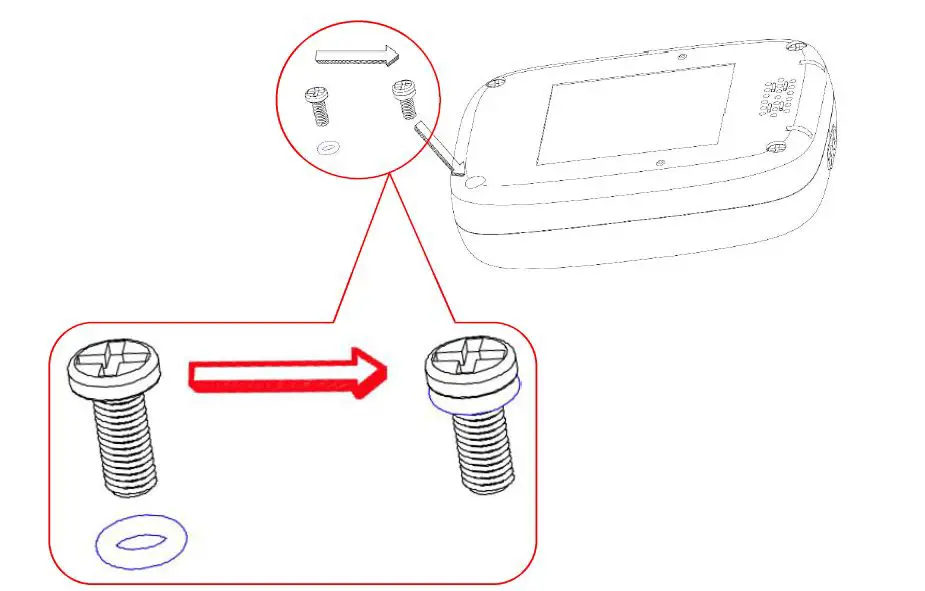
Remark: when you open the device, the O-ring on the screw may be taken out, so you need put it back as above picture: Put the O-ring on the screw (The zoom in in picture), then fix the screw on the case. (The O-ring is necessary for waterproof IP67)
Switch ON/OFF
- Press the side button till the tracker vibrate, two LED will bright during this time.
- When you loose the button, Red led will blink fast.
- Work mode:
| Red LED | Condition |
| Blink once | Standby |
| Blink twice | GPRS |
| Blink fast | SOS |
| Blue LED | |
| Blink once | GPS work but no signal |
| Blink twice | GPS work and there is signal |
| OFF | GPS is in sleep mode |
Press the side button and don’t loose it until you feel the vibrate, it will off after a sound of DiDi.
Set by SMS
Authorized Number
:123456AX,code,Phone number,mn#
X is 1/2/3/4/5/6/7/8 (1/2/3 is SOS number)
m: 0—-listen in,1—-Call in and hang off, 2—Call in and wait for user operation (Answer or Hang off), 3—Call in ring, and answer automatically if user didn’t press the button after 3 rings

Checking Firmware Version
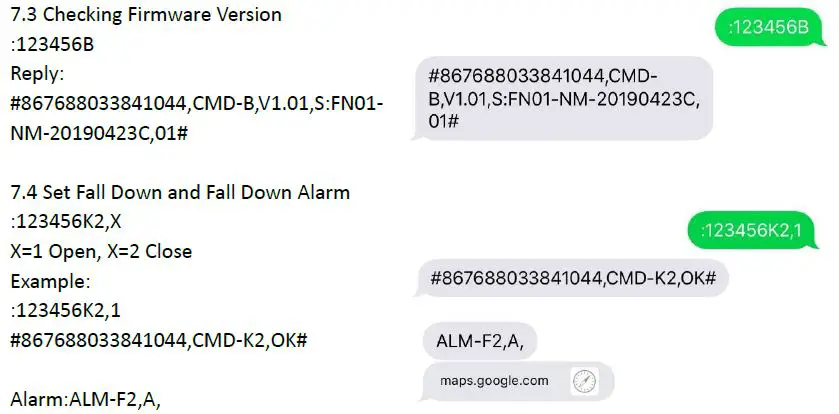
Alarm:ALM-F2,A,
SOS Alarm

Set GEO-Fence
There are 2 kinds of Geo-fence. Circle Geo Fence and Rectangle Geo Fence.
The command of Circle Geo Fence is E
The command of Rectangle Geo Fence is I
The alarm mode of these two are the same: #ALM-Bx-y,maps.google.com#
x=1 is Circle Geo-fence go in alarm
x=2 is Circle Geo-fence go out alarm
x=3 is Rectangle Geo-fence go in alarm
x=4 is Rectangle Geo-fence go out alarm
y is the number of Geo-fence. (You can set 5 fence for each fence)
Circle Fence: :123456Ex,y,zaa.aaaaaaaN/S,bbb.bbbbbbE/W,k
x is fence number;
y is switch, y=1 on, y=0 off
z is alarm mode, 1 go in alarm, 2 go out alarm, 3 go out and in alarm
aa.aaaaaaaN(S), bb.bbbbbbbE(W) is the coordinate of the circle center
k is the radius and its unit is meter, maximum value is more than 4billion
Example:
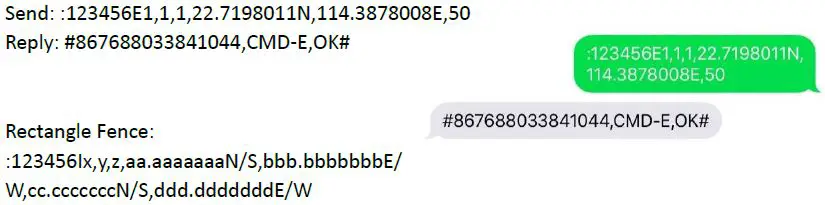
Rectangle Fence:
:123456Ix,y,z,aa.aaaaaaaN/S,bbb.bbbbbbbE/
W,cc.cccccccN/S,ddd.dddddddE/W
x is fence number;
y is switch, y=1 on, y=0 off
z is alarm mode, 1 go in alarm, 2 go out alarm, 3 go out and in alarm
aa.aaaaaaaN/S,bbb.bbbbbbbE/W,cc.cccccccN/S,ddd.dddddddE/W is the two coordinate of the rectangle (the two coordinates of opposite angles)
Example: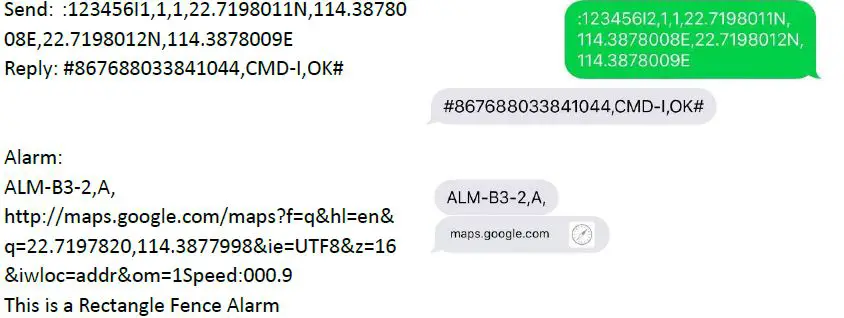
Connect to Server
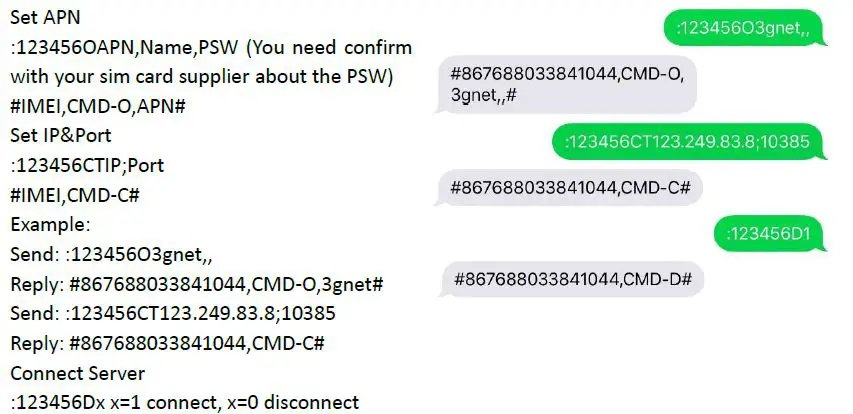
There are many 3rd parties platform. So, we don’t offer Platform and App. As a gps tracker factory, we only focus at gps tracker. We offer OEM, ODM and Customization, so you can test the tracker first, and then list your requirements. More command please reference protocol.
Command-List
| Function | Command | Explain | Example |
|
A Set and Delete authorized number | :123456Ax,Country code,phone number,mn | x can be 1,2,3,4,5,6,7,8,L means A1,A2,A3,A4,A5,A6,A7,A8,AL(All number) m is call in: 0-listen in, 1-hang off, 2-wait for the user press button answer, 3-answer automatically after 3 rings n Call in with location: 0-without, 1-with |
:123456A1,,13823561161,20 |
| #IMEI,CMD-AX OK# | #867688033841044,CMD-A1 OK# | ||
| :123456AX,D | x can be 1,2,3,4,5,6,7,8.L means A1,A2,A3,A4,A5,A6,A7,A8,AL(All number) | :123456A1,D | |
| #IMEI,CMD-x OK# | #867688033841044,CMD-A1 OK# | ||
| B Ask for Version | :123456B | :123456B | :123456B |
| #IMEI,CMD-B,Boot,Firmware,Parame ter# | Boot is the Boot version Firmware is firmware version Parameter is Parameter version | #867688033841044,CMD-B,V1.01,S: FN01-NM-20190423C,01# | |
| C Set GPRS Server | :123456CxIP/URL;Port | x is T means TCP x is U means UDP Remark: ‘;’ is necessary (semicolon) | :123456CT123.249.83.8;10385 |
| #IMEI,CMD-C# | #867688033841044,CMD-C# | ||
| D GPRS Switch | :123456DX | X is 1 Open (Only SMS) X is 0 Close (SMS and GPRS) | :123456D1 |
| #IMEI,CMD-D# | SMS:#IMEI,CMD-D# | #867688033841044,CMD-D# | |
|
E Circle Geo-Fence |
123456Ex,y,zaa.aaaaaaaN/S,bbb.bbb bbbE/W,k | x is fence number; y is switch, y=1 on, y=0 off z is alarm mode, 1 go in alarm, 2 go out alarm, 3 go out and in alarm aa.aaaaaaaN(S), bb.bbbbbbbE(W) is the coordinate of the circle center k is the radius and its unit is meter, maximum value is more than 4billion |
:123456E1,1,1,22.7198011N,114.387 8008E,100 |
| #IMEI,CMD-E,OK# | #867688033841044,CMD-E,OK# | ||
| #IMEI,ALM-BX-Y,A,DATE,TIME,LAT, LON,Speed,Battery-GSM Signal,HDOP# |
X=1 is Go in alarm, X=2 is Go out alarm Y is the number of the Geo-fence | #867688033841044,ALM-B1-1,A,DAT E:190622,TIME:144956,LAT:22.7193 976N,LON:114.3878200E,Speed:000. 1,100-22,03.72# |
|
F Location | :123456F | :123456F | |
| GPRS:#IMEI,CMD-F,A,DATE,TIME,L AT,LON,Speed,Batter-Signal,HDOP# SMS:CMD-F,A,Google link | CMD-F,A,http://maps.google.com/ma ps?f=q&hl=en&q=22.7198011,114.38 78008&ie=UTF8&z=16&iwloc=addr&o m=1Speed:000.1 | ||
|
G Ask for Parameter | :123456G | :123456G | |
| #IMEI,CMD-G,A1:-:30,A2:-:20,A3:-:20 ,A4:-:20,A5:-:20,A6:-:20,A7:-:20,A8:-: 20,IP;Port,Password,APN:,name,pass word,Report time-unit,Ask for GPS-unit,Reconnect time-unit,time zone,speed value,low battery value,Heart beat-its unit# | #867688033841044,CMD-G,A1:-1382 3561161:30,A2:-:20,A3:-:20,A4:-:20,A 5:-:20,A6:-:20,A7:-:20,A8:-:20,IP:0.0.0 .0:0,123.249.83.8:10385,123456,APN :,,,5-M,10-M,10-M,+08:00,80,30,3-M# | ||
| H Change Password | :Old PSWH,New PSW | :123456H,000000 | |
| #IMEI,CMD-H,New PSW# | #867688033841044,CMD-H,000000# | ||
|
I
Rectangle Geo-fence |
:123456Ix,y,z,aa.aaaaaaaN/S,bbb.bb bbbbbE/W,cc.cccccccN/S,ddd.ddddd ddE/W | x is fence number (Maximum is 5) y is switch, y=1 on, y=0 off z is alarm mode, 1 go in alarm, 2 go out alarm, 3 go out and in alarm aa.aaaaaaaN(S), bb.bbbbbbbE(W) is the 1st coordinate cc.cccccccN/S,ddd.dddddddE/W is the 2nd coordinate |
:123456I1,1,1,22.7198011N,114.3878 008E,22.7198012N,114.3878009E |
| #IMEI,CMD-I,OK# | #867688033841044,CMD-I,OK# | ||
| #IMEI,ALM-Bx-y,A,DATE,TIME,LAT,L ON,Speed,Battery-Signal,HDOP# | x=3 is Go in, x=4 is Go out y is the number of the Geo-fence | #867688033841044,ALM-B4-1,A,DAT E:190624,TIME:150324,LAT:22.7195 393N,LON:114.3878296E,Speed:001. 2,097-19,06.52# | |
|
J
Set Over Speed | :123456Jz,xxx (Unit is km) | z is swtich, z=0 close, z=1 open xxx is speed value | :123456J1,003 |
| #IMEI,CMD-Jz,xxx# | #867688033841044,CMD-J1,003# | ||
| #IMEI,ALM-C,A,DATE,TIME,LAT,LO N,Speed,Battery-GSM Signal,HDOP# | #867688033841044,ALM-C,A,DATE: 190624,TIME:142652,LAT:22.719549 1N,LON:114.3876458E,Speed:006.0, 100-13,18.30# |
|
K Fall down |
:123456Kx,a,b,c | x=1 Set the sensitivity, a is the height level, range: 1-9 (Default: 2) b is the movement times after falling down. (Default is 4 times) x=2 Switch of fall down: a=1 on, a=0 off x=3 Set fall down alarm calling a is authorized number (***) b is talking mode, 1 two way, 0 listen in. c is the loops of dialing (1-9). (Default is 3) x=4 Set fall down alarm message(***) a is authorized number (hexadecimal) b=1 with message, b=0 without message x=5 set the fall down and detection time a=1s-9s No fall down time. (Default is 3s) b=1s-99s Movement detected time (Default is 7s) *** Authorized number:(A) 01 is 00000001 A1 02 is 00000010 A2 03 is 00000011 A1,A2 FF is 11111111 A1-A8 | :123456K1,1,3 |
| #867688033841044,CMD-K1,OK# | |||
| :123456K2,1 | |||
| #867688033841044,CMD-K2,OK# | |||
| :123456K3,01,1,3 | |||
| #867688033841044,CMD-K3,OK# | |||
| :123456K4,02,1 | |||
| #867688033841044,CMD-K4,OK# | |||
| :123456K5,3,7 | |||
| #867688033841044,CMD-K5,OK# | |||
| #IMEI,ALM-F2,A,DATE,TIME,LAT,LO N,Speed,Battery-GSM Signal,HDOP# | ALM-F2,A,http://maps.google.com/ma ps?f=q&hl=en&q=22.7198618,114.38 77993&ie=UTF8&z=16&iwloc=addr&o m=1Speed:000.3 | ||
|
L Time Zone | :123456L±XX:YY# | (+ East, – West, 0≤XX≤12, 0≤YY<60 ) | :123456L+08:00 |
| #IMEI,CMD-L OK# | #867688033841044,CMD-L,+08:00# | ||
|
M Continuous Tracking | :123456Mx,yyyz | x is switch, x=1 open, x=0 close yyy is the interval time and z is the unit (S/M/H) | :123456M1,003M |
| #867688033841044,CMD-M,yyy-z# | #867688033841044,CMD-M,3-M# | ||
| #IMEI,CMD-T,A,DATE,TIME,LAT,LO N,Speed,Battery-GSM Signal,HDOP# | #867688038673715,CMD-T,V,DATE: 190624,TIME:084756,LAT:45.749397 0N,LOT:073.4602095W,Speed:000.6, 100-11,02.66# | ||
| N Low Battery | :123456NL/H,x,yy | NH is full battery alarm, NL is low battery alarm | :123456NL,1,30 |
| #IMEI,CMD-NL,x,yy# | x is switch, x=1 open, x=0 close yy is the percentage | #867688033841044,CMD-NL,1,30# | |
| #IMEI,ALM-A1,A,DATE,TIME,LAT,LO N,Speed,Battery-GSM Signal,HDOP# | #867688033841044,CMD-T,A,DATE: 190624,TIME:141556,LAT:22.719566 8N,LON:114.3877683E,Speed:001.8, 100-18,04.62# | ||
|
O Set APN | 123456OAPN,User name,Password | Most of User name and Password is Null. So, you have to check with your SIM Card supplier | :123456O3gnet,, |
| #IMEI,CMD-O,APN,User name,Password# | #867688033841044,CMD-O,3gnet,,# | ||
|
P Define the Button |
:123456PX,a,b,c,d,e,f | X is button number a=0 press times, a=1 press time b is authorized number (***) c is the loops of calling d is authorized number (***) e is the switch of gps, e=1 open, e=0 close f is switching off function, f=1 available, f=0 disable *** Authorized number:(B,D) 01H is 00000001 A1 02H is 00000010 A2 03H is 00000011 A1,A2 FFH is 11111111 A1-A8 | :123456P2,1,01H,6,02H,1,1
Button2, Press 6 times(Reference follow command), Dial A1, 6 loops, send A2 message, Open GPS, Switch off function avalable |
|
#IMEI,CMD-Px,a# |
#867688033841044,CMD-P2,1# | ||
|
:123456Px,y,z | x is button number y is 2 Call in: z=0, 1, 2, z=0 invalid, z=1 answer, z=2 hang off y is 3 Talking: z=0, 1, 2, 3, z=0 invalid, z=1 volume +, z=2 volume -, z=3 hang off y is 4 Define the pressing times of the button: z is pressing times, 1<z<100 y is 5 Dial out Talking or Listen in: z=0 listen in, z=1 two way talking | :123456P2,4,6 (Press button2 6 times, the function will be triggered) | |
|
#IMEI,CMD-PX,Y# |
#867688033841044,CMD-P2,4# | ||
| Close the switch off function | FN01: SOS button is P1, Side button is P2 | :123456P2,1,,00H,0,00H,0,0 | |
| #867688033841044,CMD-P2,1# | |||
| S | :123456Sx,y | x=1 is with SSID, x=0 is without SSID y=0-9, The number of router, y=0 means | :123456S1,3 |
| Set WiFi (Available for WiFi model) | #IMEI,CMD-Sx,y,OK# | closing WiFi data. | #862831030183839,CMD-S1,3,OK# |
|
U
Work Mode |
:123456Ux | x=0 (Normal mode) x=1 Smart mode(Judge dynamic or non-dynamic by G-sensor, send continuous tracking data in dynamic, send hear beat only in non-dynamic) x=2 Power saving mode (Base on G-sensor , non –dynamic, don’t send heart beat) x=3 Sleep mode(GSM Close, location will be stored in the device, if there is alarm or reconnect GPRS, then open GSM) x=4 Deep Sleep(GSM Close,If there is alarm or reconnect GPRS, then open gsm) |
:123456U0 |
|
#IMEI,CMD-U,x,OK# |
#867688033841044,CMD-U,0,OK# | ||
| Z
Firmware Command | :123456Zx | x=0 Restart the device (RESTART) x=1 factory reset (INITIALIZE) x=2 Switch off the tracker (POWEROFF) x=3 Update firmware by Socket (UPDATE) x=4 Update firmware by OTA (OTA) | :123456Z0 |
| #IMEI,CMD-Z,x,Letter# | #867688033841044,CMD-Z,0,RESTA RT# | ||
|
Alarm |
SOS Alarm | #IMEI,CMD-KEY,A,DATE,TIME,LAT,LON, Speed,Battery-GSM Signal,HDOP# | KEY,A,http://maps.google.com/maps? f=q&hl=en&q=22.7197523,114.38783 68&ie=UTF8&z=16&iwloc=addr&om= 1Speed:001.3 |
| OTA Alarm | #IMEI,ALM-G1# (You will receive this alarm after OTA) | #867688033841044,ALM-G1# | |
| No signal Alarm (No signal for long time) | #IMEI,ALM-D1,A,DATE,TIME,LAT,LON,Sp eed,Battery-GSM Signal,HDOP# | #867688033841044,ALM-D1,A,DATE :190622,TIME:174743,LAT:22.71980 15N,LON:114.3878825E,Speed:000.8 ,100-21,02.45# | |
| Get signal Alarm (Get signal after long time without signal) | #IMEI,ALM-D2,A,DATE,TIME,LAT,LON,Sp eed,Battery-GSM Signal,HDOP# | #867688033841044,ALM-D2,A,DATE :190622,TIME:174743,LAT:22.71980 15N,LON:114.3878825E,Speed:000.8 ,100-21,02.45# | |
| Get signal from no signal condition after F command | #IMEI,ALM-D3,A,DATE,TIME,LAT,LON,Sp eed,Battery-GSM Signal,HDOP# | #867688033841044,ALM-D3,A,DATE :190622,TIME:174743,LAT:22.71980 15N,LON:114.3878825E,Speed:000.8 ,100-21,02.45# |
|
Others | Call the tracker and Get location When you set Authorized number, you can set this function. |
CALL,A,Google linke | CALL,A,http://maps.google.com/maps ?f=q&hl=en&q=22.7198721,114.3877 820&ie=UTF8&z=16&iwloc=addr&om =1Speed:001.6 |
Cautions
- Don’t put the unit in overheated or overcooled places.
- Handle carefully. Don’t vibrate, shake or hit it violently.
- Don’t disassemble or refit the unit. The device should be installed by technical person.
- Please use the battery and charger provided by manufacturer. Using other batteries and chargers will cause unwanted situation.
- Don’t dismount the antenna randomly, or use other antennas. This maybe interfere the transmission, and increase the radiation as well.
- Don’t paint the unit, this may cause some foreign materials left in between the parts.
- Clear the unit with a piece of dry cloth after the device go into water. Don’t clean in chemicals, detergent.
- This product get location via satellite. Position drift is normal in some environment, because it is limited by satellite transmission characteristics.
- This product has some sensitive functions, such as: tracking, listen-in, etc. So, the user must use it within the legal limit. If the user illegally use it, and lead to damage of other’s rights or interests, the user should afford the consequences himself.
- The warranty of this product is 1 year from our customer receive it.
§ Labeling requirements.
This device complies with part 15 of the FCC Rules. Operation is subject to the following two conditions: (1) This device may not cause harmful interference, and (2) this device must accept any interference received, including interference that may cause undesired operation.
§ Information to user.
Any Changes or modifications not expressly approved by the party responsible for compliance could void the user’s authority to operate the equipment.
§ Information to the user.
Note: This equipment has been tested and found to comply with the limits for a Class B digital device, pursuant to part 15 of the FCC Rules. These limits are designed to provide reasonable protection against harmful interference in a residential installation. This equipment generates uses and can radiate radio frequency energy and, if not installed and used in accordance with the instructions, may cause harmful interference to radio communications. However, there is no guarantee that interference will not occur in a particular installation. If this equipment does cause harmful interference to radio or television reception, which can be determined by turning the equipment off and on, the user is encouraged to try to correct the interference by one or more of the following measures:
- Reorient or relocate the receiving antenna.
- Increase the separation between the equipment and receiver.
- Connect the equipment into an outlet on a circuit different from that to which the receiver is connected.
- Consult the dealer or an experienced radio/TV technician for help.
SAR Body Operation
This device was tested for typical body-support operations. To comply with RF exposure requirements, a minimum separation distance of 0.5cm must be maintained between the user’s body and the handset, including the antenna. Third-party belt-clips, holsters, and similar accessories used by this device should not contain any metallic components. Body-worn accessories that do not meet these requirements may not comply with RF exposure requirements and should be avoided. Use only the supplied or an approved antenna.
Support
Thanks for choosing our device, enjoy your safe time from now on. If you have any questions or problems, please feel free to contact us
Farnear Electronics Co., Ltd
www.szfarnear.com
[email protected]
+86 13823561161
Duocai Industrial Park,
Pingshan District, Shenzhen,
China 518118