 The Brighter Choice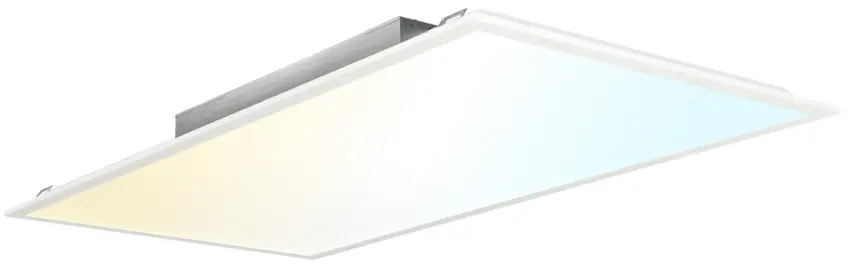
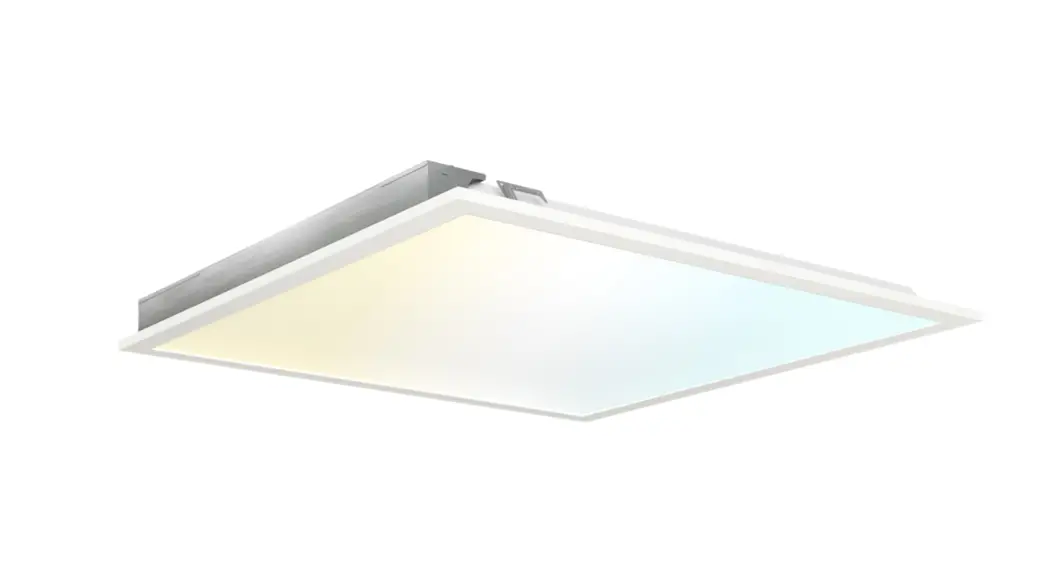
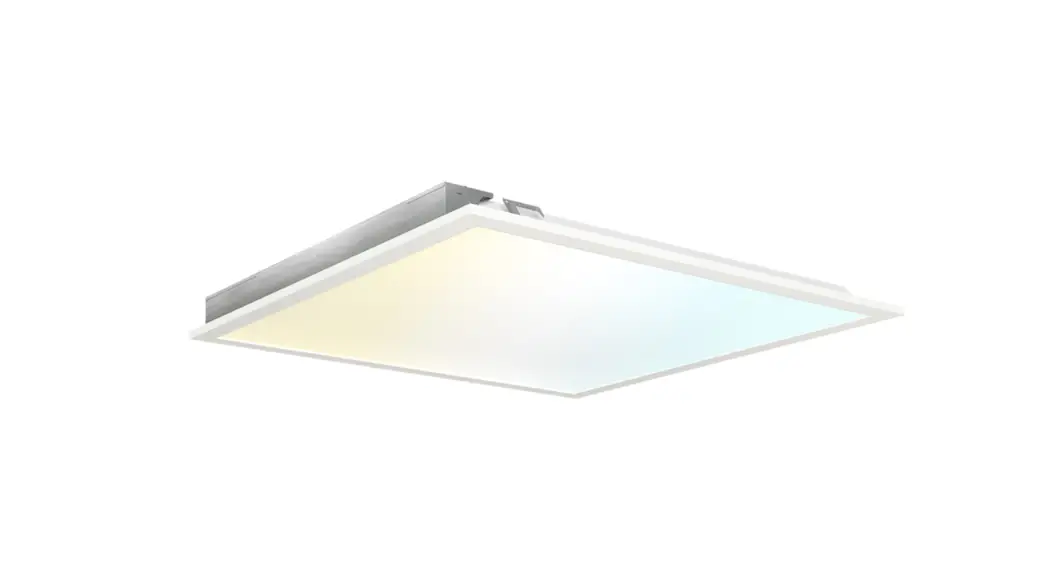
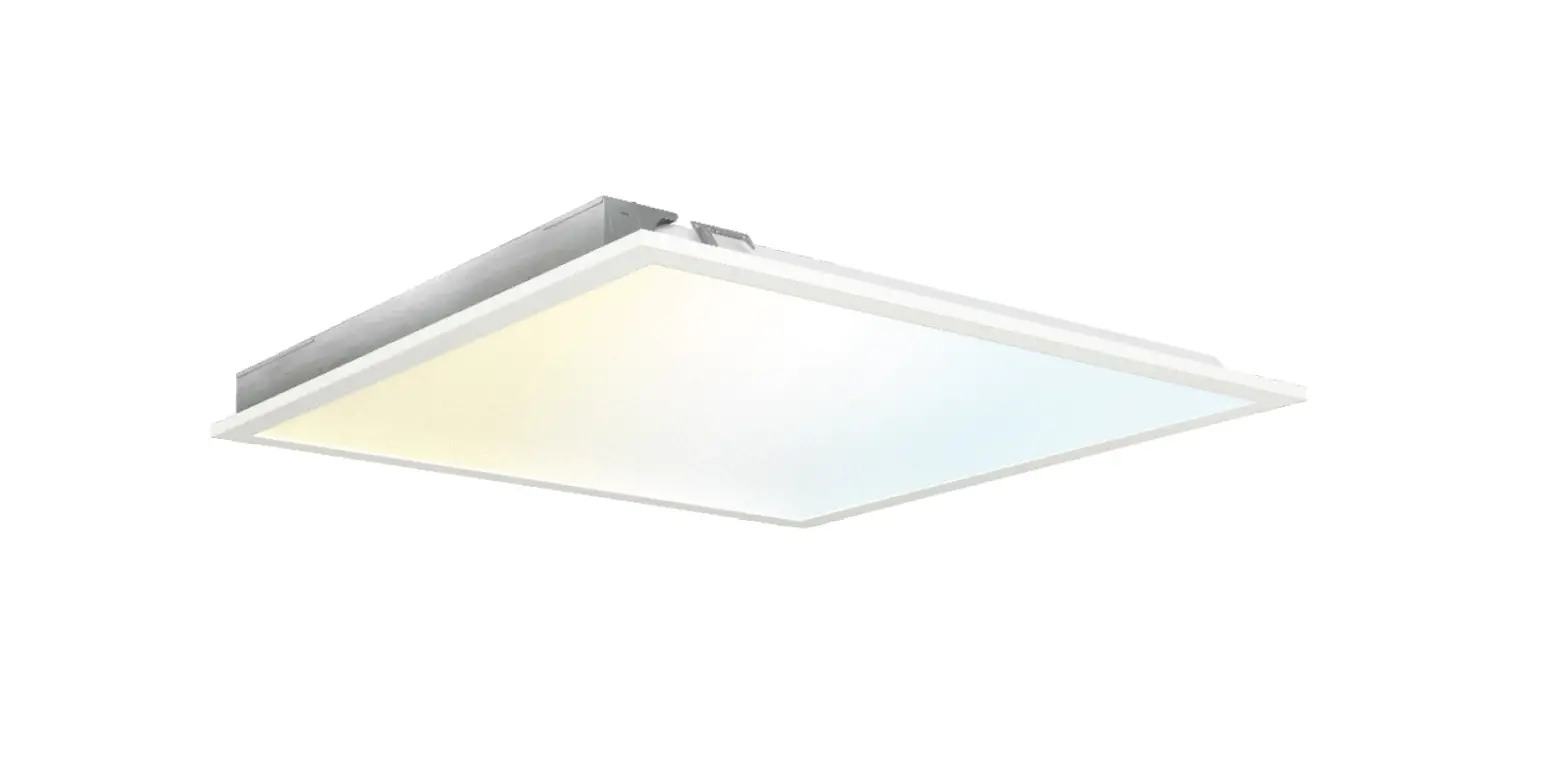
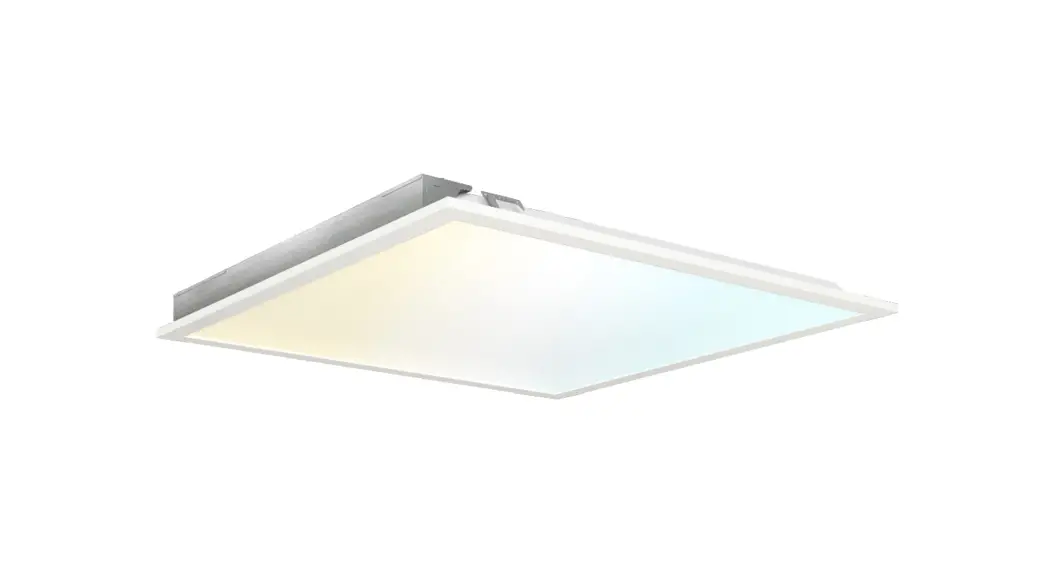
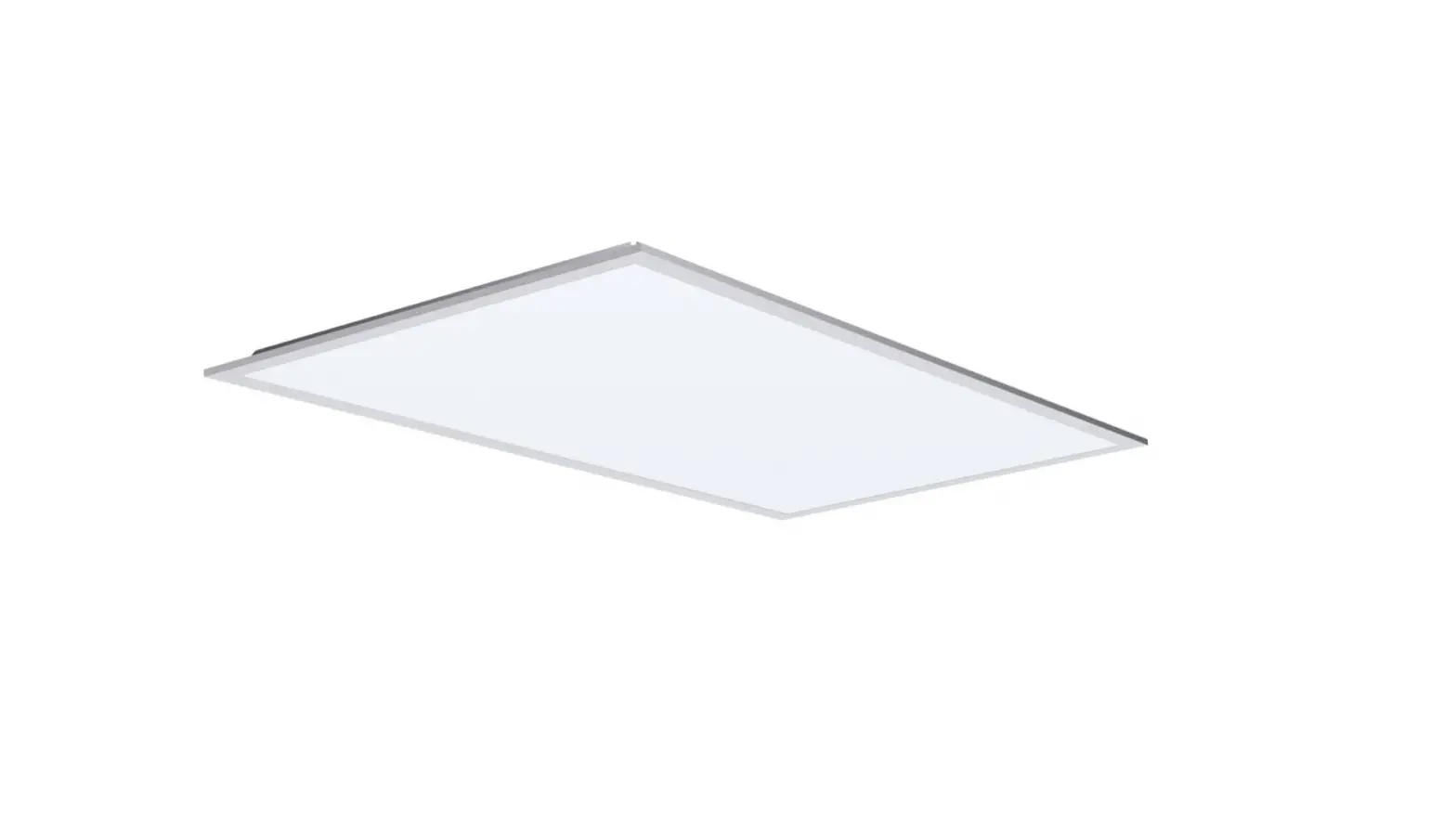
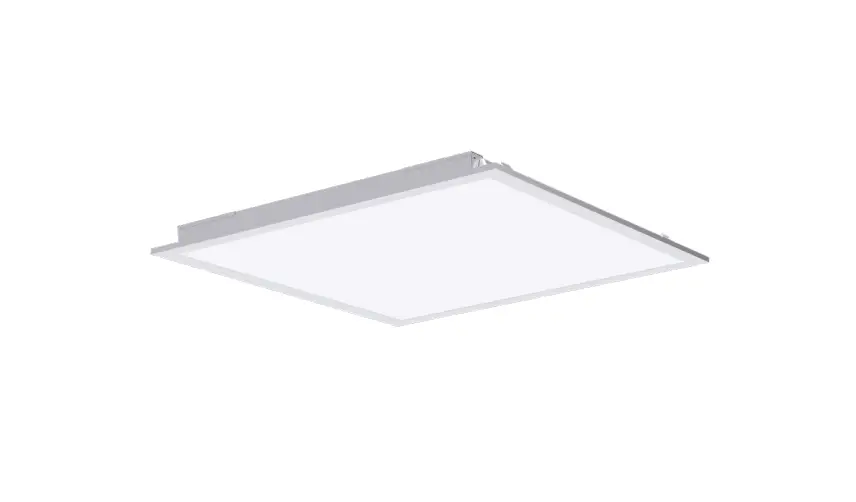
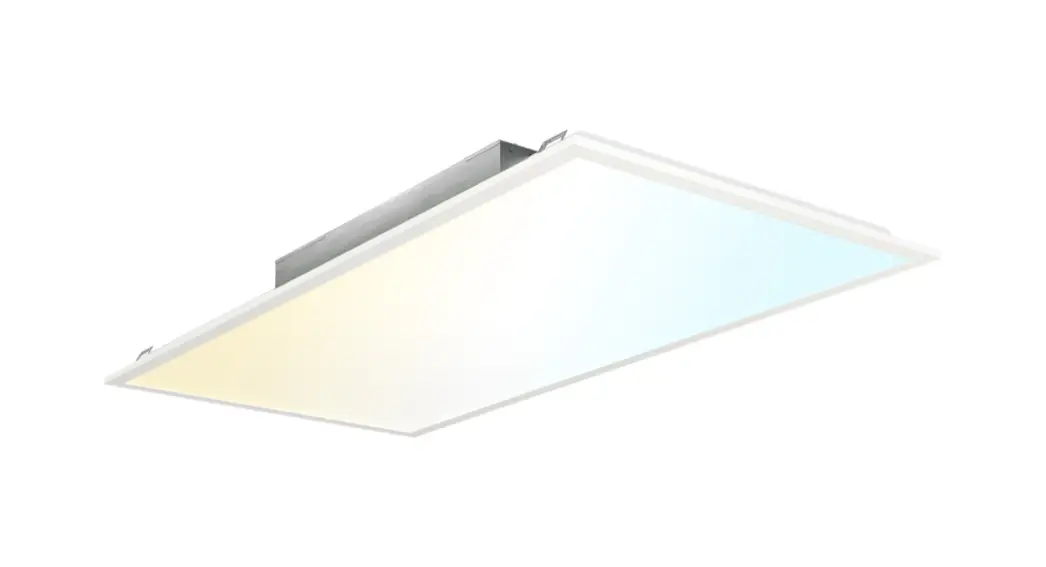
2×4 LED CEILING PANEL
WITH SELECTABLE CCT
Install Guide and Manual
EASY INSTALLATION
RECESSED INSTALLATION
Required Tools: Drill, Ladder, Hammer, Pliers, Tape Measure, Pencil, Philips Screwdriver
Prior to installation, remove the existing light fixture (if any) from the ceiling.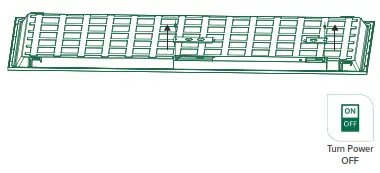
- Turn off the switch and circuit breaker before installing this LED light fixture.
- Turn the Ceiling Panel faces down on a flat surface.
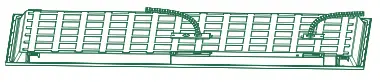
• Unscrew the (2) driver covers and set aside the screws. - Pop-out (2) knockouts (choice of 5).

- Connect conduit to each knockout.
• Pass wires through.
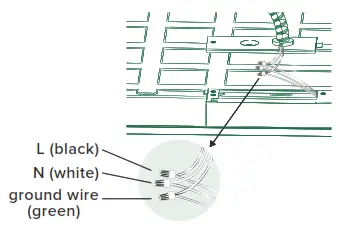
- Connect the supply wires to the Ceiling Panel wires with included wire nuts.
• Black to Black (live);
• White to White (neutral);
• Green to Green (ground).
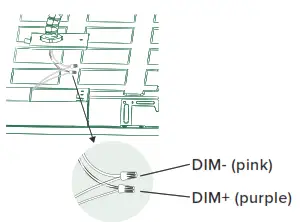
- OPTIONAL for using a dimmer (not included):
• Connect the DIM+ and DIM- wiring of your Ceiling Panel to your dimmer with included wire nuts.
- Replace driver covers.
• Tighten the screws. - BEFORE PROCEEDING
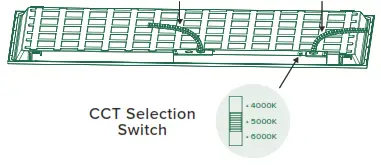
On the back of the panel, slide the CCT Selection Switch to choose from three color temperatures (4000K, 5000K, and 6000K).
• Light will use the selected CCT setting when switched on.
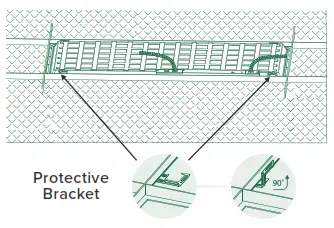
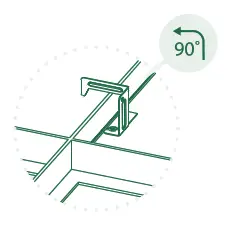
- Locate the (4) protective brackets on back of the panel.
• Bend up 90°.
- Twist 90° so hook faces outside edge of Ceiling Panel.

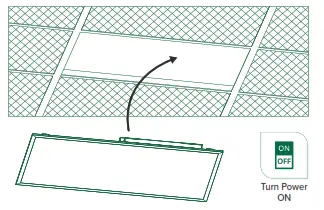
- Install Ceiling Panel in the ceiling, using protective brackets.
- Turn on the circuit breaker and test the light.
WARNING
To reduce the risk of fire, electric shock, or serious injury:
- Installation should be performed by a professional, qualified electrician familiar with the construction and operation of this product and the hazards involved.
- Abide by related regional and local laws or regulations.
- Proper grounding is required to ensure safety.
- Not suitable for a wet environment.
- LED must be installed in an appropriate environment to work. Harsh environments may damage the light or shorten its lifespan.
- Check for damage during shipping prior to installation. If the product is damaged, do not use it.
- Turn off the switch and circuit breaker before installing this LED light fixture. Recommended: Use an appropriate meter to accurately verify no voltage on the lines. After verifying there is no voltage, disconnect wires and remove the existing light fixtures from the ceiling (if any).
- After verifying no voltage, disconnect wires and remove existing light fixtures from the ceiling (if any).
- To ensure efficient light, regularly clean the light panel. Don’t clean with harsh solvents; use a dry cloth.
- Use safety precautions. Safety eyeglasses and gloves are recommended.
WIRING DIAGRAM
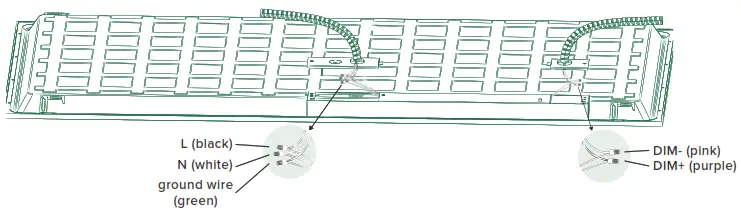
To make the light panel dimmable, connect a compatible dimmer (not included) to the dimming signal wires of the luminaire. Suitable for Constant Current Reduction Dimming 0-10V.
Note: 2-piece suspension kits are required (not included).
- Turn off the switch and circuit breaker before installing this LED light fixture.
- Turn the Ceiling Panel faces down on a flat surface.
• Unscrew the (2) driver covers and set aside the screws. - Pop-out (2) knockouts (choice of 5).
- Connect conduit to each knockout.
• Pass wires through. - Connect the supply wires to the Ceiling Panel wires with included wire nuts.
• Black to Black (live);
• White to White (neutral);
• Green to Green (ground). - OPTIONAL for using a dimmer (not included):
• Connect the DIM+ and DIM- wiring of your Ceiling Panel to your dimmer with included wire nuts. - Replace driver covers.
• Tighten the screws. - BEFORE PROCEEDING
On the back of the panel, slide the CCT Selection Switch to choose from three color temperatures (4000K, 5000K, and 6000K).
• Light will use the selected CCT setting when switched on.
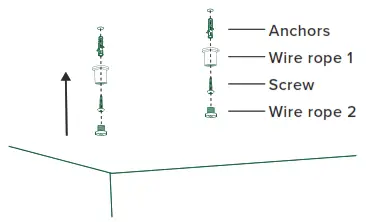
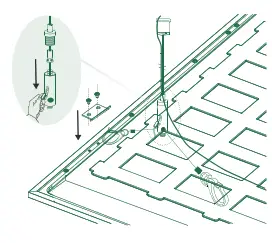
- Drill (2) holes in the ceiling. Place the anchors into the hole. Insert the wire rope and screw.
• Refer to the suspension kit’s install manual for complete details.
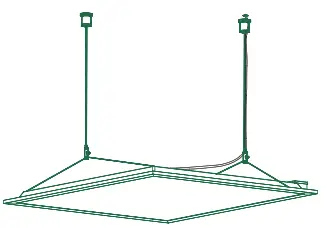
- Adjust the support rope/wire so the Ceiling panel hangs horizontally.
• Suspension kit is not included.
- Install Ceiling Panel in the ceiling, using protective brackets.
- Turn on the circuit breaker and test the light.
WARNING
To reduce the risk of fire, electric shock, or serious injury:
- Installation should be performed by a professional, qualified electrician familiar with the construction and operation of this product and the hazards involved.
- Abide by related regional and local laws or regulations.
- Proper grounding is required to ensure safety.
- Not suitable for a wet environment.
- LED must be installed in an appropriate environment to work. Harsh environments may damage the light or shorten its lifespan.
- Check for damage during shipping prior to installation. If the product is damaged, do not use it.
- Turn off the switch and circuit breaker before installing this LED light fixture. Recommended: Use an appropriate meter to accurately verify no voltage on the lines. After verifying there is no voltage, disconnect wires and remove the existing light fixtures from the ceiling (if any).
- After verifying no voltage, disconnect wires and remove existing light fixtures from the ceiling (if any).
- To ensure efficient light, regularly clean the light panel. Don’t clean with harsh solvents; use a dry cloth.
- Use safety precautions. Safety eyeglasses and gloves are recommended.
SPECIFICATIONS
| Voltage | 100-277V |
| Wattage | 50W |
| Suitable for Locations Ingress | Damp |
| Housing | SPCC+PS Lens |
| Weight | 8.15lbs |
| Warranty | 10 years |
To make the light panel dimmable, connect a compatible dimmer (not included) to the dimming signal wires of the luminaire. Suitable for Constant Current Reduction Dimming 0-10V.