
PAC LPH-SPK OEM Non Amplified System
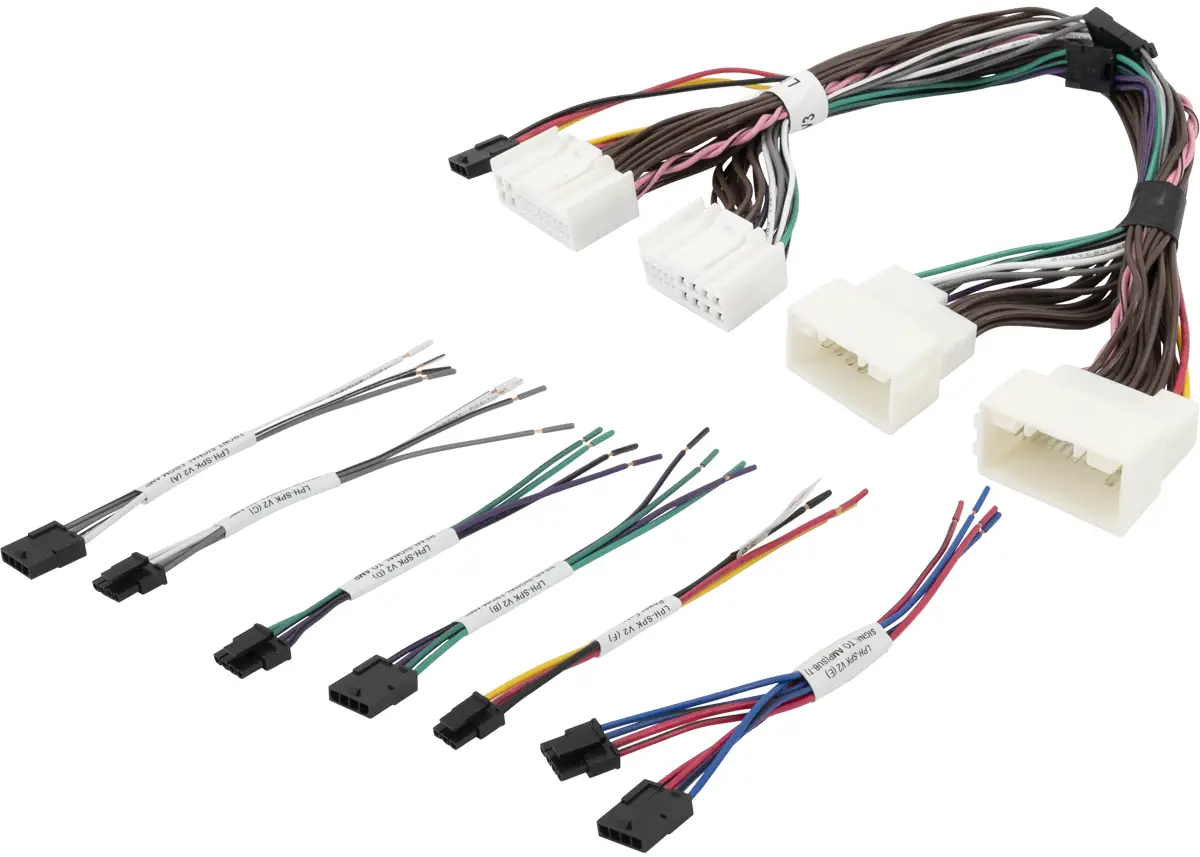
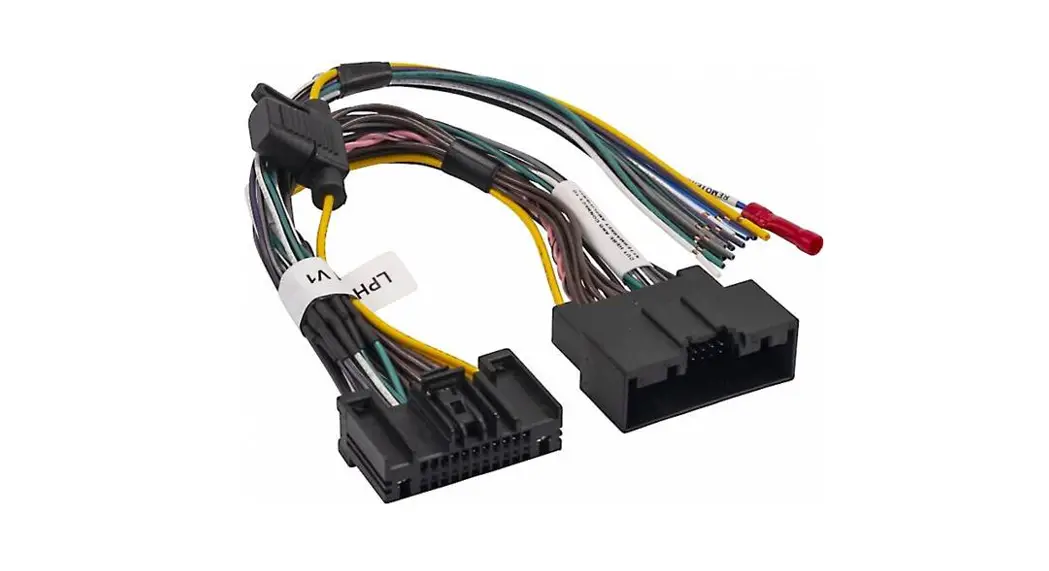
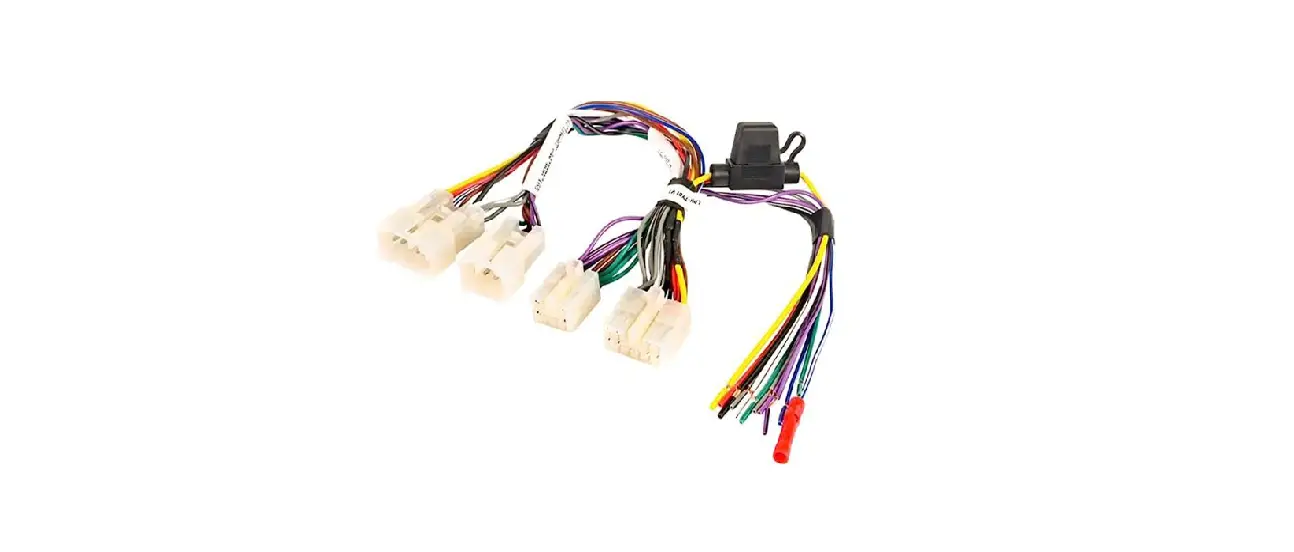
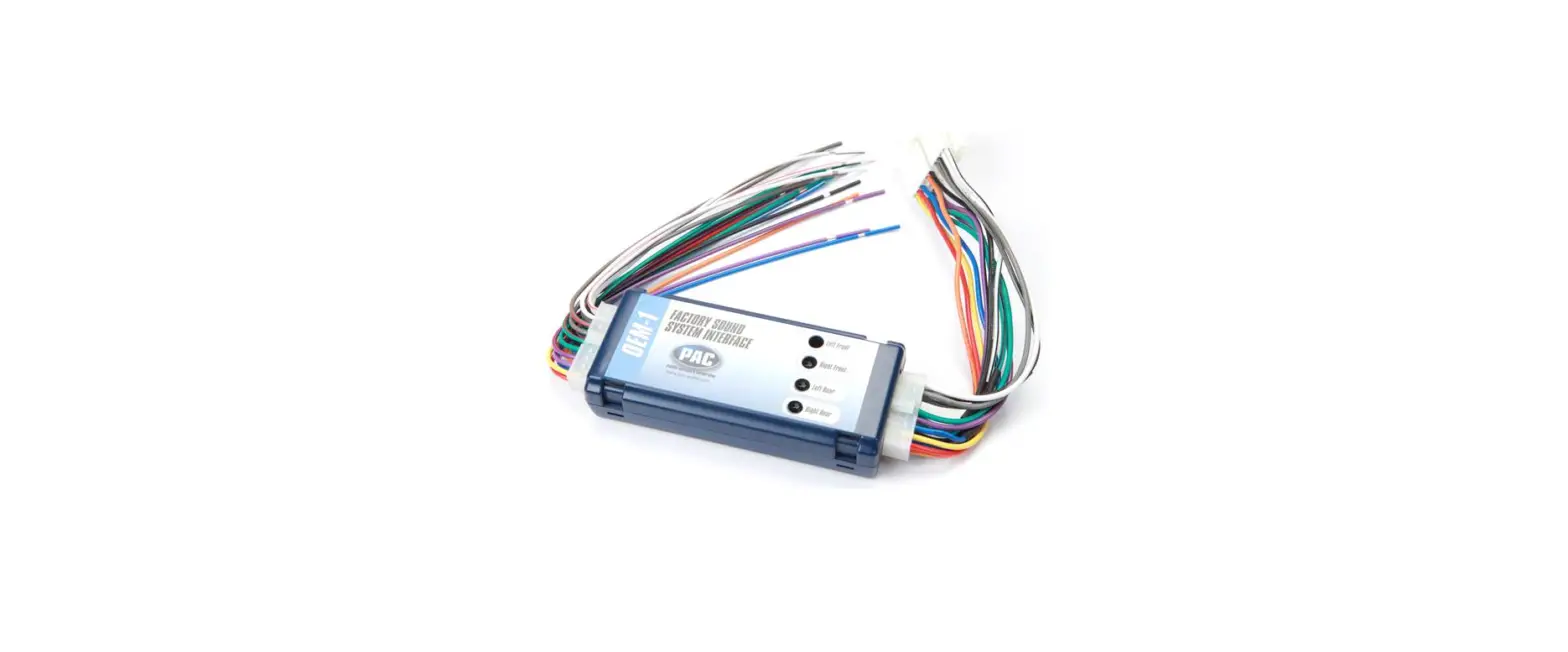
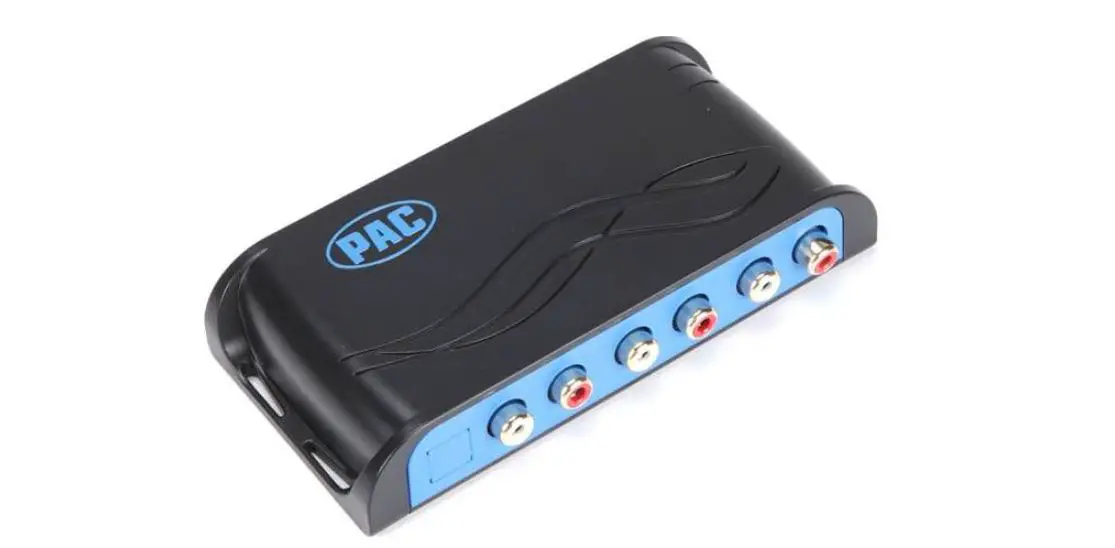
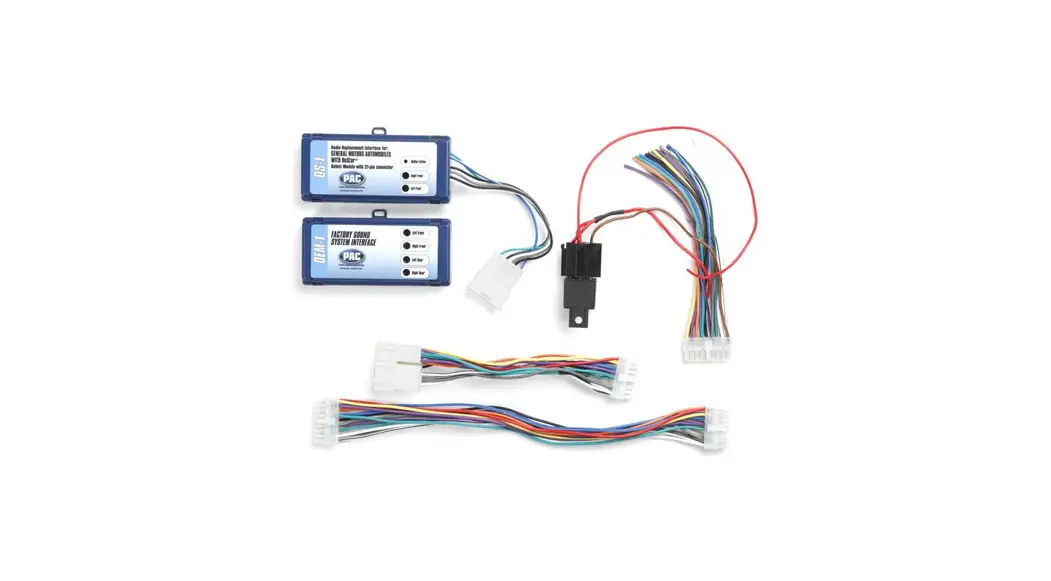
The LPH Harness is a modular harness designed to work on OEM Non-Amplified systems. It can be used for various applications such as adding multi-channel amplifiers, standalone subwoofers, and providing power/ground/ACC.
Important Notes
- All LPH harnesses are designed to work on OEM Non-Amplified systems.
- All LPH harnesses are designed to be modular and used in various applications.
- If no powered accessories are going to be installed behind your radio you will not need to use the LPH-SPK(F) pigtail.
- If you are using this harness make sure your loose ends are connected prior to plugging in to the main LPH harness. If not connected to a device or insulated this could cause a short circuit.
Wiring Connection Chart (All Models)
The following table shows the wire color and function for each-SPK model:
| LPH-SPK Model | Wire Color | Function |
|---|---|---|
| LPH-SPK (A) | White | Front Left (+) |
| White/Black | Front Left (-) | |
| Gray | Front Right (+) | |
| Gray/Black | Front Right (-) | |
| LPH-SPK (B) | Green | Rear Left (+) |
| Green/Black | Rear Left (-) | |
| Violet | Rear Right (+) | |
| Violet/Black | Rear Right (-) | |
| LPH-SPK (C) | White | Front Left (+) |
| White/Black | Front Left (-) | |
| Gray | Front Right (+) | |
| Gray/Black | Front Right (-) | |
| LPH-SPK (D) | Green | Rear Left (+) |
| Green/Black | Rear Left (-) | |
| Violet | Rear Right (+) | |
| Violet/Black | Rear Right (-) | |
| LPH-SPK (E) | White | Front Left (+) |
| White/Black | Front Left (-) | |
| Gray | Front Right (+) | |
| Gray/Black | Front Right (-) | |
| LPH-SPK (F) | Green | Rear Left (+) |
| Green/Black | Rear Left (-) | |
| Violet | Rear Right (+) | |
| Violet/Black | Rear Right (-) |
Product Usage Instructions
Adding Multi-Channel Amplifiers Front/Rear
- Split either the front or rear channels on the main LPH harness.
- Insert the LPH-SPK(A/B/C/D) in between.
- For standalone subwoofers, use LPH-SPK(E).
- Make sure all loose ends are connected prior to plugging in to the main LPH harness. If not connected to a device or insulated this could cause a short circuit.
Provides Power/Ground/ACC
- Use LPH-SPK(F) for providing power, ground, and ACC for your audio adapter.
- If no powered accessories are going to be installed behind yourradio you will not need to use the LPH-SPK(F) pigtail.
- Make sure all loose ends are connected prior to plugging in to the main LPH harness. If not connected to a device or insulated this could cause a short circuit.
Example Installation – Mono Amplifier – LPH-SPK(E)
- Split either the front or rear channels on the main LPH harness.
- Insert the LPH-SPK(E) in between.
- This will provide a High-Level output for various devices such as an Amplifier, DSP, or LOC that can accept a high-level input signal.
- Make sure all loose ends are connected prior to plugging in to the main LPH harness. If not connected to a device or insulated this could cause a short circuit.
- You will want to test your vehicles factory speaker signal to verify that low level frequencies are present.
- This example will also maintain your factory speaker connection as it is bypassed though the harness.
Note: LPH-SPK(E) can be used in both front or rear configurations based on user preference. LPH-SPK(F) may not be available in all vehicles.
Important Notes
All LPH harnesses are designed to work on OEM Non-Amplified systems.
All LPH harnesses are designed to be modular and used in various applications. (Listed Below)
- Adding Multi-Channel Amplifiers Front -LPH-SPK(A) / (C)
- Adding Multi-Channel Amplifiers Rear -LPH-SPK(B) / (D)
- Adding Multi-Channel Amplifiers Front / Rear -LPH-SPK(A) / (B) / (C) / (D)
- Adding Mono Amplifier Standalone Subwoofer -LPH-SPK(E)
- Provides Power/Ground/ACC -LPH-SPK(F)
- Provides speaker inputs / outputs on all channels
If no powered accessories are going to be installed behind your radio you will not need to use the LPH-SPK(F) pigtail. If you are using this harness make sure your loose ends are connected prior to plugging in to the main LPH harness. If not connected to a device or insulated this could cause a short circuit.
Wiring Connection Chart
| Front – Signal from AMP | Rear – Signal from AMP | Front – Signal to AMP | ||||||
| Wire Color | Function | Wire Color | Function | Wire Color | Function | |||
| White | Front Left (+) | Green | Rear Left (+) | White | Front Left (+) | |||
| White/Black | Front Left (-) | Green/Black | Rear Left (-) | White/Black | Front Left (-) | |||
| Gray | Front Right (+) | Violet | Rear Right (+) | Gray | Front Right (+) | |||
| Gray/Black | Front Right (-) | Violet/Black | Rear Right (-) | Gray/Black | Front Right (-) | |||
| LPH-SPK (D) | LPH-SPK (E) | LPH-SPK (F) | ||||||
| Rear – Signal to AMP | Signal to AMP (SUB-T) | Power Extension | ||||||
| Wire Color | Function | Wire Color | Function | Wire Color | Function | |||
| Green | Rear Left (+) | Blue | Left (+) | Yellow | Constant 12V | |||
| Green/Black | Rear Left (-) | Blue/Black | Left (-) | Red | Accessory | |||
| Violet | Rear Right (+) | Red | Right (+) | Black | Ground | |||
| Violet/Black | Rear Right (-) | Red/Black | Right (-) | |||||
| LPH-SPK (E) Can be use in both front or rear configurations based on user preference. | ||||||||
| LPH-SPK (F) Not all vehicles will provide accessory signal (Red Wire). | ||||||||
Installation
Mono Amplifier – LPH-SPK(E)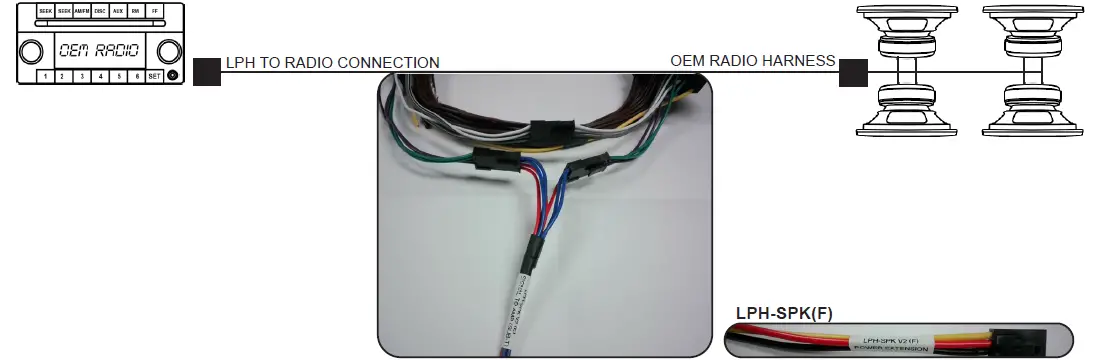
- For this application you will want to split either the front or rear channels on the main LPH harness and insert (LPH-SPK(E)) in between. (See Photo).
- This will provide a High-Level output for various devices such as an Amplifier, DSP, or LOC that can accept a high-level input signal.
- LPH-SPK(F) can be used to provide Power, Ground, and in some cases Acc for your audio adapter (See Photo Bottom Right)
- You will want to test your vehicles factory speaker signal to verify that low level frequencies are present.
- This example will also maintain your factory speaker connection as it is bypassed though the harness.


Installation Multi-Channel Amplifier
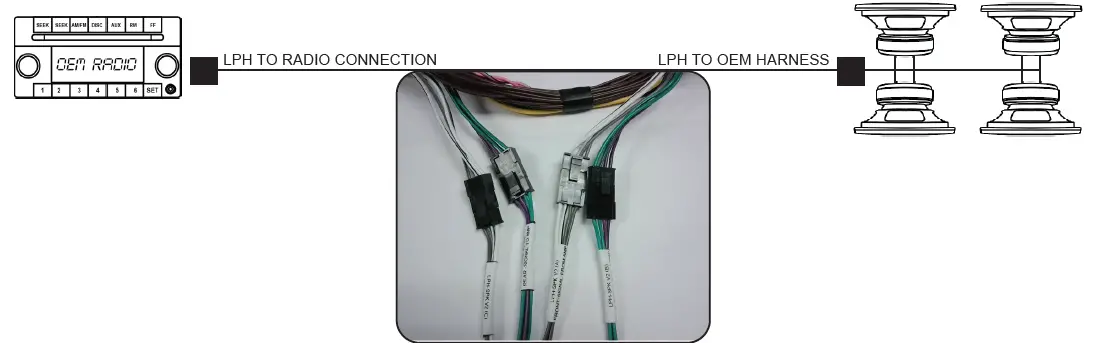
For this application you will want to split either the front and / or rear channels on the main LPH harness and insert LPH-SPK(A-D) in between. (See Photo
Harnesses LPH-SPK(C) and LPH-SPK (D) will provide a High-Level output for various devices such as an Amplifier, DSP, or LOC that can accept a high-level input signal.
Harnesses LPH-SPK(A) and LPH-SPK(B) will allow you to run the output of your new aftermarket amplifier back through you factory wiring.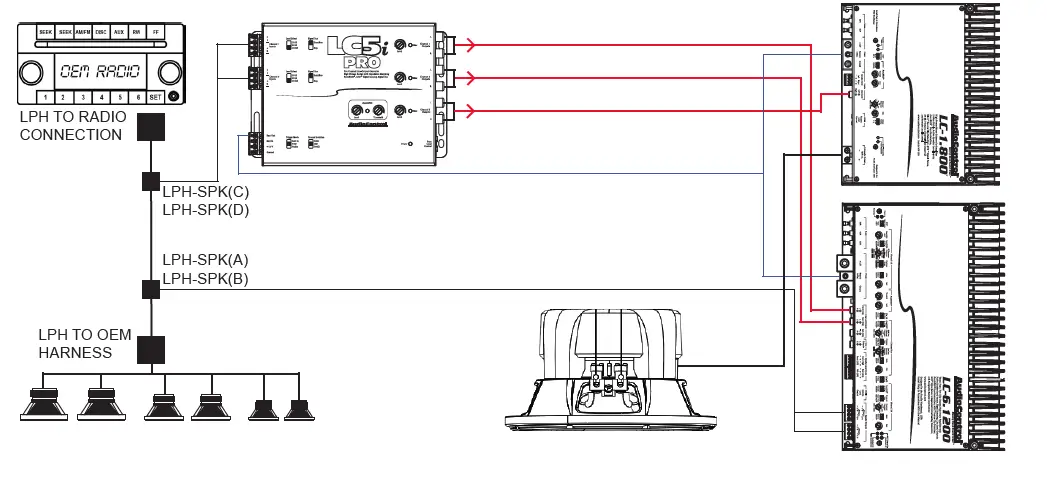
© 2021 AAMP Global. All rights reserved. PAC is a Power Brand of AAMP Global.
PAC-audio.com