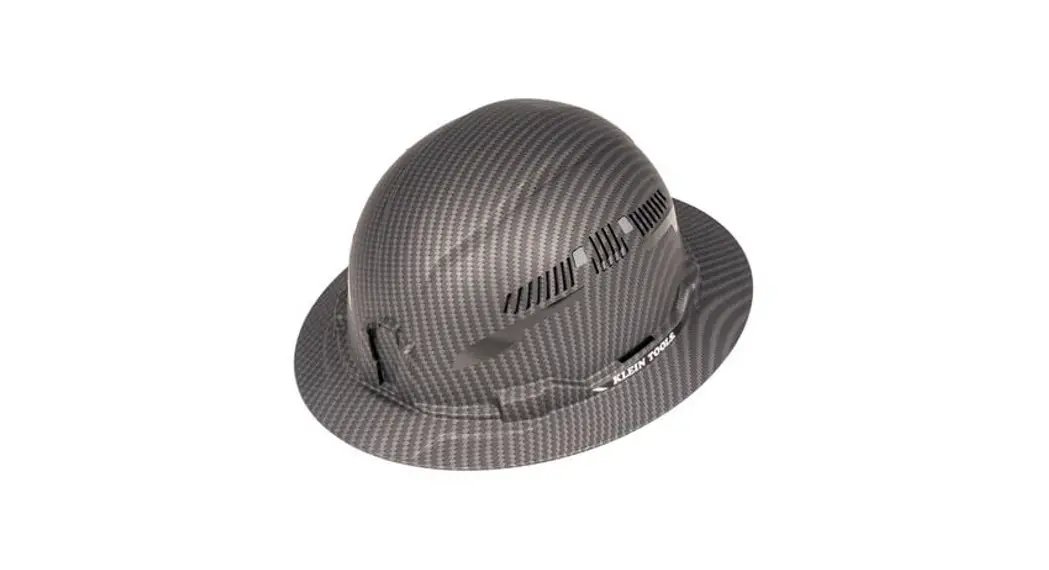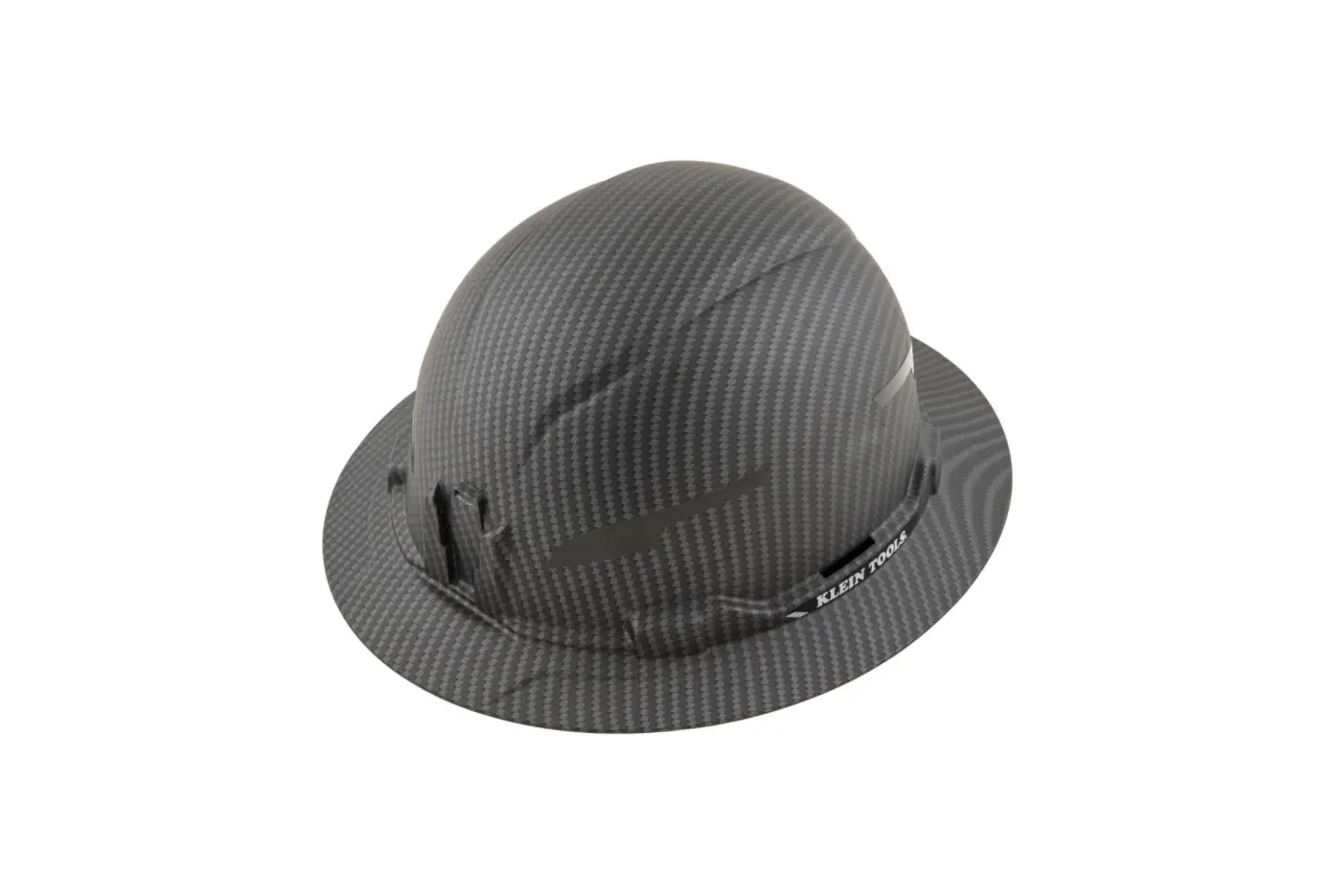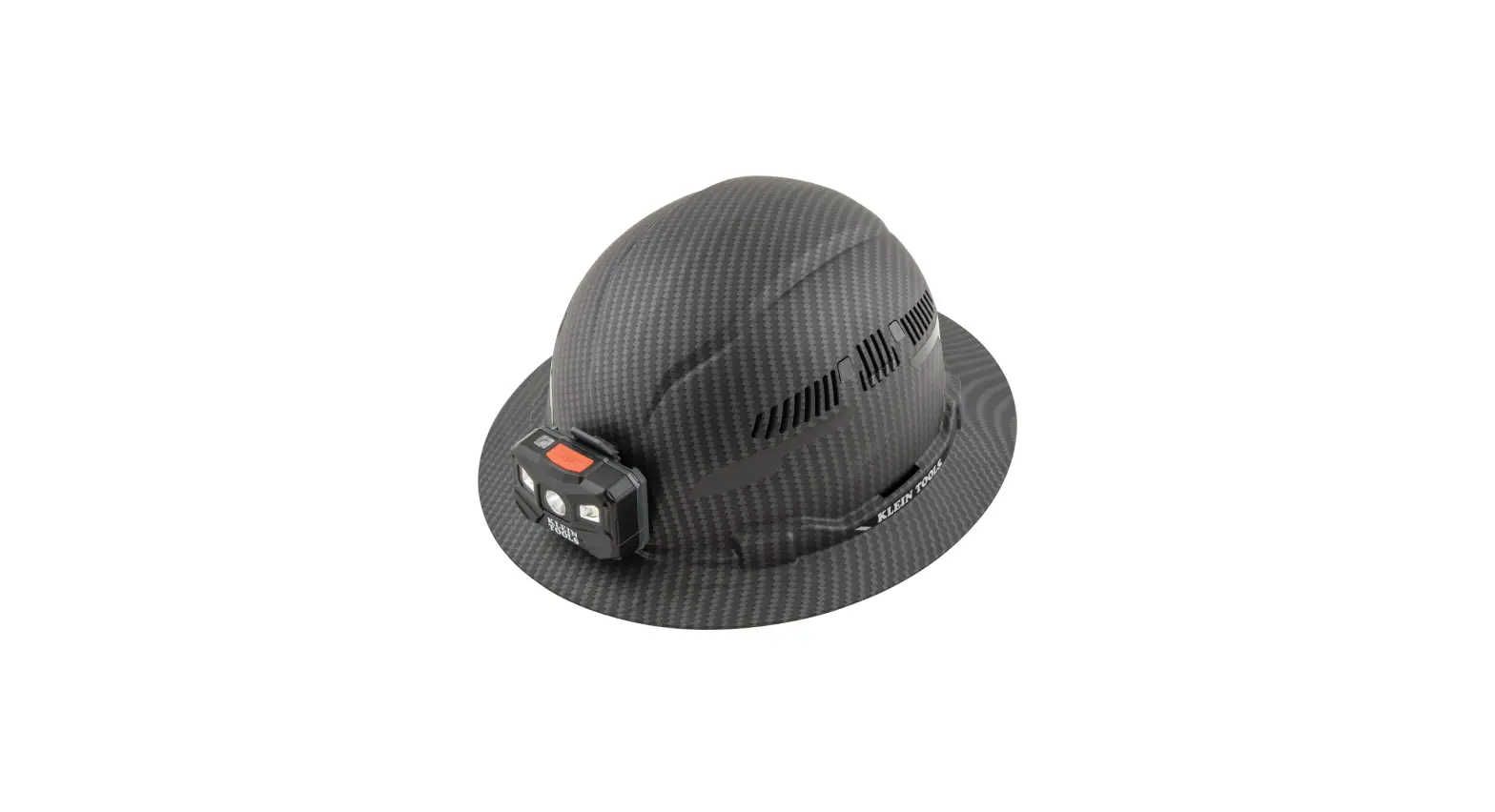

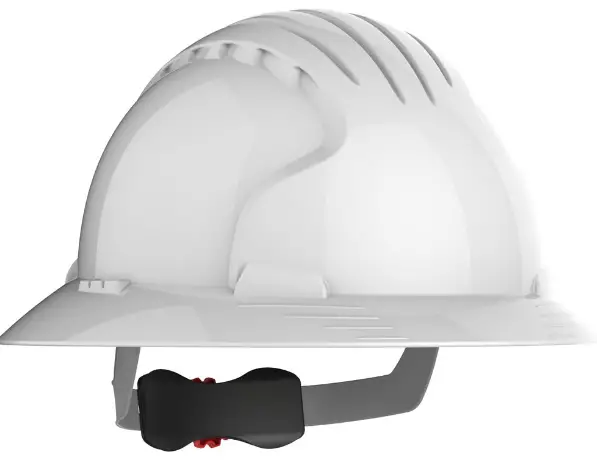
JSP EVO 6100 Full Brim Hard Hat
Product Information
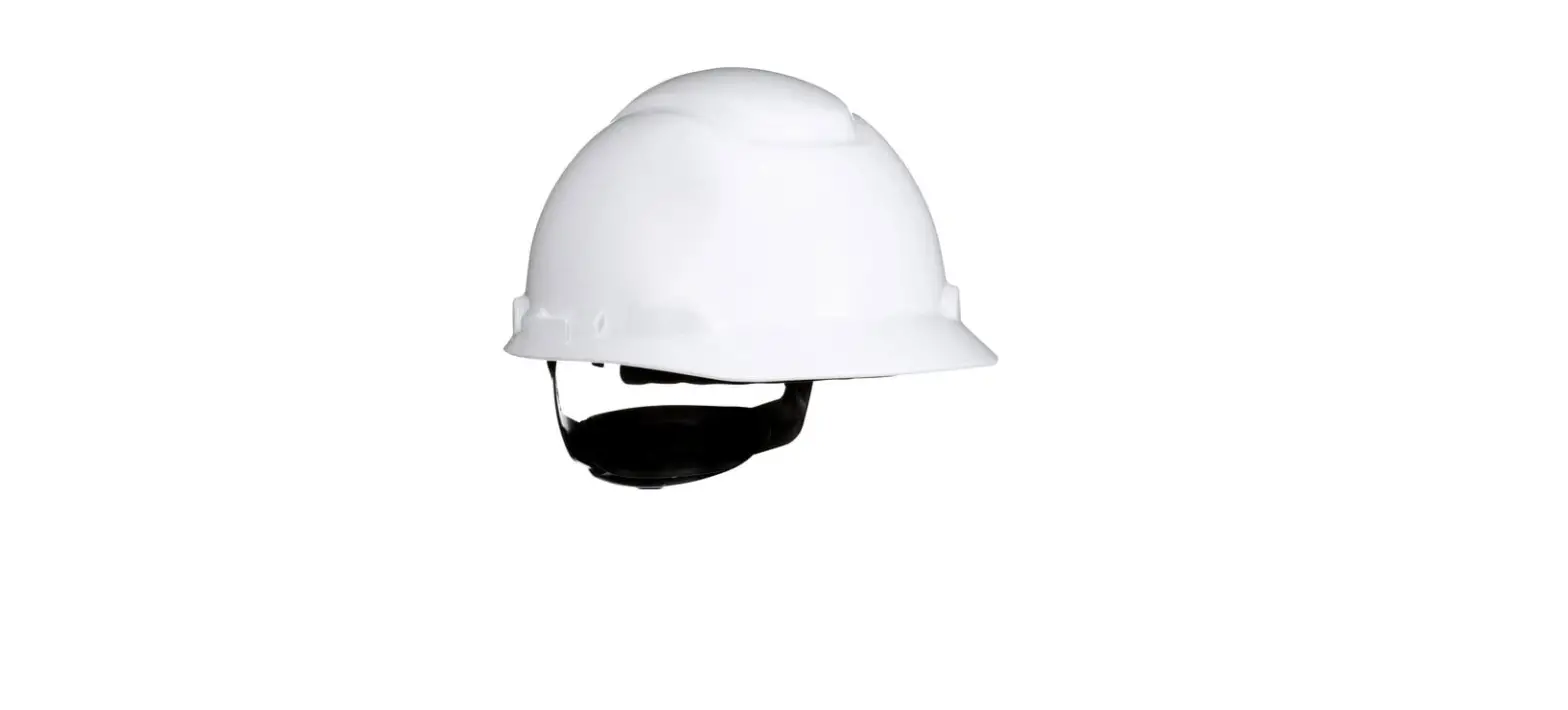
The product is a hard hat with a 3D adjustment system, suspension system, and a sweatband. It also allows for the installation of EvospecTM eyewear.
Product Usage Instructions
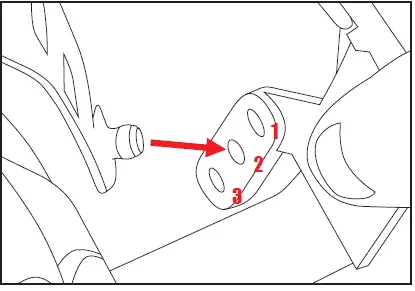
- Hold the hard hat and receiver firmly to un-pop the arm from the receiver to adjust the height.
- Relocate the arm into one of the three receivers and repeat the process at all four adjustment points.
- Adjust the height of the rachet until the perfect fit is attained.
SET THE 3D ADJUSTMENT SYSTEM
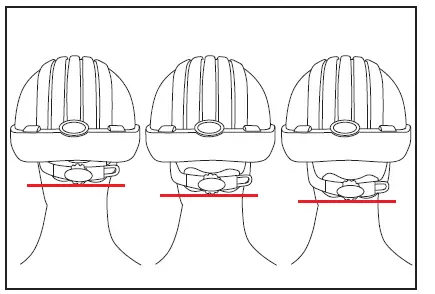
- The EVO® 6100 features 4 height adjustment points.

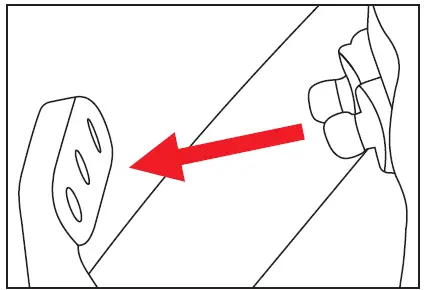
- To adjust the height, un-pop the arm from the receiver (hold the hard hat and receiver firmly whilst doing so).

- Then relocate the arm into 1 of 3 receivers. Repeat this process at all 4 adjustment points.

- This will allow you to adjust the height of the rachet until the perfect fit is attained.

Replacing the Entire Suspension System
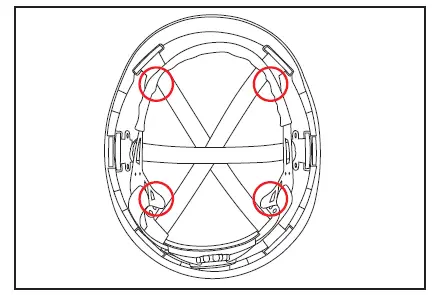
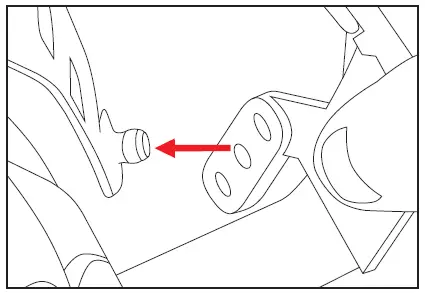
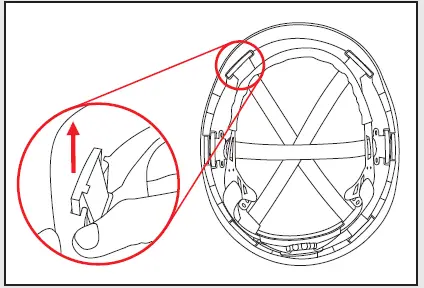
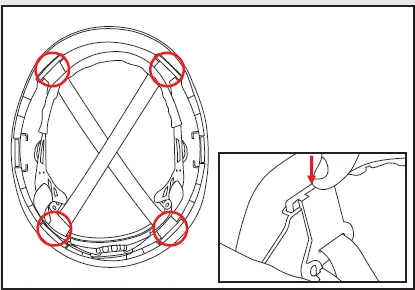
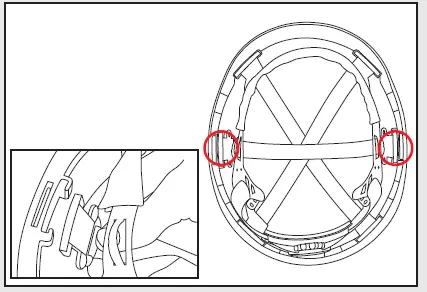
- Remove the harness by placing your hand on the underside of the clip and pushing upwards and towards the back or front of the hard hat until it slides out of place.

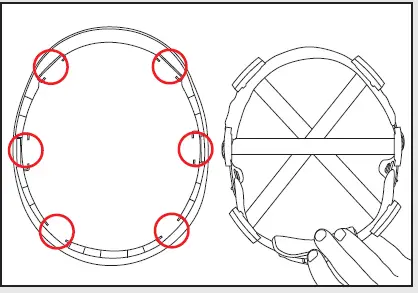
- Repeat this process for all six clips then take the suspension out from the hard hat.

- Place the new suspension inside the hard hat, then click the first clip back down into position. Repeat the process for the four main clips.

- Take the extra strap, thread it between the suspension and the hard hat and click it back down. Repeat this for the final clip, making sure that the strap is above the two diagonal straps already in place.

Reversing the Suspension
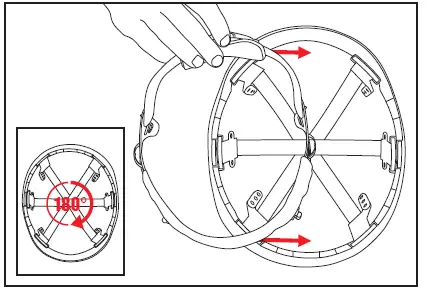
- Un-pop the arm from the receiver (hold the hard hat and receiver firmly whilst doing so) to remove the suspension.

- Reverse the suspension back inside.

- Now simply rotate the hard hat by 180° and place the suspension back inside.

- Pop the first arm back into position and repeat the process for all four arms.

Replacing the Chamlon Sweatband
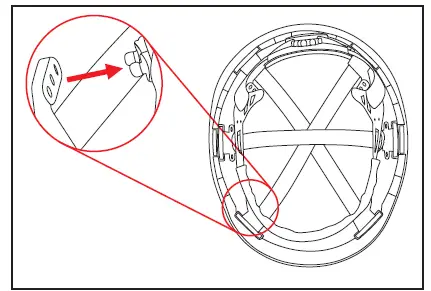
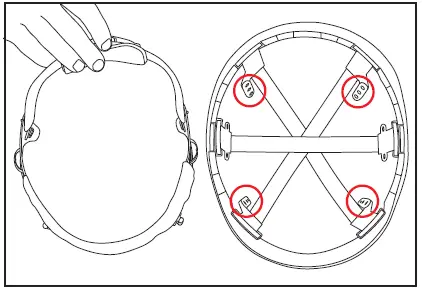
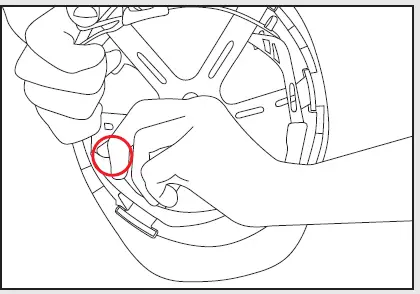
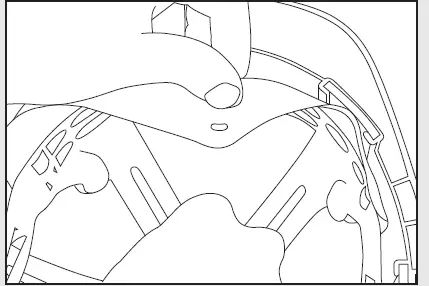
- Fold the sweatband over the suspension.

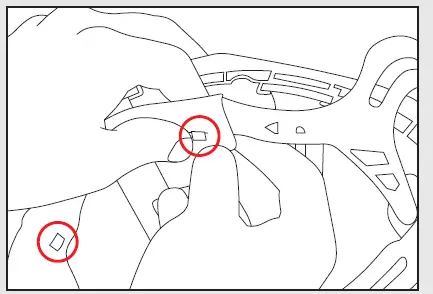
- Place the holes from one side of the band over the tabs on the outside of the hard hat’s suspension.

- Fold the sweatband over the suspension.

- Hook the sweatband over the remaining tabs on the inside of the suspension.

Installing EvospecTM Eyewear
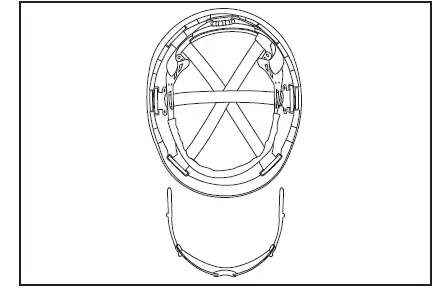
- Lay the EvolutionTM Deluxe hard hat and spec out.

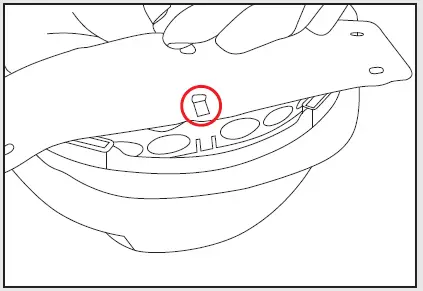
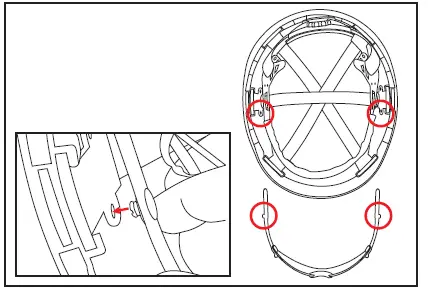
- The pins on the spec arms go into the sockets closest to the front of the hard hat in the center webbing clip.

- Once both pins are connected, slide the spec into the hard hat.

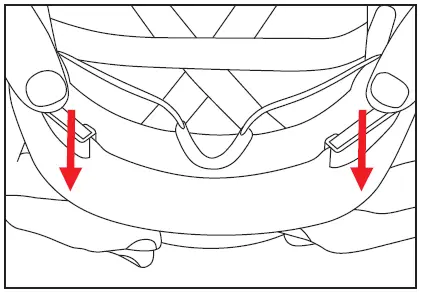
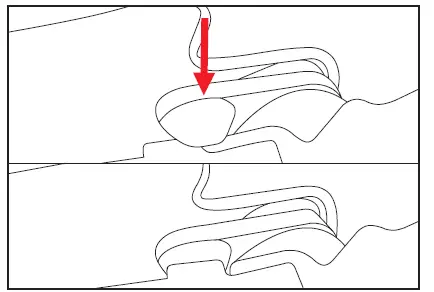
- Push the spec down until the clips on the spec arm clip under the notches on the front webbing clips.

For further information, please refer to our “US Videos” playlist on our YouTube channel or visit our website. WATCH OUR ‘US VIDEOS’ PLAYLIST HERE www.youtube.com/user/JSPltd www.jspna.com
 jspna.com
 Global Leaders in Hand Protection and PPE