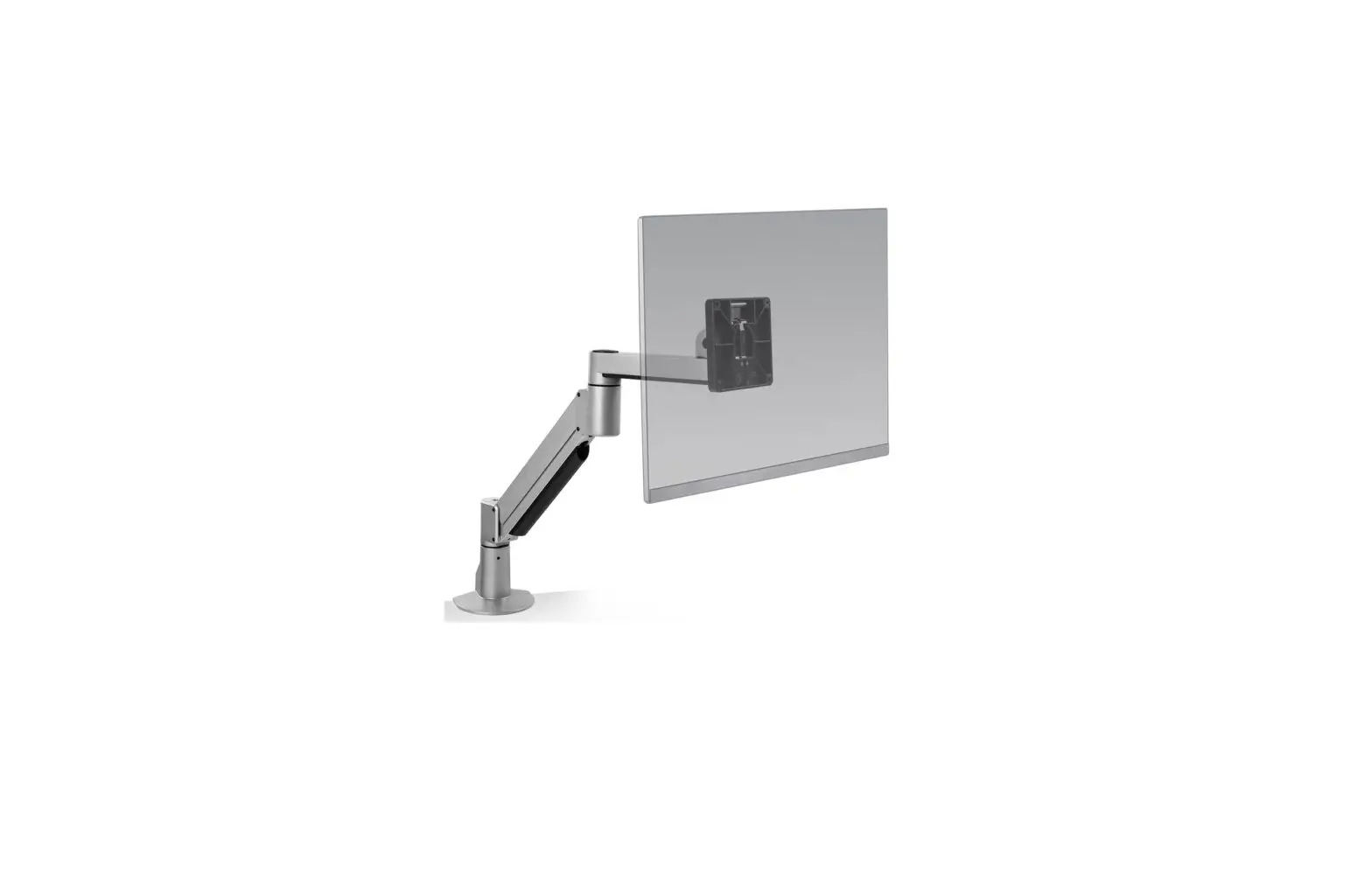
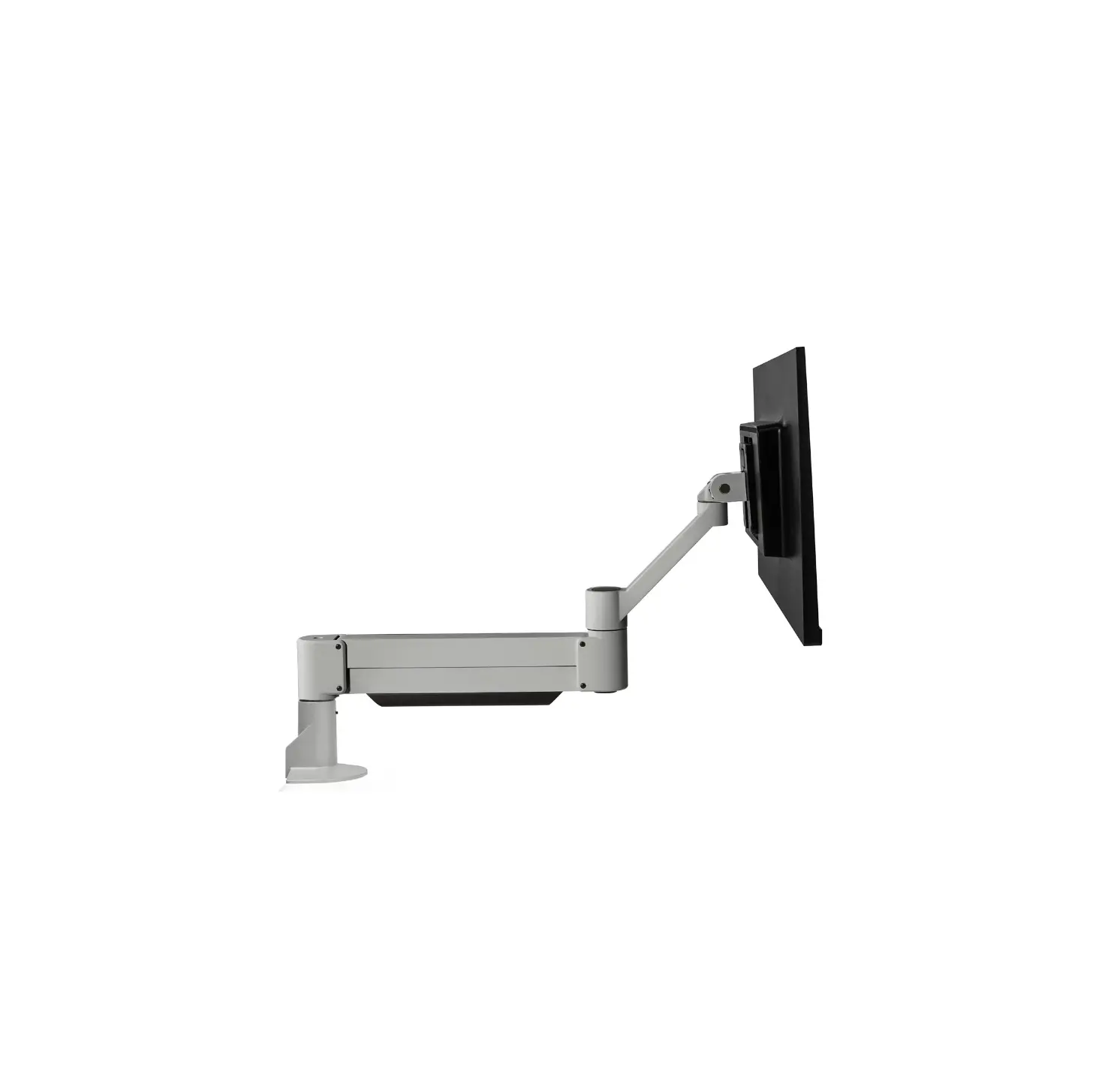
8318-CUP iLift Apple Cinema Display + iMac Monitor Arm
Product Information
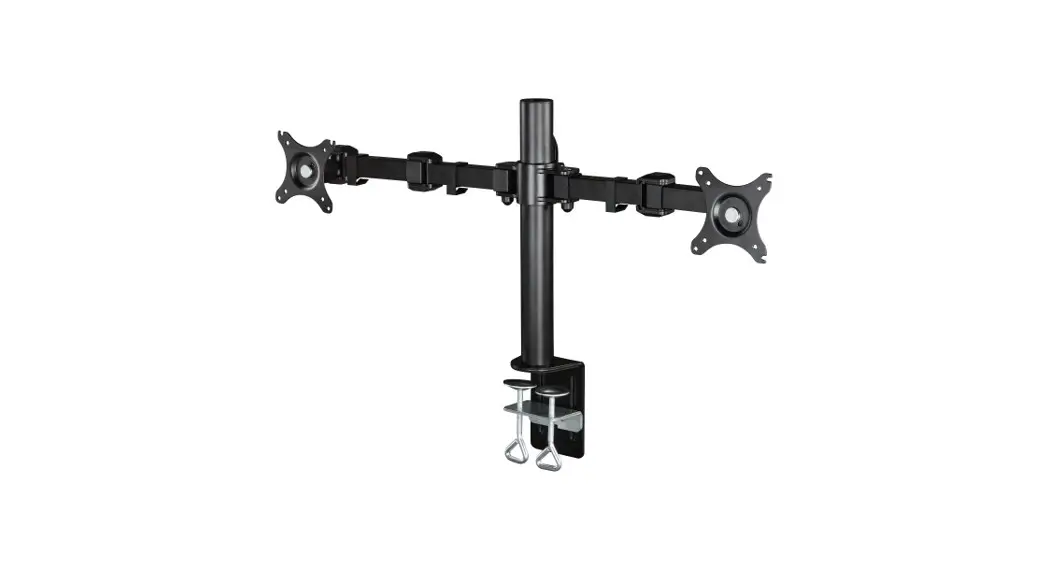
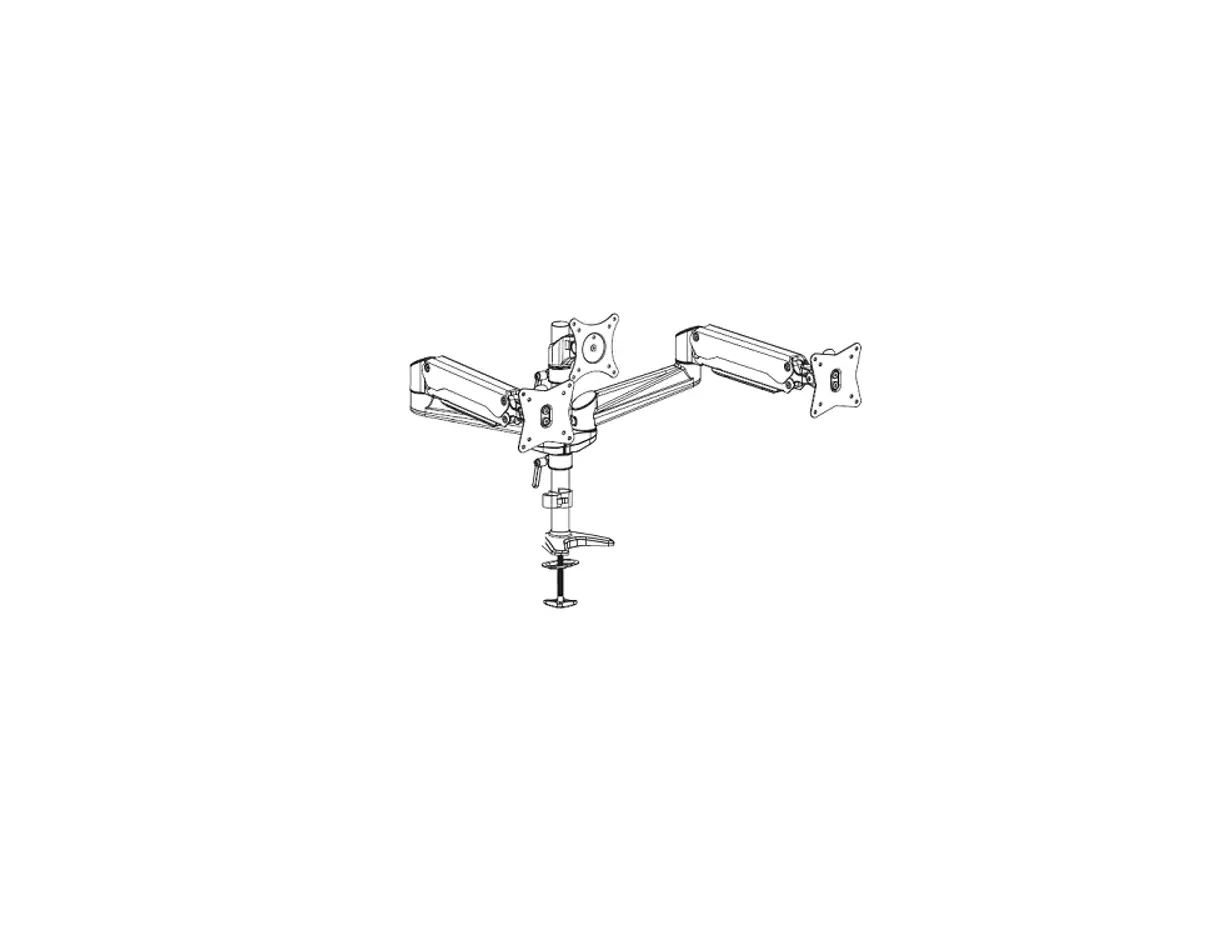
The product is a desk clamp, wall mount, and thru-desk mount for
a spring-assisted monitor tilter. It includes various parts such as
a mount column, base plate, large and small L brackets, rectangular
spacer, screws, stop nut, VESA adapter plate, dog washer, forearm
cap, endcap bumper, and cable cap. The product is designed to
provide flexible and adjustable monitor positioning options.
Product Usage Instructions
- Desk Clamp: To use the desk clamp, attach the mount
column to the base plate using the 3/8-16 x 1-1/4 flat socket cap
screw and 3/8-16 nylon stop nut. Attach the L brackets to the mount
column using the 3/8-16 x 2-1/2 hex head bolt and rectangular
spacer. Secure the clamp onto the desk by tightening the 3/8-16 x
1/2 BHSCS. - Wall Mount: To use the wall mount, attach the mount
column to the base plate using the 3/8-16 x 1-1/4 flat socket cap
screw and 3/8-16 nylon stop nut. Attach the L brackets to the mount
column using the 3/8-16 x 2-1/2 hex head bolt and rectangular
spacer. Mount the assembly on the wall using appropriate hardware
(not included). - Thru-Desk: To use the thru-desk mount, follow the same
steps as for the desk clamp or wall mount, but also drill a grommet
hole in the desk and insert the assembly through it. - Reverse Wall Mount: To use the reverse wall mount,
attach the mount column to the base plate using the 3/8-16 x 1-1/4
flat socket cap screw and 3/8-16 nylon stop nut. Attach the L
brackets to the mount column using the 3/8-16 x 2-1/2 hex head bolt
and rectangular spacer. Mount the assembly on the wall using
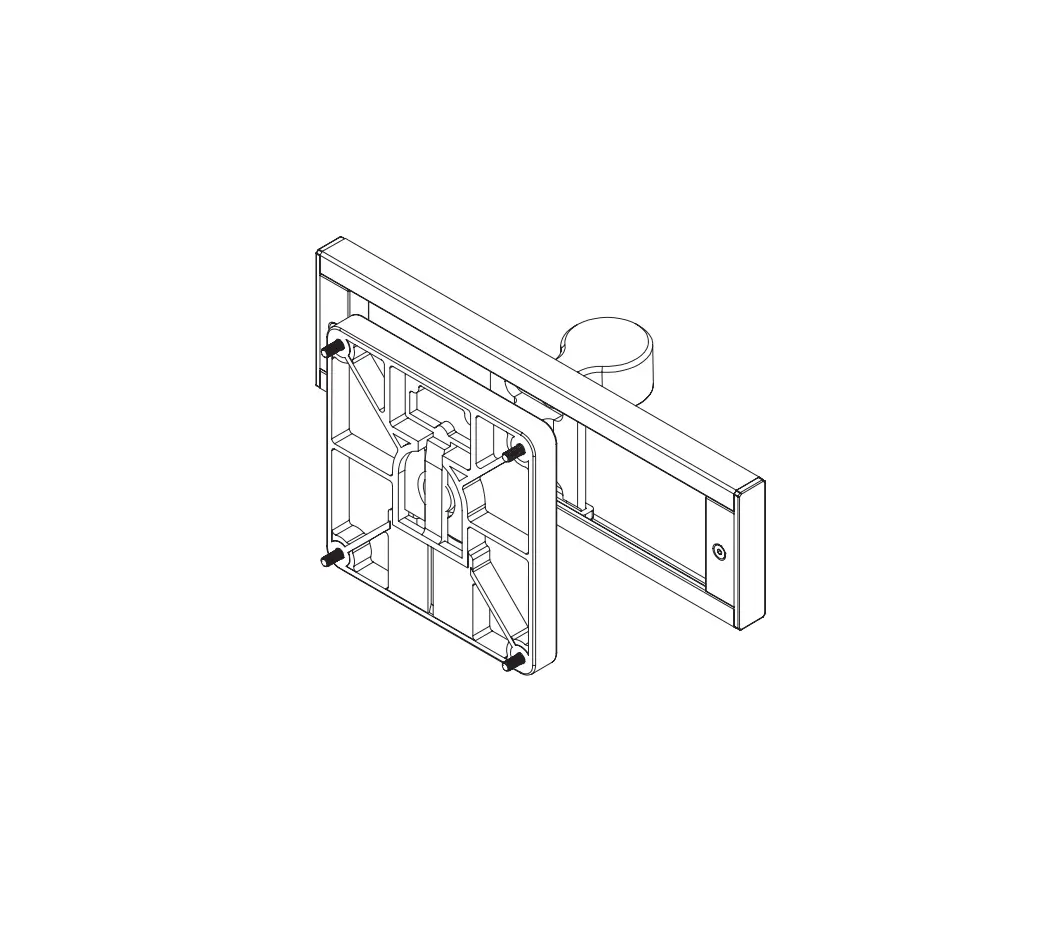
appropriate hardware (not included). - Spring-Assisted Monitor Tilter: To use the
spring-assisted monitor tilter, attach it to the mount using the
10-32 x 3/8 Phillips flat head screw and M4 x 12mm Phillips pan
head screw. Use the dog washer to secure the VESA adapter plate
onto the monitor. Attach the forearm cap, endcap bumper, and cable
cap as needed.
8318
Installation Instructions
Desk Clamp
H A
C
1
B
F D G
2
Wall Mount
E K
3
H A C
I
1 * Hardware not included.
2
Grommet Hole
H A
B
C
F
1
D G
2
E
K
3
800 524 2744 team-hat.com
Thru-Desk
8318-CUP
J
A
E H
8318-THRU J
A
B E
H
Reverse Wall Mount
8318-WALL
C
H A
F
1
* Hardware not included.
2
Side Bolt
H A
B
C F
1
2 * Hardware not included.
PAGE 1 OF 2
© 2022 Human Active Technology, LLC P506083 REV E
PARTS LIST
ITEM A B C D E F G
DESCRIPTION / PART NO.
Mount Column 407602
QUANTITY 1
Base Plate
1
8321
Large “L” Bracket
1
702828
Small “L” Bracket
1
111728
Rectangular Spacer
1
701544
3/8-16 x 1-1/4″ Flat Socket Cap Screw
1
701855
3/8-16 x 1/2″ BHSCS
1
702898
ITEM H I J K L M
DESCRIPTION / PART NO.
3/8-16 Nylon Stop Nut 701418
QUANTITY 1
3/8-16 x 7/8″ Button Socket Cap Screw
1
701122
3/8-16 x 2-1/2″ Hex Head Bolt
1
700268
1/2-13 x 3″ Socket Set Screw
1
701126
7/32″ Allen Wrench
1
701127
3/32″ Allen Wrench
1
700146
PAGE 2 OF 2
iLIFT
Installation Instructions
1
2
3
A B
4
5
D
C D
C
C
D
C D
*Apple VESA® Mount Adapter Kit (sold separately).
6
E F
7
800 524 2744 team-hat.com
G
G
8 I
J K
H
L
PAGE 1 OF 2 © 2022 Human Active Technology, LLC P504640 REV J
PARTS LIST
ITEM A B C D E F
DESCRIPTION / PART NO.
QUANTITY
Spring-Assisted Monitor Tilter 1 407747
ITEM G
75/100mm VESA Adapter Plate 1
H
105587
10-32 x 3/8″ Phillips Flat Head Screw 1
I
702281
(4-pack)
M4 x 12mm Phillips Pan Head Screw 1
J
702096
(4-pack)
Dog Washer 105189
1
K
10-32 x 3/8″ FPhMS w/Lock Patch 1
L
705198
DESCRIPTION / PART NO.
7/32″ Allen Wrench 701127
QUANTITY 1
3/32″ Allen Wrench
1
700146
Forearm Cap
1
111900
Forearm Cap
1
111900
Endcap Bumper
1
702829
Cable Cap
1
109344
PAGE 2 OF 2
 Home - Human Active Technology