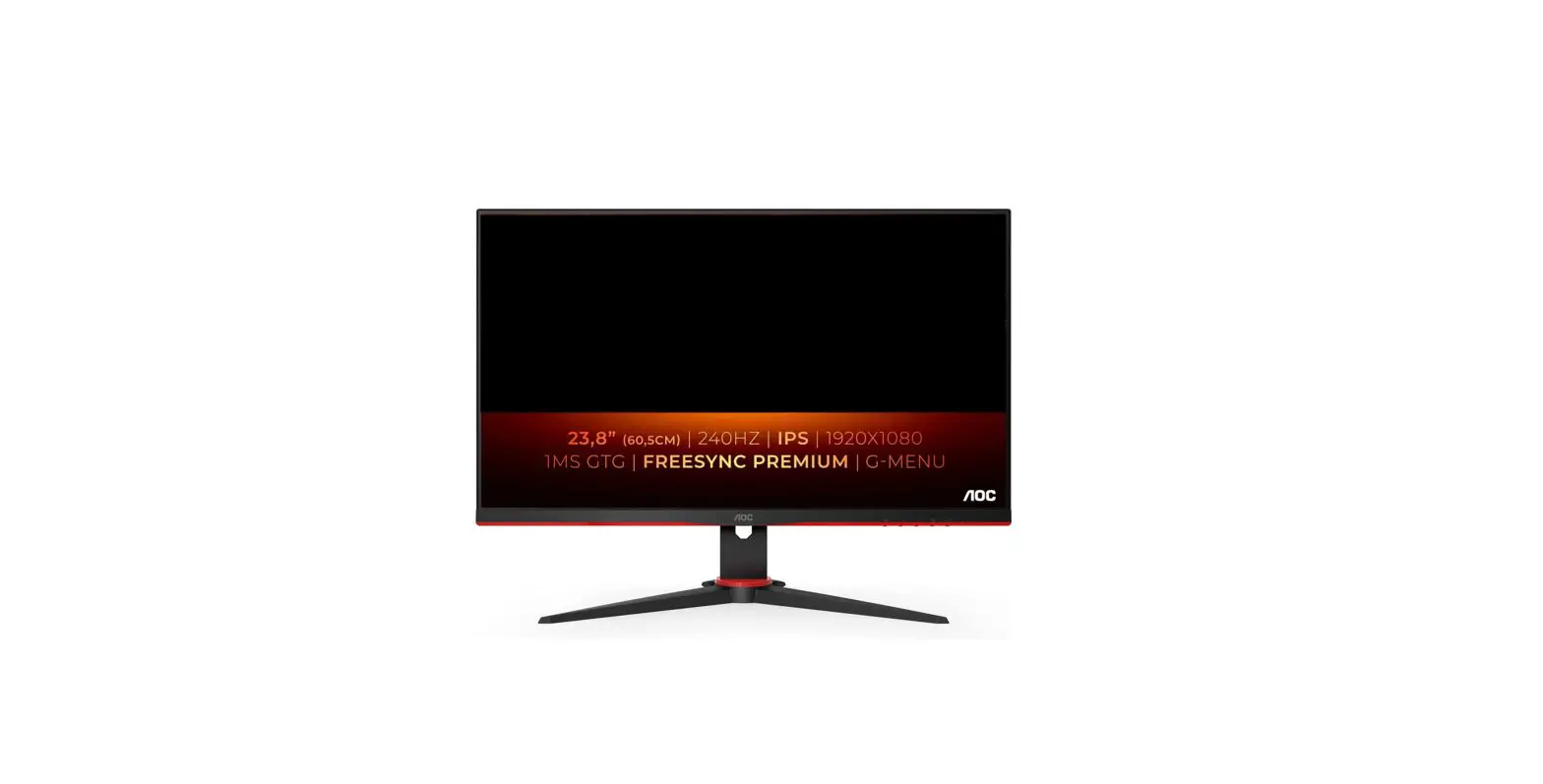
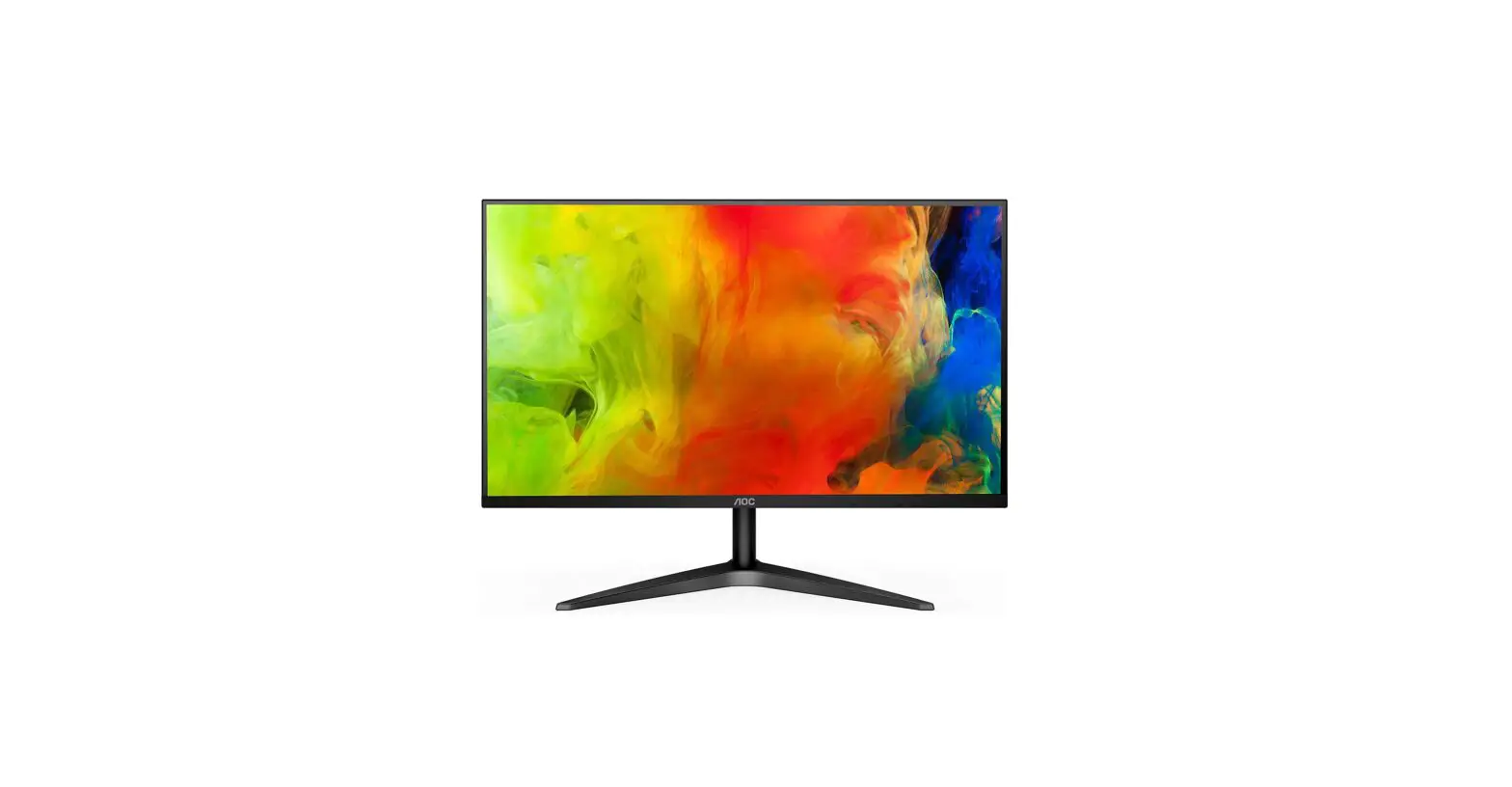
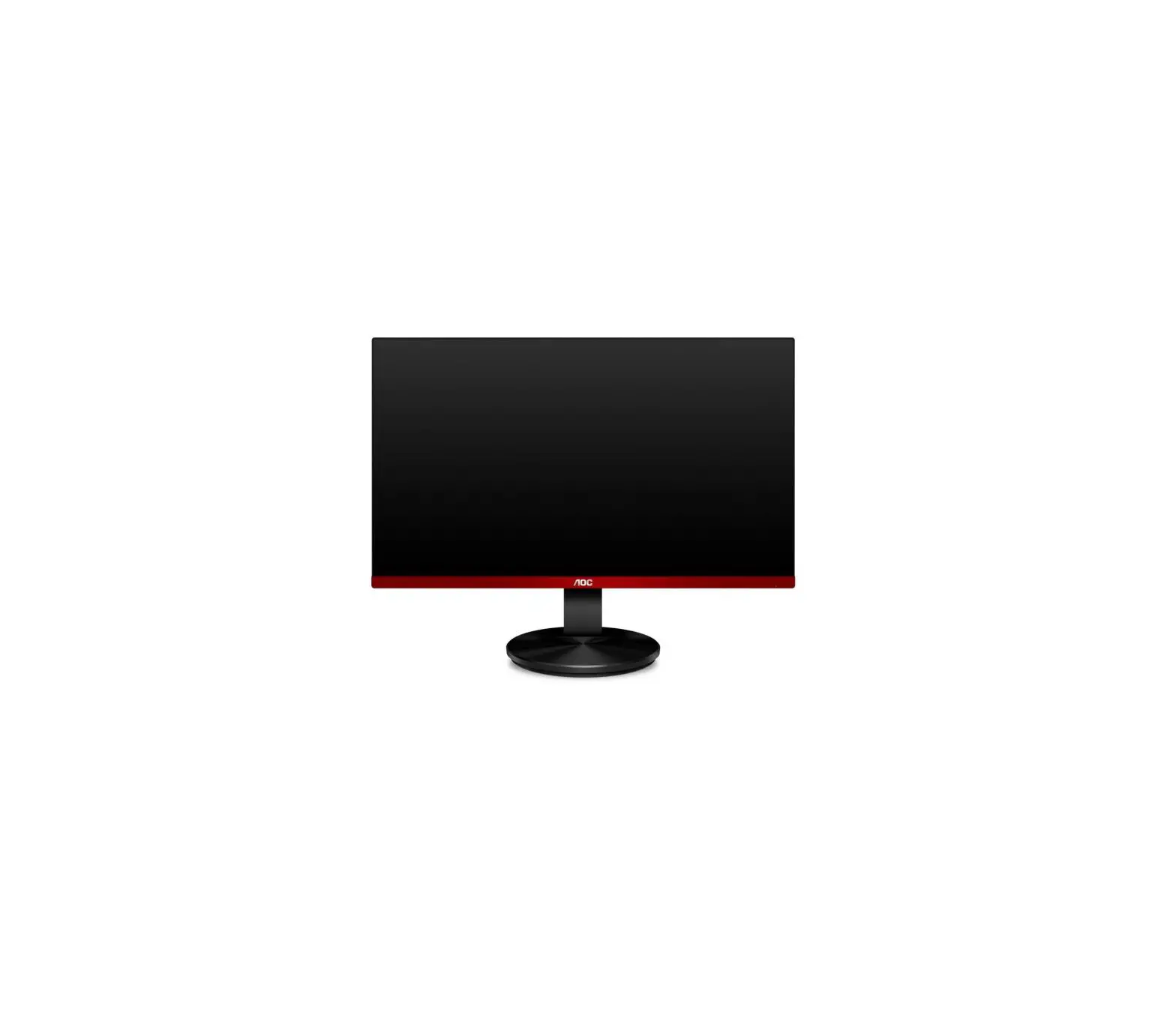
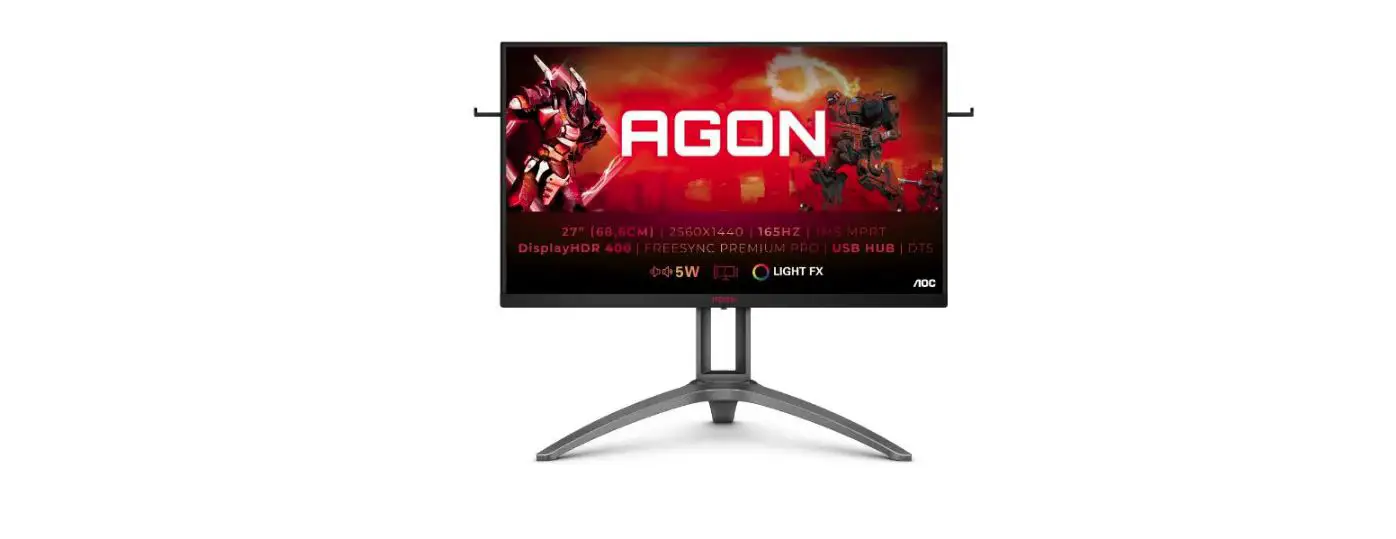
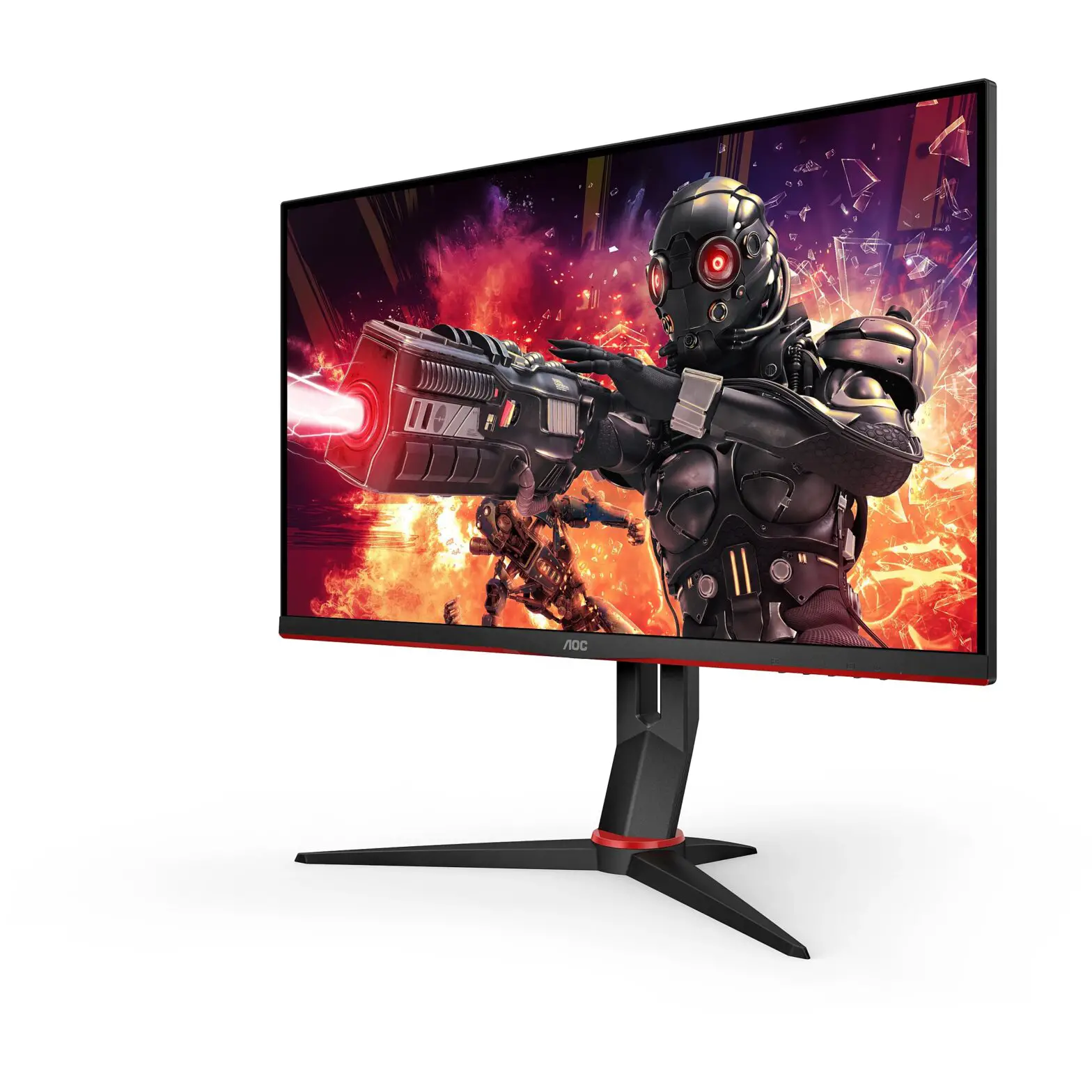
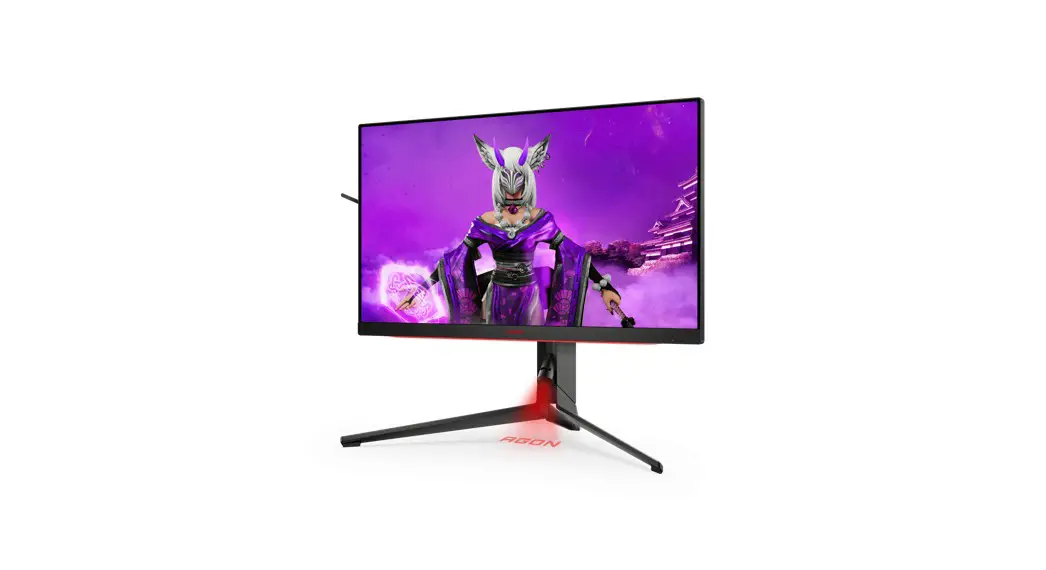
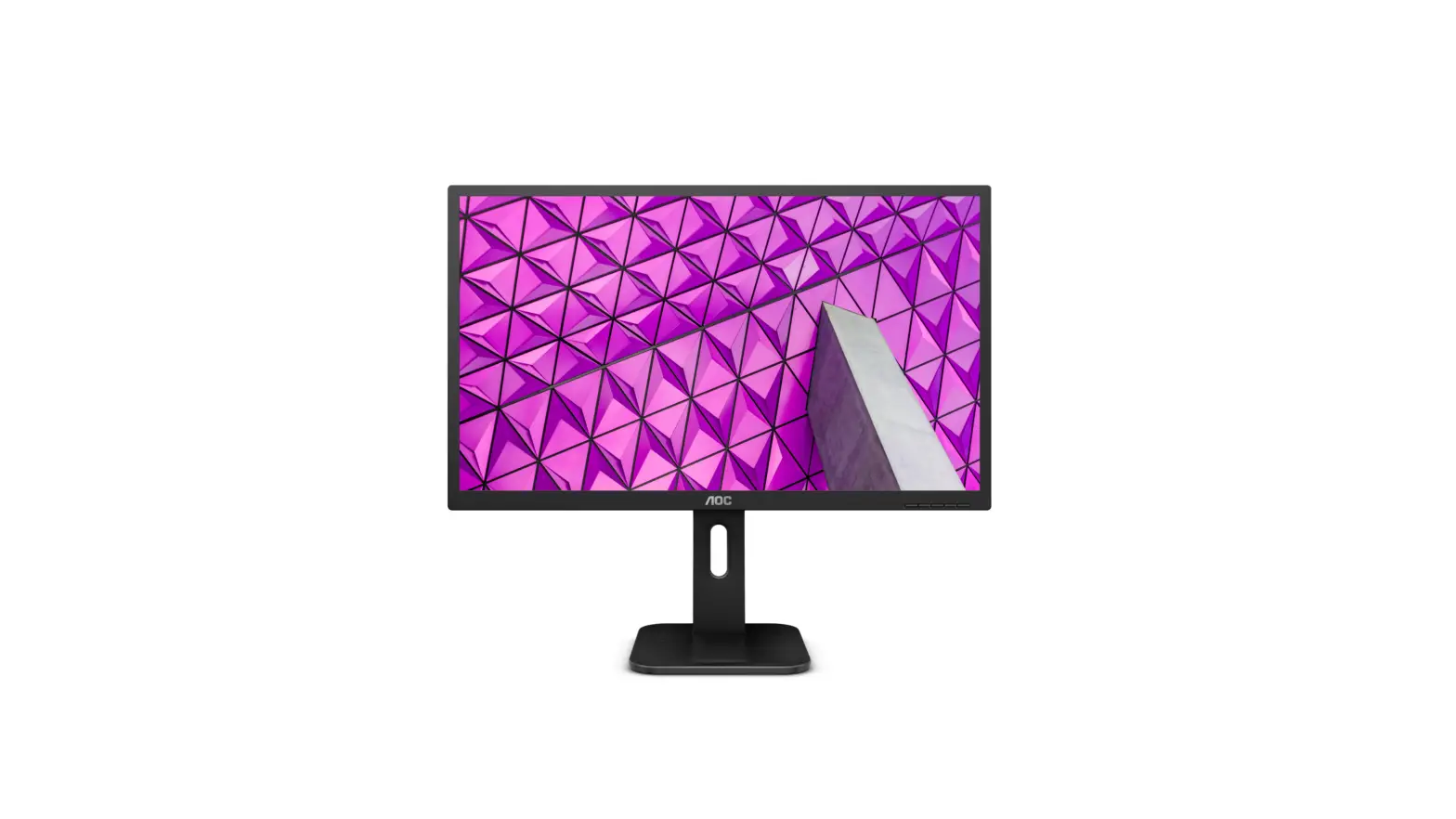
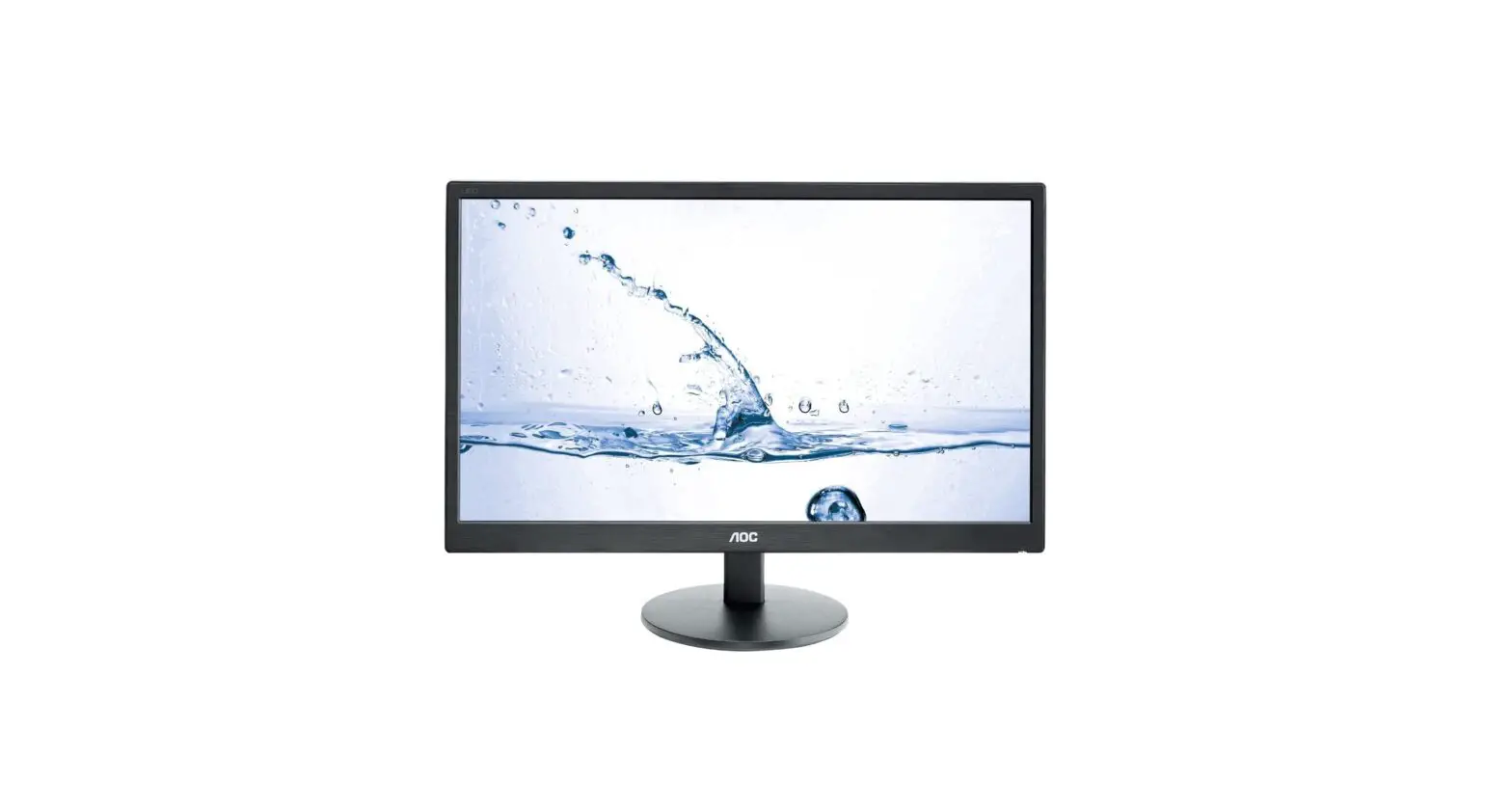
24B2XD LCD Monitor
LCD Monitor User Manual
Product Information
The LCD Monitor User Manual is for the 24B2XD, 24B2XDA, and
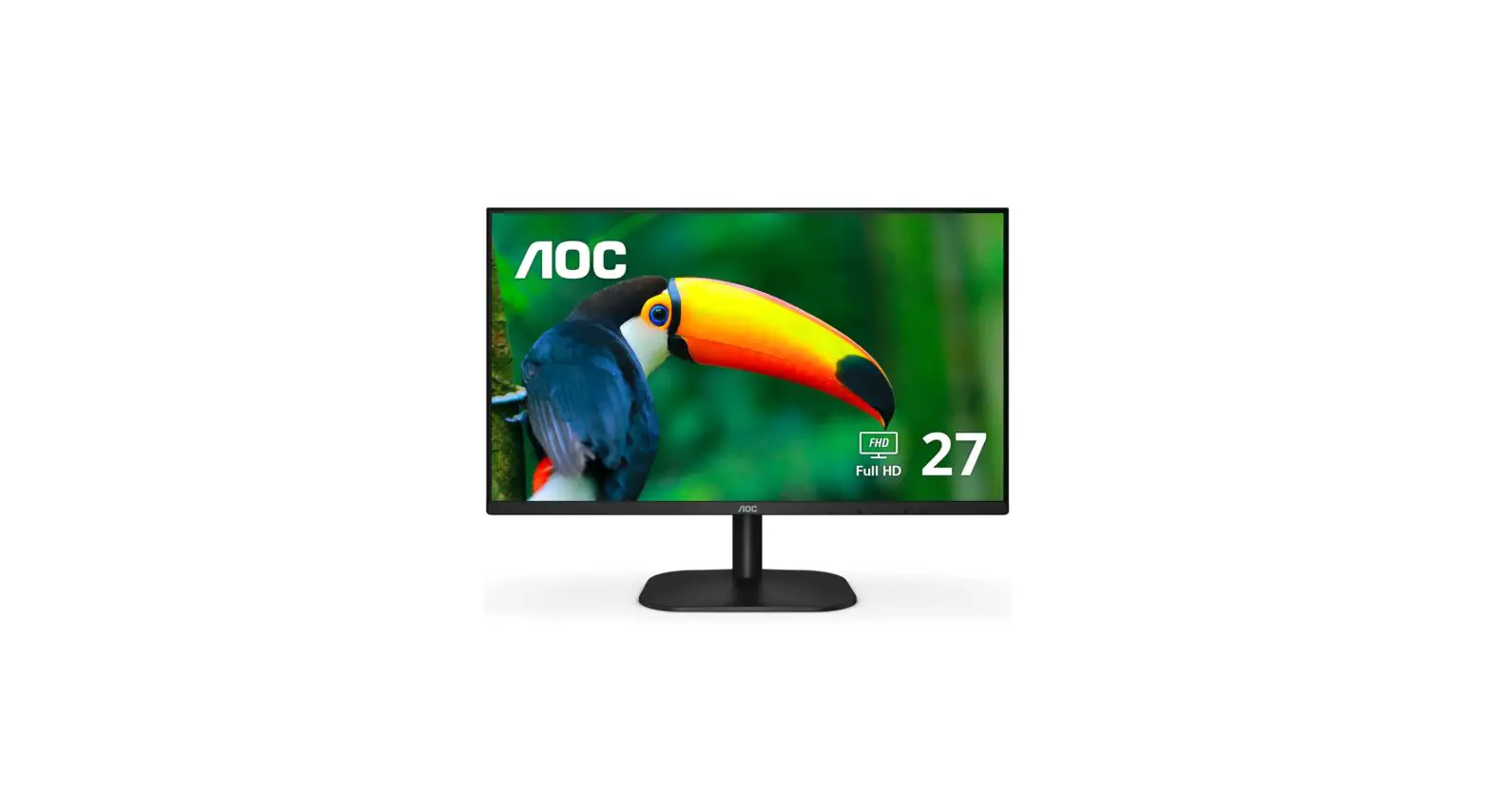
27B2DA models from AOC. The monitor has a slim design with a
23.8-inch or 27-inch display size. It has a Full HD resolution of
1920×1080 pixels and a 16:9 aspect ratio. The monitor also has a
response time of 4ms and a refresh rate of 75Hz. It comes with
built-in speakers and has a VGA, HDMI, and DisplayPort interface
for connectivity. The monitor also has a VESA mount compatibility
for easy installation.
Product Usage Instructions
Before using the monitor, please read the safety instructions in
the user manual carefully. To use the monitor, follow these
steps:
- Connect the power cable to the monitor and plug it into an
electrical outlet. - Connect the VGA, HDMI, or DisplayPort cable to the
corresponding port on the monitor and your computer or other
device. - Press the power button on the monitor to turn it on.
- Use the OSD (On-Screen Display) menu to adjust the settings
such as brightness, contrast, and color temperature to your
preference. - Enjoy using your AOC LCD monitor!
If you are experiencing any issues with your monitor, please
refer to the Troubleshoot section on page 24 of the user manual.
For additional technical specifications, please refer to page 25 of
the user manual.
LCD Monitor User Manual
24B2XD/24B2XDA/27B2DA
www.aoc.com
©2020 AOC. All Rights Reserved. 1
Safety …………………………………………………………………………………………………………………………………………………………….. 1 National Conventions ……………………………………………………………………………………………………………………………… 1 Power …………………………………………………………………………………………………………………………………………………… 2 Installation …………………………………………………………………………………………………………………………………………….. 3 Cleaning ……………………………………………………………………………………………………………………………………………….. 4 Other ……………………………………………………………………………………………………………………………………………………. 5
Setup ……………………………………………………………………………………………………………………………………………………………… 6 Contents in Box……………………………………………………………………………………………………………………………………… 6 Setup Stand & Base……………………………………………………………………………………………………………………………….. 7 Adjusting Viewing Angle………………………………………………………………………………………………………………………….. 8 Connecting the Monitor …………………………………………………………………………………………………………………………… 9 Wall Mounting………………………………………………………………………………………………………………………………………. 10 Adaptive-Sync function …………………………………………………………………………………………………………………………..11
Adjusting……………………………………………………………………………………………………………………………………………………….. 12 Hotkeys ………………………………………………………………………………………………………………………………………………. 12 OSD Setting ………………………………………………………………………………………………………………………………………… 14 Luminance ………………………………………………………………………………………………………………………………… 15 Image Setup ……………………………………………………………………………………………………………………………… 16 Color Setup……………………………………………………………………………………………………………………………….. 17 Picture Boost …………………………………………………………………………………………………………………………….. 18 OSD Setup………………………………………………………………………………………………………………………………… 19 Game Setting…………………………………………………………………………………………………………………………….. 20 Extra ………………………………………………………………………………………………………………………………………… 21 Exit…………………………………………………………………………………………………………………………………………… 22 LED Indicator ………………………………………………………………………………………………………………………………………. 23
Troubleshoot………………………………………………………………………………………………………………………………………………….. 24 Specification ………………………………………………………………………………………………………………………………………………….. 25
General Specification ……………………………………………………………………………………………………………………………. 25 Preset Display Modes …………………………………………………………………………………………………………………………… 28 Pin Assignments…………………………………………………………………………………………………………………………………… 30 Plug and Play ………………………………………………………………………………………………………………………………………. 32
i
Safety
National Conventions
The following subsections describe notational conventions used in this document. Notes, Cautions, and Warnings Throughout this guide, blocks of text may be accompanied by an icon and printed in bold type or in italic type. These blocks are notes, cautions, and warnings, and they are used as follows: NOTE: A NOTE indicates important information that helps you make better use of your computer system. CAUTION: A CAUTION indicates either potential damage to hardware or loss of data and tells you how to avoid the problem. WARNING: A WARNING indicates the potential for bodily harm and tells you how to avoid the problem. Some warnings may appear in alternate formats and may be unaccompanied by an icon. In such cases, the specific presentation of the warning is mandated by regulatory authority.
1
Obsah je uzamcen
Dokoncete, prosím, proces objednávky. Následn budete mít pístup k celému dokumentu.
Proc je dokument uzamcen? Nahnvat Vás rozhodn nechceme. Jsou k tomu dva hlavní dvody: 1) Vytvoit a udrzovat obsáhlou databázi návod stojí nejen spoustu úsilí a casu, ale i financní prostedky.
Dlali byste to Vy zadarmo? Ne*. Zakoupením této sluzby obdrzíte úplný návod a podpoíte provoz a rozvoj nasich stránek. Teba se Vám to bude jest nkdy hodit. *) Mozná zpocátku ano. Ale vzte, ze dotovat to dlouhodob nelze. A rozhodn na tom nezbohatneme. 2) Pak jsou tady ,,roboti”, kteí se pizivují na nasí práci a ,,vysávají” výsledky naseho úsilí pro svj prospch. Tímto krokem se jim to snazíme pekazit. A pokud nemáte zájem, respektujeme to. Urgujte svého prodejce. A kdyz neuspjete, rádi Vás uvidíme!
 Homepage | AOC Monitors