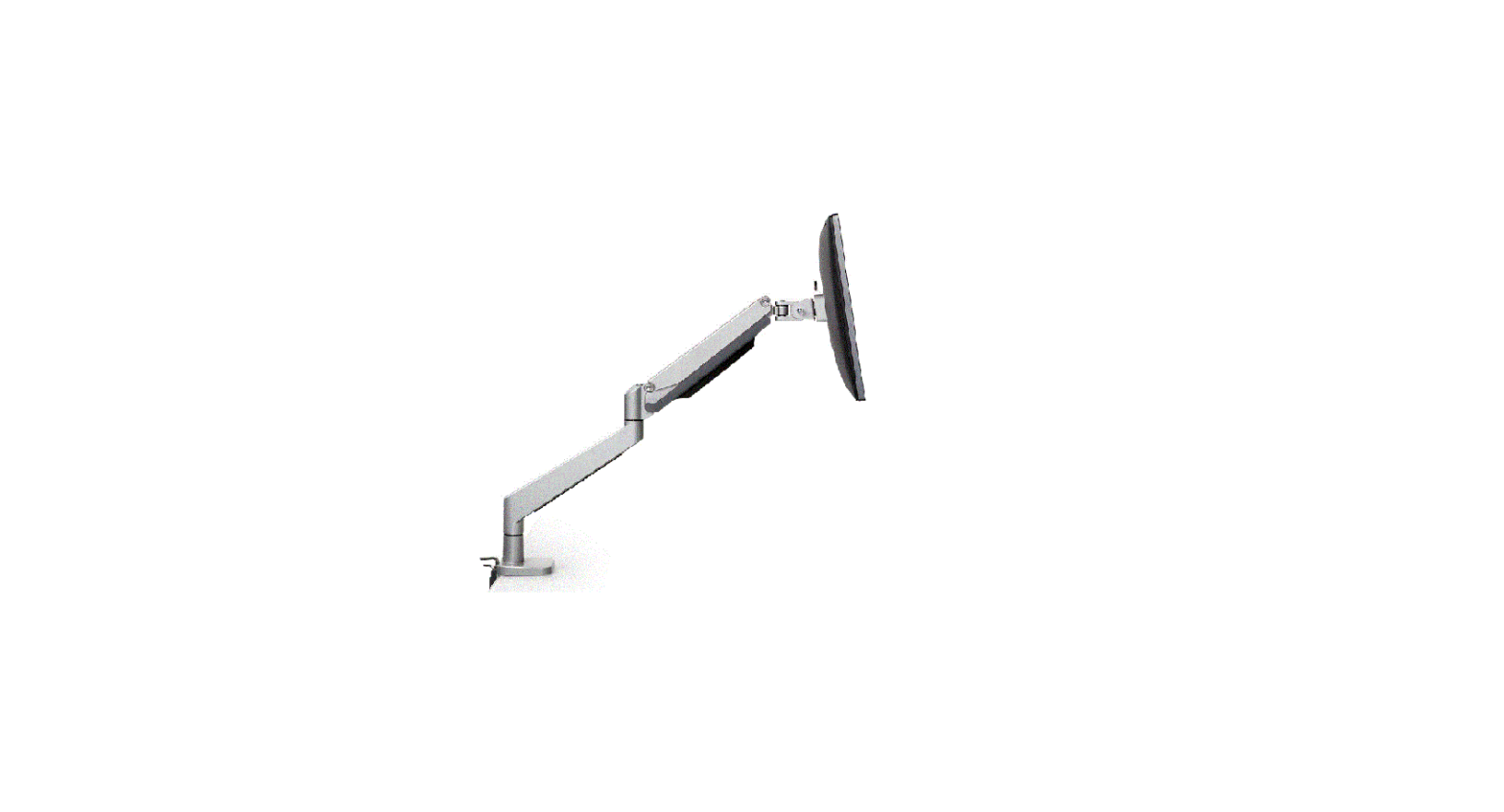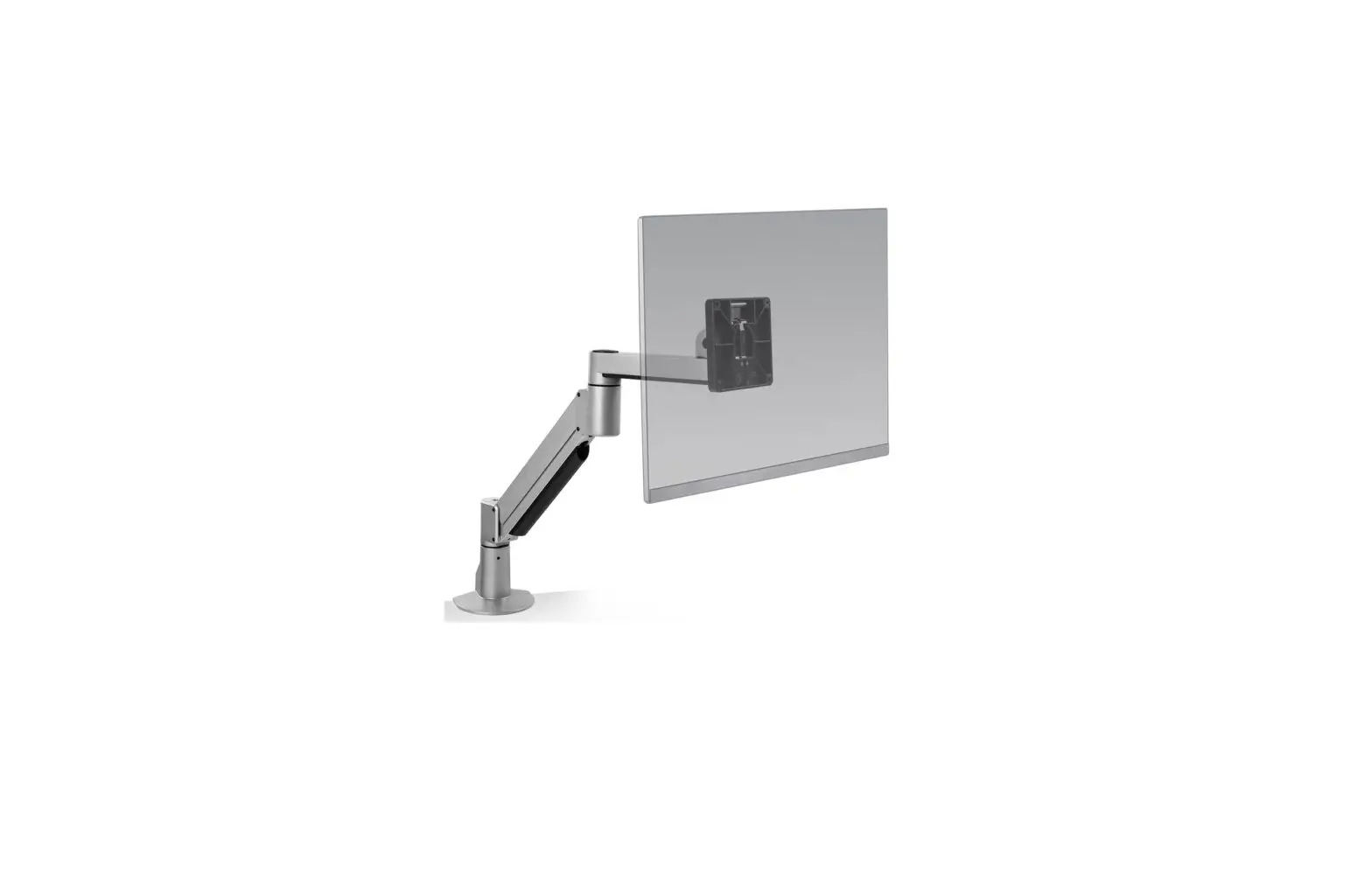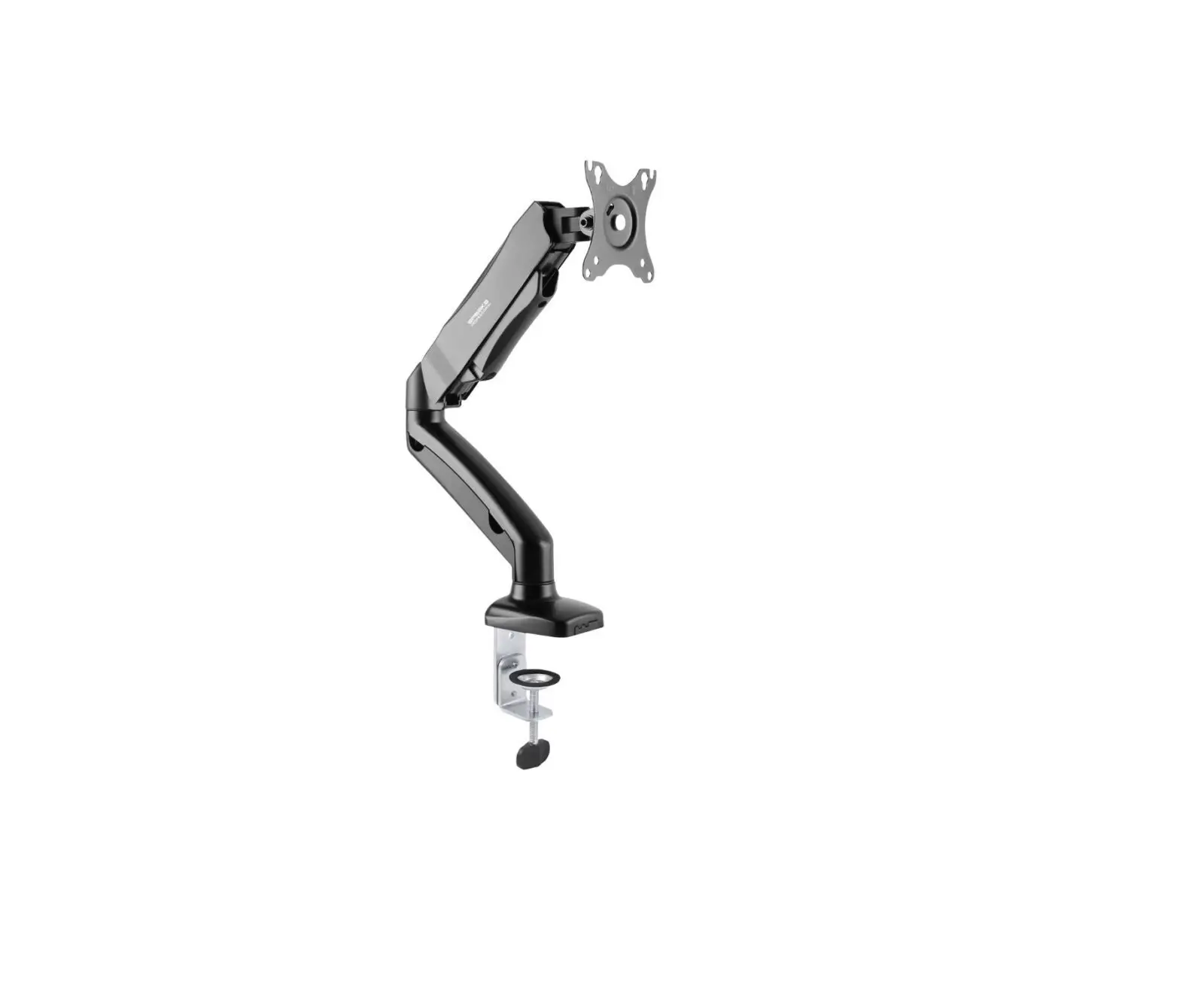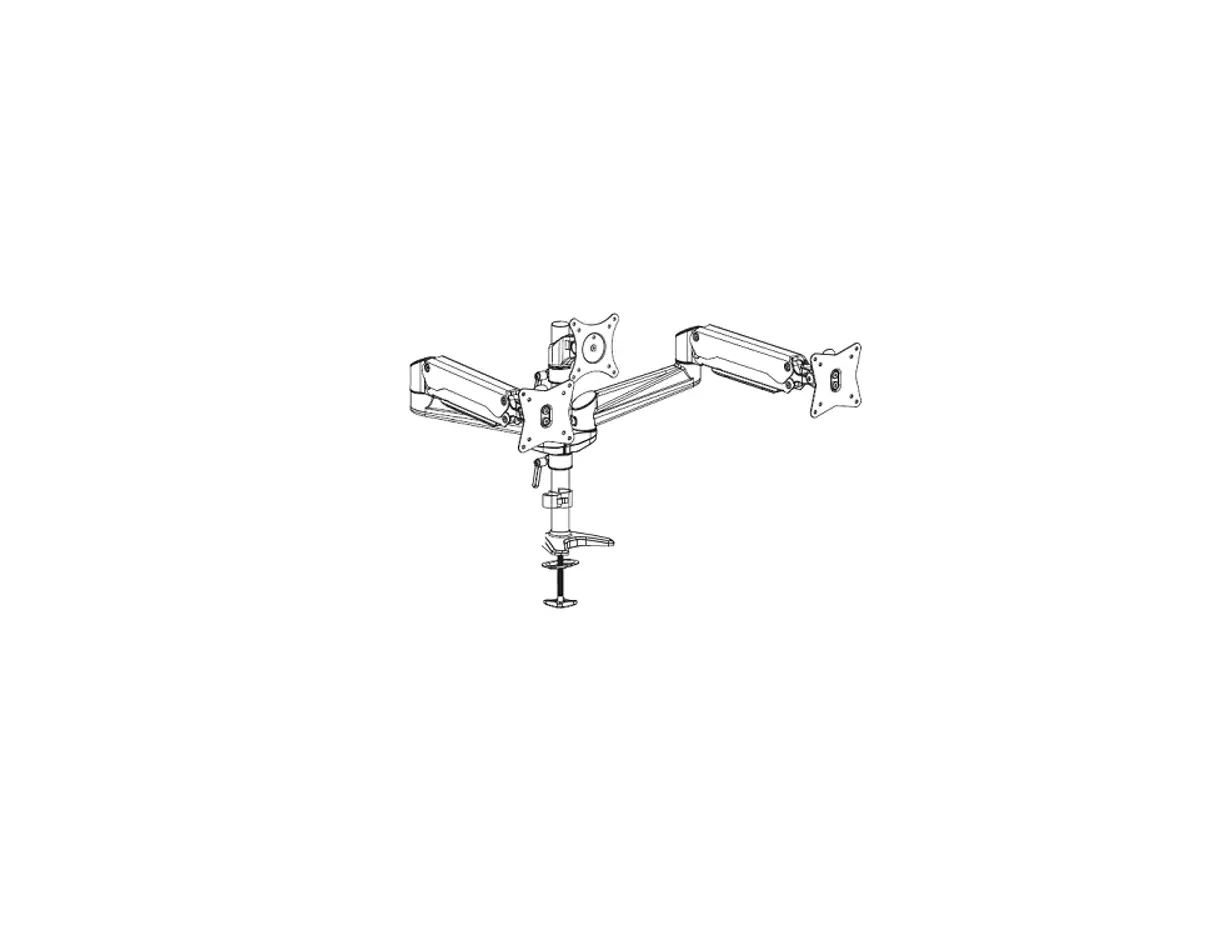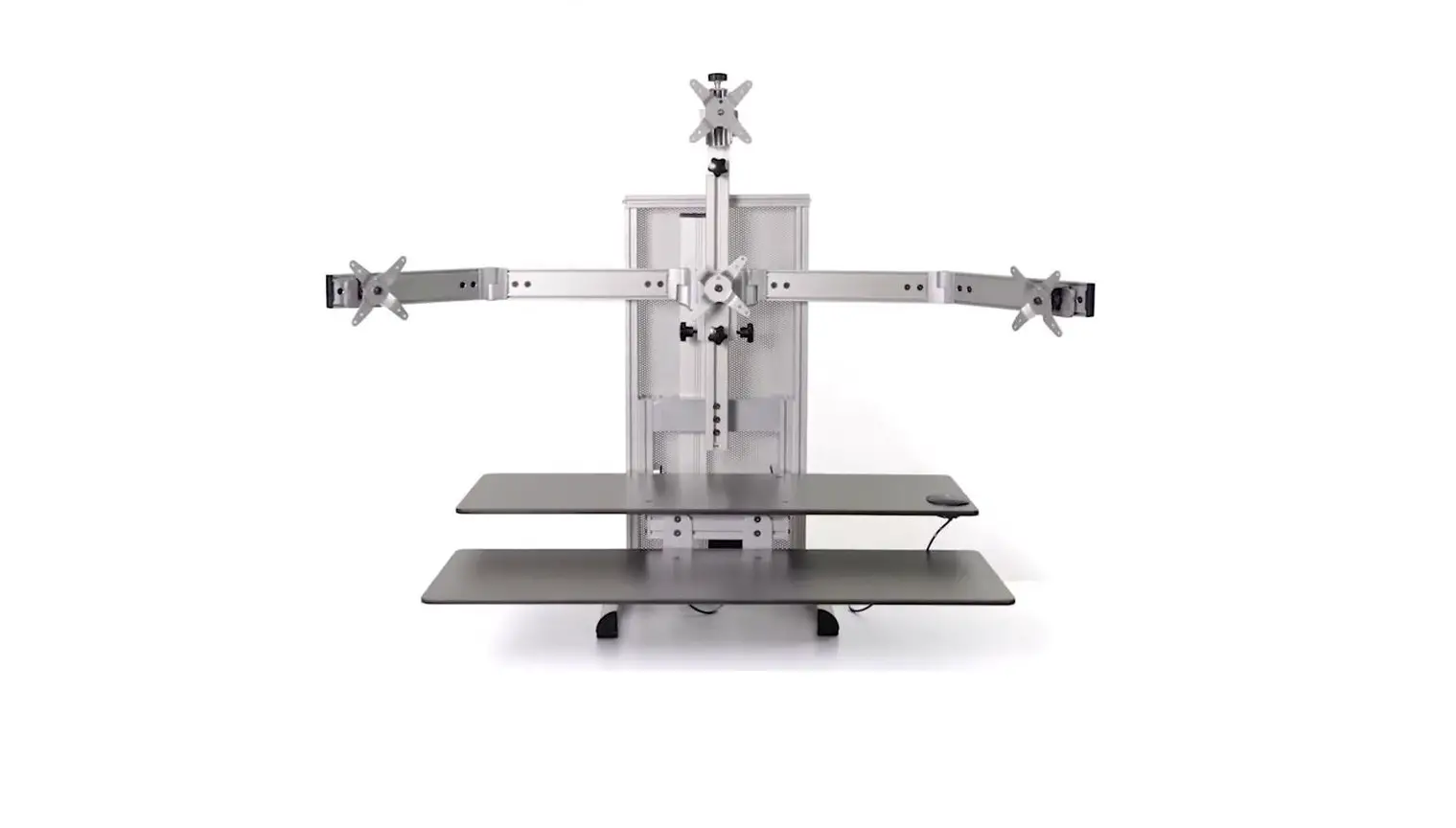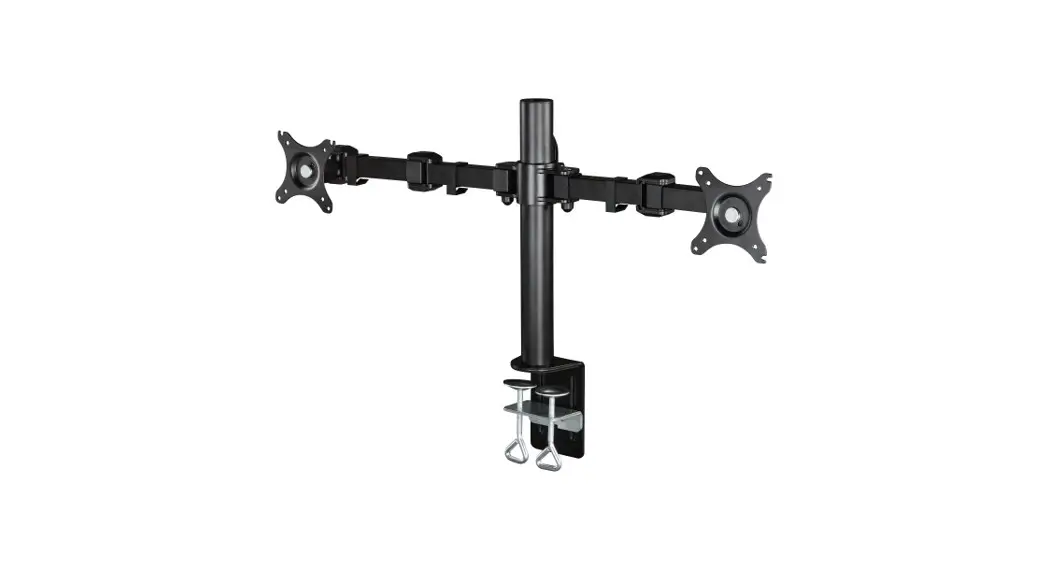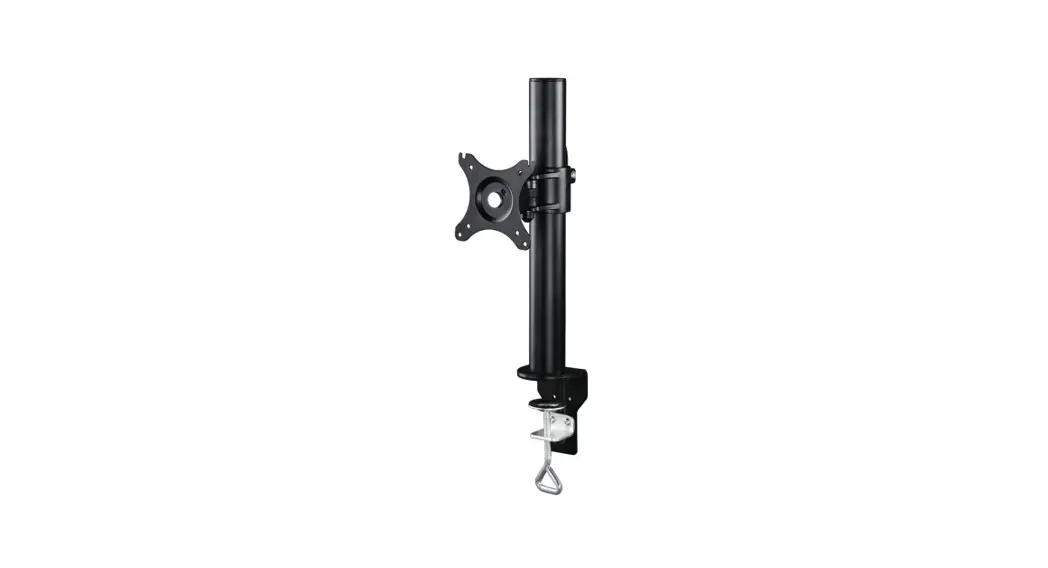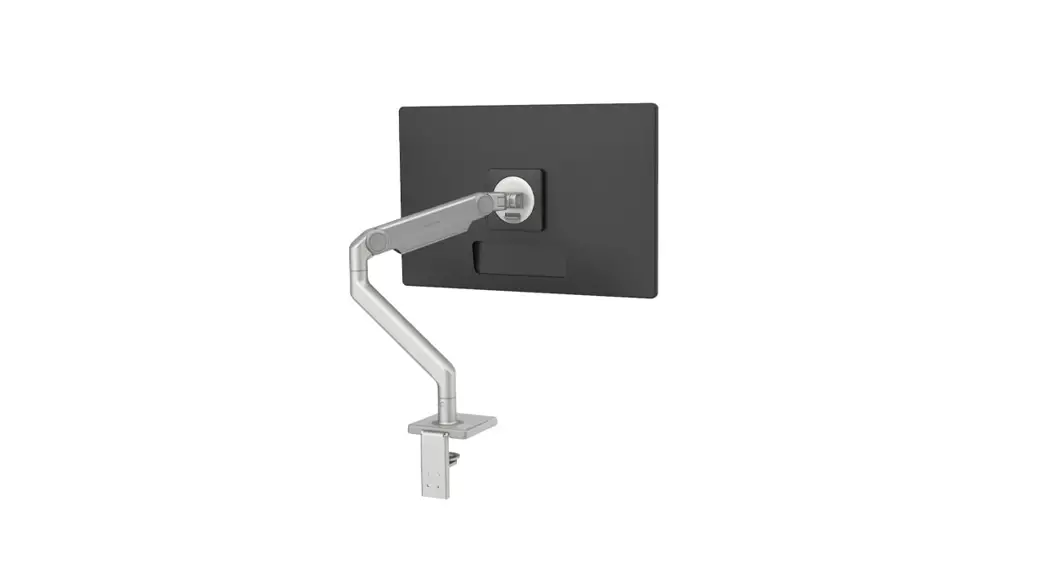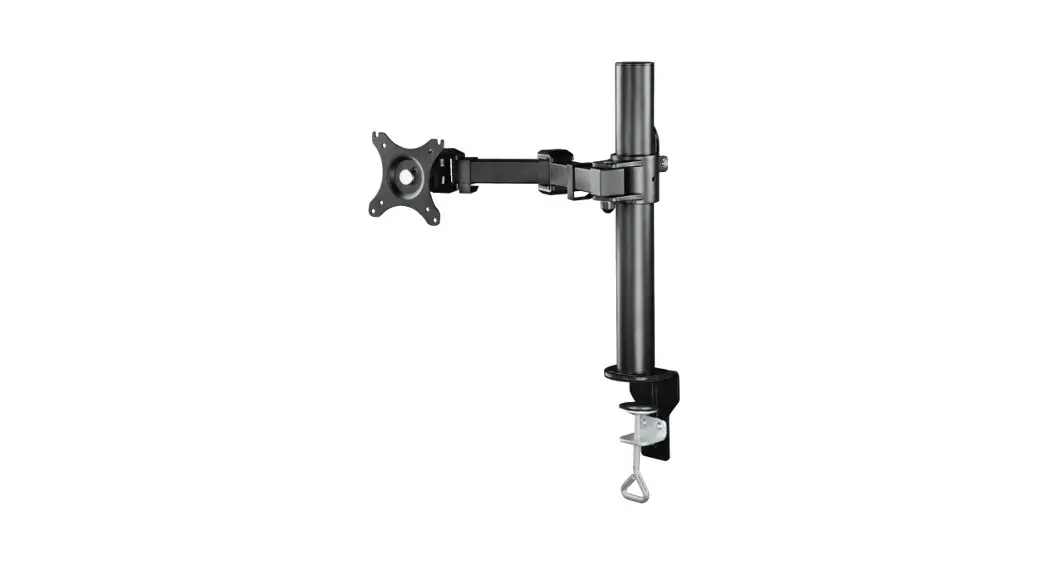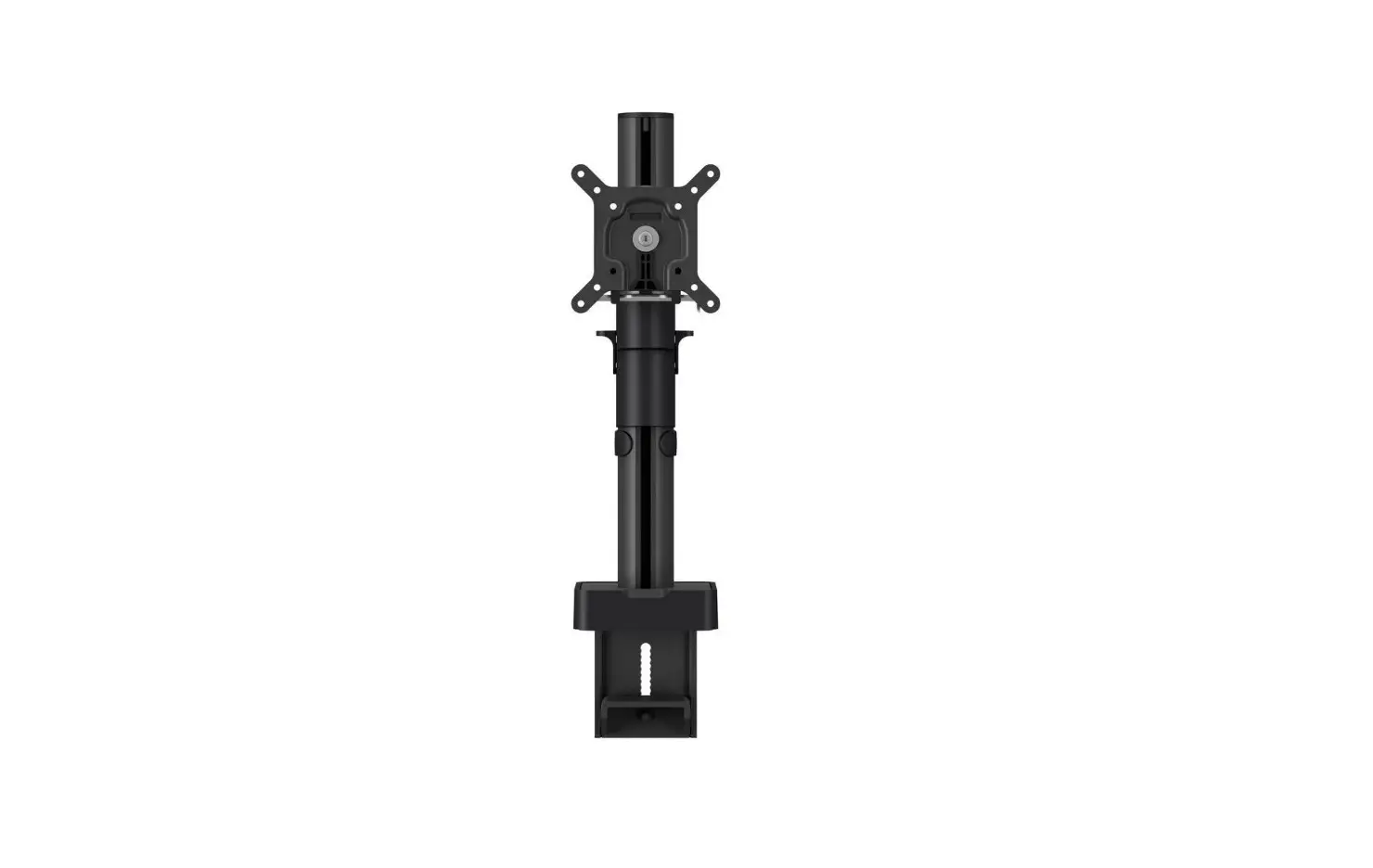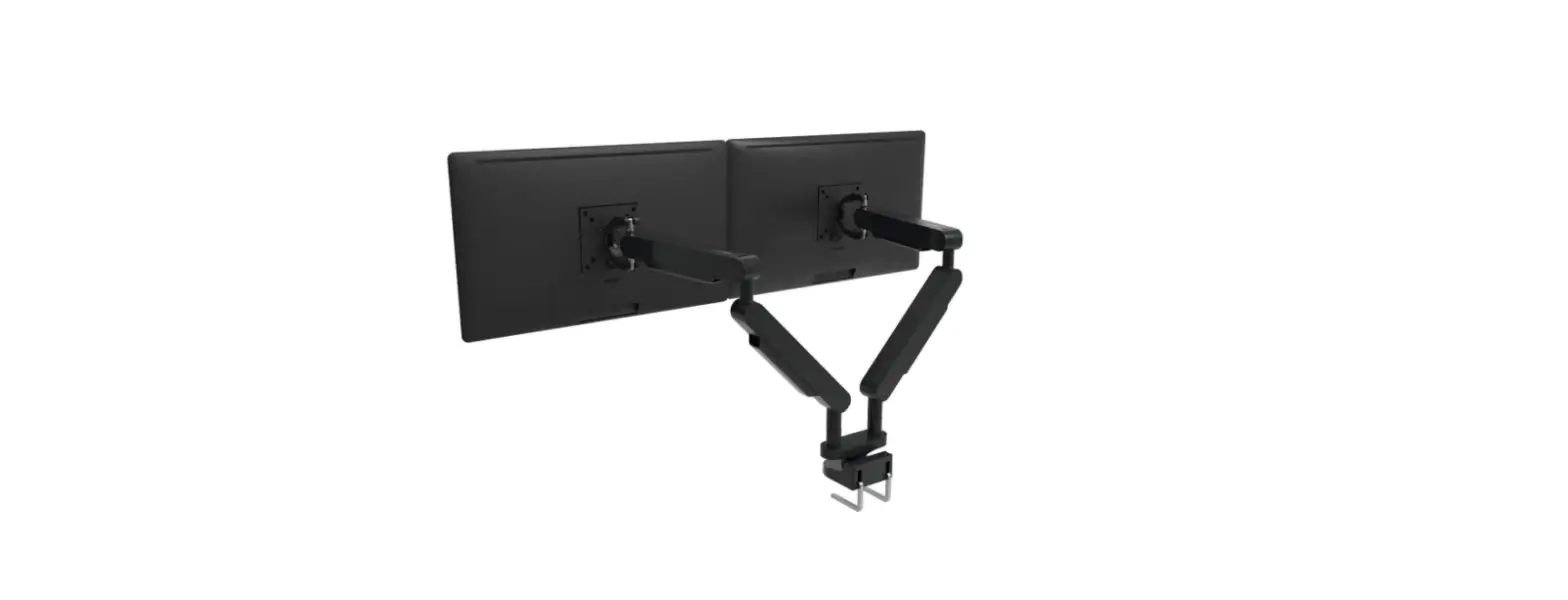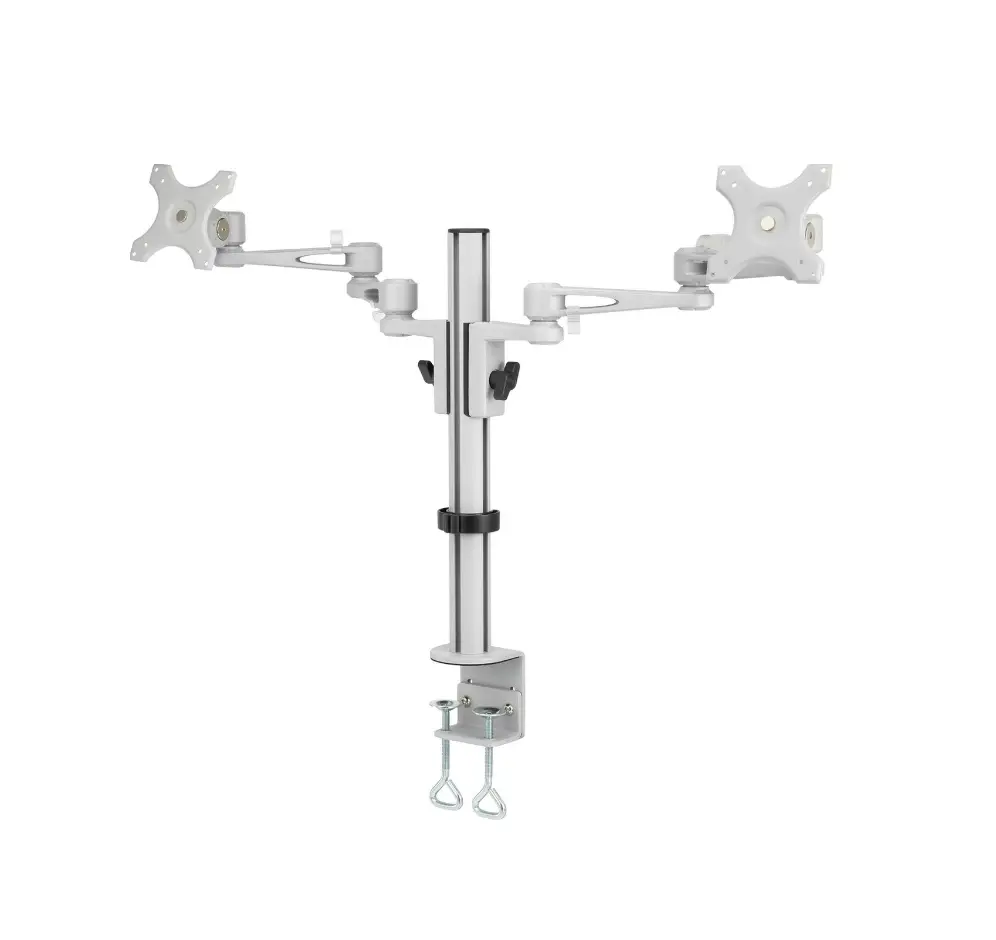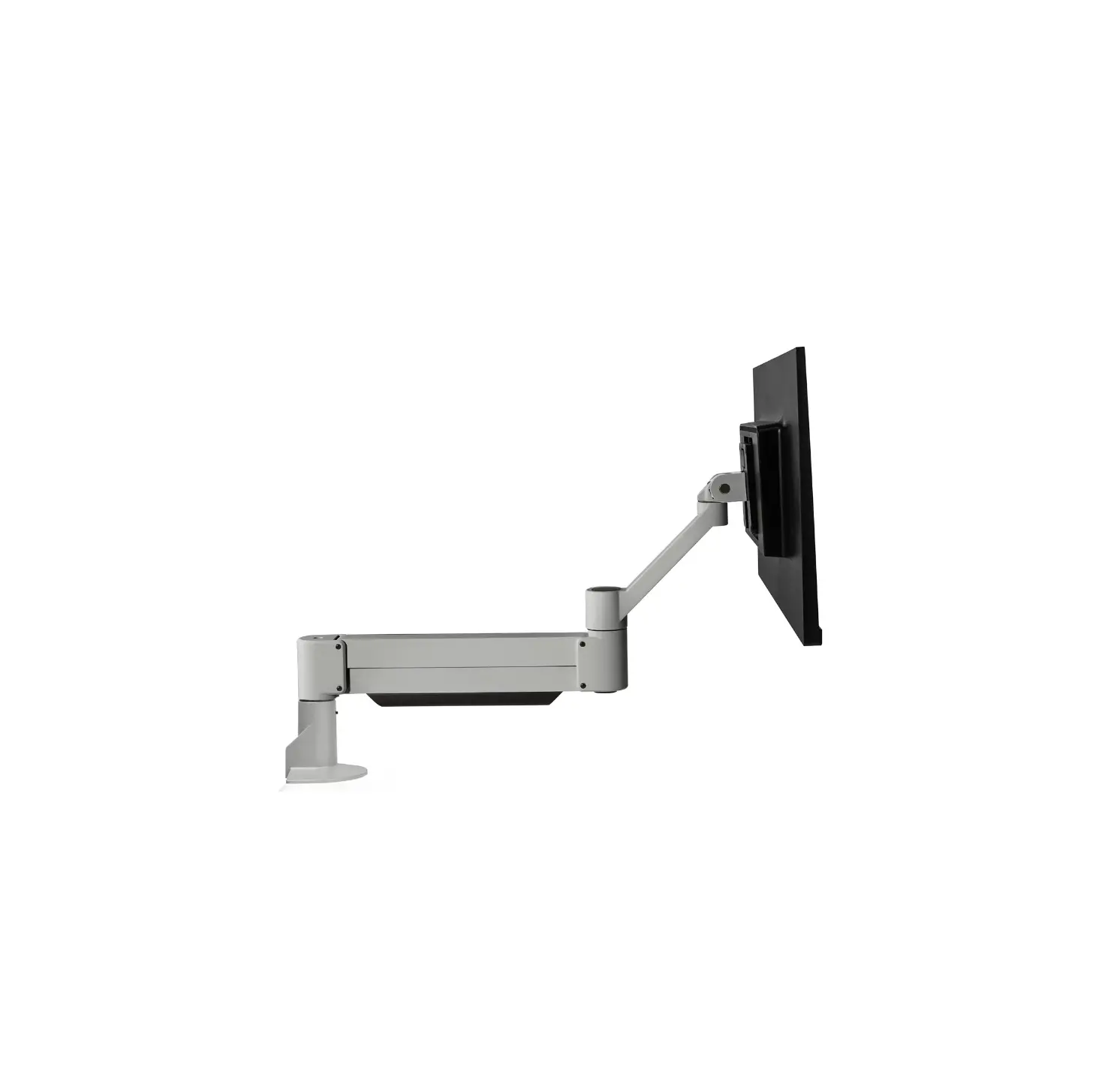
HAT Design Works 7045 Articulating Monitor Arm
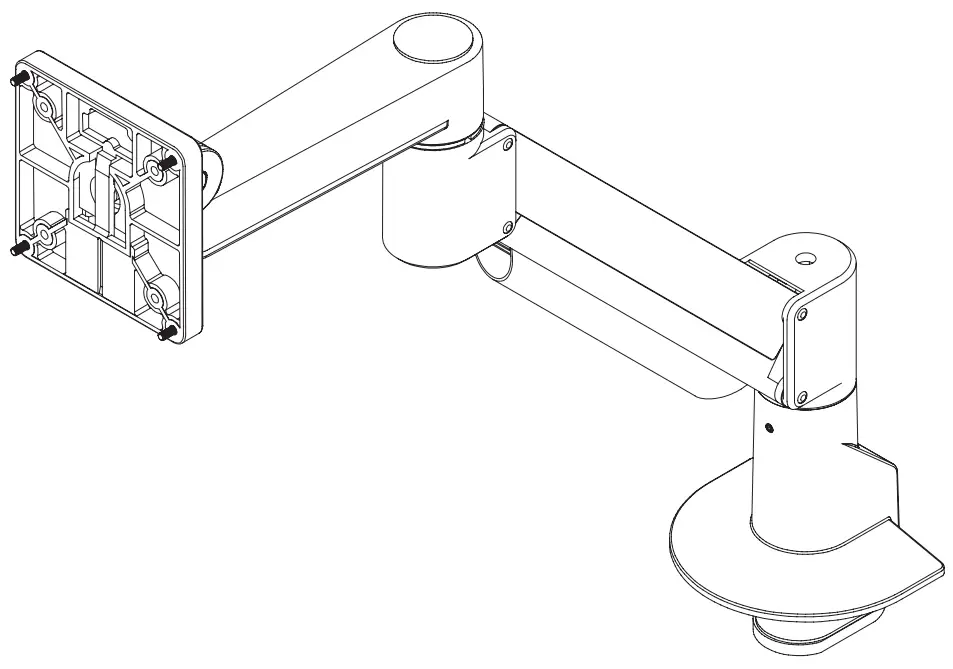
PARTS LIST
Note: Parts may be shipped in separate boxes, please review all packaging prior to discarding.
- A Top Down Mount 1x 8524

- B 180 Degree Rotation Stop 1x 108208-180

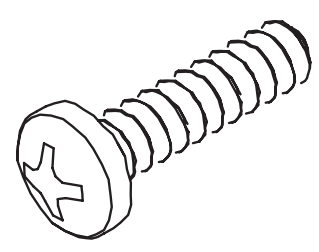
- C M6 x 1 x 18mm Phillips Pan Head Screw 1x 105304

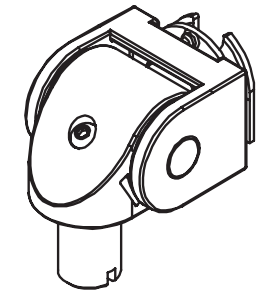
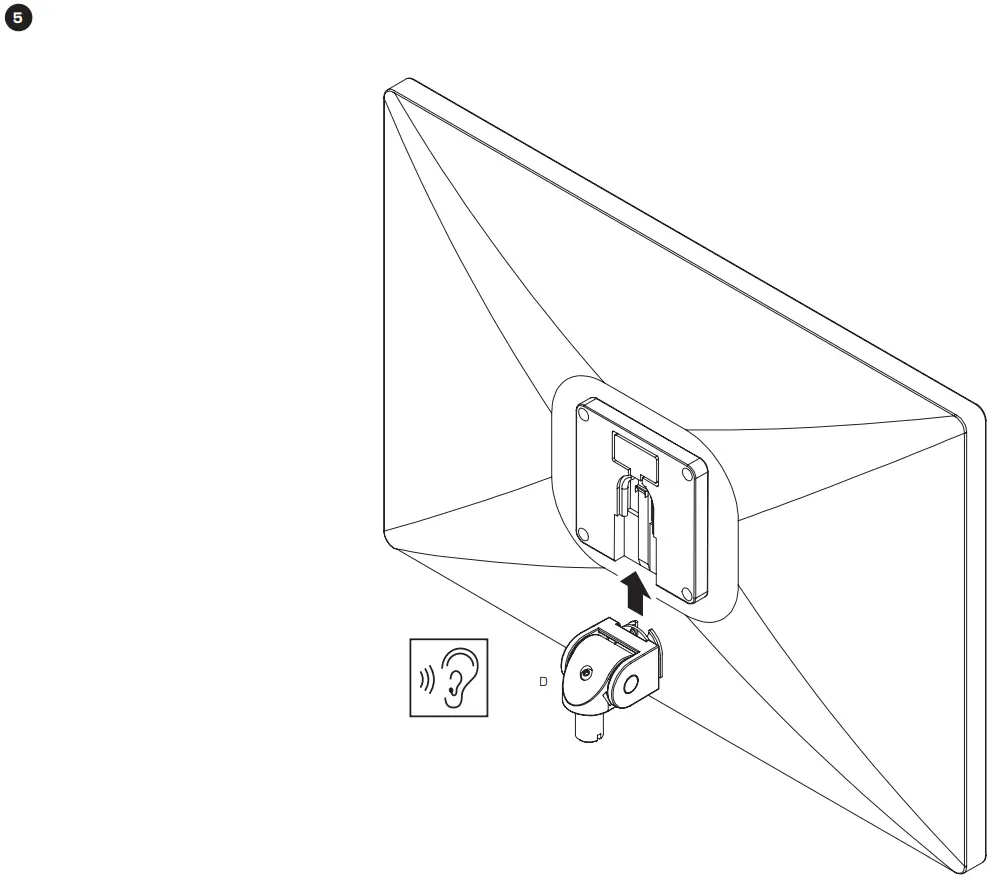
- D Monitor Tilter 1x 8500 Tilter

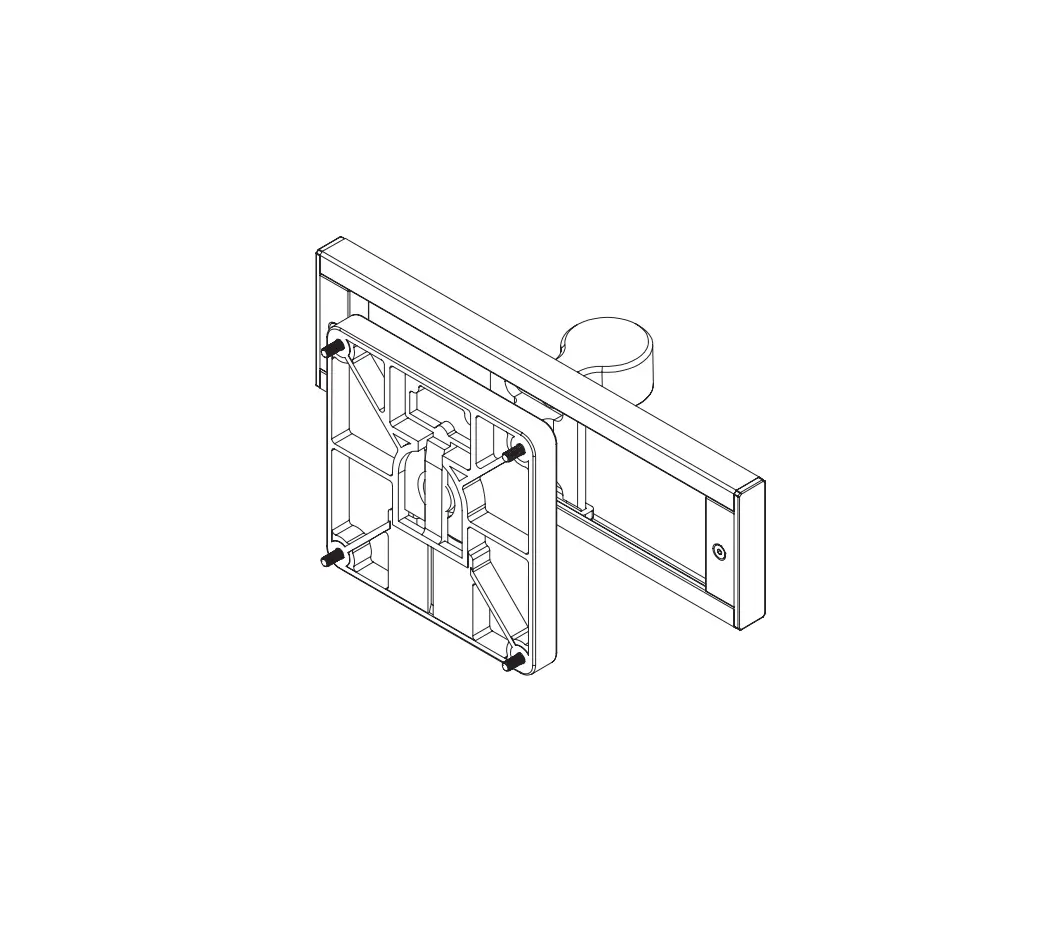
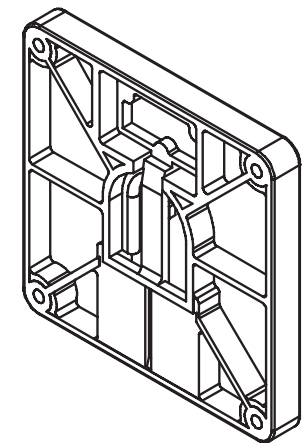
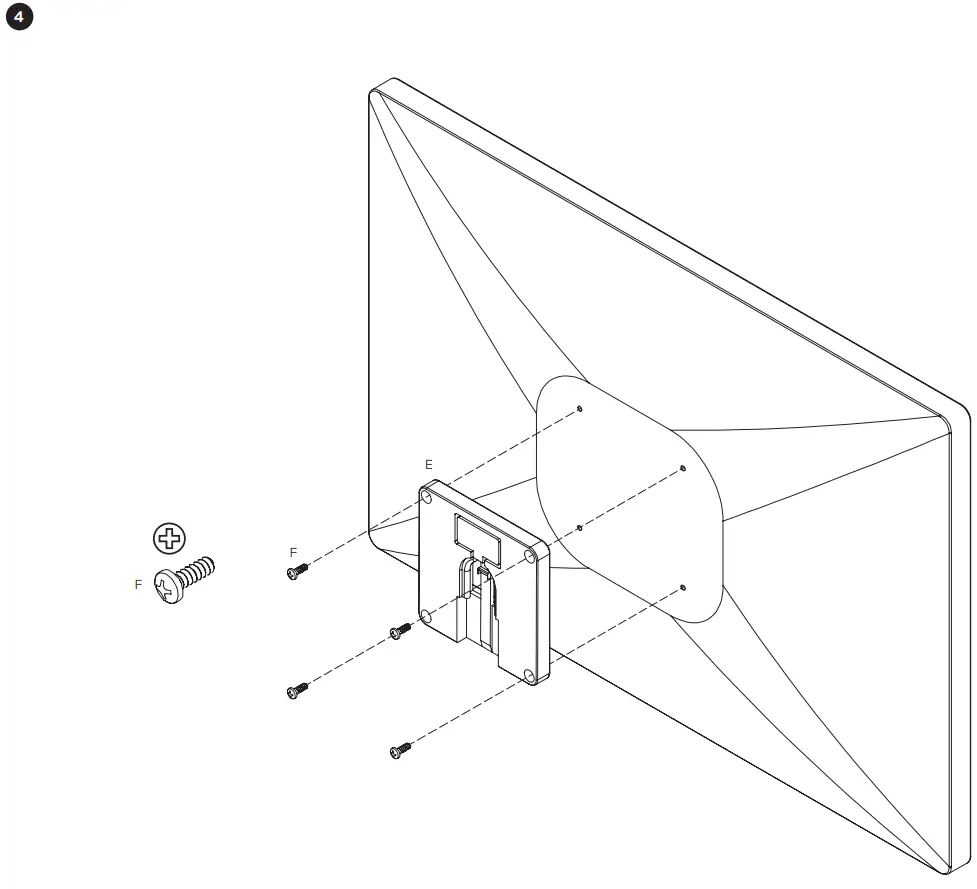
- E Quick Connect VESA Plate 1x 114808

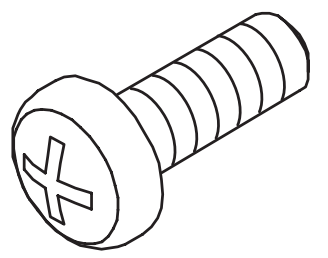
- F M4 x 12mm Phillips Pan Head Screw (4-pack) 1x 702096

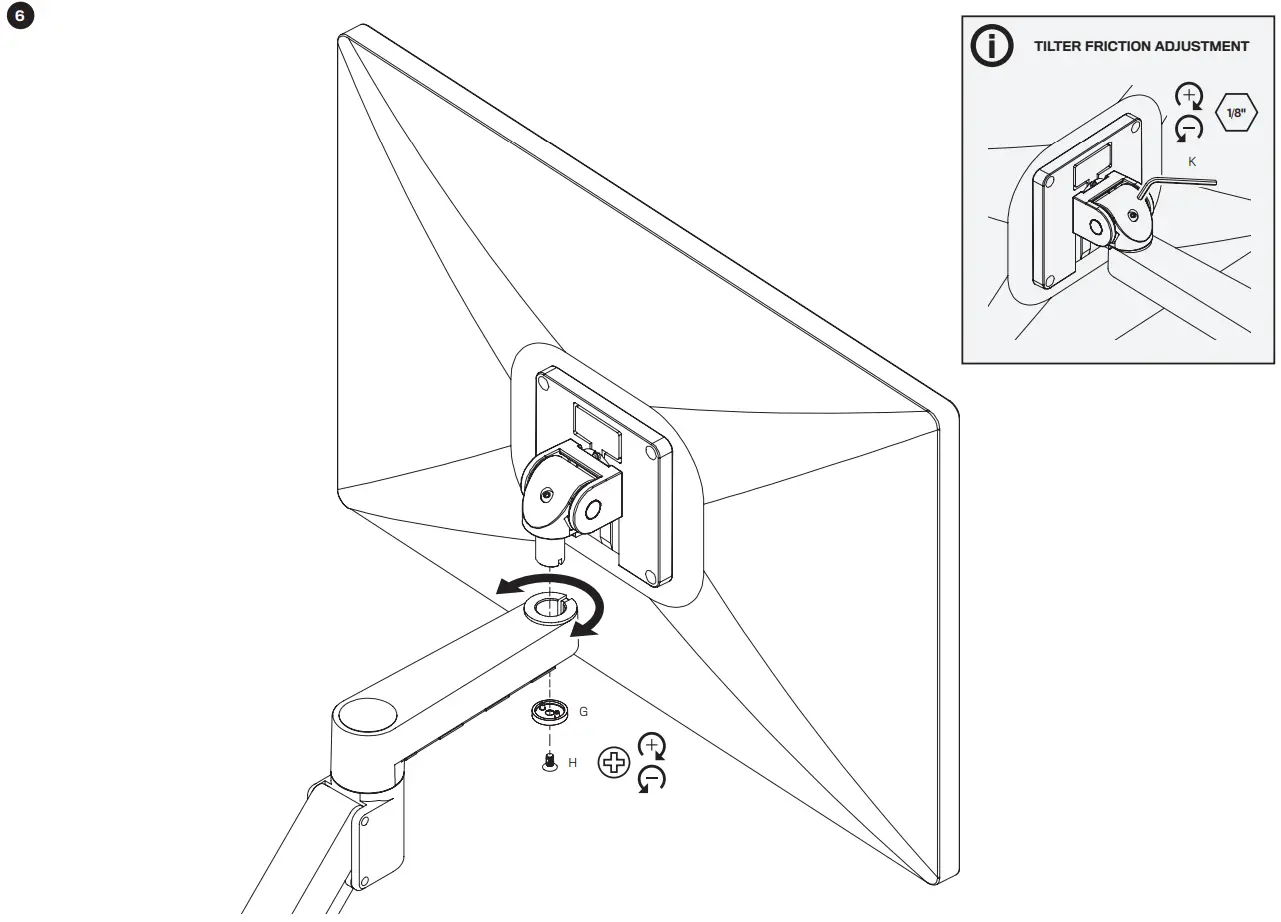
- G Dog Washer 1x 10518

- H 10-32 x 3/8″ FPhMS w/Lock Patch 1x 705198

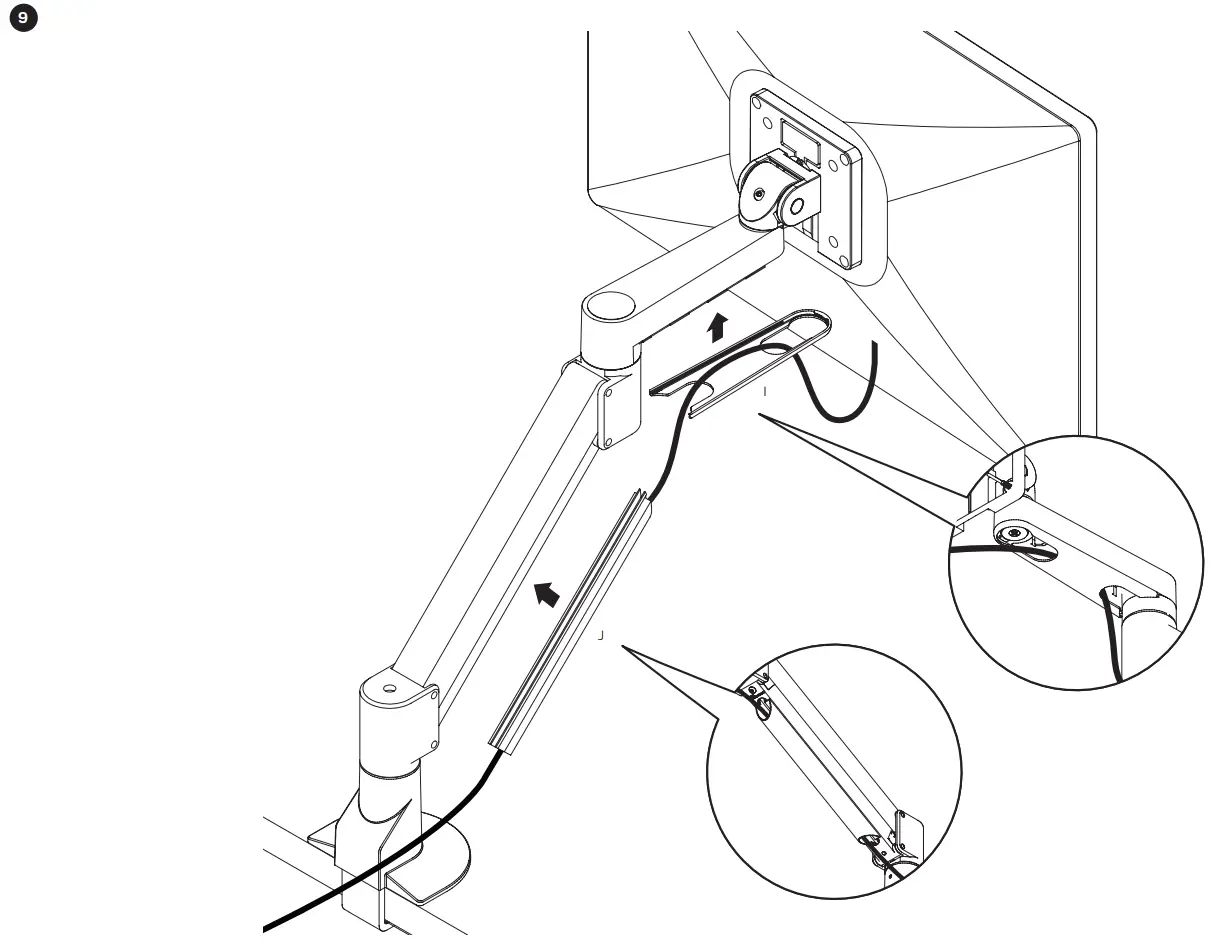
- I Forearm Cable Cap 1x 115584

- J Cable Cap 1x 114810

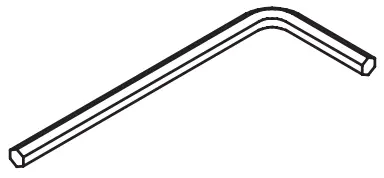
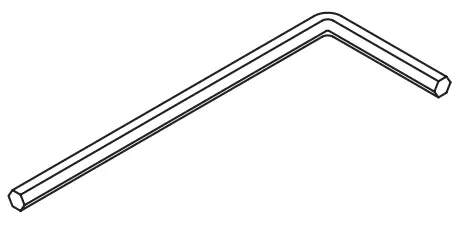
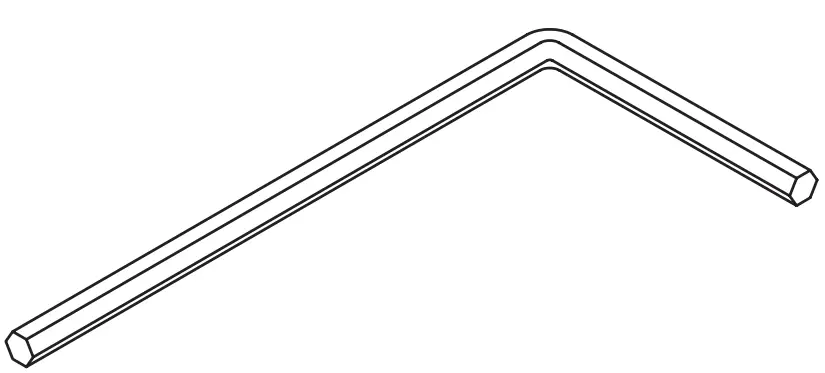
- K 1/8″ Allen Wrench 1x 701312

- L 3/32″ Allen Wrench 1x 700146

- M 7/32″ Allen Wrench 1x 701127

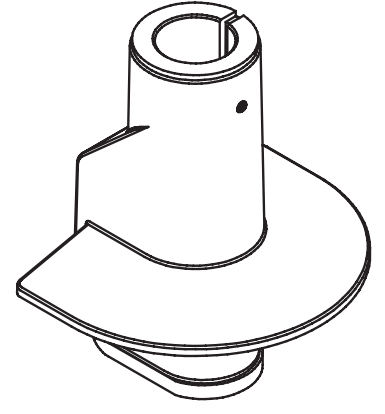
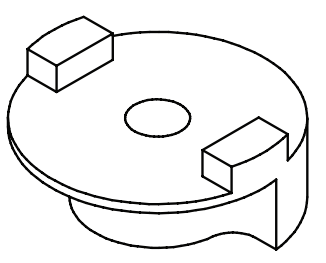
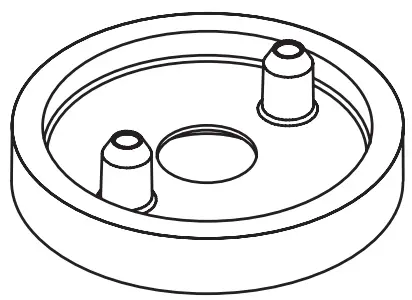
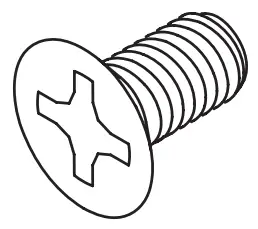
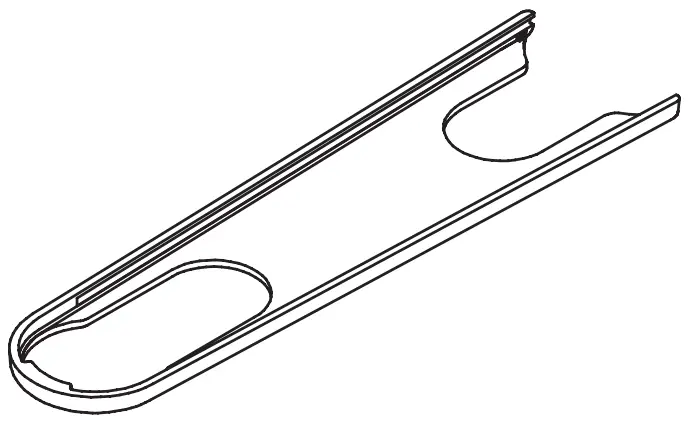
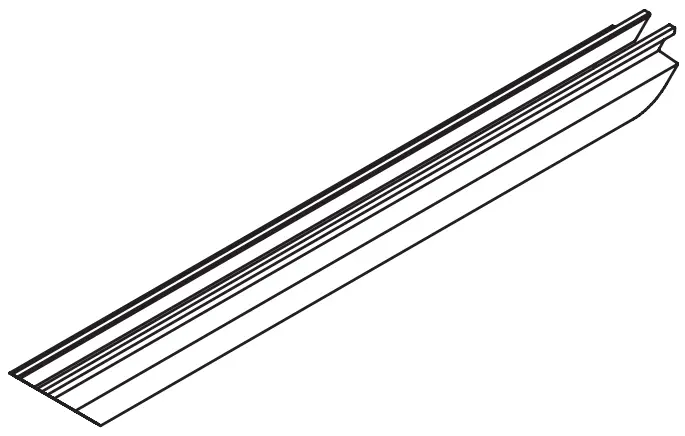
INSTALLATION INSTRUCTIONS
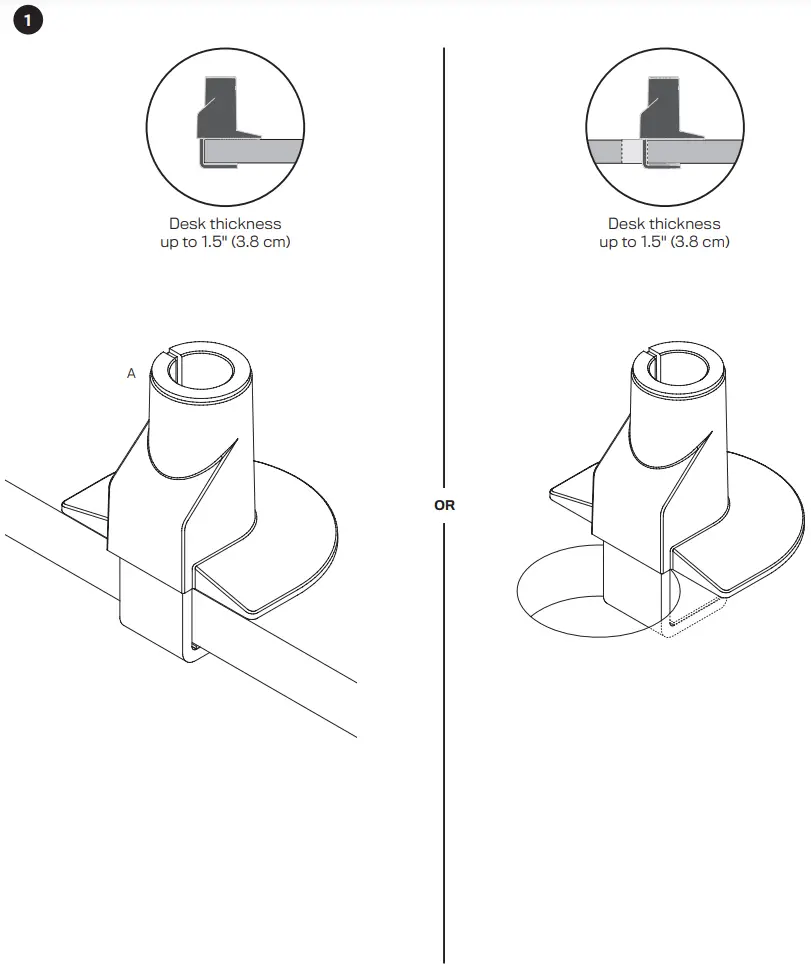
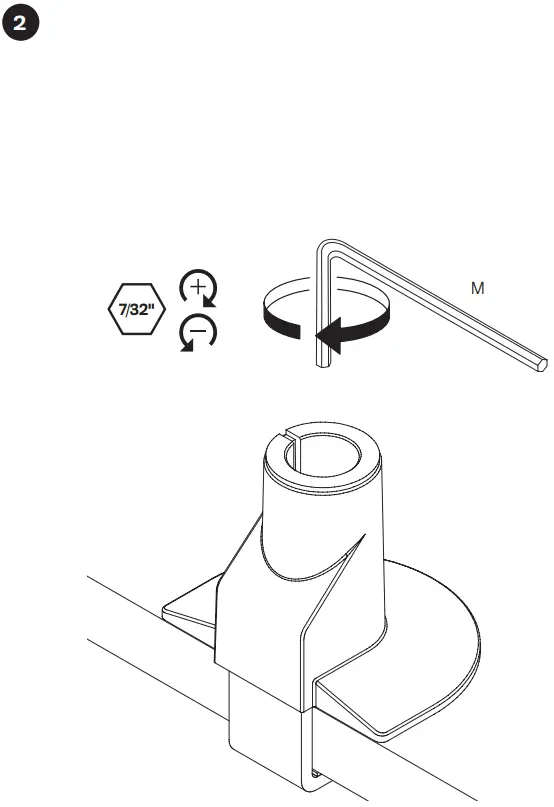
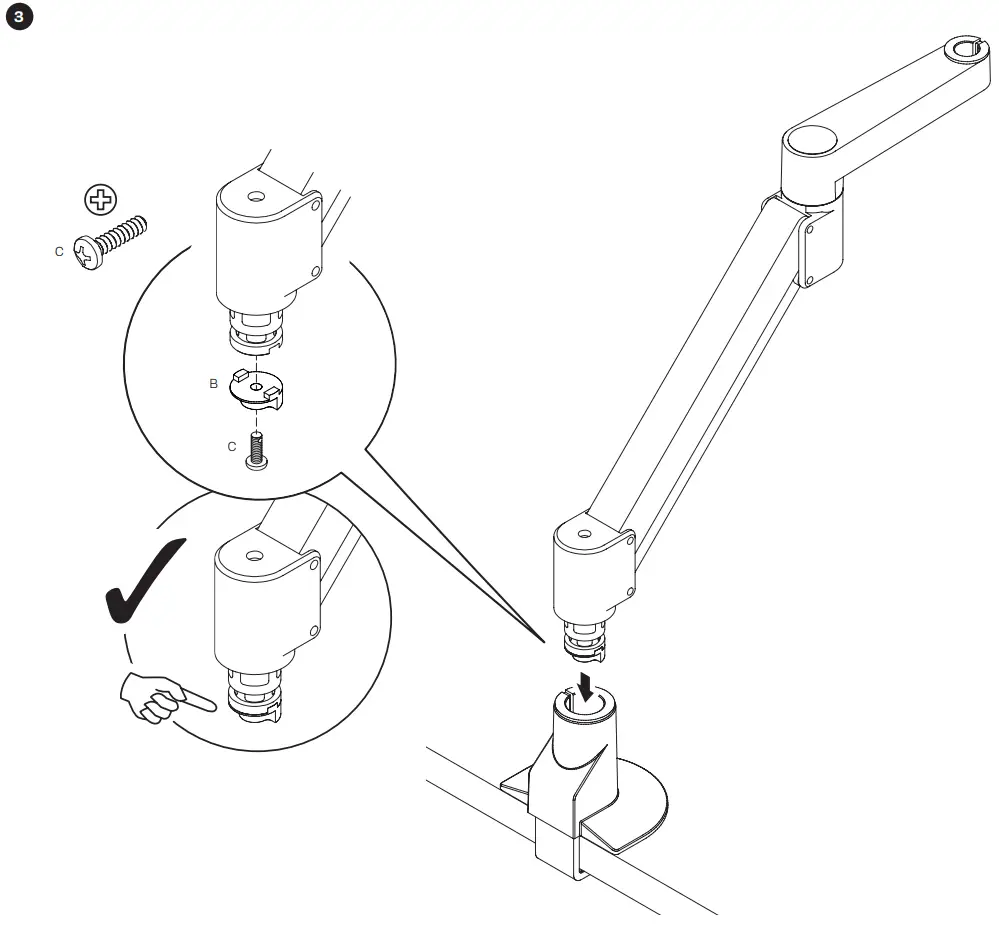
 If the monitor arm or pole does not easily fit into the mount, remove the bushing from the mount and place it on the monitor arm or pole and press firmly back into the mount.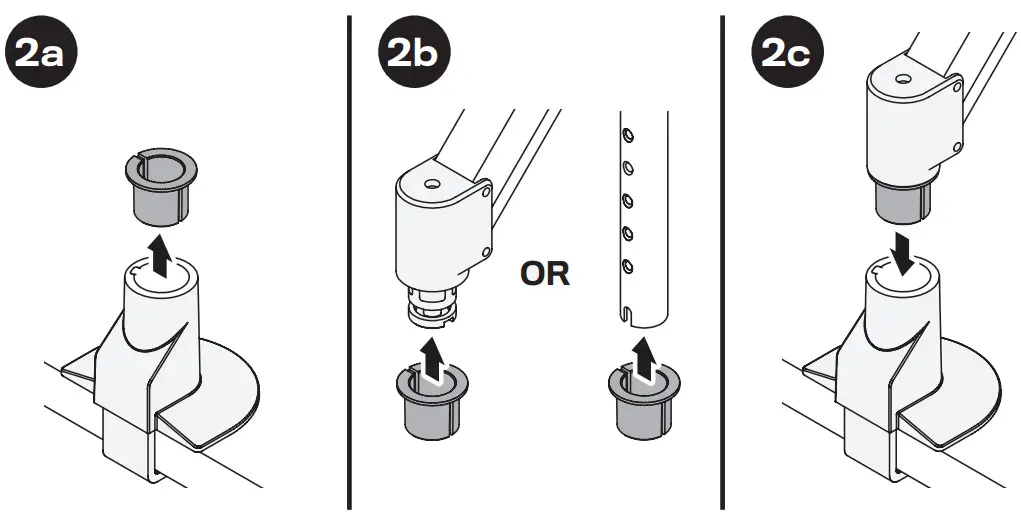

IMPORTANT!
- Monitor must be on arm
- Arm must be in mount
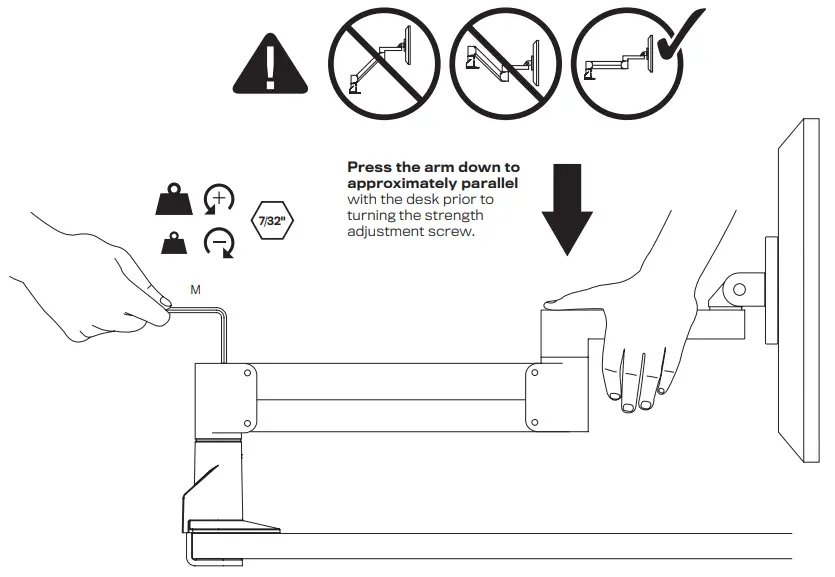
If the arm drifts upward, turn the adjustment screw clockwise.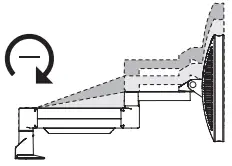
If the arm drifts downward, turn the adjustment screw counter-clockwise.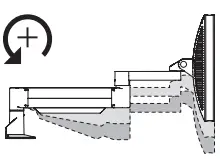
Depending on the weight of your monitor, you may have to make 15-20 turns.
Optional Adjustment
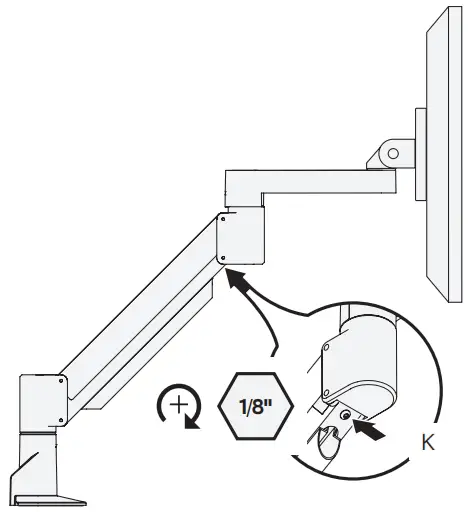
In some instances, an additional counterbalance adjustment may be needed to allow the arm’s instant height adjustment function to work properly.
If your arm is not staying in position after performing step 7, tighten the adjustment screw as shown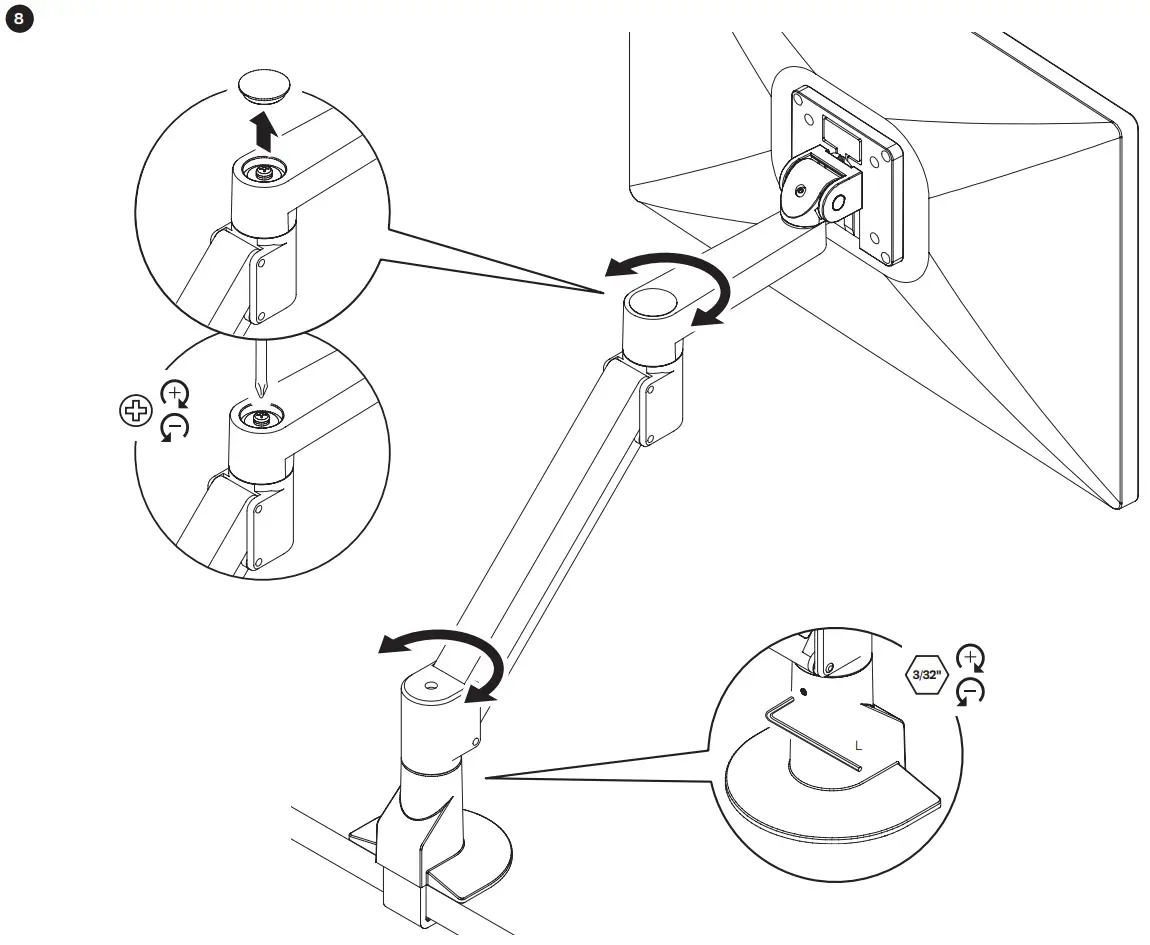
Customer Support
Human Active Technology
800 524 2744
[email protected]
team-hat.com

 Pacific Coast Company HaT Toys
 Home - Human Active Technology