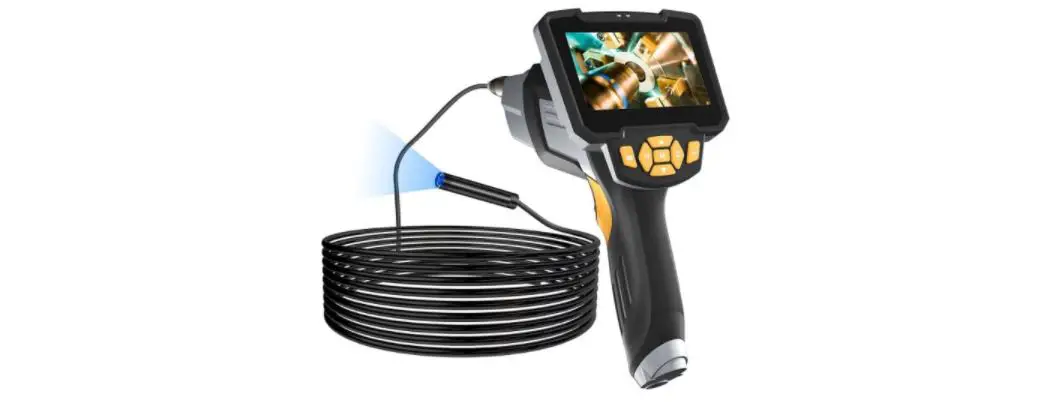

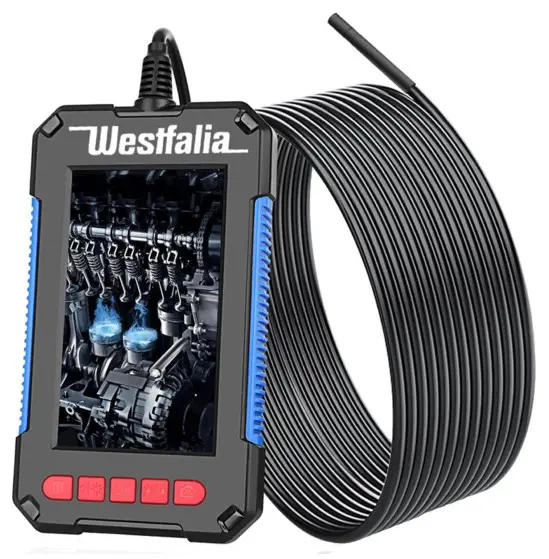
LCD Borescope Camera
Art. 94 91 65
Original Instructions
Dear Customers,
Instruction manuals provide valuable hints for using your new device. They enable you to use all functions, and they help you avoid misunderstandings and prevent damage. Please take the time to read this manual carefully and keep it for future reference.
SAFETY NOTES
 Please note the included General Safety Notes and the following safety notes to avoid malfunctions, damage, or physical injury:

- Please read this manual carefully and use the device only according to this manual.
- Dispose of used packaging material carefully or store it out of the reach of children. There is a danger of suffocation!
- Persons with limited physical, sensorial or mental abilities are not allowed to use the device unless they are supervised and briefed for their safety by a qualified person.
- The borescope is not a toy. Keep it out of the reach of children.
- Do not stare directly into the LEDs and do not direct the light beam towards people or animals.
- Do not use devices that can strongly focus light for viewing the light beam.
- Do not expose the borescope to excessive temperatures or strong vibrations and avoid strong mechanical stresses.
- Make sure the handle of the borescope cannot become wet.
- Do not operate the borescope at temperatures below 0 °C and over +70 °C.
- Use the borescope for its designed purpose, to inspect hard-to-reach areas in automobiles and machines. The unit is not designed for medical purposes and the scope may not be used on persons and animals!
- Do not use the unit in high voltage circuits. Make sure the placed or objects to be inspected are always voltage-free.
- The probe and the camera head are waterproof and can be inserted into liquids of any kind, except acids and alkaline solutions. Make sure the handle of the borescope does not become wet.
- The borescope may not be used in explosive areas.
- Do not bend the gooseneck too much. Do not bend the cable on the cable connection at the handle.
- Should the unit become damaged do not use it any further and have it repaired by a professional or contact our customer service? Do not disassemble the unit or try repairing it yourself.
Operation
Intended Use
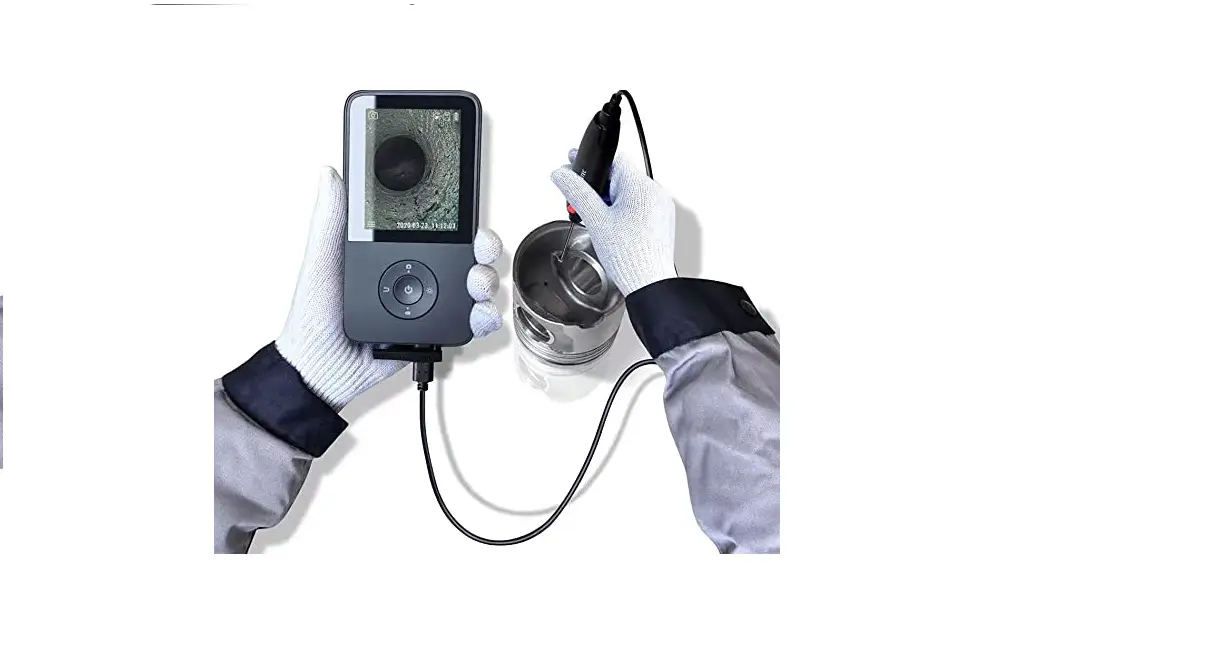
This product is designed for long-distance inspection. Classic applications are inspections of HVAC systems, vehicles, circuits, boats, and the likes. In tight spaces, accessories can be used to pick up small objects such as rings, keys, and screws.
The borescope is designed for domestic use and is not for use in commercial premises. Any use other than that described above is not permitted.
Operating Tips for using the Borescope
Never insert the camera head (I) into a fuel tank or a flammable liquid or gas such as unleaded petrol, diesel fuel, machine oil, brake fluid, or transmission fluid.
The probe contains thin wires running along its entire length. Accordingly, handle it with care:
- Do not bend the probe (1) more than 70° within 30 mm of its camera tip.
- Do not bundle the probe into a tight circle to store it.
- Never use the camera end to clear its own path of debris or obstructions.
- Don’t place the probe into anything or anywhere that may contain a live electrical charge.
- Please observe the following points to avoid damage or injury.
For Walls: For inspecting inside the walls, make sure the electricity of the whole house is shut down before using the tool.
For Pipes: If you suspect a metal pipe could contain an electrical charge, have a qualified electrician check the pipe before using it. Ground circuits, in some cases, can be grounded to the water pipes and cause them to be charged in the case of a malfunction.
For Vehicles: Never use the unit to inspect a vehicle during operation or with the engine running. Metal parts and liquids may be hot. Make sure no oil or fuel gets on the camera head.
The function of the Operating Elements
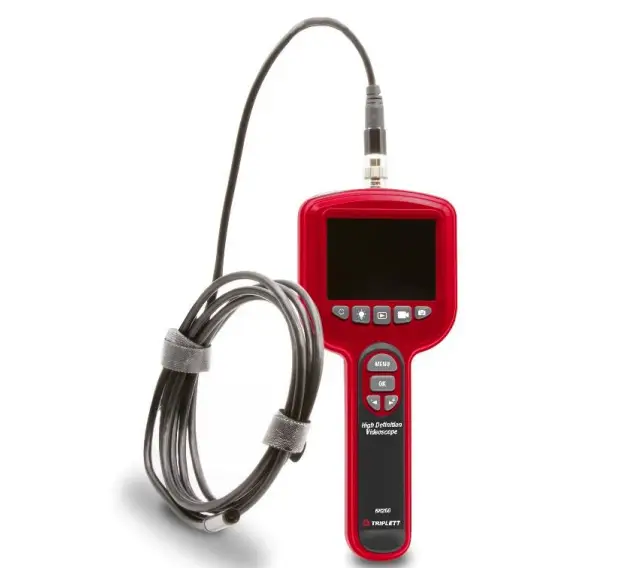
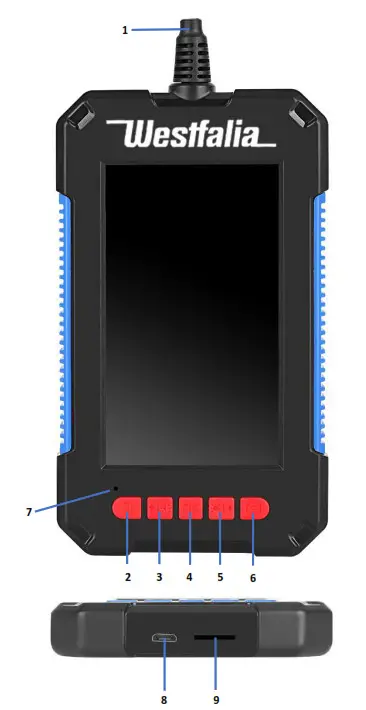
There are 5 buttons on the device:
- With the button (2) “Menu/back” you can bring up the menu in camera mode and in menu mode you can use this button to navigate back to the previous selection.
- With button (3) “darker/up”, you can decrease the brightness of the display in camera mode. In menu mode, you can navigate up with this button. Once you have selected the point “Screen Rotation” in the menu, you can turn and reverse the picture with this button. The red symbol shows the current alignment.
- With the button (4) “on/off/OK”, you can turn the device on and off. In the menu, you can use this button to confirm your selection.
- With button (5) “brighter/down”, you can increase the brightness of the display in camera mode. In menu mode, you can navigate down with this button.
Once you have selected the point “Screen Rotation” in the menu, you can turn and reverse the picture with this button. The red symbol shows the current alignment. - With the button (6) „record“, you can record pictures and videos on the external video card. Press this button briefly to record a picture. Press the button longer to record a video. Stop recording by pressing the button briefly.
The Menu
Use button (2) to enter the menu. Use the buttons (3) and (5) to navigate up and down in the menu. Use the button (4) to confirm the selected function and to confirm your selections. With button (2) you can return to the previous selection. To return to the camera mode from the main menu press the button (2).
Inserting a Memory Card
Insert a suitable micro-SD memory card into the card slot (9). Select the function “Formatting” to format an unformatted card. Please keep in mind that the device can only use up to 32 GB of memory. A larger card will be formatted o 32 GB.
Charging the built-in Battery
Connect the device via the USB 2.0 Micro USB Socket (8) and the included charging wire with a suitable USB-Port. During charging, the charging control light (7) is illuminated red and turns off when the battery is fully charged. With a sufficiently charged battery, the control light is illuminated green during operation.
Accessories
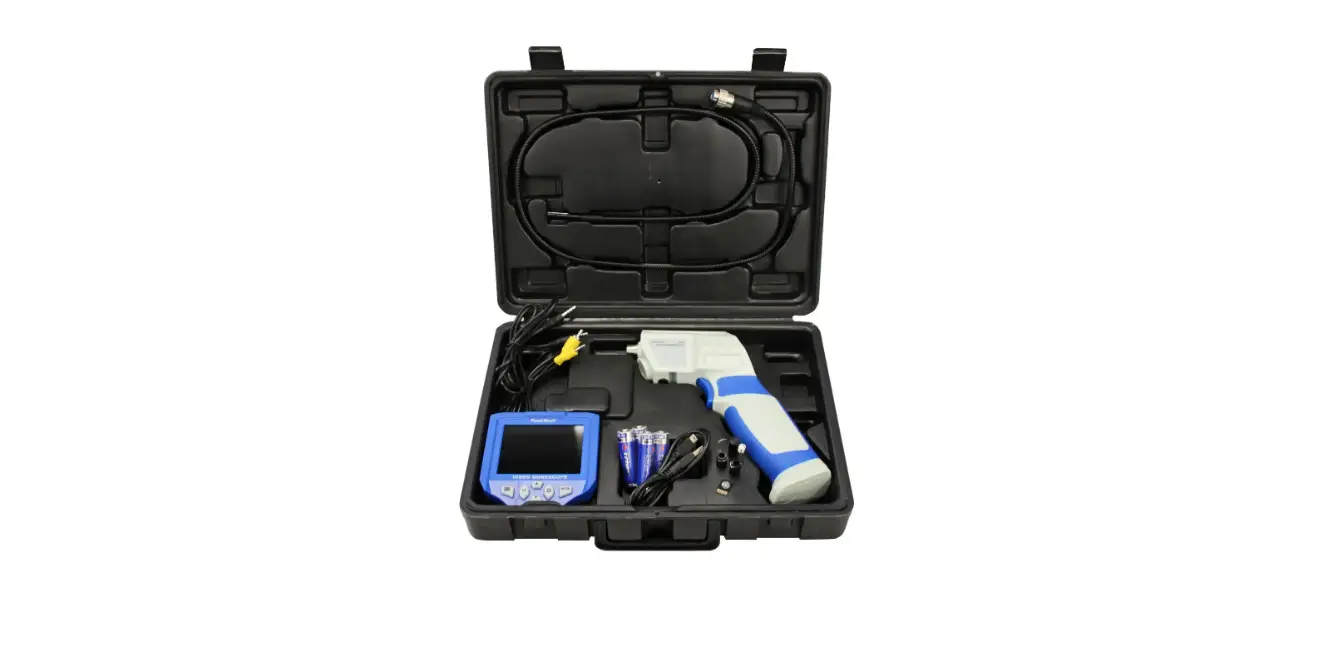
Three attachments for the camera head are included with the borescope.
Included are a hook attachment, a mirror attachment, and an attachment with a magnet.
Replacing the Battery
The battery is not designed to be changed by the customer. Please turn to a professional.
Cleaning and Storing
- Clean the housing and the camera head only with a dry or, if necessary, with a moistened cloth. Wipe the lens of the camera head with a lint-free cloth to keep the glass clean and free from grease. Do not use aggressive chemicals or abrasives for cleaning.
- If the probe was accidentally inserted into liquids, clean it after each use and dry thoroughly.
- Store the borescope out of reach of children.
Technical Data
Monitor: 4,3“ / 10,92 cm LCD Colour Display
Camera head: Ø 8 mm
The angle of view: 70°
Resolution: 1920 x 1080 P, 30 FPS
Focus Range: 4 – 500 cm
Probe Length: 185 cm, semi-rigid
Operating duration: 5 – 7 hours
Battery: 2 Ah, 7,4 Wh Lithium-Ion
Degree of protection: IP 68 (camera head)
Working temperature: 0 – 70 °C
Dimensions (L x W x H): 15 x 8,8 x 1,6 cm (housing)
Weight: 160 g
 | Batteries do not belong in the household garbage. For battery disposal please check with your local council. |  |
EC DECLARATION OF CONFORMITY
We, the Westfalia Werkzeugcompany, Werkzeugstraße 1, D-58093 Hagen, declare by our own responsibility that the product LCD Borescope Camera is according to the basic requirements, which are defined in the European Directives and their amendments.
Article No. 94 91 65
Restriction of the Use of certain Hazardous Substances in electrical and electronic equipment (RoHS)
Electromagnetic Compatibility (EMC)
2014/30/EU EN 55032:2015+A11, EN 55035:2017
The technical documentation is on file at the QA department of the Westfalia Werkzeugcompany.

Thomas Klingbeil/QA Representative
CUSTOMER SERVICES
Telefon: (034) 4 13 80 00
Telefax: (034) 4 13 80 01
Internet: www.westfalia-versand.ch
DISPOSAL
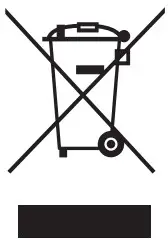 Dear Customer,
Please help avoid waste materials.
If you at some point intend to dispose of this article, then please keep in mind that many of its components consist of valuable materials, which can be recycled. Please do not discharge it in the rubbish bin, but check with your local council for recycling facilities in your area.