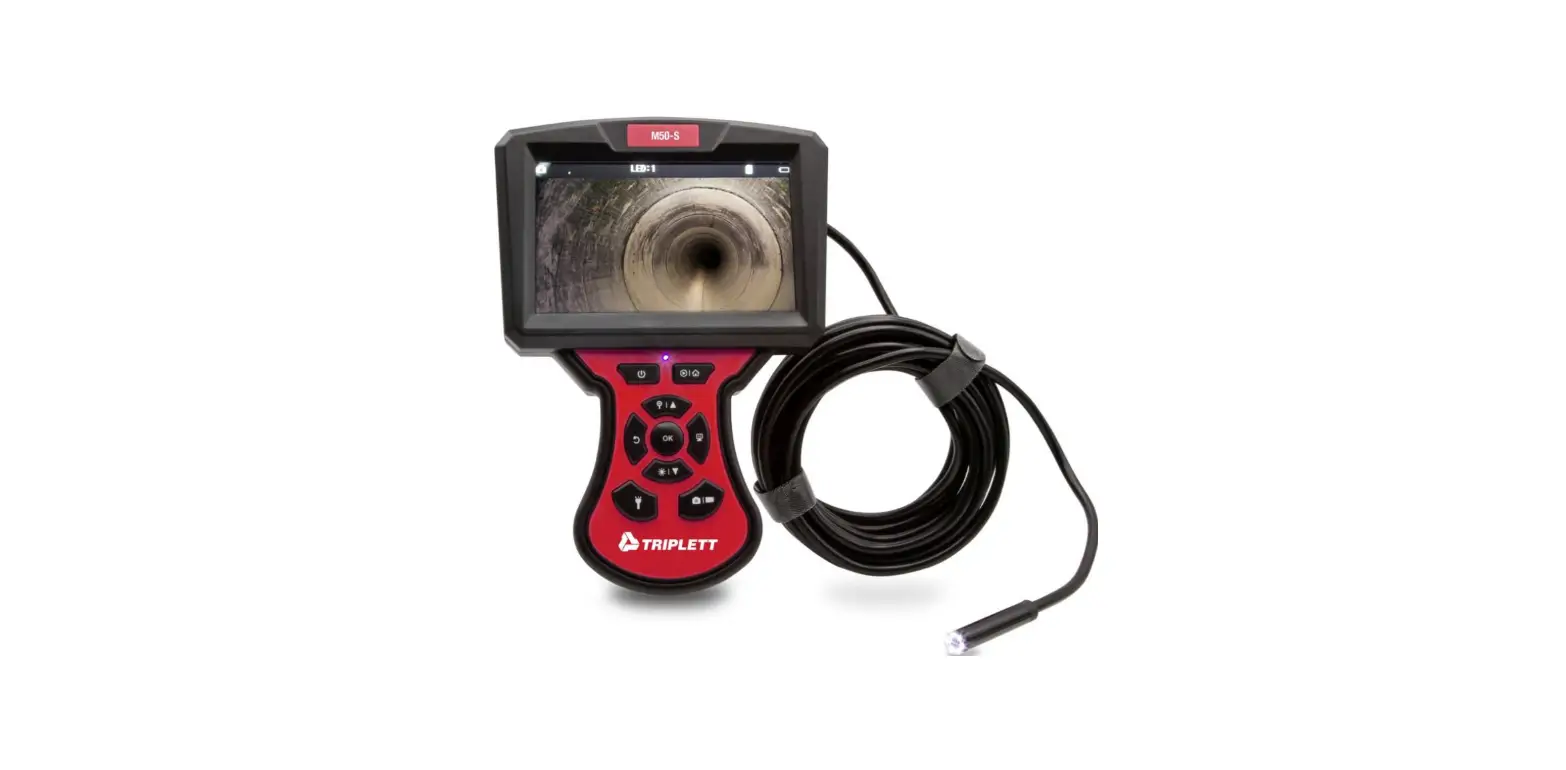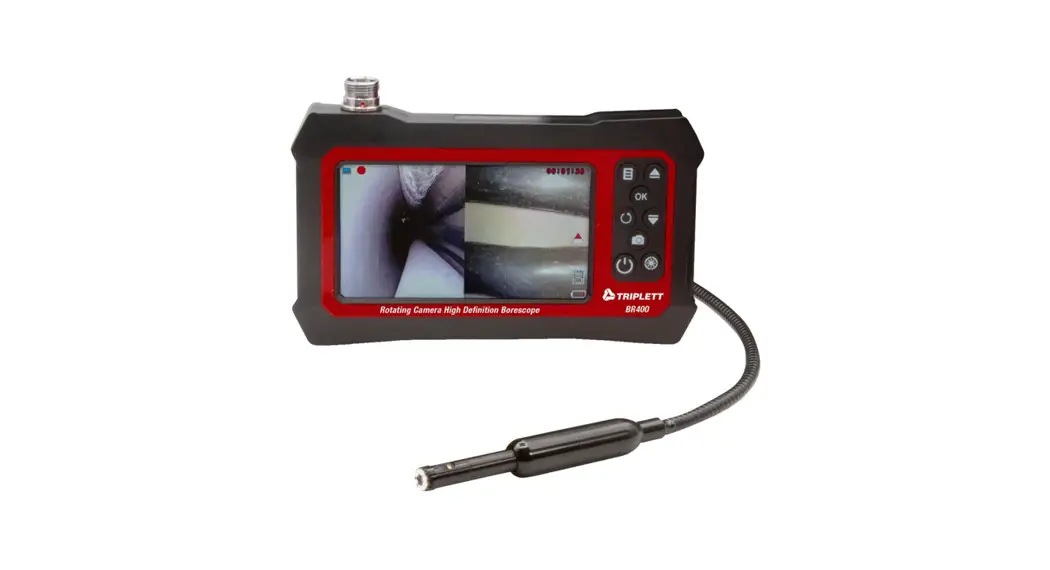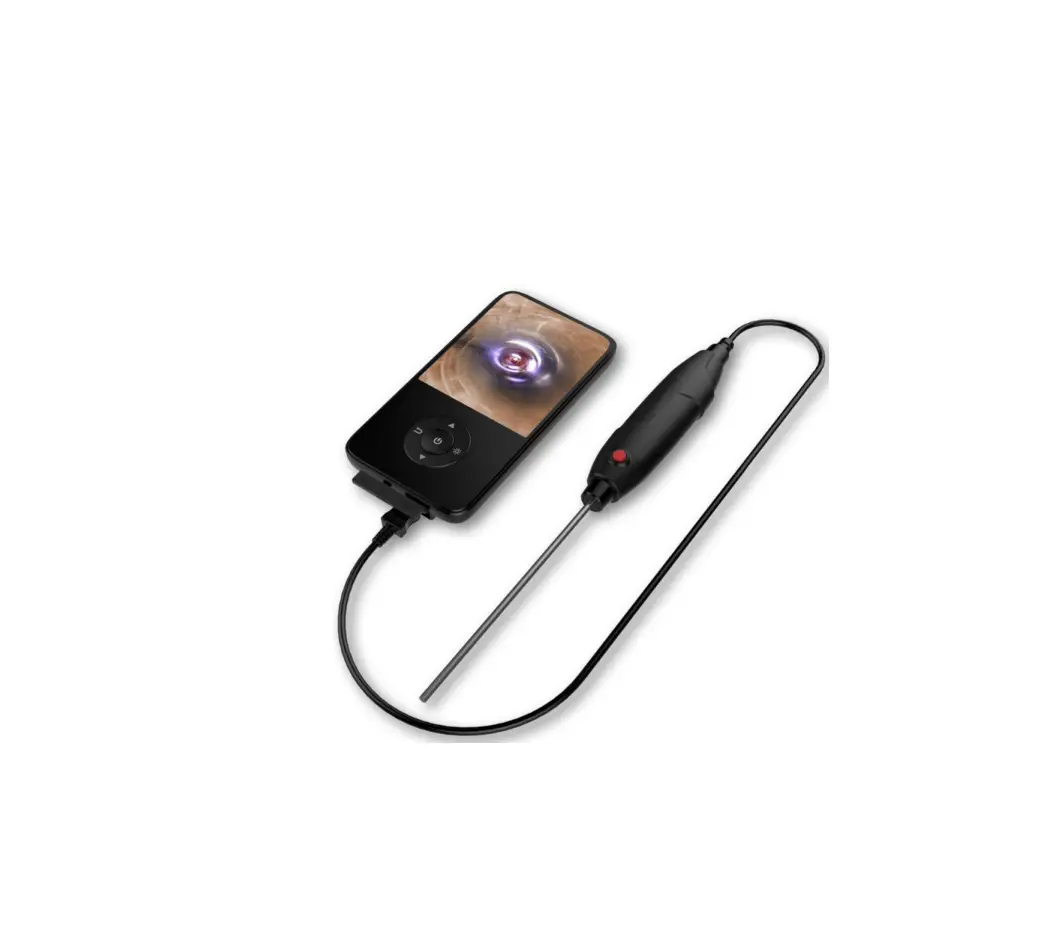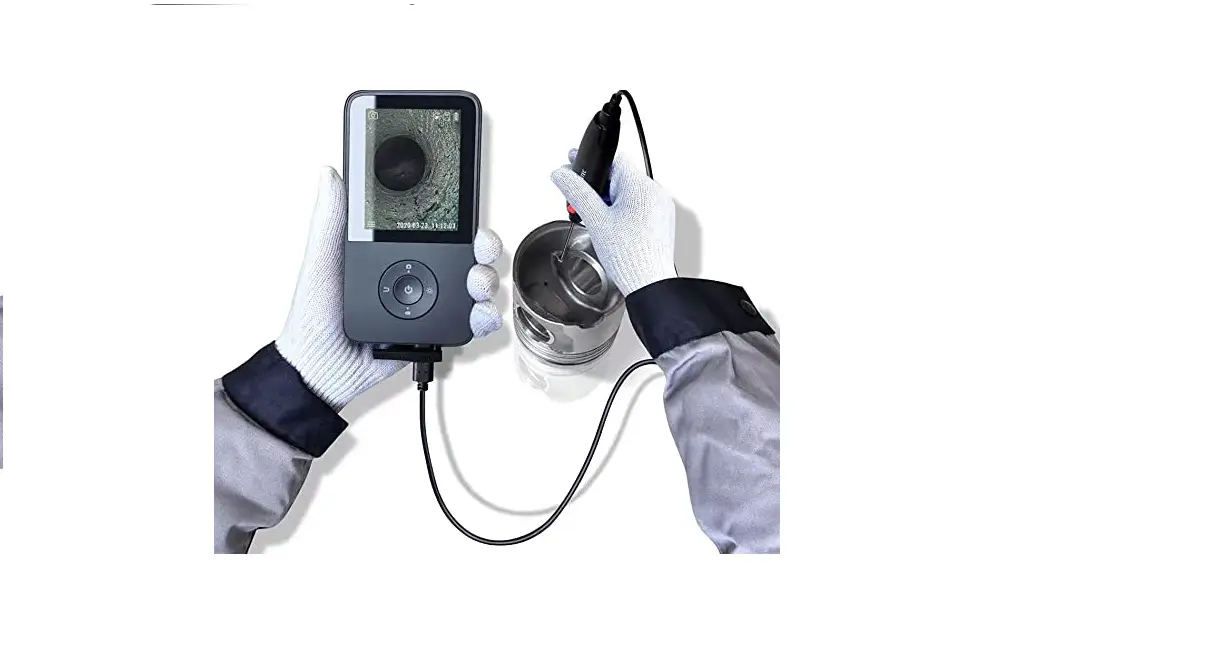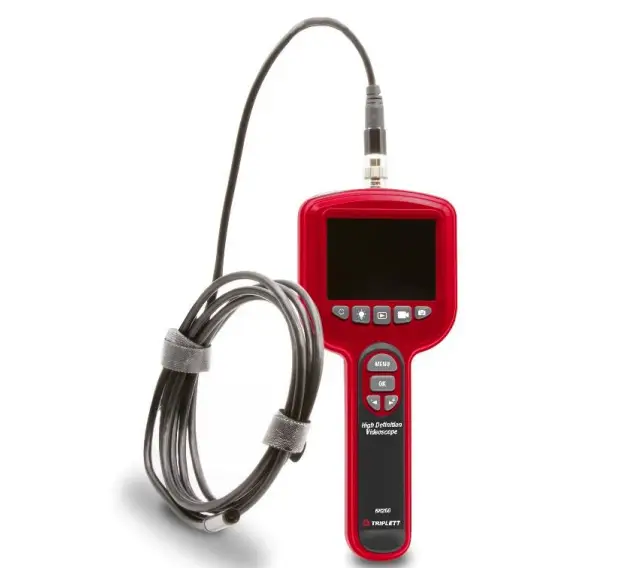

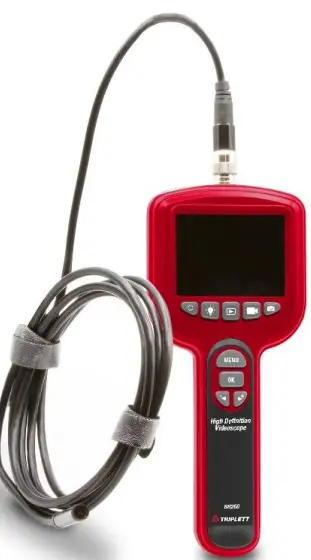
Triplett BR260 High Definition Borescope Inspection Camera
Introduction
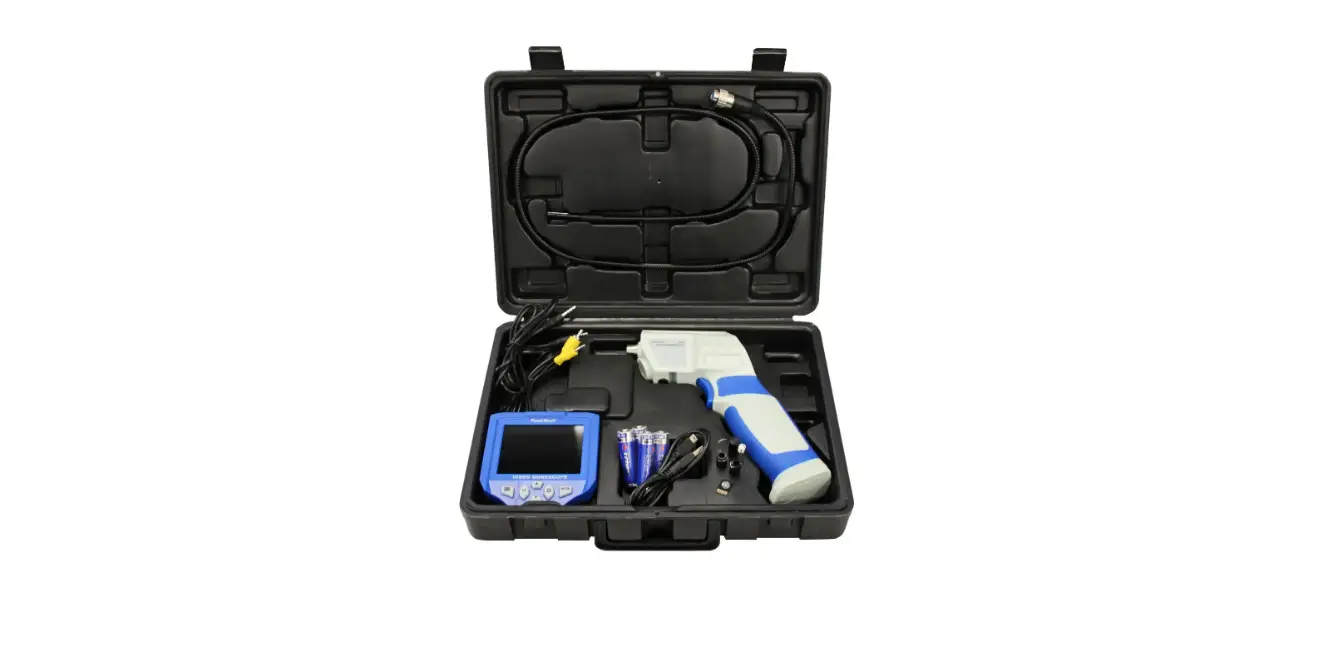
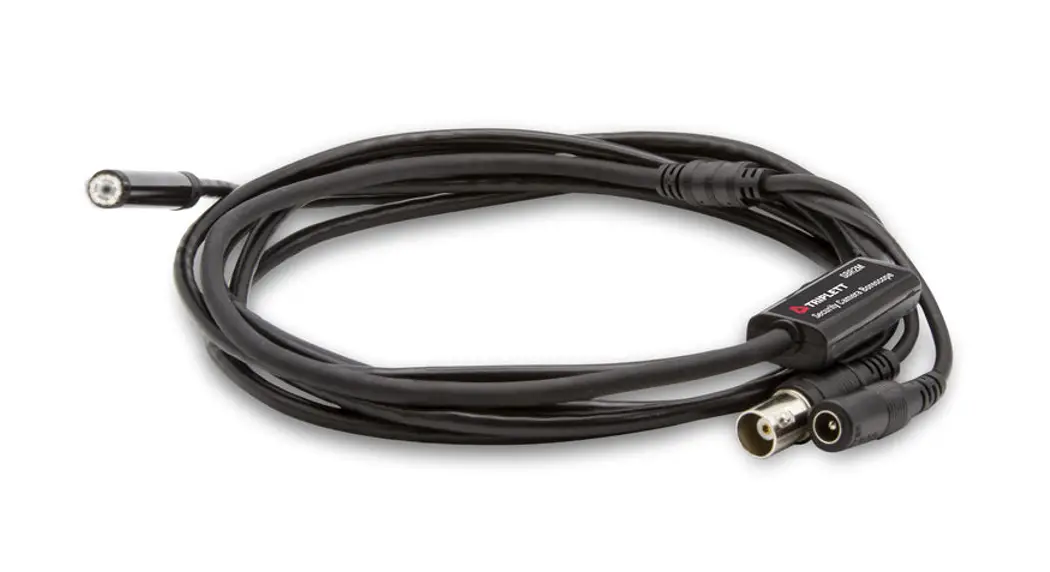
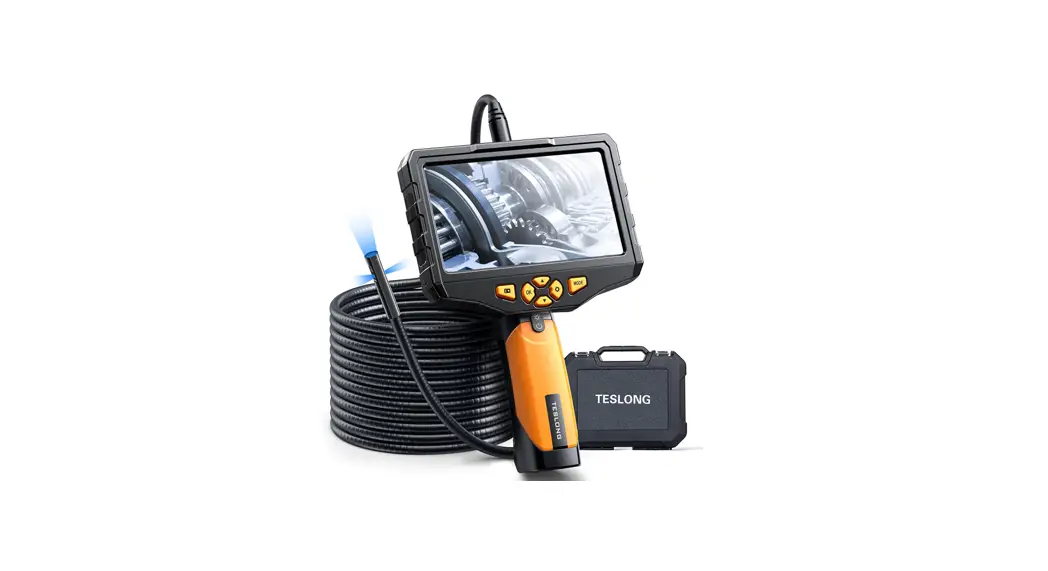
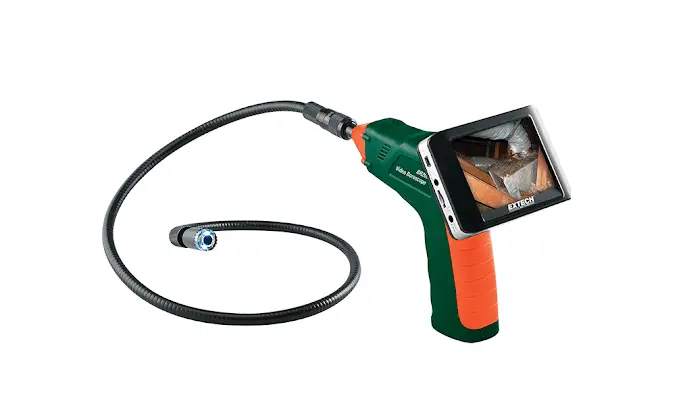
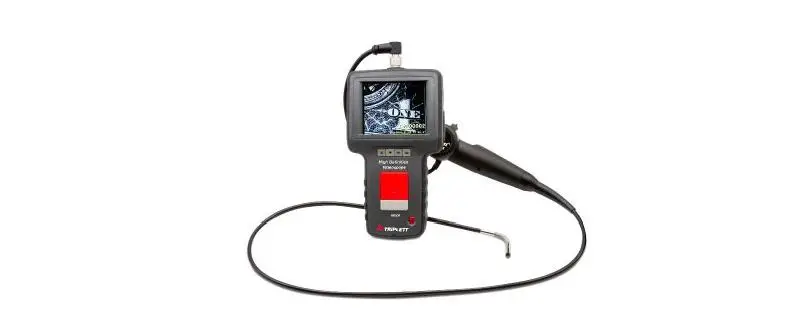
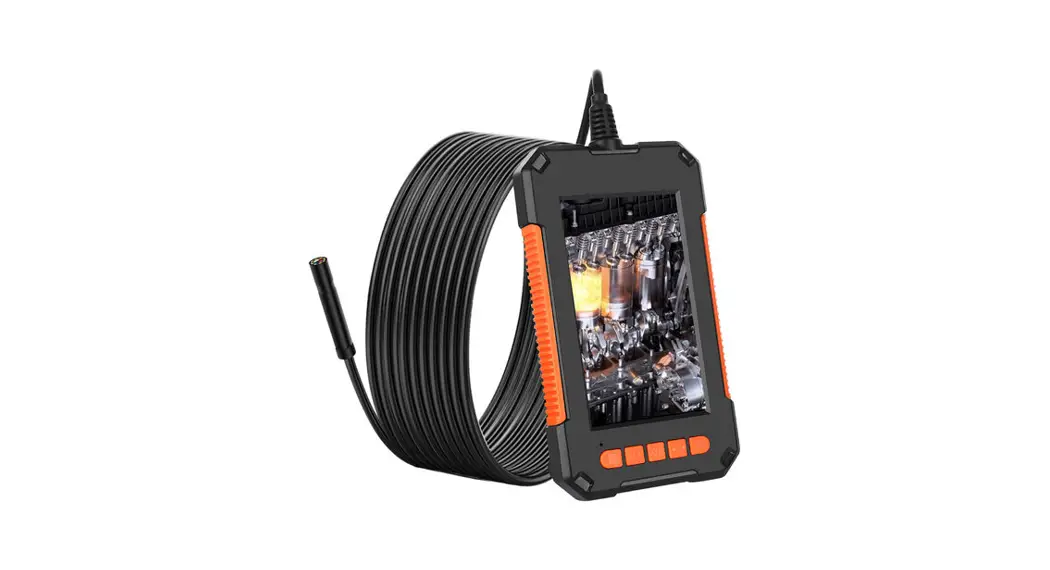
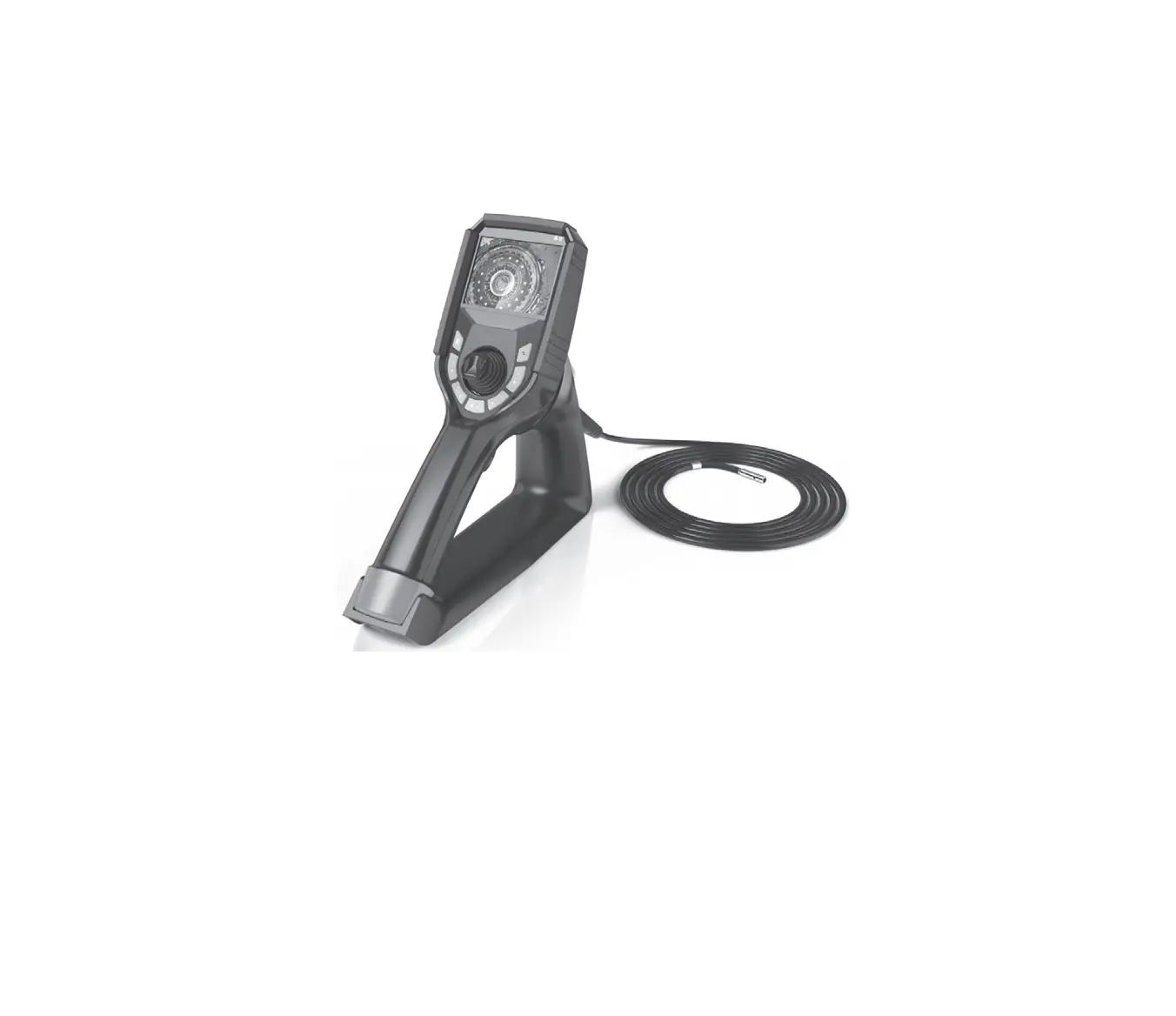
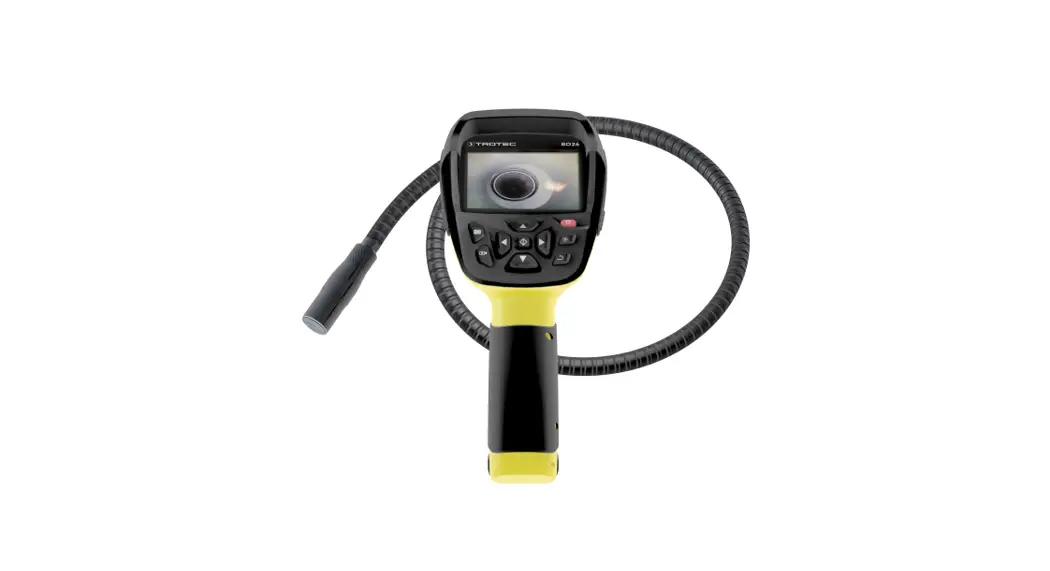
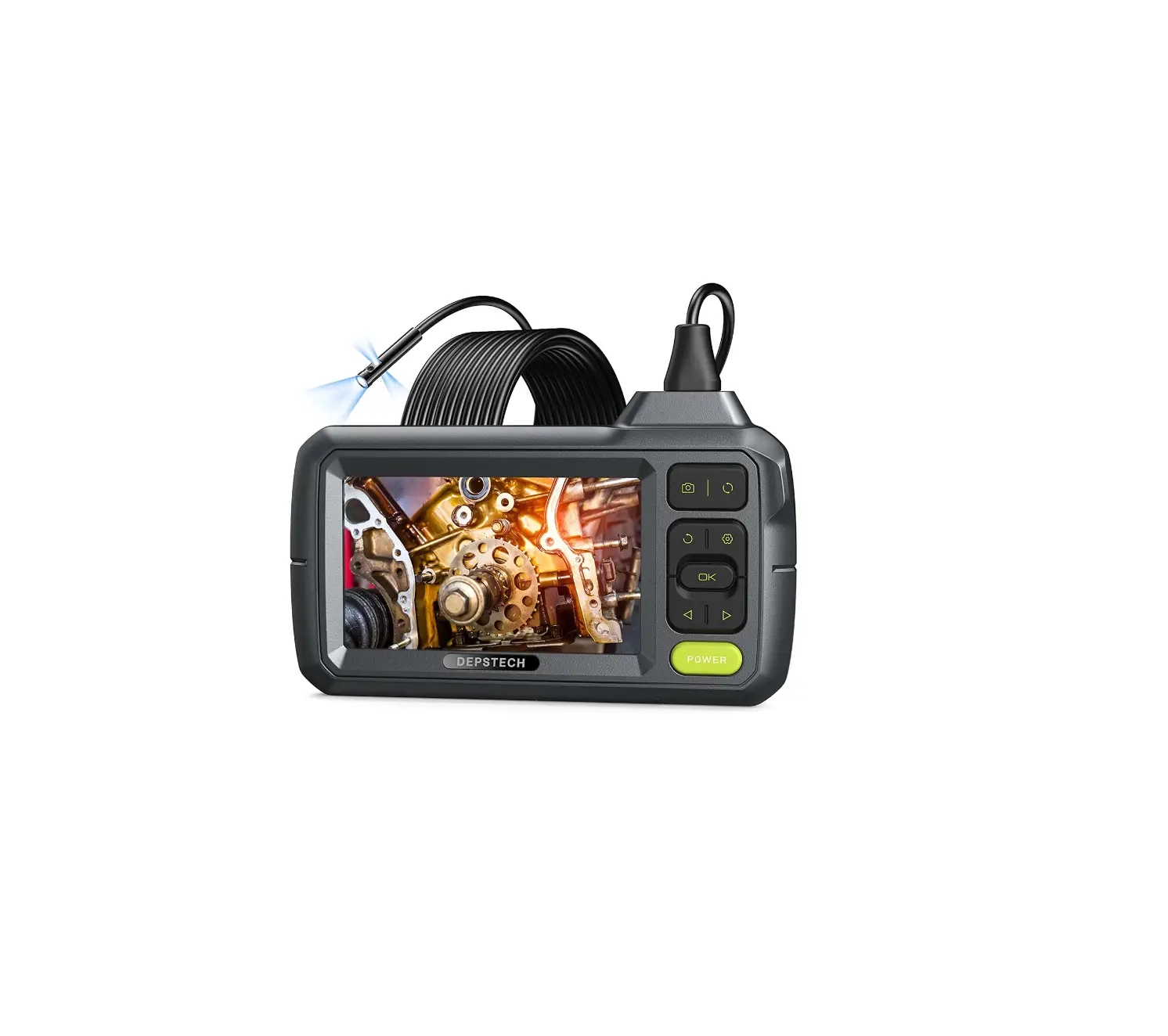
Congratulations on your purchase of the Triplett BR260 Borescope. The BR260 is a high performance industrial inspection camera with a 3-inch high definition color LCD. It is ergonomically designed so that the main functional buttons can be controlled with one hand. The snapshot and recording functions are supported, photos and videos can be saved on TF memory card (Micro-SD card).Features include an auxiliary light source and adjustable LED lights making it easy and handy to use in a dark environment.
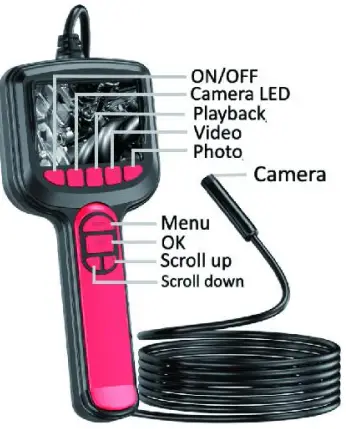
Meter Description
Safety
This product is designed for industrial inspection camera.
- Avoid severe hits to the camera probe, and do not aggressively pull the cable.
- Please do not use it under high temperature, high magnetic environments or under strong light.
- Do not expose this product to extremely low or high temperatures
- If used for extended periods of time, please take out of the Alkaline battery from the device .
- Do not wipe the unit with corrosive chemical wash.
NOTICE:
WARNING ! This product is an industrial inspection camera and is not intended for medical use or human examination.
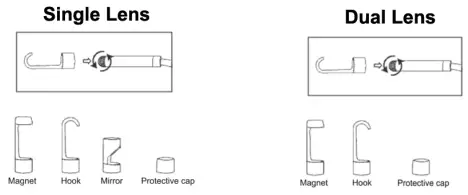
ACCESSORIES INSTALLATION
The installation of accessories is shown in the following figures
NOTE: Dual Lens Option Not Available for BR260 model at this time.
Operation
BUTTON OPERATION
 Power Button :
Press for 3 seconds to turn ON / OFF the screen. Playback Button:
Playback : hold it to enter Photo or Video Playback, press again to exit. Video Button :
Press it for Video recording . Photo Button :
Press it to capture Photo images OK /Screen rotation:
In setup menu, press the OK button to confirm. In live view, press it to screen rotate 180°, press again to resume screen rotation 180°. Camera LED Button :
Press it to adjust 3 levels brightness of the camera.
 Power Button :
 Playback Button:
 Video Button :
 Photo Button :
 OK /Screen rotation:
 Camera LED Button :
ENTER MENU SETTINGS
Date / time settings
Setting path:
- Short press the
 button to enter setting page Select first item(Date / time)on settings page
 - Press button to select the Date / Time you need Press up and down keys to change the Date /Time you need
- Press to save your choice
 button to enter setting page Select first item(Date / time)on settings page
Language settings
The default language is English, and the system supports English,
Chinese, GermanFrench, Spanish, waian, Russian and Japanese.
Setting path:
- Short press the button to enter setting page Select second item (Language) on settings page Press up and down keys to select the language you need
- Press to save your choice
TF card format settings
Setting path:
- Short press the button to enter setting page Select the 3rd. item (format) on settings page
- Press keys to get into select format Press up and down keys to select the Cancel rook you need
- Press to save your choice
Photo taking / Video recording / Playback
- Press to switch to playback mode , Press up and down key to select photo or video to view,
and short press the button to enter deleting photo or video, press  to delete photo or video.
 - Press to exit playback mode
 to delete photo or video.
TECHNICAL PARAMENTERS:
| Model | BR260 |
| Screen | 3.0inch color LCD display |
| Resolution | 1280*720 ; 1920*1080 |
| Horizontal viewing angle | 60° |
| Language | Simplified Chinese, Traditional Chinese, English, French, German, Italy, Russian, Japanese, etc |
| Line length | 2M 5M 7M |
| Focal length | 3cm-10cm |
| Waterproof level | IP67(only for lens) |
| Lens diameter | 5.5mm/8mm |
| Battery | Support 4pcs Alkaline battery |
| Battery life | About 3-4 hours |
TROUBLESHOOTING:
| Problem | Solution |
| The device can not be turned on | 1. Use atfer fully charging the battery. 2. Confirm whether the power supply has been successfully connected |
| TF card reading failed | 1. Confirm whether the TF card meets the requirements(the Highest supported format is 64GB Micro TF card in FAT 32,and the transmission speed must be Class 10 or higher) 2. Remove the TF card and reinsert it. |
| After the device is connected to The PC, can’t read TF card | 1. Reconnected the device and the PC 2. Confirm whether to enter mass storage mode |
| Smudges or smudges on the screen | 1. Clean the screen carefully with a soft cloth |
Warranty
Triplett / Jewell Instruments extends the following warranty to the original purchaser of these goods for use. Triplett warrants to the original purchaser for use that the products sold by it will be free from defects in workmanship and material for a period of (1) one year from the date of purchase. This warranty does not apply to any of our products which have been repaired or altered by unauthorized persons in any way or purchased from unauthorized distributors so as, in our sole judgment, to injure their stability or reliability, or which have been subject to misuse, abuse, misapplication, negligence, accident or which have had the serial numbers altered, defaced, or removed. Accessories, including batteries are not covered by this warranty
Copyright © 2022 Triplett
www.triplett.com
 Triplett Test Equipment & Tools for Industrial & Electronics Solutions