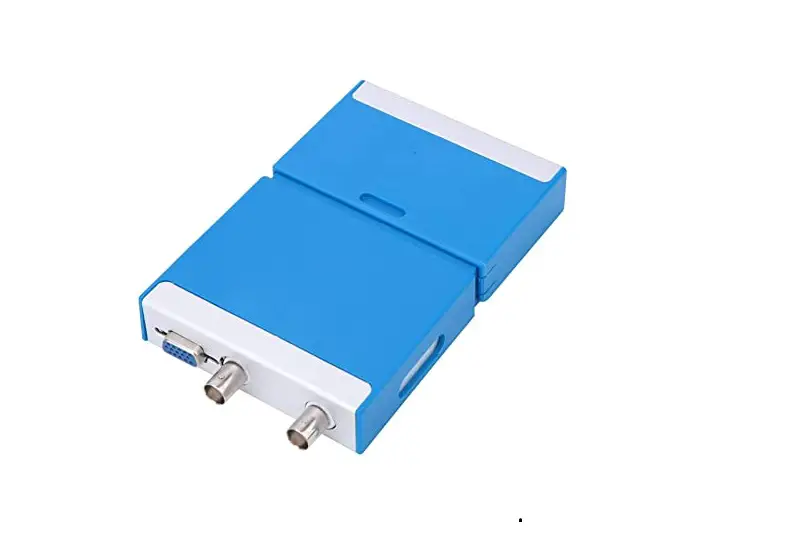
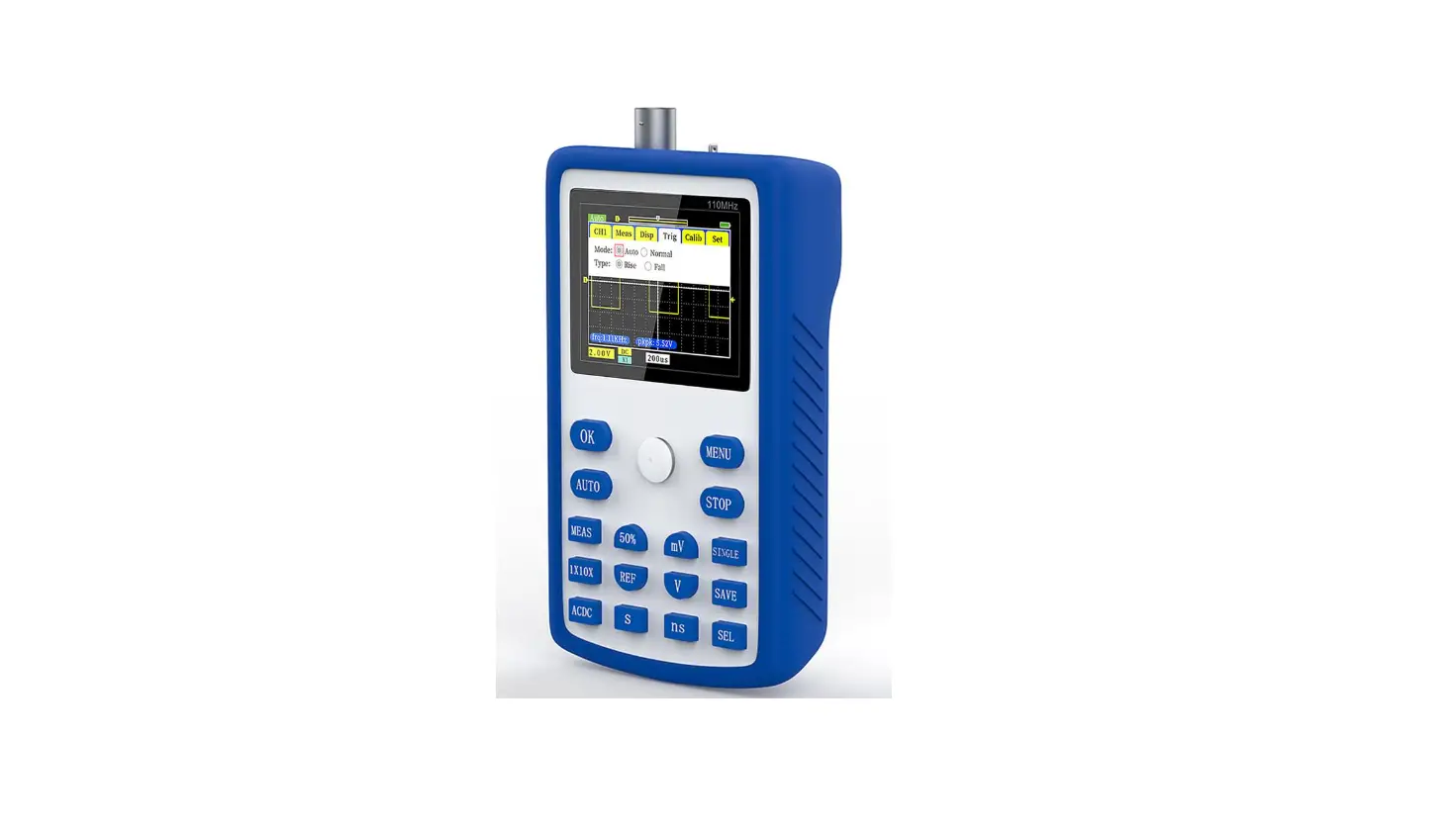
WSEDU09 Educational Pc Oscilloscope Kit
Product Information:
Product Name:
EN Educational PC Oscilloscope Kit WSEDU09
Manufacturer:
whadda.com
Features:
- Duty cycle measurement
- Frequency measurement
- Transient Recorder
- Spectrum Analyzer
General Information:
This product is an educational PC oscilloscope kit. It offers
various features such as duty cycle measurement, frequency
measurement, transient recording, and spectrum analysis. It
requires a minimum system configuration to operate.
Minimum System Requirements:
- WindowsTM operating system
Assembly Instructions:
Skipping the assembly process can lead to troubles. Follow these
instructions carefully to ensure a successful project.
1. Make sure you have the right tools:
A soldering iron with a small tip and soldering wire are
necessary for assembly. It is recommended to use a soldering iron
with temperature control, as it protects the tip and enables better
connections. Clean the tip when solder rolls off.
For some projects, a basic multi-meter may be required or
handy.
Note: Always look for possible last-minute manual updates
indicated as ‘NOTE’ on a separate leaflet.
2. Soldering Hints:
- Mount the component against the PCB surface and carefully
solder the leads. - Make sure the solder joints are cone-shaped and shiny.
- Trim excess leads as close as possible to the solder
joint.
Note: Do not blindly follow the order of the components on the
tape. Always check their value with the parts list.
3. Construction:
Refer to the parts list and follow the instructions below:
Ceramic Capacitors:
- C11…C13: 100nF (104)
- C16…C19: 100nF (104)
Diodes:
Watch the polarity!
- D1…D7: BAT85
Zenerdiode:
Watch the polarity!
- ZD1: 5V1
Choke:
- L: …
IC Socket:
Watch the position of the notch!
- IC1: 16p
- IC2: 8p
- IC3: 28p
EN EDUCATIONAL PC OSCILLOSCOPE KIT WSEDU09
ILLUSTRATED ASSEMBLY MANUAL whadda.com
Oscilloscope · bandwidth: DC to 200 kHz ± 3 dB · input impedance: 100 kohm / 20 pF · maximum input voltage: 30 V (AC + DC) · time base: 10 µs to 500 ms per division · input range: 100 mV to 5 V/division · input sensitivity: 3 mV display resolution · readouts: True RMS, dBV, dBm, p to p,
Duty cycle, Frequency…
· record length: 1k samples · sampling frequency: 62.5 Hz to 1.5 MHz · sample history function · auto set-up function · pre-trigger function : on 0.1 ms/div .. 500 ms/div ranges · persistence options: Colour graded, Variable and Infinite
Transient Recorder
· timescale: 20 ms/div to 2000 s/div · max. recording time: 9.4 h/screen · automatic storage of data · record and display of screens · automatic recording for more than 1 year · max. number of samples: 100/s · min. number of samples: 1 sample/20 s
Spectrum Analyzer
· frequency range: 0 .. 150 Hz to 75 kHz · operating principle: FFT (Fast Fourier
Transform) · FFT resolution: 512 lines
General information
· markers for: amplitude/voltage & frequency/time · expert or basic mode selection in software · input coupling: DC and AC · 8 bit resolution · storage of display and data · power supply through USB: +/- 200 mA · uses Microsoft® human interface device (HID) driver, no
external driver required · dimensions: 94 x 94 mm / 3.7 x 3.7″
Min. system requirements
· IBM compatible PC · Windows® XP, Vista, 7, 8 * · SVGA display card (min. 1024 x 768) · mouse · free USB port 1.1 or 2.0
* WindowsTM is a registered trademarks of Microsoft Corporation
1. Assembly (Skipping this can lead to troubles ! ) Ok, so we have your attention. These hints will help you to make this project successful. Read them carefully.
1.1 Make sure you have the right tools:
· A good quality soldering iron (25-40W) with a small tip.
· Wipe it often on a wet sponge or cloth, to keep it clean; then apply solder to the tip, to give it a wet look. This is called `thinning’ and
will protect the tip, and enables you to make good connections. When solder rolls off the tip, it needs cleaning.
· Thin raisin-core solder. Do not use any flux or grease.
· A diagonal cutter to trim excess wires. To avoid injury when cutting excess leads, hold the lead so they cannot
fly towards the eyes.
· Needle nose pliers, for bending leads, or to hold components in place.
· Small blade and Phillips screwdrivers. A basic range is fine.
0.000
) For some projects, a basic multi-meter is required, or might be handy
1.2 Assembly Hints : · Make sure the skill level matches your experience, to avoid disappointments. · Follow the instructions carefully. Read and understand the entire step before you perform each operation. · Perform the assembly in the correct order as stated in this manual · Position all parts on the PCB (Printed Circuit Board) as shown on the drawings. · Values on the circuit diagram are subject to changes, the values in this assembly guide are correct* · Use the check-boxes to mark your progress. · Please read the included information on safety and customer service
* Typographical inaccuracies excluded. Always look for possible last minute manual updates, indicated as `NOTE’ on a separate leaflet.
1.3 Soldering Hints :
1. Mount the component against the PCB surface and carefully solder the leads
2. Make sure the solder joints are cone-shaped and shiny
3. Trim excess leads as close as possible to the solder joint
3
DO NOT BLINDLY FOLLOW THE ORDER OF THE COMPONENTS ON THE TAPE. ALWAYS CHECK THEIR
VALUE WITH THE PARTS LIST!
– 4 –
CONSTRUCTION
1 Ceramic Capacitors
c… C11…C13 : 100nF (104) C16…C19 : 100nF (104)
2 Diodes
CATHODE D…
Watch the polarity!
D1 : BAT85 D2 : BAT85 D3 : BAT85 D4 : BAT85 D5 : BAT85 D6 : BAT85 D7 : BAT85
3 Zenerdiode
CATHODE
Watch the polarity!
ZD…
ZD…
ZD… ZD1 : 5V1
4 Choke
L . . .
L1 : 100µH (1 – 0 – 1 – B) L2 : 100µH (1 – 0 – 1 – B)
L . . .
L . . .
5 IC socket
Watch the position of the notch!
!
IC1 : 16p IC2 : 8p IC3 : 28p
1
!
1 IC…
IC.
 Whadda - Exciting Electronics