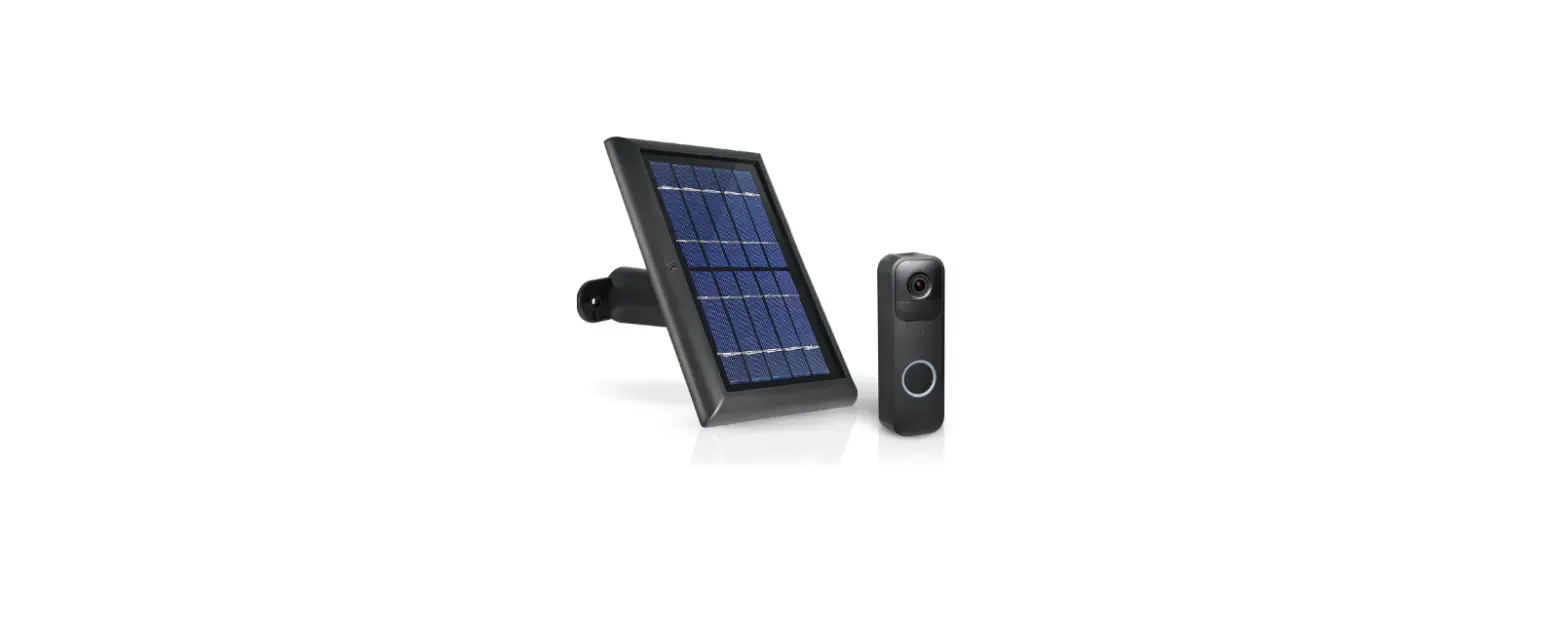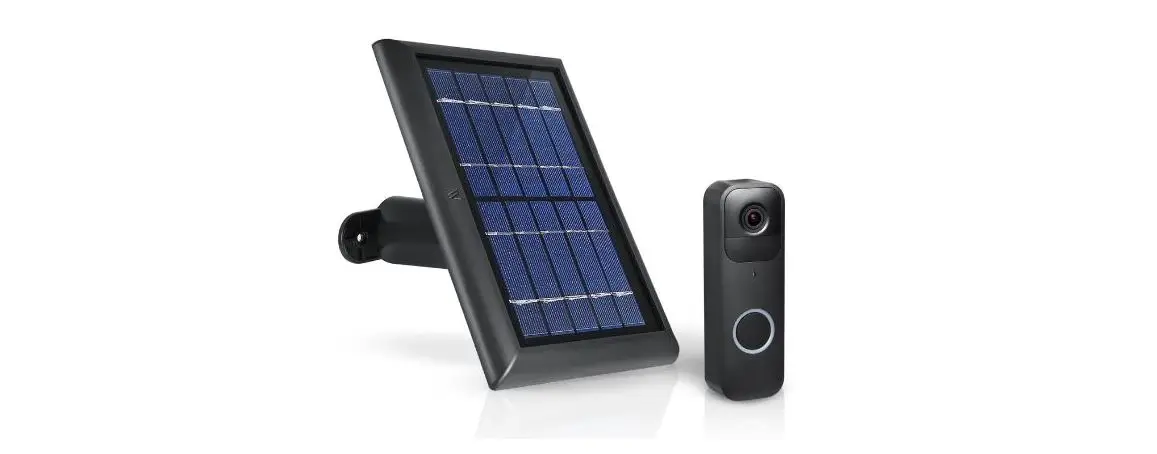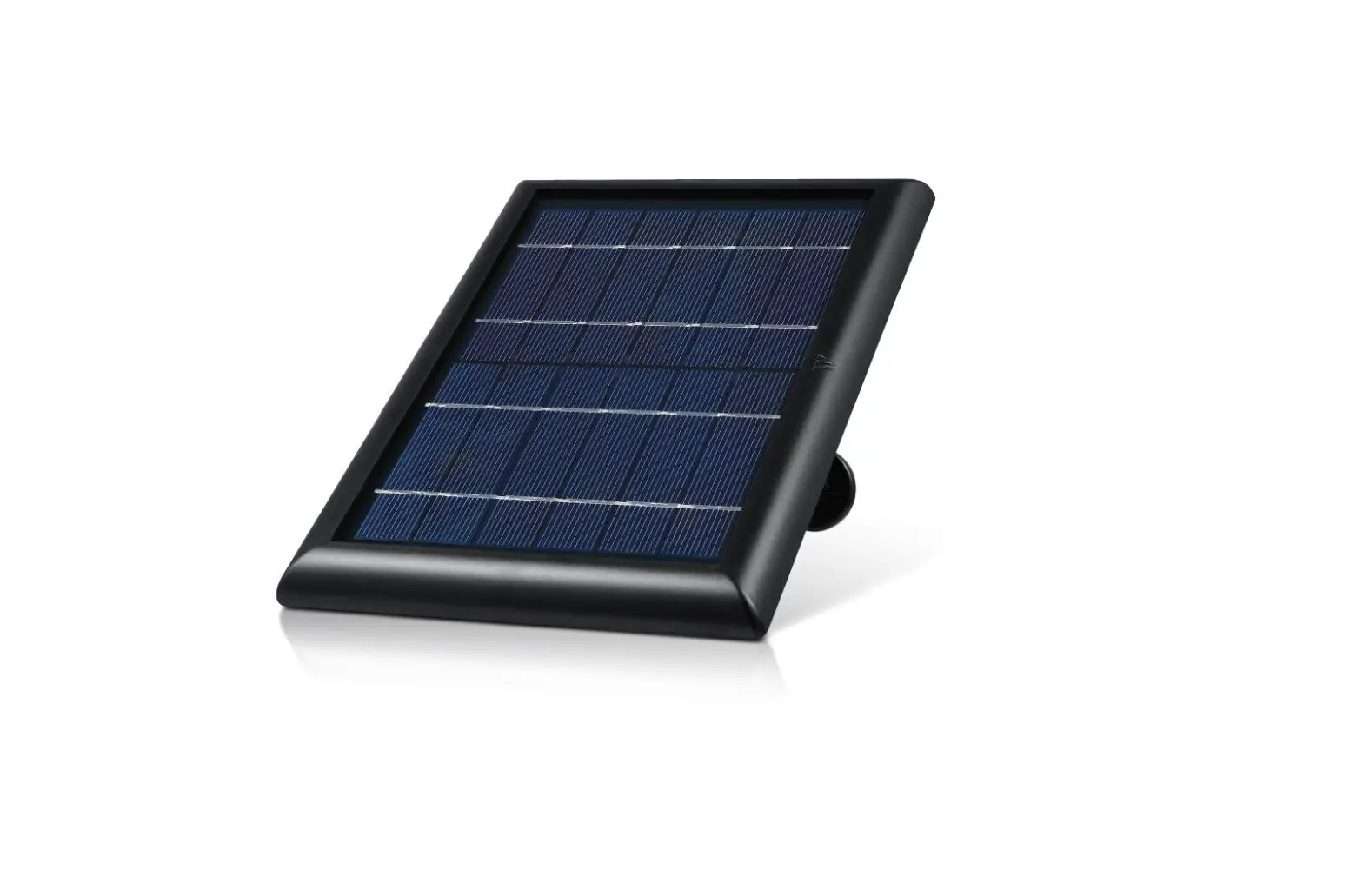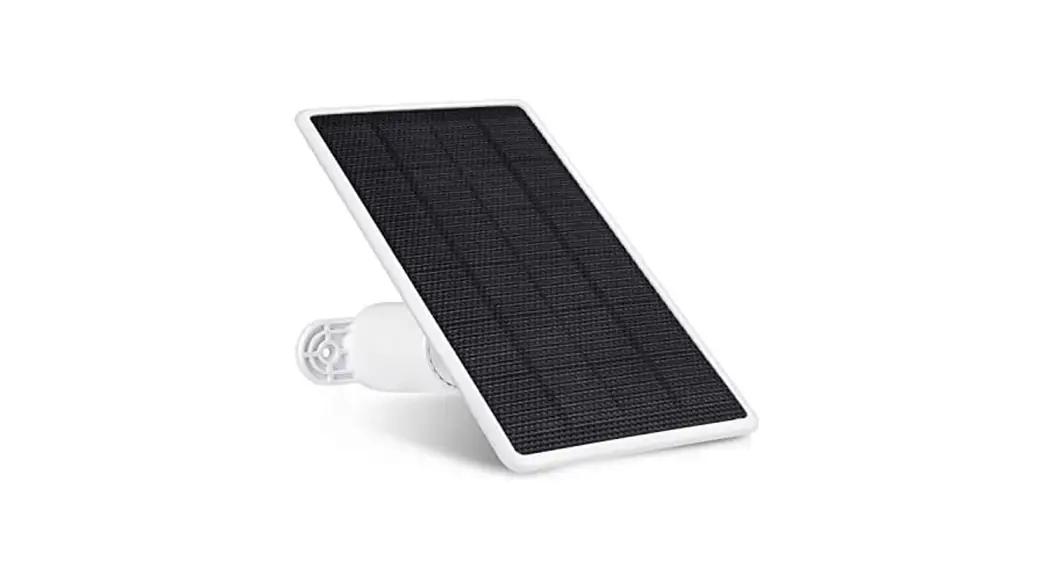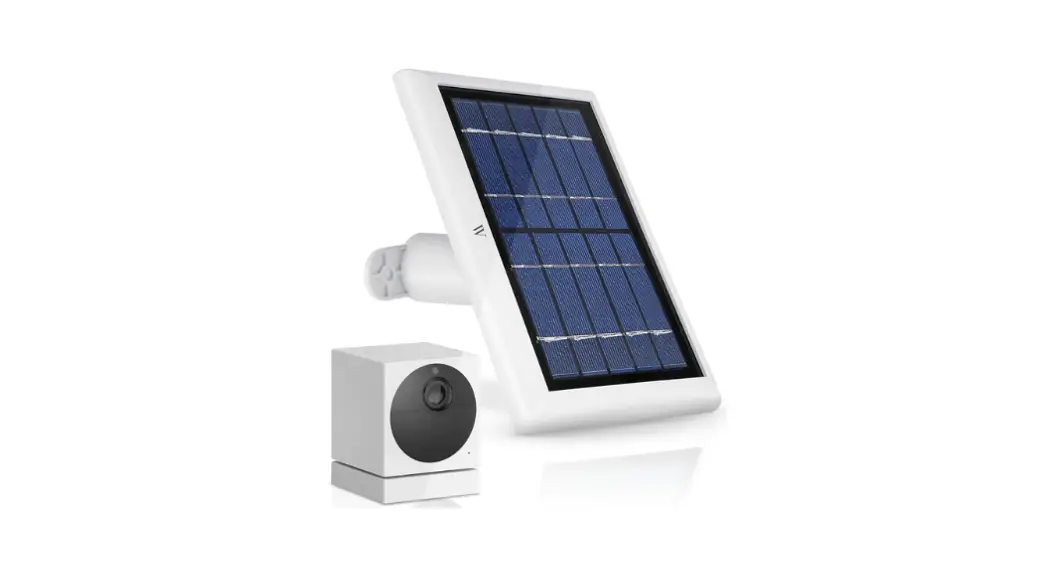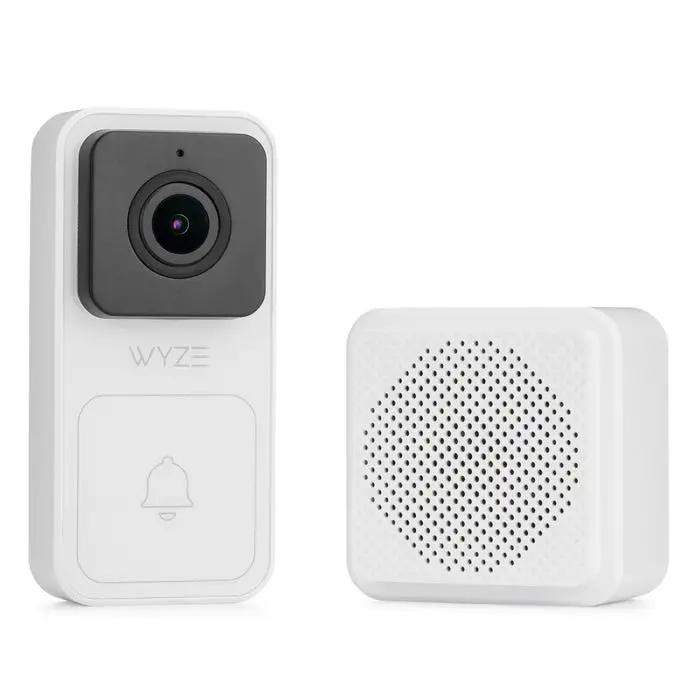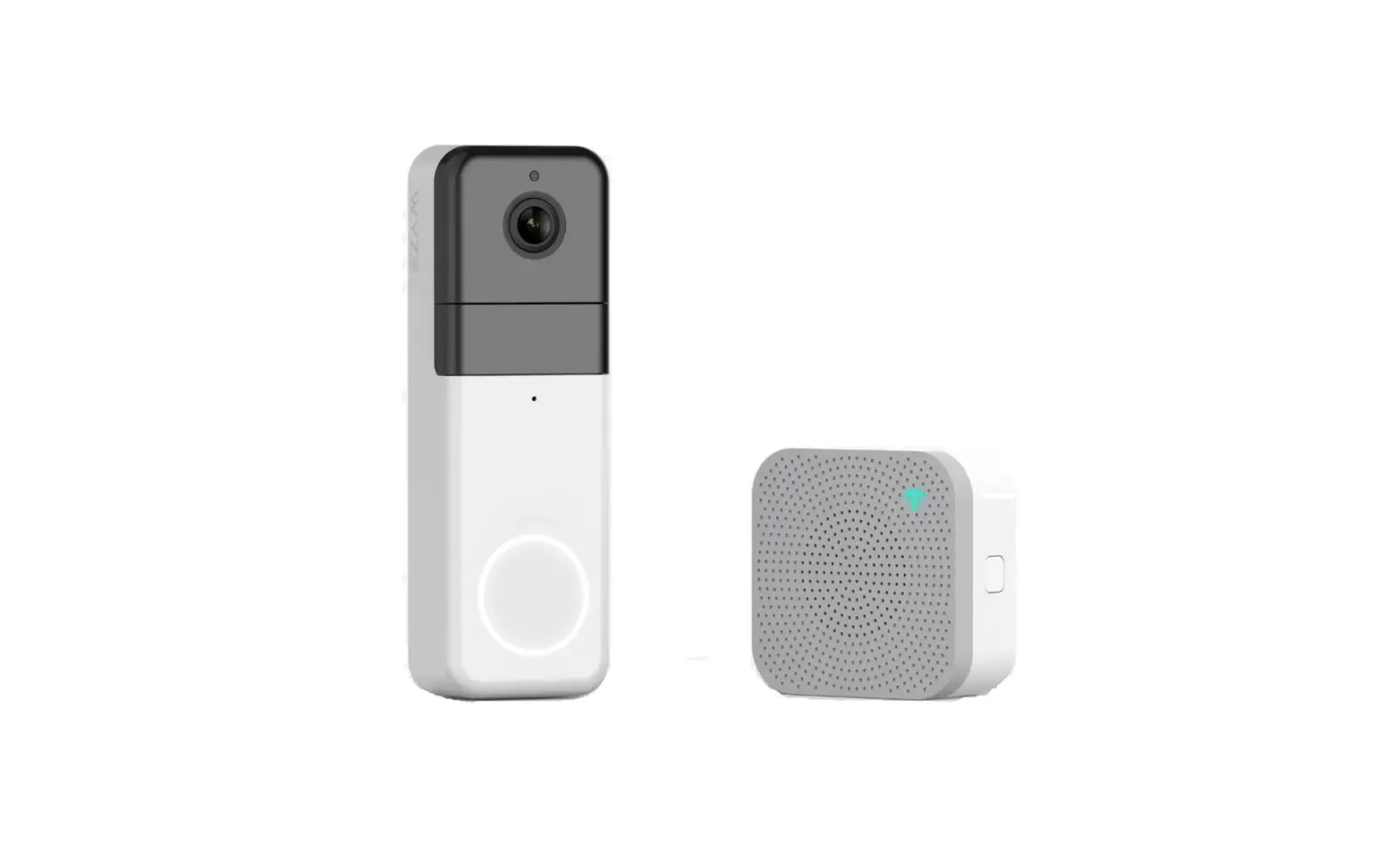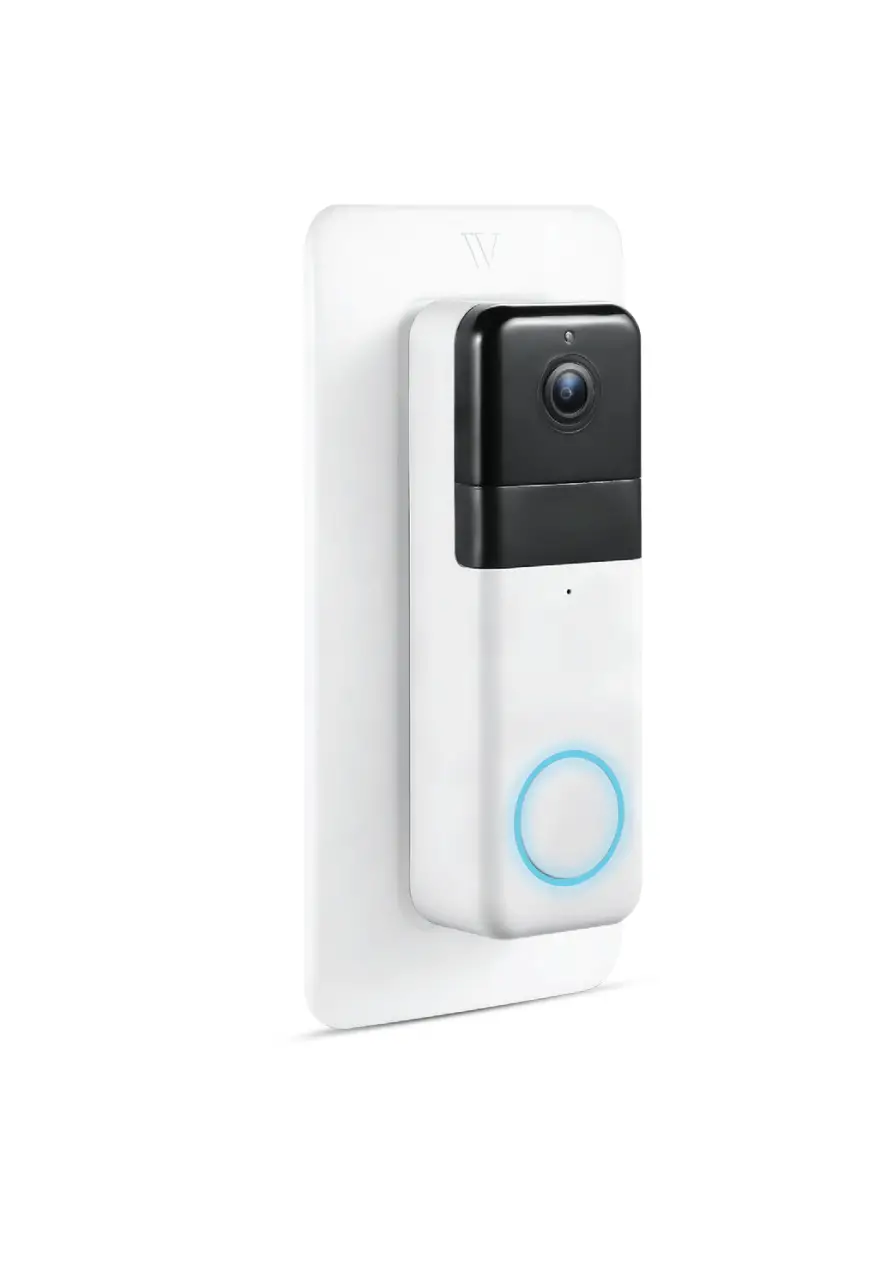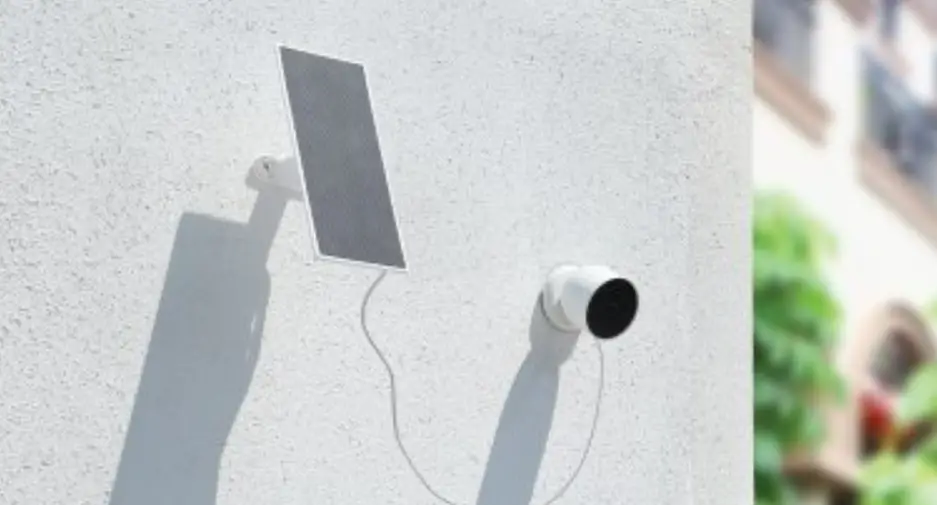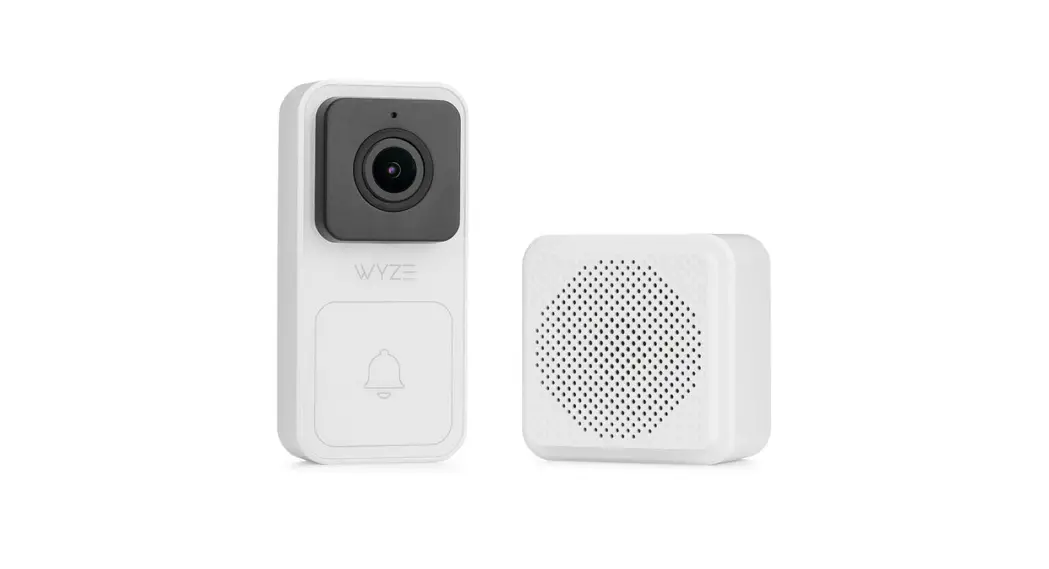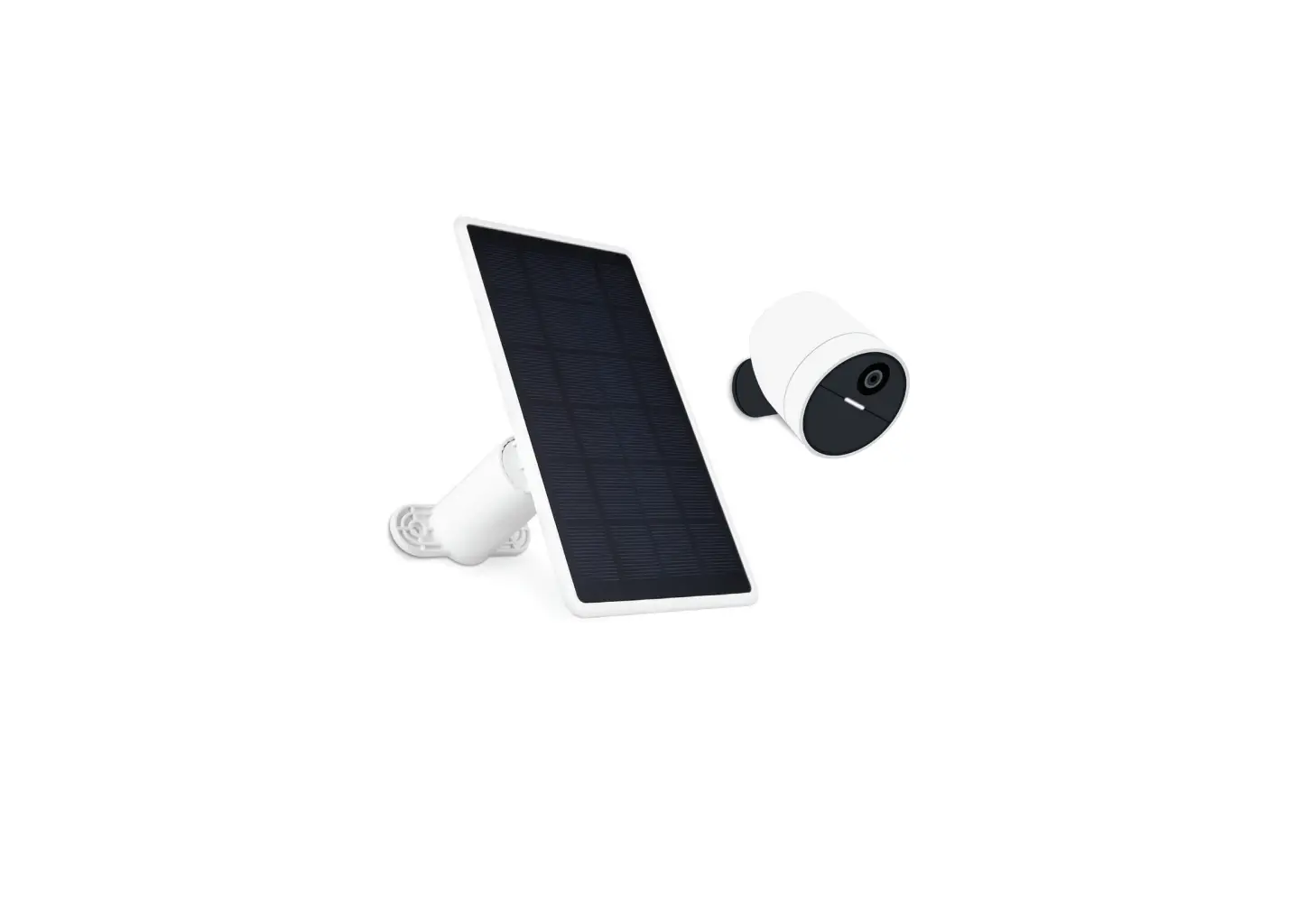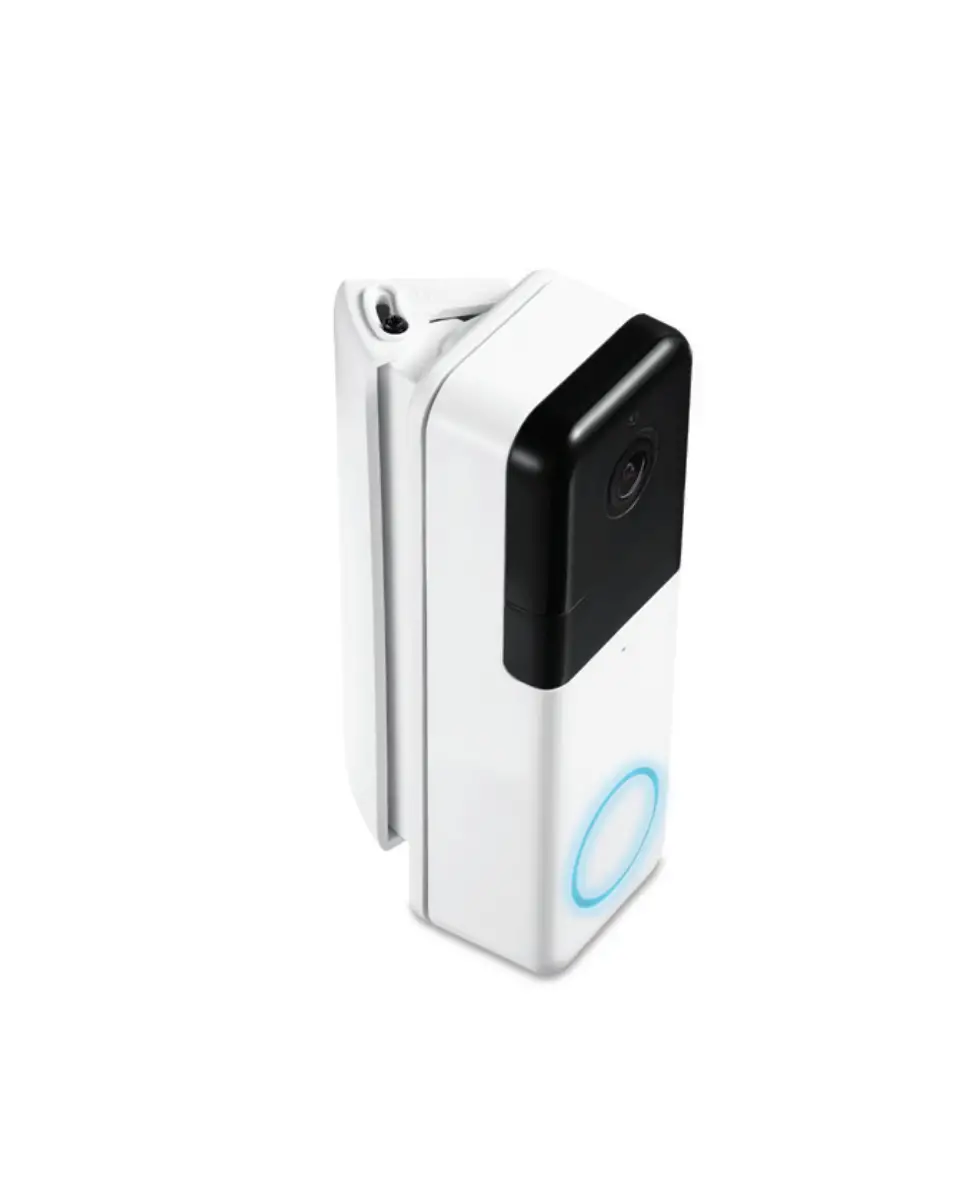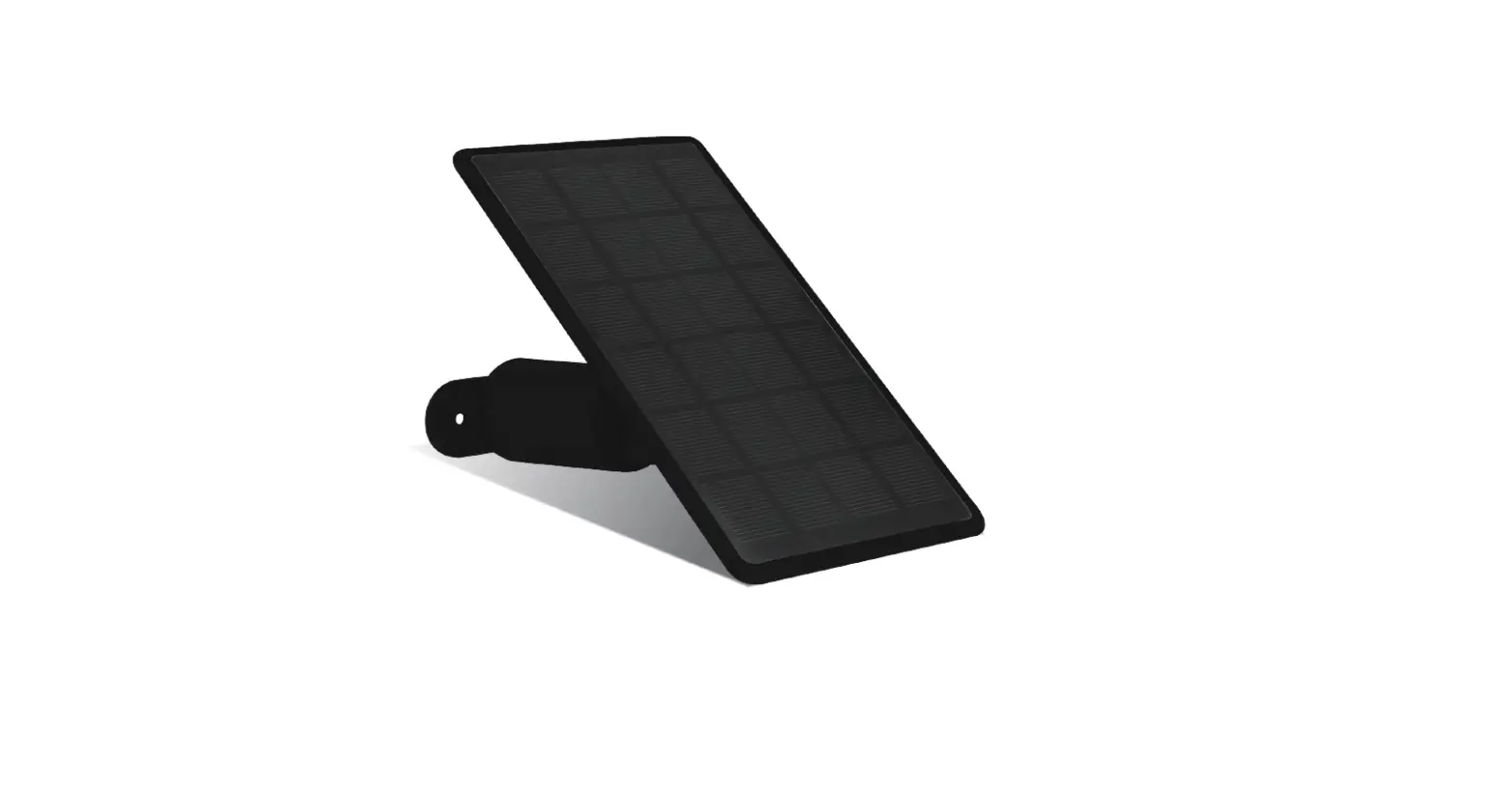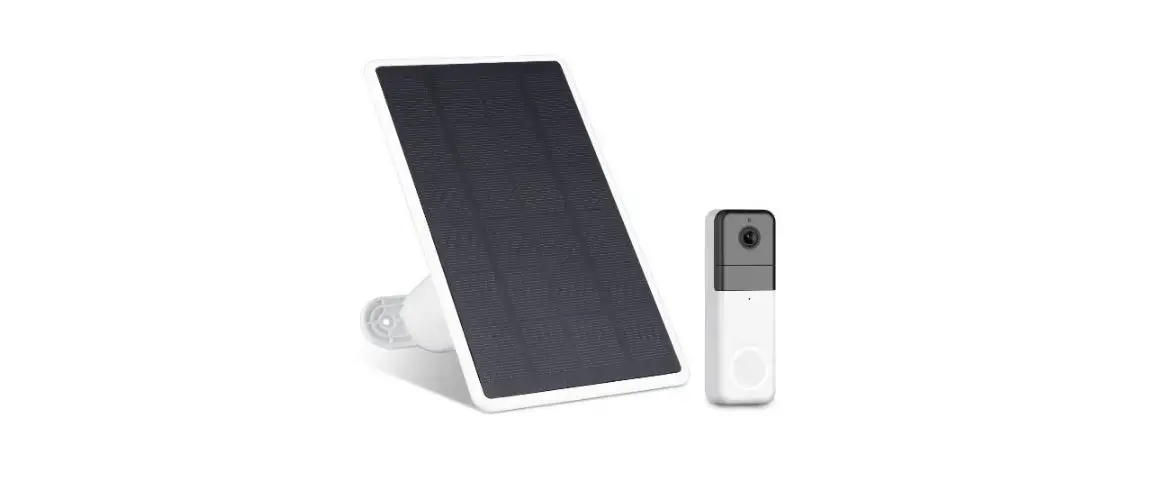
WASSERSTEIN Solar Panel Compatible with Wyze Video
Doorbell Pro User Manual

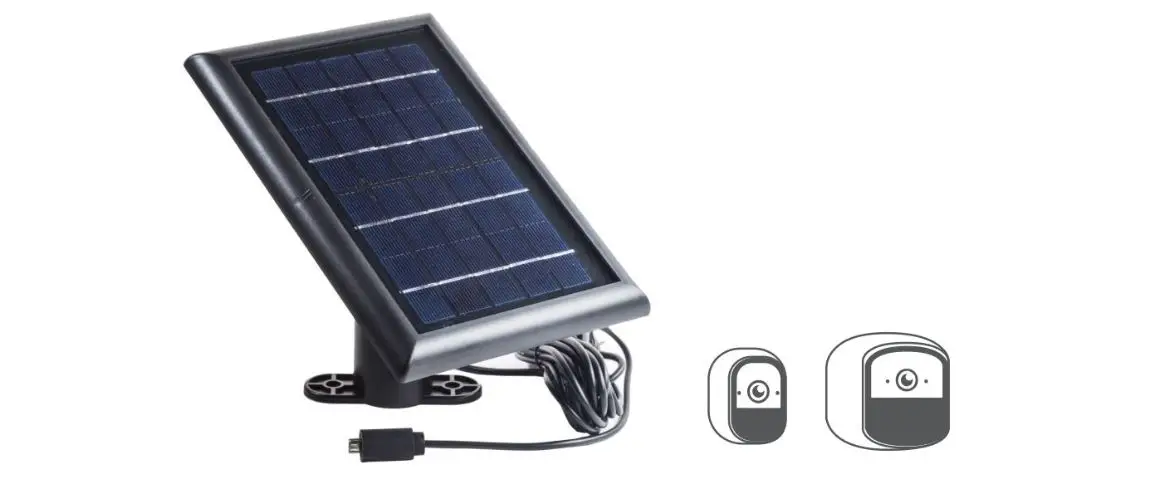
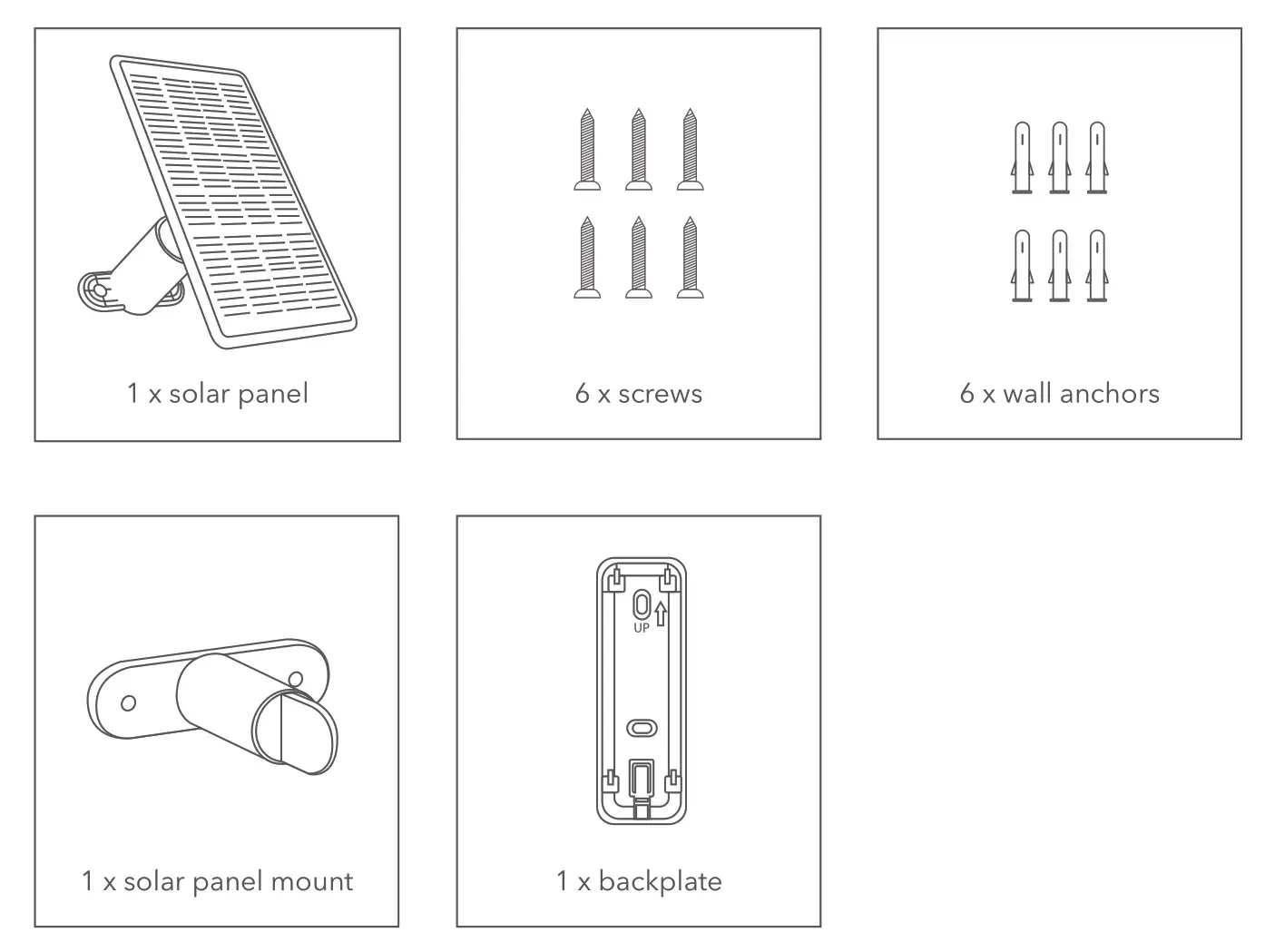
In the Box
Safety Information
- Disassembling the solar panel is not recommended as it may cause damage to internal components. The solar panel may not function properly after disassembly.
- Do NOT leave bare wires exposed.
Pre-Installation
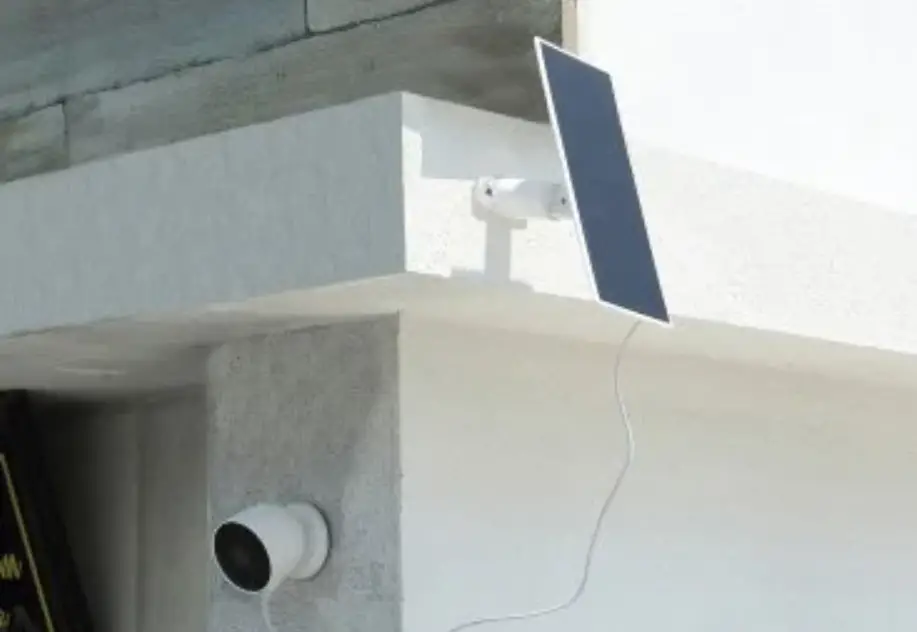
- Install the solar panel in an area that receives direct sunlight.
- Remove any previously installed doorbell, mount, or backplate.
Mounting the Solar Panel
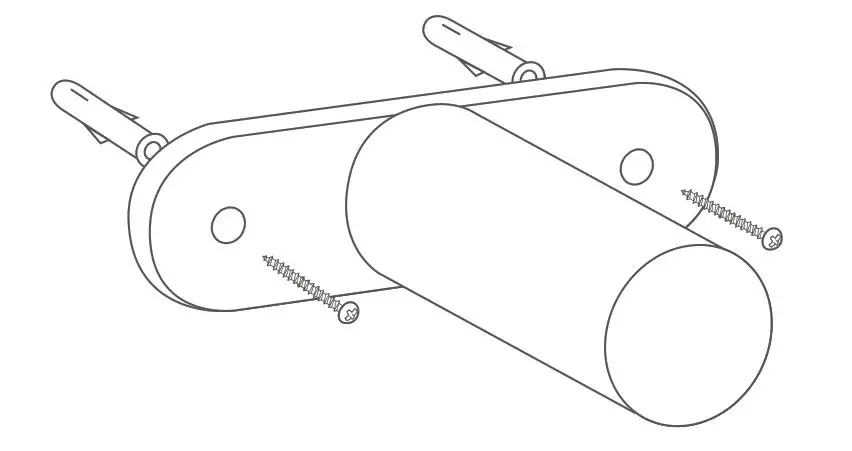
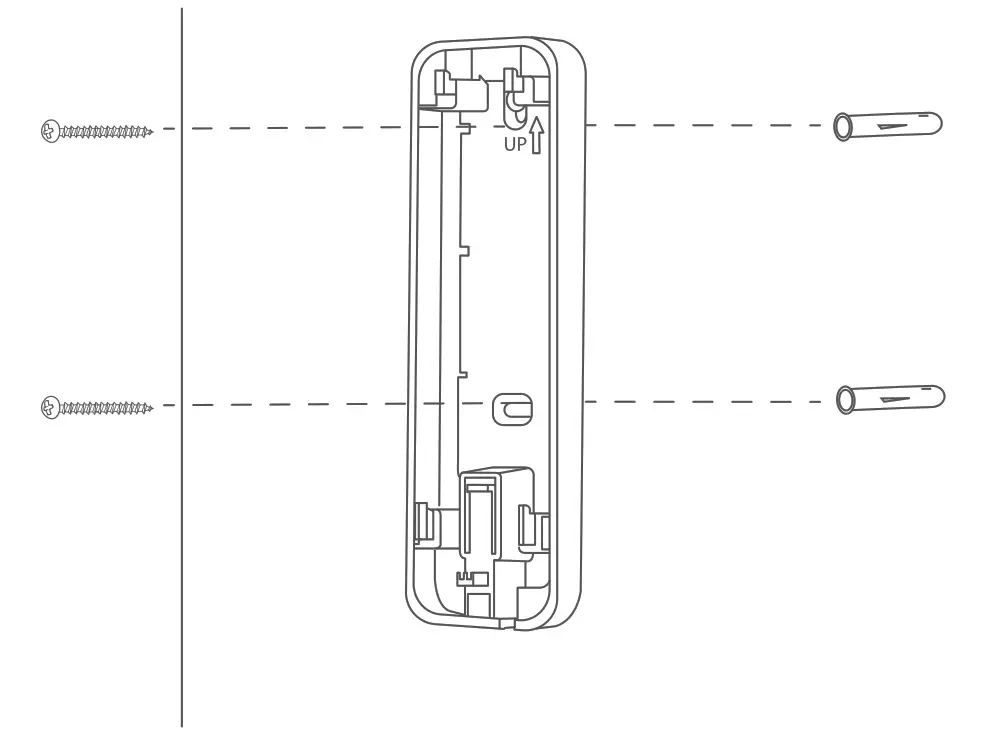
Mount your device directly onto wood using the screws provided. If you are mounting onto brick, concrete, or stucco, mark the holes using the bracket for guidance. Then, drill the holes, insert the anchors, and screw the mount to the wall.
Installation
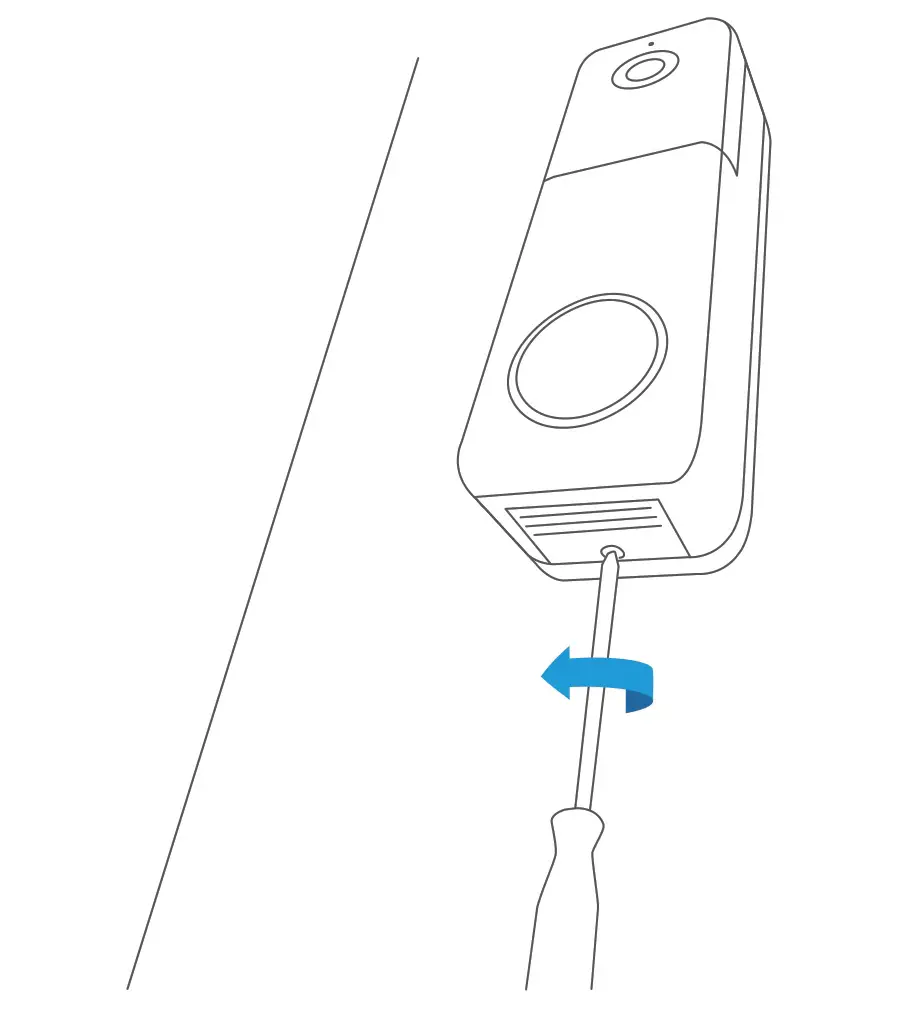
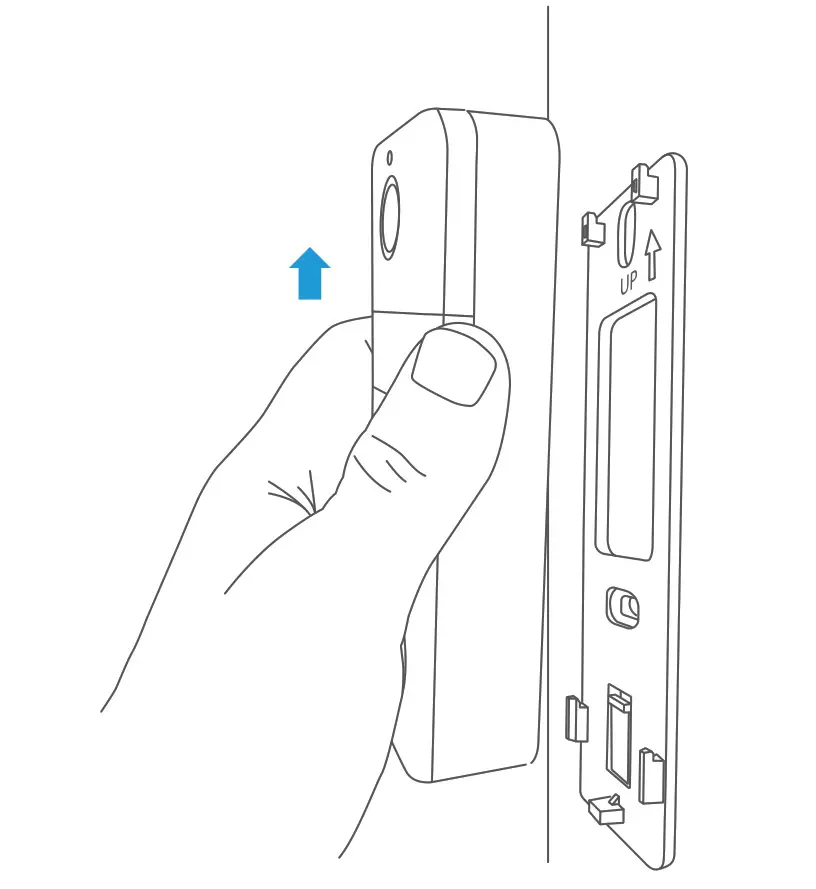
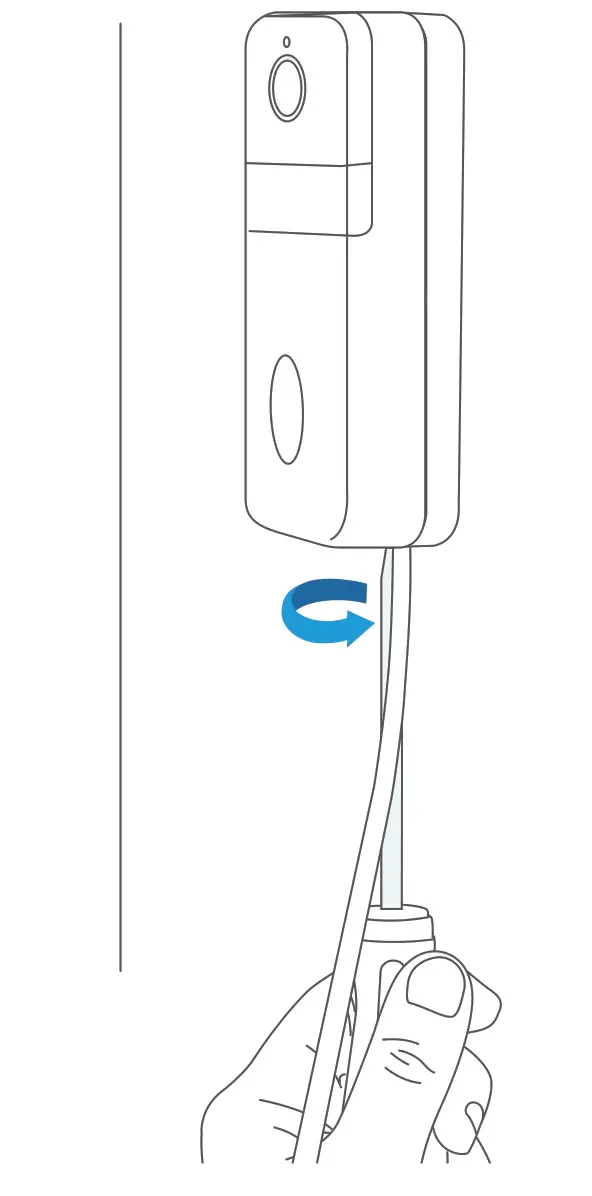
- Use the Wyze Video Doorbell Pro screwdriver to unscrew the bottom of the doorbell.

- Push up on the doorbell until it detaches from the wall plate.

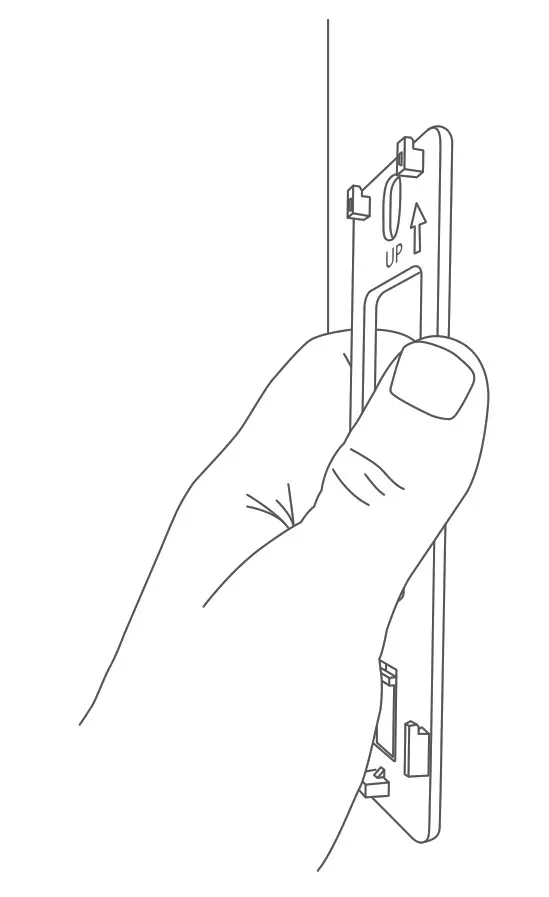
- Remove the Wyze Video Doorbell wall plate from the wall.

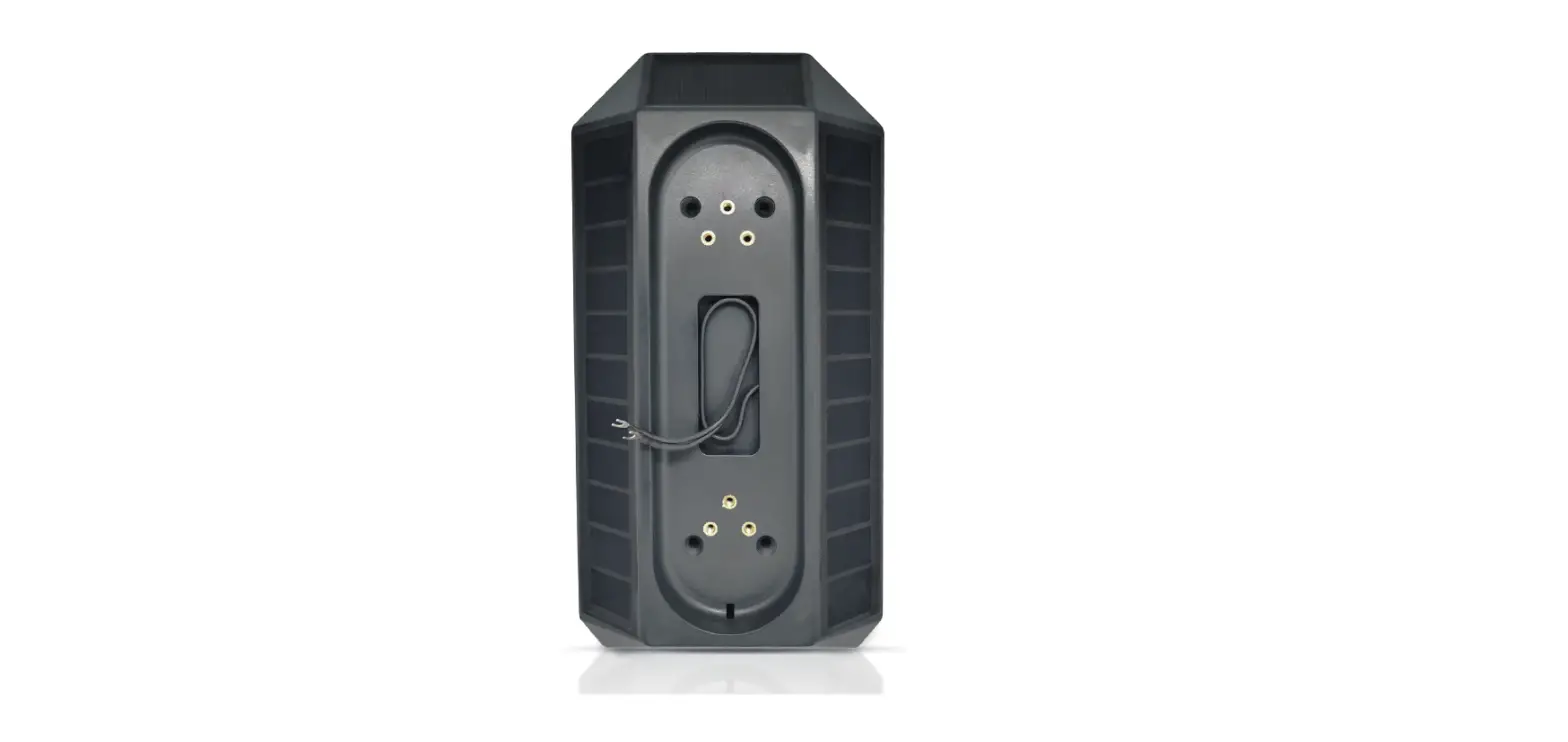
- Mount the new Wasserstein back plate to the wall using the 2 anchors and screws provided.

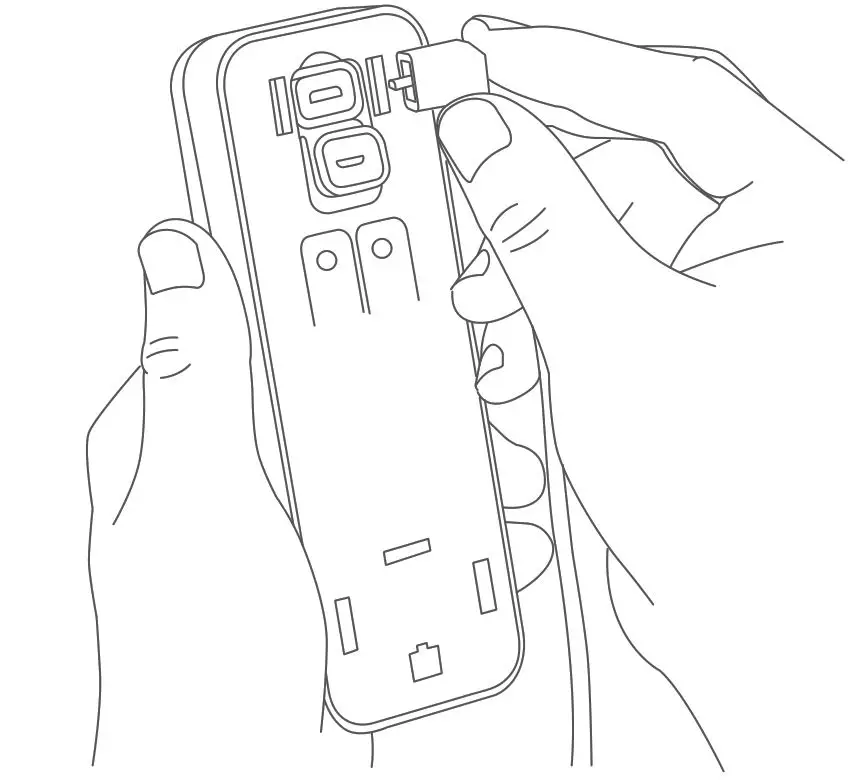
- Open the cover at the back of the doorbell to reveal the micro USB port.
Plug the micro USB cable into the port.
- Align the holes at the back of the doorbell with the hooks on the backplate.
 Note: Make sure the cable is coming out of the slot at the bottom of the wall plate.
 - Press down firmly on the doorbell until it clicks into place.

- Use the Wyze Video Doorbell Pro screwdriver to tighten the screw at the bottom and lock the doorbell to the backplate.

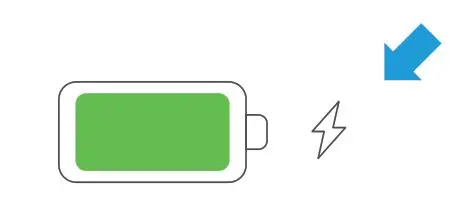
Note: The center ring on the doorbell will light up solid white when it is charging. You can also confirm by opening the Wyze app and locating the charging icon next to the battery icon.
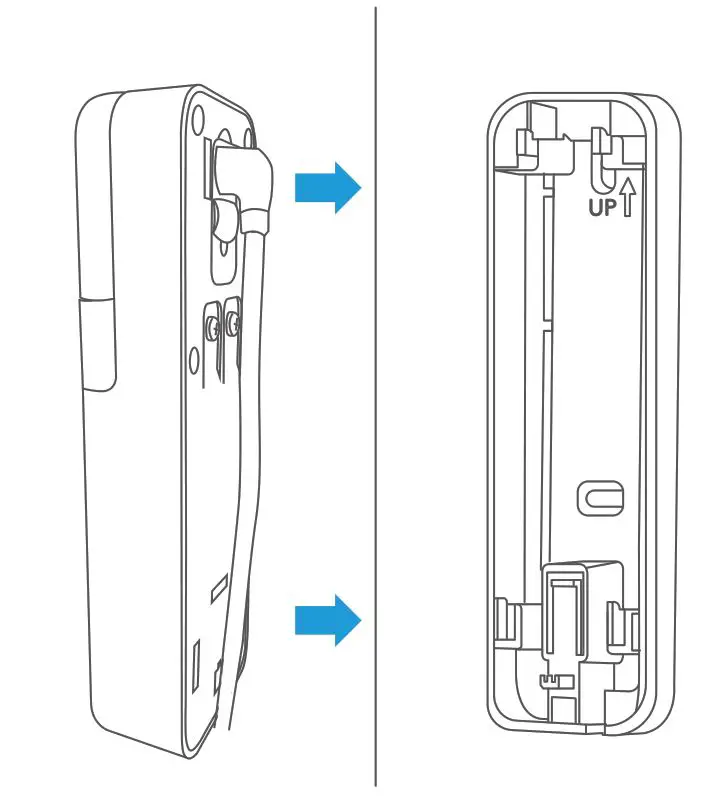 Note: Make sure the cable is coming out of the slot at the bottom of the wall plate.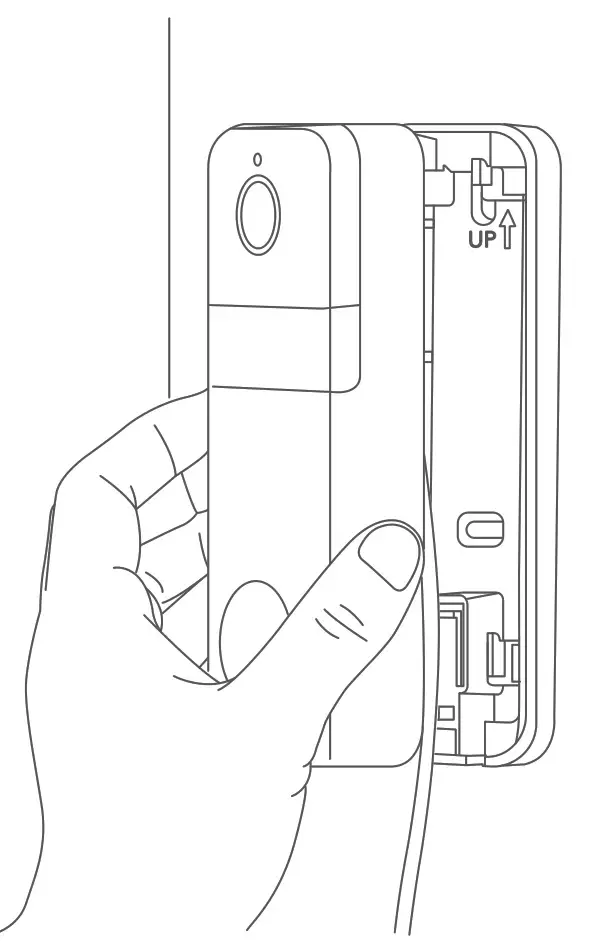
Important Tips
The solar panel’s energy output depends on sunlight exposure, weather conditions, etc. To maximize the energy output, remember to do the following:
- Install your solar panel in an area that receives maximum sunlight.
- Clean the surface of the solar panel regularly to remove any dust or dirt that could affect its energy conversion.
Troubleshooting
If the solar panel is not functioning properly, please try the following:
- Unplug and re-insert both ends of the solar panel charging cable.
- Make sure that your solar panel is pointed toward the sun and is not obstructed by trees, buildings, or other obstacles.
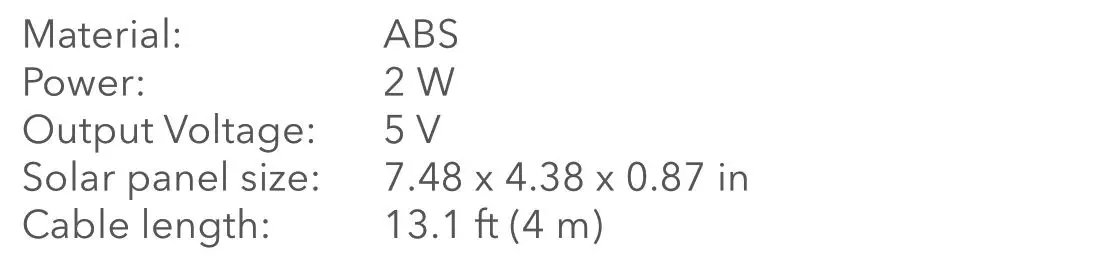
Specifications
Get More Support
Scan the QR code below or email us at [email protected].

CONTACT US
Wyze Video Doorbell Pro is not included.
Wyze Video Doorbell Pro is a trademark of Wyze Labs.
Wasserstein is not affiliated with Wyze Labs.
Wasserstein is a trademark of Dropcases Ltd.

Made in China
 Fairway Independent Mortgage Corporation
 Thoughtful Smart Home Products — Wasserstein Home