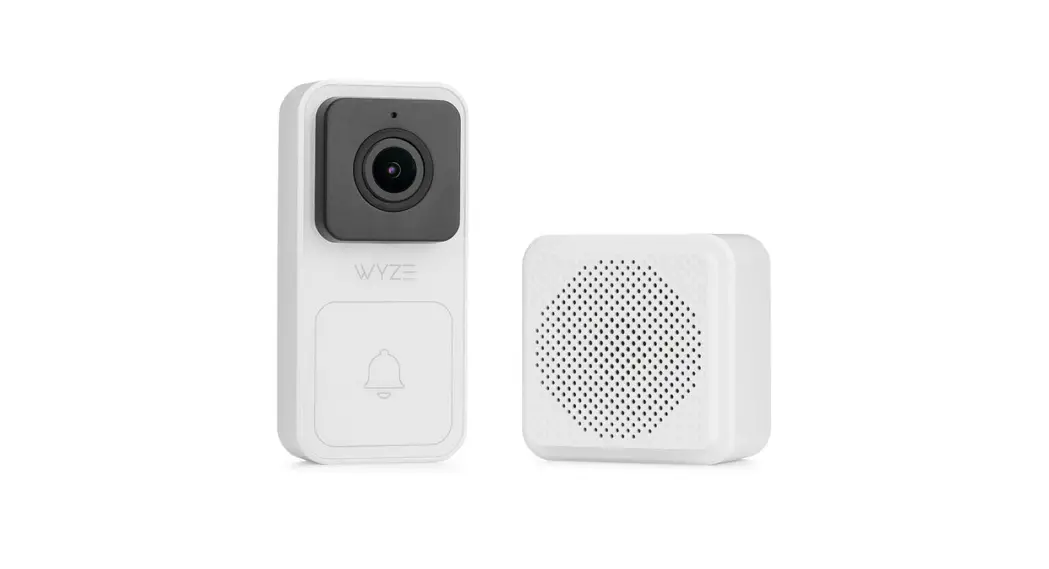
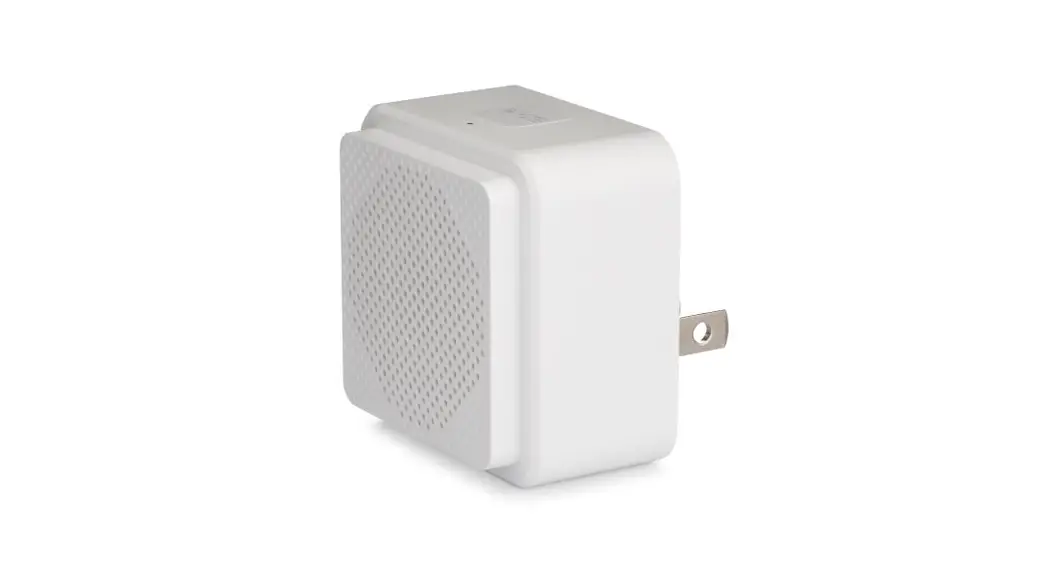
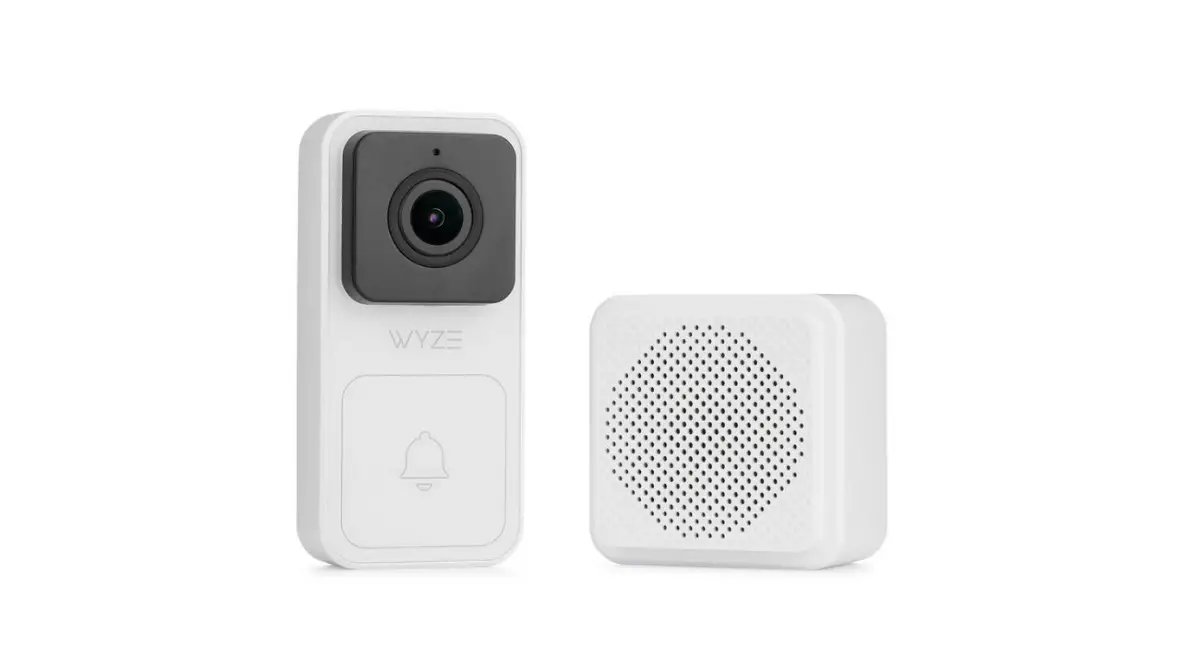
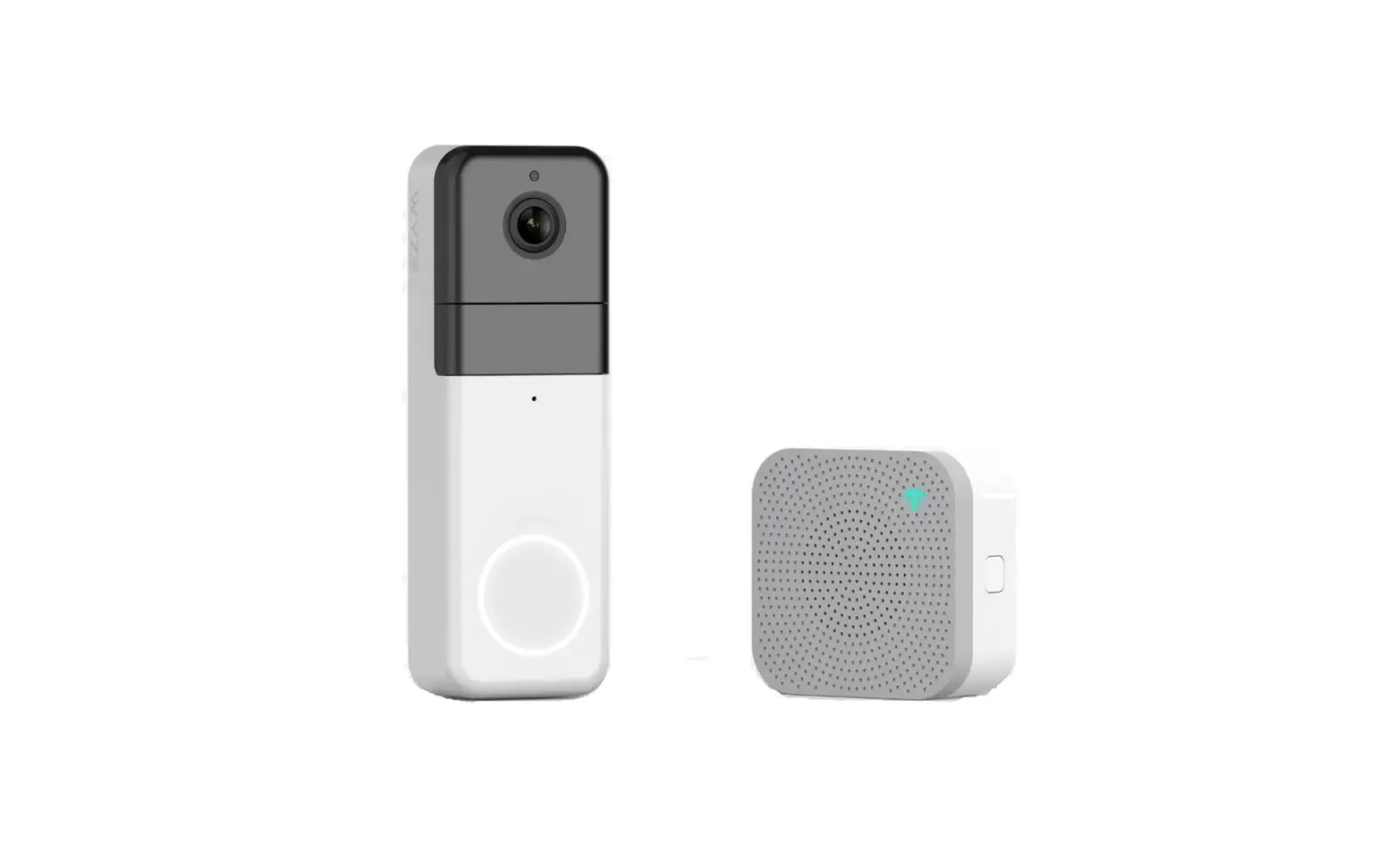
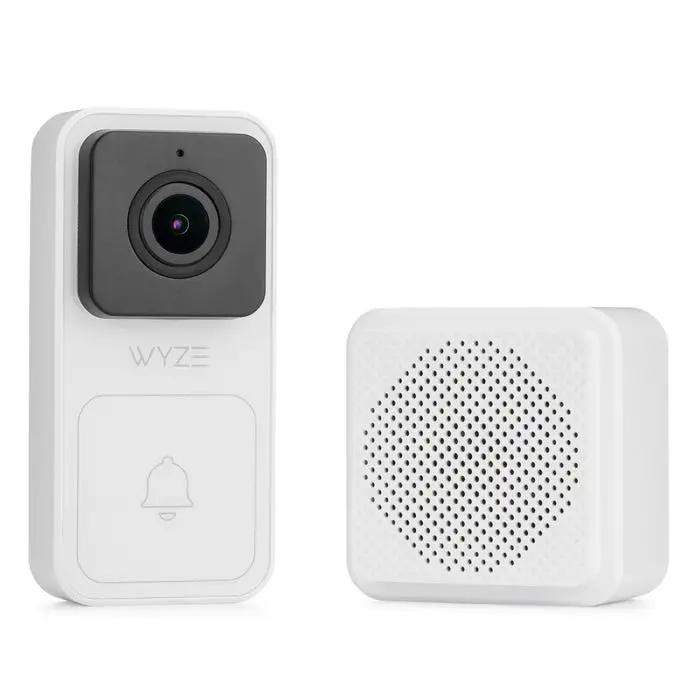
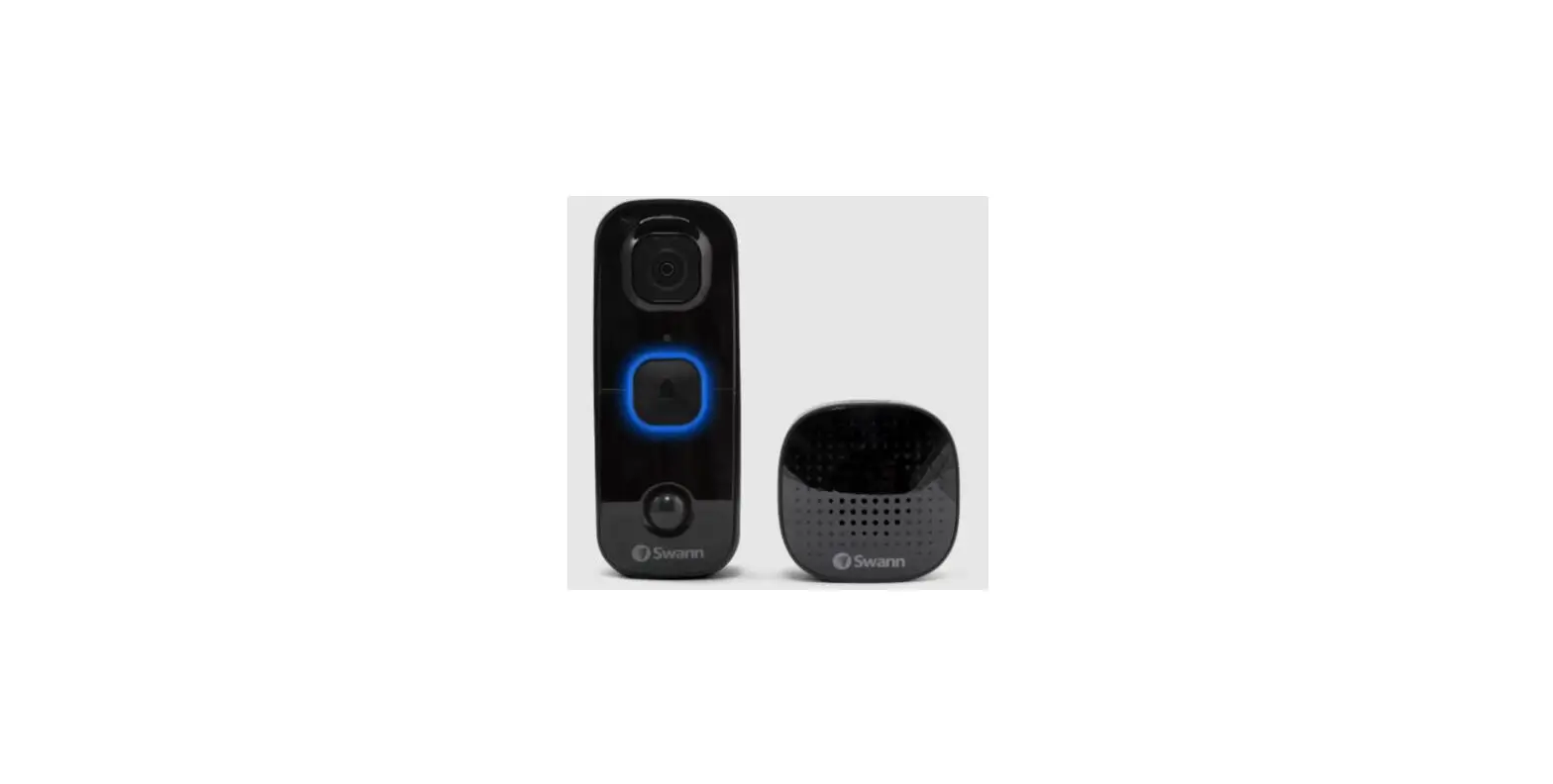
WVDPC Video Doorbell with Chime
Product Information:
The Wyze Video Doorbell is a smart security device that offers
enhanced security features. It allows you to record full-length
videos without any time gaps, thanks to its back-to-back event
recording feature. With smart AI detection, the doorbell can
identify people, packages, vehicles, and more. Additionally, users
can enjoy exclusive discounts on Wyze products by subscribing to
services.wyze.com.
The package includes a wall plate, wedge, extension wires, fuse,
microphone reset, lens, and reset button. The device comes with a
fill light and a Wyze Chime for additional functionality.
Wyze Video Doorbell and Wyze Chime have different light
indications to provide status updates. The solid yellow light on
both devices indicates that they are powered. Flashing yellow light
means they are waiting for connection or connecting to the network.
Solid blue light indicates a successful connection.
The Wyze Video Doorbell complies with FCC radiation exposure
limits for an uncontrolled environment. It should not be co-located
or operated in conjunction with any other antenna or transmitter.
The device also complies with ISEDC licence-exempt RSS standard(s),
which ensures that it does not cause interference and accepts any
interference that may occur.
Your Wyze product is covered by a one-year limited warranty. For
more details, please visit https://wyze.com/return-warranty-policy
or contact Wyze at +1 (206) 339-9646.
Product Usage Instructions:
Setup:
1. Download the Wyze app and sign in or create an account.
Follow the instructions in the Wyze app to finish the
installation.
2. Open the Wyze app and tap the “+” sign on the top left of the
Home screen. Tap “Add Device” and then select “Wyze Video
Doorbell”. Detailed installation steps are available in the Wyze
app.
3. To add Wyze Chime, you have two options:
(1) After installing the doorbell, select “Continue to add chime”
or
(2) Select an installed doorbell, go to the device page, select
“Device Settings”, then “Extended Devices”, and finally “Add
Device”. Follow the instructions to finish the installation.
Installation:
Installing without the wedge:
– Connect the Wyze Video Doorbell using the provided wires and
screw terminals.
Installing with the wedge:
– Attach the wedge to the wall plate and then connect the Wyze
Video Doorbell using the provided wires and screw terminals.
Plugging in Wyze Chime:
– Plug the Wyze Chime into an outlet to activate it.
Need Help?
If you need any assistance or have further questions, you can
contact our Support Team at https://wyze.com/support. You can
also join our Community at https://wyze.com/community for
additional support.
GET BETTER SECURITY WITH
Read this manual carefully and save it for future reference. Lisez attentivement ce manuel et conservez-le pour référence future. Lea este manual con atención y guárdelo para futuras consultas.
Disclaimer: The products, accessories, user interfaces, etc. illustrated in this guide are intended for reference only. Due to product updates, the actual product and the illustrations in this guide may vary. Clause de non-responsabilité : Les produits, accessoires, interfaces utilisateur, etc.
illustrés dans ce guide sont destinés à servir de référence uniquement. En raison des mises à jour des produits, le produit réel et les illustrations de ce guide peuvent varier. Descargo de responsabilidad: Los productos, accesorios, interfaces de usuario, etc. que se ilustran en esta guía son sólo de referencia. Debido a las actualizaciones del
producto, el producto real y las ilustraciones de esta guía pueden variar.
Record Full-Length Videos Get unlimited full-length video recordings.
Smart AI Detection Detect people, packages, vehicles, and more.
Back-to-Back Event Recording Capture everything without 5-minute gaps.
Exclusive Discounts Get exclusive discounts on Wyze products.
Subscribe or learn more at services.wyze.com.
IN THE BOX
Wyze Video Doorbell × 1 Wyze Chime × 1 Wall Plate × 1 Vertical Wedge Kit × 1 Horizontal Wedge Kit × 1 Wire Caps × 4
Fuse × 1 Extension Wires × 2 Bracket Screws × 2 Screw & Plastic Anchors × 2 Quick Start Guide × 1
Wall Plate
Wedge
Remove the extra insulation at the end of the wires before
connection
Extension Wires
Fuse
Microphone Reset
Lens
Reset Button
SETUP
1 Download the Wyze app and sign in or create an account. Follow the instructions in the Wyze app to finish installation
Fill Light
Doorbell Front Wyze Chime
Doorbell Button
Setup Button Status Light Speaker
Doorbell Back
Screw Terminals
2 Open the Wyze app and Tap the + sign on the top left of the Home screen. Tap Add Device and then select Wyze Video Doorbell *Detailed installation steps are available in the Wyze app.
3 To add Wyze Chime: (1) select continue to add chime after installing the doorbell, or (2) select an installed doorbell, and in the device page, select Device Settings Extended Devices Add Device. Follow the instructions to finish installation.
INSTALLATION
Installing without the wedge
Installing with the wedge
Plug the Wyze Chime into an outlet.
LIGHT INDICATIONS
Wyze Video Doorbell
Solid yellow light The device is powered
Wyze Chime
Solid yellow light The device is powered
Flashing yellow light Waiting for connection
Flashing blue light Connecting to network
Flashing yellow/blue light Connecting to router
Solid blue light Connected
Flashing blue light Connecting to external network
Solid blue light Connected
FCC WARNING:
Any changes or modifications not expressly approved by the party responsible for compliance could void the user’s authority to operate this equipment. This device complies with part 15 of the FCC Rules. Operation is subject to the following two conditions: (1) This device may not cause harmful interference, and (2) This device must accept any interference received, including interference that may cause undesired operation. This equipment has been tested and found to comply with the limits for a Class B digital device, pursuant to Part 15 of the FCC Rules. These limits are designed to provide reasonable protection against harmful interference in a residential installation. This equipment generates, uses, and can radiate radio frequency energy and, if not installed and used in accordance with the instructions, may cause harmful interference to radio communications. However, there is no guarantee that interference will not occur in a particular installation. If this equipment does cause harmful interference to radio or television reception, which can be determined by turning the equipment off and on, the user is encouraged to try to correct the interference by one or more of the following measures: – Reorient or relocate the receiving antenna. – Increase the separation between the equipment and receiver. – Connect the equipment into an outlet on a circuit different from that to which the receiver is connected. – Consult the dealer or an experienced radio/TV technician for help.
FCC RADIATION EXPOSURE STATEMENT:
This equipment complies with FCC radiation exposure limits set forth for an uncontrolled environment. This transmitter must not be co-located or operating in conjunction with any other antenna or transmitter.
ISEDC RSS WARNING:
This device complies with ISEDC licence-exempt RSS standard(s). Operation is subject to the following two conditions: (1) this device may not cause interference, and (2) this device must accept any interference, including interference that may cause undesired operation of the device.
ISEDC RADIATION EXPOSURE STATEMENT:
This equipment complies with ISEDC RF radiation exposure limits set forth for an uncontrolled environment. This transmitter must not be co-located or operating in conjunction with any other antenna or transmitter. This equipment should be installed and operated with a minimum distance of 20 cm between the radiator and your body. Only use the power supply provided. Any changes or modifications not expressly approved by the party responsible for compliance could void the user’s authority to operate the equipment.
OBTENEZ UNE MEILLEURE SÉCURITÉ AVEC
Enregistrez des vidéos pleine longueur Obtenez des enregistrements vidéo complets illimités.
Détection IA intelligente Détectez les personnes, les colis, les véhicules et plus encore.
Enregistrement d’événements du début à la fin Capturez tout sans interruption de 5 minutes.
Réductions exclusives Obtenez des remises exclusives sur les produits Wyze.
Abonnez-vous ou apprenez plus sur services.wyze.com.
DANS LA BOÎTE
Sonnette vidéo Wyze x 1 Sonnerie Wyze x 1 Plaque murale x 1 Kit cale vertical x 1 Kit cale horizontales x 1 Bouchon d’extension x 4
Fusible x 1 Câbles d’extension x 2 Vis d’assemblage x 2 Vis et Chevilles x 2 Guide de démarrage rapide x 1
Plaque murale
Cale
Retirez l’isolation supplémentaire de l’extrémité
des fils avant de connecter
Câbles d’extension
Fusible
Microphone Reset
Verre
Lumière d’appoint
Bouton de réinitialisation
CONFIGURATION
1 Téléchargez l’application Wyze et connectez-vous ou créez un compte. Suivez les instructions dans l’application Wyze pour terminer l’application.
INSTALLATION
Installation sans la cale
Installation avec la cale
Bouton de la sonnette
Bornes à vis
Avant de la sonnette
Derrière de la sonnette
Bouton de configuration Lumière de statut
Haut-parleur
Sonnerie Wyze
2 Ouvrez l’application Wyze et tapez sur le signe de + dans le coin gauche de l’écran d’accueil. Tapez sur “Ajoutez l’appareil”, puis sélectionnez la sonnette vidéo Wyze. *Des détails d’ installation détaillés sont disponibles sur l’application Wyze.
3 Ajoutez la sonnerie Wyze, sélectionnez continuer à ajouter des filtres. Suivez les instructions dans l’application Wyze pour terminer l’installation. Sélectionnez “Ajouter plus tard”. Vous pouvez ajouter un appareil de sonnerie Wyze en sélectionnant “Paramètres d’appareil” et en tapant “Appareil étendu”.
Branchez la sonnerie Wyze dans une prise
INDICATIONS DE LUMIÈRE
Sonnette vidéo Wyze
Sonnerie Wyze
Lumière jaune qui ne clignote pas
L’appareil est en marche
Lumière jaune qui ne clignote pas
L’appareil est en marche
Lumière jaune clignotante En attente de connexion
Lumière bleue clignotante Connexion au réseau
Lumière jaune et bleue clignotante
Connexion au routeur
Lumière bleue qui ne clignote pas
Connectée
Lumière bleue clignotante Connexion au réseau externe
Lumière bleue qui ne clignote pas Connectée
AVERTISSEMENT DE L’ISEDC CONCERNANT LES NORMES RSS
Le présent appareil est conforme aux CNR d’ISEDC applicables aux appareils radio exempts de licence. L’exploitation est autorisée aux deux conditions suivantes: (1) l’appareil ne doit pas produire de interférence, et (2) l’appareil doit accepter toute interférence radioélectrique subie, même si l’interférence est susceptible d’en compromettre le fonctionnement.
DÉCLARATION D’EXPOSITION AUX RADIATIONS ISEDC
Cet appareil est conforme aux limites d’exposition de rayonnement RF ISEDC établies pour un environement non contrôlé. Cet émetteur ne doit pas être co-implanté ou fonctionner en conjonction avec toute autre antenne ou transmetteur. Cet équipement doit être installé et utilisé avec une distance minimale de 20 cm entre le radiateur & votre corps. Tous changements ou modifications non expressément approuvés par la partie responsable de la conformité peut annuler l’autorité de l’utilisateur à opérer l’équipement.
WARRANTY
Your Wyze product is covered by a one-year limited warranty. You can view the limited warranty terms at https://wyze.com/return-warranty-policy or request a copy by contacting Wyze at +1 (206) 339-9646.
GARANTIE
Votre produit Wyze est couvert par une garantie limitée d’un an. Vous pouvez consulter les conditions de la garantie limitée sur https://wyze.com/return-warranty-policy ou en demander une copie en contactant Wyze au +1 (206) 339-9646.
Apple logo and App Store are trademarks of Apple Inc., registered in the U.S. and other countries and regions. Google, Google Play, and the Google Play logo are trademarks of Google LLC.
Le logo d’Apple et d’App Store sont des marques d’Apple Inc. déposées aux États-Unis et dans d’autres pays et régions. Google et le logo Google sont des marques déposées de Google LLC.
NEED HELP?
Contact our Support Team: https://wyze.com/support Join the Community: https://wyze.com/community
BESOIN D’AIDE?
Contactez notre service d’assistance: https://wyze.com/support Rejoignez la communauté: https://wyze.com/community
Scan the QR code to learn more
Scannez le code QR pour en savoir plus
Wyze and Wyze Wired Doorbell + Chime are trademarks of Wyze Labs, Inc.
Wyze et Wyze Wired Doorbell + Chime sont des marques déposées de Wyze Labs, Inc.
 Home Monitoring & Security Services - Wyze Services
 Join Our Community – Wyze