QUICK START GUIDE
IN THE BOX
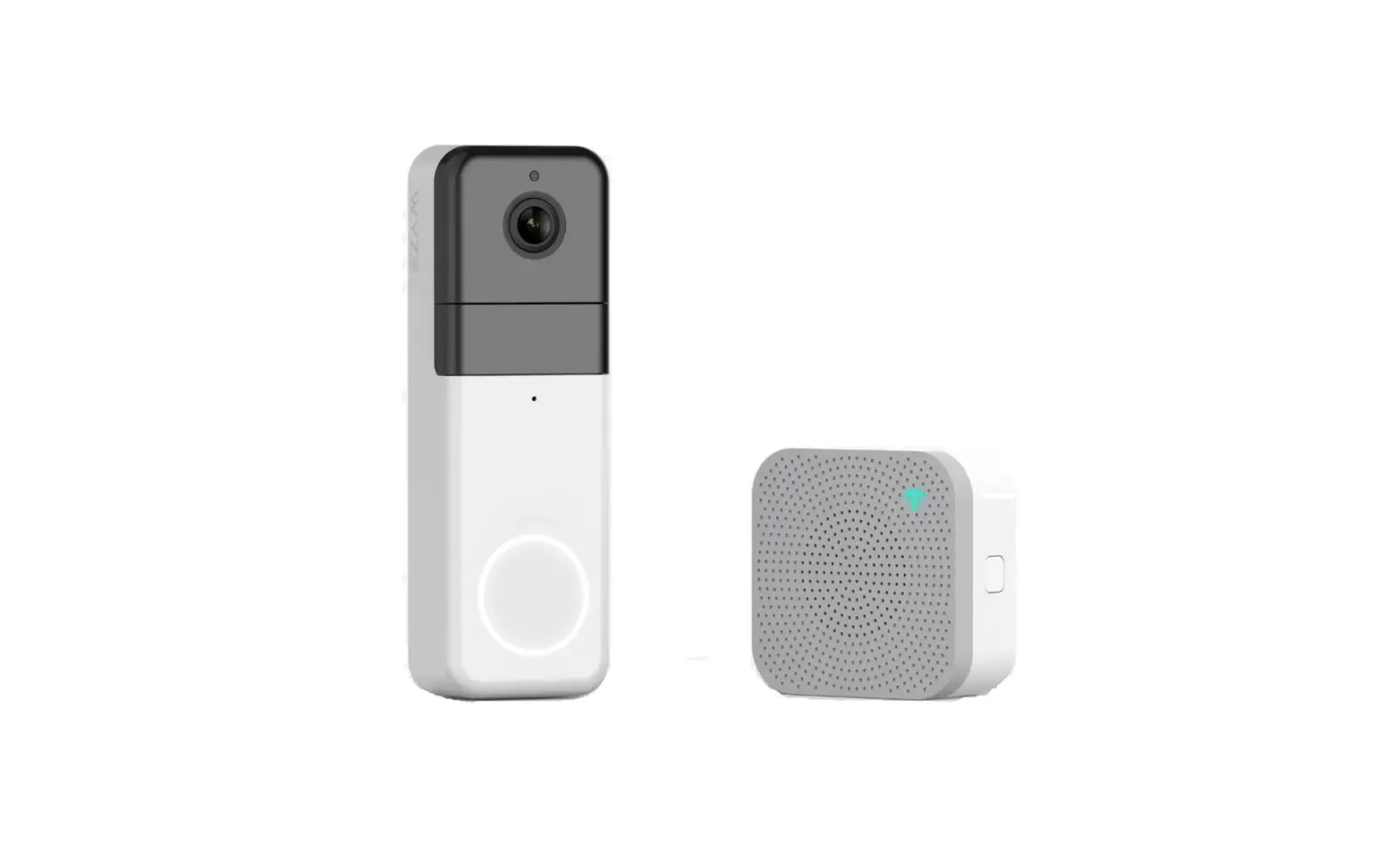
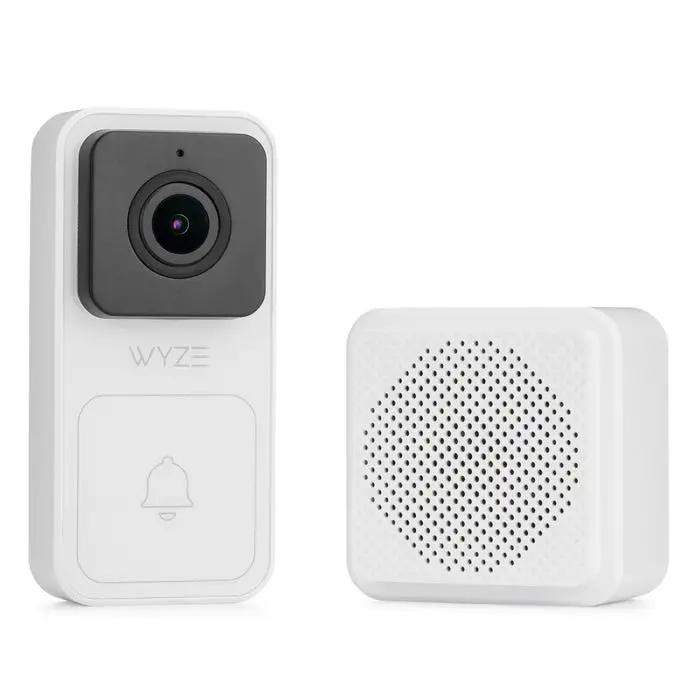
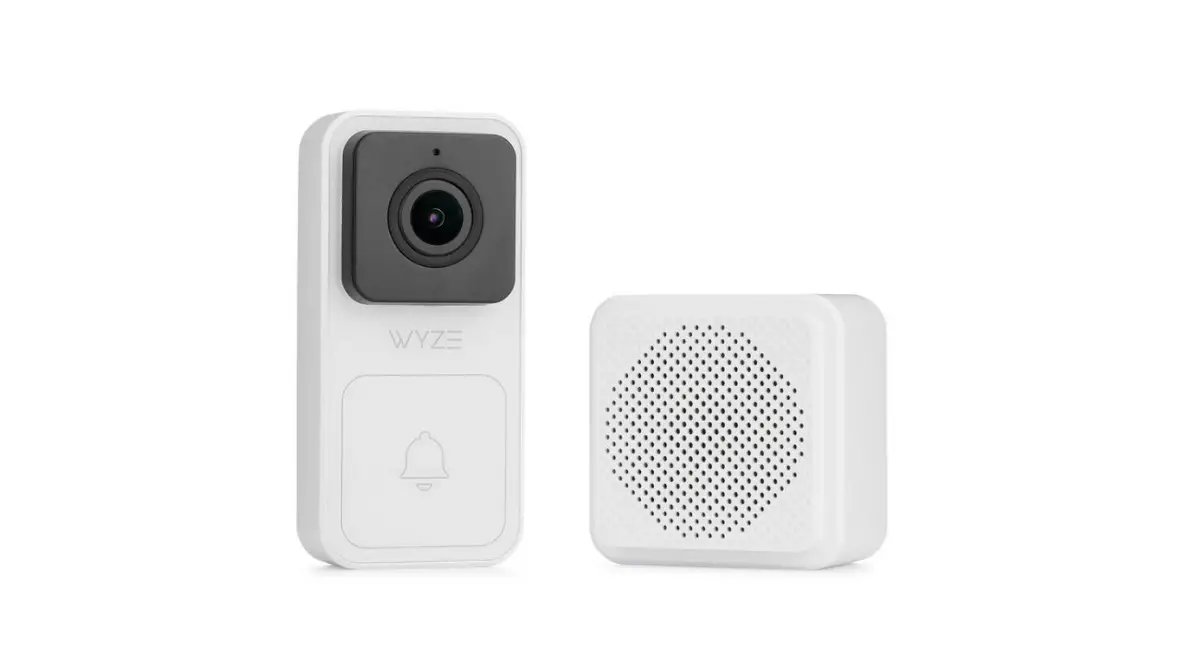
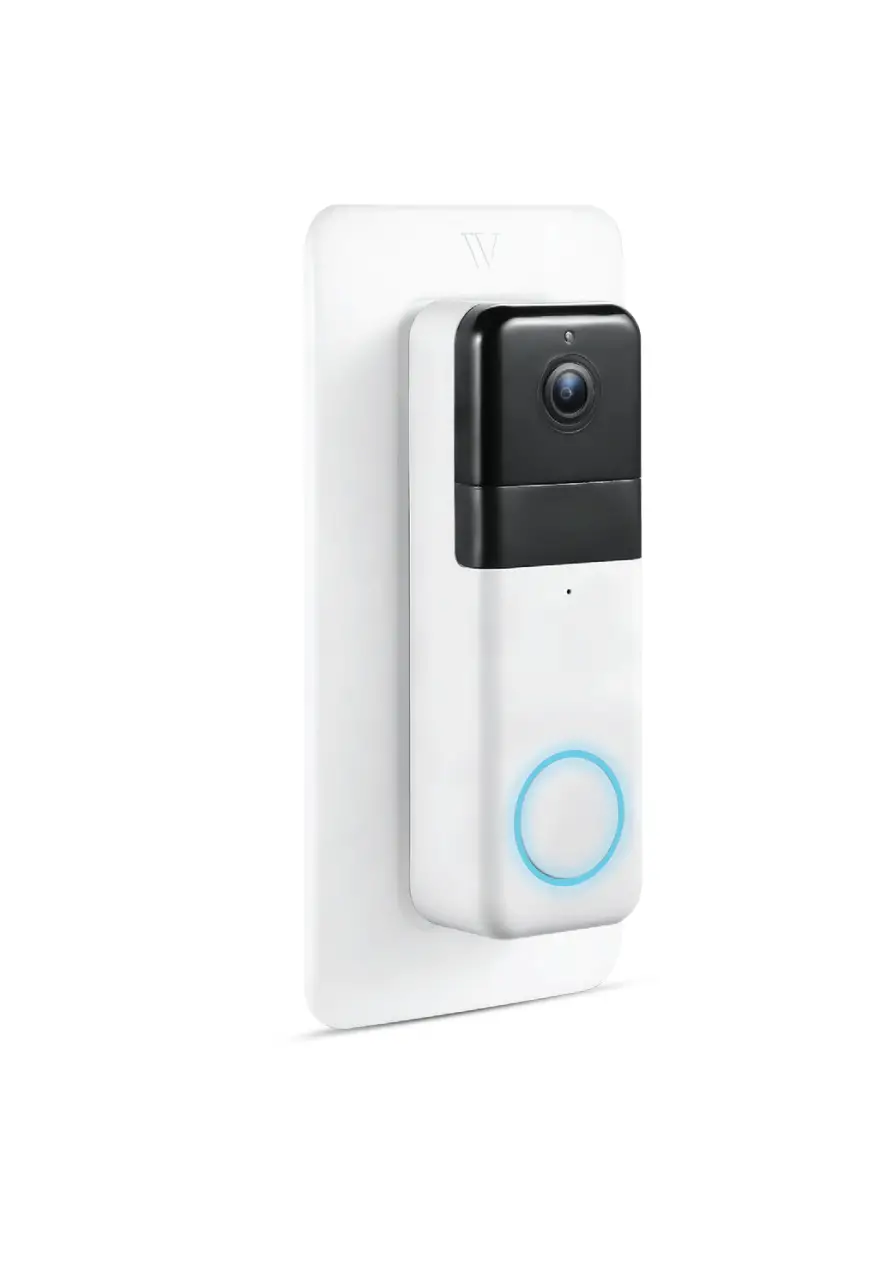
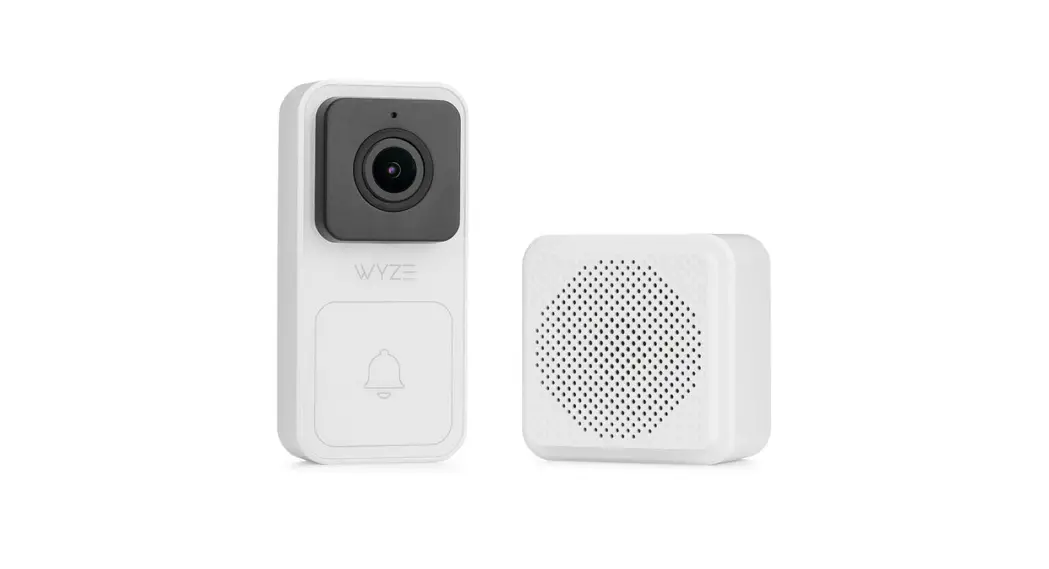
Wyze Video Doorbell × 1
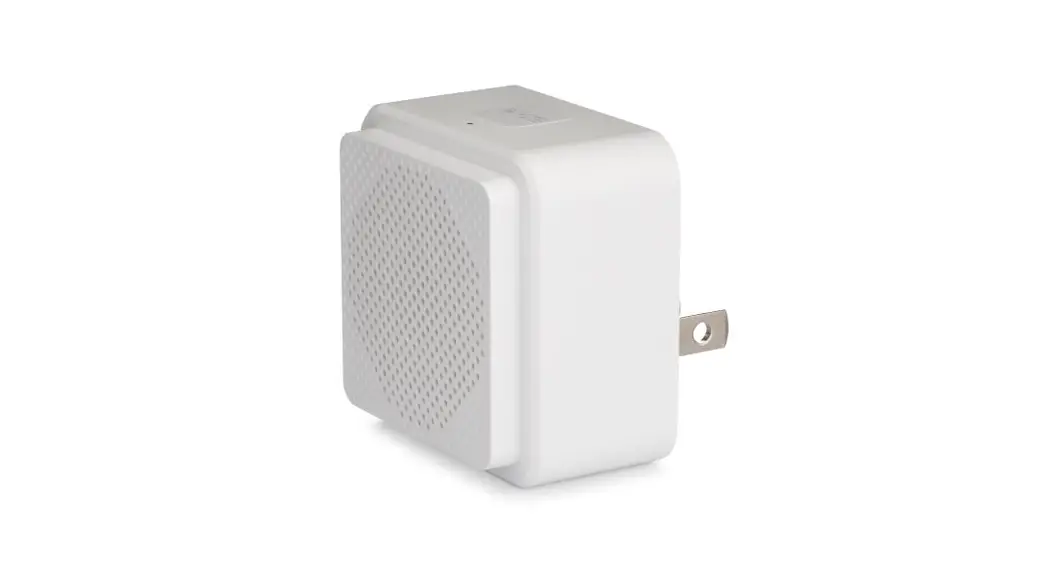
Wyze Chime × 1
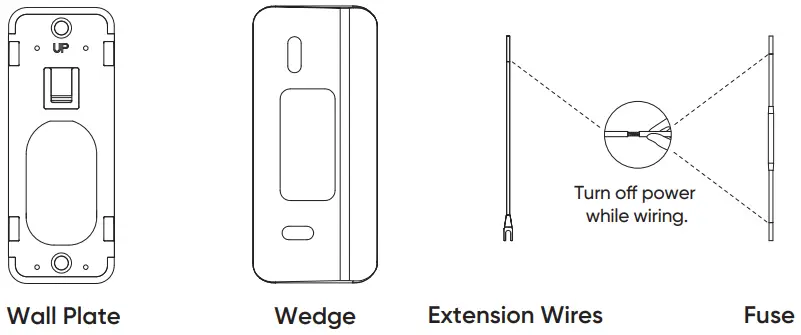
Wall Plate × 1
Wedge × 1
Wiring Cap × 4
Fuse × 1
Extension Wires × 2
Screw Assembly × 1
Quick Start Guide × 1
SETUP
- Download the Wyze app and sign in or create an account. Follow the instructions in the Wyze app to finish installation
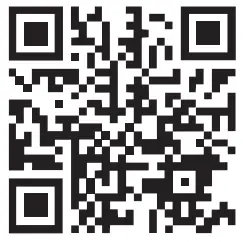
DOWNLOAD THE APP BY SCANNING THIS QR CODE
OR DOWNLOAD DIRECTLY FROM THE APPLE APP STORE OR GOOGLE PLAY


- Open the Wyze app and Tap the + plus sign on the top left of the Home screen. Tap “Add Device” and then select Wyze Video Doorbell
*Detailed installation steps are available in the Wyze app. - Add Wyze Chime, select continue adding filters. Follow the instructions in the Wyze app to finish installation.
Select “Add Later”. You can add a Wyze Chime device by selecting “Device Settings” and tapping “Extended Devices”.


INSTALLATION
| Installing without the wedge | Installing with the wedge |
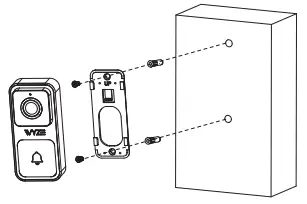 Plug the Wyze Chime into an outlet. | 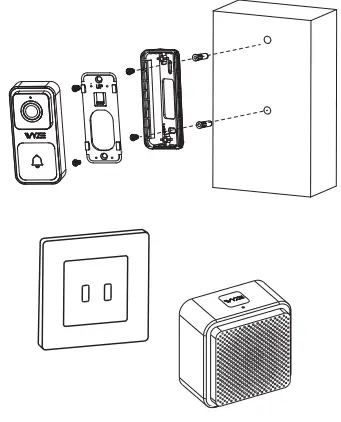 |
LIGHT INDICATIONS
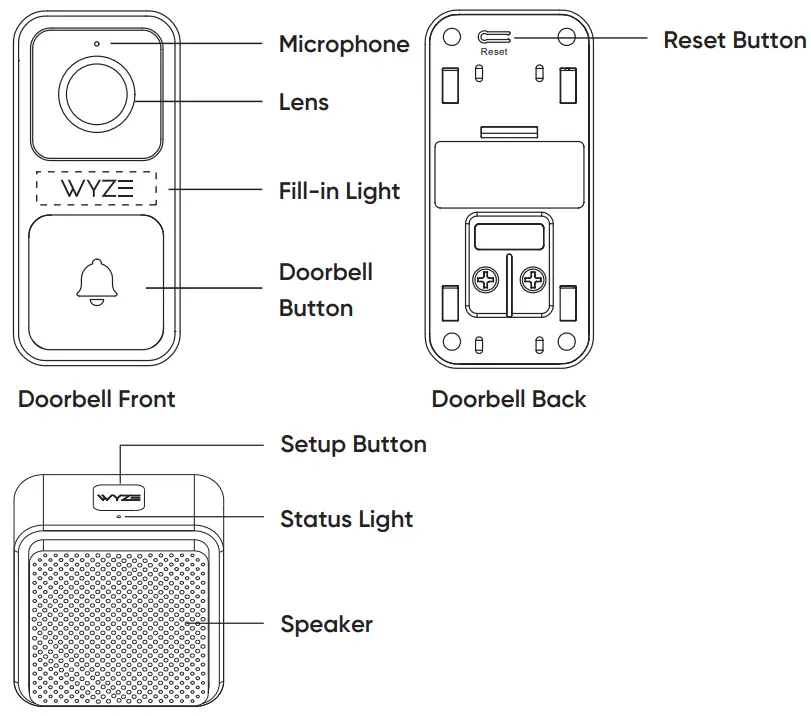
Wyze Video Doorbell
 | Solid yellow light The device is powered |
 | Flashing yellow light Waiting for connection |
 | Flashing yellow/blue light Connecting to router |
 | Flashing blue light Connecting to the external network |
 | Solid white light Connected |
Wyze Chime
 | Solid yellow light The device is powered |
 | Flashing blue light Connecting to network |
| Solid blue light Connected |

WYZE VIDEO DOORBELL
FCC WARNING:
Any change or modifications not expressly approved by the party responsible for compliance could void the user’s authority to operate the equipment. This device complies with part 15 of the FCC Rules. Operation is subject to the following two conditions: (1) This device may not cause harmful interference, and (2) this device must accept any interference received, including interference that may cause undesired operation.
FCC RADIATION EXPOSURE STATEMENT:
This equipment complies with FCC radiation exposure limits set forth for an uncontrolled environment. This equipment should be installed and operated with a minimum distance of 20 cm between the radiator and your body. This transmitter must not be co-located or operating in conjunction with any other antenna or transmitter.
ISEDC RSS WARNING
This device complies with ISEDC licence-exempt RSS standard (s). Operation is subject to the following two conditions: (1) this device may not cause interference, and (2) this device must accept any interference, including interference that may cause undesired operation of the device.
ISEDC RADIATION EXPOSURE STATEMENT:
This equipment complies with ISEDC RF radiation exposure limits set forth for an uncontrolled environment. This transmitter must not be co-located or operating in conjunction with any other antenna or transmitter.
This equipment should be installed and operated with a minimum distance of 20cm between the radiator & your body.
Any changes or modifications not expressly approved by the party responsible for compliance could void the user’s authority to operate the equipment.
WYZE CHIME
FCC STATEMENT
Changes or modifications not expressly approved by the party responsible for compliance could void the user’s authority to operate the equipment. This equipment has been tested and found to comply with the limits for a Class B digital device, pursuant to Part 15 of the FCC Rules. These limits are designed to provide reasonable protection against harmful interference in a residential installation. This equipment generates uses and can radiate radio frequency energy and, if not installed and used in accordance with the instructions, may cause harmful interference to radio communications. However, there is no guarantee that interference will not occur in a particular installation. If this equipment does cause harmful interference to radio or television reception, which can be determined by turning the equipment off and on, the user is encouraged to try to correct the interference by one or more of the following measures:
— Reorient or relocate the receiving antenna.
— Increase the separation between the equipment and receiver.
— Connect the equipment into an outlet on a circuit different from that to which the receiver is connected.
— Consult the dealer or an experienced radio/TV technician for help This device complies with part 15 of the FCC rules. Operation is subject to the following two conditions (1)this device may not cause harmful interference, and (2) this device must accept any interference received, including interference that may cause undesired operation.
ISEDC RSS WARNING
This device complies with ISEDC licence-exempt RSS standard (s). Operation is subject to the following two conditions: (1) this device may not cause interference, and (2) this device must accept any interference, including interference that may cause undesired operation of the device.
ISEDC Radiation Exposure Statement:
This equipment complies with ISEDC RF radiation exposure limits set forth for an uncontrolled environment. This transmitter must not be co-located or operating in conjunction with any other antenna or transmitter.
Any Changes or modifications not expressly approved by the party responsible for compliance could void the user’s authority to operate the equipment.
NEED HELP?
Contact our support wizards:
https://support.wyze.com
Resources & Support
support.wyze.com
 https://support.wyzecam.com/hc/en-us
Scan the QR code to learn more