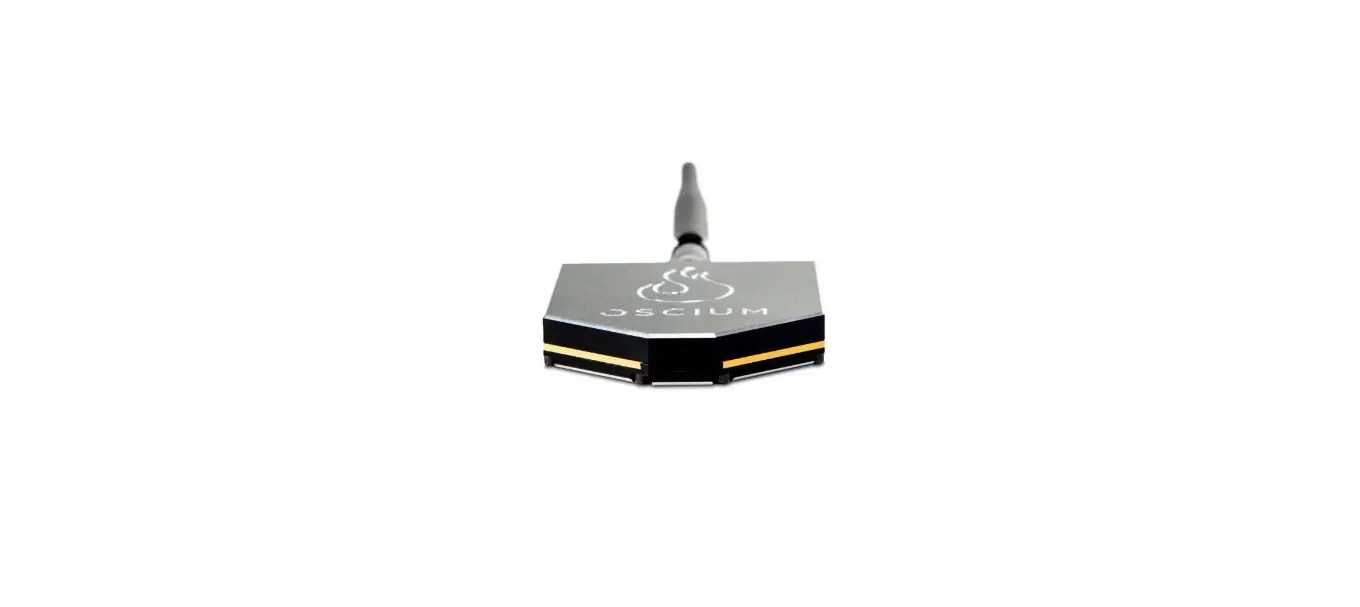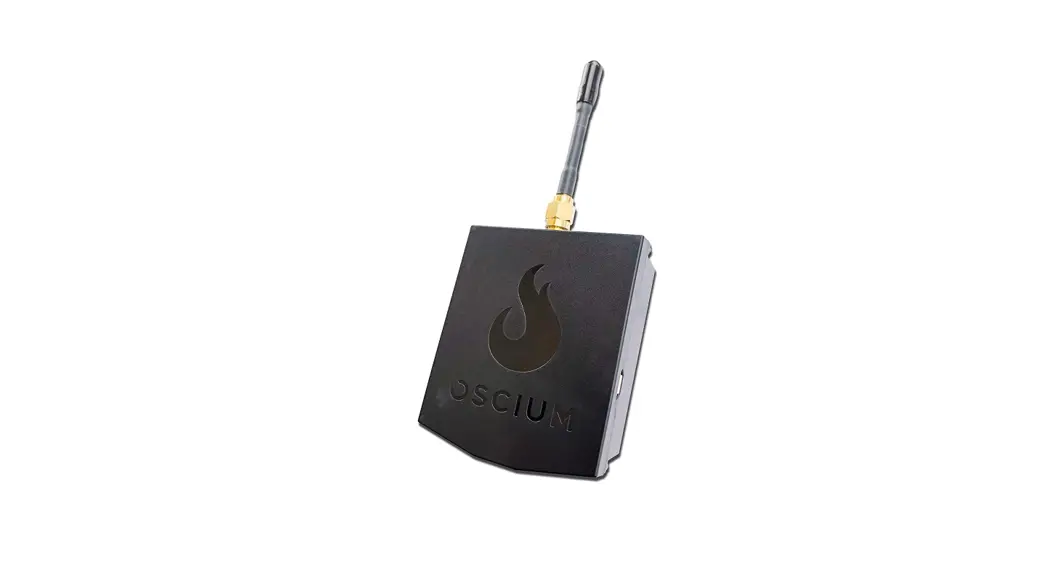
 WiPry 2500 Spectrum Analyzer
User Guide
WiPry 2500 Spectrum Analyzer
 Screw RP-SMA antenna into the appropriate port.
- Download “WiPry” in either the App Store or on Google Play. PC & Mac versions are available at oscium.com/quickstart
- Insert cable into both the accessory and the host device.
- When the software is connected to the WiPry 2500x hardware, a red light will illuminate near the antenna connector.
- Attach velcro to the backs of both the accessory and the host device.
- Rechargeable batteries included. After use, disconnect host device. Insert charge cable for overnight charge (four hours = full charge).
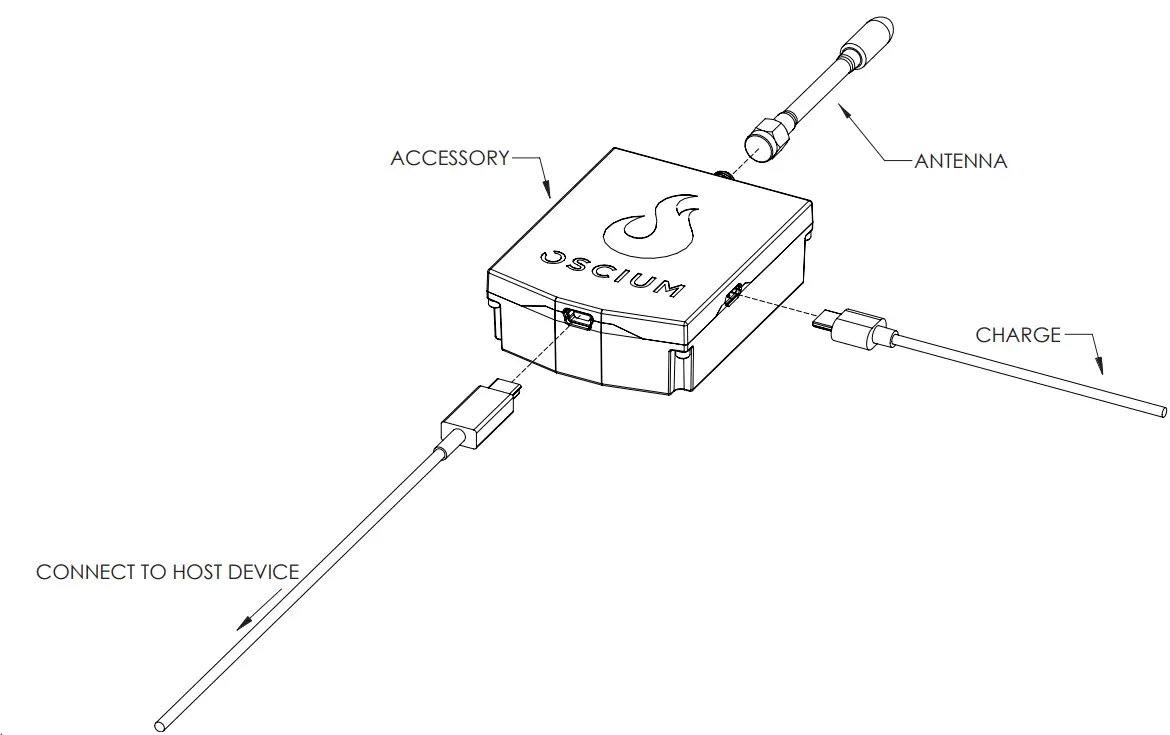 Screw RP-SMA antenna into the appropriate port.
***Batteries required to enable SSID’s on iOS, PC, Mac.***
 https://www.oscium.com/quickstart
Android, Google Play and the Google Play logo are trademarks of Google Inc. iPad, iPhone, and iPod touch are trademarks of Apple Inc, registered in the U.S. and other countries. iPad Air, iPad mini, and Lightning are trademarks of Apple Inc.
 Quickstart Guide | Oscium