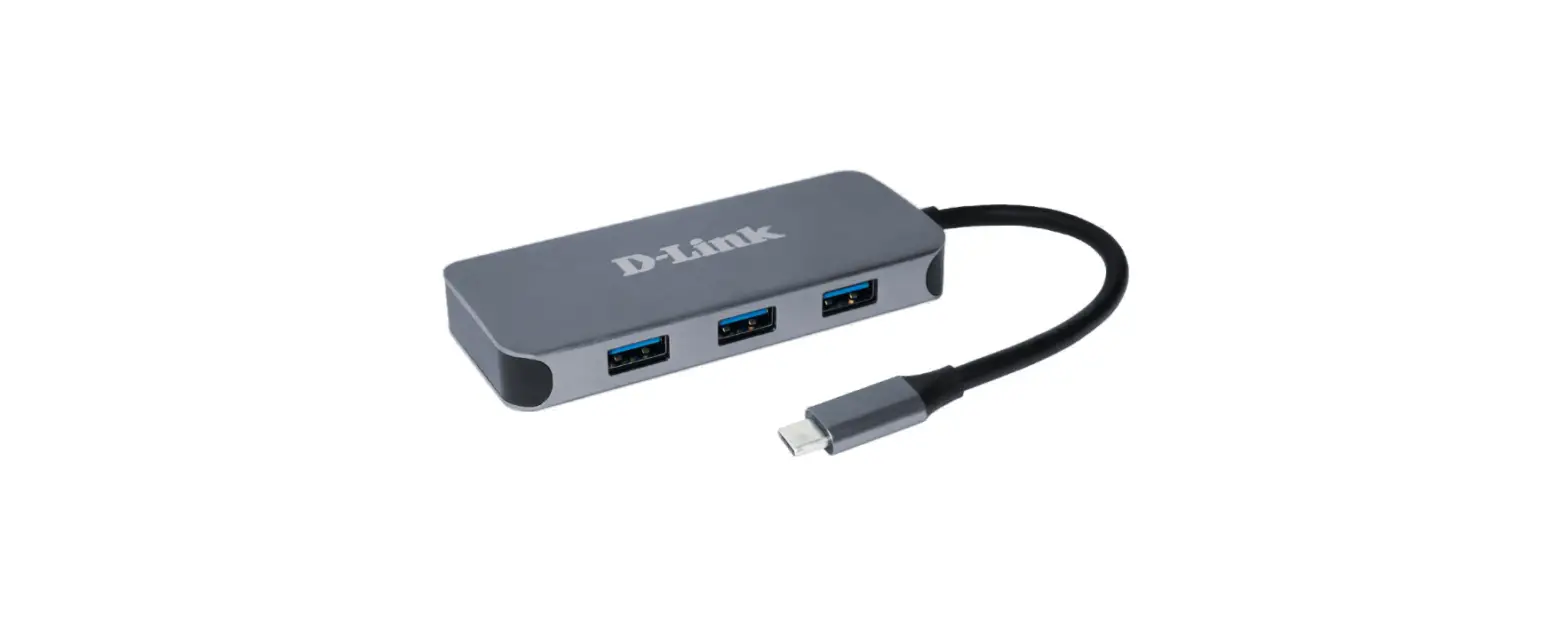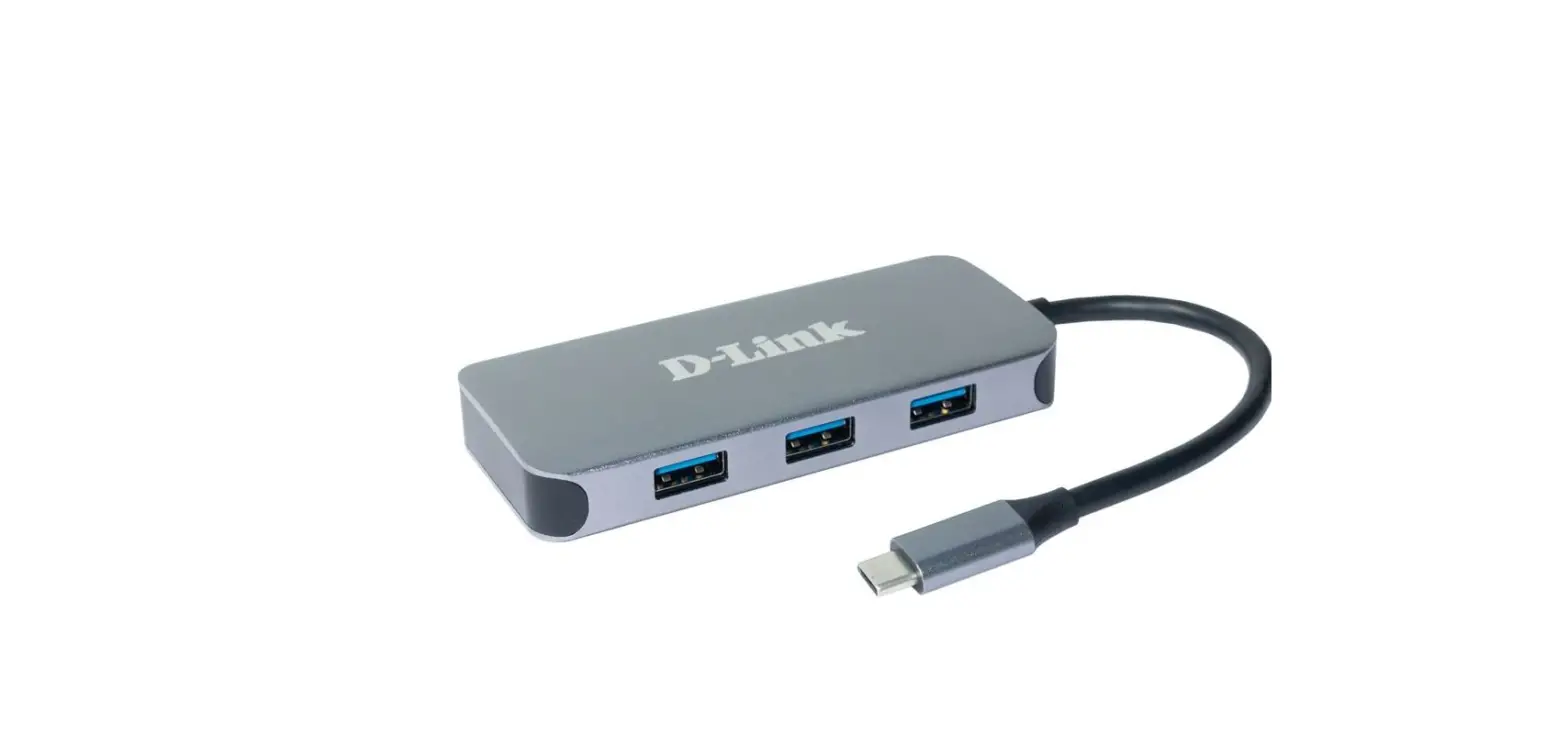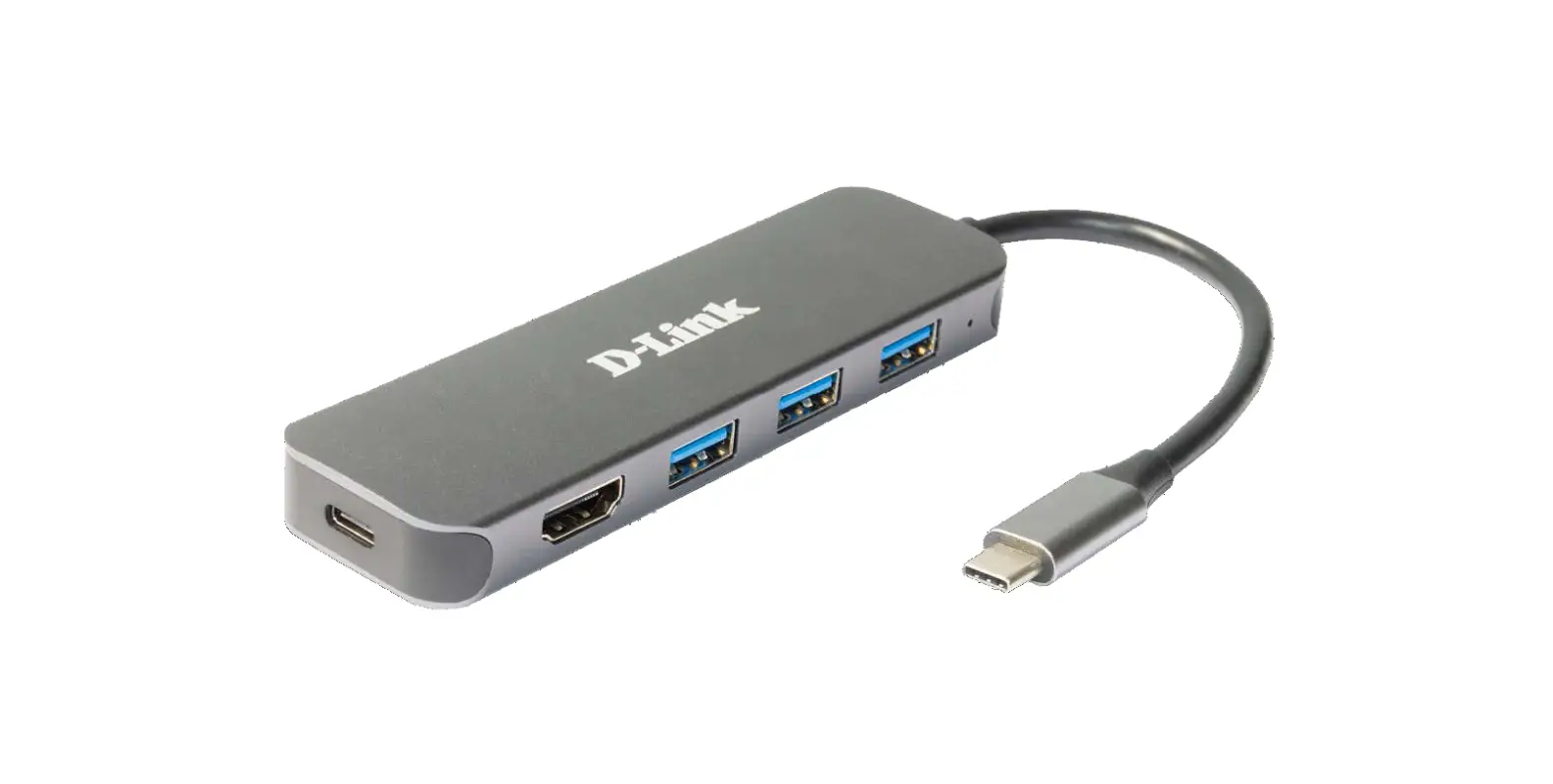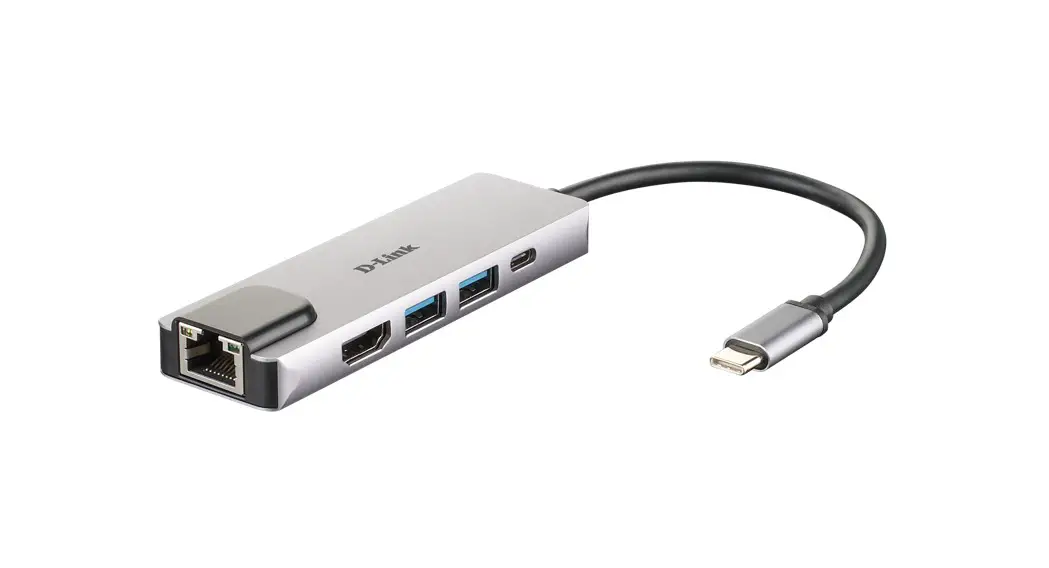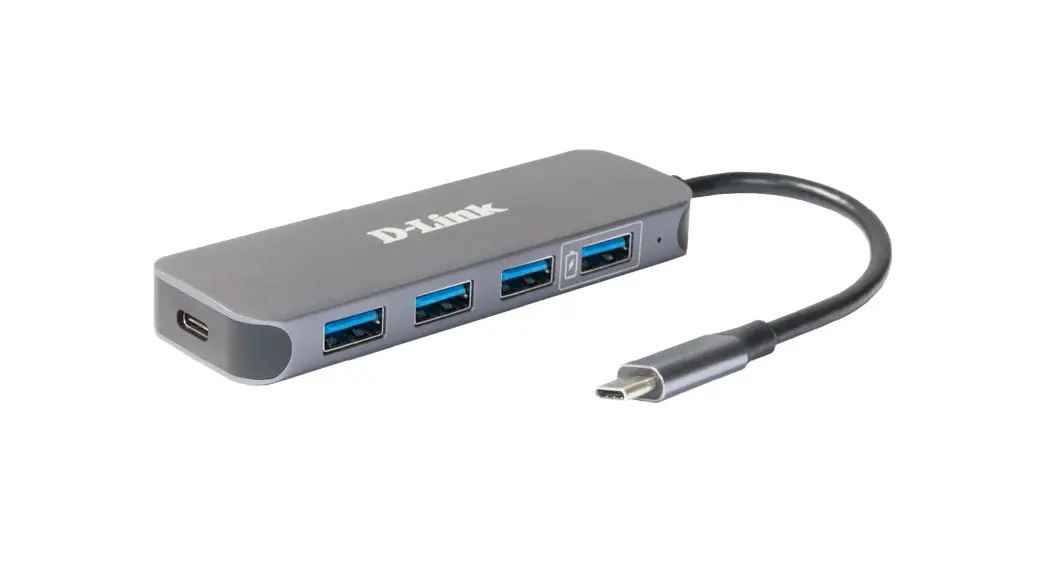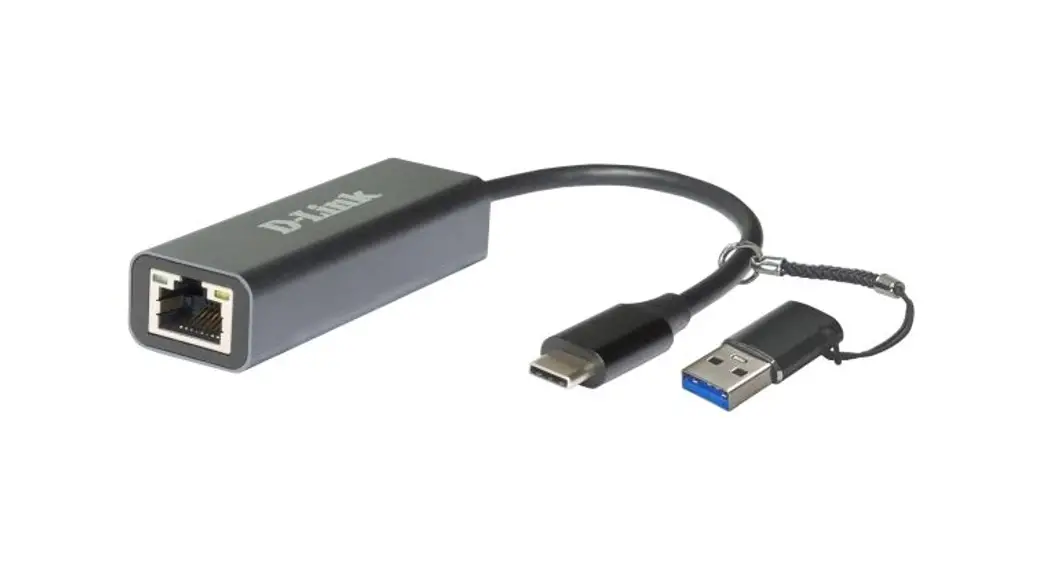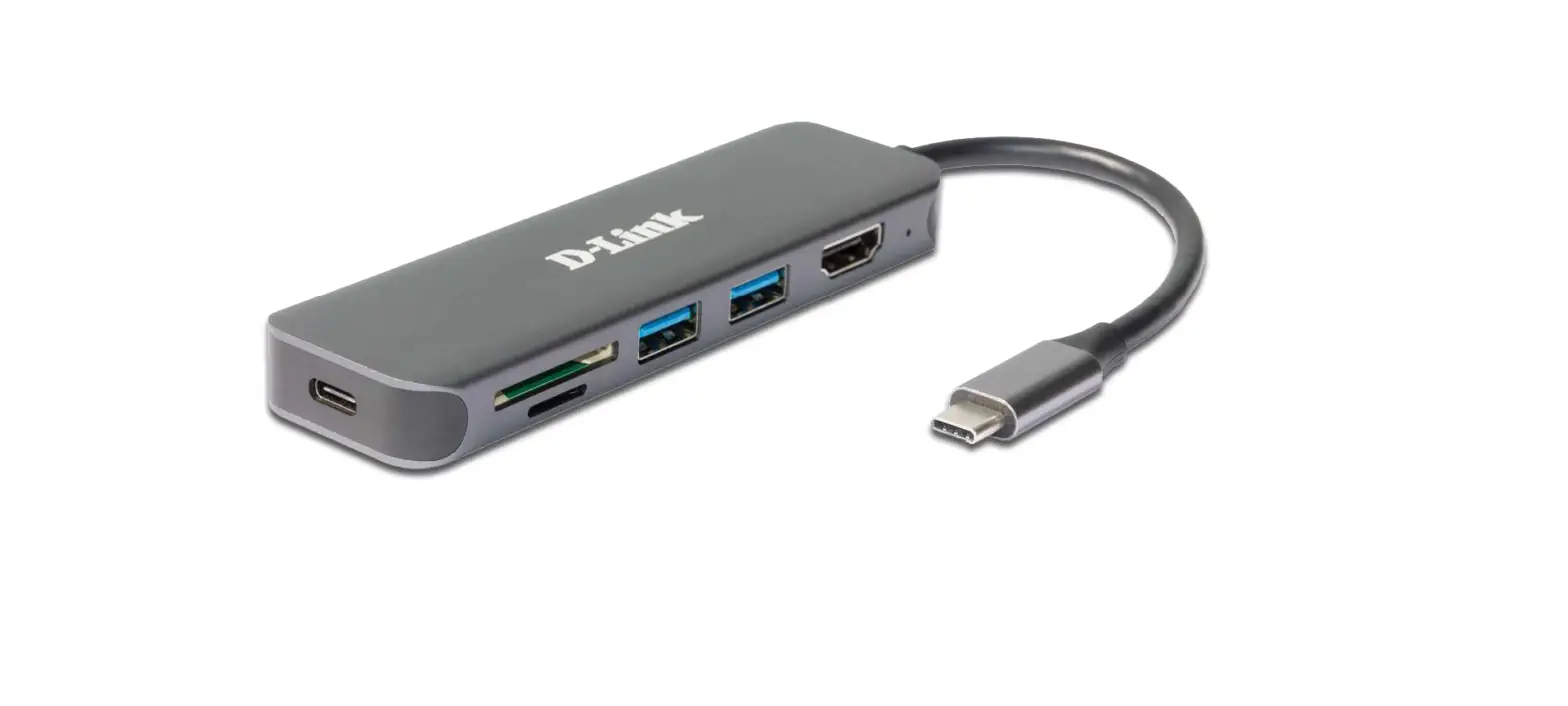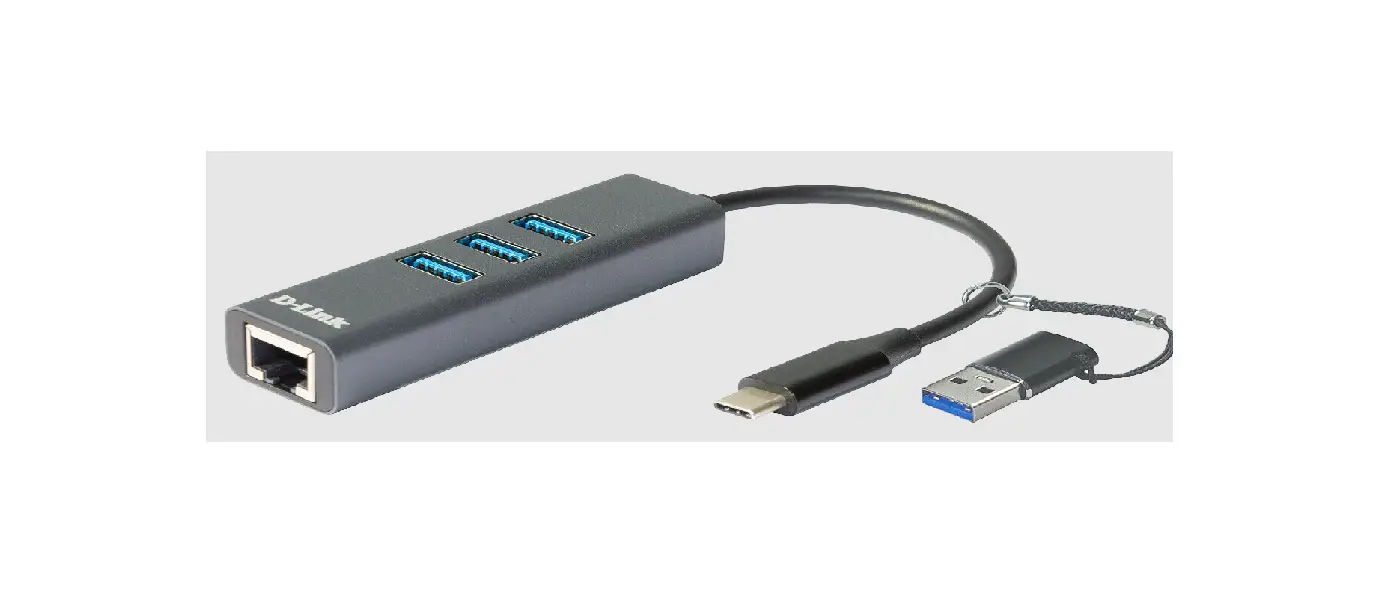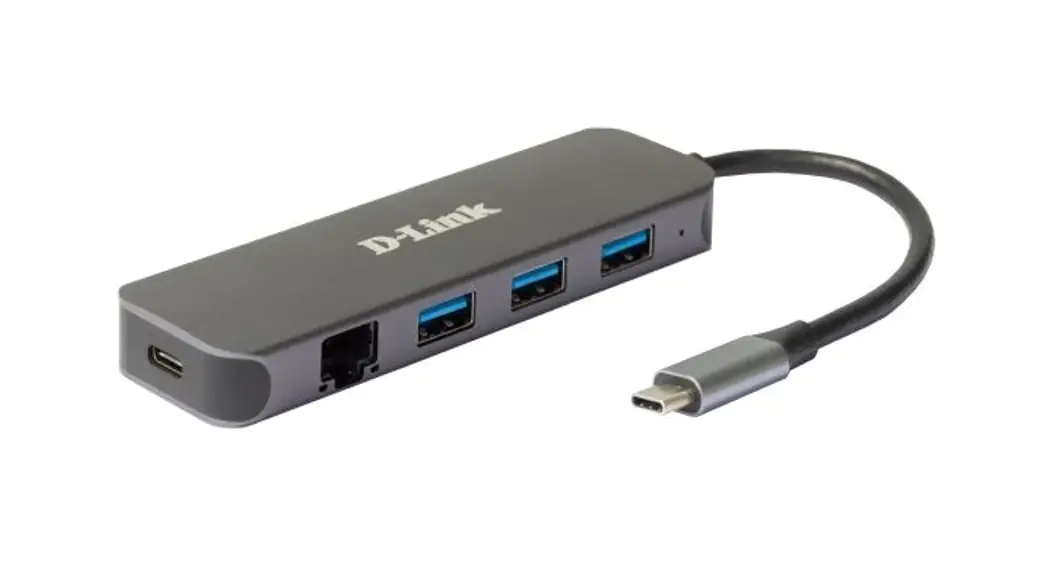
 DUB-2334 5-in-1 USB-C Hub with Gigabit Ethernet-Power Delivery
User Manual
DUB-2334 5-in-1 USB-C Hub with Gigabit Ethernet-Power Delivery
 Product Highlights
True Gigabit Speed
Enjoy lightning-fast Gigabit speeds without the need for installing a new network card simply by using any available USB-C port on your device
Easy Expansion
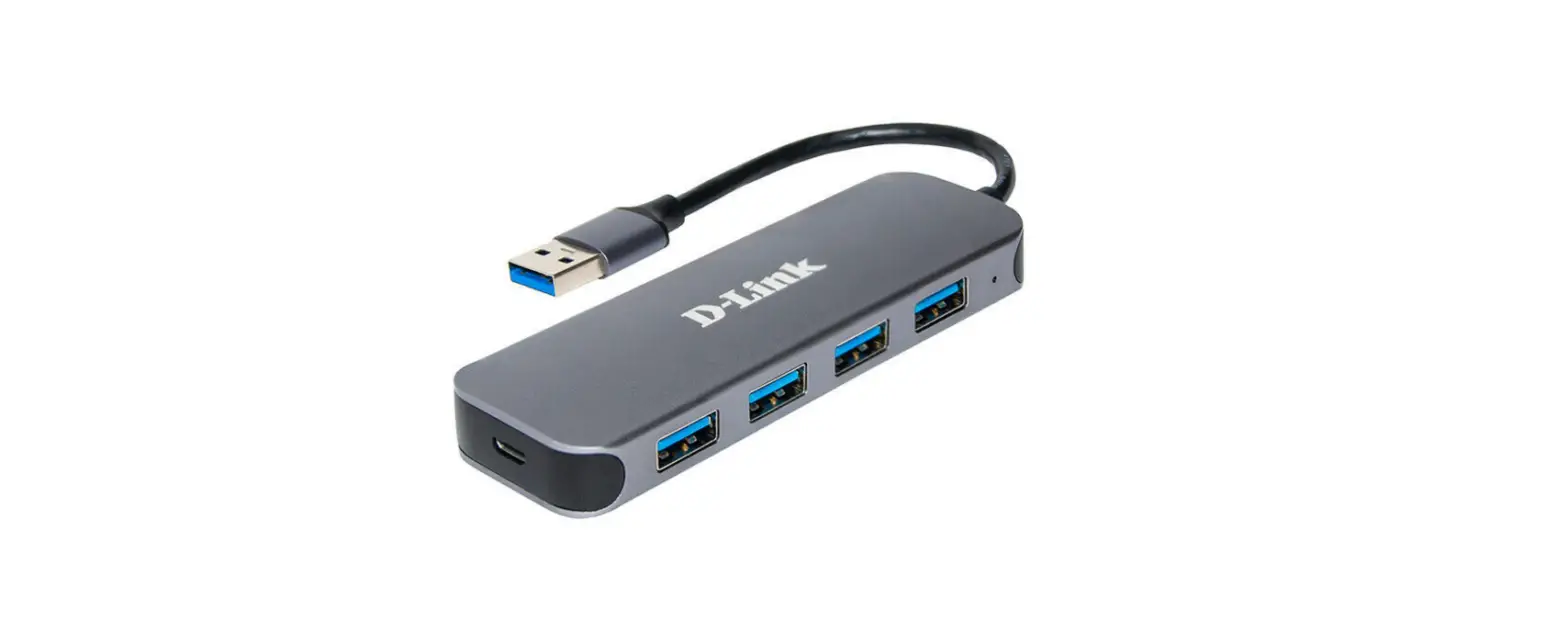
Easily add 4 x USB 3.0 ports to any laptop or computer with a spare USB-C port. Simply plug in, no need to install additional software
Ultra-Fast USB 3.0
SuperSpeed USB 3.0 technology allows you to transfer files up to 10 times faster than with USB 2.0
Features
Gigabit Ethernet Connectivity
- Achieve transfer speeds of up to 1 Gbps
- Status LEDs for connection status and data transfer speed
- Auto 10/100/1000 Mbps speed detection with auto-negotiation to always use the highest available speed
Versatile and Convenient
- Three USB 3.0 SuperSpeed 5 Gbps ports
- One USB 3.0 Type-C port with data sync and power delivery of up to 60 W (20 V @ 3 A)¹
- Simply plug-and-play, no software required
- Compact design
- Works on Windows and macOS computers
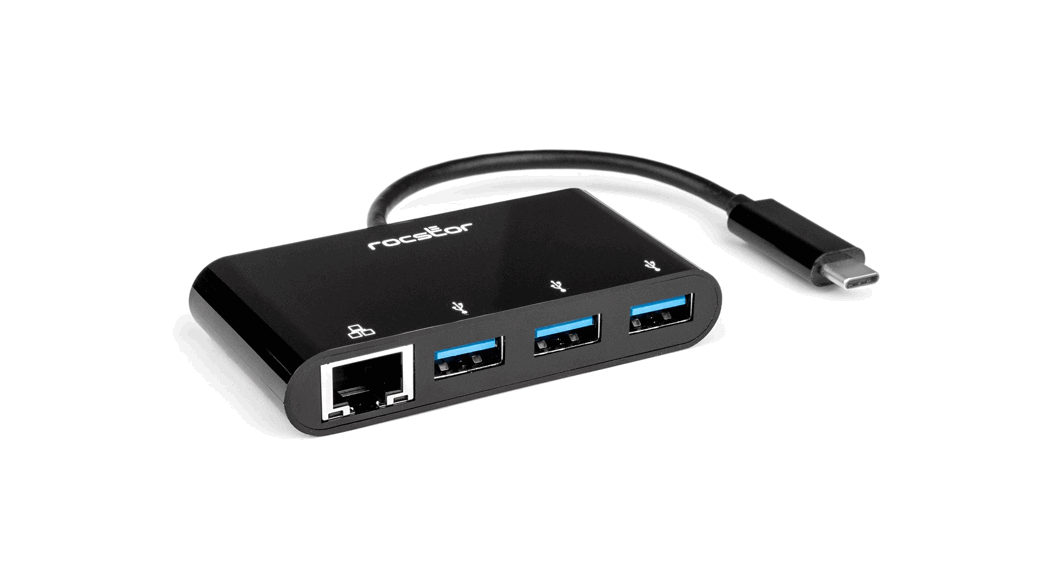
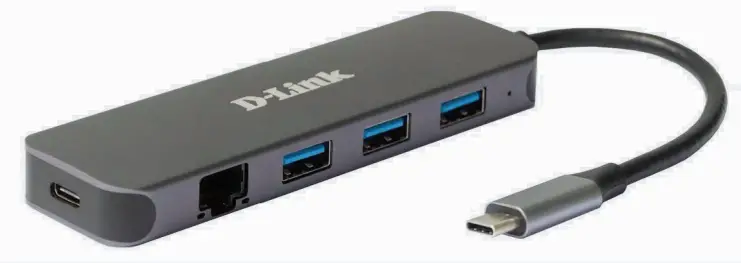
The DUB-2334 5-in-1 USB-C Hub with Gigabit Ethernet/Power Delivery allows you to instantly add Gigabit Ethernet connectivity and three additional USB 3.0 ports to your ultra-portable computer. Just plug the DUB-2334 into an available USB-C port and you’re ready to connect to the Internet with the speed and reliability of a wired Gigabit connection, as well as connect up to three more USB devices. You can also sync and charge one USB-C device, meaning that you don’t have to give up that USB-C port this hub is connected to.
Hardware Overview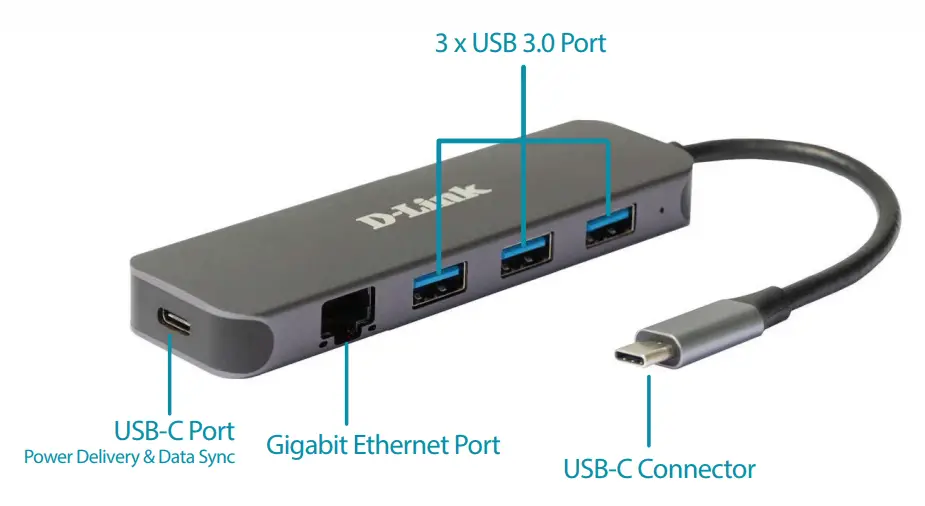
Technical Specifications
| Connectivity | ||
| Interfaces | •One USB Type-C connector •Three USB 3.0 Type-A ports | •One USB Type-UPD 3.0 port •One RJ-45 Ethernet port (10/100/1000 Mbps) |
| LEDs | •Power (per device) •Solid green – power is on | •Link (per Ethernet port) •Solid green – Ethernet connection •Speed (per Ethernet port) •Flashing orange – data transmission |
| General | ||
| Standards | •USB 3.0 •USB 2.0 •USB 1.1 •IEEE 802.3 10Base-T | •IEEE 802.3u 100Base-TX •IEEE 802.3ab 1000Base-T •Pause mode •Wake-on-LAN |
| Data rate | •Up to 5 Gbps | •Up to 1000 Mbps (Ethernet) |
| System requirements | •Windows 7/8/8.1/10, macOS (OS X 10.8 and above) | •USB Type-C port |
| Physical | ||
| Dimensions (W x H x D) | •118 x35 x 13.5 mm | |
| Weight | •70 g | |
| Power | •From computer (USB bus powered) | |
| Supplied charging voltage/current | •20 V / 3 A (PD 3.0) | |
| Temperature | •Operating: 0 to 45 °C | •Storage: -10 to 70 °C |
| Humidity | •Operating: up to 85% non-condensing | •Storage: up to 85% non-condensing |
| Certifications | •CE | |
Please make sure that the USB Type-C port of your laptop supports PD 3.0.

http://www.dlink.eu
For more information: eu.dlink.com
D-Link (Deutschland) GmbH, Schwalbacher Strasse 74, 65760 Eschborn, Germany
D-Link (Europe) Ltd, Artemis Building, Odyssey Business Park, West End Road, South Ruislip HA4 6QE, United Kingdom
Specifications are subject to change without notice. D-Link is a registered trademark of D-Link Corporation and its overseas subsidiaries.
All other trademarks belong to their respective owners. ©2019 D-Link Corporation. All rights reserved. E&OE.
Updated April 2022