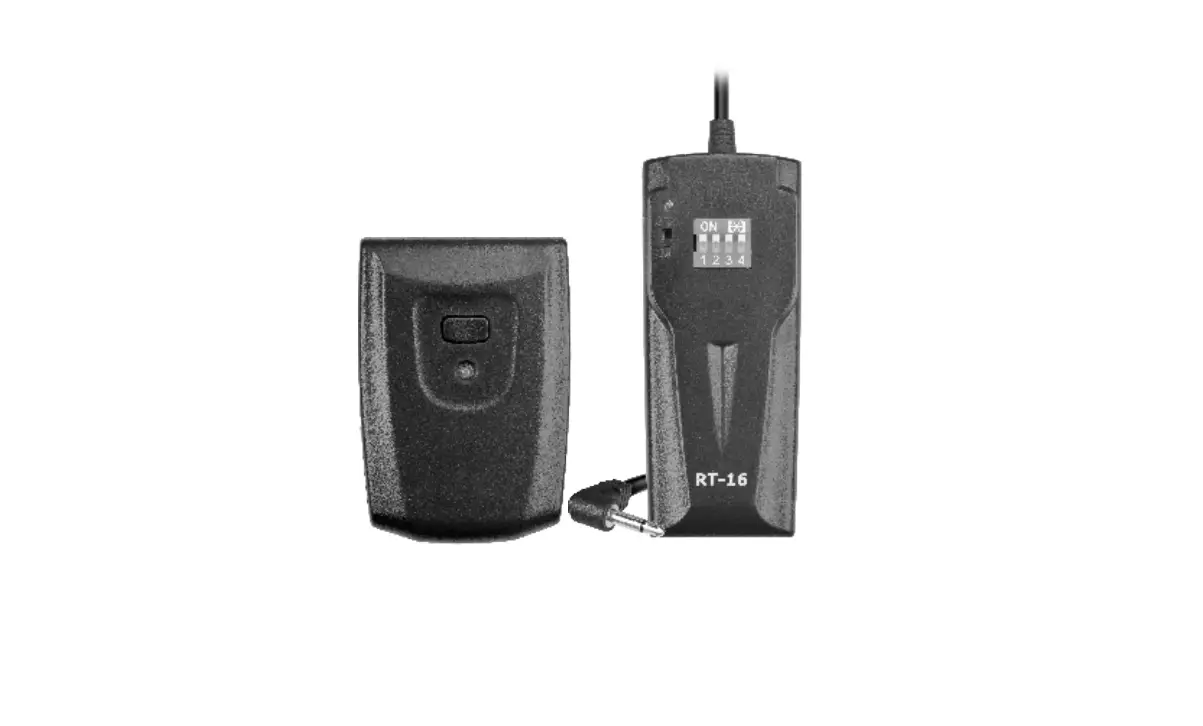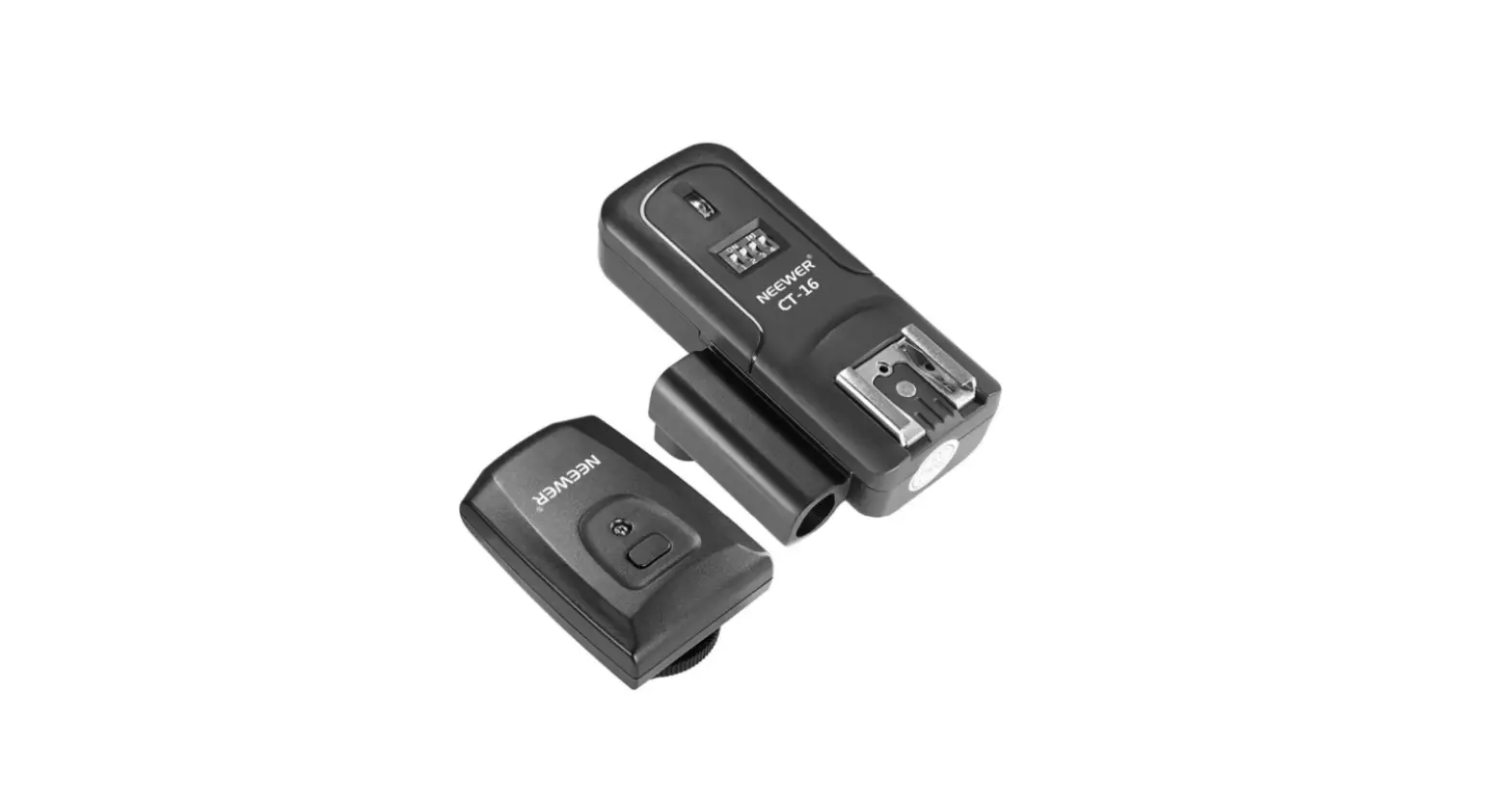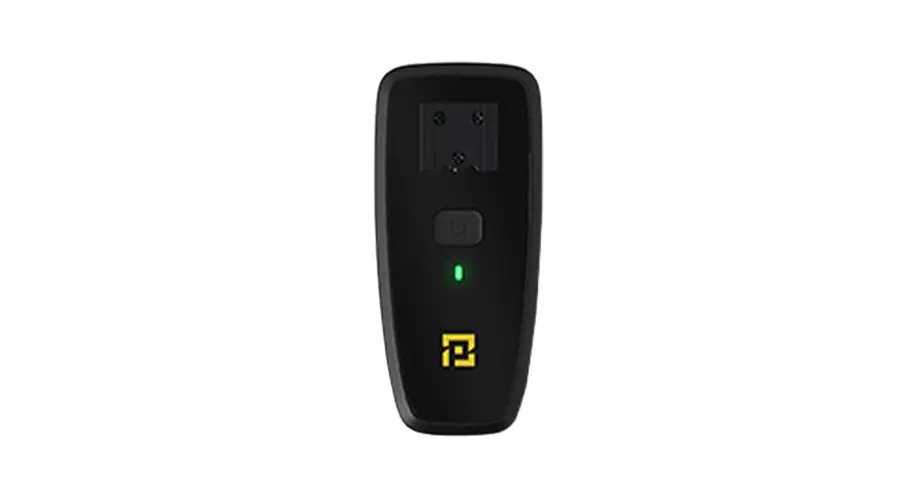
 Timelapse Trigger
AF-E1
Operating Instruction
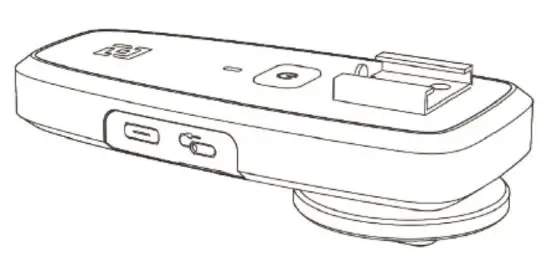
Product Description
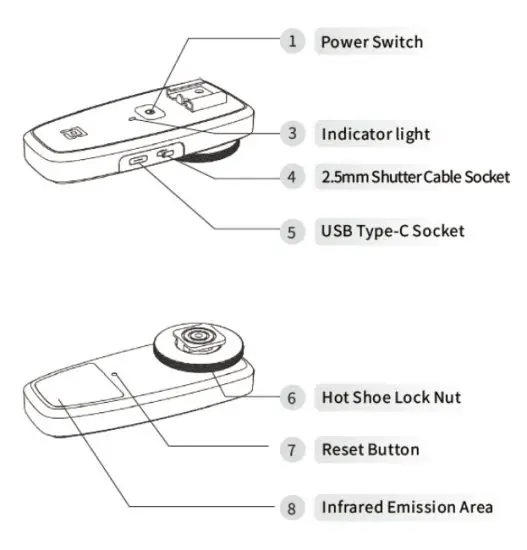
Do not block the infrared emission area during use! The delivered USB cable is for time-lapse trigger charging only!
Timelapse Trigger Connection Method
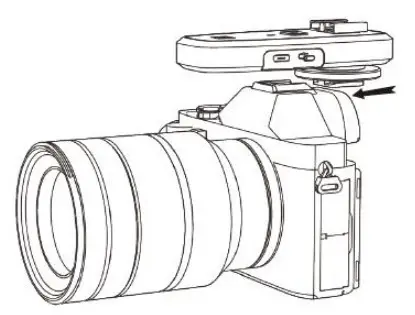
Insert the timelapse trigger into the camera
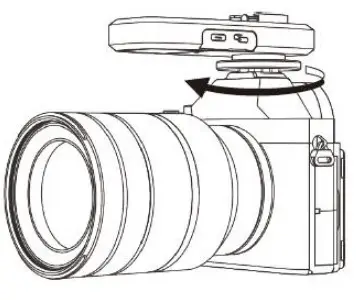
Tighten the hot shoe lock nut to secure the timelapse trigger
App User Guide
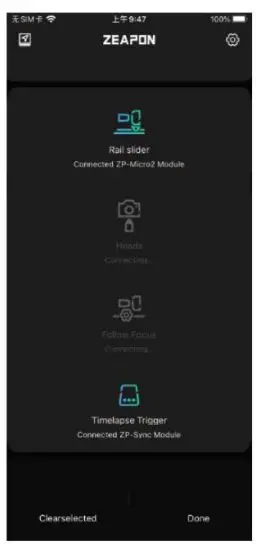
Timelapse Trigger and at least one other ZEAPON device are connected to the app at the same time
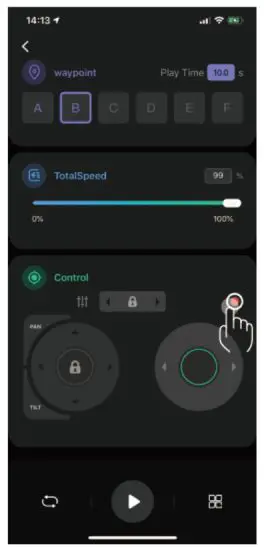
Enter Video Mode
Tap the record button after setting two or more waypoints, The camera starts recording while the device starts, (Only Sony cameras with infrared control are supported)
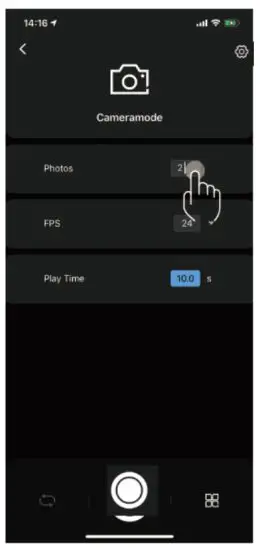
Enter Camera Mode
After setting two or more waypoints,
Set the interval shooting parameters on the camera,
Fitt the number of photos of the parameter into the parameter box of a number of photos under the app Camera Mode
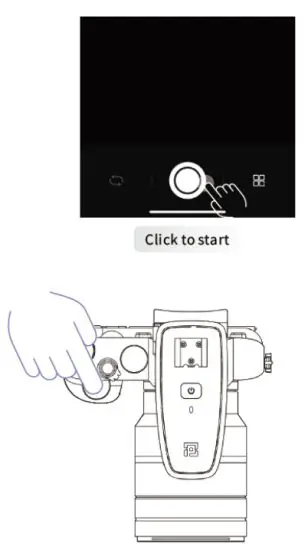
Then press the shutter of the camera to start shooting
Firmware Upgrade
Tap the setting button on any interface
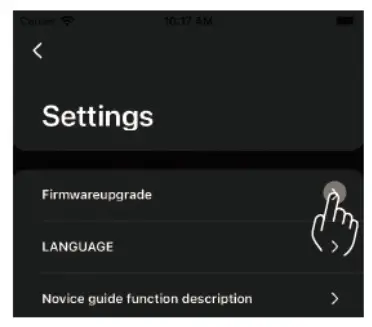
Select the corresponding device from the Firmware Upgrade Menu
If you are prompted that the upgrade failed, please reset by pressing the timelapse trigger reset button and trying again
Important:
This device complies with Part 15 of the FCC Rules. Operation is subject to the following two conditions:
(1) this device may not cause harmful interference, and (2) this device must accept any interference received, including interference that may cause undesired operation.
Changes or modifications to this unit not expressly approved by the party responsible for compliance could void the user’s authority to operate the equipment.
NOTE: This equipment has been tested and found to comply with the limits for Class B digital devices, pursuant to Part 15 of the FCC Rules. These limits are designed to provide reasonable protection against harmful interference in a residential installation. This equipment generates, uses, and can radiate radio frequency energy and, if not installed and used in accordance with the instructions, may cause harmful interference to radio communications. However, there is no guarantee that interference will not occur in a particular installation. If this equipment does cause harmful interference to radio or television reception, which can be determ fined by turning the equipment off and on, the user is encouraged to try to correct the interference by one or more of the following measures:
— Reorient or relocate the receiving antenna. Increase the separation between the equipment and receiver.
— Connect the equipment into an outlet on a circuit different from that to which the receiver is connected.
— Consult the dealer or an experienced radio/TV technician for help.
This device and its antenna(s) must not be co-located or operated in conjunction with any other antenna or transmitter.
Radiation Exposure Statement
The device has been evaluated to meet general RF exposure requirements. in portable exposure conditions without restriction.