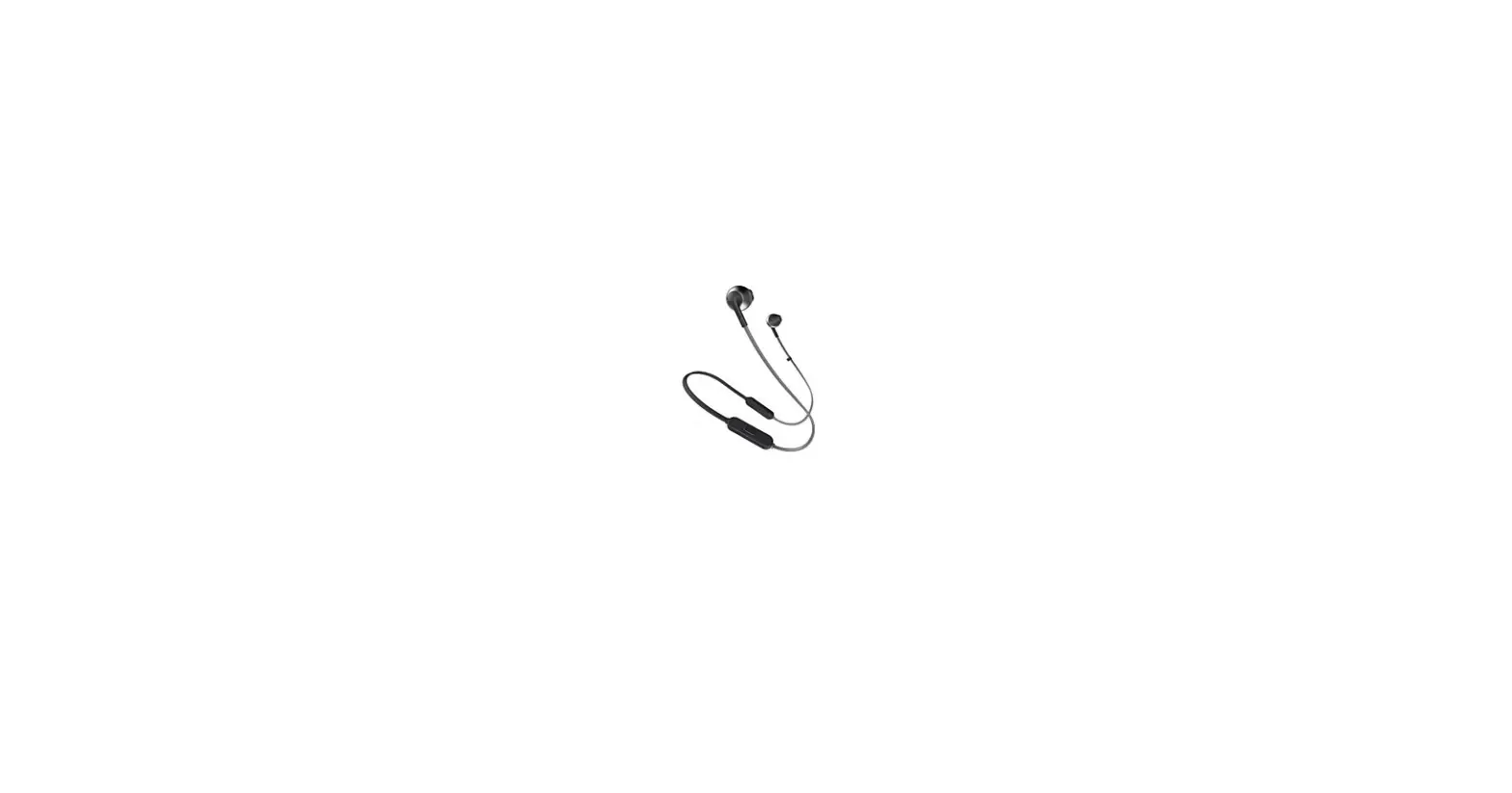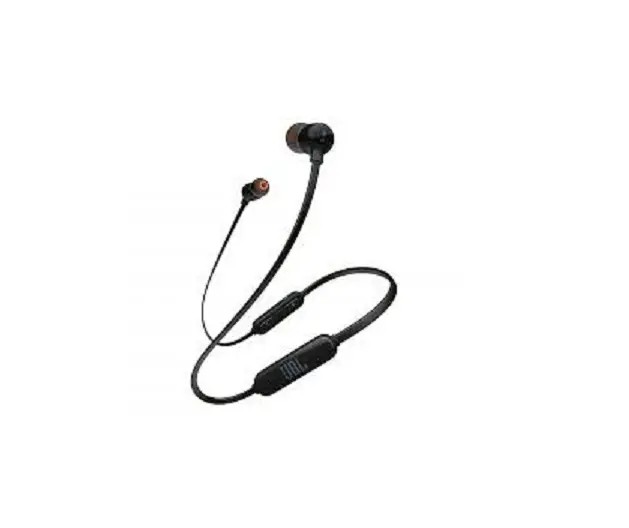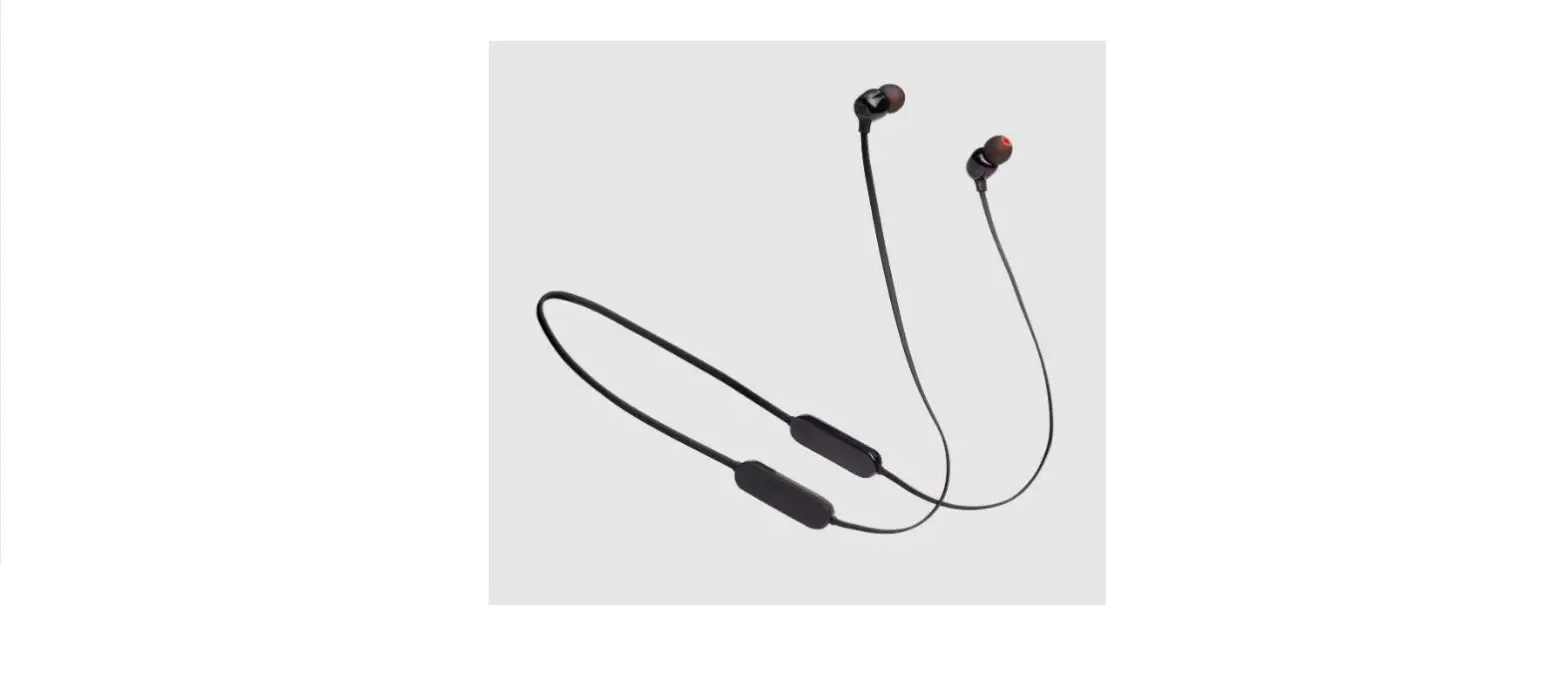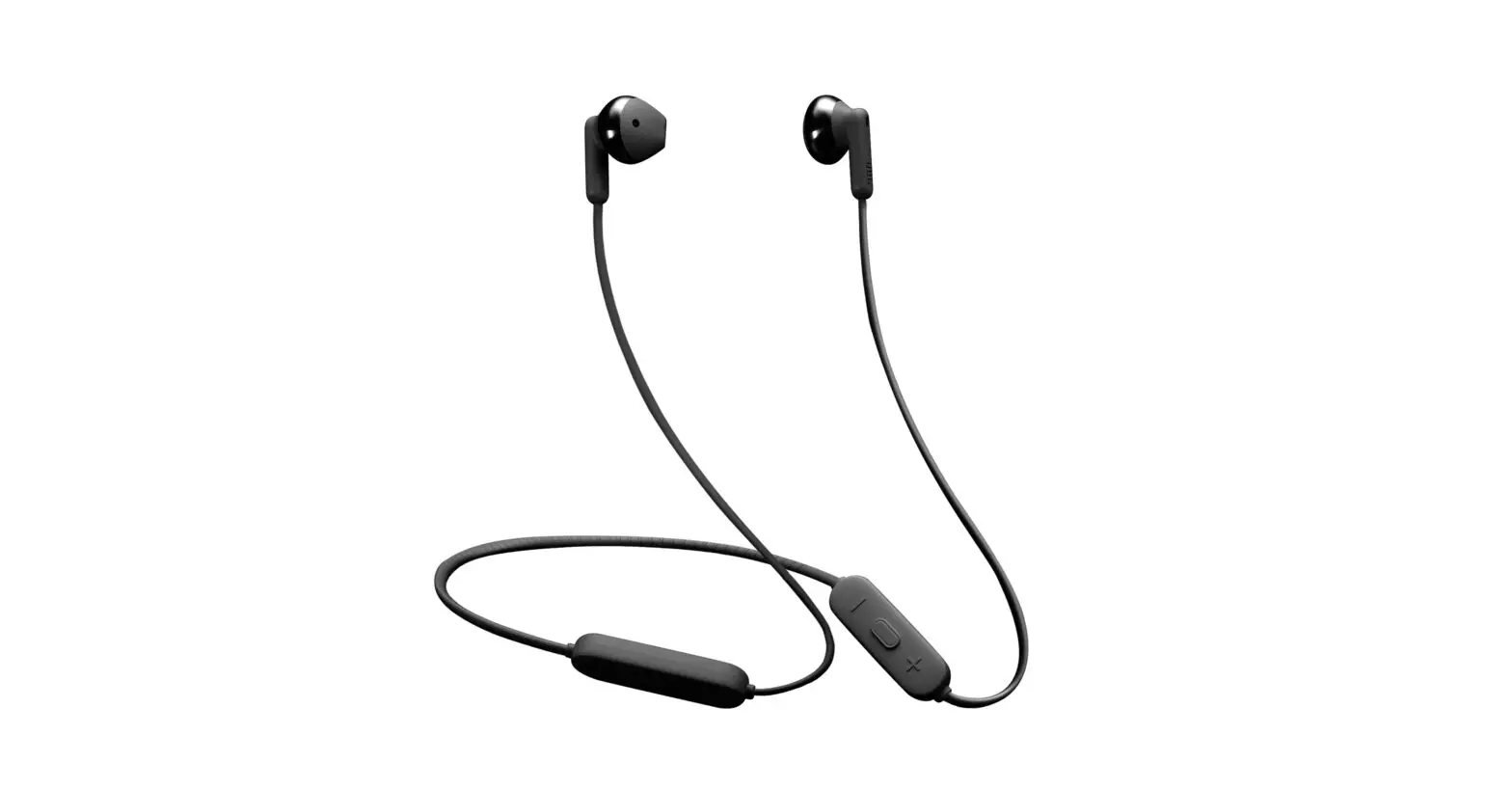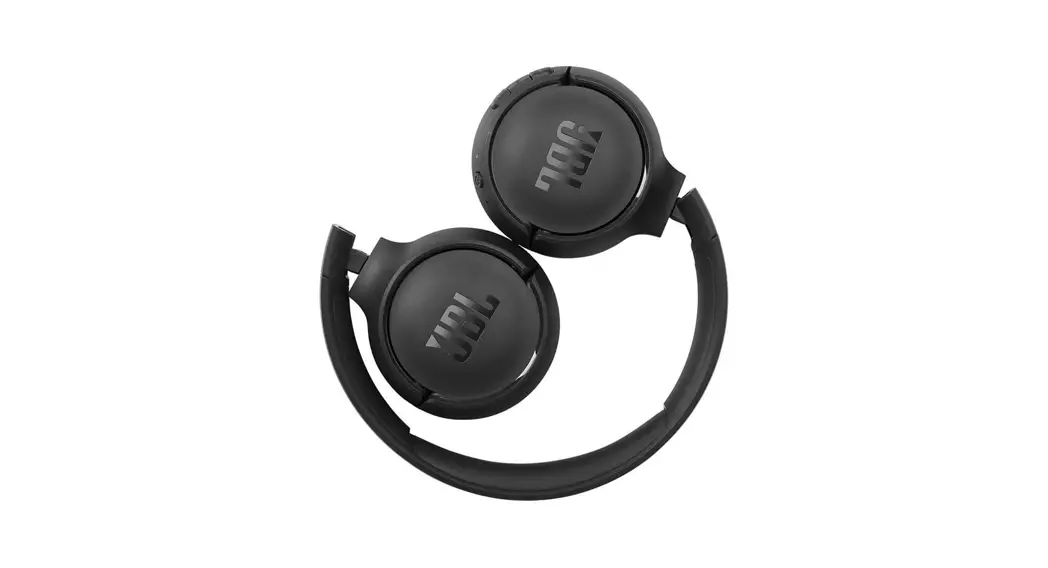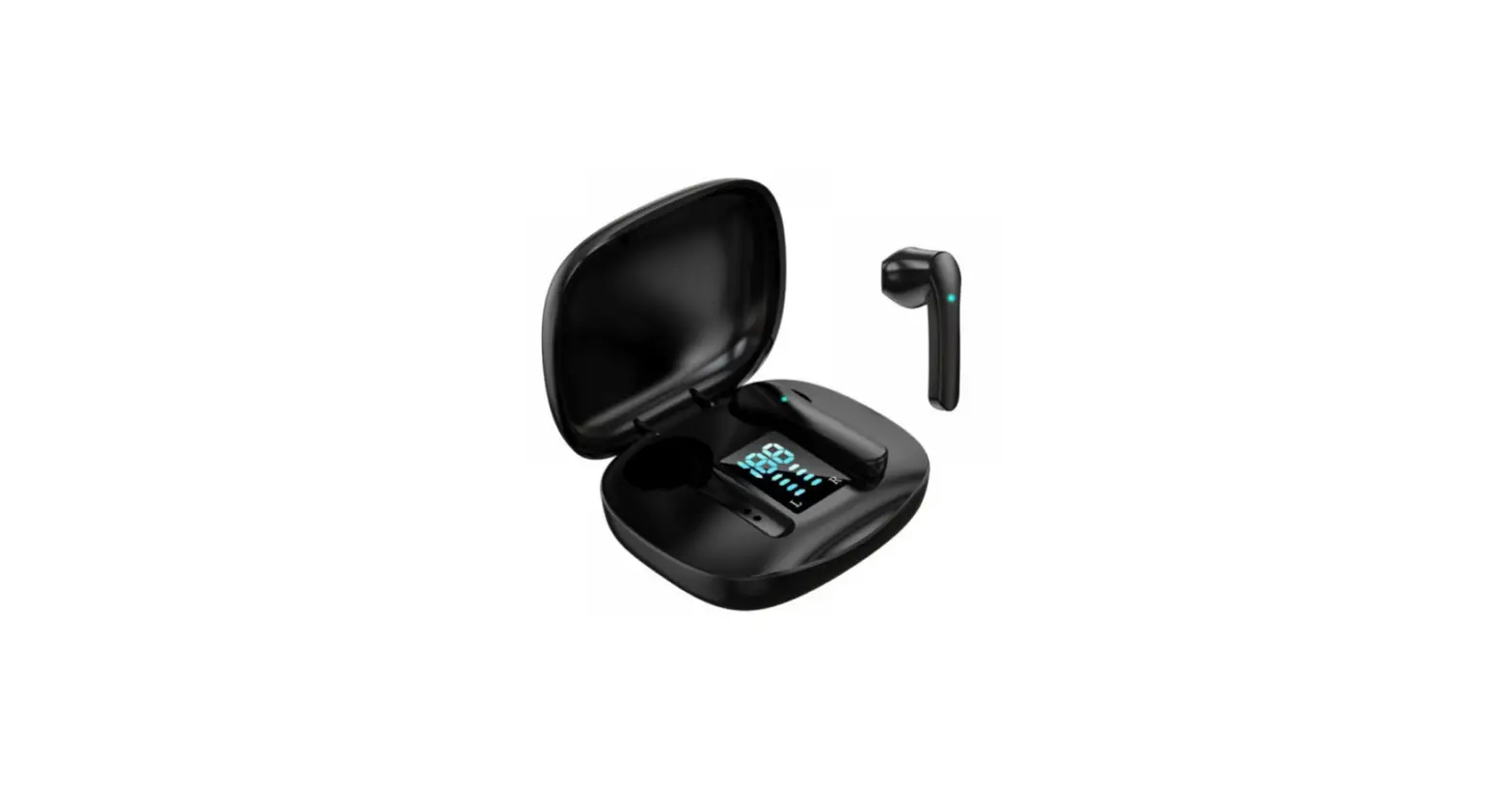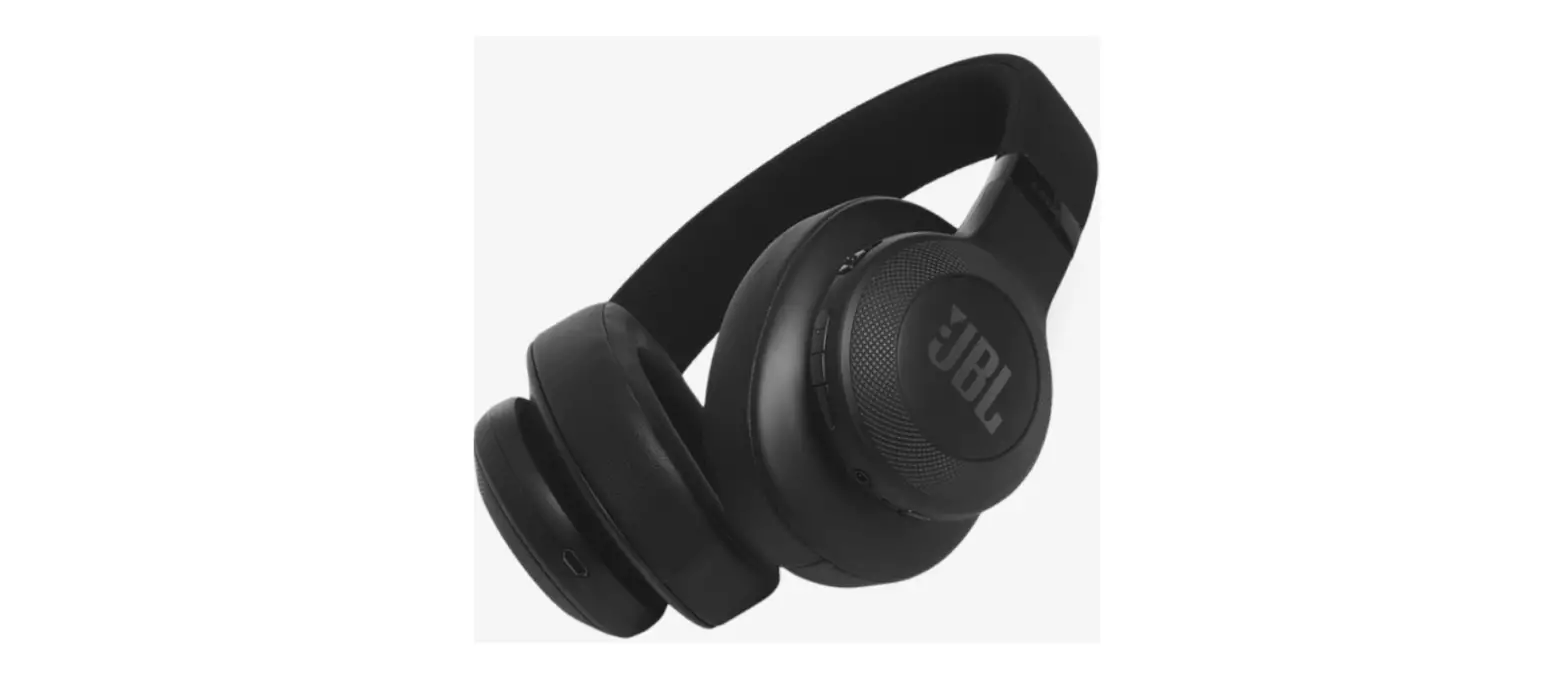

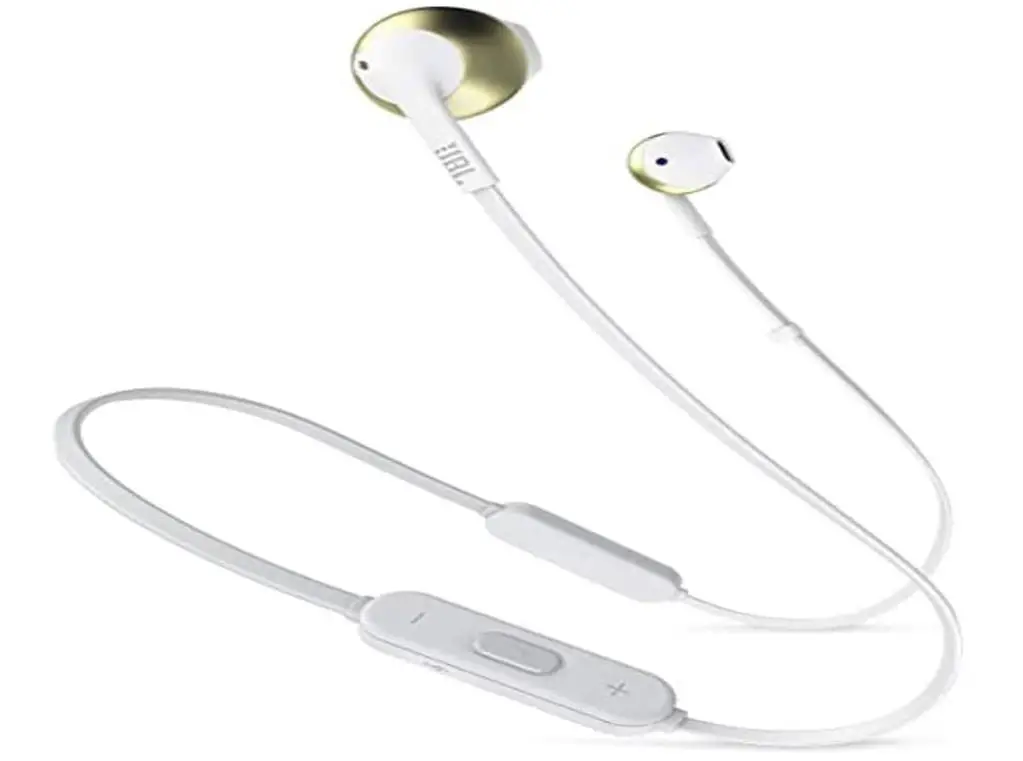
JBL T205BT in-Ear, Wireless Bluetooth Headphone
Specifications
- BRAND: JBL
- MODEL NAME: T205BT
- COLOR: Gold
- FORM FACTOR: In Ear
- CONNECTIVITY TECHNOLOGY: Bluetooth
- DRIVER SIZE: 12.5mm
- DYNAMIC FREQUENCY RESPONSE RANGE: 20Hz–20kHz
- SENSITIVITY: 100dB
- SPL/1MW MAXIMUM SPL: 106dB @1kHz
- MICROPHONE SENSITIVITY @1KHZ DB V/PA: -21
- IMPEDANCE: 32 ohm
- PRODUCT DIMENSIONS: 1.65 x 2.4 x 6.89 inches
- ITEM WEIGHT: 0.564 ounces
Introduction
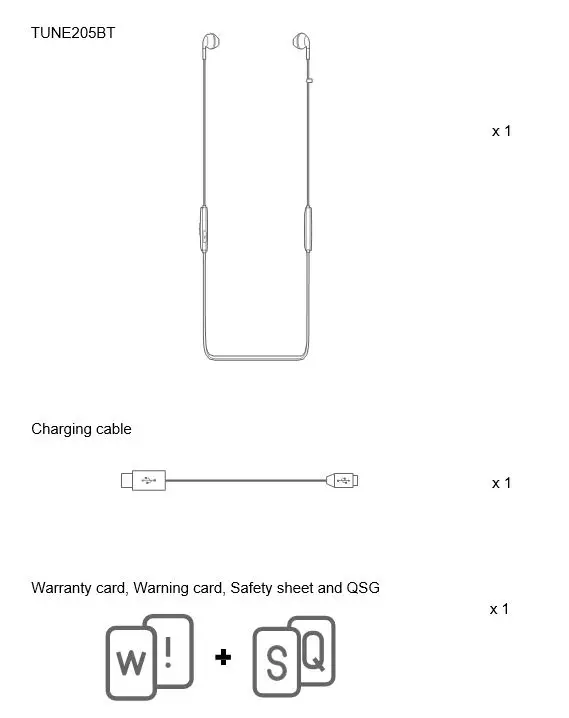
It has driver size of 12.5 mm with dynamic frequency response range of 20 Hz to 20 kHz. It has sensitivity up to 100 dB and microphone’s sensitivity is 1kHz dB v/pa: -21. Its impedance is 32 ohms. You get a pair of TUNE205BT headphones, 1 charging cable, a warning card with a warranty of one year.
WHAT’S IN THE BOX
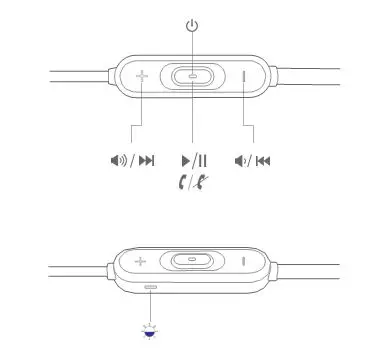
OVERVIEW
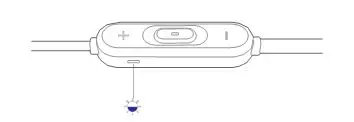
- Buttons and LEDs

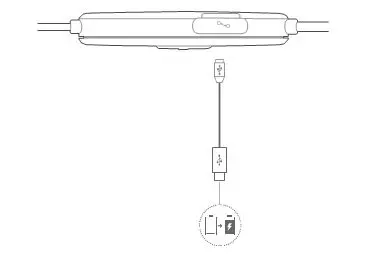
- Charging

WEARING THE HEADPHONE
Wear behind the neck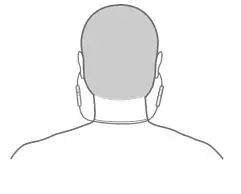
BLUETOOTH® CONNECTION
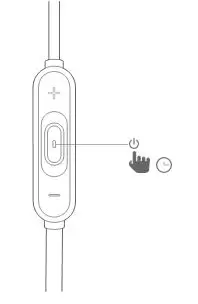
- Turn on the headphone

- If connecting for the first time, the headphone will enter pairing mode automatically after it is powered on.
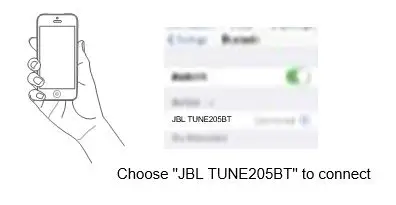
- Connect to Bluetooth device

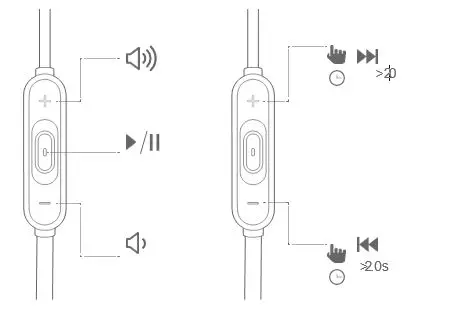
MUSIC
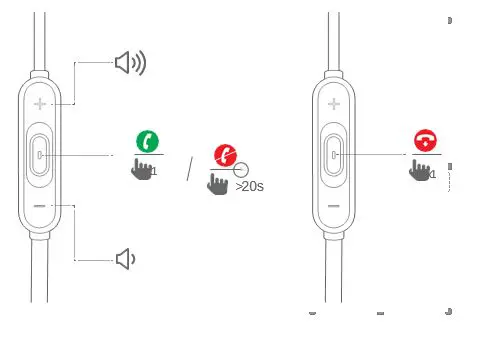
PHONE CALL
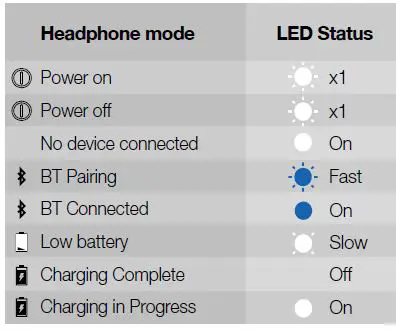
LED BEHAVIOR
Frequently Asked Questions
Launch Settings and activate Bluetooth. Click “Pair new device” in Bluetooth. Your JBL gadget should be associated with your phone once you tap it when you see it appear in the list.
Press the Windows key and select the cog icon (alternatively, put “settings” into the search box). After selecting “Devices,” select “Bluetooth and Other Devices.” To add a device, make sure your headphones are in pairing mode and press the “+” button.
On the right ear cover’s bottom, press the “Bluetooth” button. The sound that follows will be audible. Your JBL Live wireless headphones are in pairing mode if they make that sound. The blue power light on the right ear cover’s back will also begin to blink.
The list of Bluetooth devices that are available does not include JBL headphones. Your headphones not showing up in the Bluetooth devices list is most frequently caused by their not being in pairing mode. Verify that the headphones are turned on.
Using iOS and Android devices, you might use our JBL Flip 5 with the JBL Portable app. It allows you to customize and control your speaker from your phone.
Locate the REGISTER PRODUCT tab in the dropdown menu on the left side of your screen on the MY ACCOUNT page. Before continuing, take a picture of the official receipt. Choose a product. Enter the SERIAL NUMBER that is printed on the bottom of the package for your goods.
Go to Settings > System > Advanced> Reset Options > Reset Wi-fi, mobile, & Bluetooth on Android devices. For iOS and iPadOS devices, you’ll need to unpair every device first, then restart your phone or tablet by going to Settings > Bluetooth, selecting the info icon, then selecting Forget This Device for each device.
If your Bluetooth devices aren’t connecting, they probably aren’t in pairing mode or are out of range. Try rebooting your devices or letting your phone or tablet “forget” the connection if you’re experiencing persistent Bluetooth connection issues.
If the headset has buttons for volume control: Each time the volume-up button is used, the volume should rise incrementally until the maximum volume is reached. The volume should rise gradually to its highest level if the volume-up button is pressed and held.
The free JBL Connect app from Harman Consumer enables Bluetooth speaker control for compatible devices. It allows you to play the same song on many devices and, if available, adjust the audio and lighting settings.