Bakeey
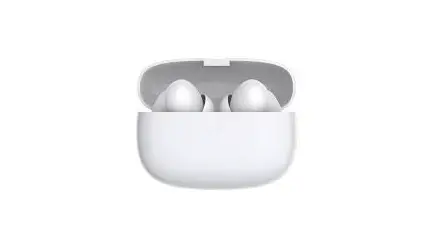
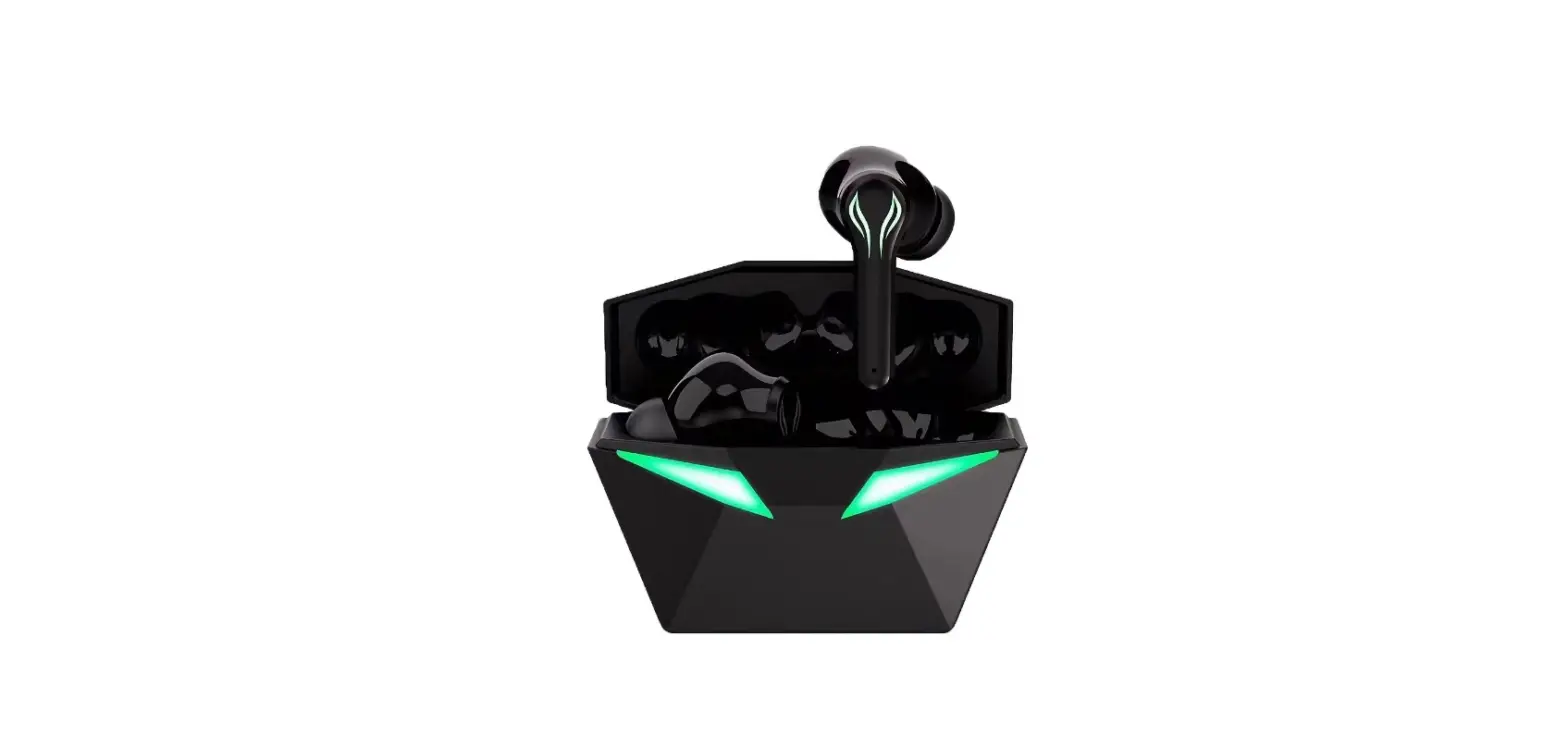
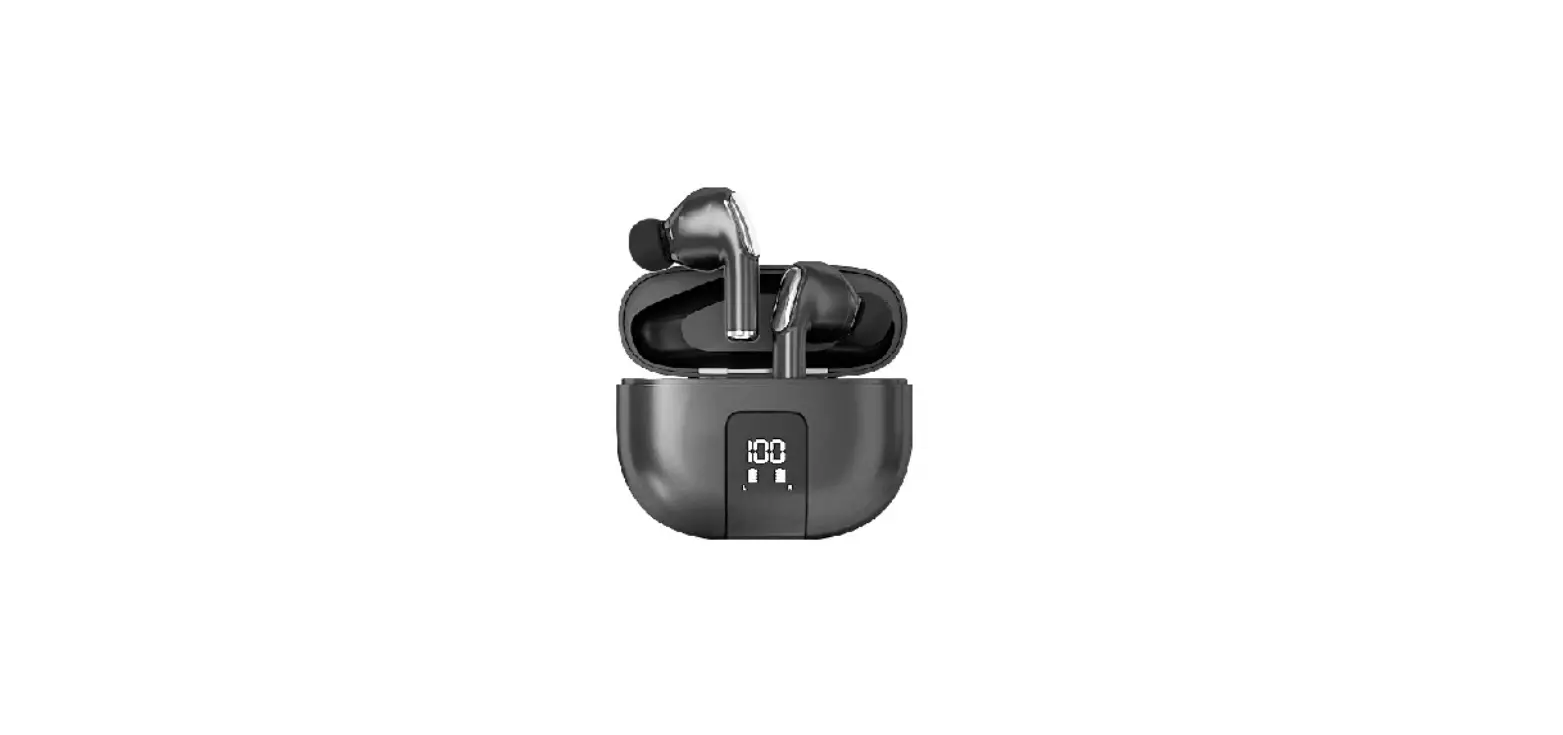
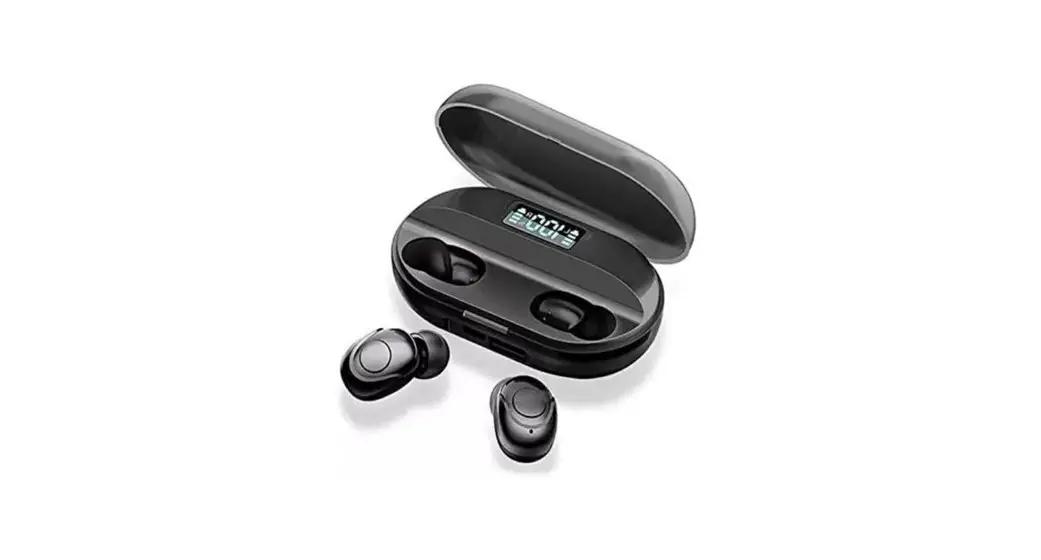
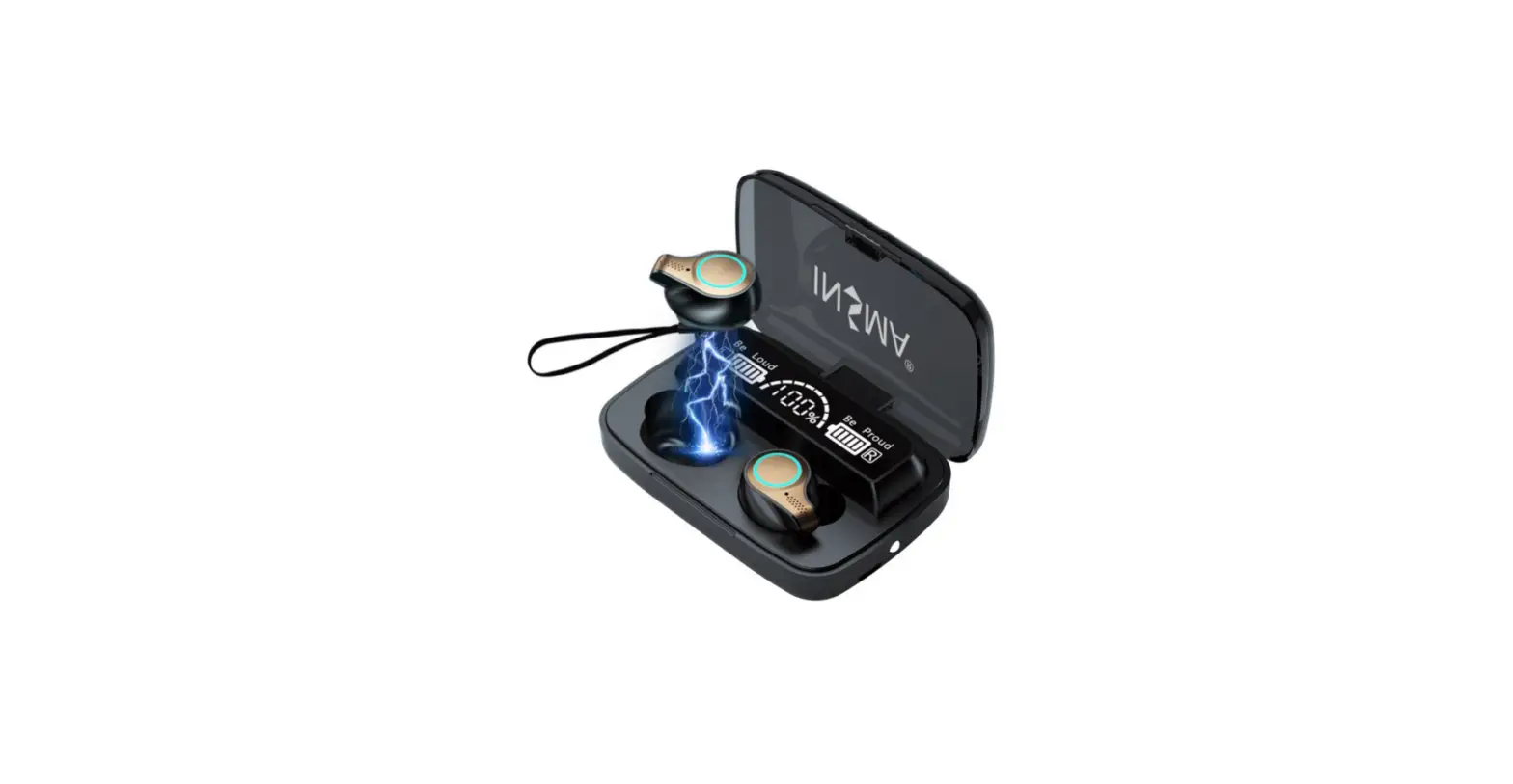
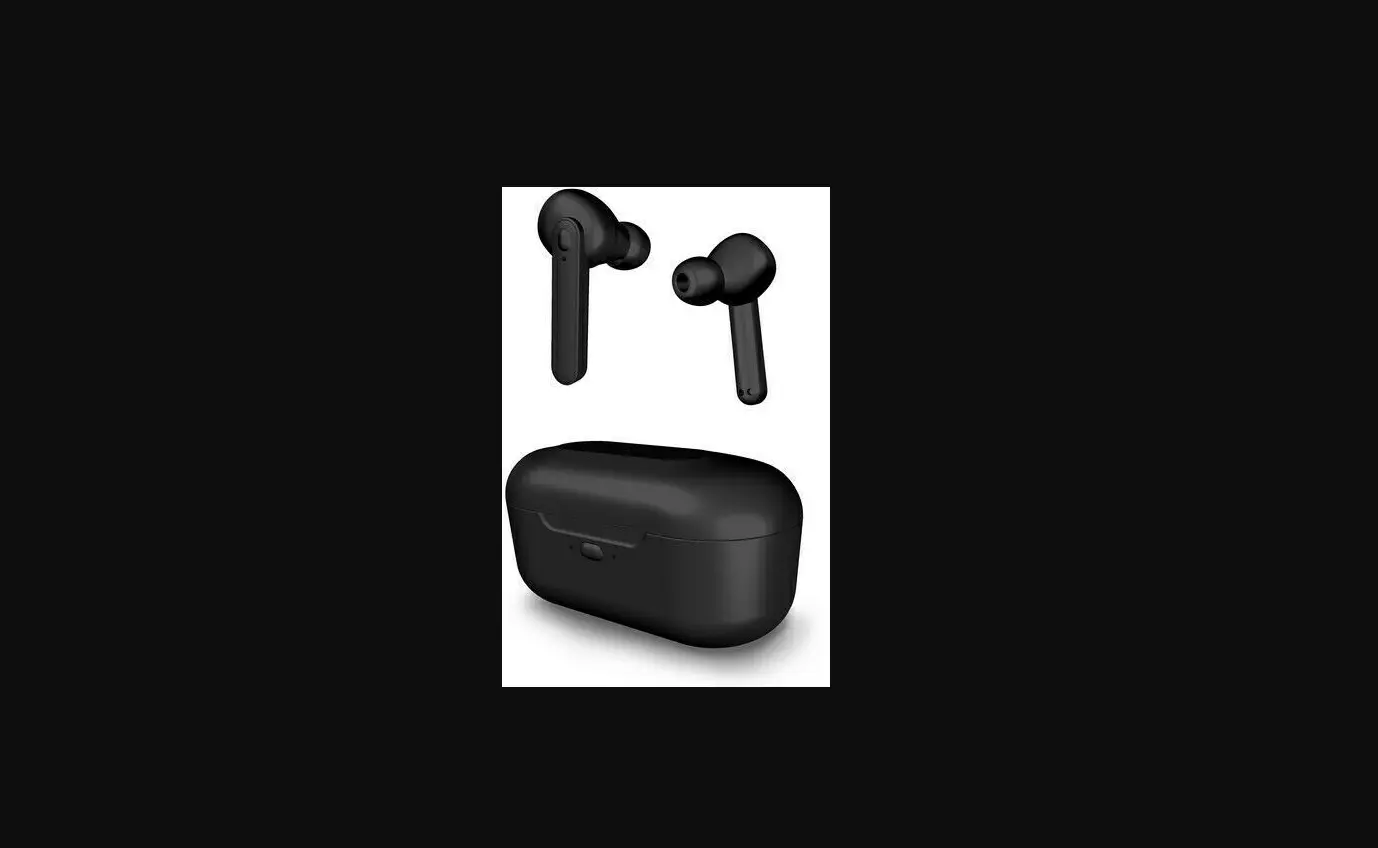
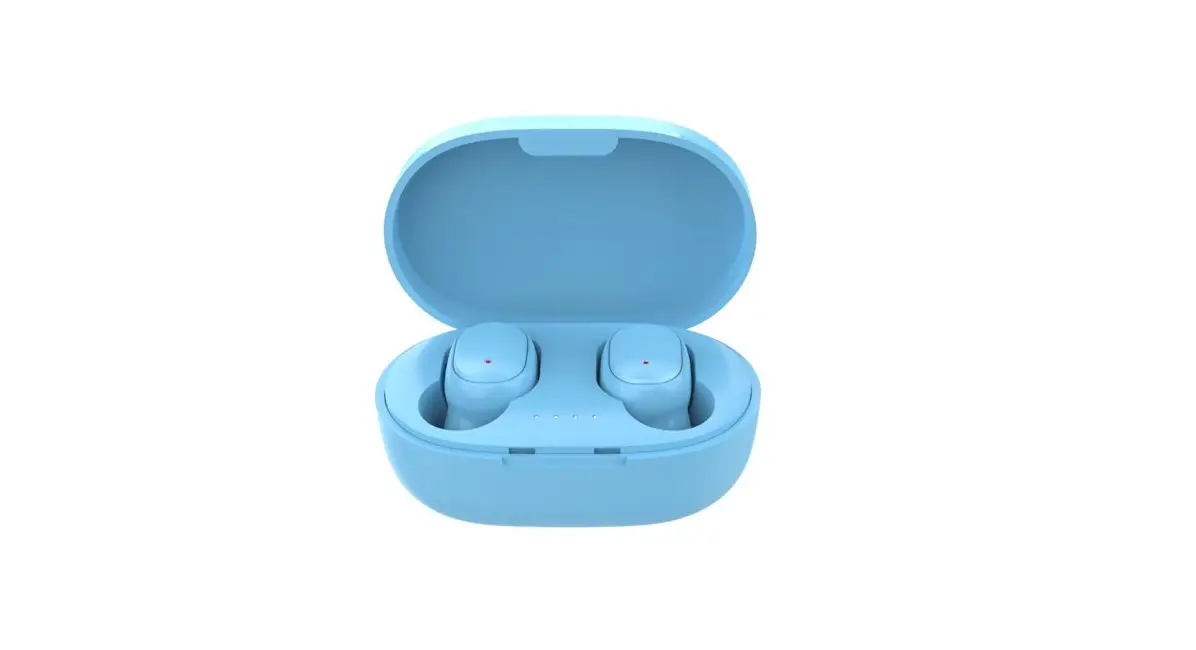
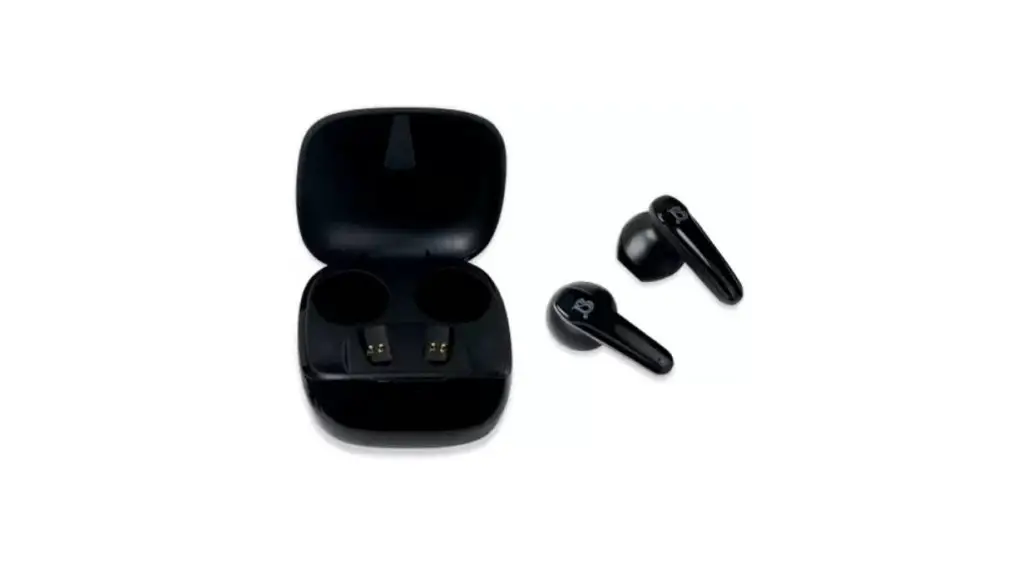
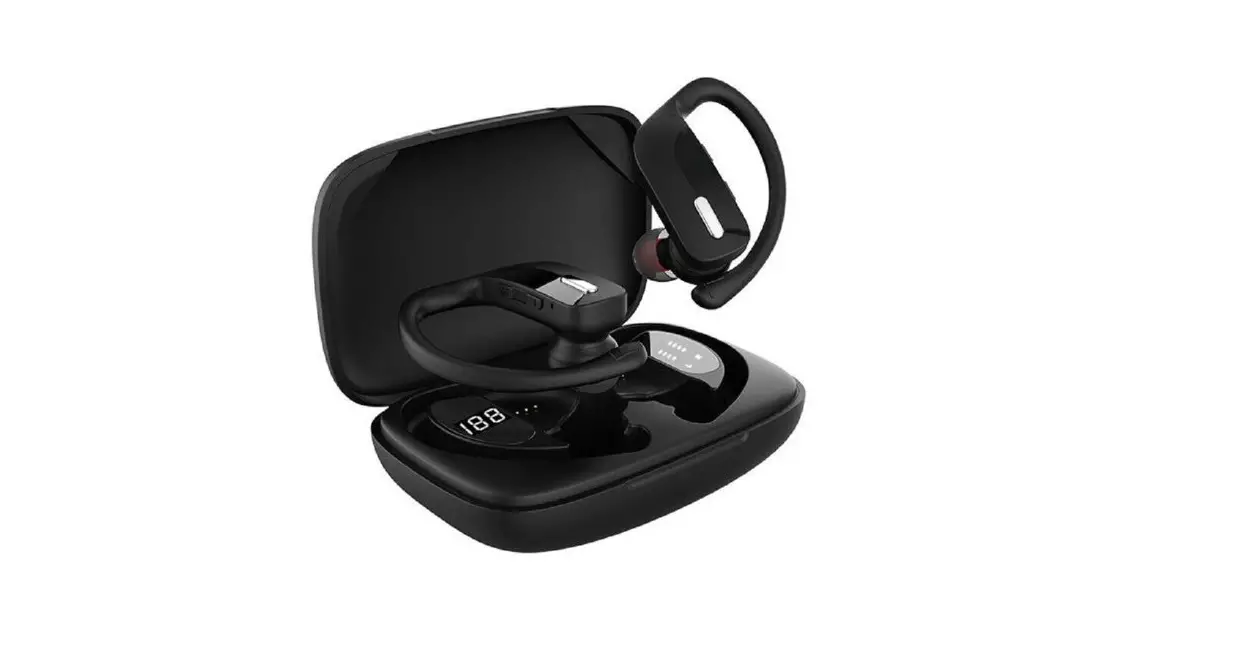
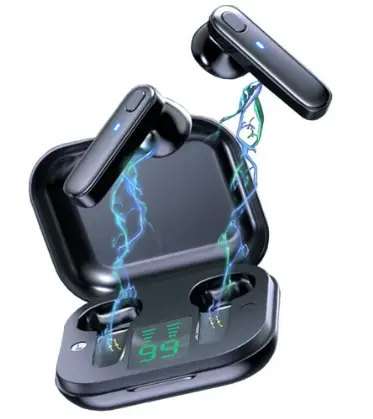
Bakeey R20 TWS Earphone Wireless bluetooth V5.0 Headphones
Specifications
- BRAND: Bakeey
- MODEL: R20
- COLOR: Black/ White
- WEARING TYPE: In-Ear
- NET WEIGHT (G): Single Earbud: 5.8g
- BLUETOOTH VERSION: V5.0
- SUPPORTED PROFILES: HSP/HFP/A2DP/AVRCP
- TRANSMISSION DISTANCE: 33 feet (10m)
- FREQUENCY RESPONSE: 20-20kHz
- BATTERY CAPACITY: Earbud: 50mAh
- CHARGING BOX: 350mAh
- WATERPROOF: IPX7
Introduction
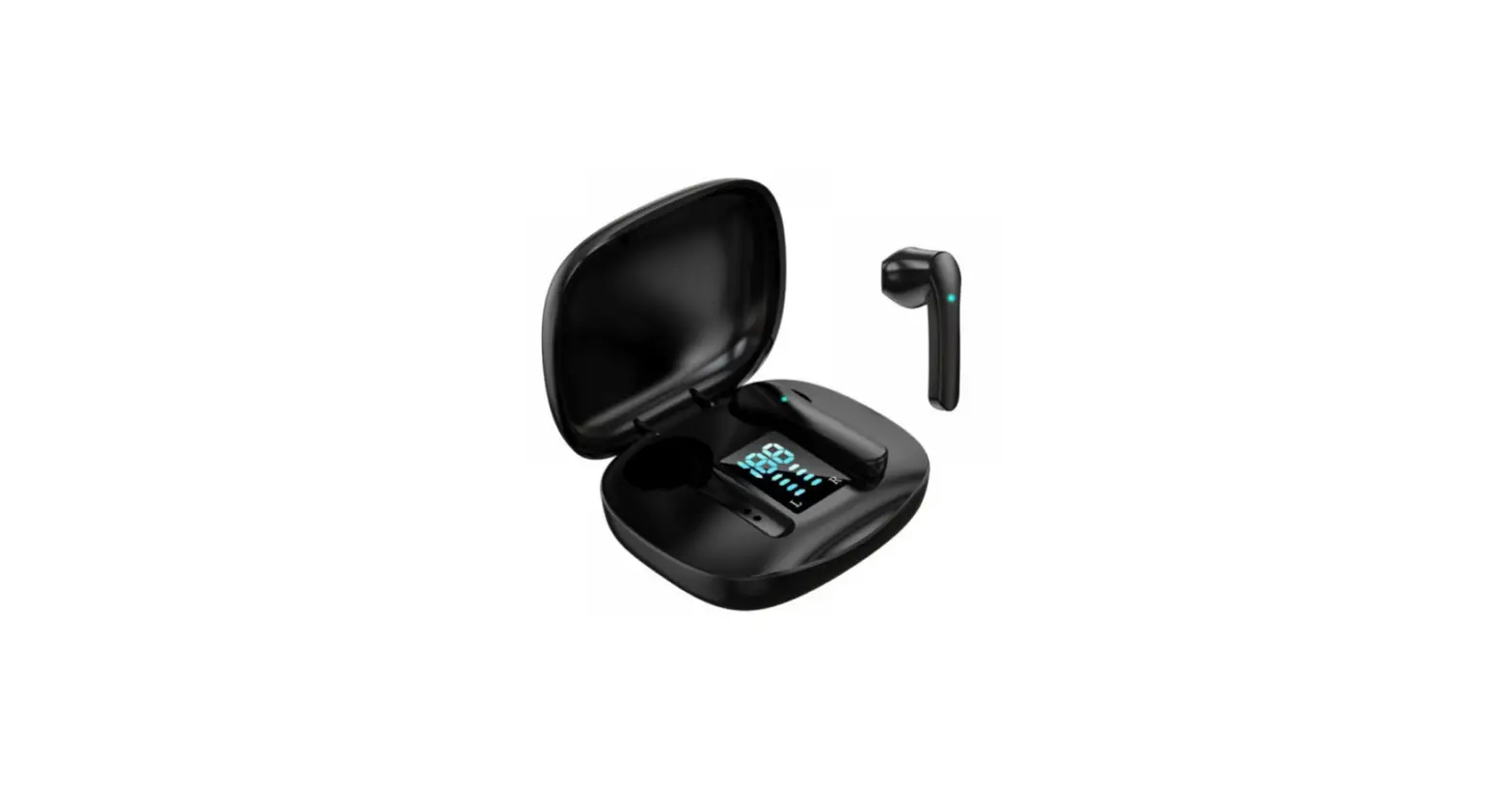
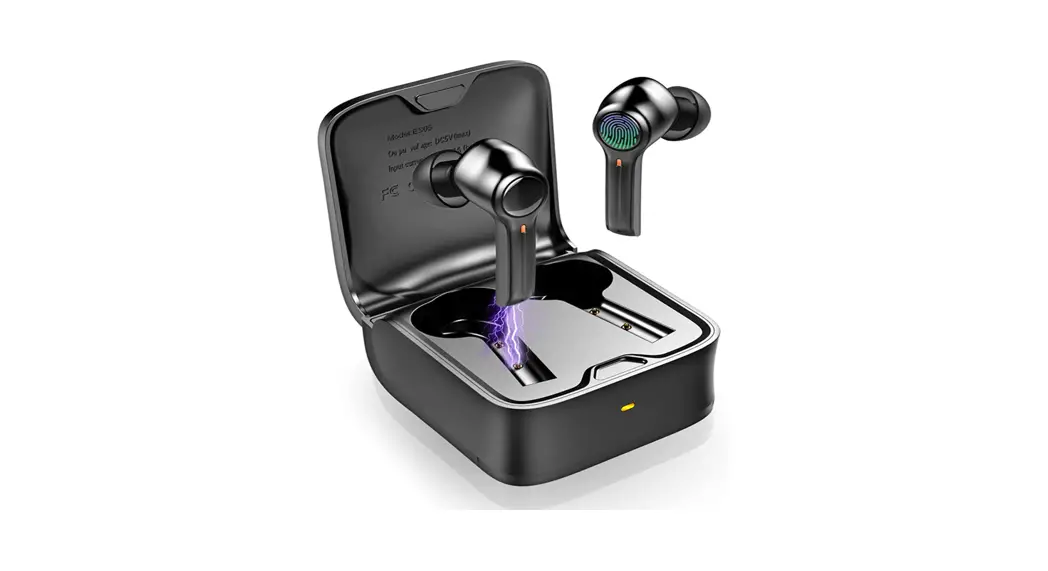
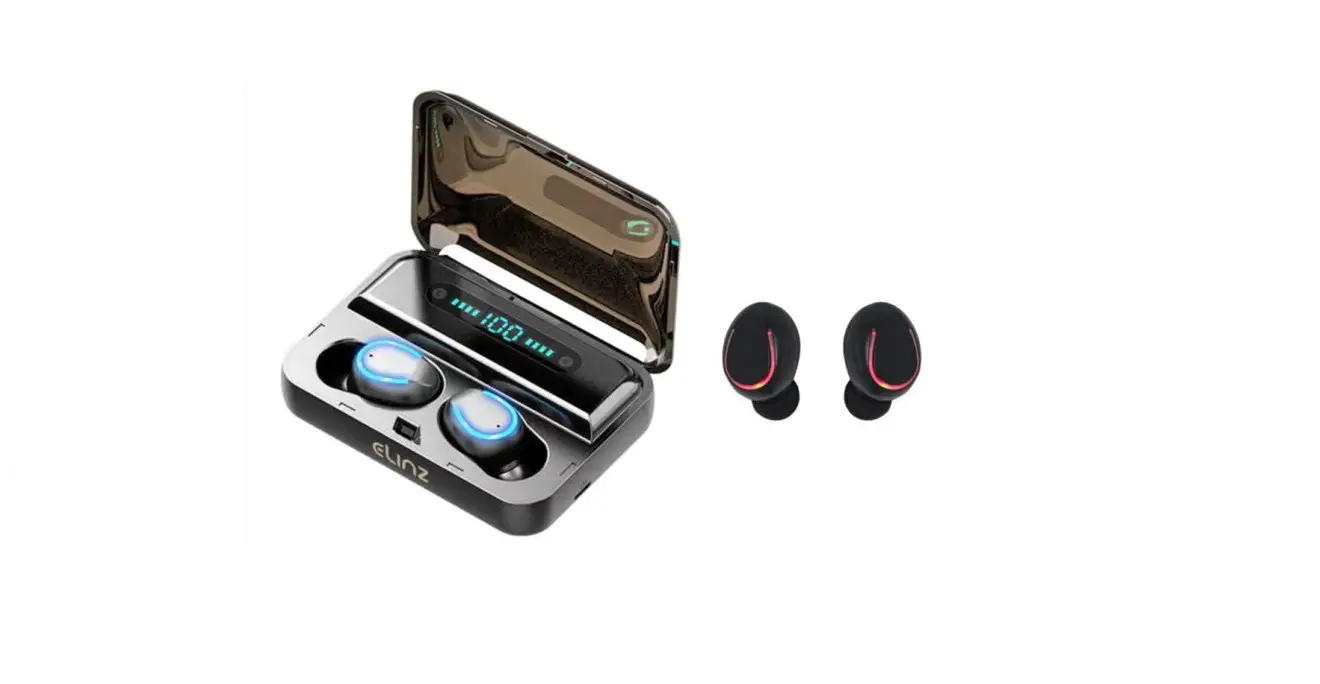
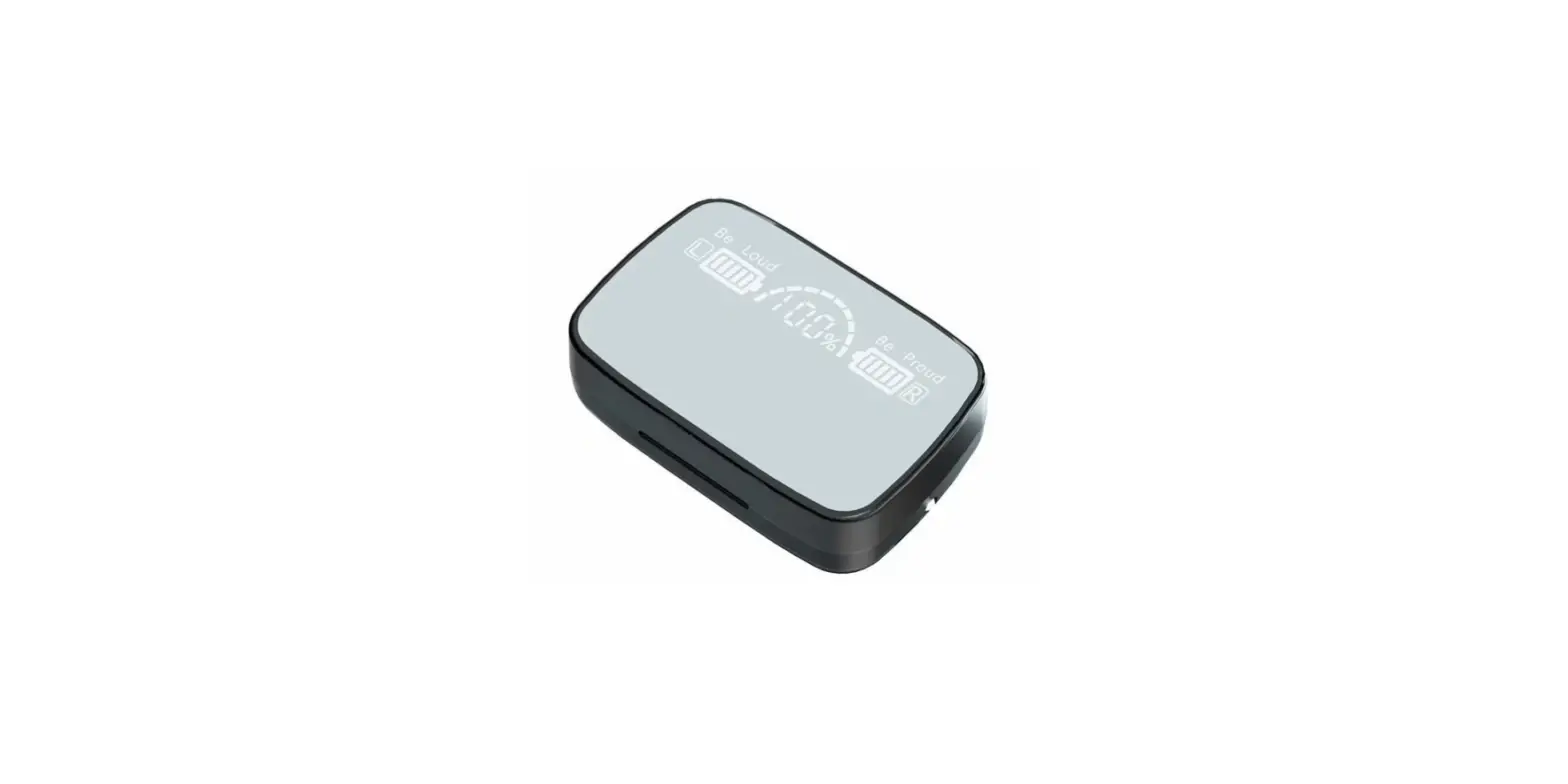
It has a moving iron with a full metal body and HIFI technology; Power level at a glance, real-time power display, and LED digital display; It is possible to utilize the left and right ears independently and separately. It is suitable for Bluetooth devices; it is Easy to use smart touch design; Bluetooth 5.0; low power use; no delay.
HOW WIRELESS HEADPHONES WORK
Wireless headphones function by radio or infrared signal pairing with the device you want to use. To facilitate connections for users, Bluetooth technology is used by many gadgets. Bluetooth-enabled devices may communicate and share data across incredibly short distances utilizing radio signals.
HOW TO OPERATE
- Release the multi-function key when the red and blue lights start to alternately flash for 6 seconds on each earphone (depending on your personal preference).
- To pair and connect, turn on the Bluetooth pairing feature on your phone and look for the “Bakeey R20.”
HOW TO MAINTAIN
- Better than a full charge is partial charging. If you can, try to keep the level at 80% or less. Charge nothing overnight.
- Try not to overheat the battery.
- While your headphones are charging, try not to use them.
- When not in use, turn off your headphones.
HOW TO CHARGE
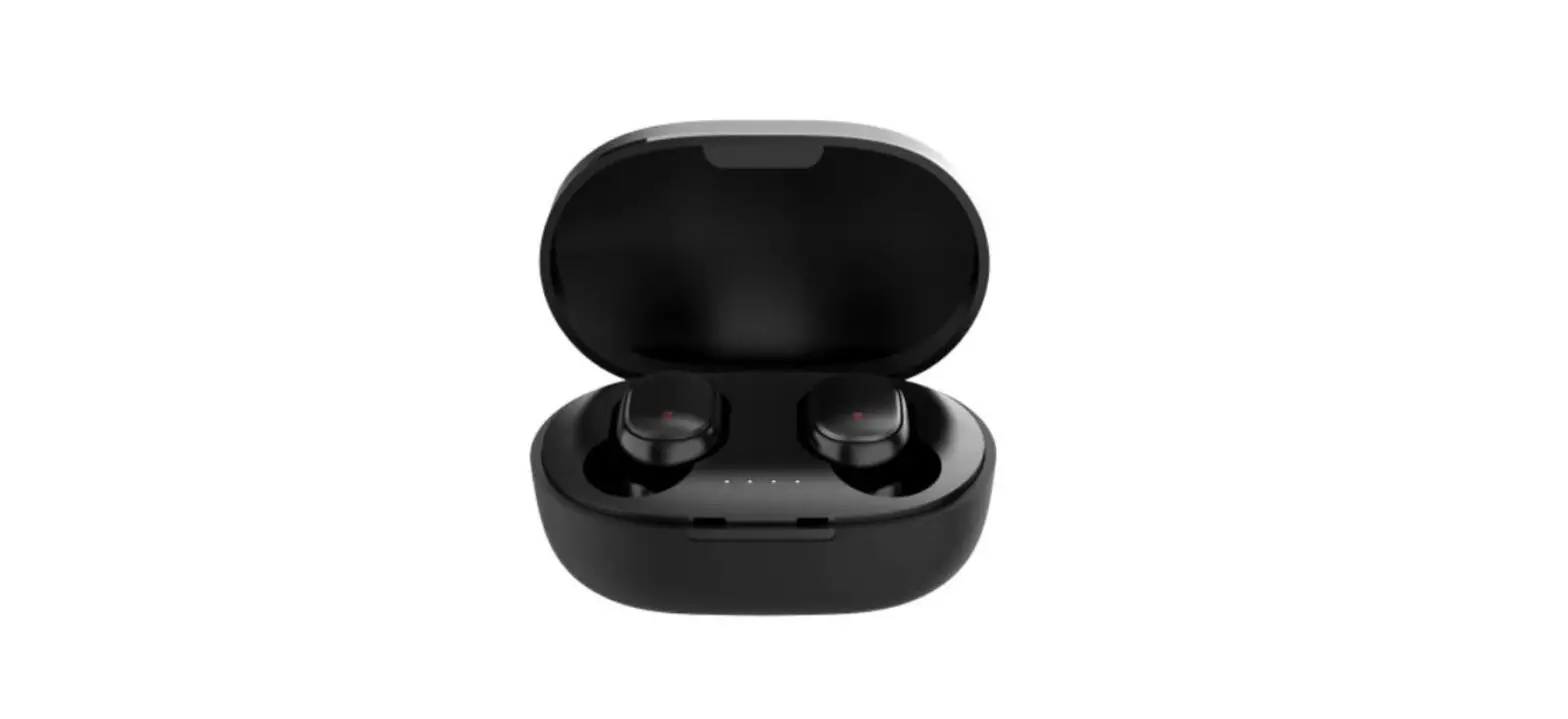
In order to charge, insert the earbuds into the charging case and close it. Red light on the earbuds when charging; red light when completely charged. After charging, the light in the charging case flashes green before turning off.
HOW TO CHARGE WITHOUT A CASE
You must connect a Micro USB cable to your device and either a computer or a USB adapter in order to charge earbuds with a micro USB. After that, you must wait while your earbuds fully charge.
HOW TO RESET
Take out the earphones from the case, then turn them off by pressing the buttons for a short period of time. Hold down the buttons on both earbuds for around 5 seconds starting with the earbuds in the OFF position. Approximately 5 seconds after turning white, the LEDs will switch off. Your earbuds will reset as a result.
Frequently Asked Questions
It can take the light up to a minute to turn on. 3. As soon as the headset’s battery is fully charged, the indicator light will disappear (approximately 2-3 hours).
A conventional Bluetooth audio device can be purchased for between Rs 2,000 and Rs 20,000 and should last for four to five years. With TWS earbuds, such is not the case, and the device is worthless if you lose either of the buds.
Depending on the audio settings on your headset, it might only play in one ear. So make sure the mono option is off in your audio properties by checking your audio properties. Make sure the voice levels on both earbuds are balanced as well.
Close the charging case’s cover after putting the earbuds inside. The battery LED within the charging case is red, yellow, or green when the lid is open to show the earbuds’ current battery state. The earphones need about two hours to fully recharge.
The majority of cases have a lithium-ion battery that keeps the earphones charging until they are fully charged. The earbuds should always be kept on hand just in case.
From hands-free phone calls to wireless file sharing to listening to music on a car’s speakers, Bluetooth technology offers ease. However, having your Bluetooth on all the time can be risky, and hackers are taking advantage of the technology to spread harmful software, access sensitive information, and more.
Yes. While using the USB charging cable to charge your headset, you can still use it. If a cable—such as an audio or charging cable—is attached to the headset’s USB port, you might notice a slight increase in temperature there.
If the headphones’ power won’t turn on, the battery might not be installed properly or could need to be changed. To fix this problem, make sure you look through the following things. Important: Consult the product’s instructions if you require model-specific details to accomplish any of the tasks.
The reason for this is that, of all the batteries now in use, lithium batteries have the highest energy density. The best thing is that this battery can easily satisfy the TWS earbuds’ need for a small design. Three hundred battery cycles are achievable with high-quality TWS earbuds.
Clean your earbuds or headphones frequently. Ideally, you should use a mildly moist towel to clean the tips of your earbuds or headphone earpads at least once every week. Ensure that your gadget is turned off and the headphones are unplugged. Dry them completely right away with a gentle cloth.