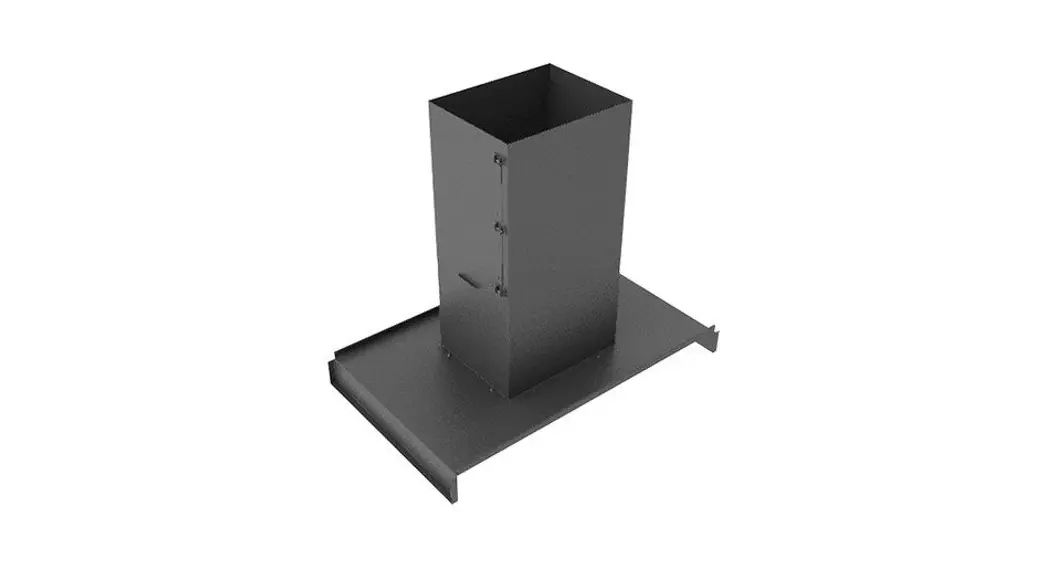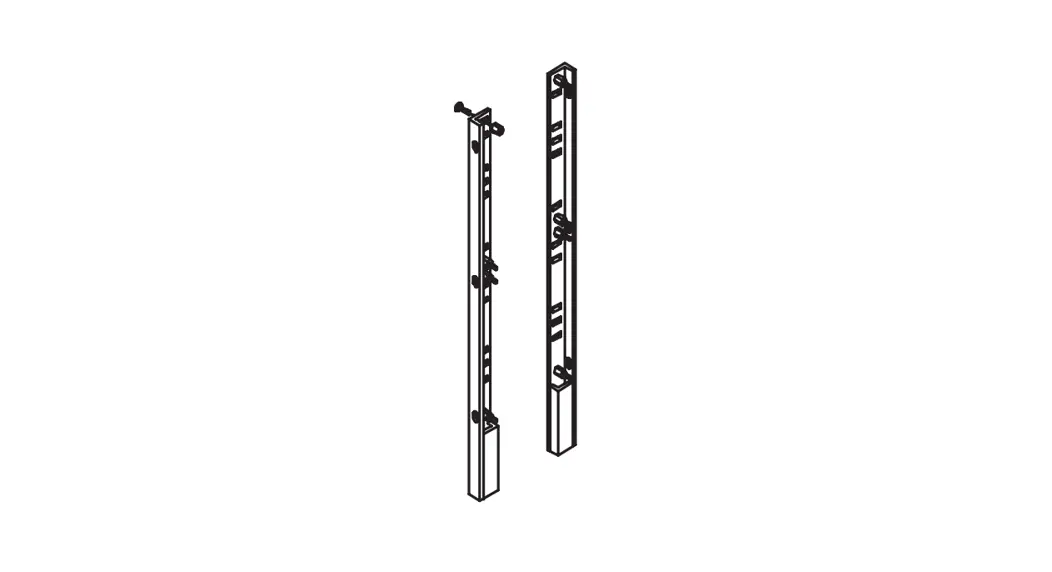
 Heavy Duty Panel Supports
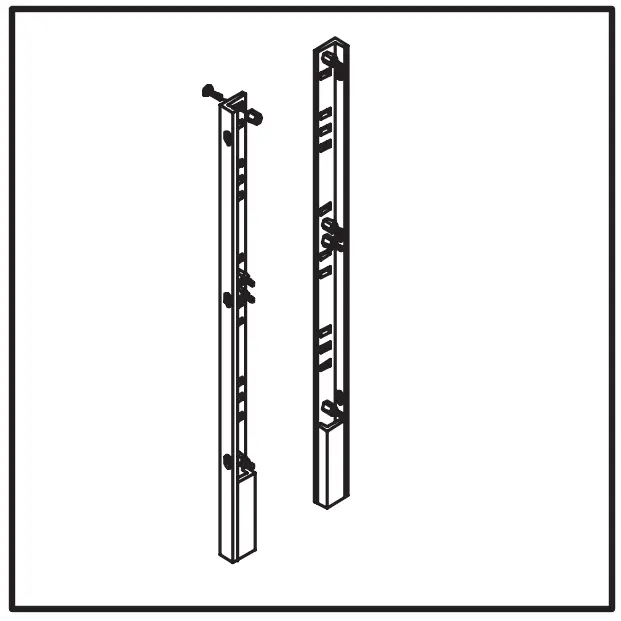 A72FSHDPS
INSTALLATION INSTRUCTION
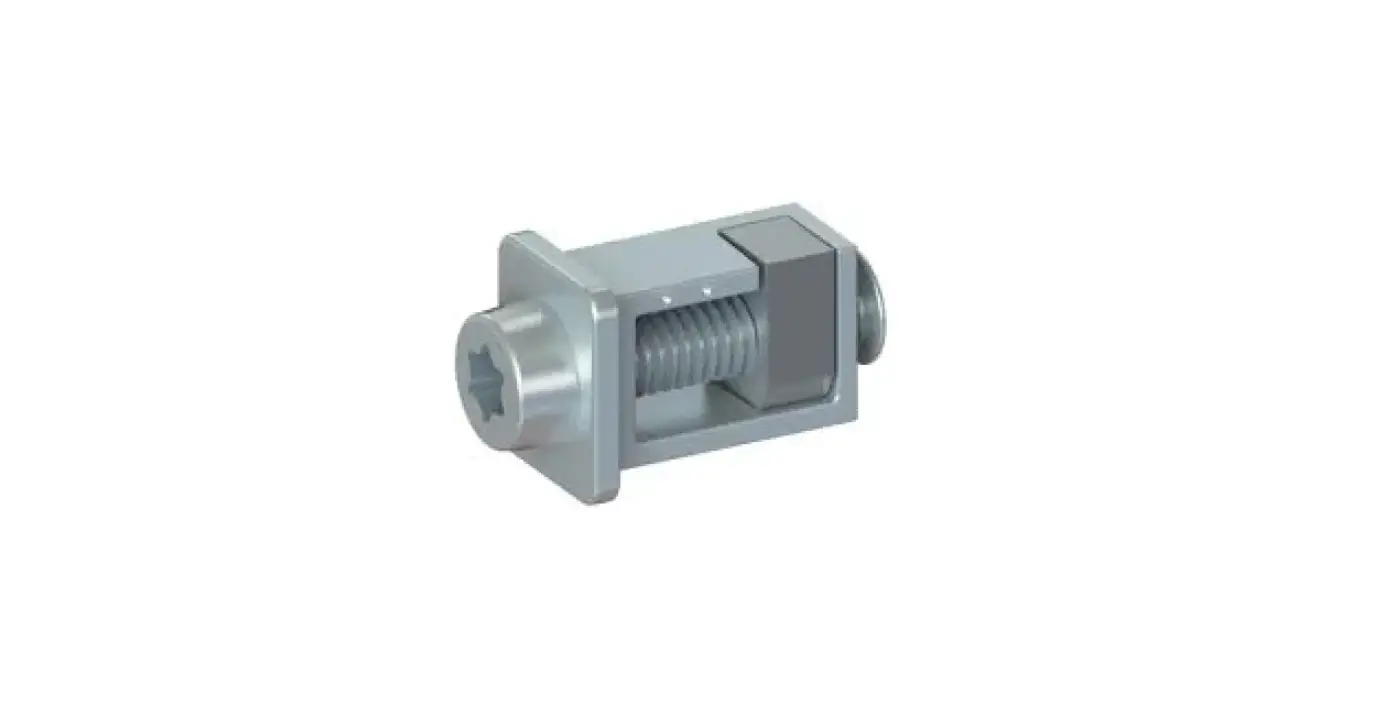
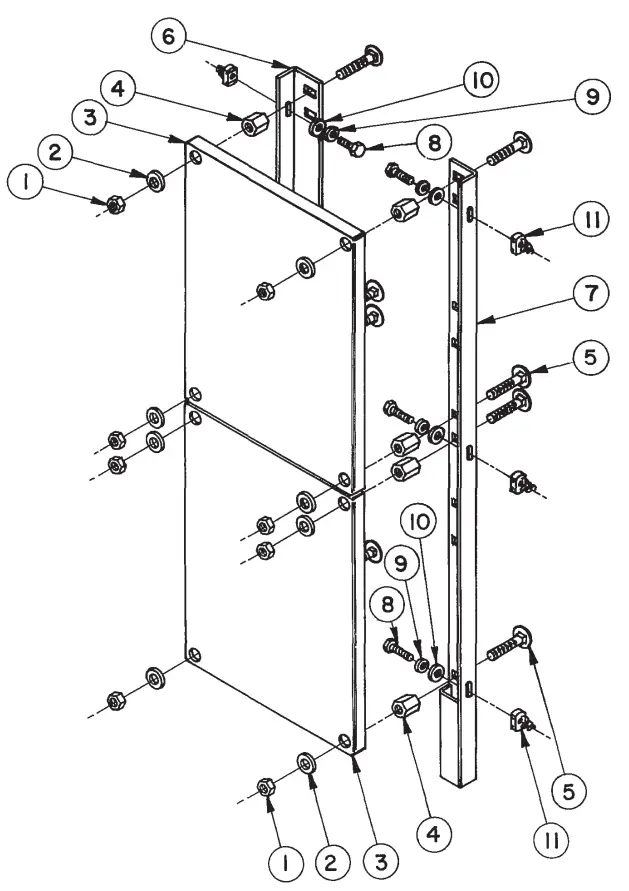
- Attach heavy duty panel supports (items 6 and 7) to mounting channels inside enclosure using clamping nuts, washers, lockwashers, and 5/16–18×1 hex head screws (items 8,9,10, and 11). Adjust to desired depth.
- Attach standoff nuts and carriage bolts (items 4 and 5) tightly to panel support angles where needed. Use four per half panel and six per full panel.
- Install panels using hex nuts and washers supplied.
PARTS LIST
| ITEM | PART NAME | QTY. |
| 1 | IHEX NUT, 3/8 | — |
| 2 | WASHER, 3/8 | — |
| 3 | IPANEL | — |
| 4 | ISTANDOFF NUT | | |
| 5 | ICARRIAGE BOLT | | |
| 6 | LEFT SUPPORT | — |
| 7 | IRIGHT SUPPORT | — |
| 8 | ISCREW, HX. HD. | — |
| 9 | LOCKWASHER | — |
| 10 | WASHER, 56 | — |
| 11 | CLAMPING NUT | — |
NOTE: ITEMS 1,2,4,5,8,9,I0 AND || ARE INCLUDED WITH PANEL (ITEM 3).
Rev.B ©2018 Hoffman Enclosures Inc.
PH7634222211
– nVent.com/HOFFMAN
P/N 99401679
87569075
 We connect and protect | nVent