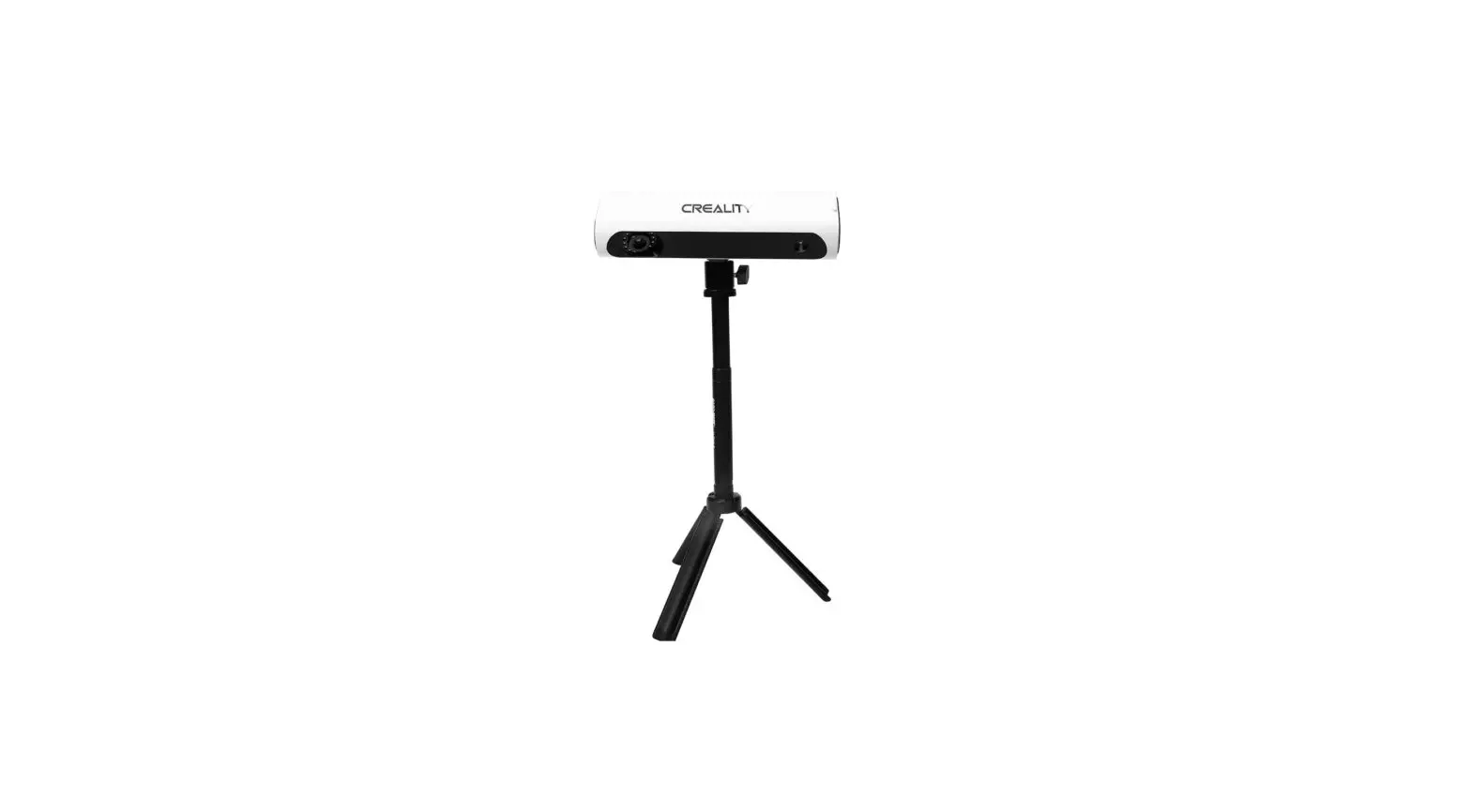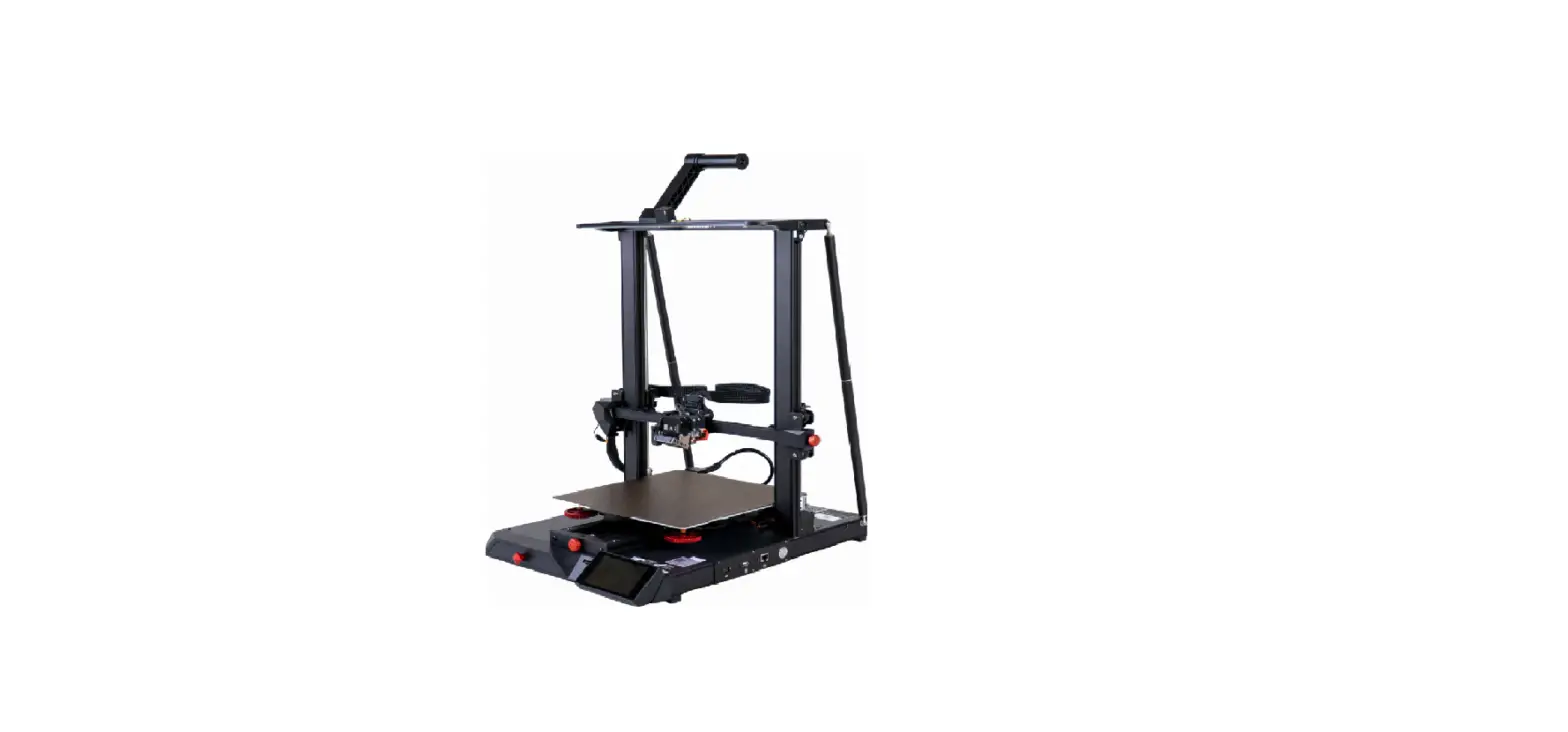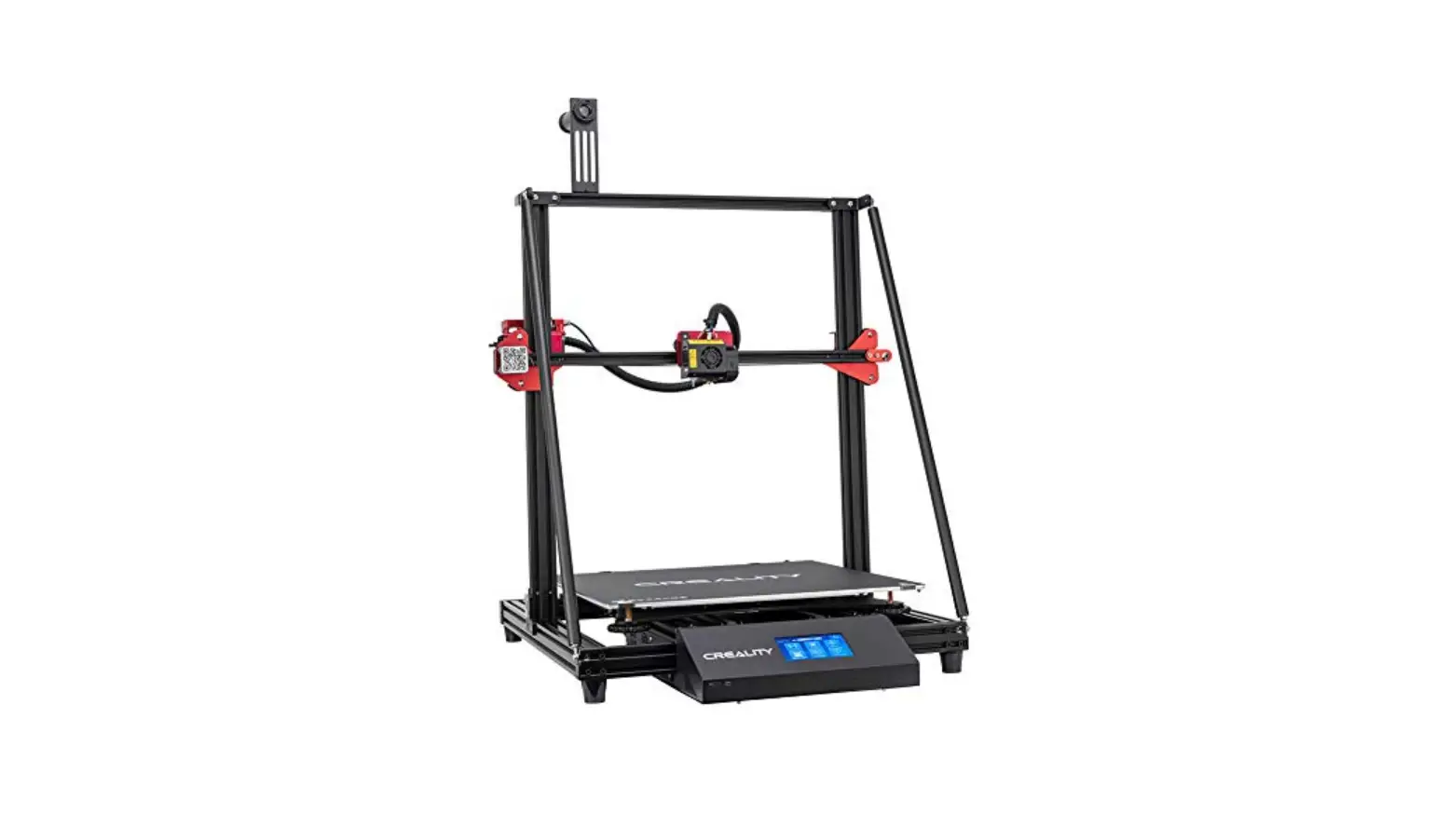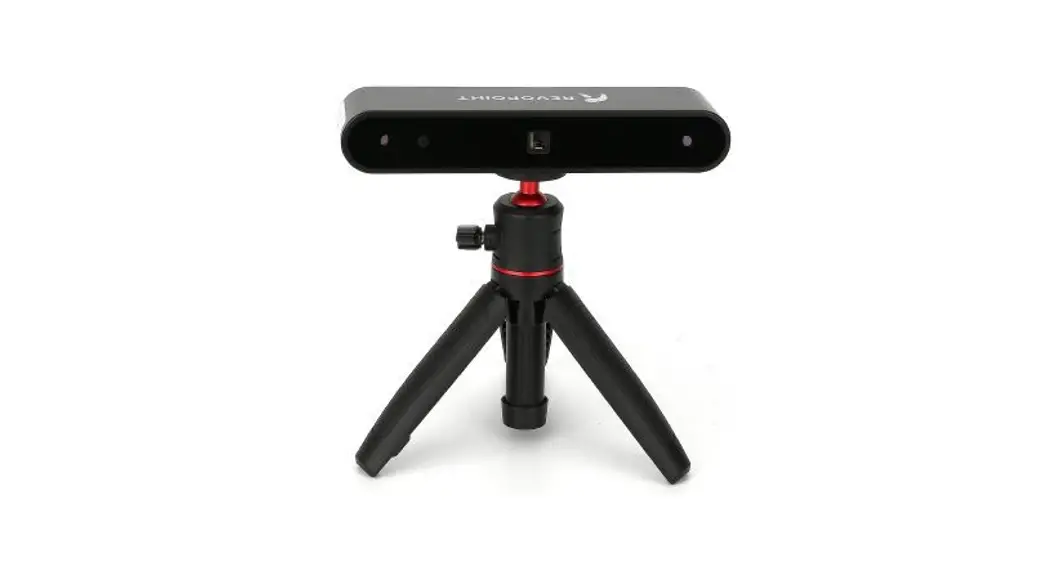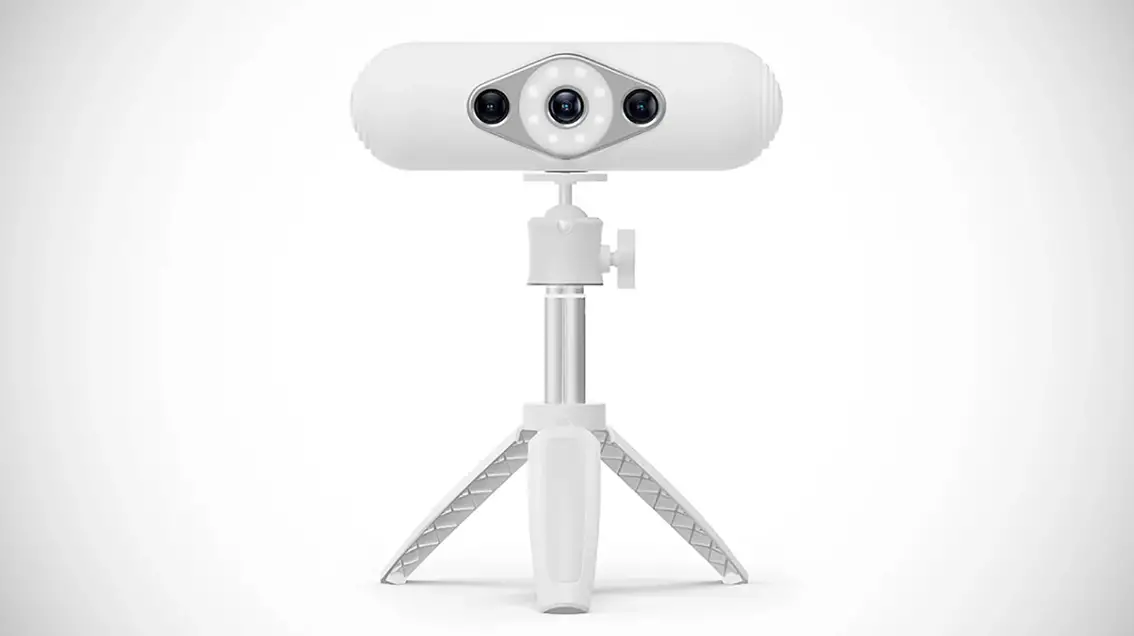

CREALITY CR-Scan Lizard 3D Scanne
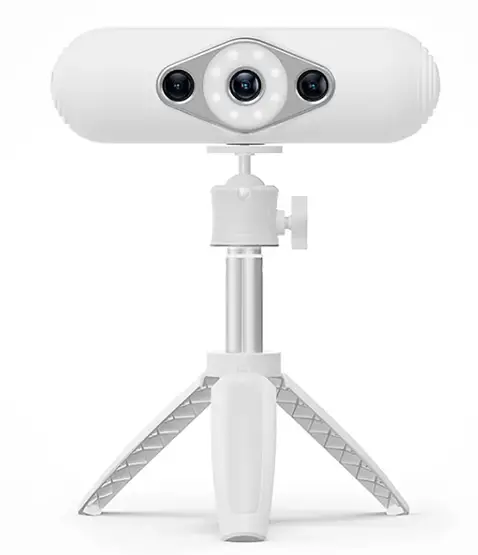
Hardware connection
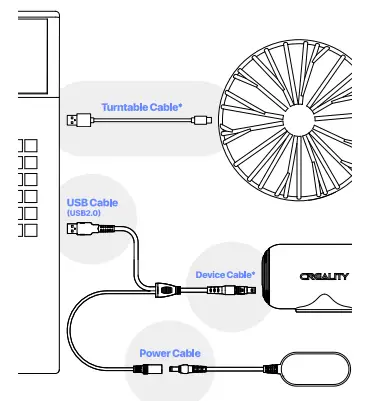
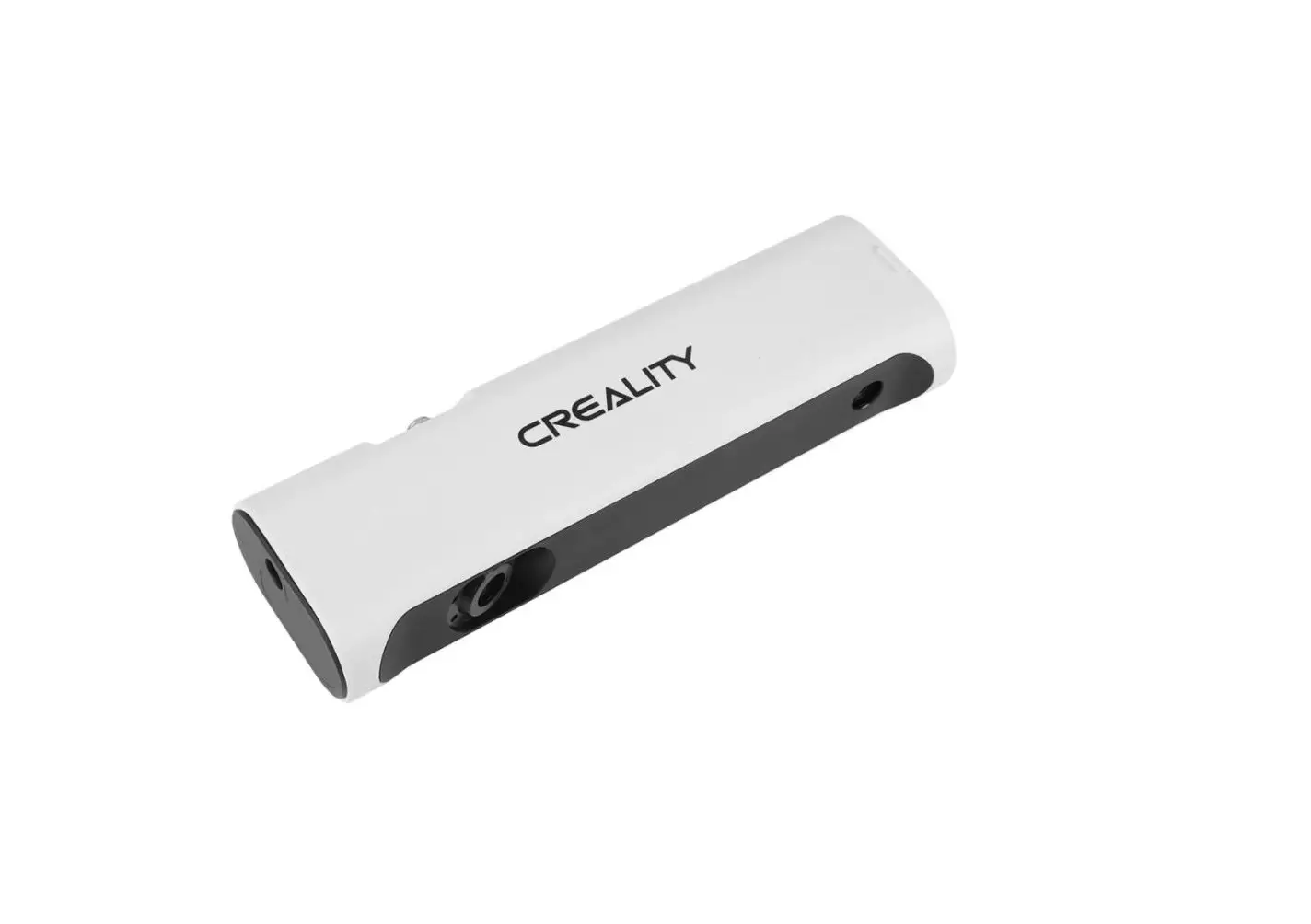
One end of the device is plugged into the navigation plug, and the other side is plugged into the power cord and computer USB 2.0 or above port respectively.
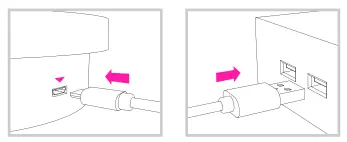
- Align the airline plug of the device cable with the notch of the device jack.
- To unplug the cable, press and hold the position shown in the figure and pull out the cable directly.
* Turntable Cable
The turntable power cord can be plugged into the computer through usb power supply, or use the phone charger for its power supply.
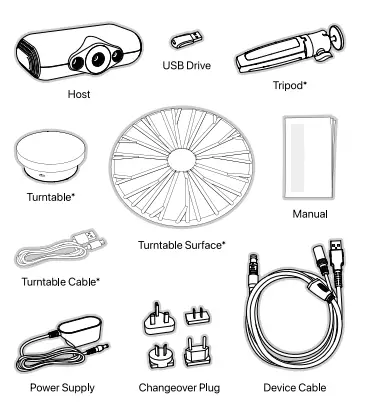
Packing List