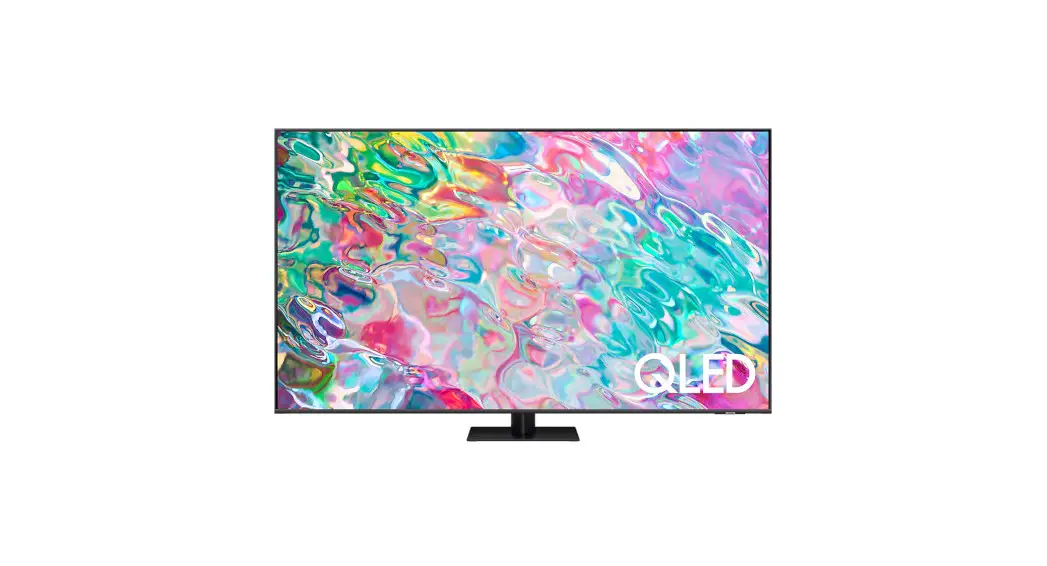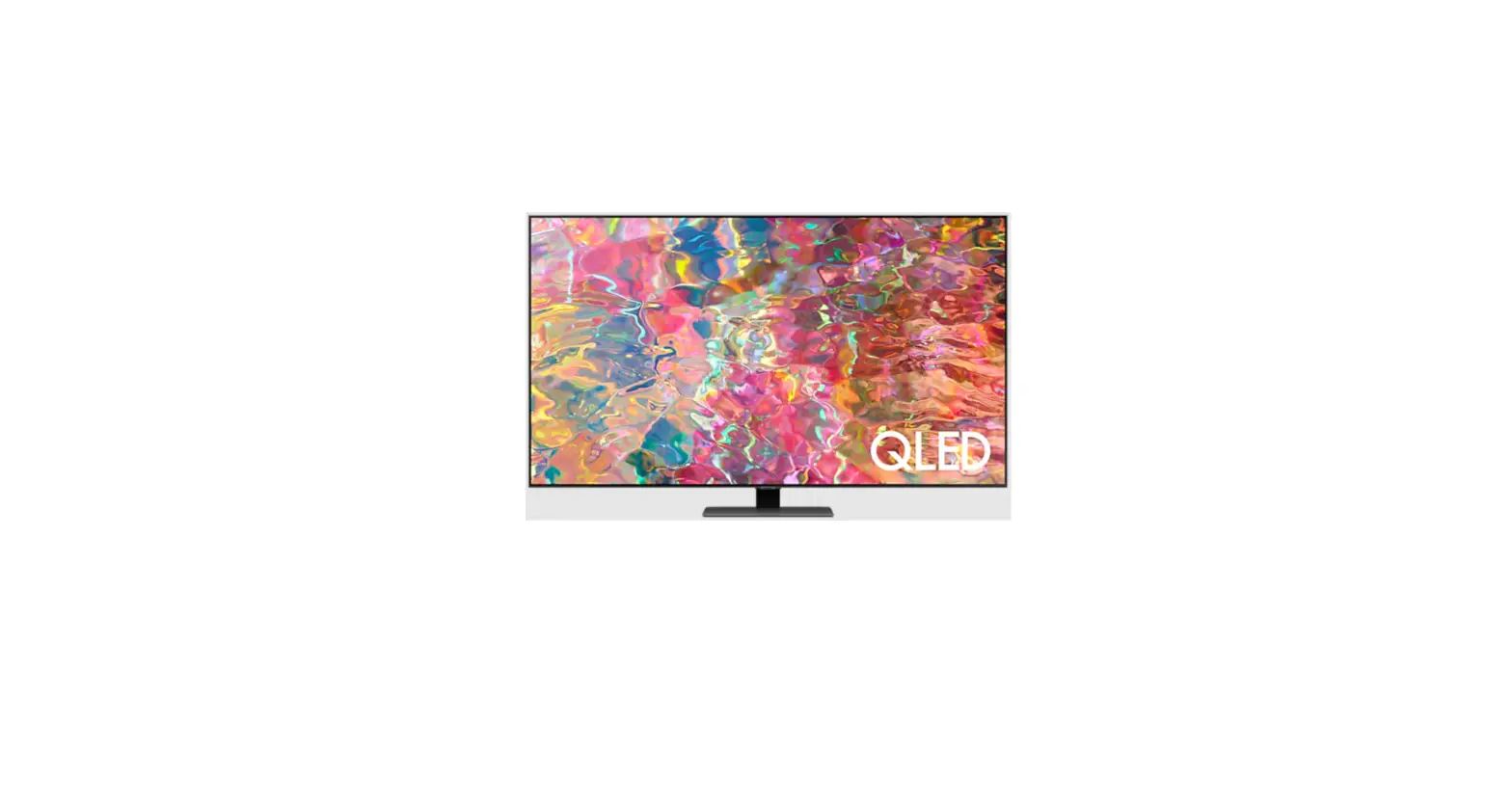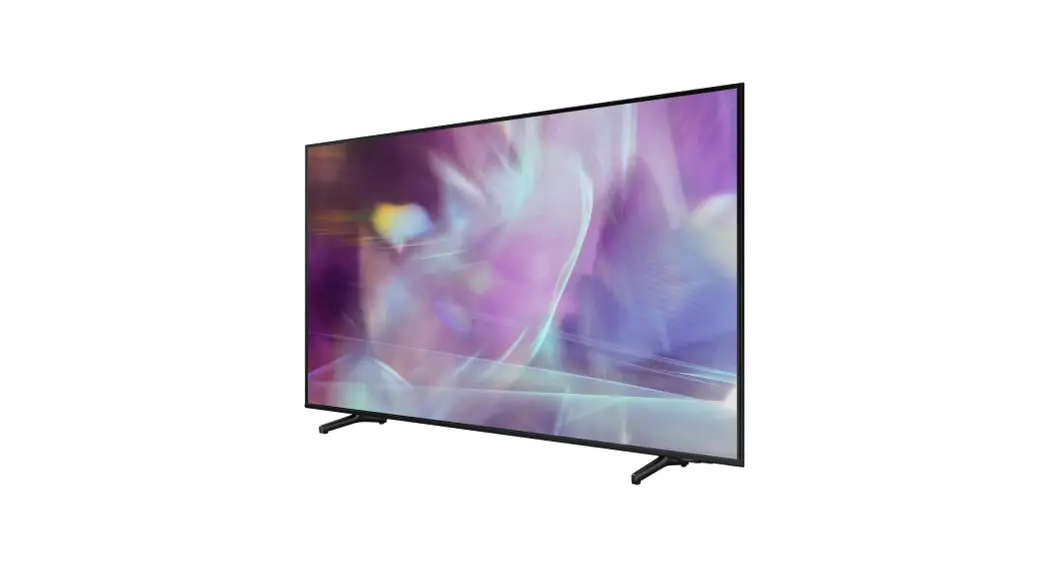
 SAMSUNG Q60A QLED 4K Smart TV User Guide
 SAMSUNG Q60A QLED 4K Smart TV User Guide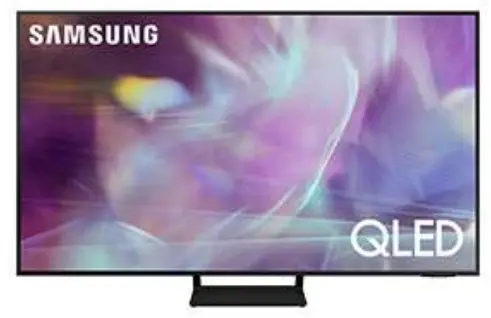
SAMSUNG Q60A QLED 4K Smart TV User Guide
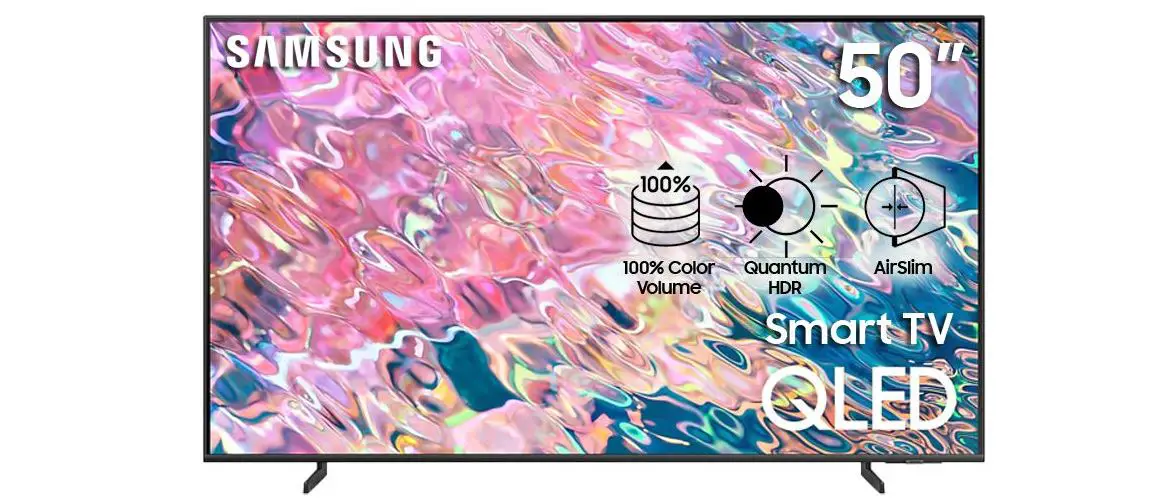
With 100% Colour Volume, Quantum Dot takes light and turns it into a breathtaking color that stays true at any level of brightness.
Tech Specs
- Quantum HDR brings out the detail and contrast, so you can experience the full power in every image.
- Dual LED for bolder and better contrast
What’s in the box
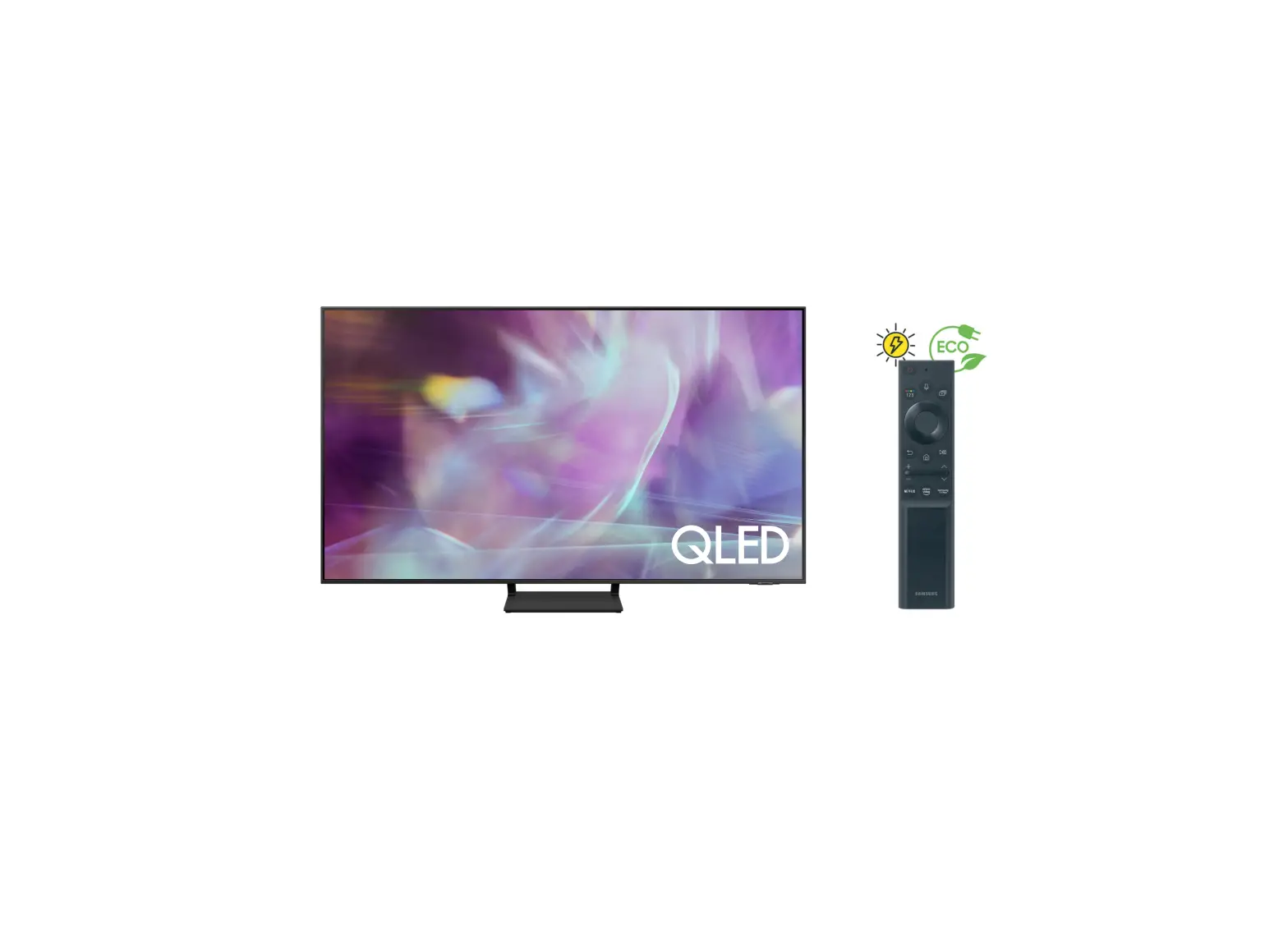
- Samsung QLED 4K SMART TV Q60A (Black)
- Remote Controller
- Samsung Smart Control
- Power Cable
- User Manual
FAQS
It does not have HDMI 2.1 as 2.1 supports up to 120hz this only supports 60hz
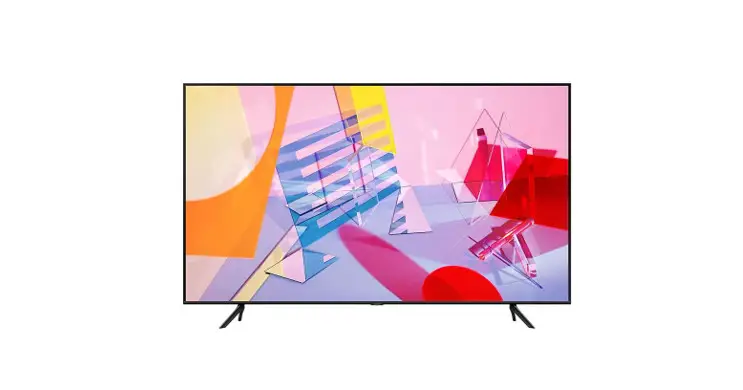
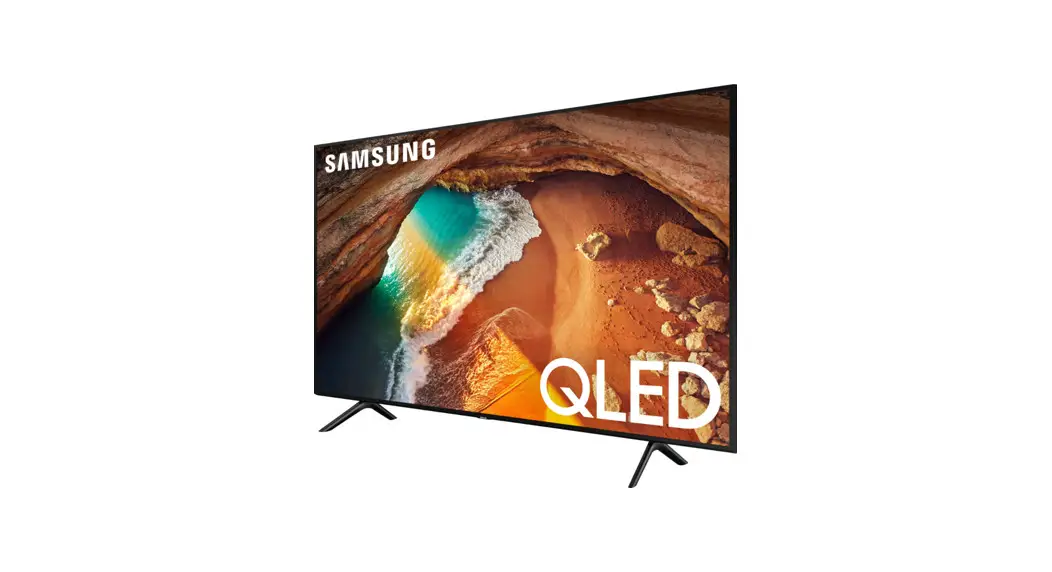
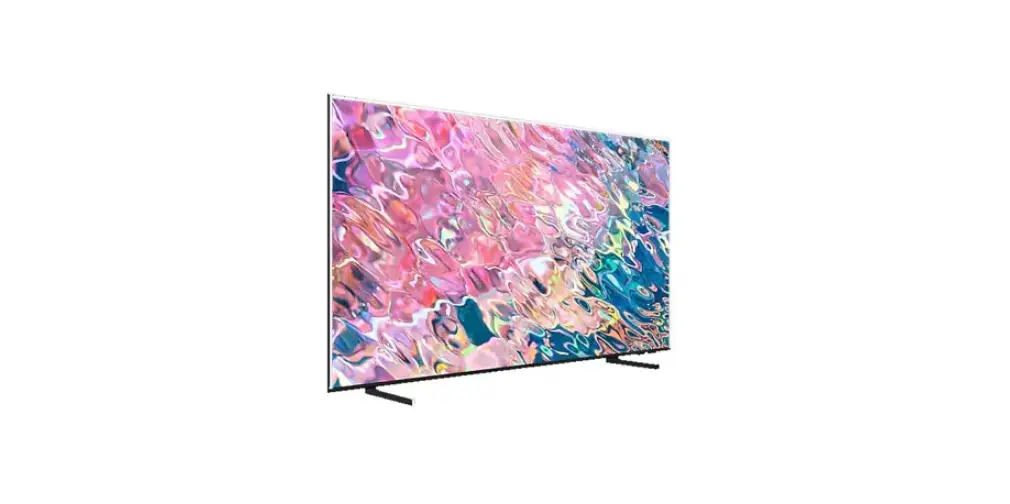
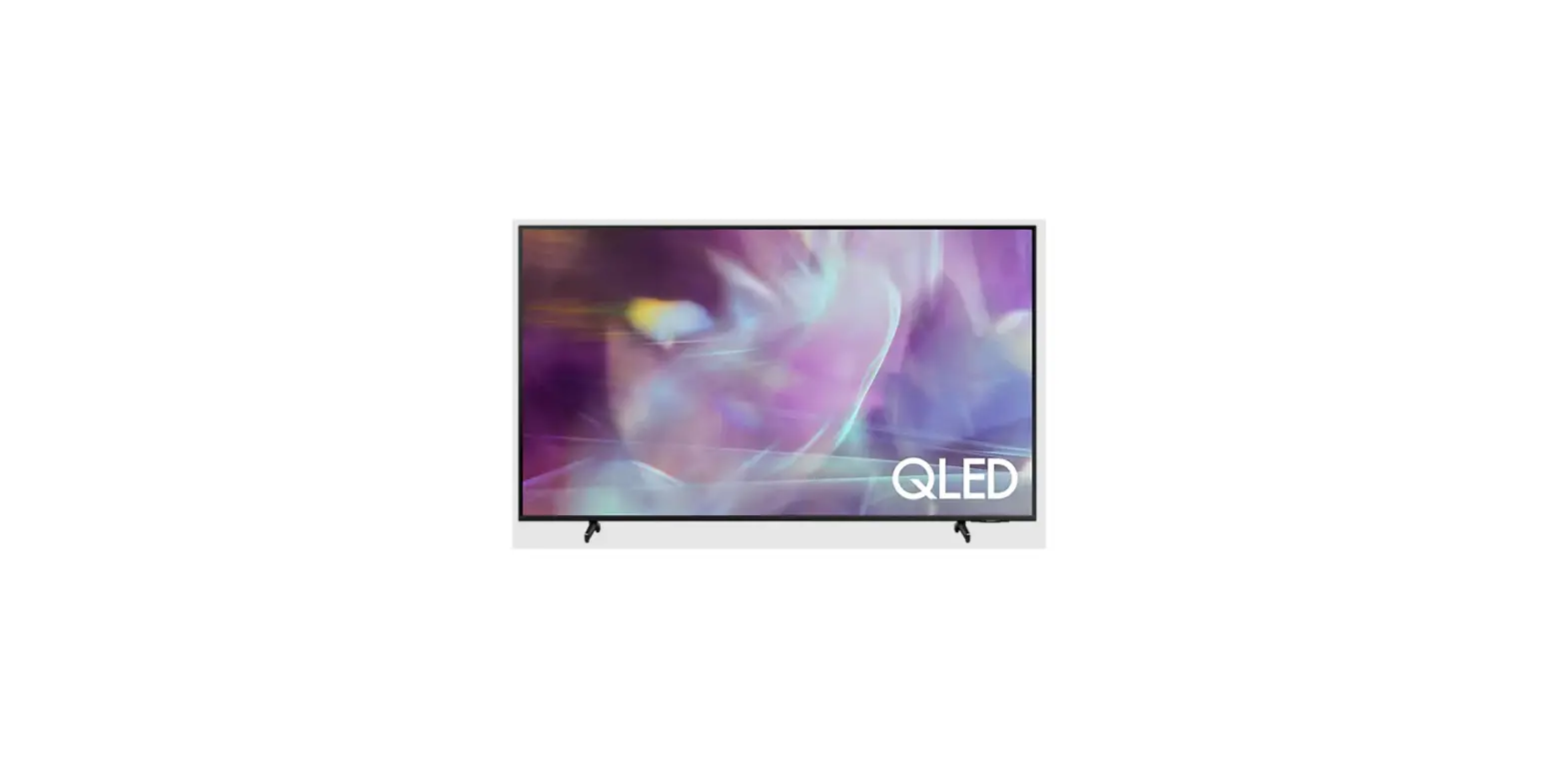
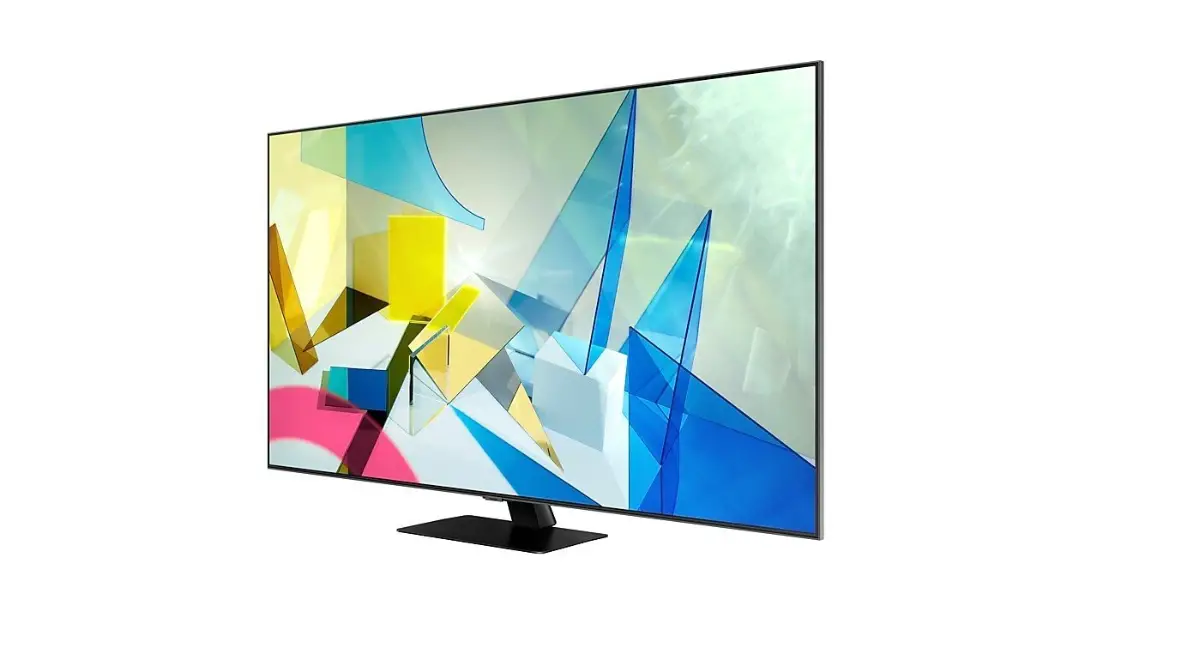
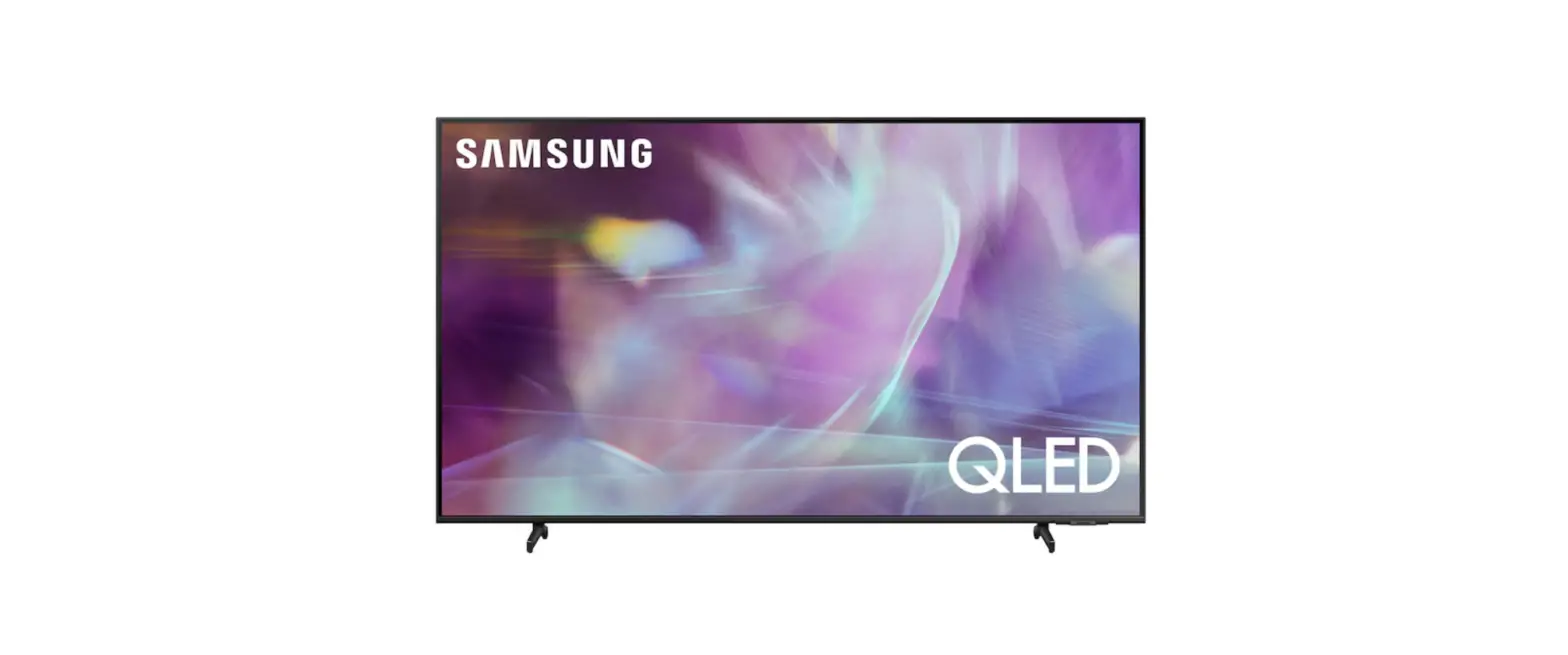
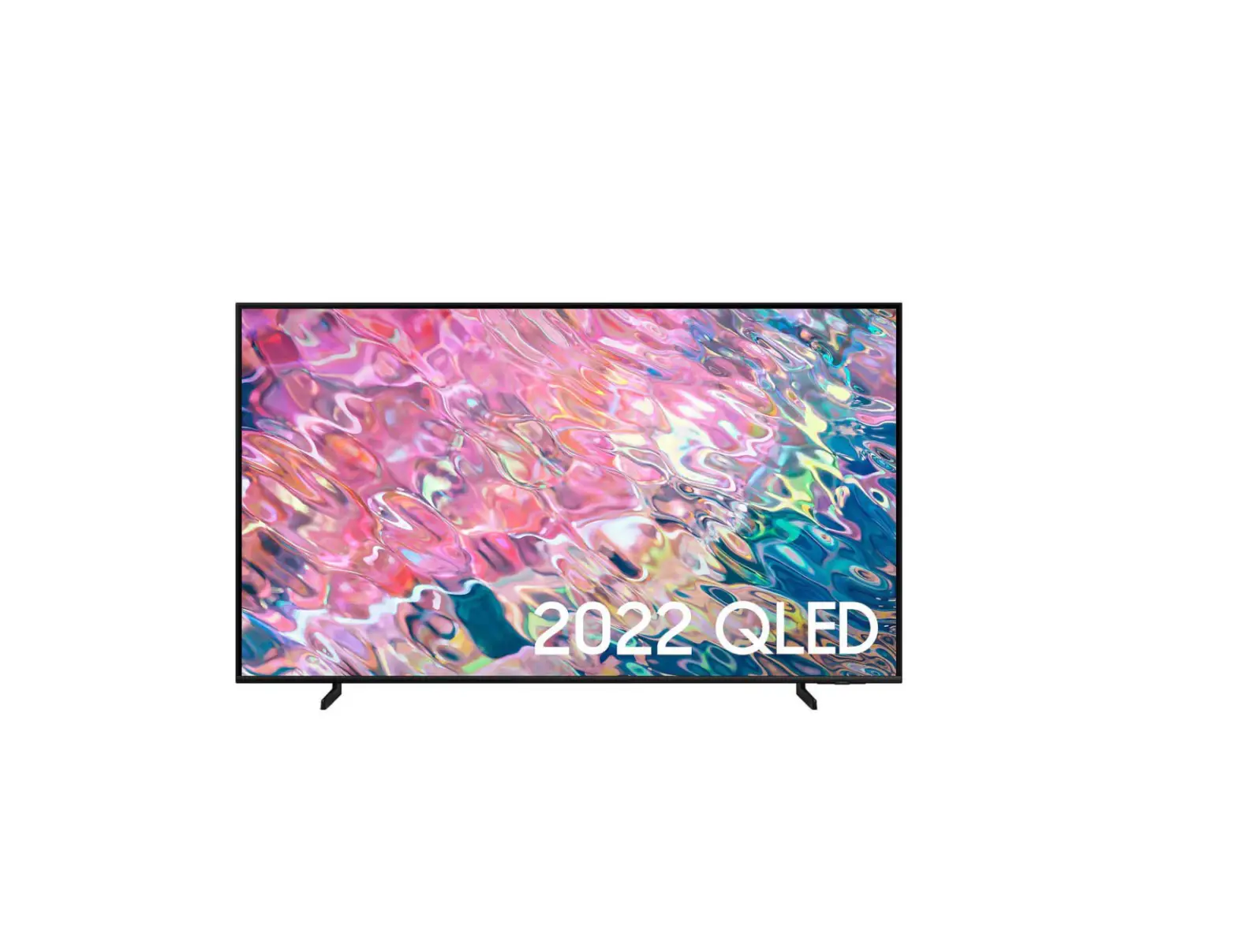
As pictured the 43″ Q60A comes with two Stand Legs.
World Wide Stereo is 42 years old and a proud authorized Samsung dealer.
The Q60A TV is compatible with Bluetooth audio devices allowing you to pair your Samsung Buds with the TV.
Distance between Stand Legs: 41.3″
World Wide Stereo is 42 years old and a proud authorized Samsung dealer.
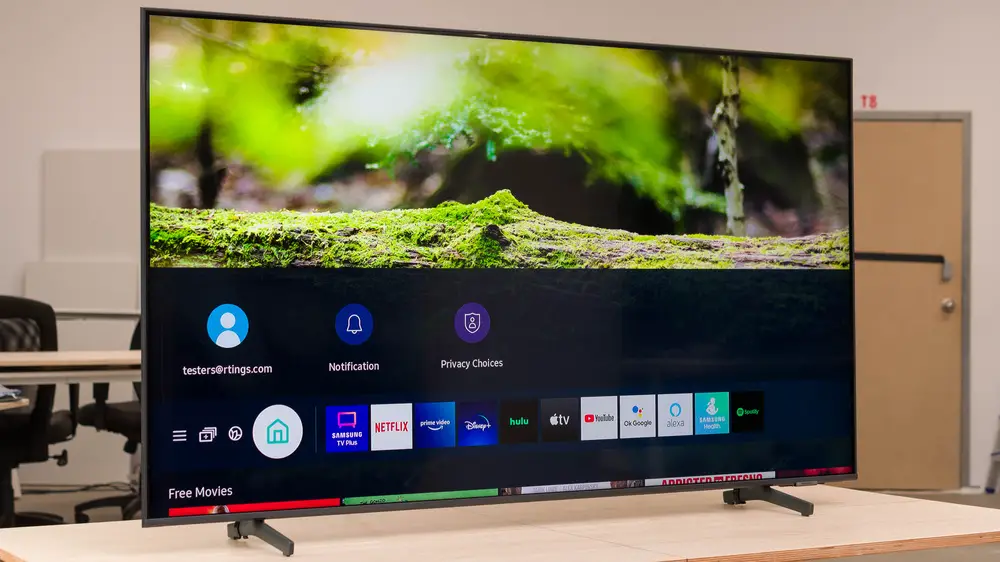
The Samsung Q60A series include a web browser which will support Amazon Prime app.
World Wide Stereo is 42 years old and a proud authorized Samsung dealer.
Yes you tube is available
The legs on the 75″ Q60A are adjustable and can be space 41.3″ or 50″ apart.
Both of the legs included with the 43″ Q60A are the same size. If one leg is larger than the other before installation, please contact Samsung Customer Support for further assistance. If the legs are installed and the TV is uneven, please make sure the legs are properly installed in the correct position.
The built in web browser permits numerous video streaming services to be downloaded for quick and easy access.
World Wide Stereo is 42 years old and a proud authorized Samsung dealer.
Yes, when connecting an external audio device to the Q60A via digital optical, all sound from the TV will play through the connected device.
The 70″ Q60A TV legs are height adjustable for a total TV height of 36.3″ (1.7″ of clearance) or 37.3″ (2.7″ of clearance).
Samsung products are manufactured in many Asian locations. Mine was in South Korea
The 75″ Q60A features a Typical Power Consumption of 82W.
The 55″ Q60A features a 60hz native refresh rate with Samsung’s Motion Xcelerator technology for further motion processing. For native 120hz support, check out the 55″ Q70A or above featuring Motion Xcelerator Turbo technology.
The TV is using the most energy when it is powered on while watching or streaming your favorite content.
No, no mounting screws are provided. They use M8 X 11-13mm long, that’s about 7/16″ long. Do
not use any longer screws as they will cause damage to the TV. If longer screws are used make sure to add washers so that the length protruding into the TV is 7/16 or less.
The remote already has a built in button for Alexa so you really don’t need it but
Yes
References
 Samsung US | Mobile | TV | Home Electronics | Home Appliances | Samsung US
-
SAMSUNG
-
Hulp en ondersteuning voor producten | Samsung Nederland
-
Support Home | Official Samsung Support US
-
Samsung US | Mobile | TV | Home Electronics | Home Appliances | Samsung US
-
Hilfe & Support für Produkte | Samsung Österreich
-
Pomoć i podrška za proizvode | Samsung BA
-
Aide et assistance produit | Samsung Belgique
-
Hulp en ondersteuning voor producten | Samsung België
-
Aide et support pour le produit | Samsung Suisse
-
Produkthilfe & Support | Samsung CH
-
Hilfe und Support für Samsung Produkte | Samsung DE
-
Produkt Hjælp & Support | Samsung DK
-
Ayuda y soporte del producto | Samsung ES
-
Tuoteohjeet ja tuki | Samsung Suomi
-
Aide et assistance produit | Samsung France
-
SAMSUNG
-
Aiuto e servizio di assistenza per i prodotti | Samsung Italia
-
Hulp en ondersteuning voor producten | Samsung Nederland
-
Produkt Hjelp og støtte | Samsung Norge
-
Ajuda e assistência técnica do produto | Samsung Portugal
-
Produktdesign och Support | Samsung Sverige
-
Support Home | Official Samsung Support US
-
Hilfe und Support für Samsung Produkte | Samsung DE
 Samsung US | Mobile | TV | Home Electronics | Home Appliances | Samsung US
 Samsung US | Mobile | TV | Home Electronics | Home Appliances | Samsung US