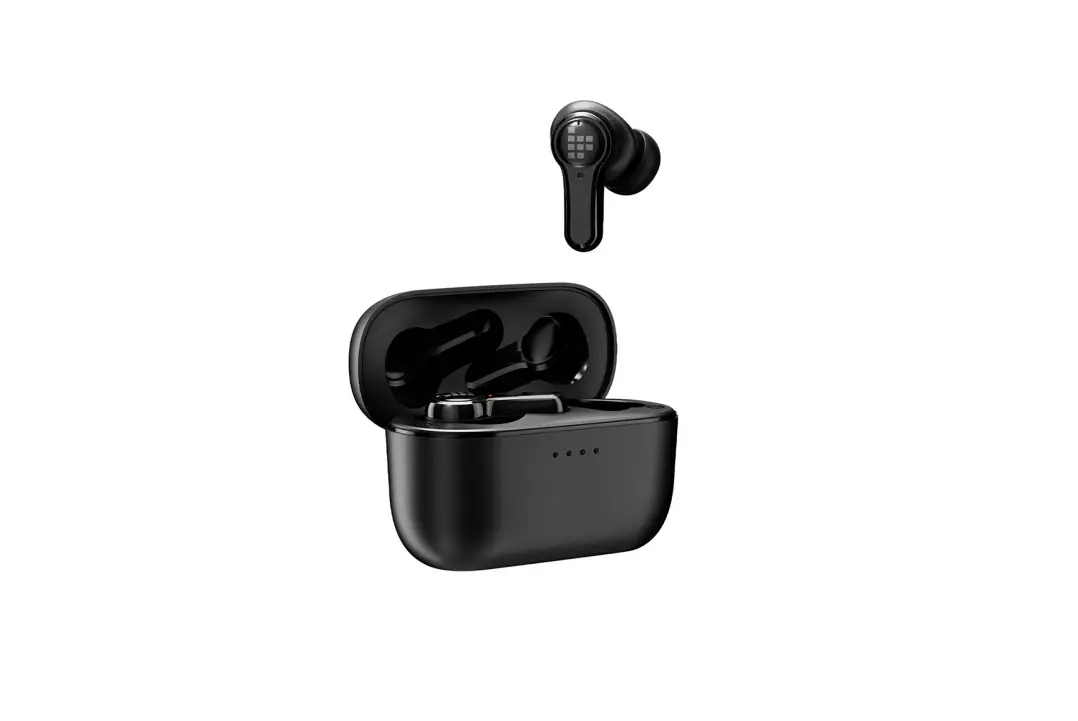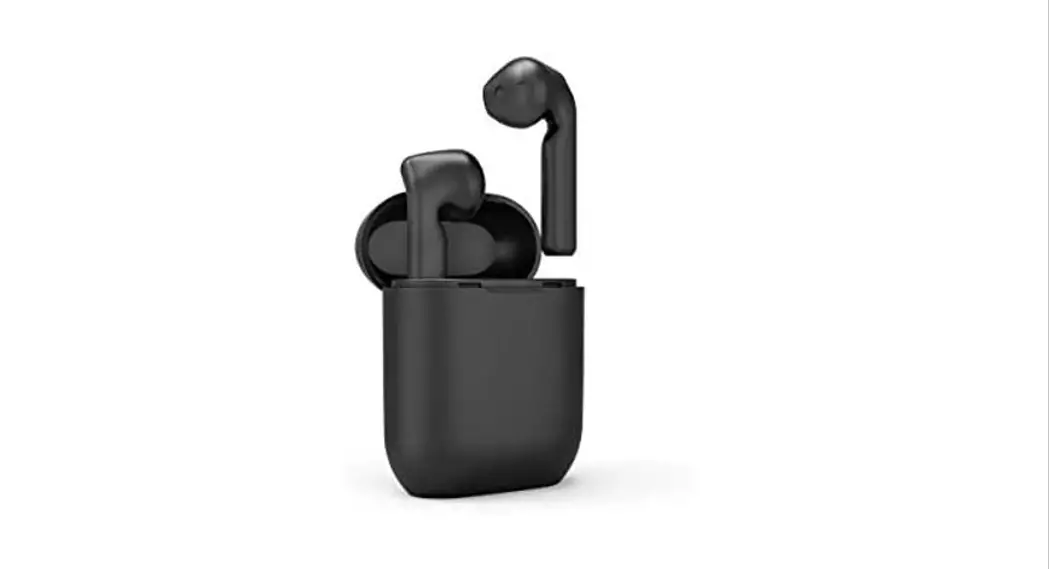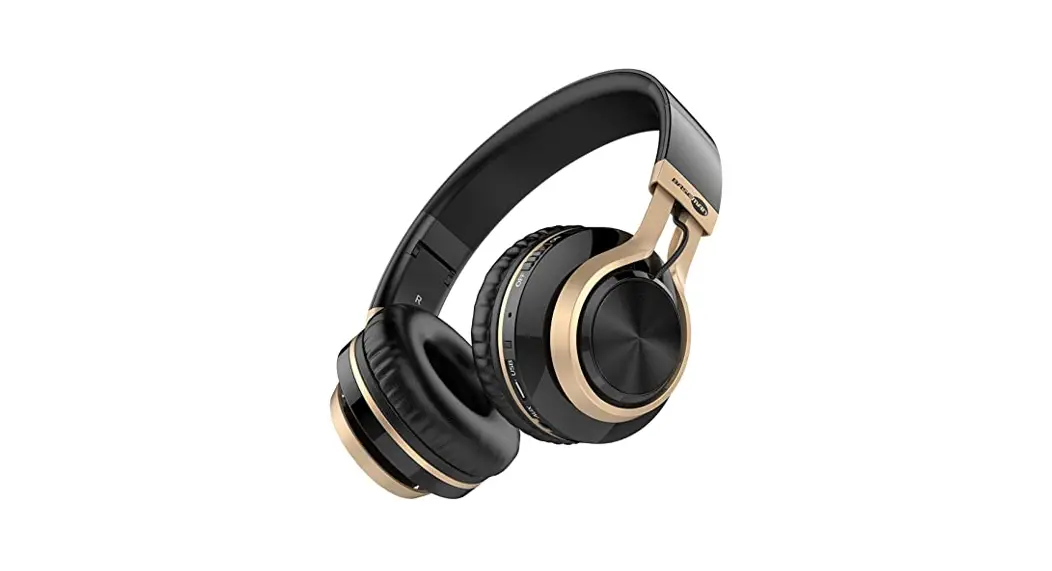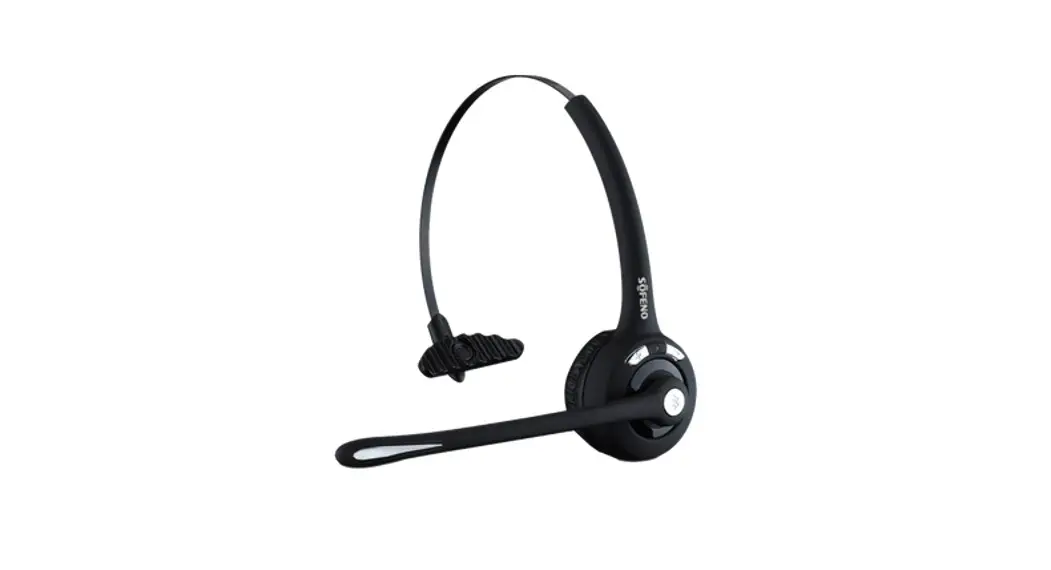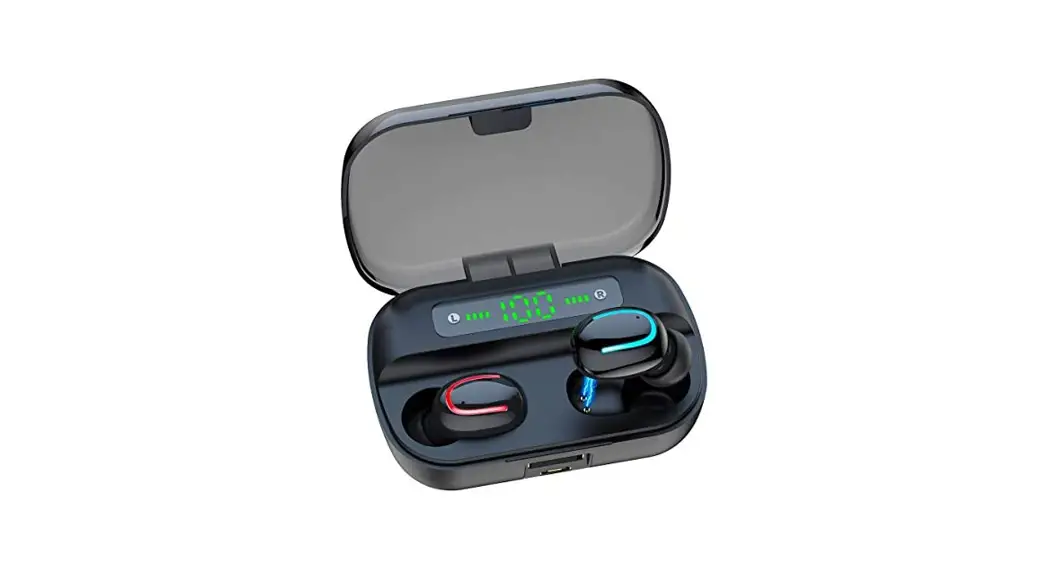
HAIGUODA
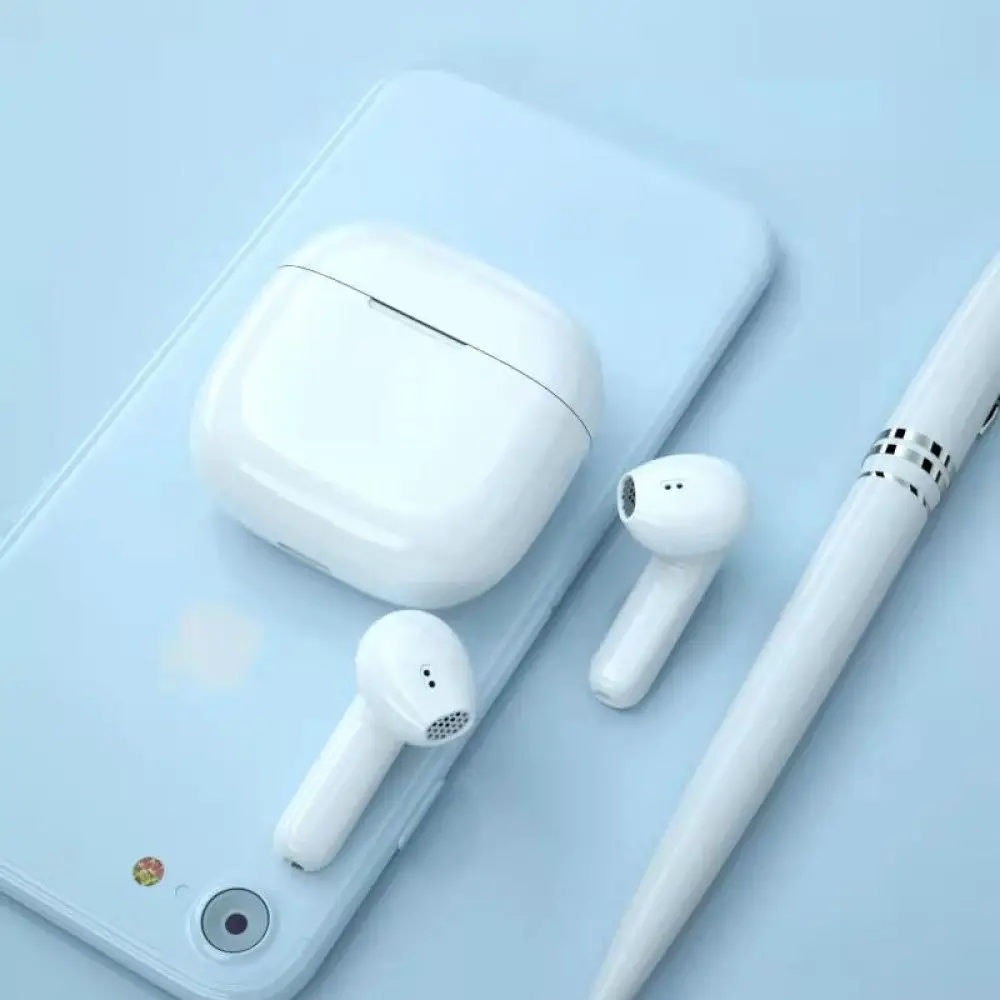
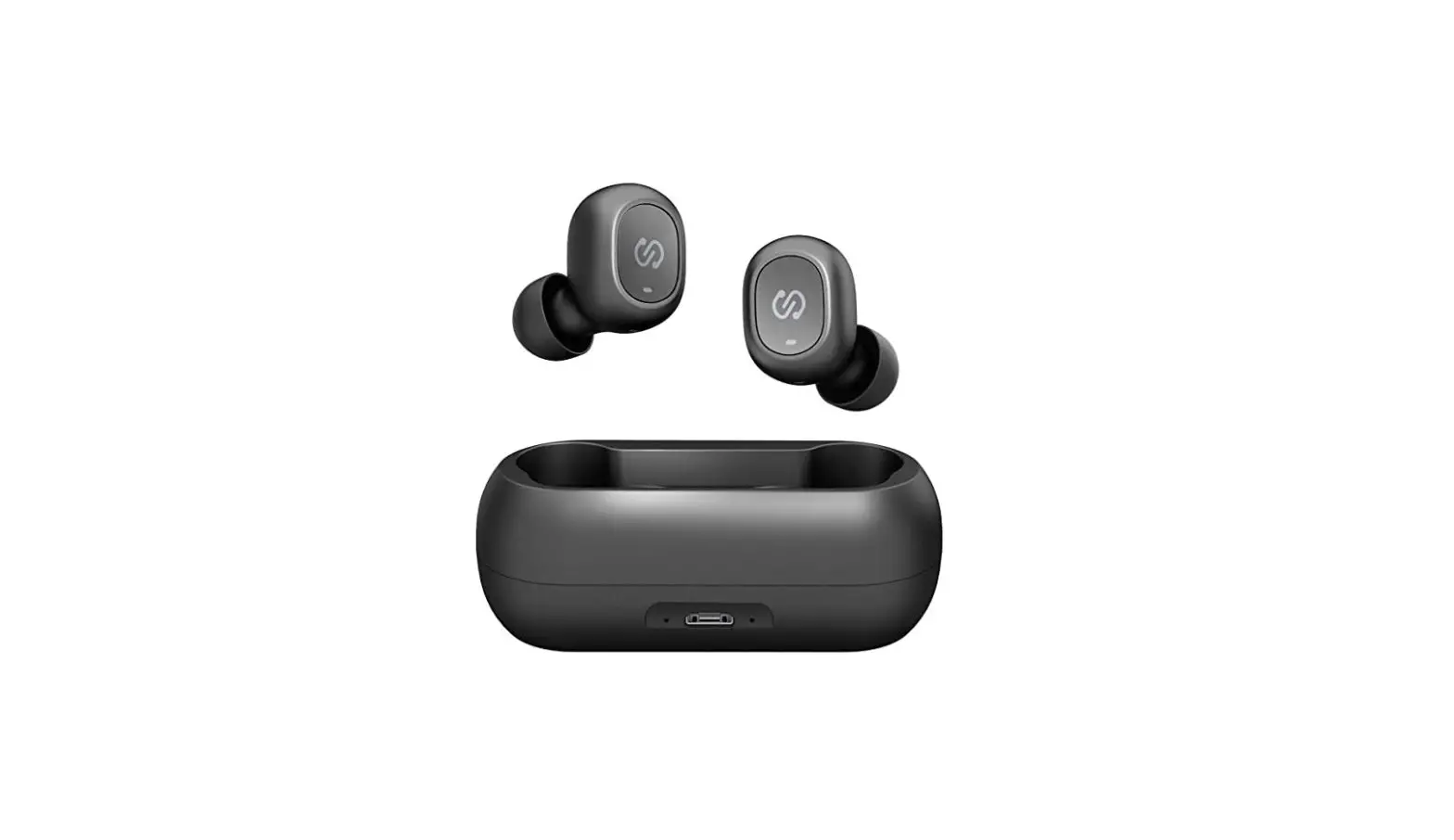
X13 Bluetooth Headset
User Manual
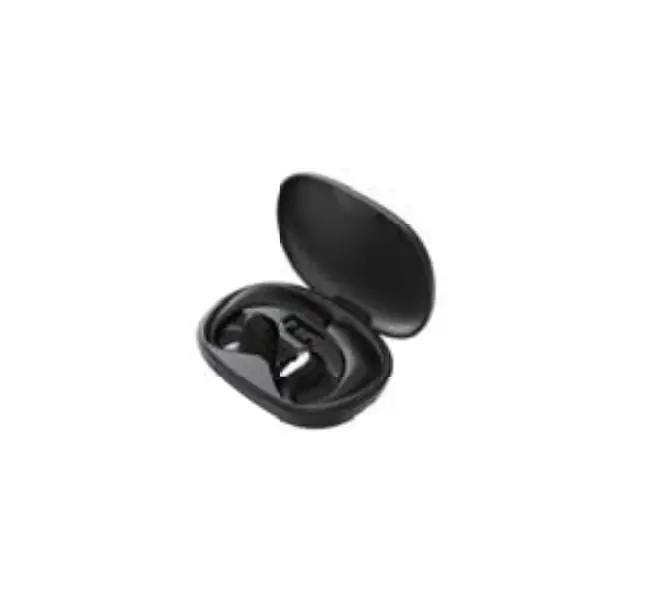
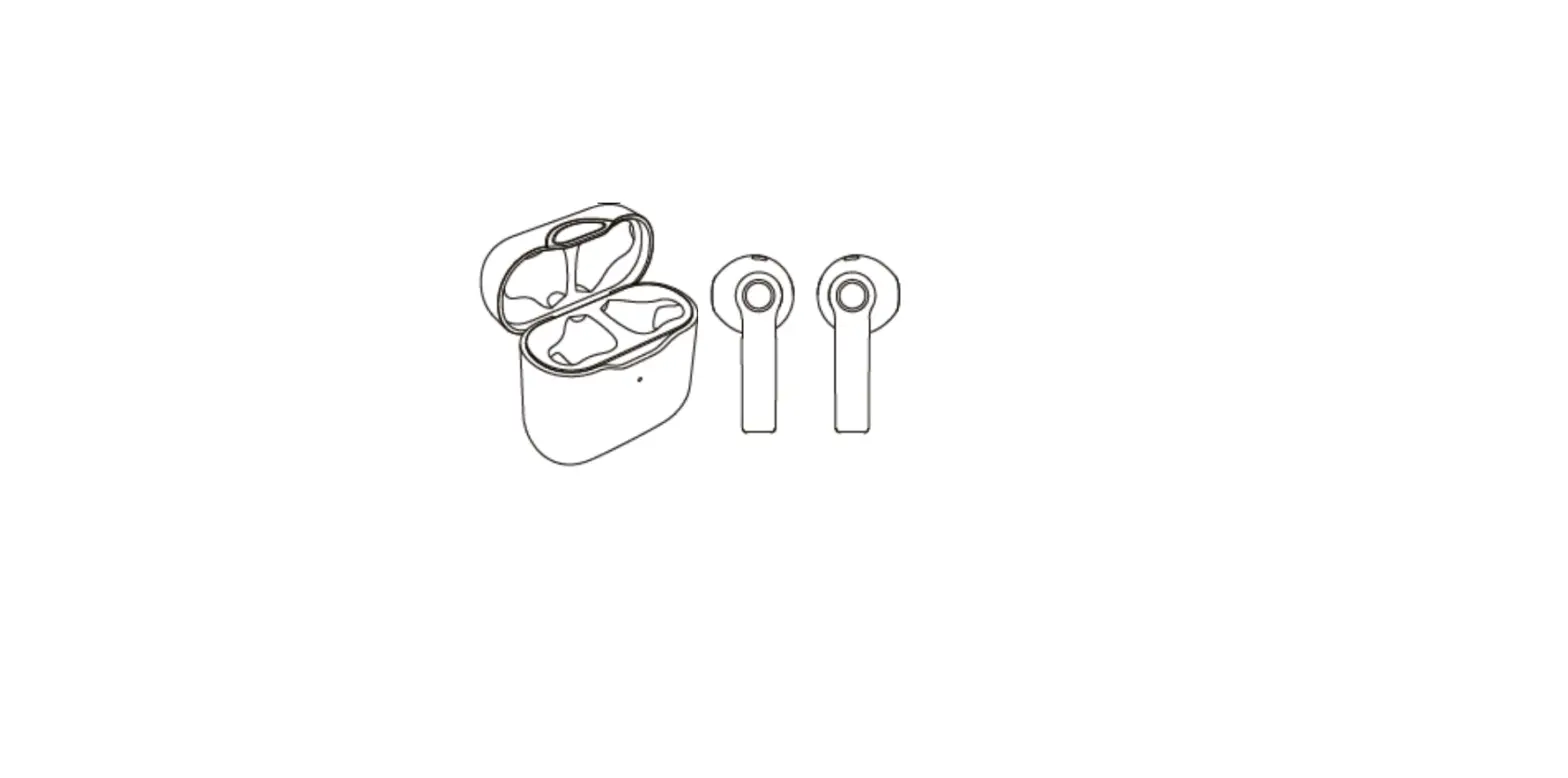
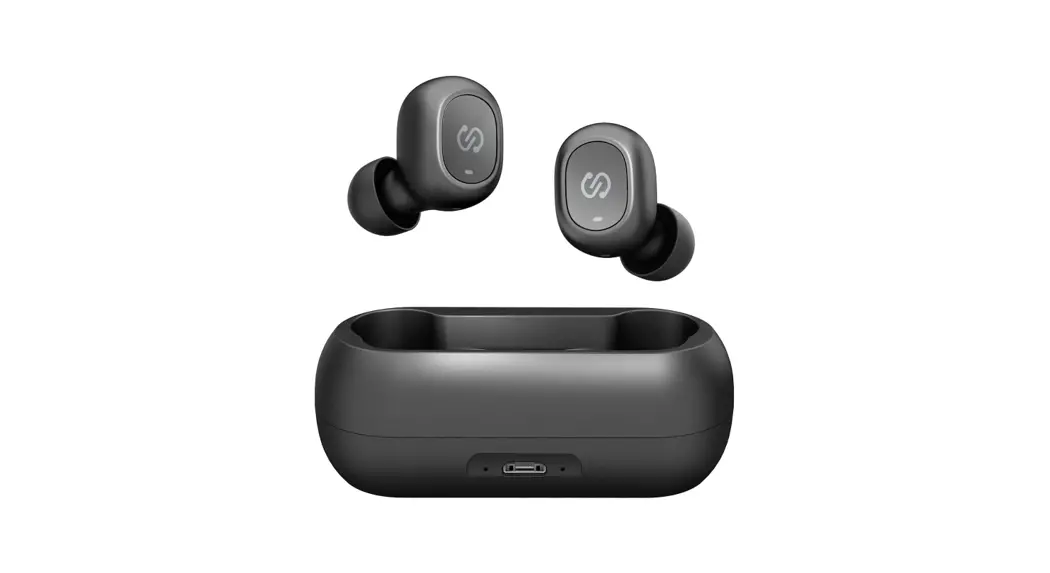
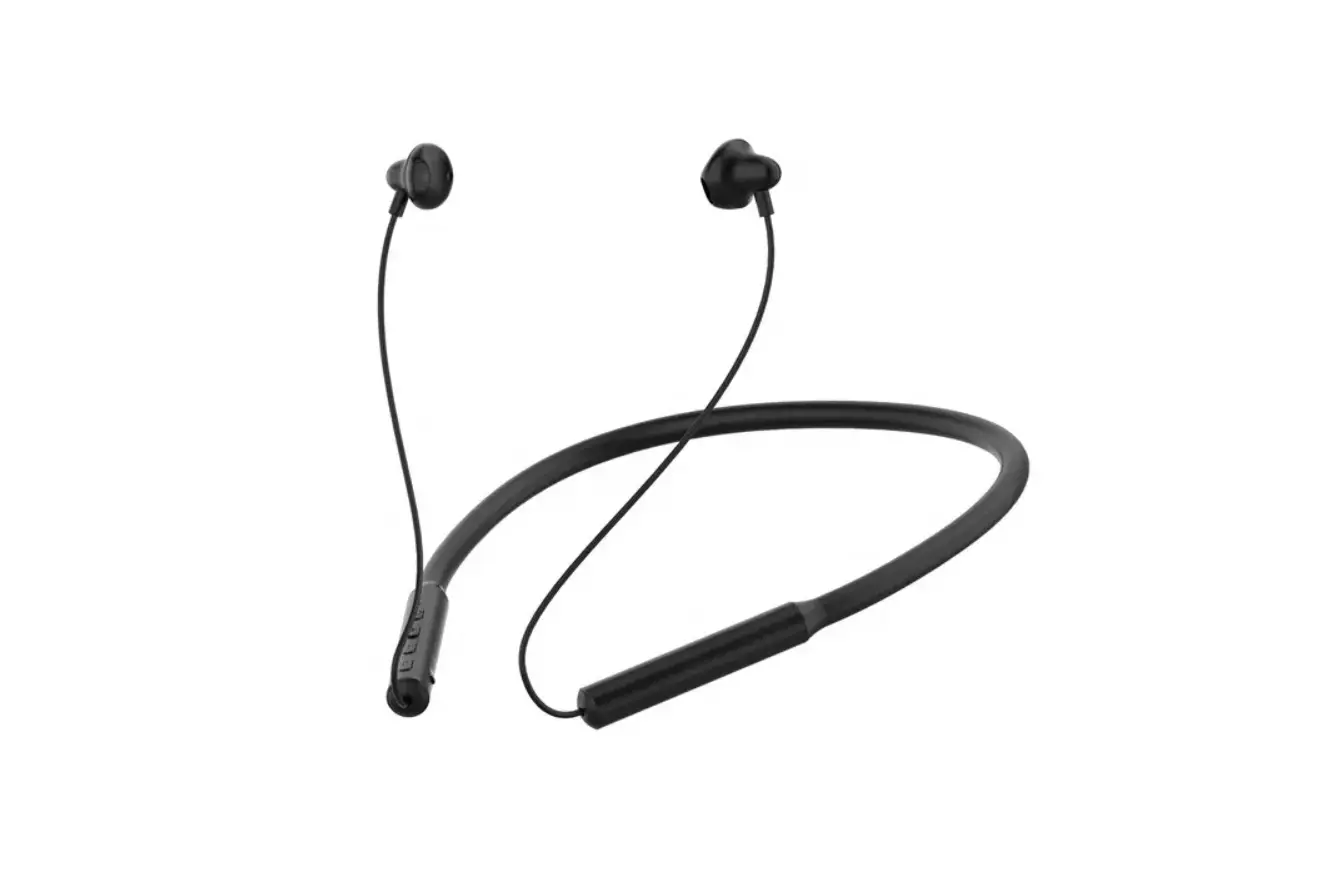
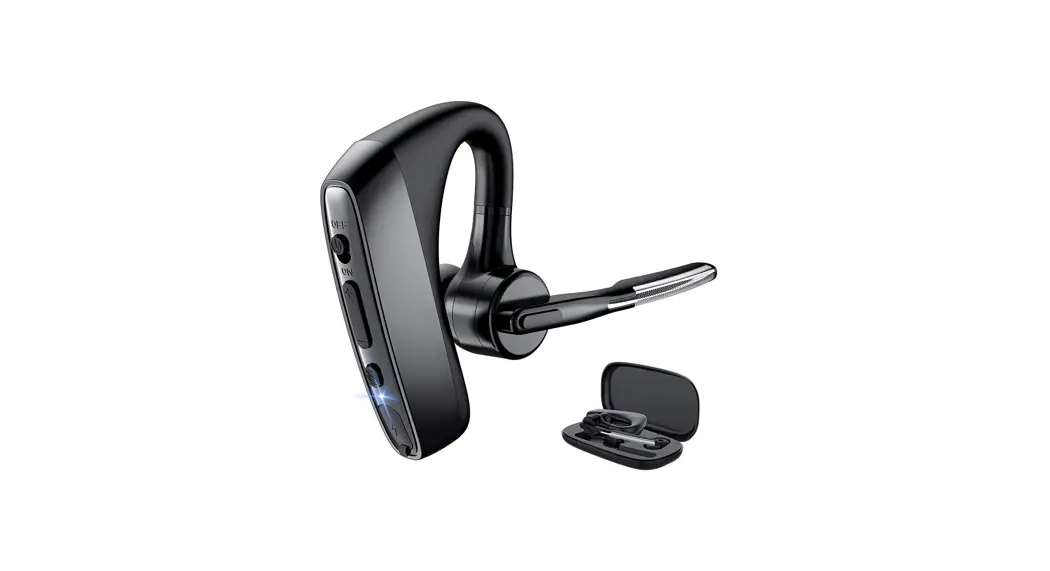
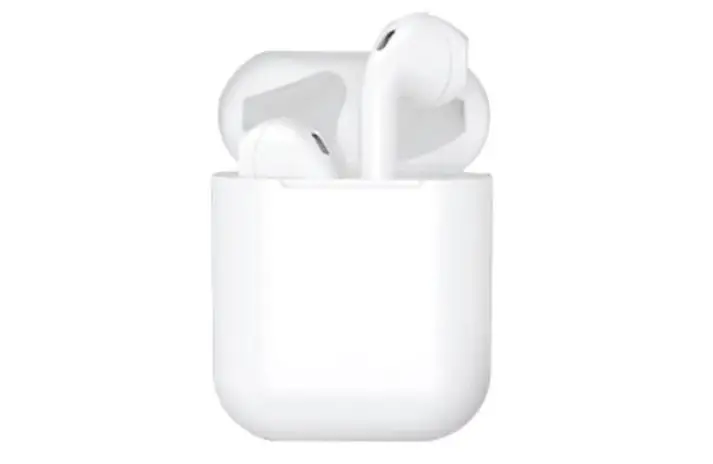
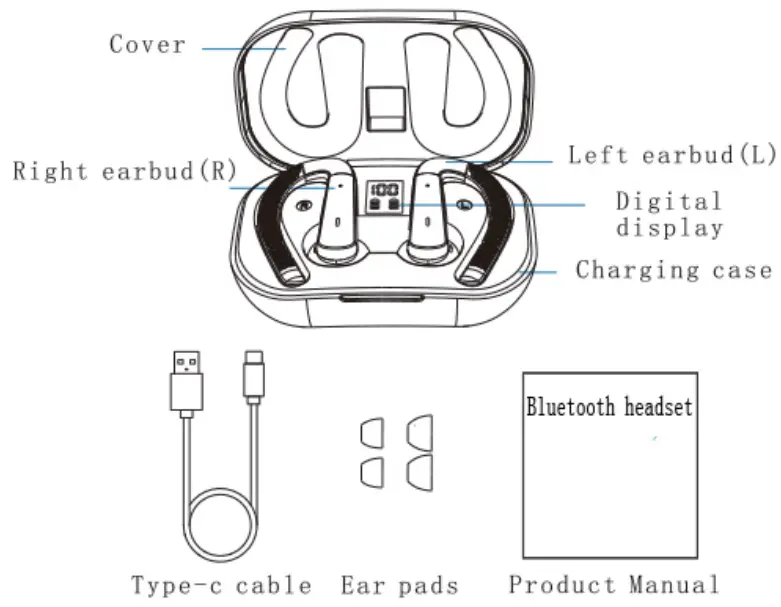
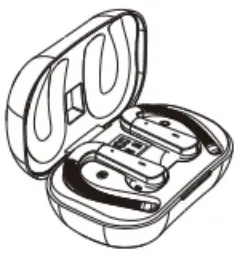
Products and Accessories
Earphone connection introduction
- Stepl: Take the earphones out of the charging.
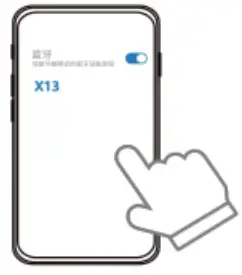
- Step2: Turn on bluetooth.
- Step3: Find the bluetooth name [X13].
- Step4: Click X13 and match the connection.
( Note: Every time you take out the headset, it will automatically connect to the last connected device).
Kind tips
a: When connecting for the first time, please make sure the product has enough power,
b: It is recommended to keep the mobile phone bluetooth turned on for daily use.
Wear headphones correctly
For best listening, wear the headphones correctly. The charging case is marked with “R” for the right ear and L” for the left ear.
Operation of earphone
| function | L | R |
| Answer the phone | double-click | |
| Hang up | double-click | |
| Reject calls | Press and hold for 2 seconds | |
| Last song | Press end hold for 2 seconds | ____________ |
| Next song | _____________ | Press and hold for 2 seconds |
| Music playback | double-click | |
| Music pause | double-click | |
| Language assistant | 3 blows | |
| Music pause | _____________ | single click |
| Language assistant | single click | ____________ |
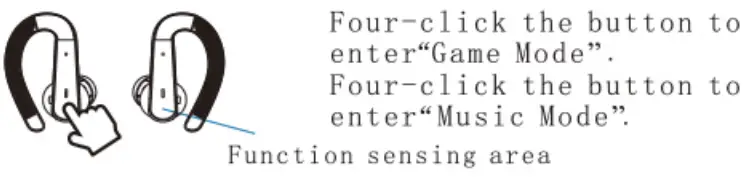
Game mode
Charge the earphones
Put the earphones into the charging box and close the cover, the charging indicator will work, and the indicator will turn off when fully charged.
Charge the charging case
Insert the charging cable into the Type-c charging port of the charging box to charge the charging box.
Earphone low battery alarm
When the battery voltage is low, the earphone will sound “please charge”.
Indicator working status
| Working status | Operate | Digital display |
| Charge the earphones | Put the earphones in the charging case and close the lid | Current battery display/charging indicator working |
| Charge the charging case | Plug in the cable | The current battery level is displayed and flashes |
| Full charge | / | Power display 100 / always on for 5 minutes |
| Power display | Open/close the charging compartment cover | Current battery display/charging indicator wnrkino |
| Low battery | The battery of the charging case is less than 5% | The current battery level is displayed and flashes |
Power on/off
- Take out the earbuds and automatically turn on and connect.
- Put the earbuds in the charging case Close the lid Turn off the earbuds and charge.
- Automatically shut down after 3 minutes when the earbuds are not connected.
- When the earbuds are not connected, press and hold the touch button for 5 seconds to manually shut down.
- When the earbuds are not connected, press and hold the touch button for 3 seconds to manually turn on.
Product parameters
Pairing name: X13
Bluetooth version: Bluetooth 5.3
Earbud battery specification: 40mAh
Earbuds charging time: 1. 5 hours
Earplug standby time: 40-60 hours
Communication distance: 10 meters
Audio coding format: CVSD, mSBC, SBC, AAC
Working temperature: -15V60r 1 2 .
Charging box parameters
- Charging port: Type-c
- Charging box battery specification: 500mAh
- Charging time of charging box: about 1.5 hours
- Input voltage: DC5V
- Charging current: 0.4A
- Output voltage: DC5V
- Working temperature: -15°C±60°C
Precautions for use
This device complies with part 15 of the FCC Rules. Operation is subject to the following two conditions: (1) this device may not cause harmful interference, and (2) this device must accept any interference received, including interference that may cause undesired operation. Any changes or modifications not expressly approved by the party responsible for compliance could void the user’s authority to operate the equipment.
NOTE: This equipment has been tested and found to comply with the limits for a Class B digital device, pursuant to Part 15 of the FOC Rules. These limits are designed to provide reasonable protection against harmful interference in a residential installation. This equipment generates, uses and can radiate radio frequency energy and, if not installed and used in accordance with the instructions, may cause harmful interference to radio communications. However, there is no guarantee that interference will not occur in a particular installation. If this equipment does cause harmful interference to radio or television reception, which can be determined by turning the equipment off and on, the user is encouraged to try to correct the interference by one or more of the following measures:
— Reorient or relocate the receiving antenna.
— Increase the separation between the equipment and receiver.
— Connect the equipment into an outlet on a circuit different from that to which the receiver is connected.
— Consult the dealer or an experienced radio/TV technician for help.
The device has been evaluated to meet general RF exposure requirement. The device can be u sed in portable exposure condition without restriction.