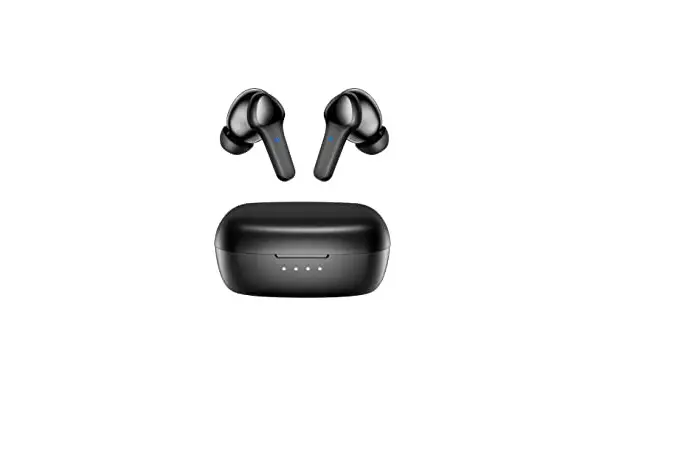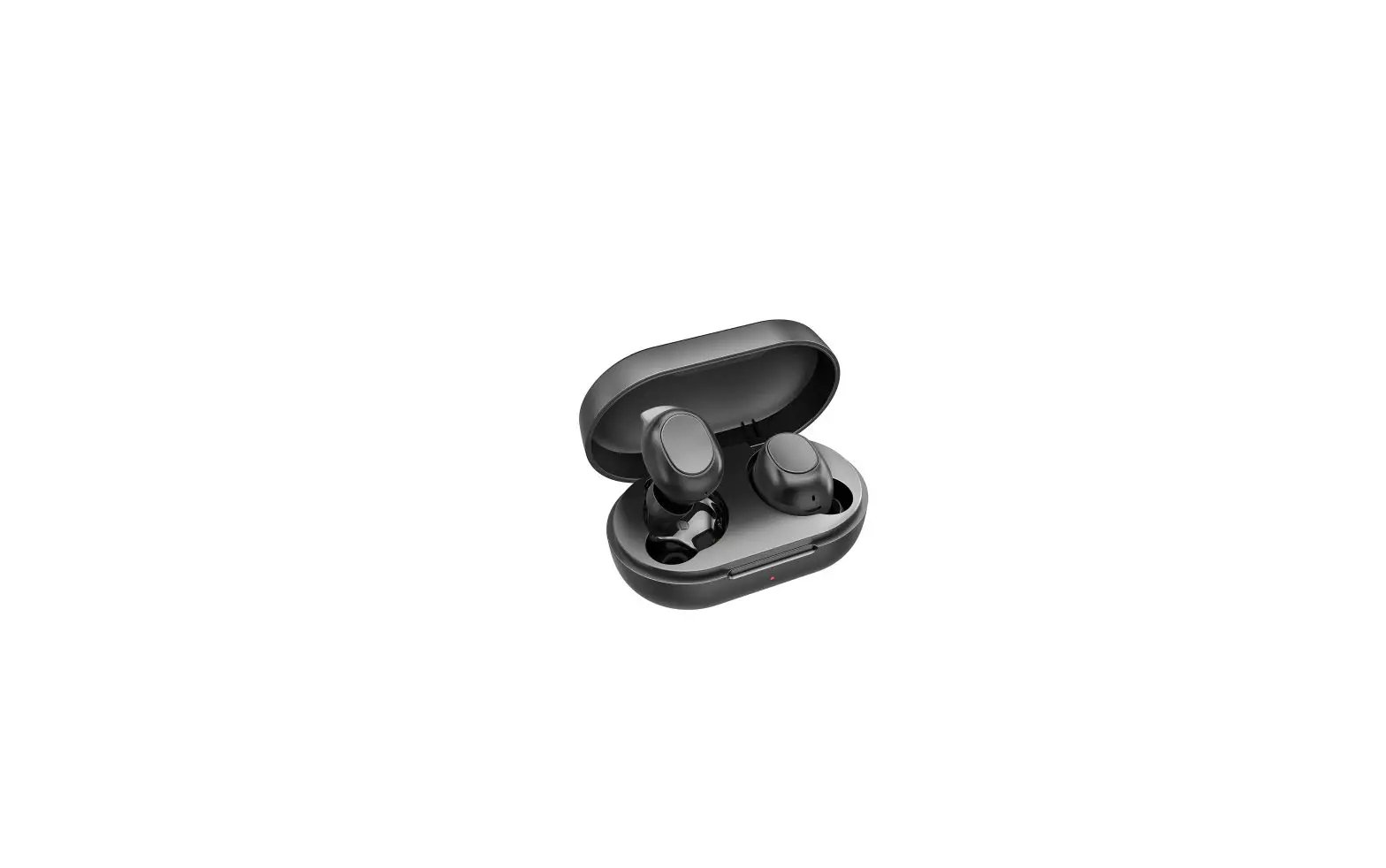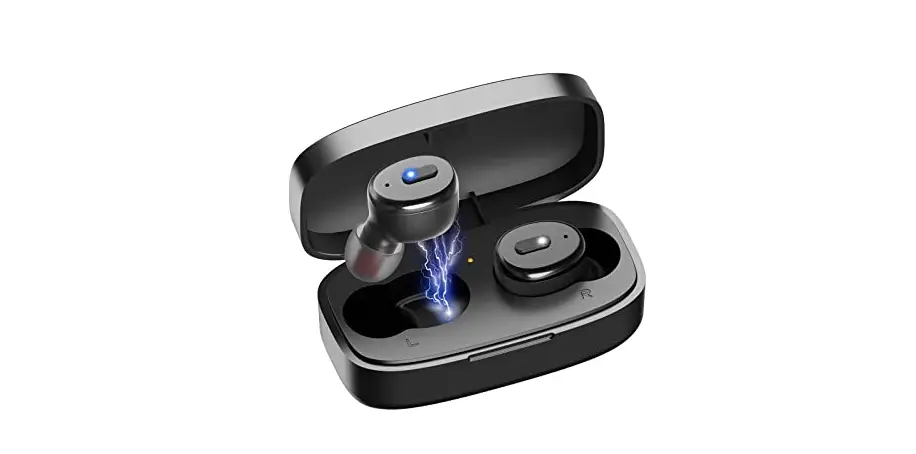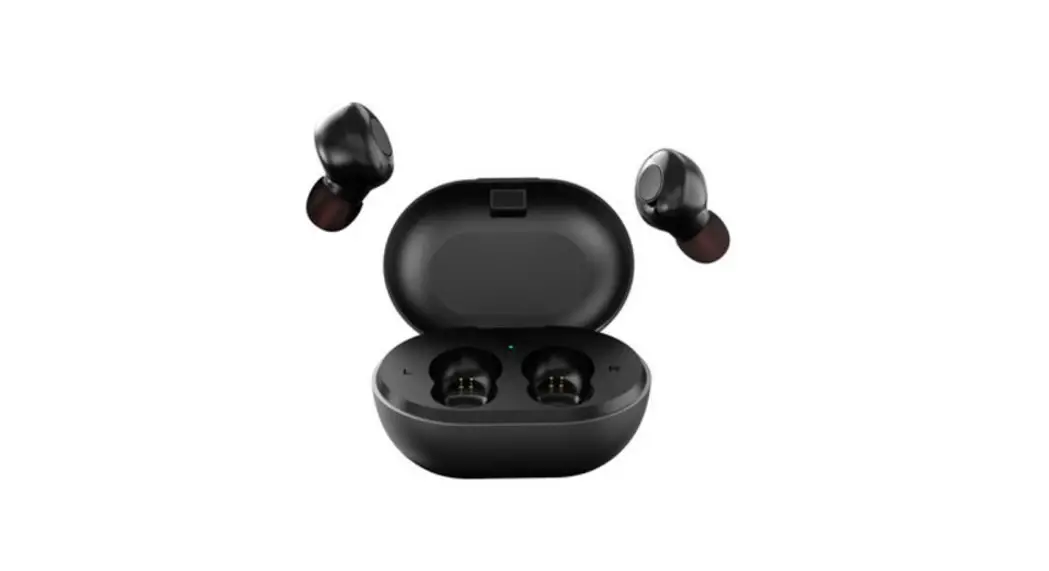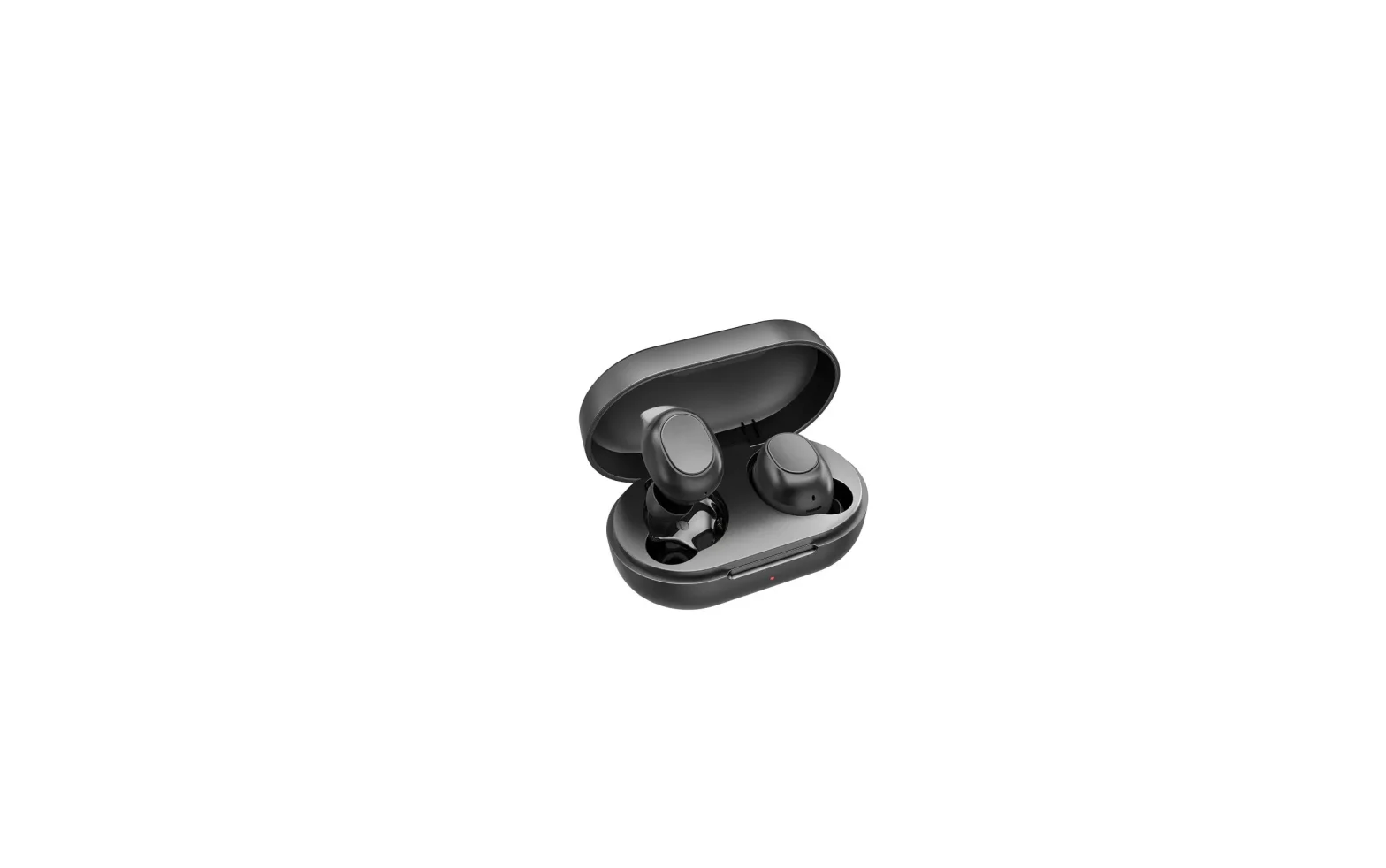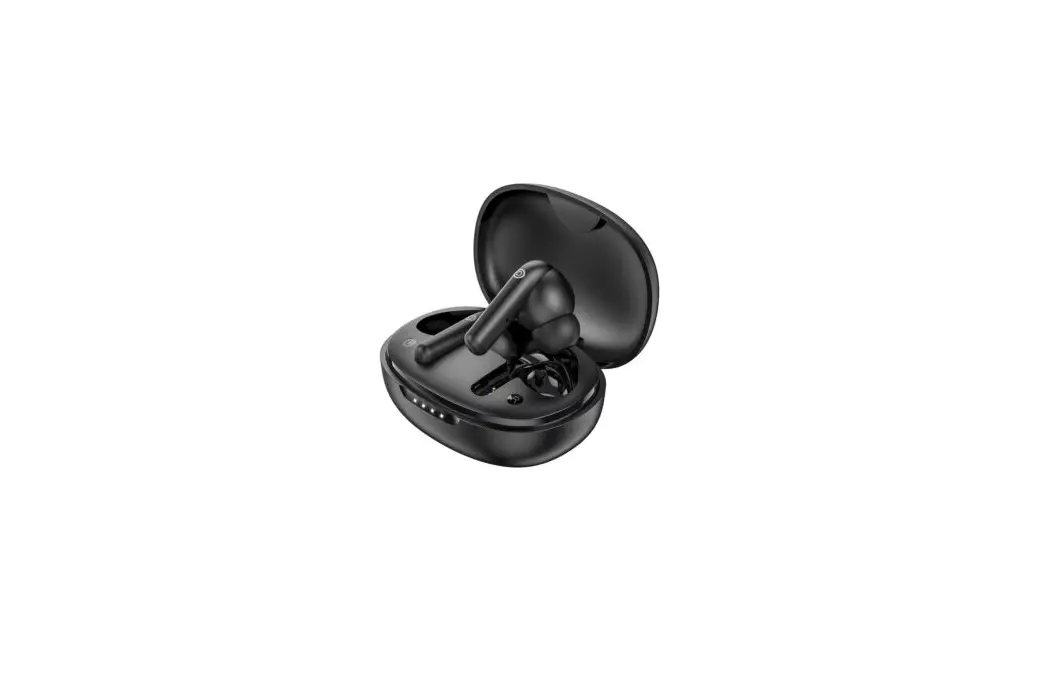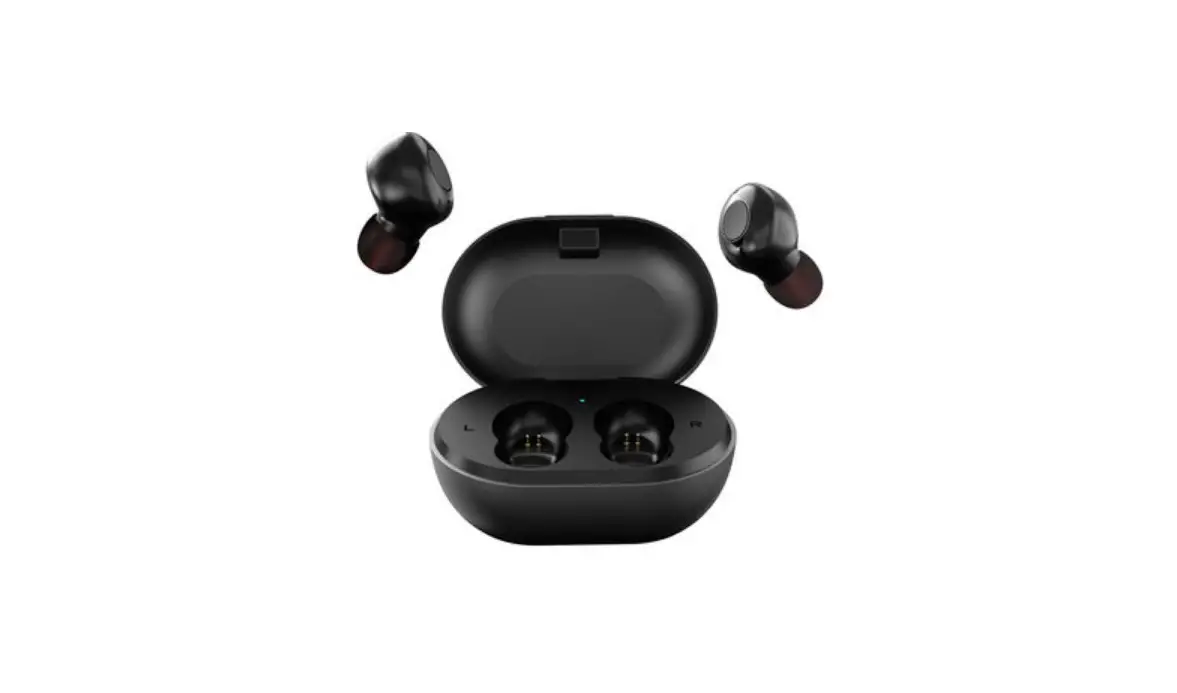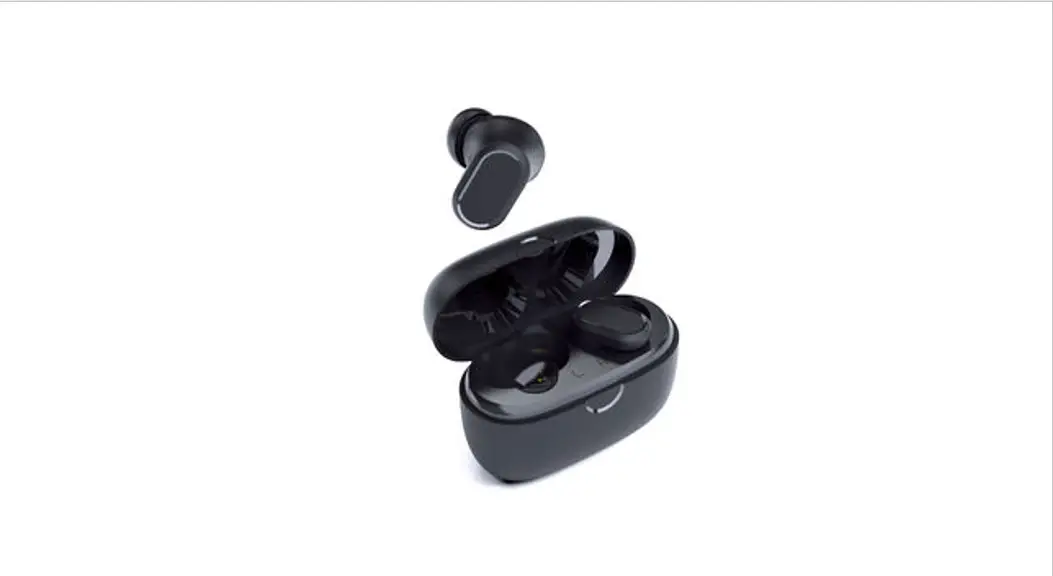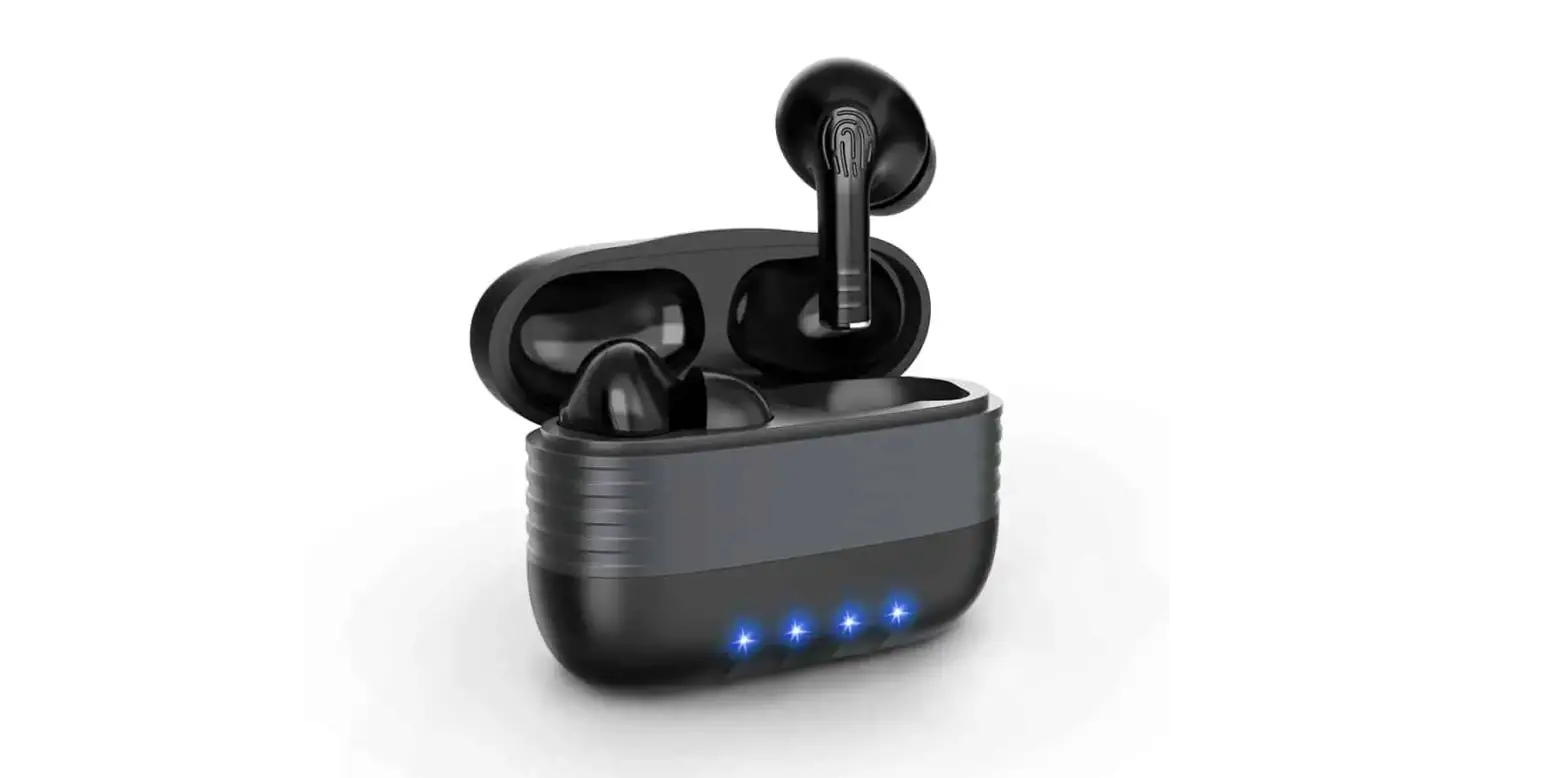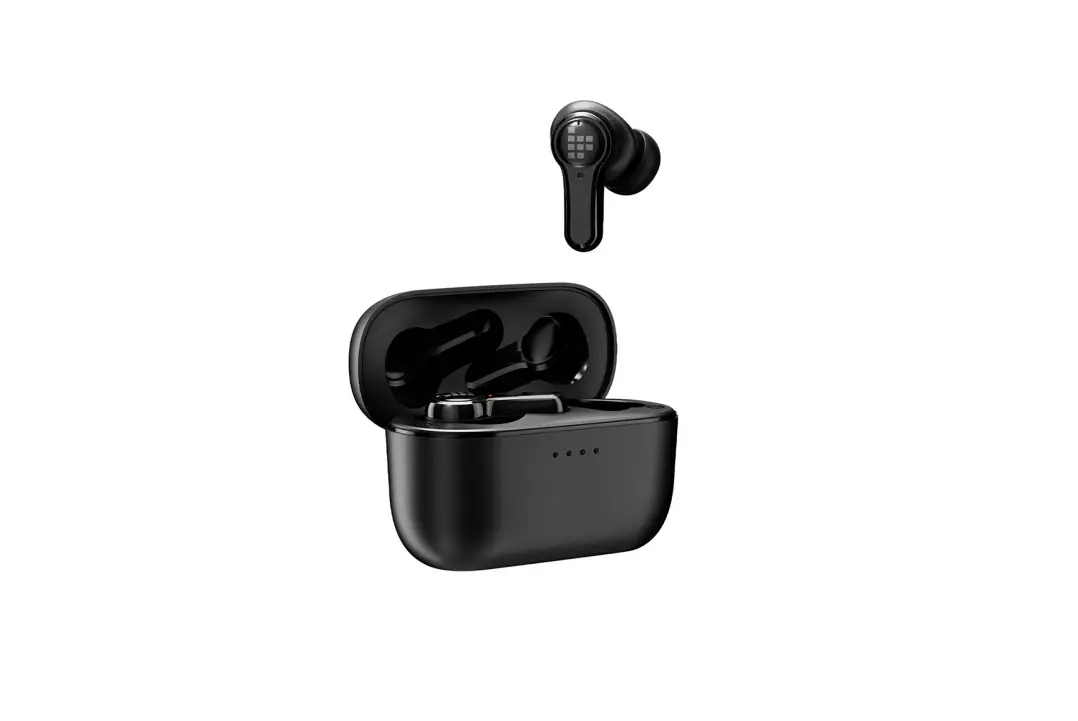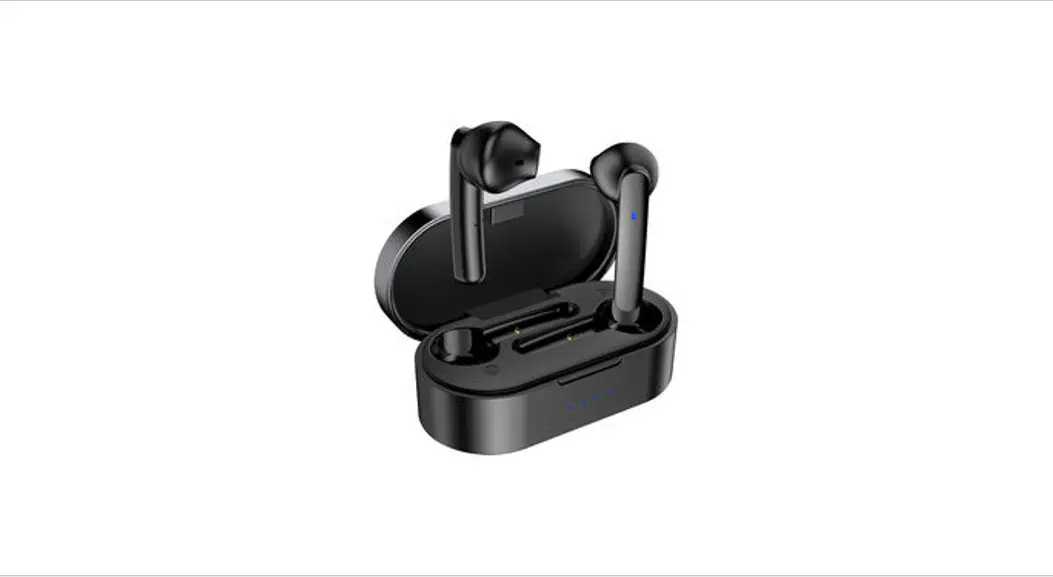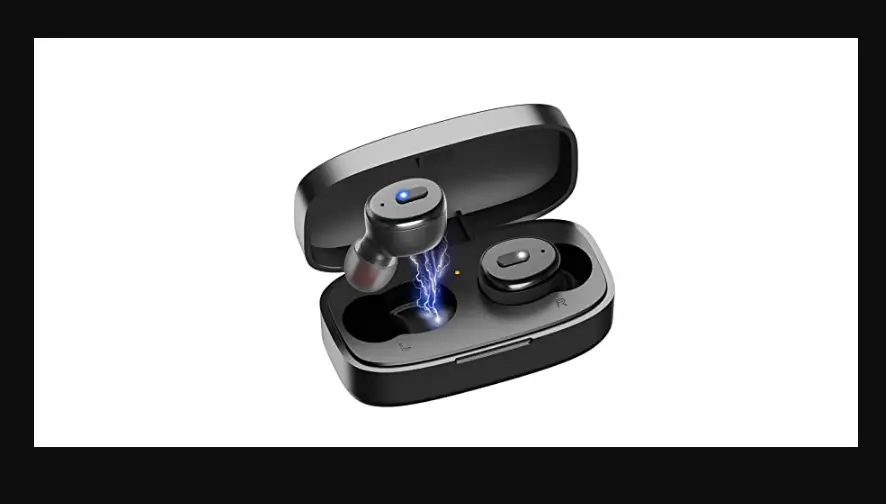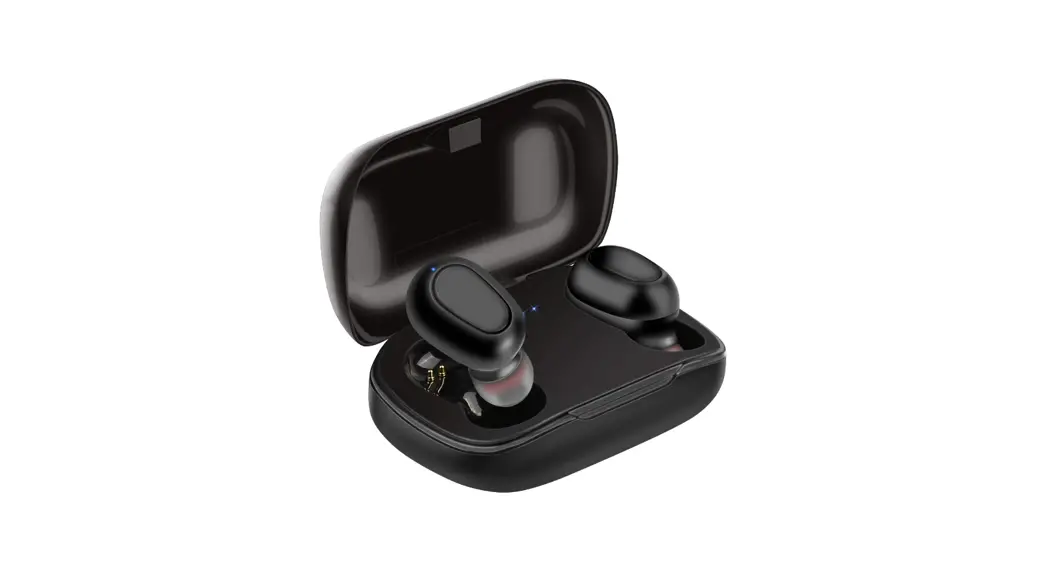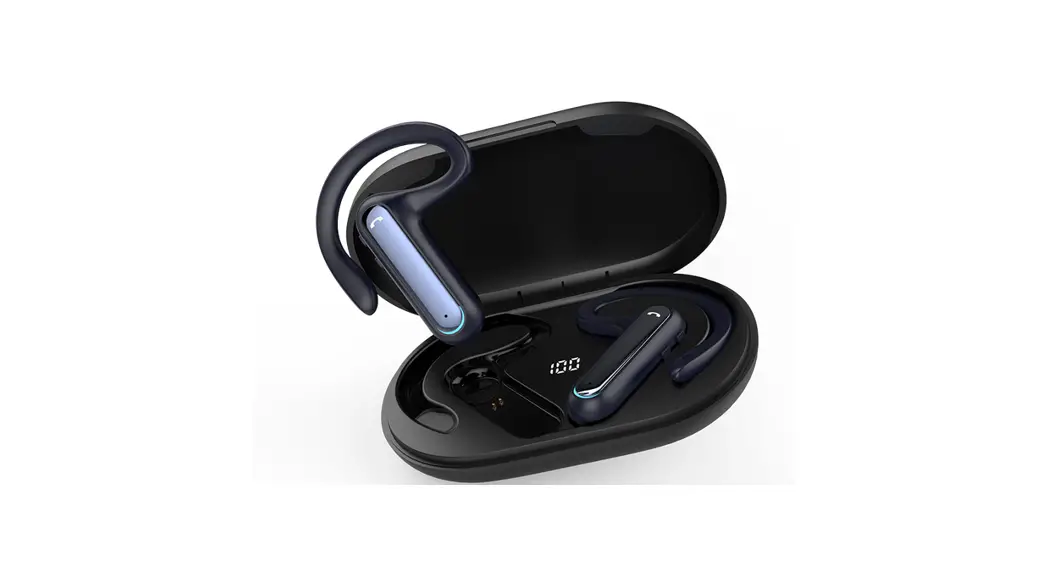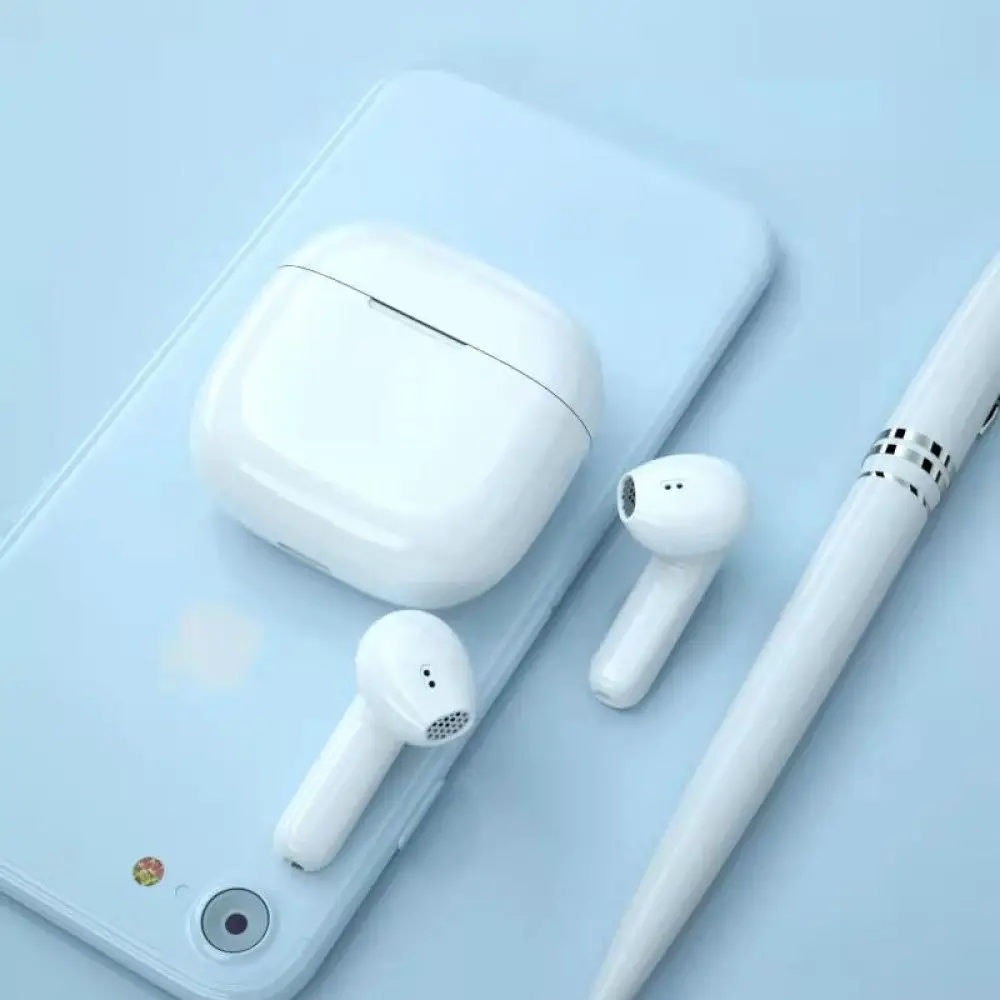
Shenzhen Xiwxi Technology DBK03 TWS Bluetooth Headset User Manual
Thanks for using our wireless electronic products. For a good user experience, please read the manual carefully before using the products. Notice: To avoid unnecessary troubles please do not disassemble these products by yourself and use the standard charger to charge.
Product overview
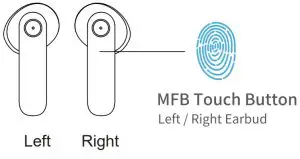
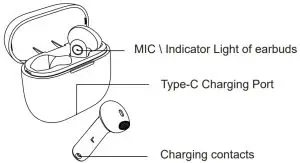
Earbuds Manual
Pairing Manual
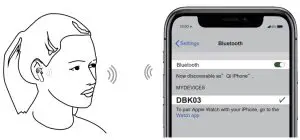
- Please fully charge the earbuds and charging case before using it
- Take out the two earbuds, they will automatically be turned on and connected, then they will enter the waiting for paring mode (red/blue lights flashing alternately).
- The earbuds will be automatically paired. After the pairing is successful, the right earbud indicator turns off, and the left earbud indicator flashes red and blue alternately
- Turn on the Bluetooth function of the mobile phone and search, find the device named【DBK03】 and connect it.
Siri and other Voice Assistant
After IOS and part of Android users connected the earbuds, please touch the left earbud or the right earbud touch button for 3 times to open the voice assistant operation.
Turn ON
The earbuds will be turned on automatically after take out them from the charging case; Or touch the touch button for 3 seconds until the indicators flash blue once.
Turn OFF
The earbuds will automatically turn off and enter the charging state after putting them in the charging case, or they will automatically turn off after disconnecting the Bluetooth connection for 5 minutes.
LED Indicator
Charging for case
| Status | Light |
| Charging case charging | Orange indicator light flashes |
| Full battery | Orange indicator on |
| Charging for earbuds | Orange indicator light flashes |
| Low Battery | Orange light flashes once every 2 seconds |
Earbuds indicator
| Status | Indicators |
| Turn on | Blue indicators stay one second |
| Turn off | Red indicators stay one second |
| Searching mode | The indicator lights will flash red and blue |
| Connected successfully | light flashes in red and Type-C Charging Port blue for 5 seconds |
| Music-play mode | No light |
| Battery low | Red indicators flash |
| Charging mode | Red indicators stay solid |
| Fully charged | Red indicators turn off |
Restore factory setting
Please turn off the Bluetooth of the mobile phone and the earbud light will flash red / blue. Quickly press the power button of the earbuds three times.
Charge
Note: Please fully charge the earbuds and charging case before using it
Charging earbuds
Red indicators flash when battery low, please charge in time.
- Put both earbuds into the charging case, they will charge automatically.
- Charging will stop when earbuds are fully charged.
Charging Case
Orange indicator flashes when charging case with low battery, please charge in time. Plug the TYPE-C cable into the charging interface and the charging
case will charge automatically. (When charge current over 5V 1A, the charging case will limit the current automatically)
| Power on | Automatically turn on when take-out case |
| Power off | Automatically turn off when back into case |
| Previous track | Double-click the MFB button on the left ea |
| Next track | Double-click the MFB button on the right ear |
| Volume – | Hold and press left earbud MFB Button |
| Volume + | Hold and press right earbud MFB Button |
| Play / Pause | Left/right ear click MFB button |
| Answer the call | Left/right ear click MFB button |
| Hang up | Long press the MFB button on the left/right ear for 2 seconds |
| Reject call | Long press the MFB button on the left/right ear for 2 seconds |
| Voice activated assistant | Left/right earphone quickly clicks the MFB button 3 times |
Warm notice
For any single earphone, when it is in standalone mode, you can’t use it to play the previous song or decrease the volume.
Specifications
| Version | V5.2+EDR |
| Support | A2DP, AVRCP, HFP, HSP |
| Transmission distance | 10m |
| Frequency range | 2.402GHz~2.480GHz |
| Speaker | Φ10mm*2 |
| Impedance | 16Ω |
| Standby time | 60 hours |
| Talk time | 5 hours |
| Playing time | 5 hours |
| Earbud battery capacity | 40mAh |
| Fully charged time | 1 hour |
| Charging case battery capacity | 300mAh |
| Charging time of charging case | About 1 hour |
| Weight (single earbud) | 3.9g |
Non-waterproof
The product is anti-sweat. Please rub it with wet cloth or paper to clean it! Don’t let soaked in water or drenched in rain.( Don’t take it to sweat steaming house in case that steam does damage to the product)
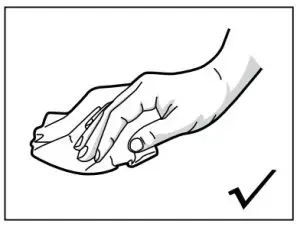
Rub it with a damp cloth anti-sweat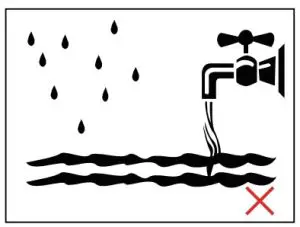
rinse,soak and wash drenched
Signal transmission distance shown as below: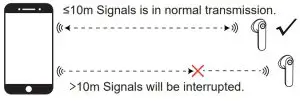
Attentions
- Don’t use water or corrosive solvent to rinse the device.
- If it comes into contact with chemicals, please rub it with a damp cloth wet with clean water.
- Do not use this product under extreme circumstances for temperature below -10 degree Celsius or above 60 degree Celsius .
- To avoid explosion, please do not throw this product into fire.
- To avoid scratches, please do not touch the earbuds with sharp objects.
- 6.Do not insert objects into the earbuds, otherwise it would cause damage to the internal components.
- Do not disassemble the earbud.
- Please keep regular charge to earbuds, don’t leave them become empty battery status to keep their lifetime.
- Please do not charge products with power adapter over 2A current. Excessive current may cause the damage to battery.
Battery Warning

There is a built-in lithium battery in this product. To avoid explosion, do NOT expose the product to strong sunlight, fire or throw it into fire.
FCC Caution
This device complies with part 15 of the FCC Rules. Operation is subject to the following two conditions: (1) This device may not cause harmful interference, and (2) this device must accept any interference received, including interference that may cause undesired operation. Any Changes or modifications not expressly approved by the party responsible for compliance could void the users authority to operate the equipment. Note: This equipment has been tested and found to comply with the limits for a Class B digital device, pursuant to part 15 of the FCC Rules. These limits are designed to provide reasonable protection against harmful interference in a residential installation. This equipment generates uses and can radiate radio frequency energy and, if not installed and used in accordance with the instructions, may cause harmful interference to radio communications. However, there is no guarantee that interference will not occur in a particular installation. If this equipment does cause harmful interference to radio or television reception, which can be determined by turning the equipment off and on, the user is encouraged to try to correct the interference by one or more of the following measures:
- Reorient or relocate the receiving antenna.
- Increase the separation between the equipment and receiver.
- Connect the equipment into an outlet on a circuit different from that to which the receiver is connected.
- Consult the dealer or an experienced radio/TV technician for help.
The device has been evaluated to meet general RF exposure requirement. The device can be used in portable exposure condition without restriction.