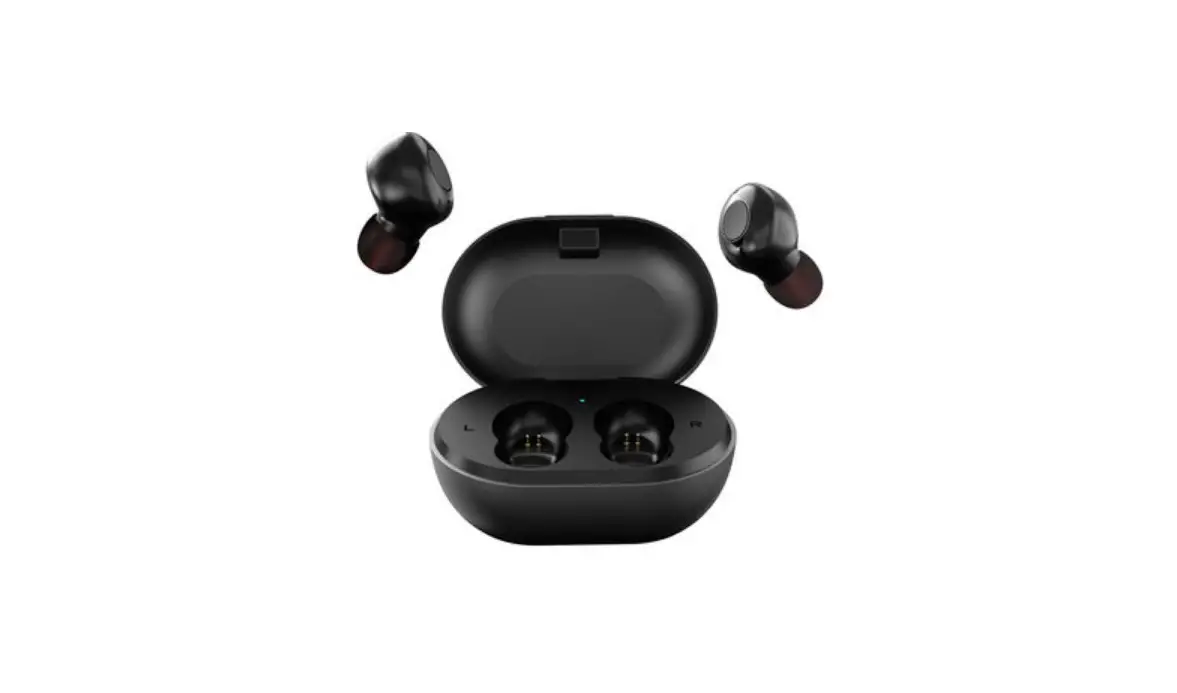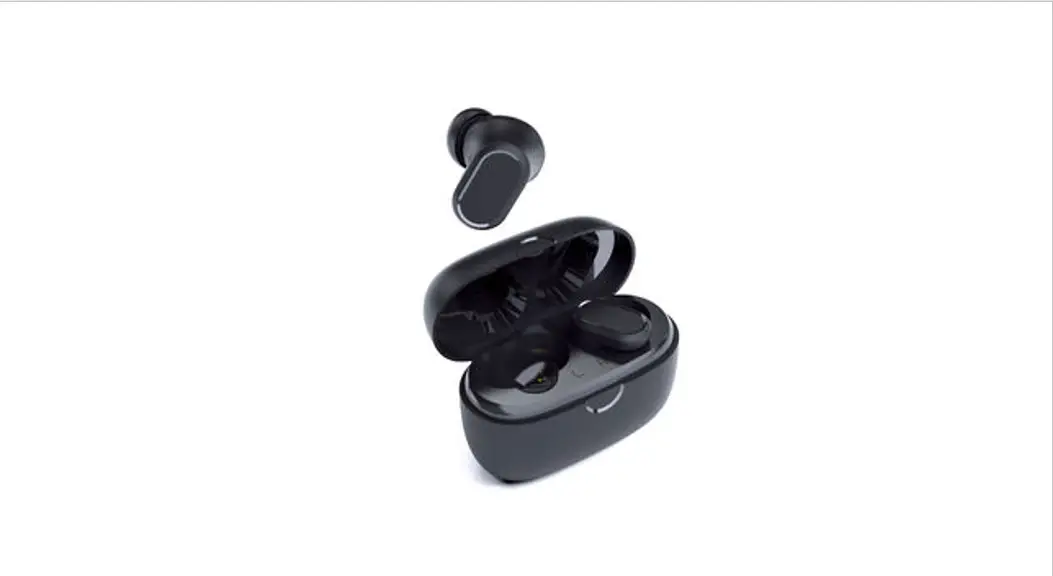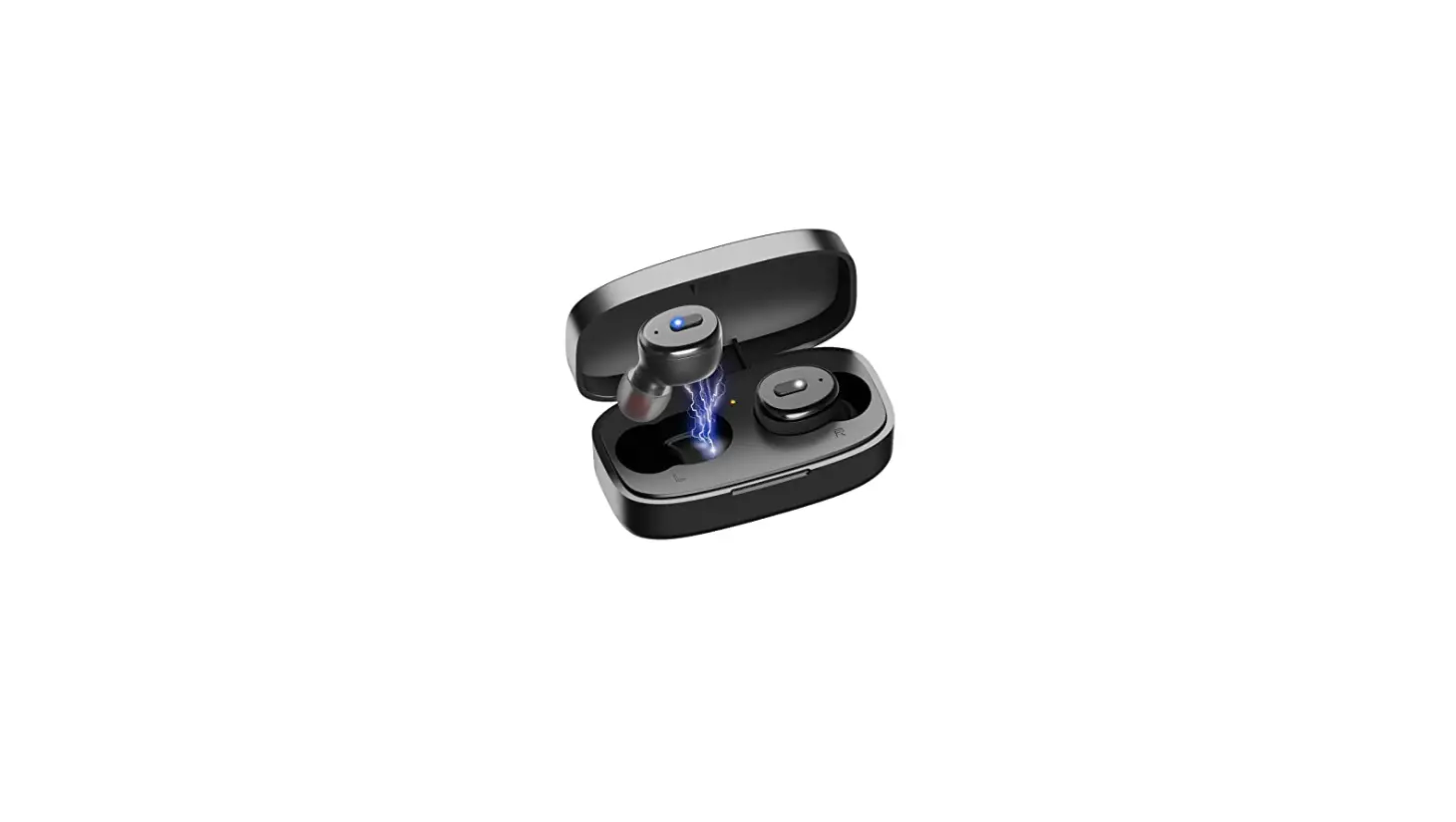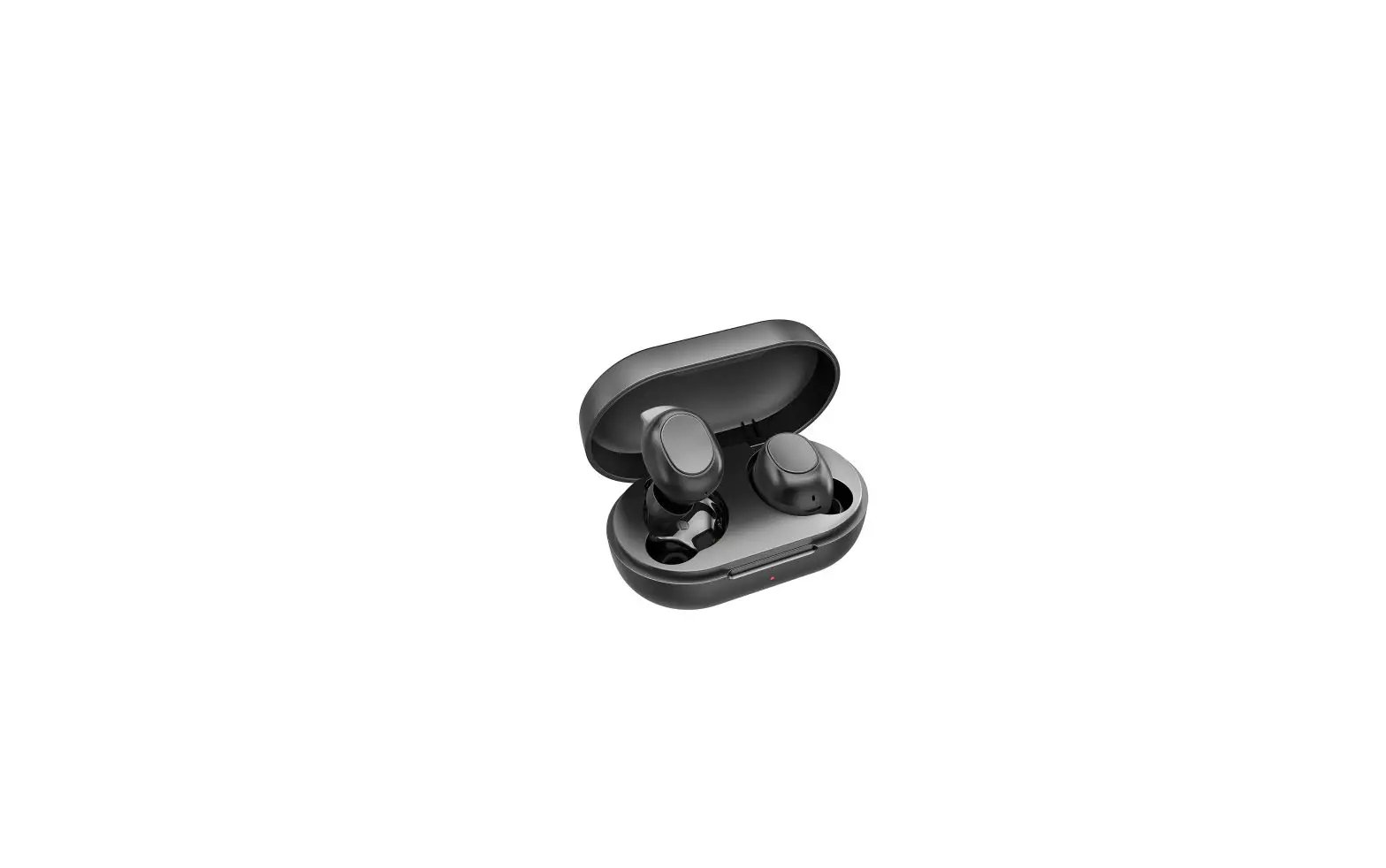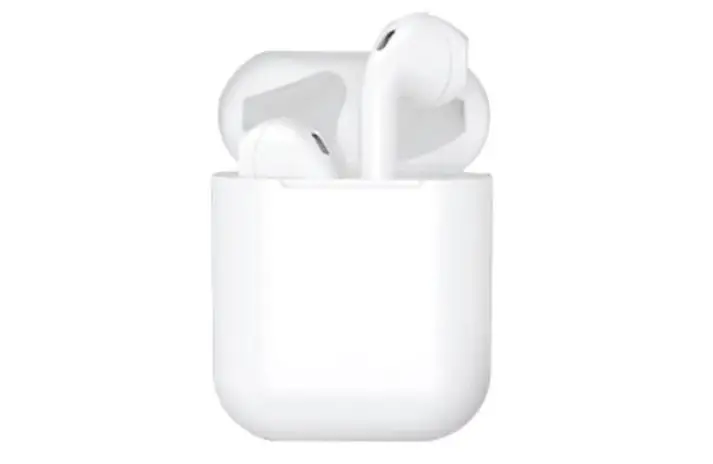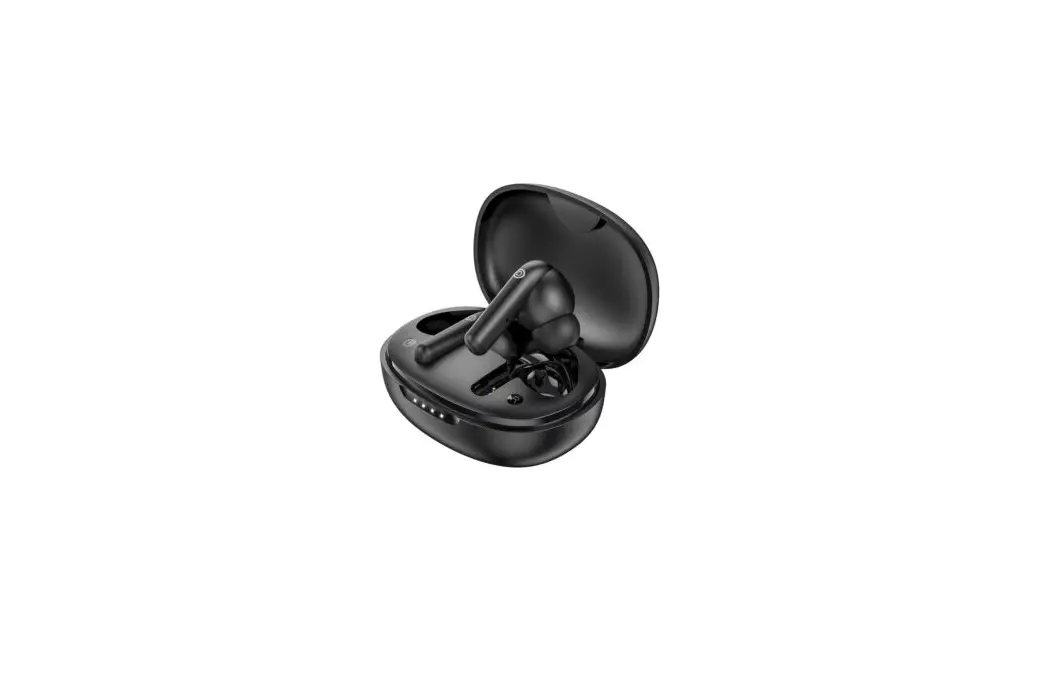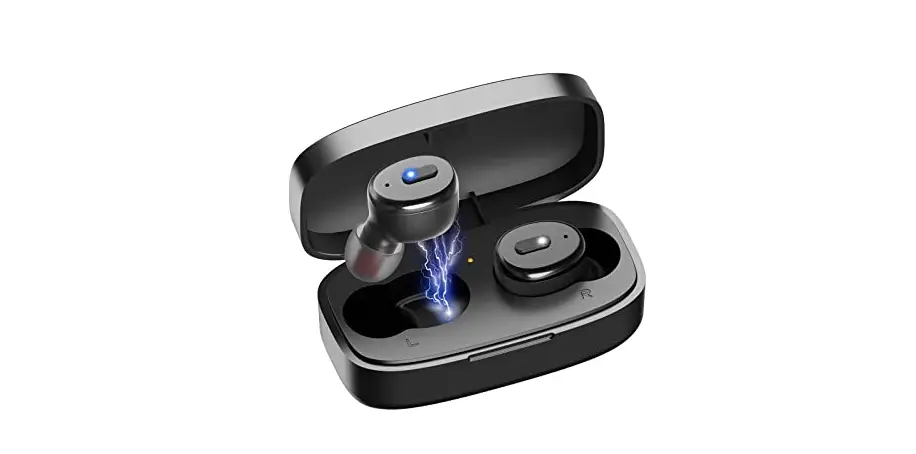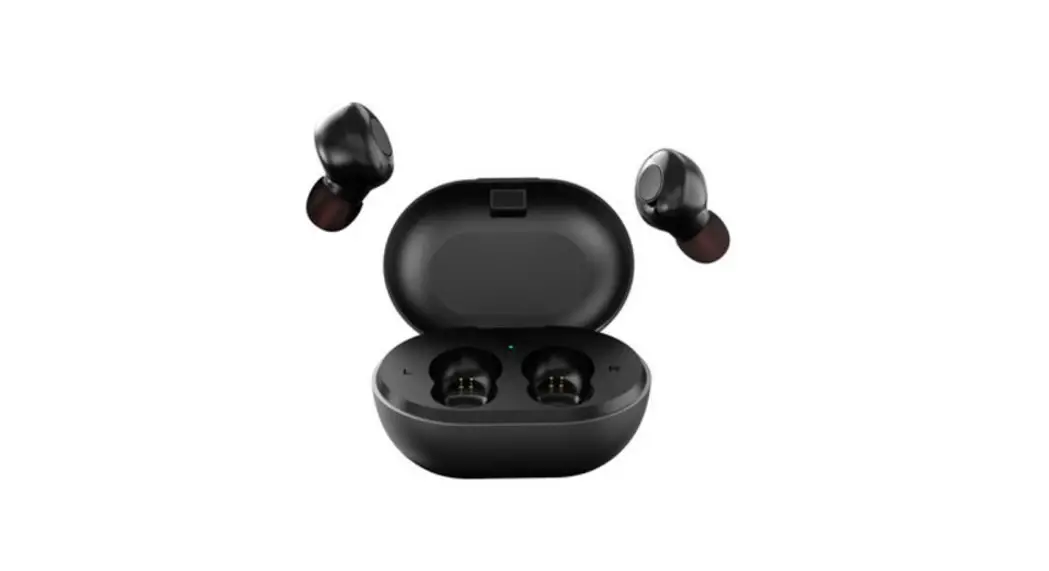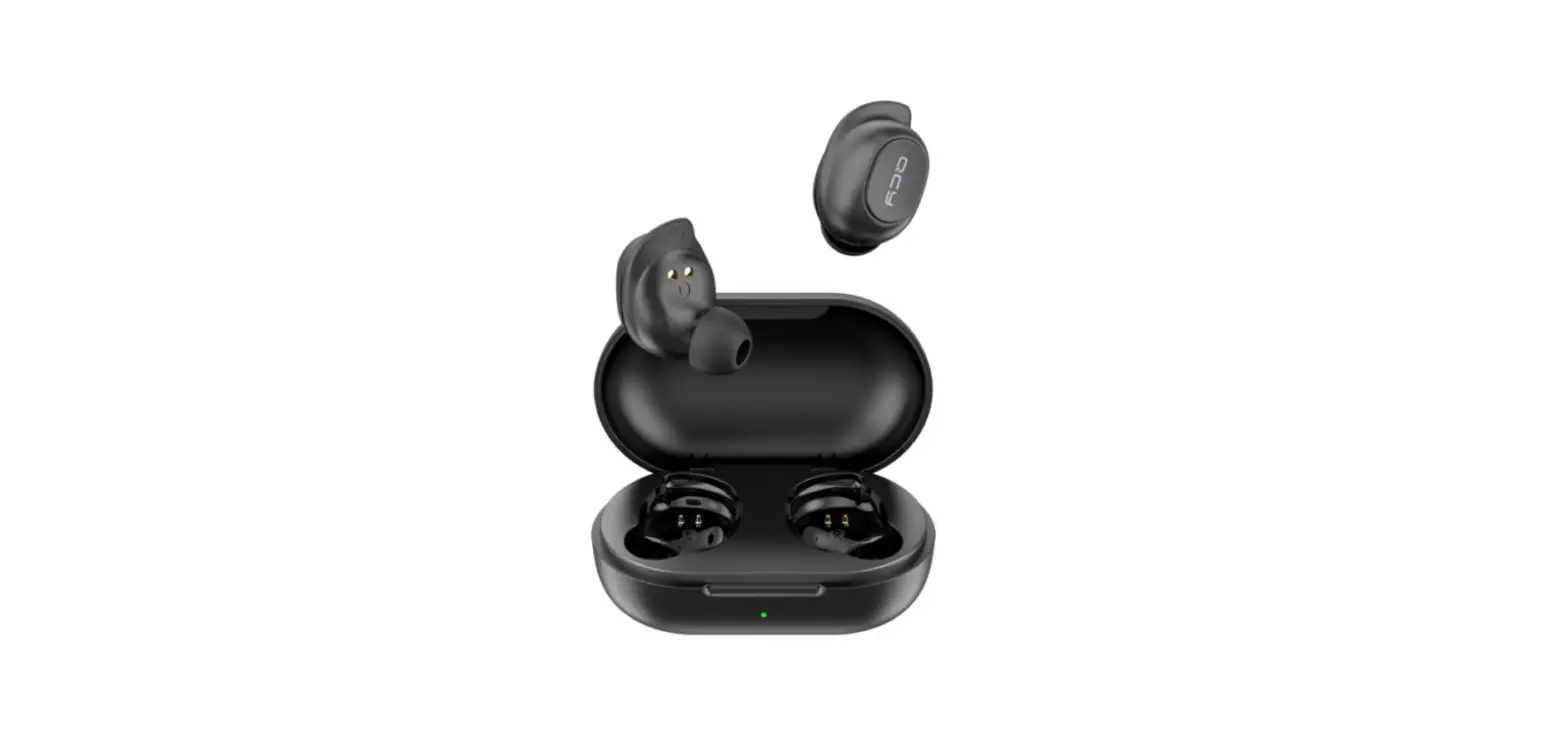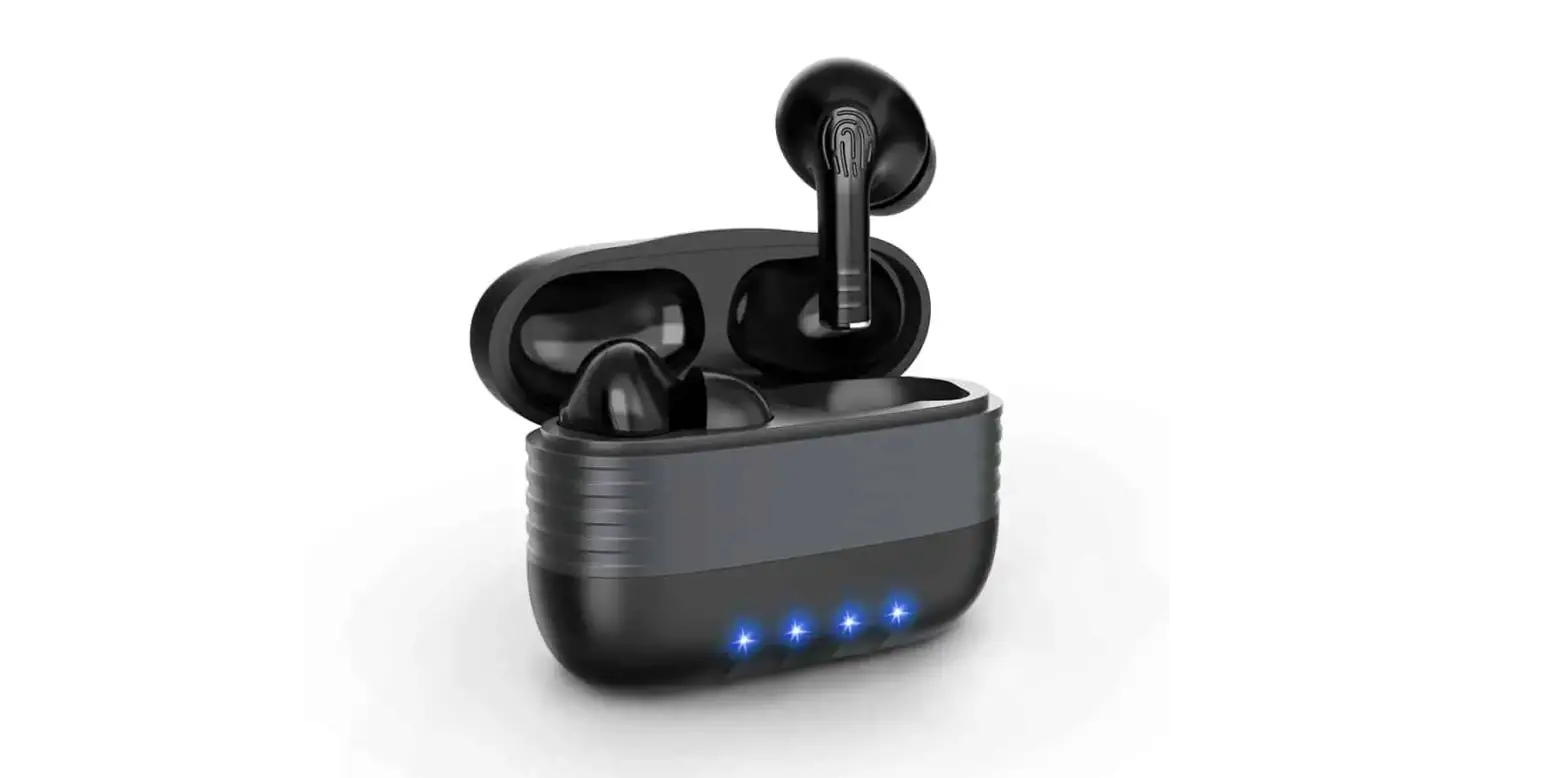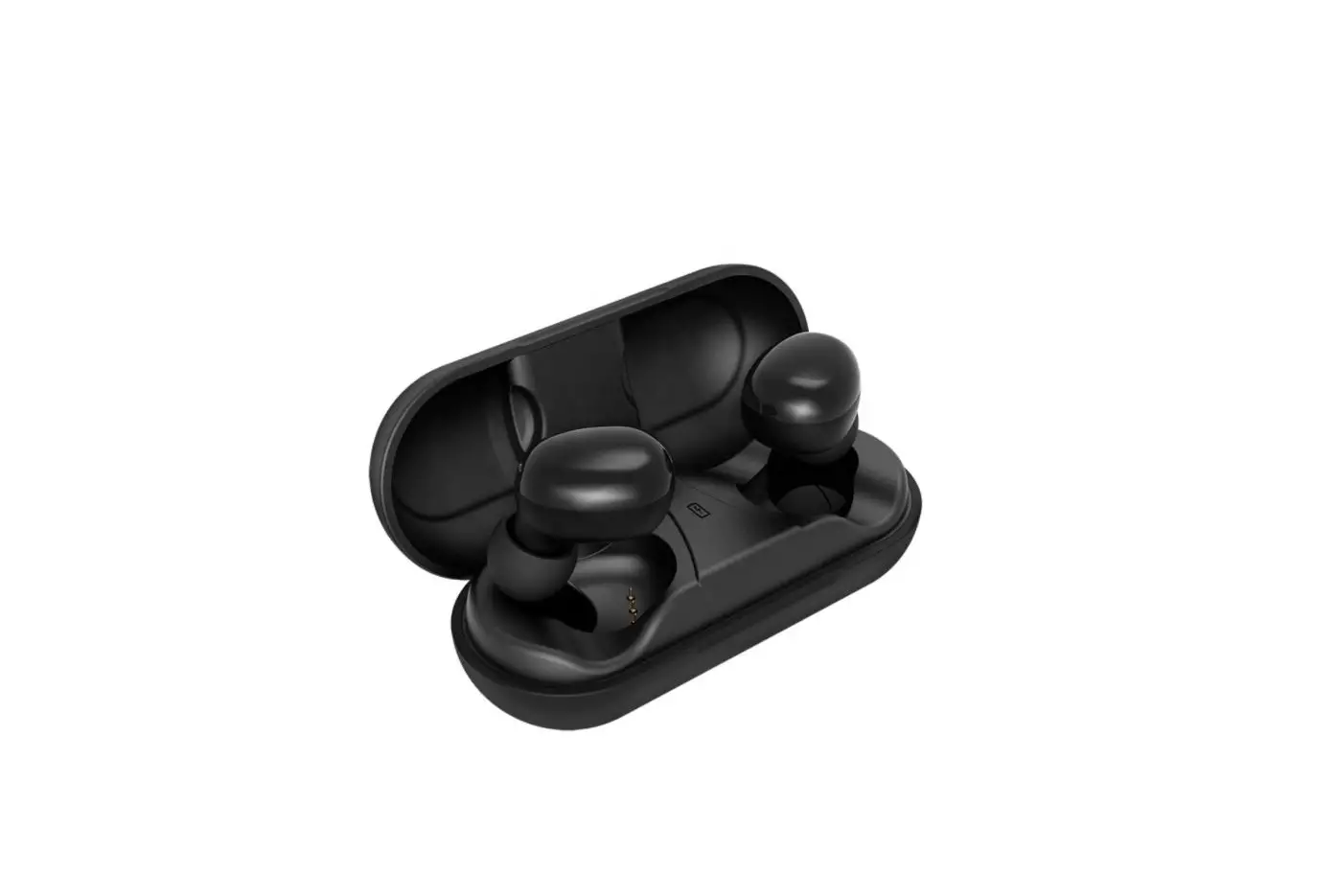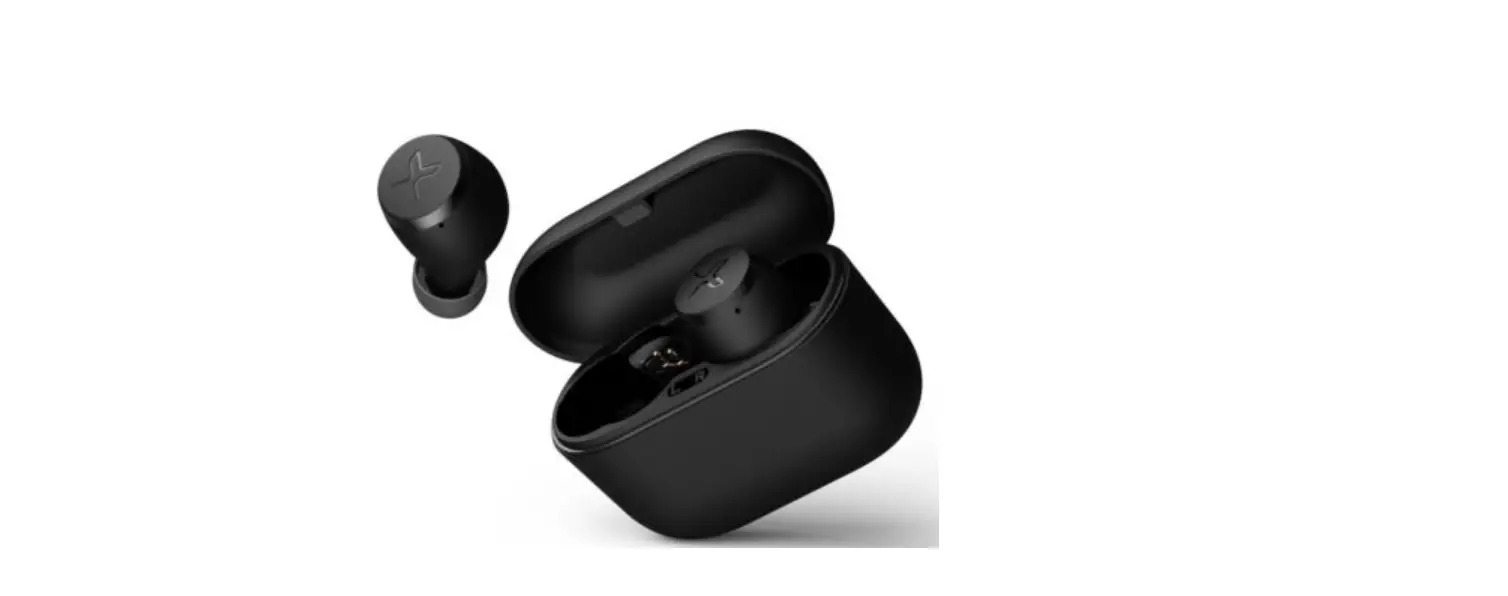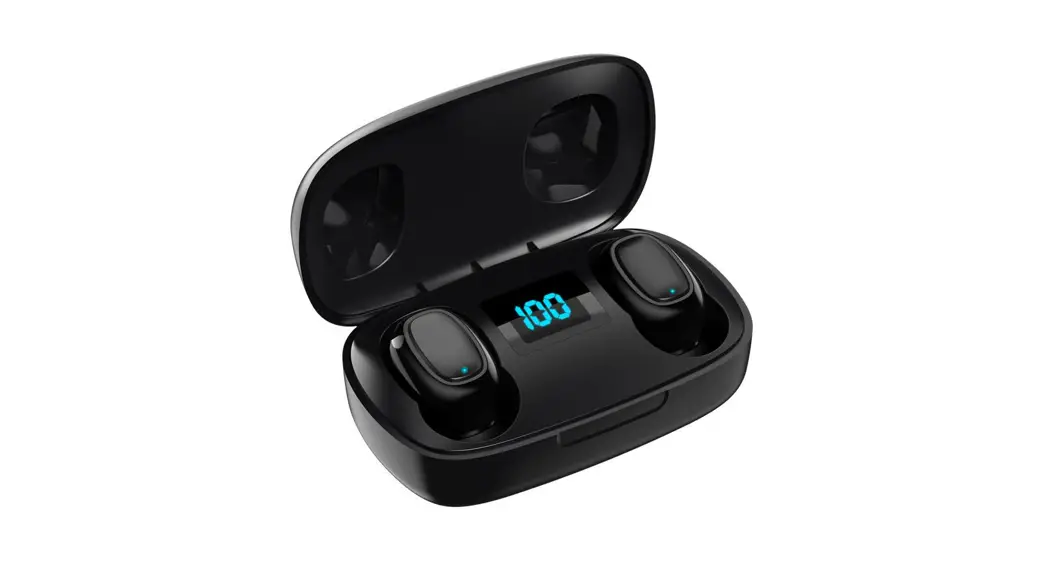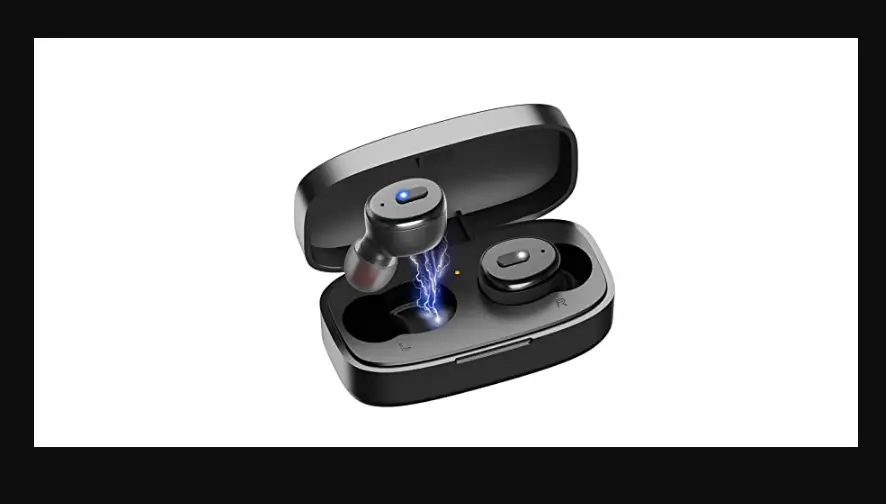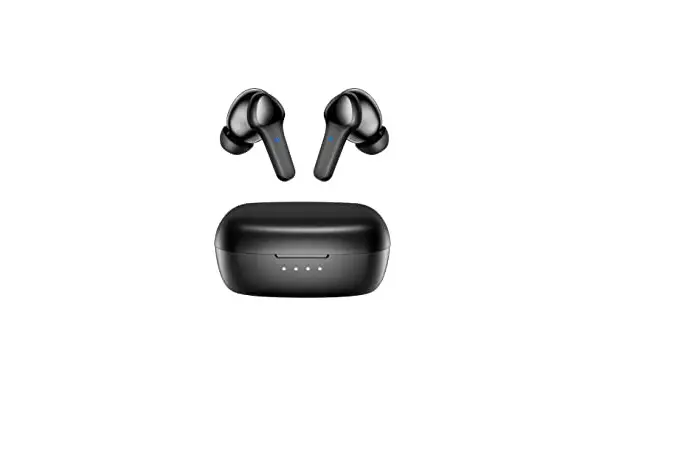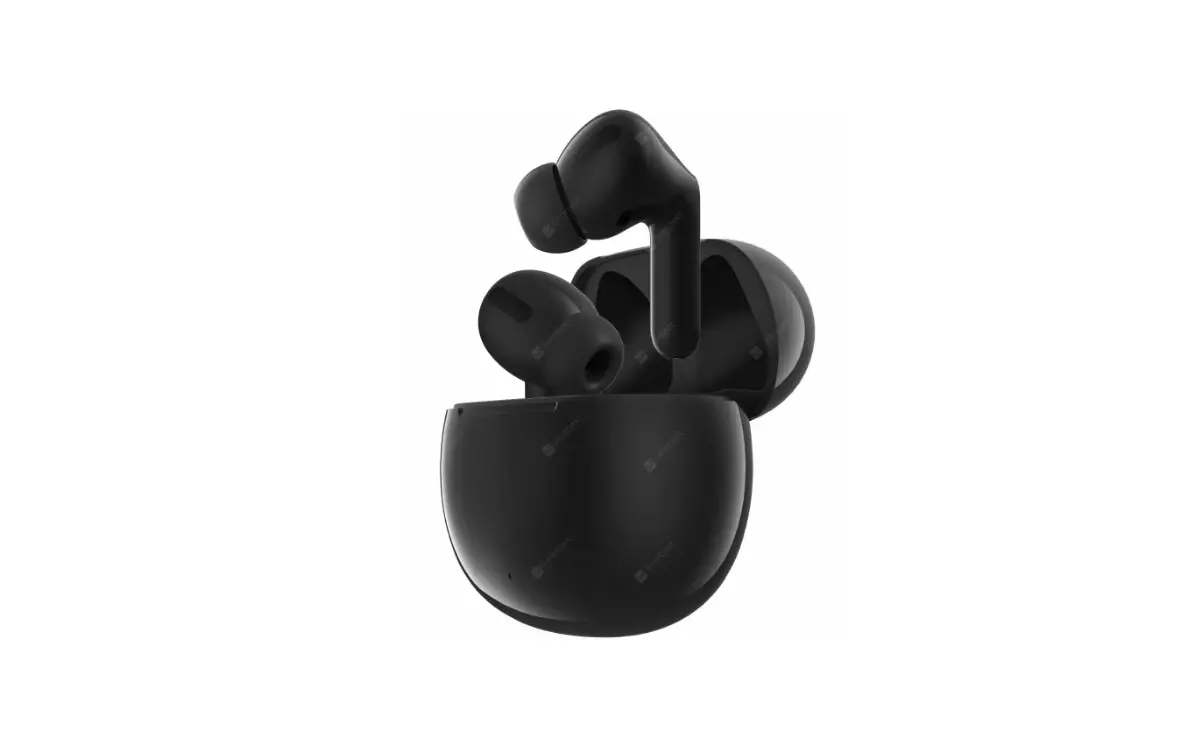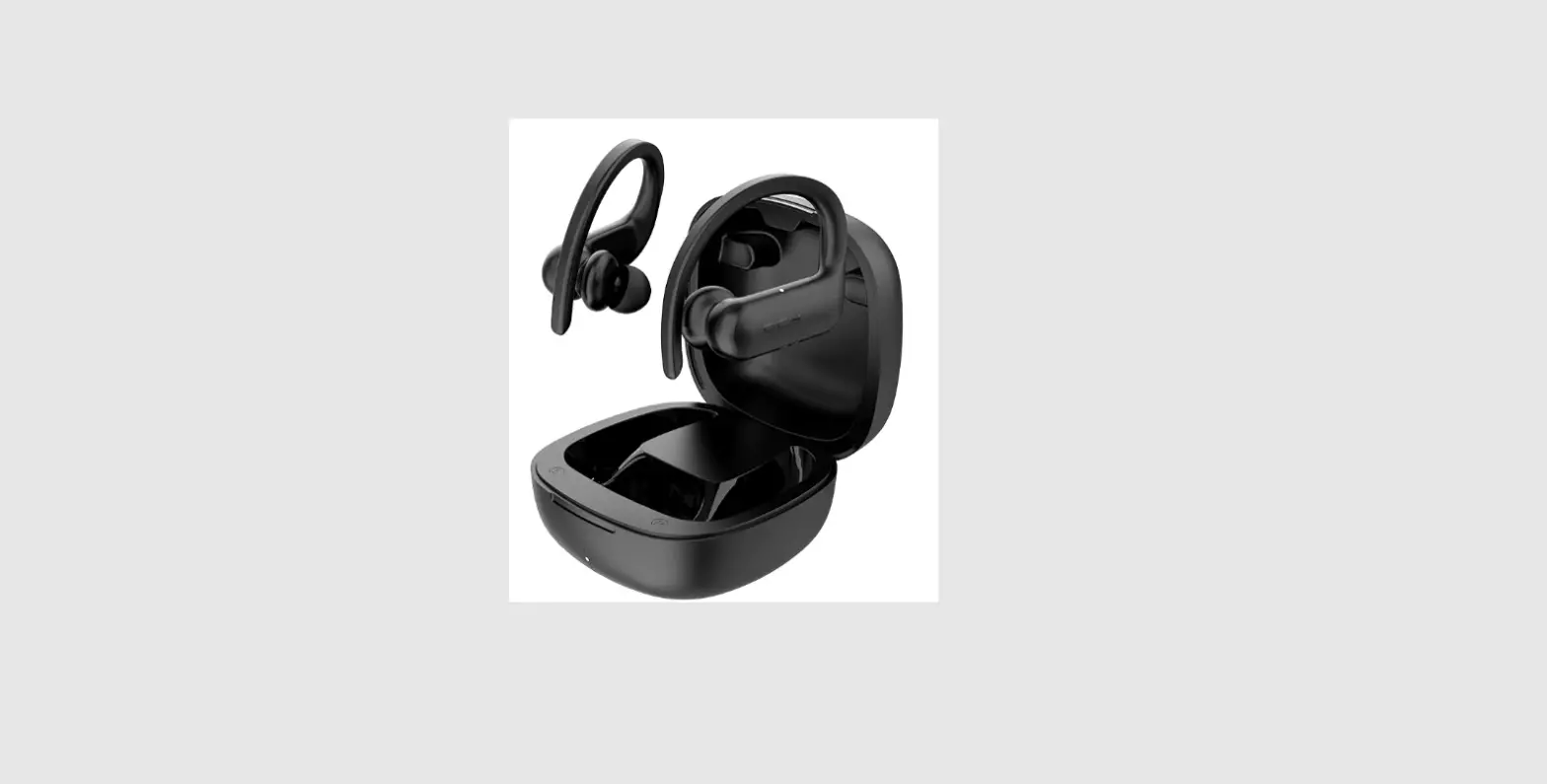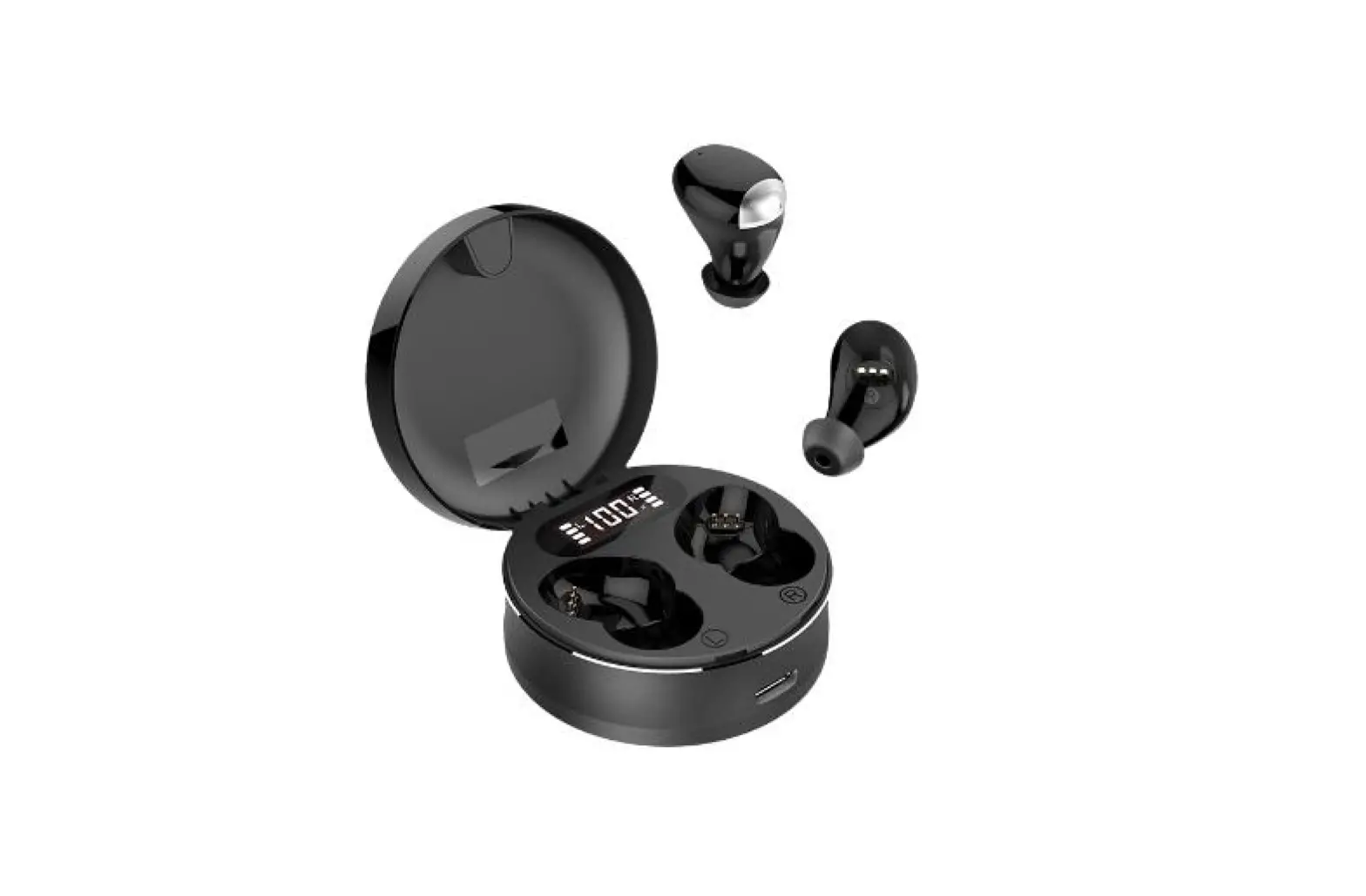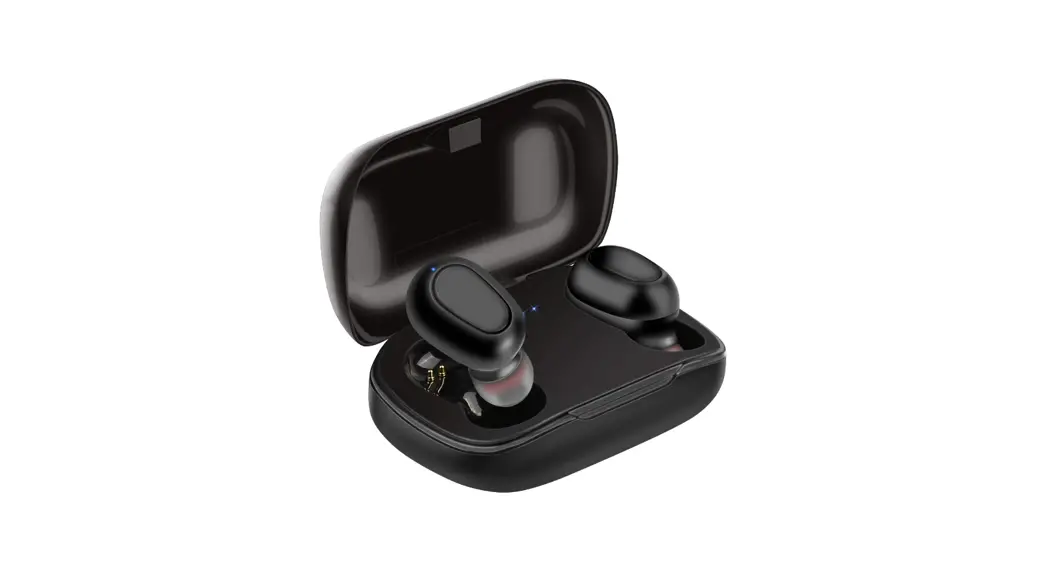

Levante Technology S19 TWS Bluetooth Headset
User Manual 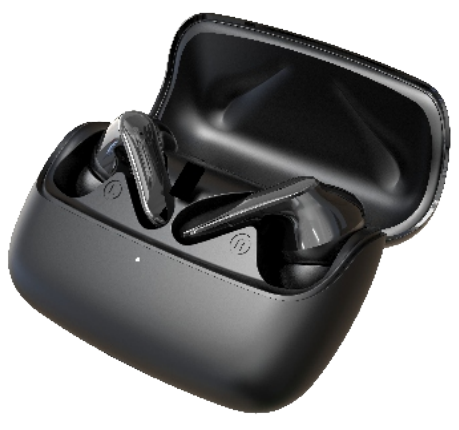 User Manual
Thank you for purchasing and using this product! For your better experience, please kindly read the instructions.
Products Specification :
| Product Name | TWS Bluetooth Headset |
| Model/Bluetooth Name | S I9 |
| Material | ABS-FPC |
| Bluetooth Transmission Range | >I0m |
| Bluetooth Version | V5.0 |
| Net Weight | 600 |
| Power Bank Capacity | 800mAh |
| Earbuds Battery Capacity | 40mAh |
| Input | 5V/500ma |
| Transmission Frequency | 2402-2480MHz |
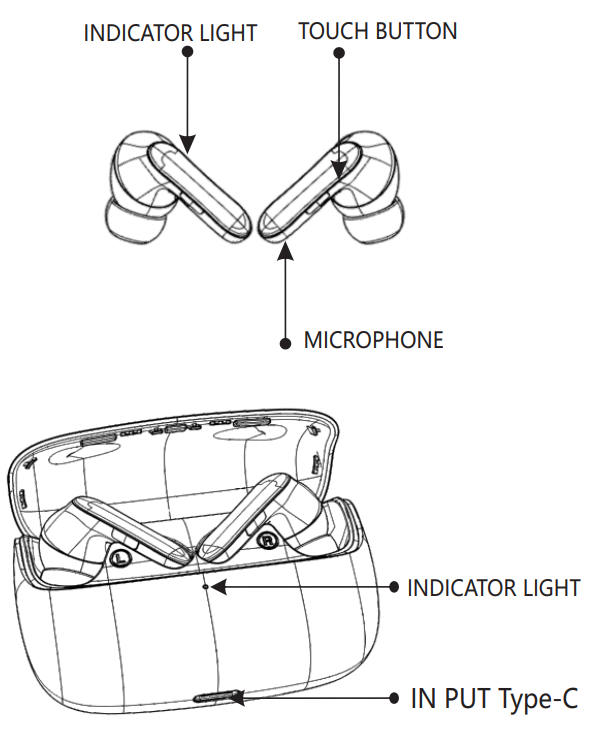
Product Overview:
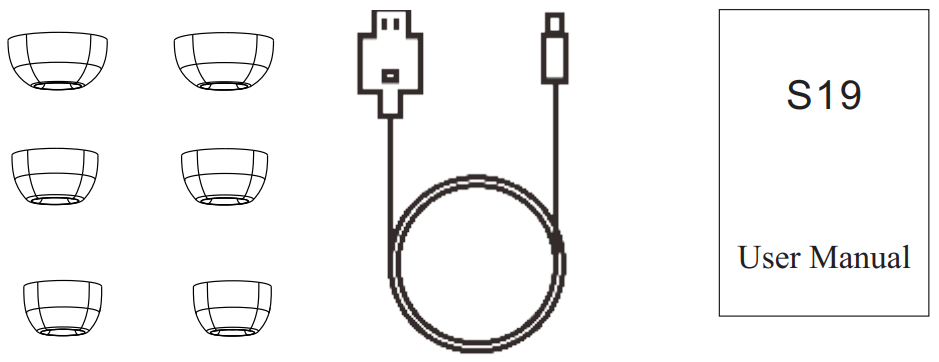
Accessories List
 HOW TO USE
 HOW TO USE
The earbuds will be paired automatically once they are turned on. Tap Bluetooth name “S9”, on your cellphone, they will be connected,
Warm Tips
When two earbuds can not play music at the same time or in other unknown states, just click the left and right earphones three times in the pairing state, it will shut down and connect automatically, or put them into the charging case to reactivate. (Note: When reconnecting Bluetooth, you need to clear the Bluetooth connection record before reconnecting to the mobile phone.)
Playing music:
1. Play/pause: Touch any earbuds Double
Last and Next song: Three-click Learbud is the last song, and Three-click R earbud is the next song.
Dual calling
- Touch once to answer an incoming call.
- Touch two times reject an incoming call.
- Touch once to end an active call
Low battery warning
- When the low battery, there is a voice prompt;
- The earbuds will automatically power up when they are on power
* Warning
- Do not use a corrosive detergent to clean this product.
- Store the product in a dry environment and charge the charging case at least once a month.
- Please adjust the volume to the most appropriate state when using it. High volume may cause a risk of hearing loss.
- It is forbidden to dismantle, impact or throw into the fire without permission. If expansion occurs, do not continue to use it. Do not put it in a high-temperature environment.
Maintenance instructions
This card is only valid for use in products by the warranty,as detailed below:
- Purchasing the products through legal and formal channels;
- Non-human damage products, including but not limited to private disassembly, improper use, In case of natural disasters, etc.,it is not covered by the warranty;
- Not exceeding the product warranty period, It includes and is not limited to the above, The Company reserves the right of final interpretation.
Warranty Card
Customer name:…………………………………………
Contact Number:………………………………….
Contact Address:…………………………………….
Product Model:…………………………………………….
Brief description of the problem:………………………….
Product certification…………………………………………….
Inspectors:…………………………………………………………..
Production and inspection date:……………………………
FCC Warning
This device complies with part 15 of the FCC Rules. Operation is subject to the following two conditions: (1) This device may not cause harmful interference, and (2) this device must accept any interference received, including interference that may cause undesired operation.
Any changes or modifications not expressly approved by the party responsible for compliance could void the user’s authority to operate the equipment.
Note: This equipment has been tested and found to comply with the limits for a Class B digital device, pursuant to part 15 of the FCC Rules. These limits are designed to provide reasonable protection against harmful interference in a residential installation. This equipment generates uses and can radiate radio frequency energy and, if not installed and used in accordance with the instructions, may cause harmful interference to radio communications. However, there is no guarantee that interference will not occur in a particular installation. If this equipment does cause harmful interference to radio or television reception, which can be determined by turning the equipment off and on, the user is encouraged to try to correct the interference by one or more of the following measures:
- Reorient or relocate the receiving antenna.
- Increase the separation between the equipment and receiver.
- Connect the equipment into an outlet on a circuit different from that to which the receiver is connected.
- Consult the dealer or an experienced radio/TV technician for help.
The device has been evaluated to meet general RF exposure requirements. The device can be used in portable exposure conditions without restriction.