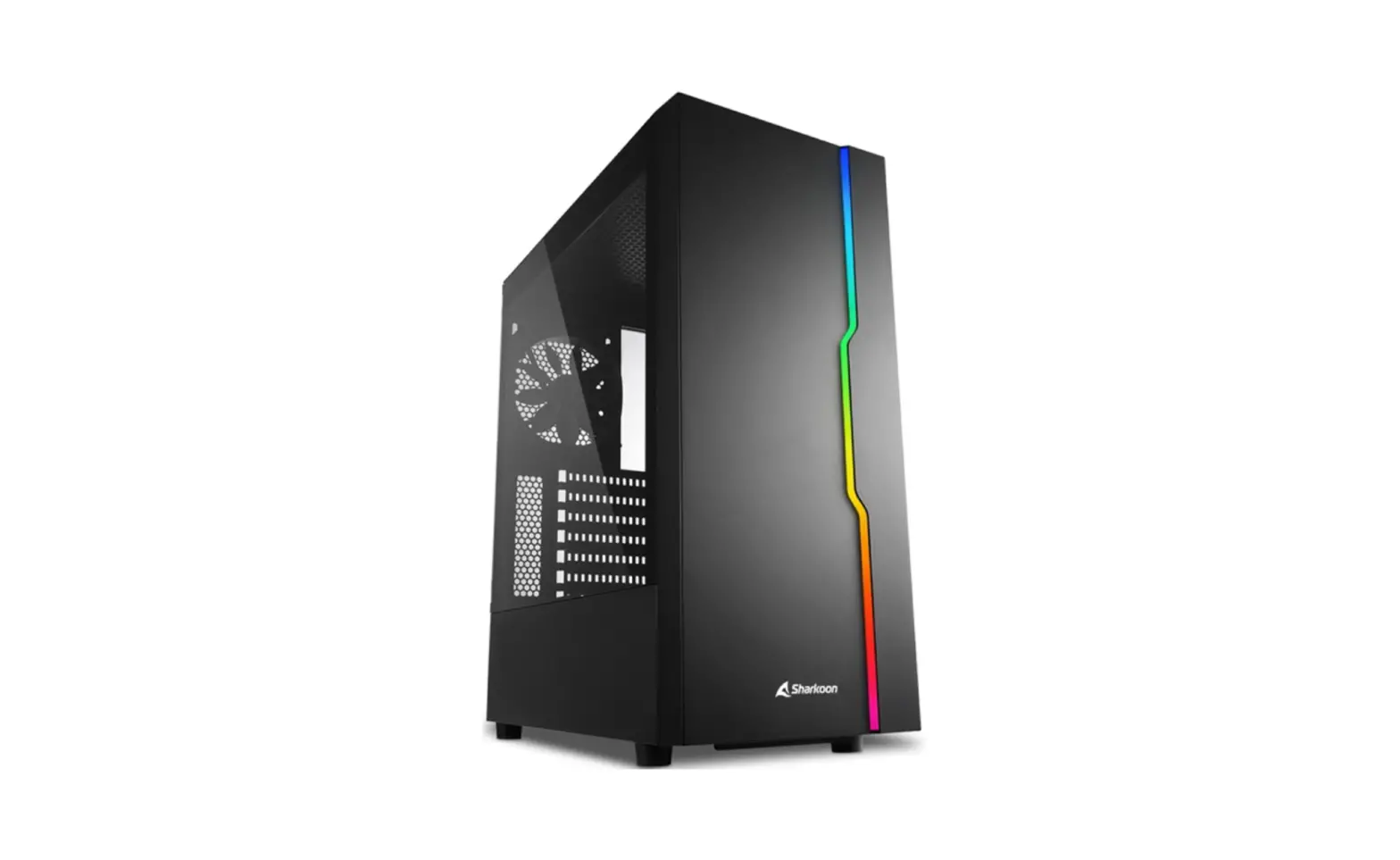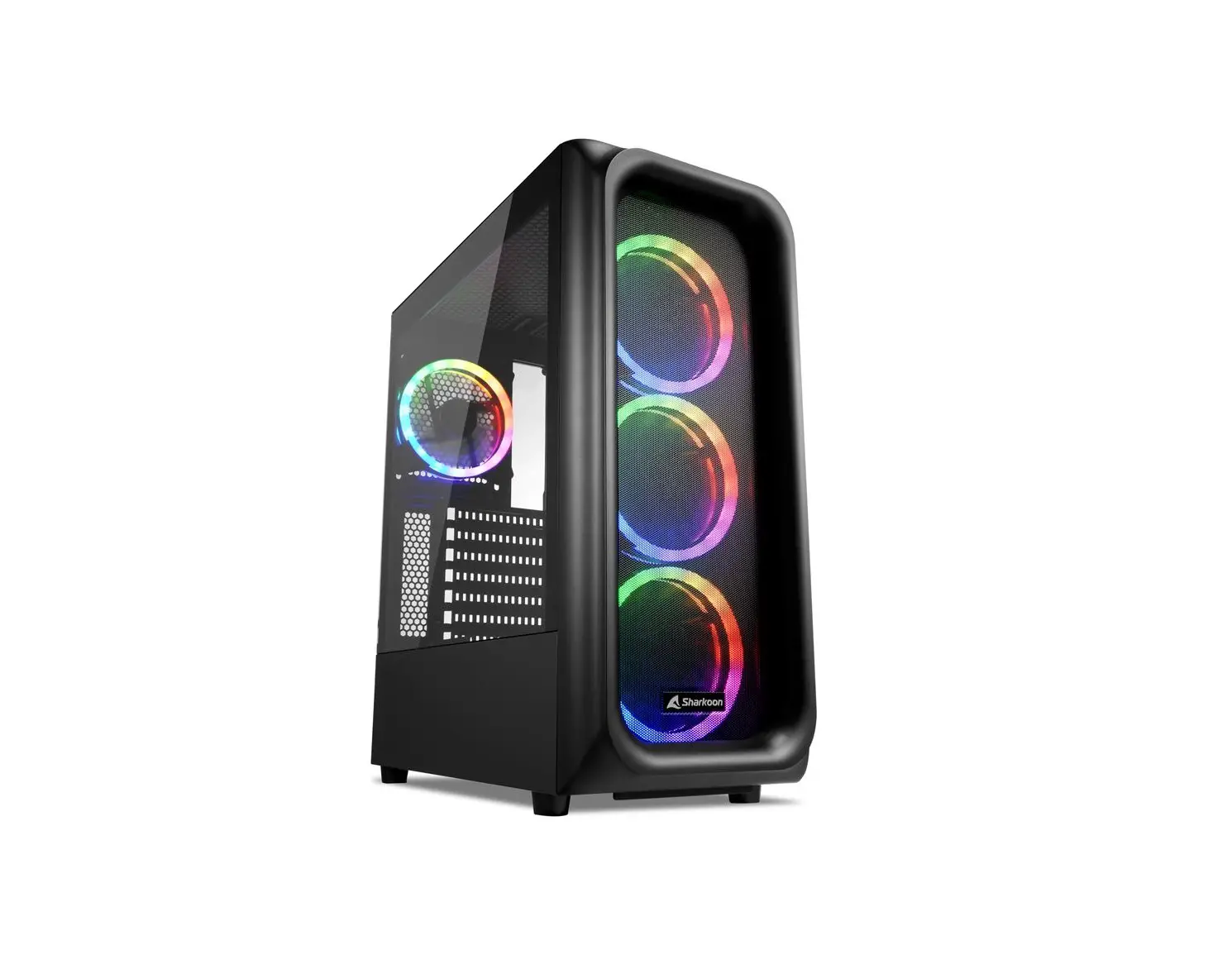
Sharkoon TK5M RGB ATX Case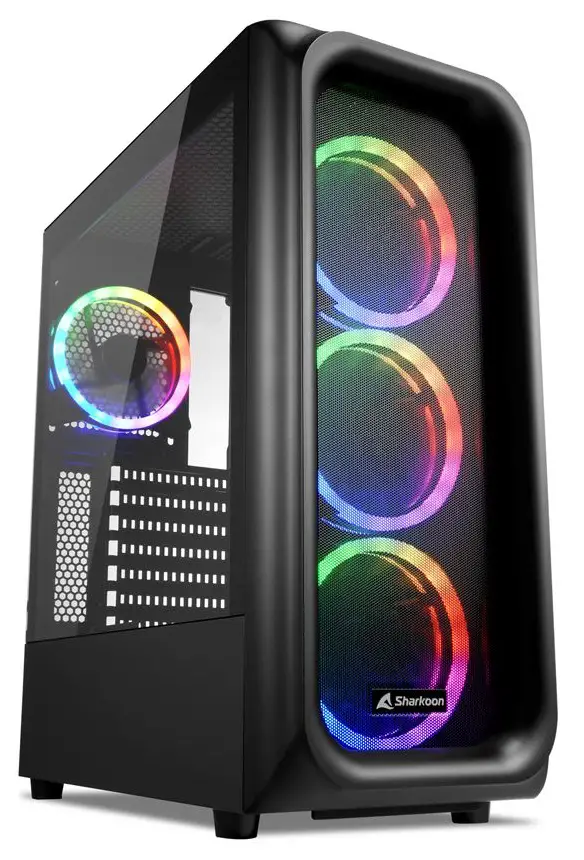
INTRODUCTION
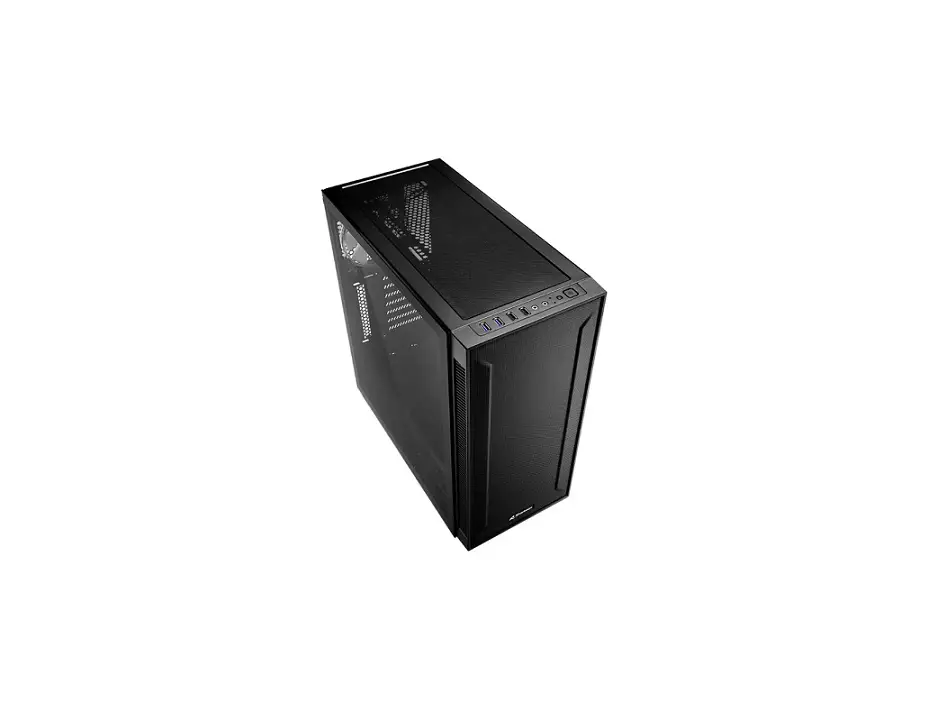
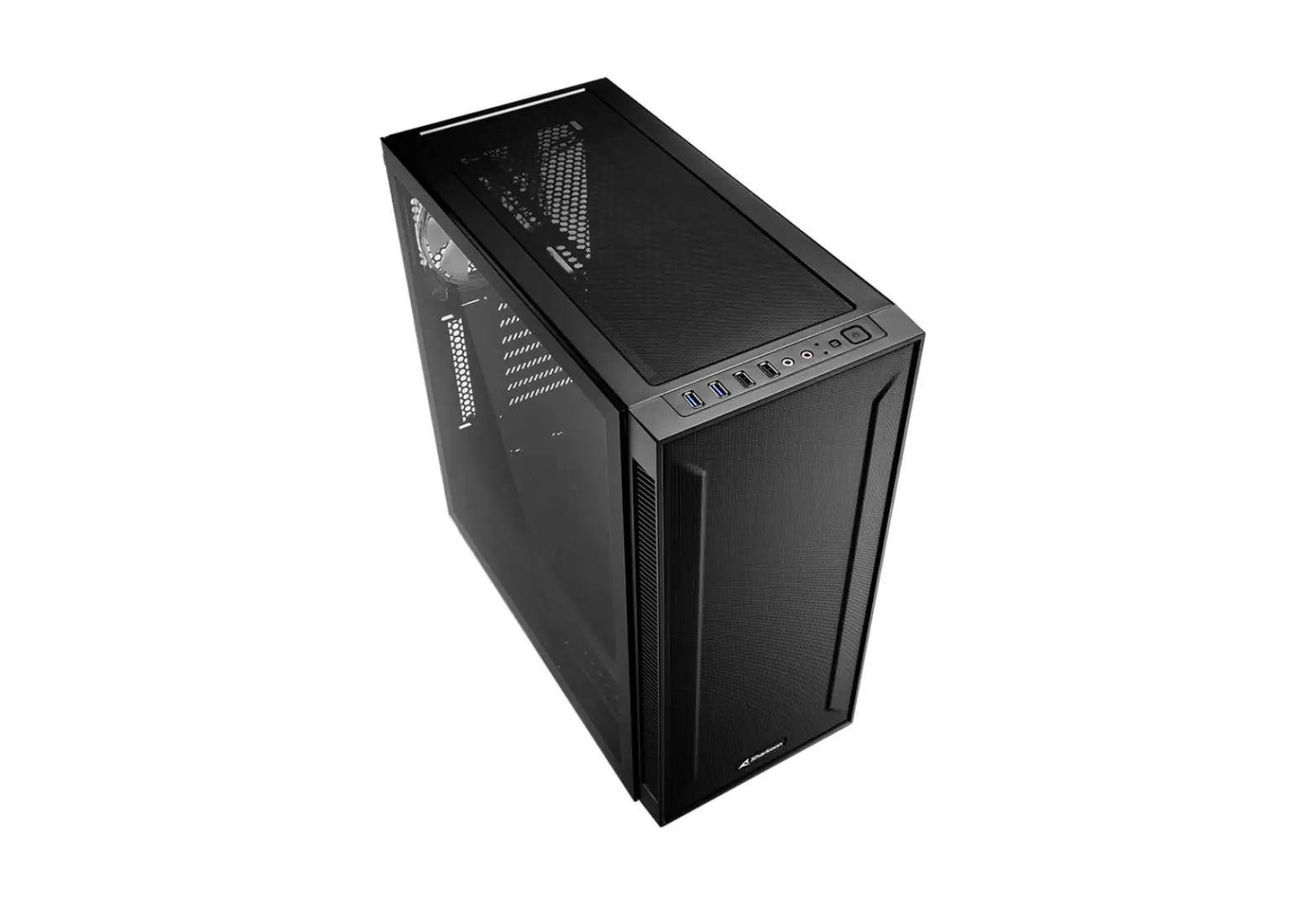
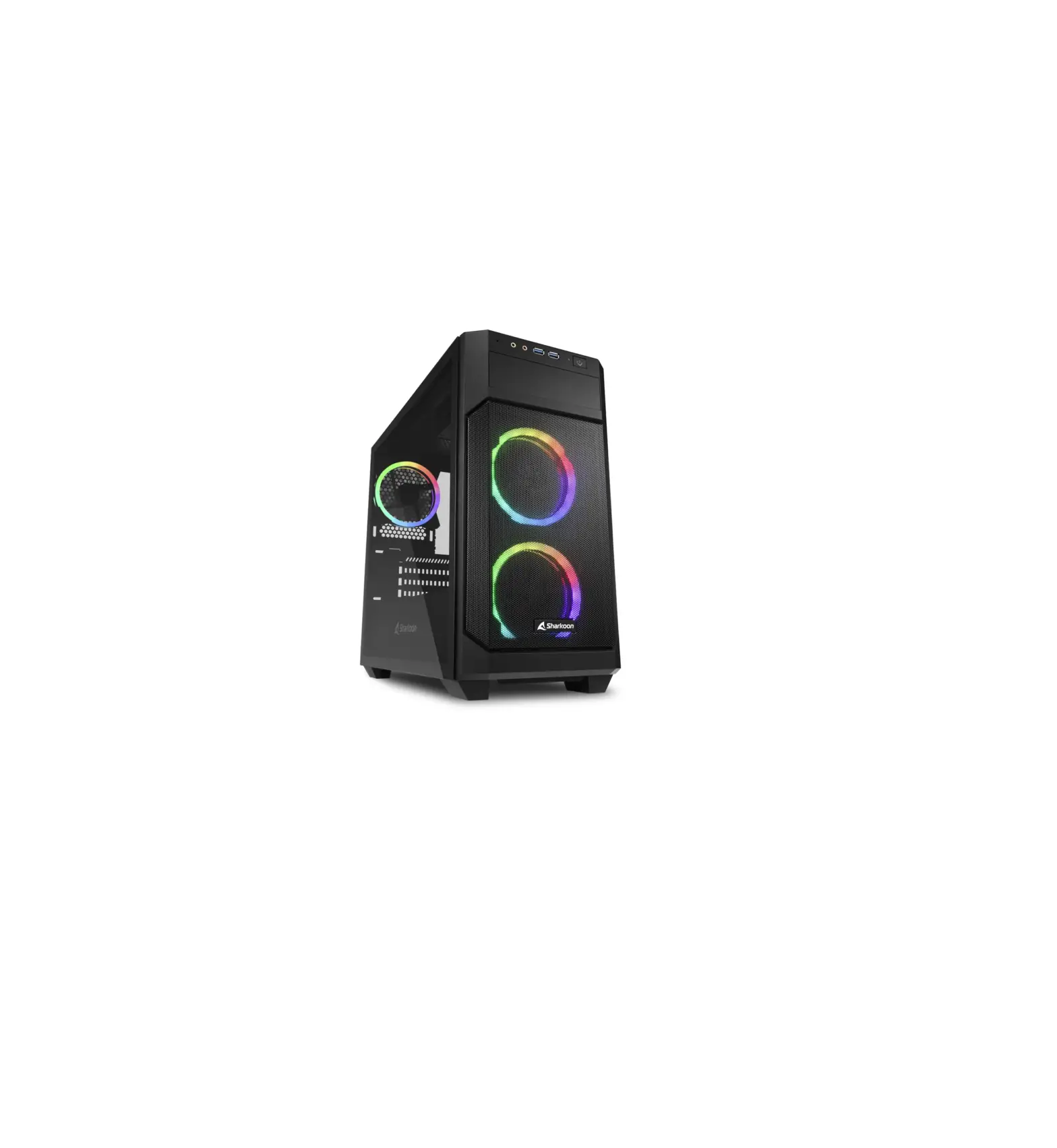
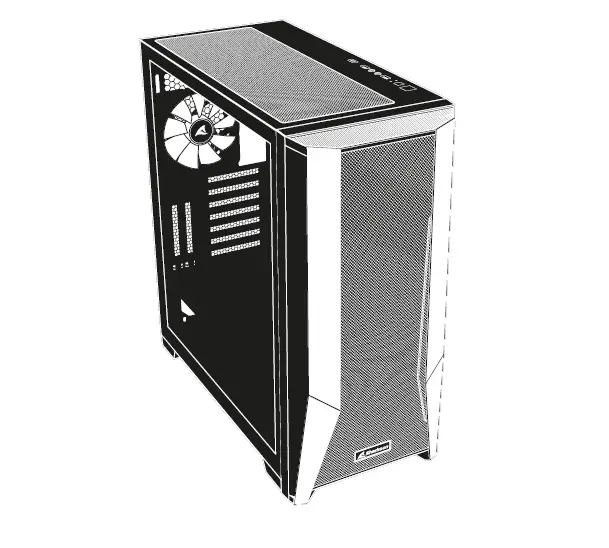
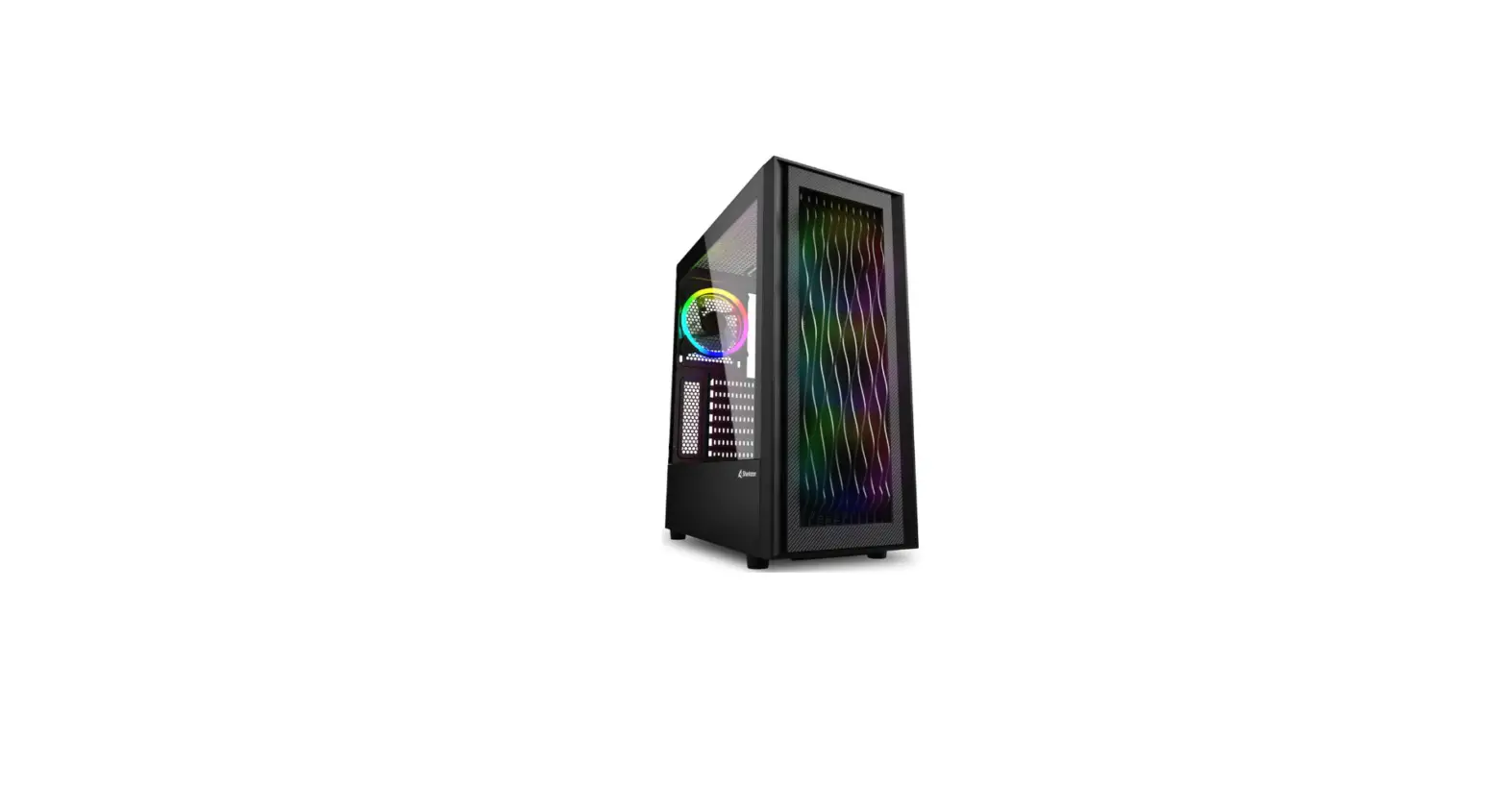
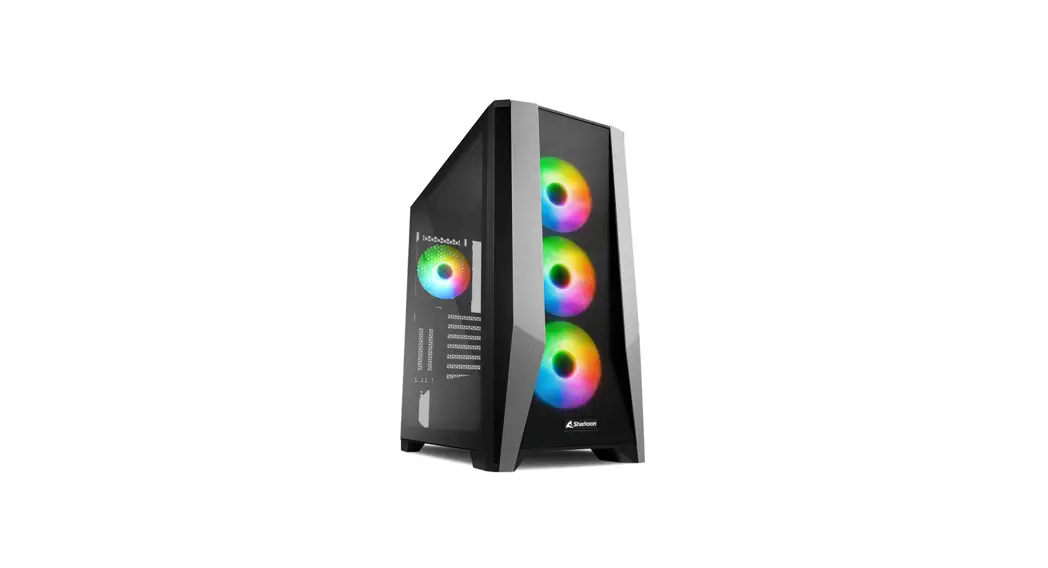
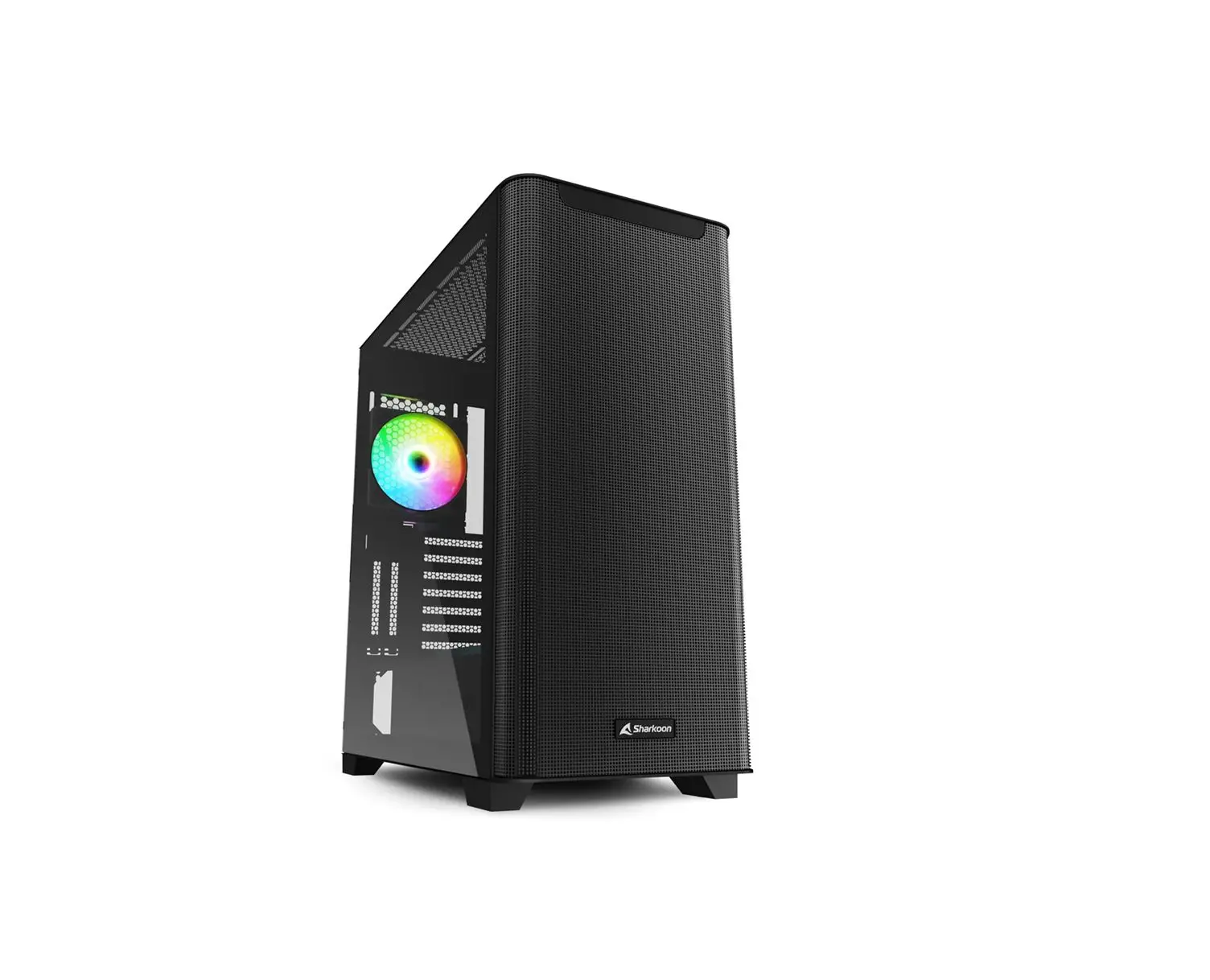
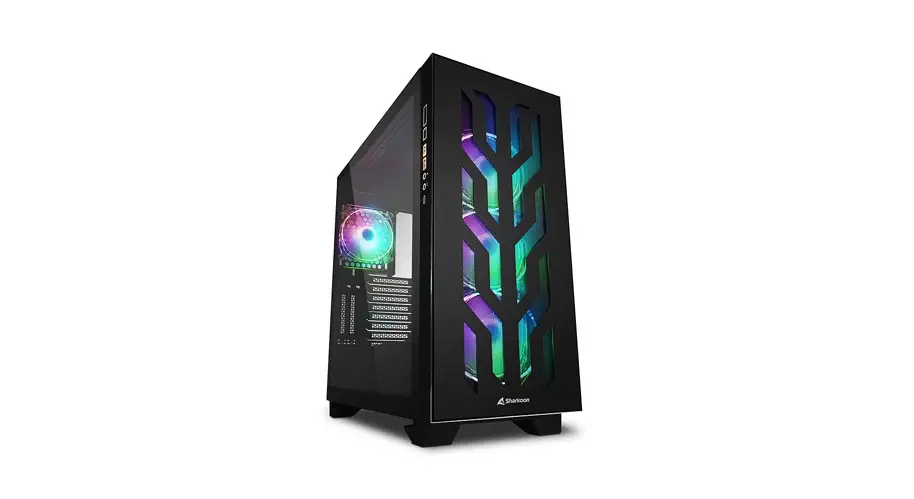
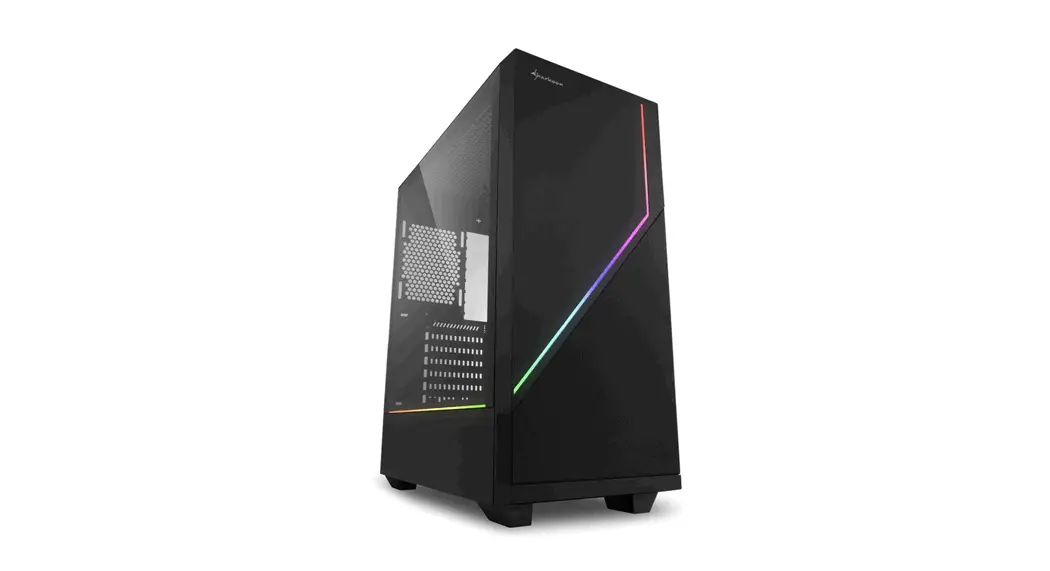
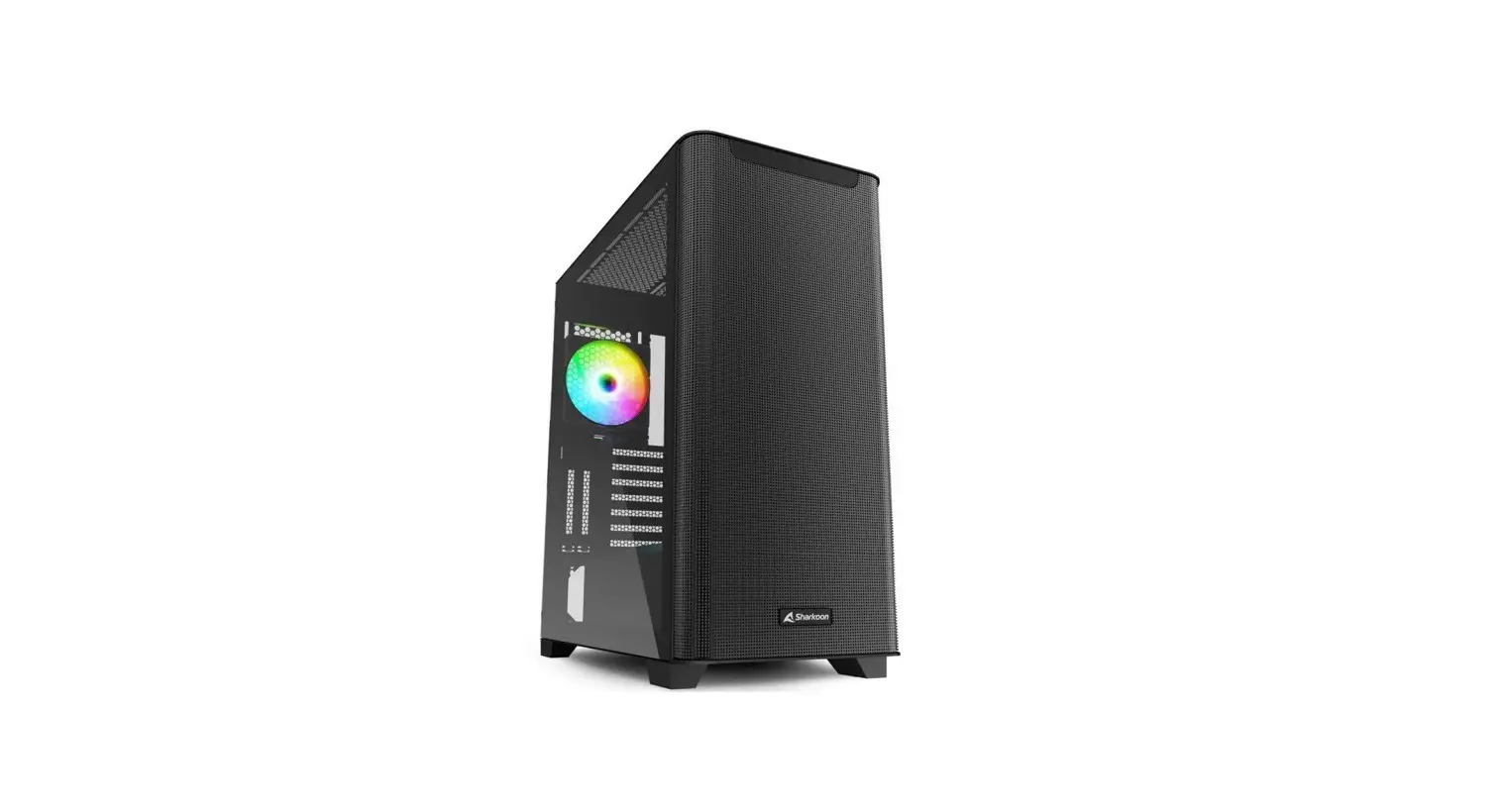
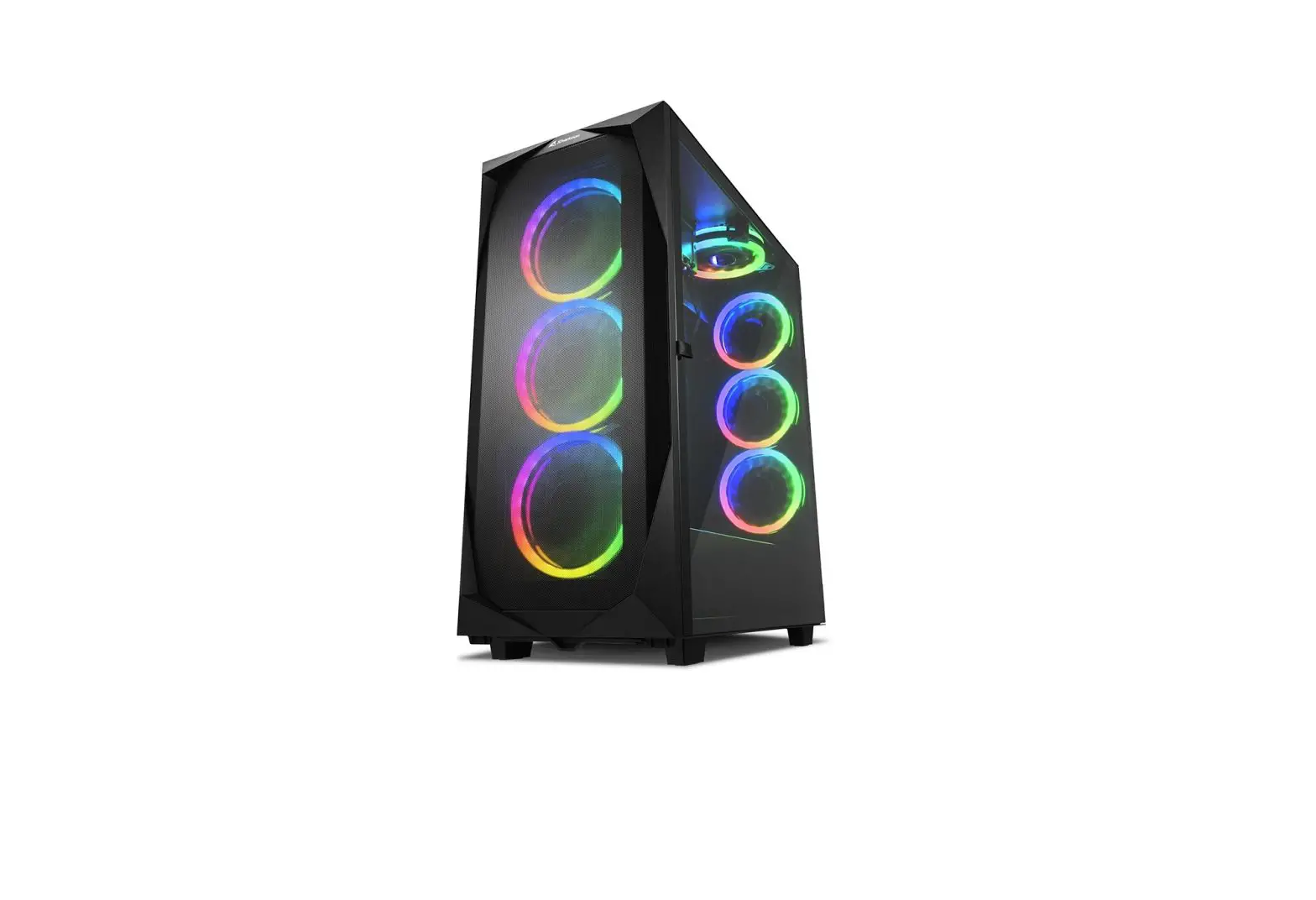
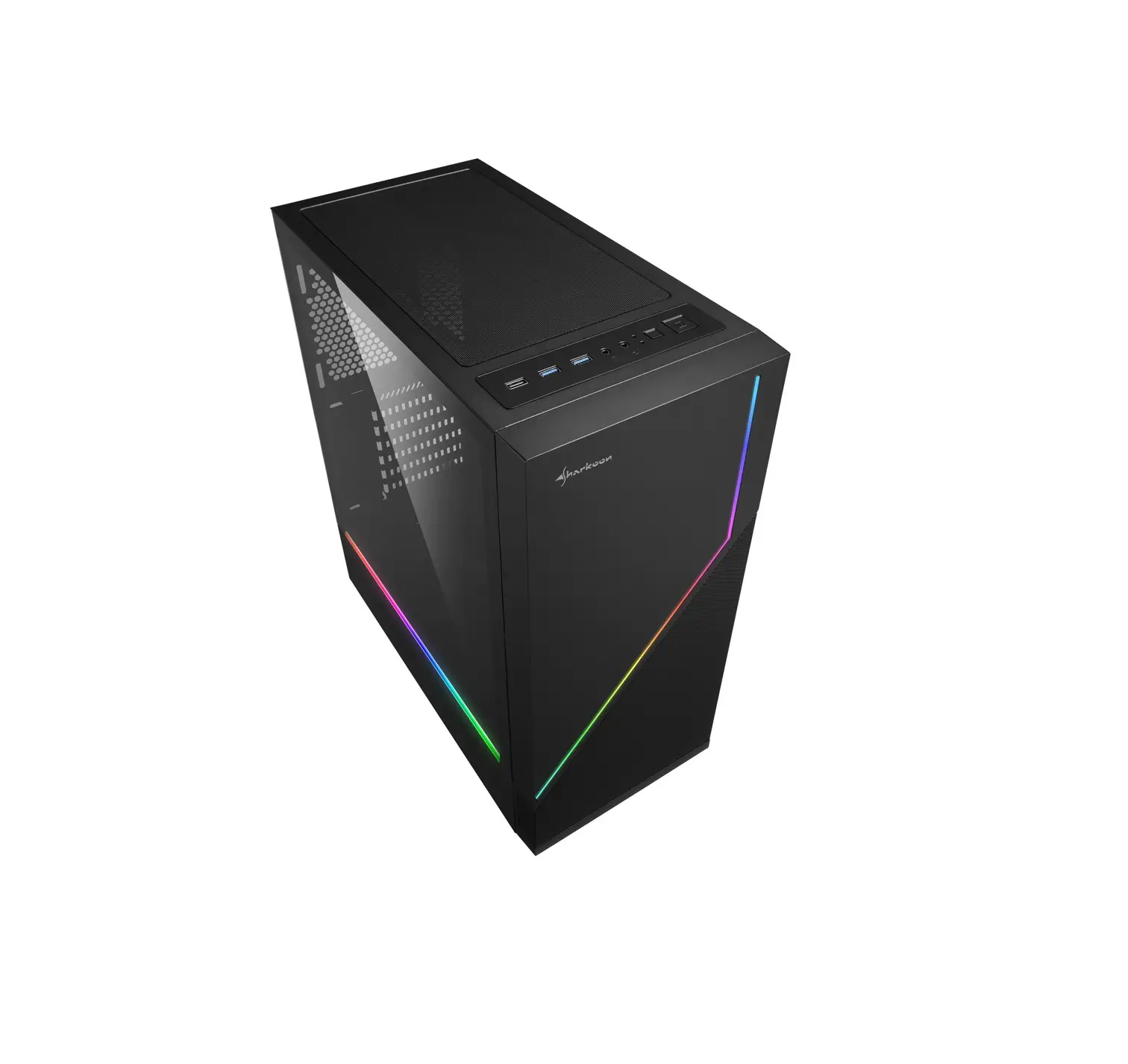
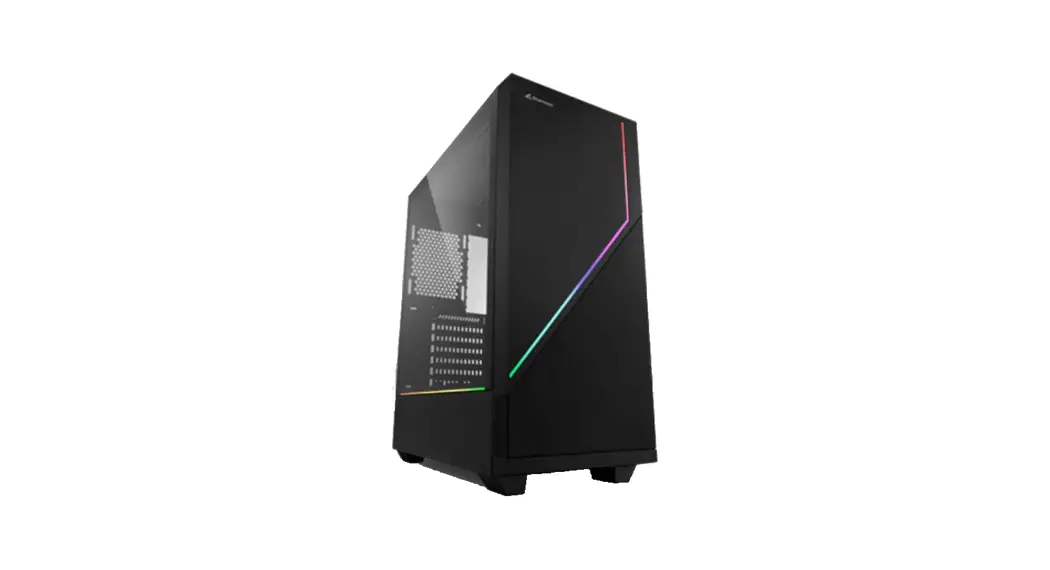
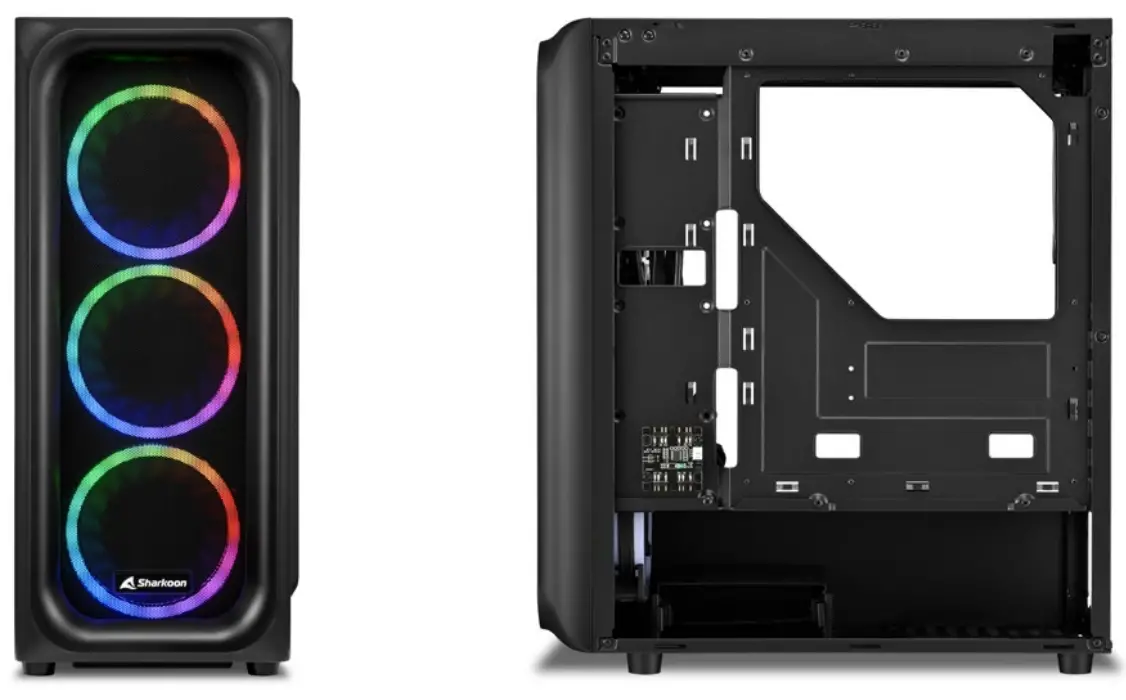
The ATX case TK5M RGB wins in all categories: The air-permeable mesh front panel and the four pre-installed 120 mm RGB LED fans ensure a good result for cooling hardware. The I/O panel is equipped with two USB 3.0 ports and even has a port for USB Type-C 3.2 Gen 2. The tempered glass side panel allows a deep insight into the interior of the case, which can be vividly illuminated using the 4-port RGB controller with 14 selectable lighting modes.
PRODUCT OVERVIEW
Features
JUST COOL
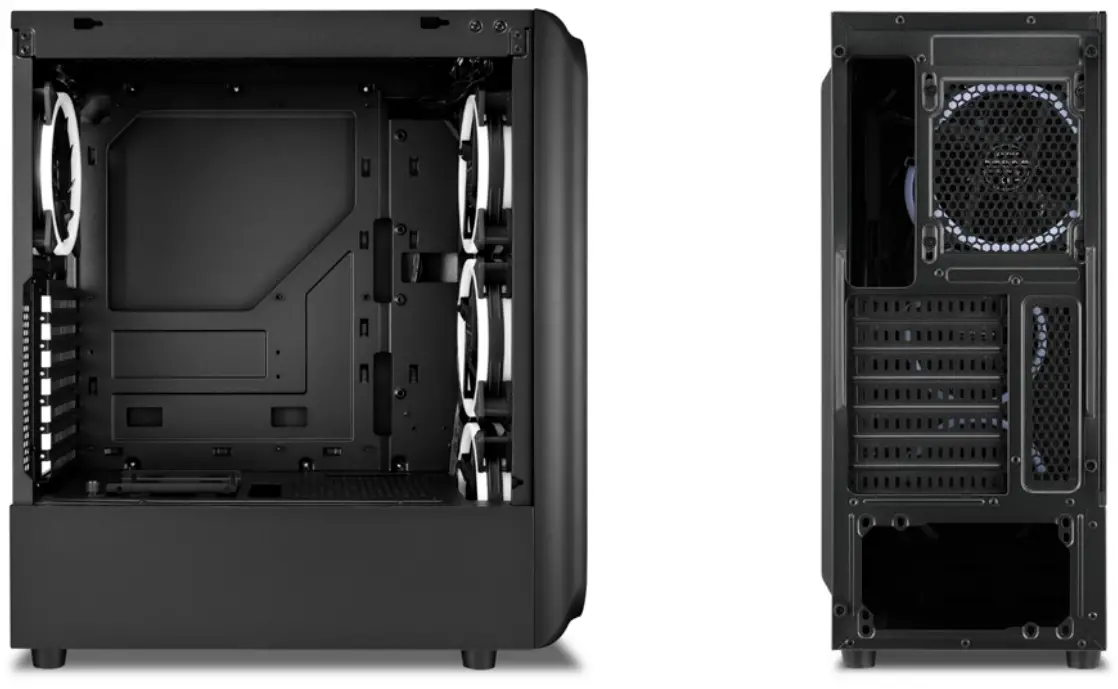
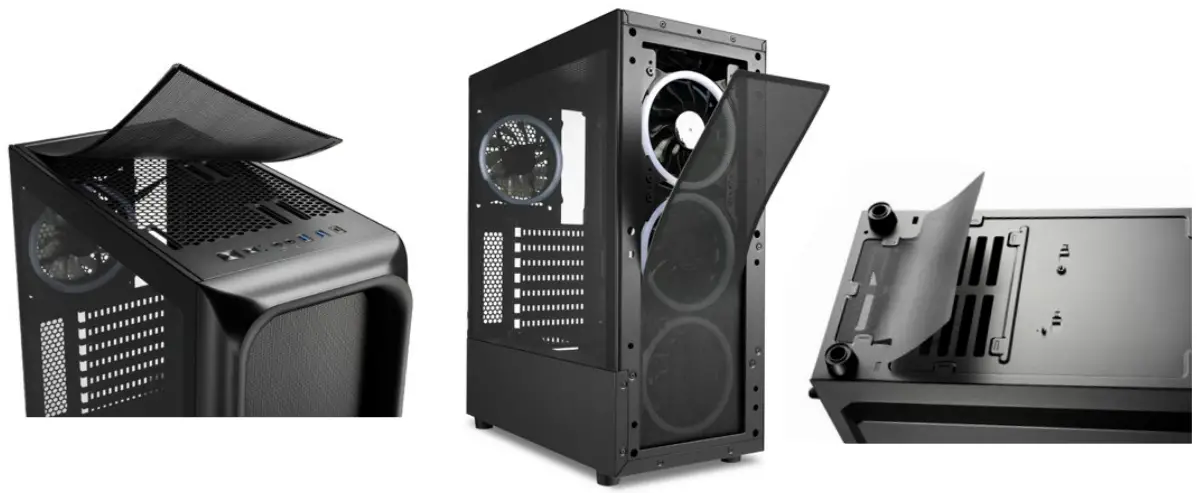
The TK5M RGB comes already pre-installed with a good cooling performance: Three 120 mm RGB LED fans are installed at the front of the case and another at the rear of the case. If you want to further optimize the cooling result, two more 120 mm fans or two 140 mm fans can be installed under the top panel. At the front of the case, the dust filter is attached magnetically while the frame is slotted on. Both these parts can therefore be easily removed and reattached.
MADE FOR PRESENTING
The side panel of the TK5M RGB is made of tempered glass and enables an optimal presentation of the installed hardware, while the power supply tunnel offers a space-saving location for the power supply unit. For a continually tidy appearance, the cabling can be routed out of sight using the cable pass-throughs.
SPACIOUS, DESPITE THE COMPACT SIZE
Despite its compact size, high-performance components can also be installed in the TK5M RGB: graphics cards can be up to 31 cm long, CPU coolers up to 15.7 cm high, and power supply units up to 17.5 cm long.
QUICK CONNECTIONS
On the I/O panel, the TK5M RGB has two USB 3.0 ports as well as a Type-C port with the USB 3.2 Gen 2 specification. With a speed of up to 10 gigabits per second, the Type-C port offers fast data transfer whenever needed.
DATA STORAGE TAKEN CARE OF
Apart from ample room for components, there is also sufficient space for data storage drives: A 2.5“ drive can be accommodated inside the HDD/ SSD cage, and another can be attached on top of it. Alternatively, two 3.5“ HDDs can be installed in and on the HDD/SSD cage. There is still space for two 2.5“ drives in front of the mainboard tray and a 2.5“ drive can also be mounted on top of the power supply tunnel.
Specifications
| Product Name | TK5M RGB |
| Form Factor | ATX |
| Expansion Slots | 7 |
| Interior Painting |  |
| Tool-Free Devices Installation | |
| Cable Management System | |
| Side Panel | Tempered Glass |
| Weight | 5.35 kg |
| Dimensions (L x W x H) | 41.1 x 20.0 x 45.6 cm |
RGB Compatibility
| Type | Addressable |
| Ports | 4 |
| Manual Control | 14 Modes |
| Mainboard Compatibility | MSI Mystic Light Sync, ASUS Aura Sync, Gigabyte RGB Fusion Ready, ASRock Polychrome Sync |
| RGB Pinout | 5V-D-coded-G |
- Max. Drive Bays
2 x 3.5“ | 5 x 2.5“ - I/O
Type-C (USB 3.2 Gen 2) (Top): 1 | USB 3.0 (Top): 2 | Audio (Top):
Fan Configuration
| Front Panel | 3x 120 mm Addressable RGB LED Fan (Pre-Installed) |
| Rear Panel | 1x 120 mm Addressable RGB LED Fan (Pre-Installed) |
| Top Panel | 2x 120 mm or 2x 140 mm Fan (Optional) |
Compatibility
| Mainboard | Mini-ITX, Micro-ATX, ATX |
| Max. Length Graphics Cards | 31.0 / 33.5 cm* |
| Max. Height CPU Cooler | 15.7 cm |
| Max. Length Power Supply | 17.5 cm |
Package Contents
TK5M RGB, Accessory Set, Manual
EAN Code
TK5M RGB
4044951036479
* Without front fan