 User Guide
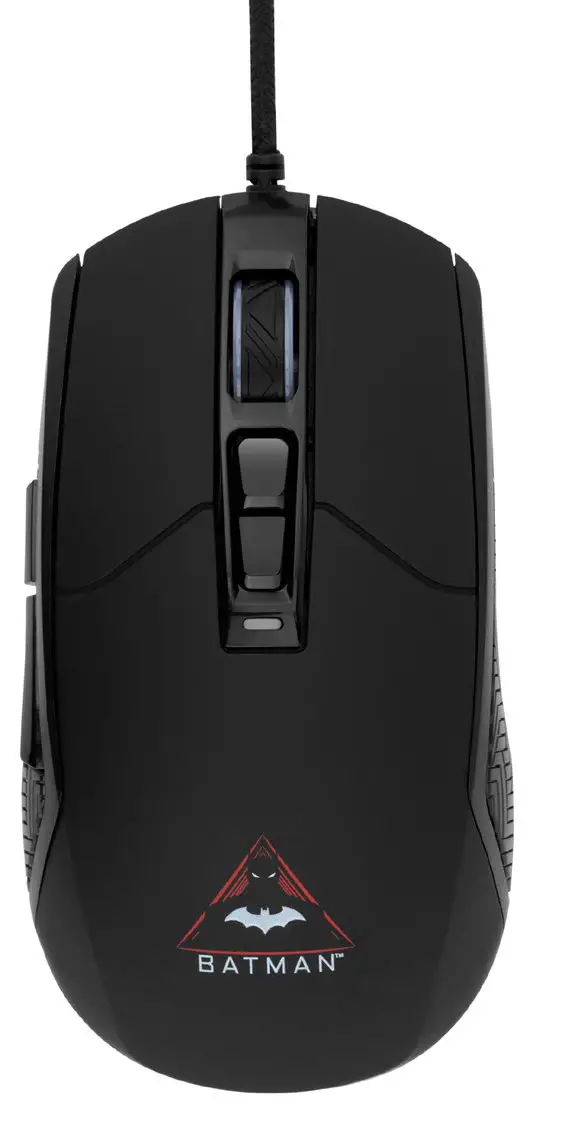
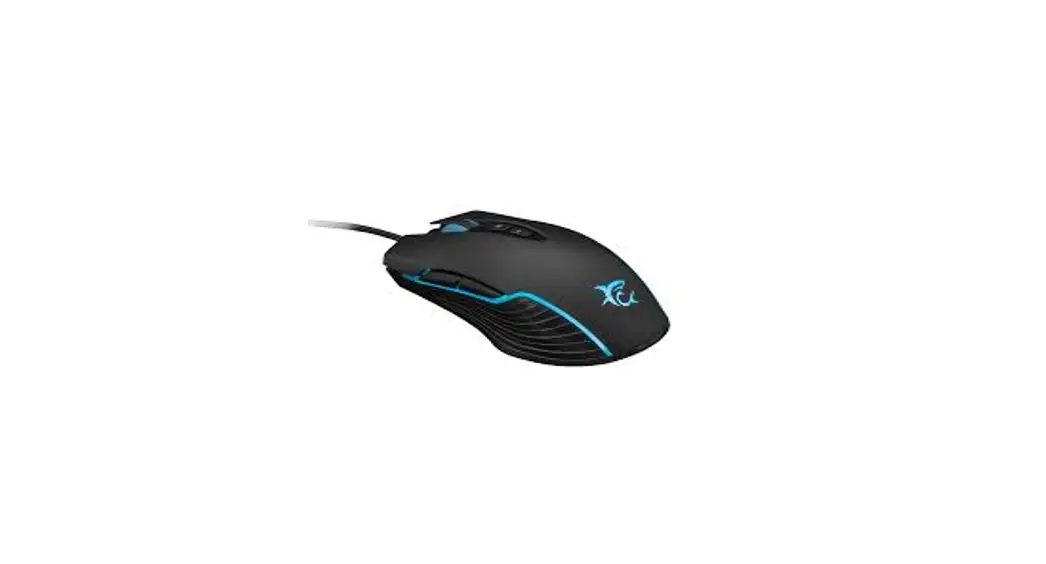
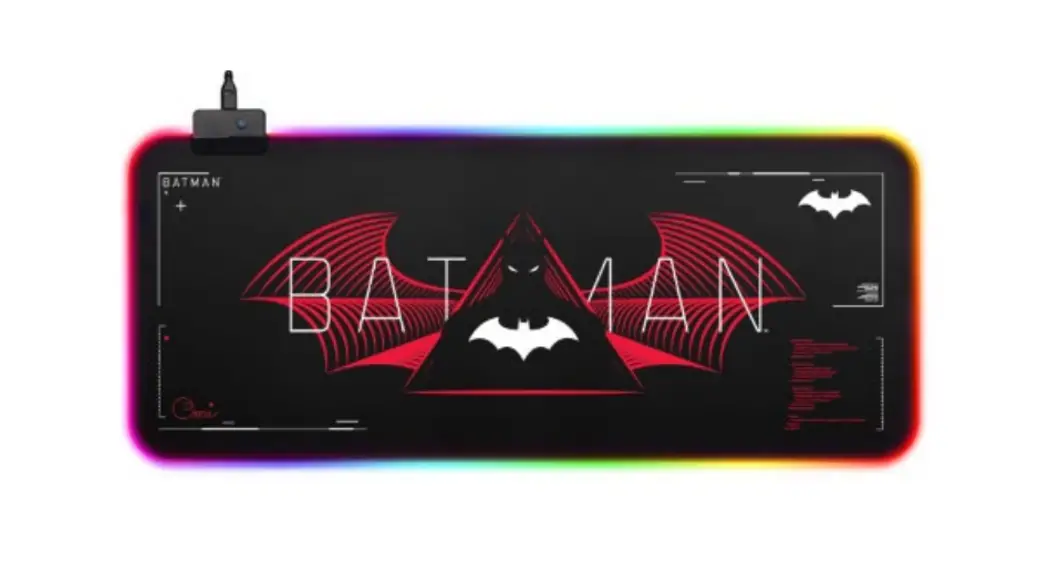
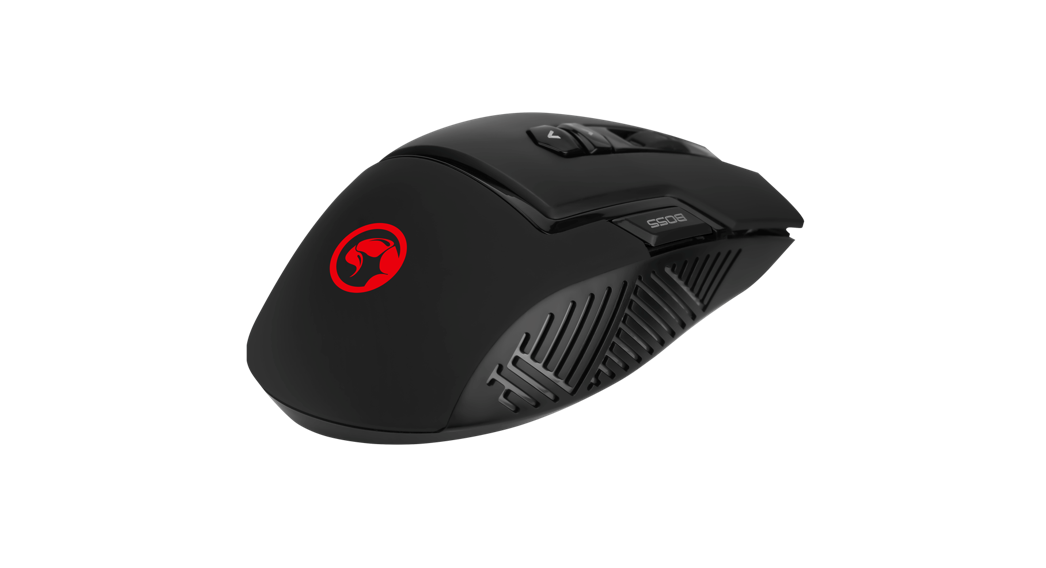
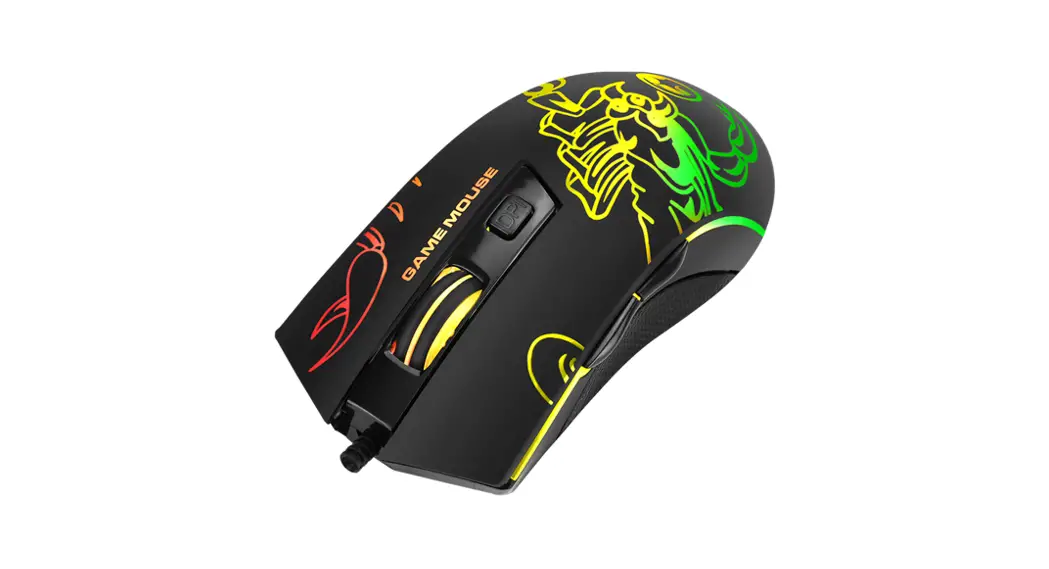
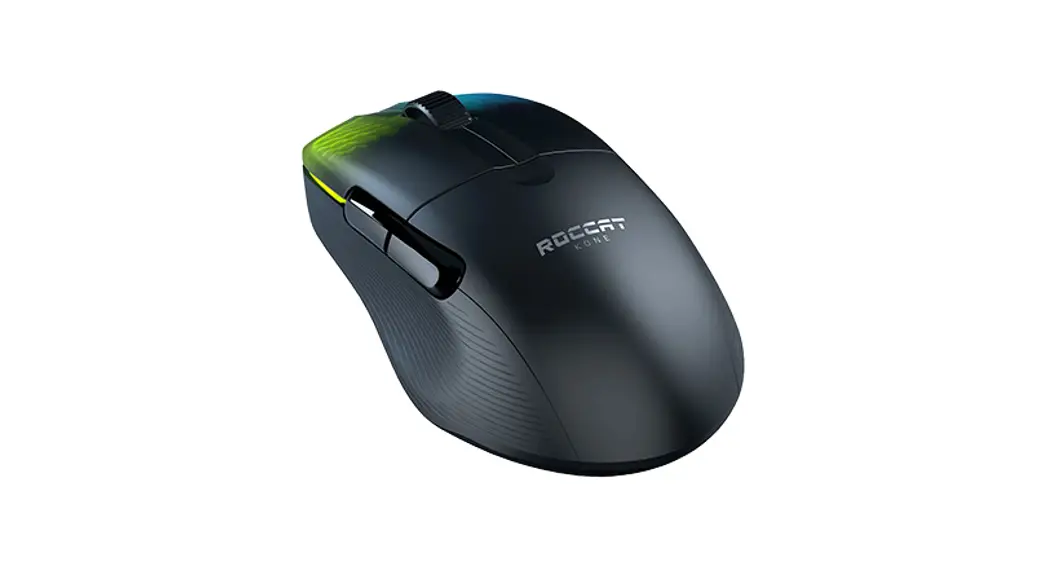
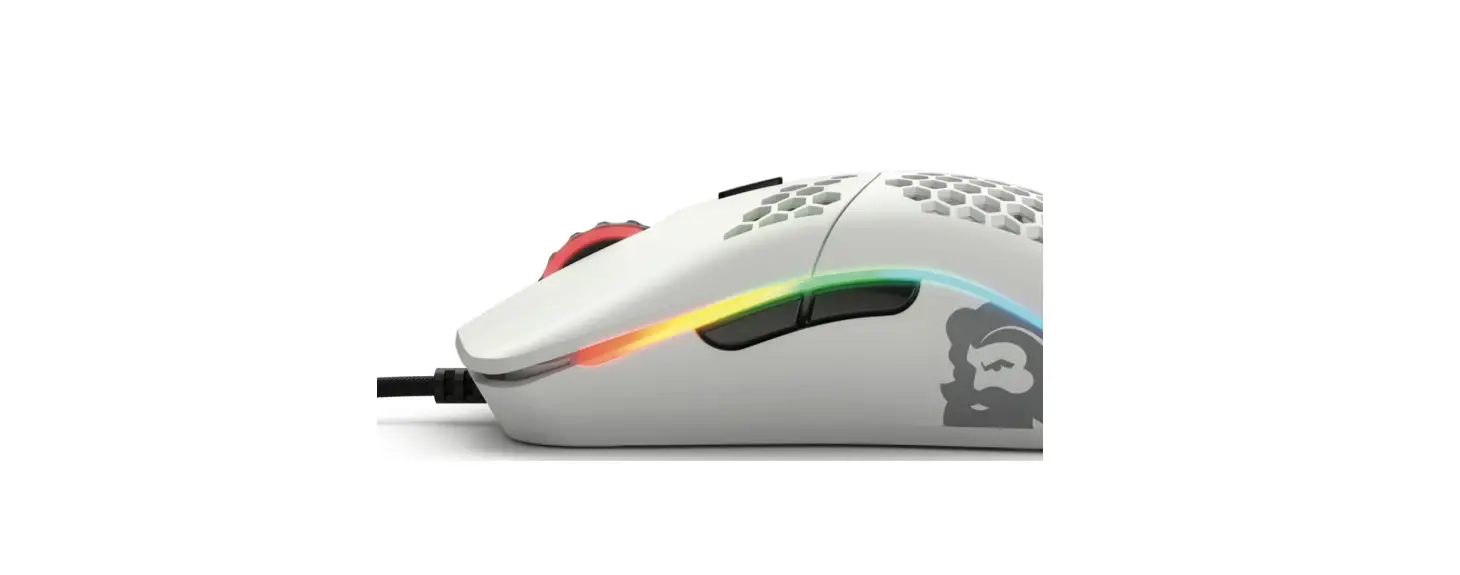
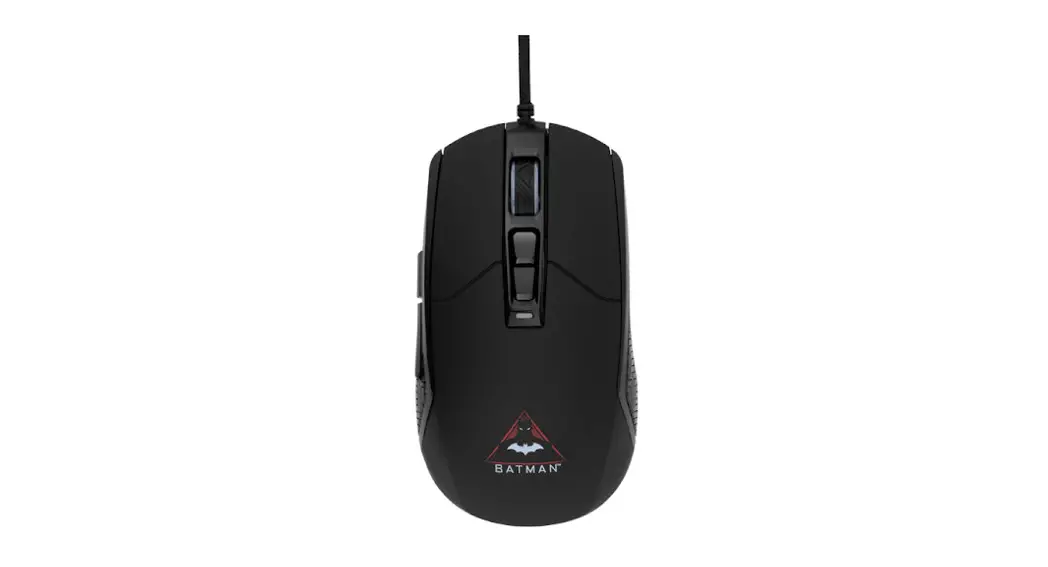
BATMAN RGB 6400DPI GAMING MOUSE
KAGAMEMSWBA
SAFETY & WARNINGS
Ensure to read all warnings and instructions in this user guide prior to first use.
- Do not expose the mouse to water or any other liquid.
- If disconnecting the mouse from a device, do not pull on the cable or from the mouse itself. This may cause damage to the cable. Instead, pull on the head of the USB
cable for safe removal. - Do not hold the mouse by the cable.
- Do not clean the mouse using abrasives or detergents.
- Do not throw the mouse.
- Do not expose the mouse to direct sunlight or use near other heat sources.
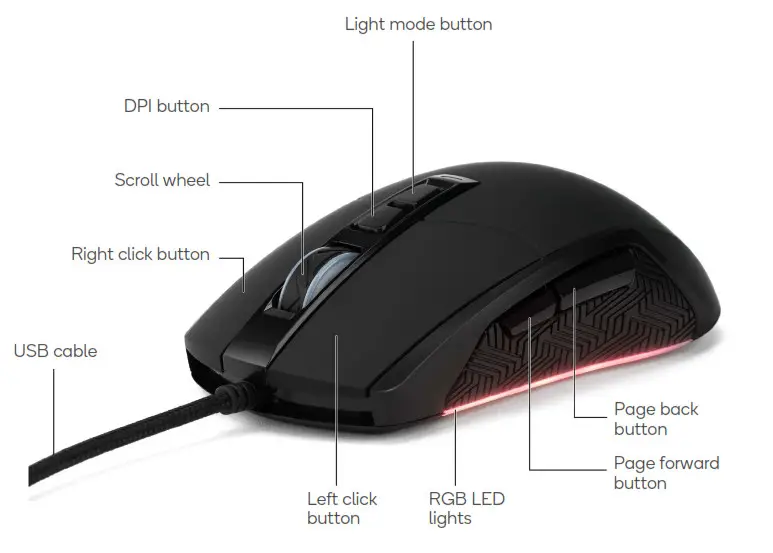
OVERVIEW
OPERATION
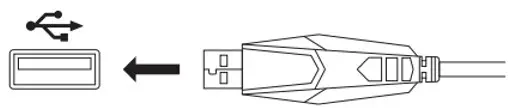
- Plug the USB cable into a USB port on your computer to use the mouse.
Changing light modes
Cycle through the various light modes by clicking on the light mode button.
CLEANING & CARE
Unplug the mouse and clean it by wiping using a damp cloth.
SPECIFICATIONS
| Buttons | 7 buttons |
| Sensor | Sunplus 199IC |
| DPI | Up to 6400 DPI |
| Cable | 1.5m |
| Cable type | USB-A |
| Plug and play | Yes |
| Anti-slip scroll wheel | Yes |
| Lifetime | HUANO switch, 5 million clicks |
| Systems supported | Windows: 9X, 2000 and later MacOS: 10.14 and later |
NOTES
———
Need more information?
We hope that this user guide has given you the assistance needed for a simple setup.
For the most up-to-date guide for your product, as well as any additional assistance you may require,
head online to help.kogan.com