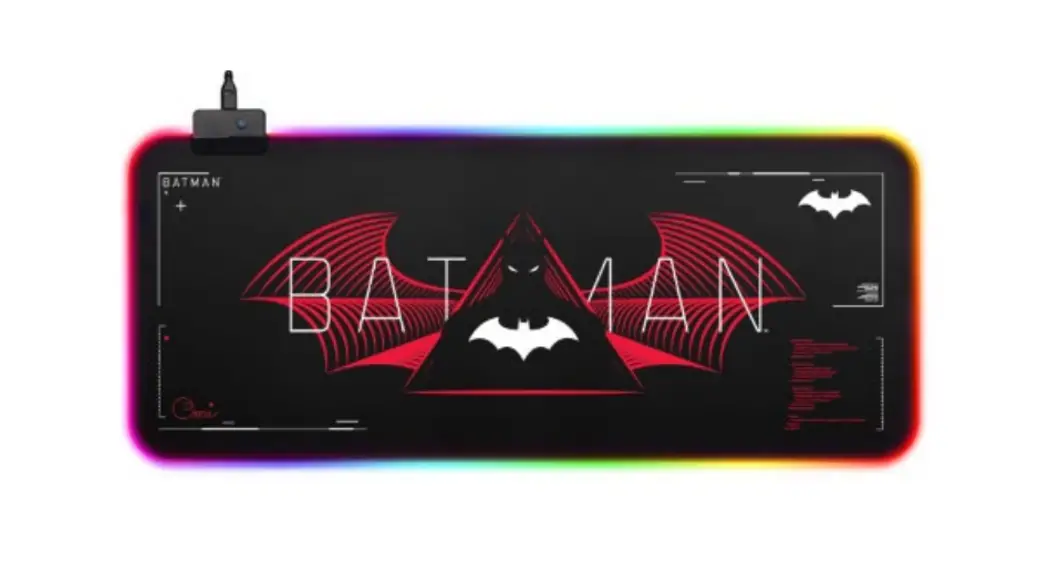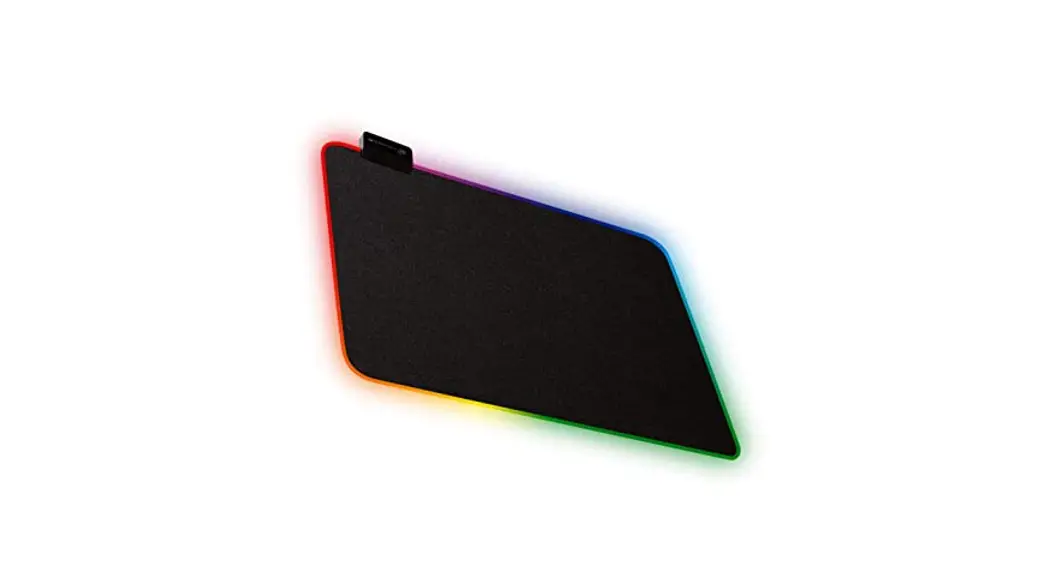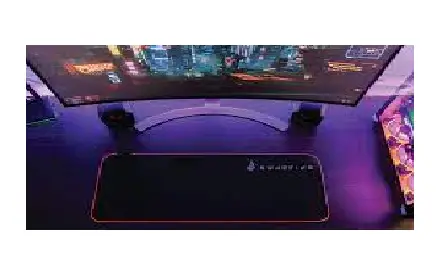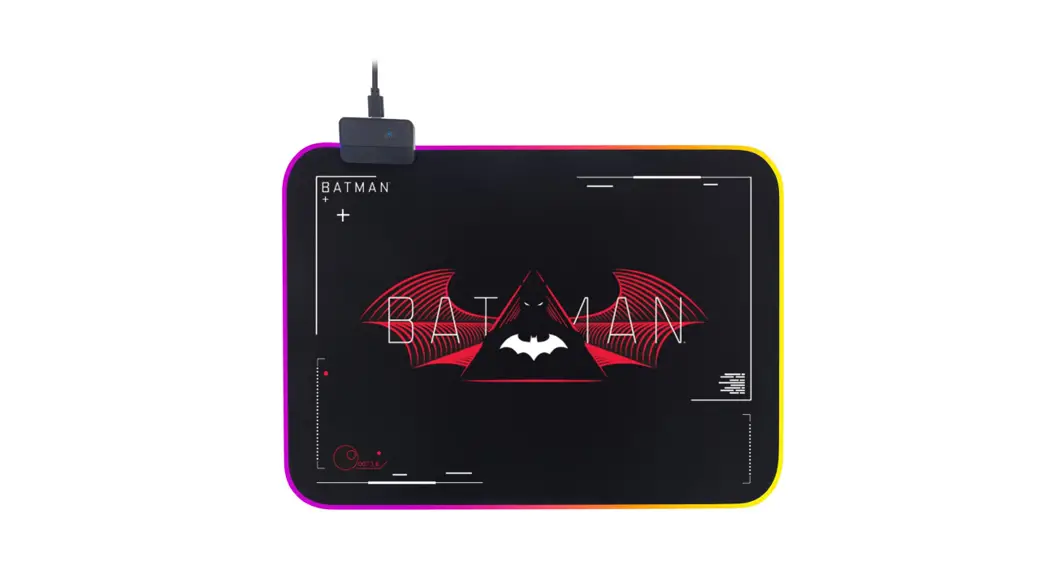
 BATMAN RGB LED GAMING
MOUSE PAD
36 X 26CM
KAMSPDWBRMA
User Guide

SAFETY & WARNINGS
Ensure to read all warnings and instructions in this user guide prior to first use.
- Do not submerge the connected cable into water or any other liquid.
- Do not stretch or pull on the mouse pad.
- Do not use the mouse pad under direct sunlight or near heat sources.
CLEANING & CARE
To clean the mouse pad, unplug the cable from the Micro-USB port and wipe it down with a damp cloth.
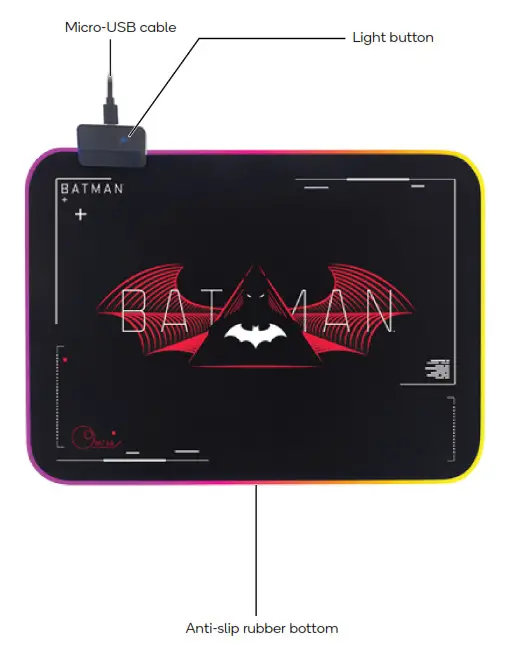
OVERVIEW
OPERATION
- Connect the Micro-USB cable attached on the mouse pad into a Micro-USB port on your device. The mouse pad’s RGB LED lights will light up to confirm it is connected.
- Press the light button to cycle through the RGB LED light modes.
Hold the light button for 3 seconds to turn off the RGB LED lights.
Note:
When the mouse pad is reconnected, the RGB LED backlight will light up in the same mode as the last time the mouse pad was disconnected.
SPECIFICATIONS
| Mouse pad size | 36 x 26 x 0.3cm |
| Material | Waterproof fibre with anti-slip rubber |
| Voltage | 5V |
| Current | 100mA |
| Backlight modes available | 14 |
| Foldable | Yes |
| Waterproof | Yes |
| Cable length | 1.8m |
NOTESNeed more information?
We hope that this user guide has given you the assistance needed for a simple setup.
For the most up-to-date guide for your product, as well as any additional assistance you may require, head online to help.kogan.com