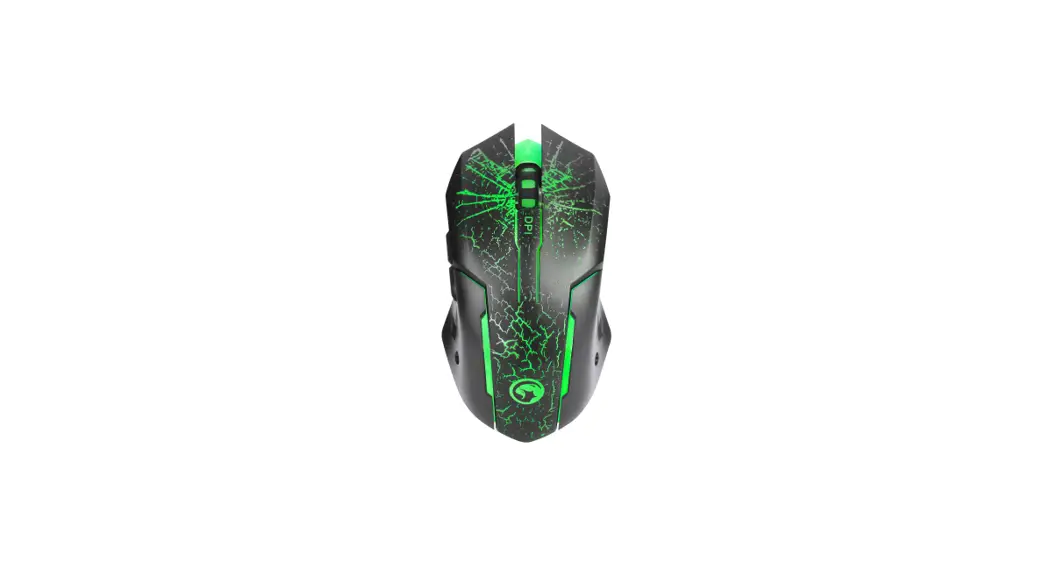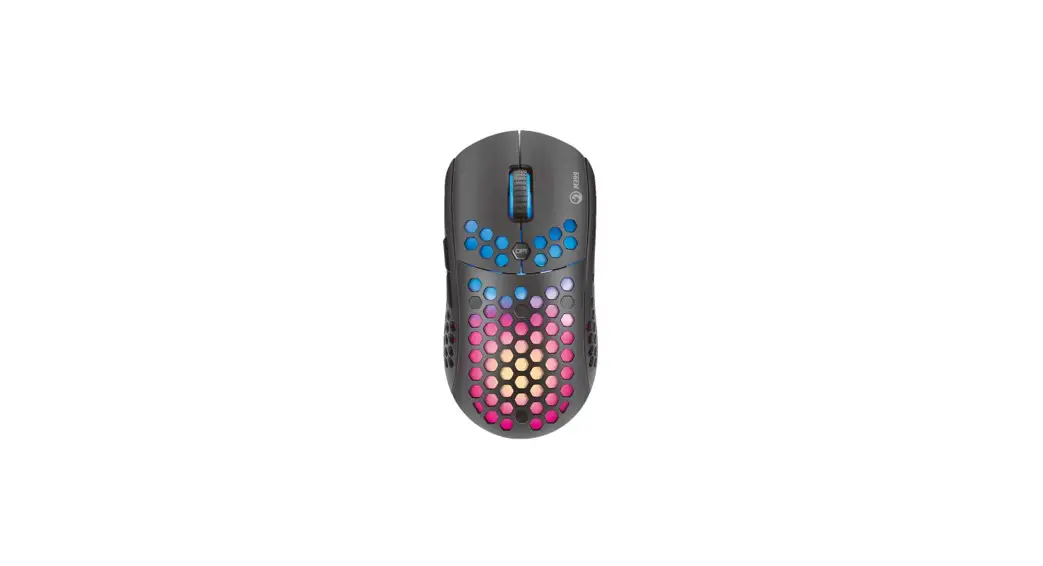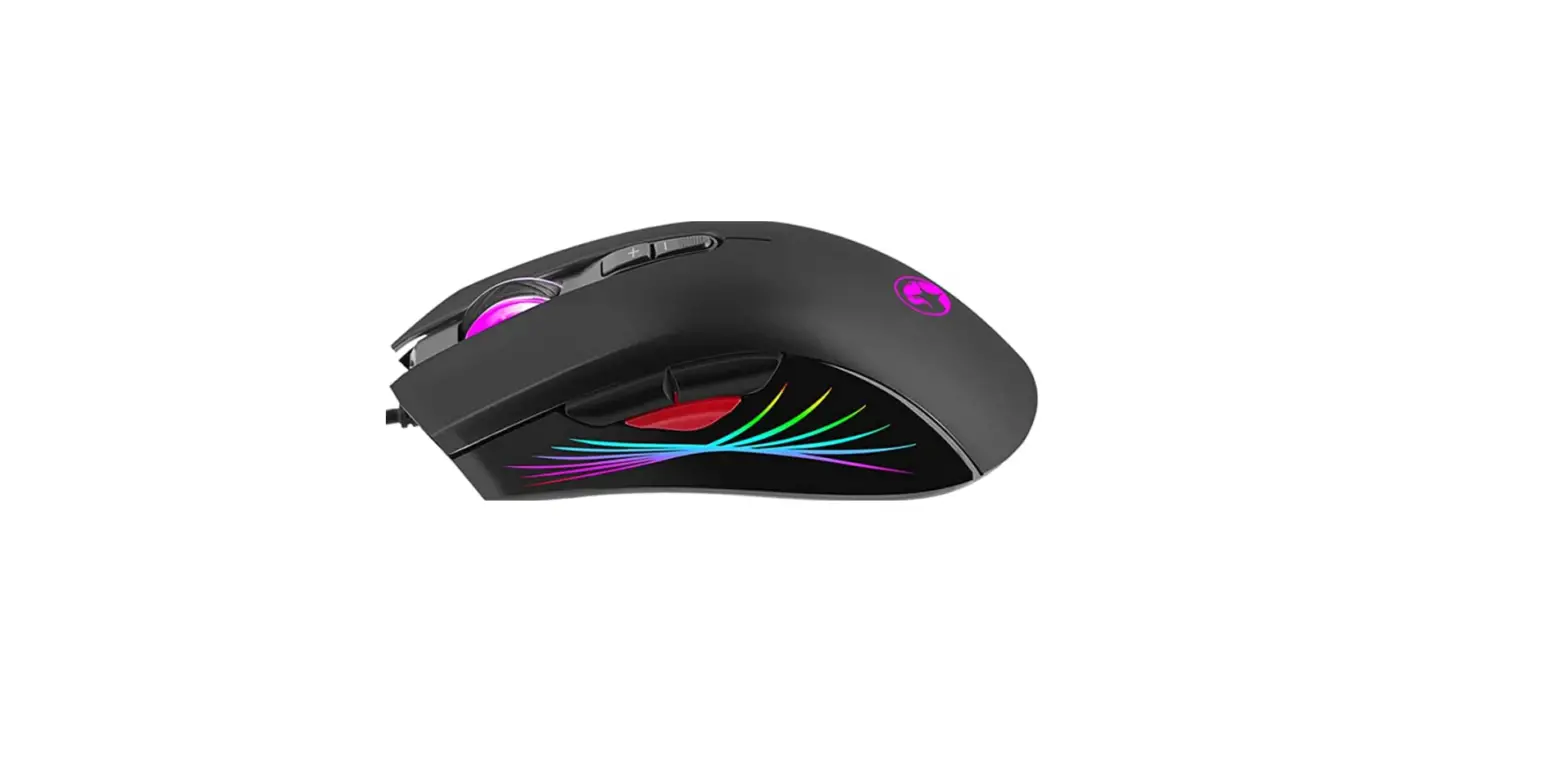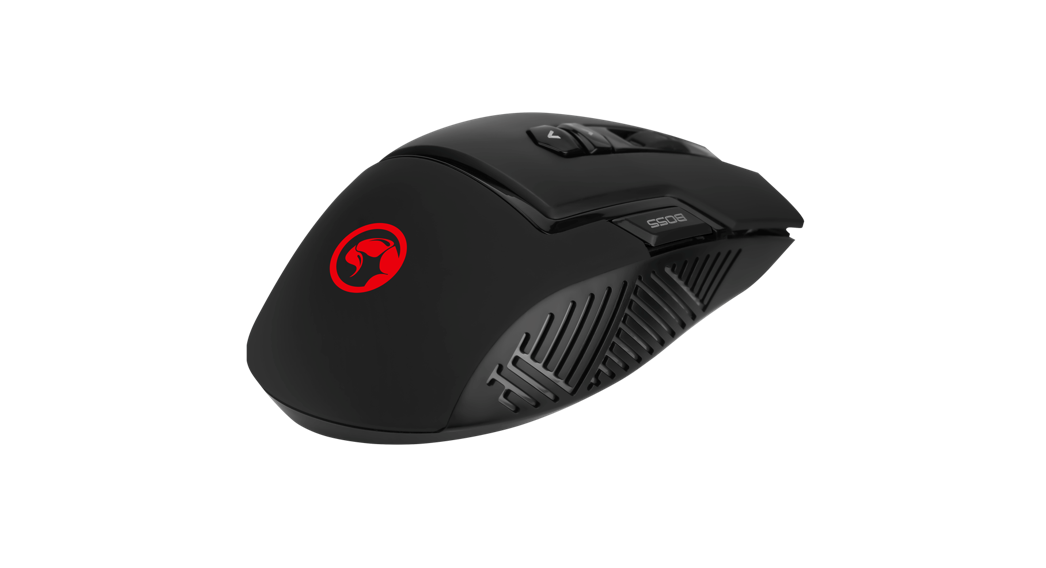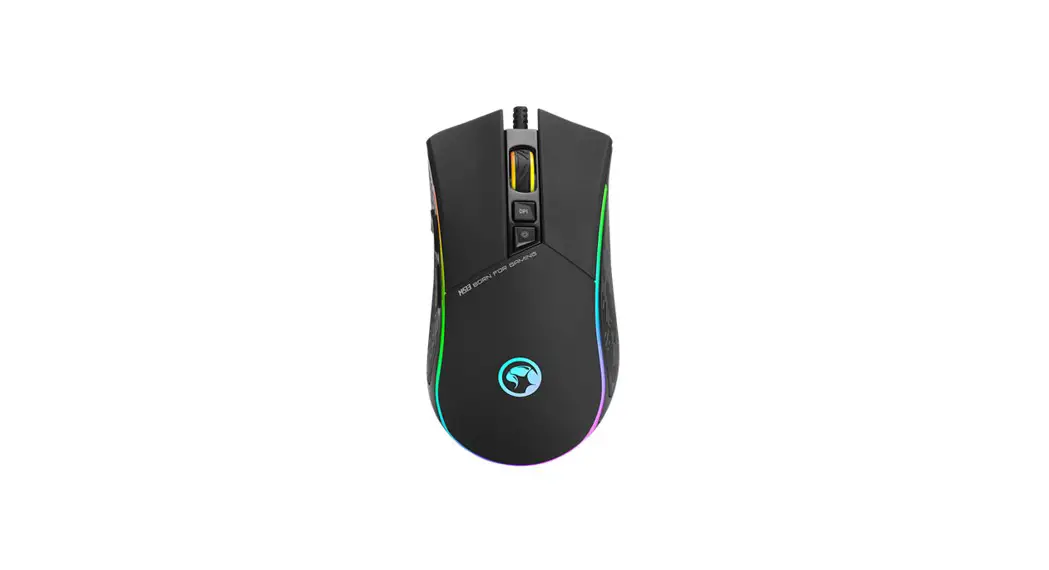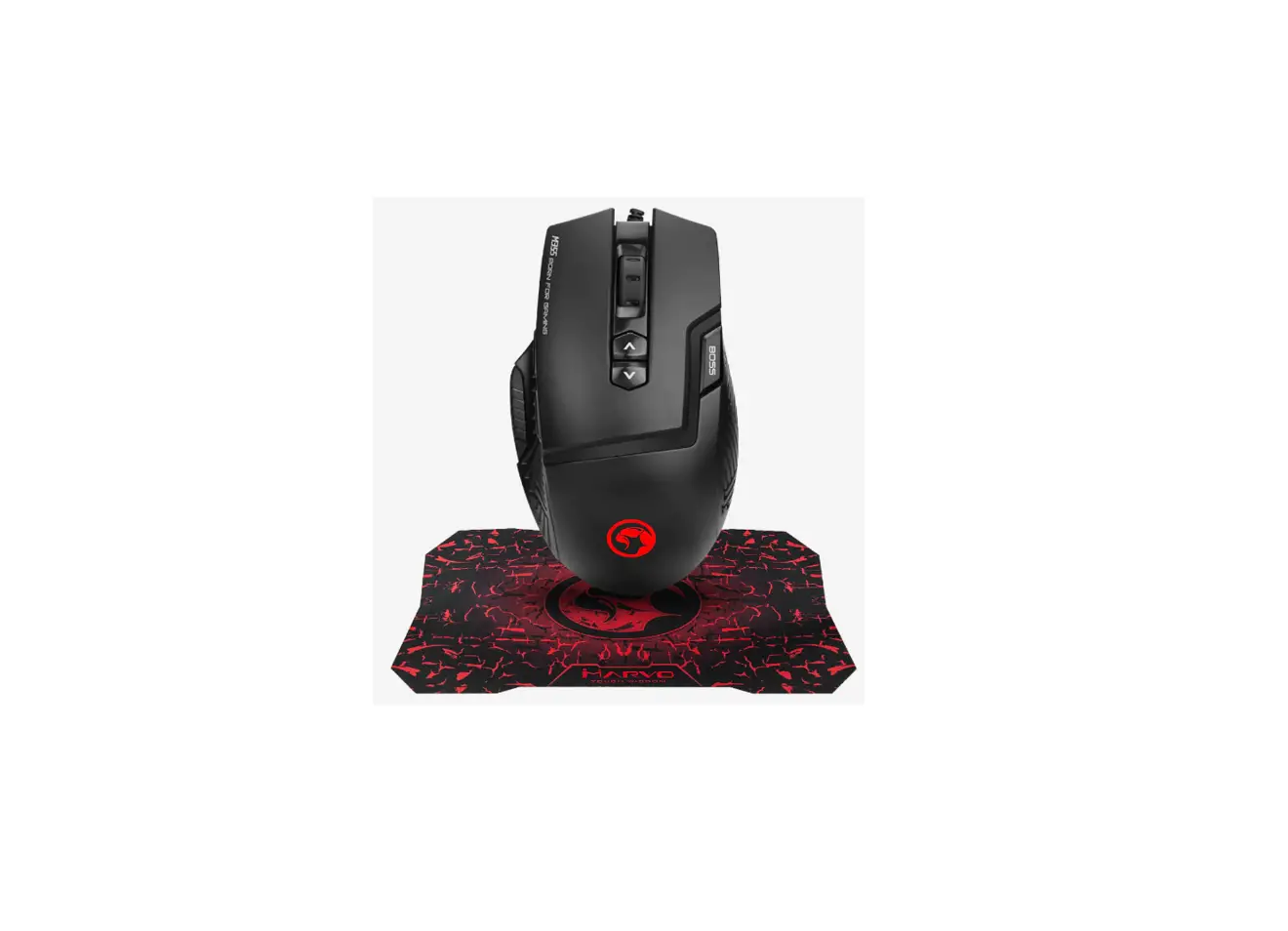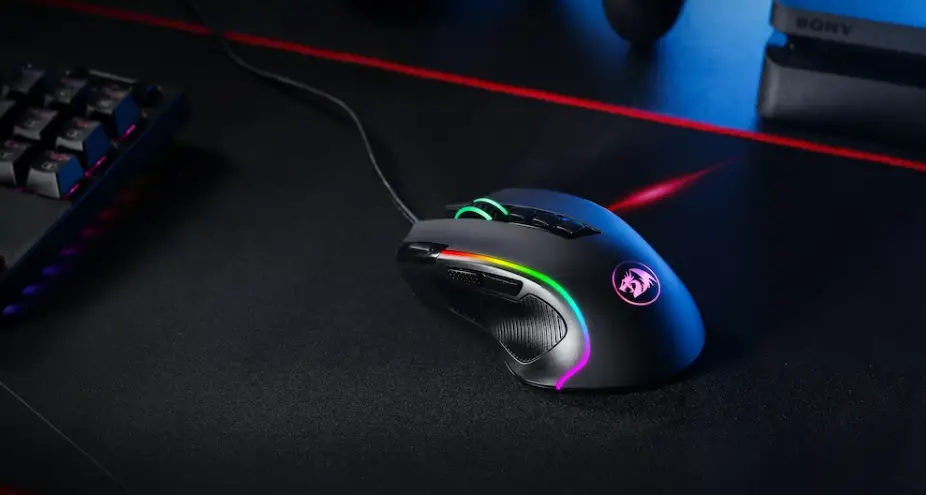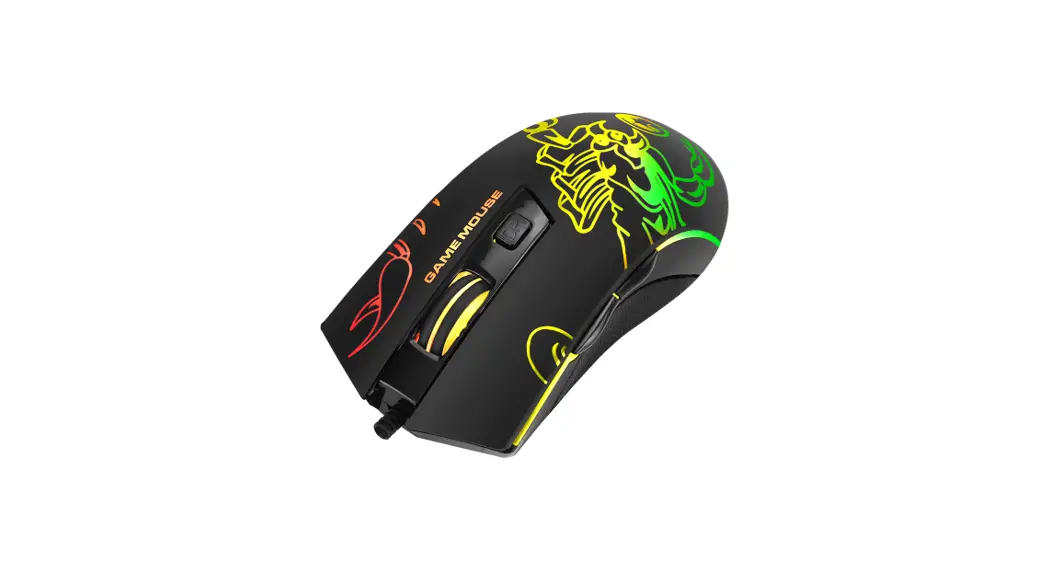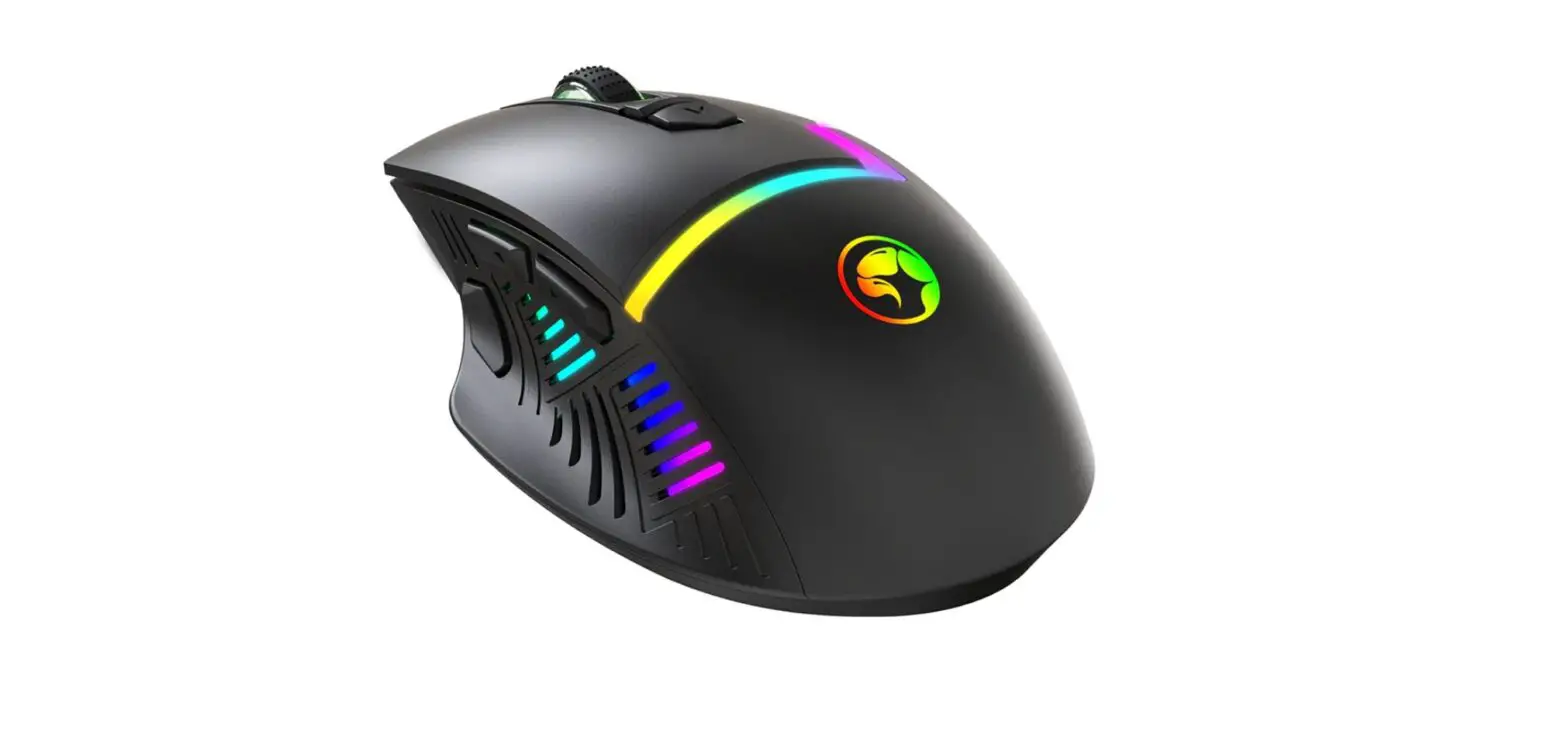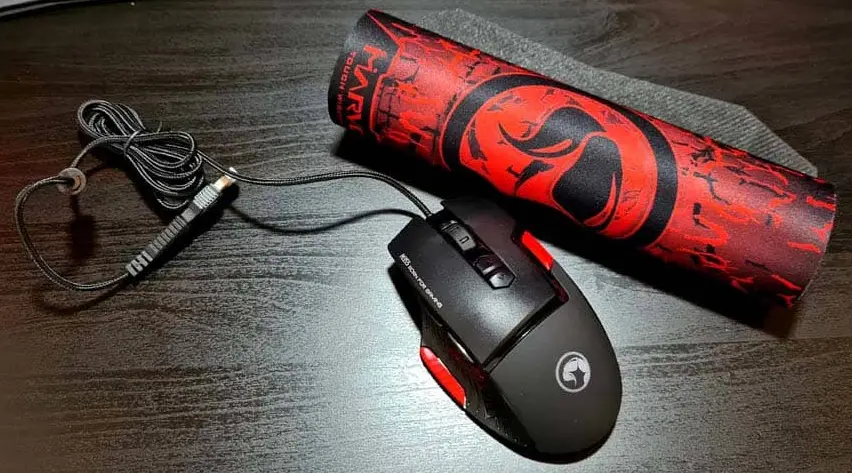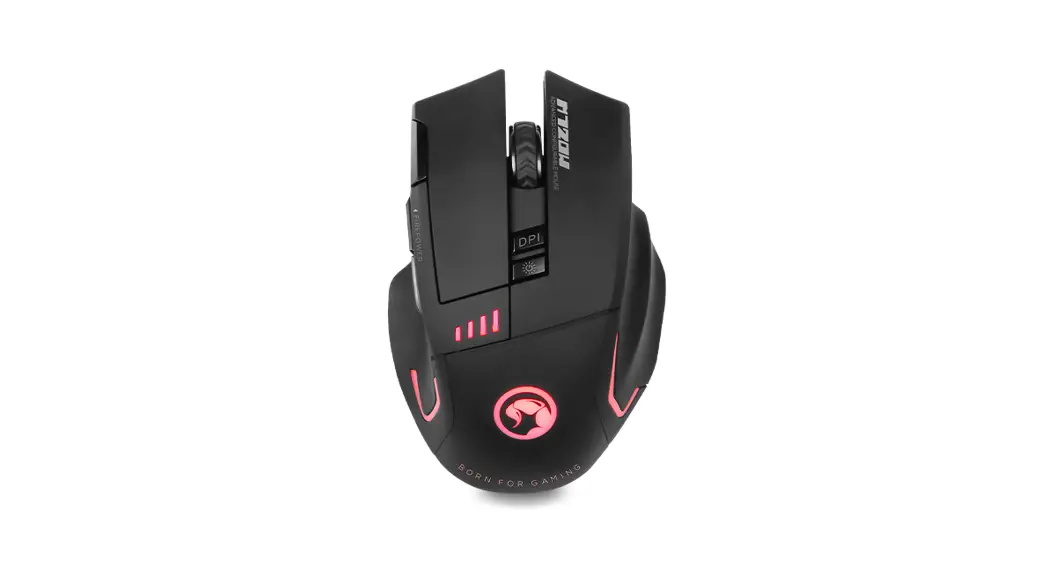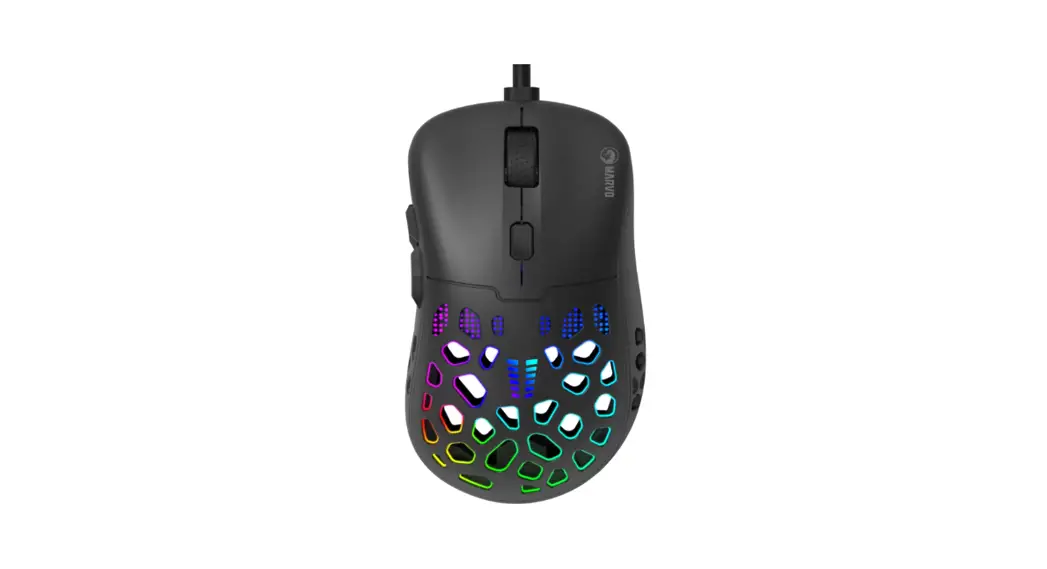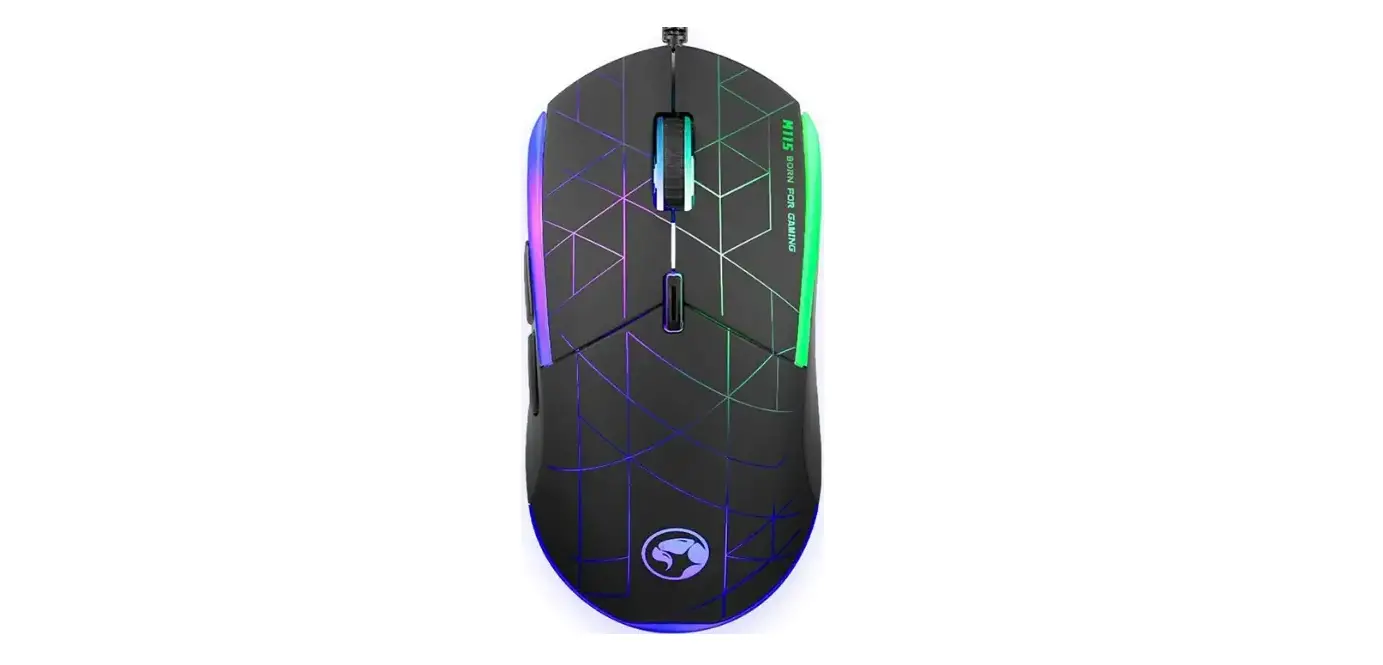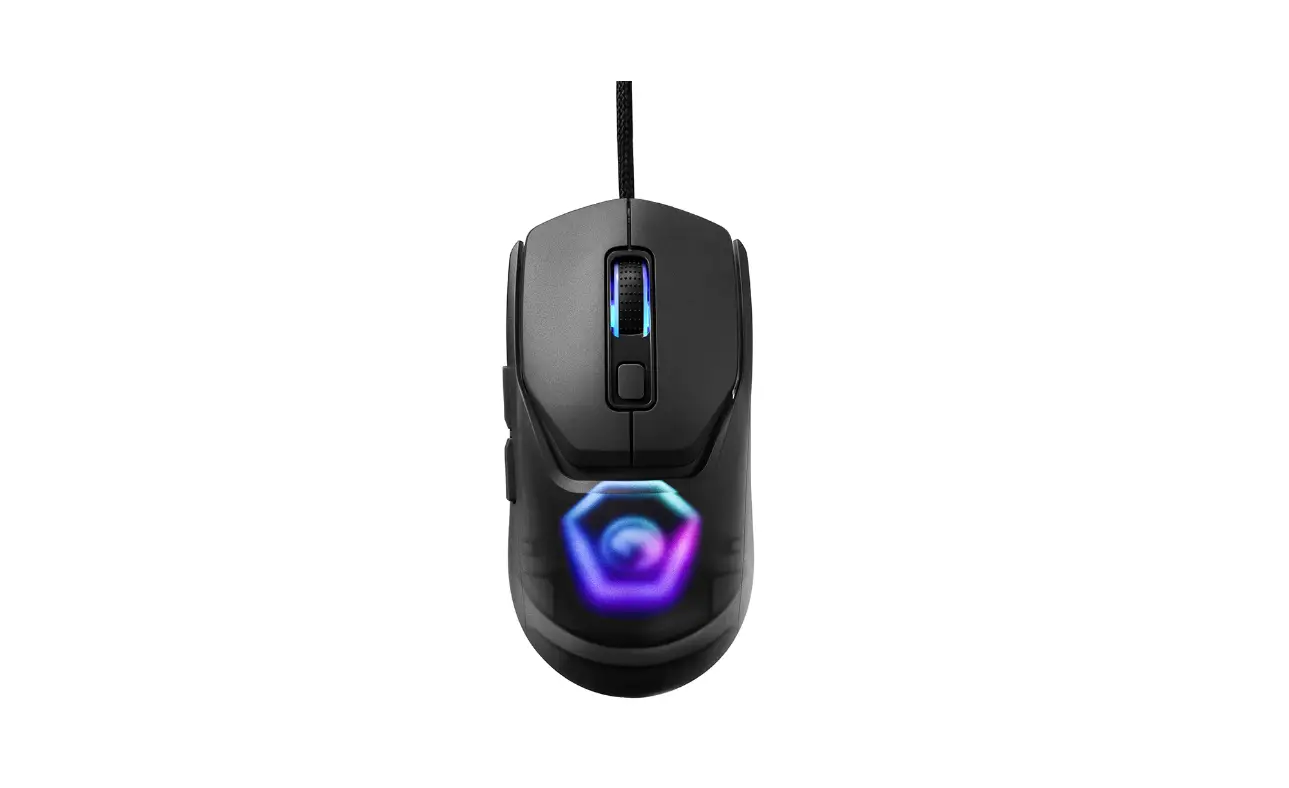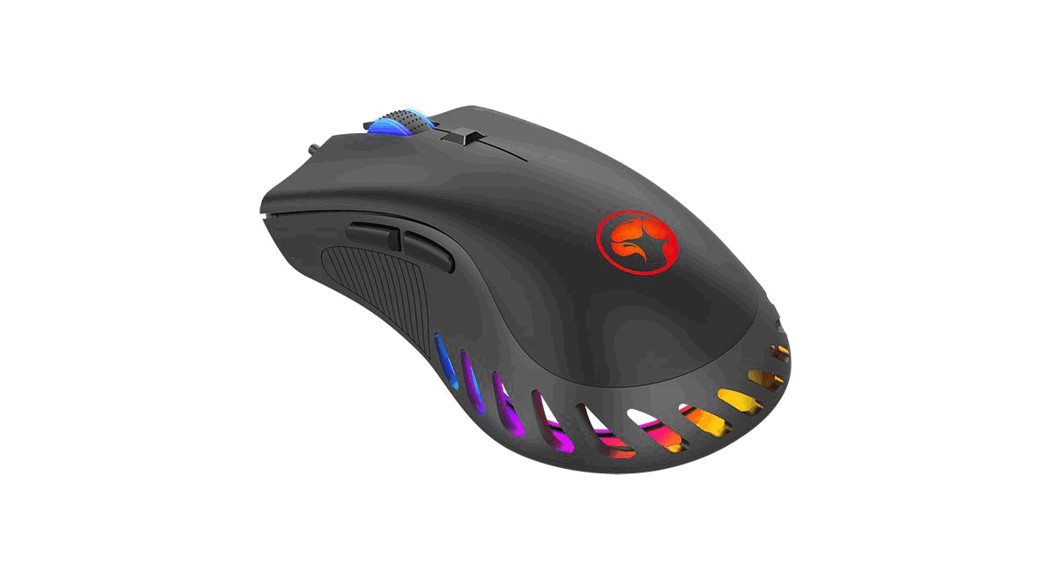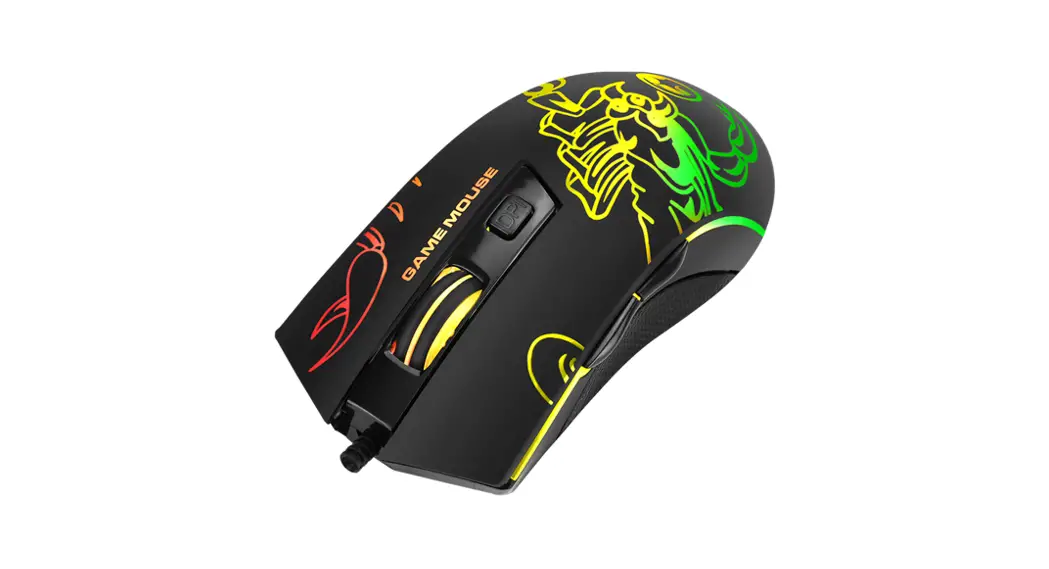
 M209 6400 DPI Gaming Mouse
Installation Guide
M209 6400 DPI Gaming Mouse
TECH SPECS
Sensor: Optical
DPI: 1000-1600-3200-6400
Buttons: 6
Switch rating: 3 million clicks
Backlight: 7 colors
Interface: USB 2.0
Cable length: 1.5 m
OS support: Windows 7 or newer
PRODUCT PRESENTATION
- FEATURES
– Ergonomic mouse shape that suits various g r i p styles
– Rubber scroll wheel for enhanced feel
– 7-color backlight with breathing e f f e c t
– No driver required - SYSTEM REQUIREMENTS
PC system or compatible with one USB port available, Windows 7 or newer operating system.
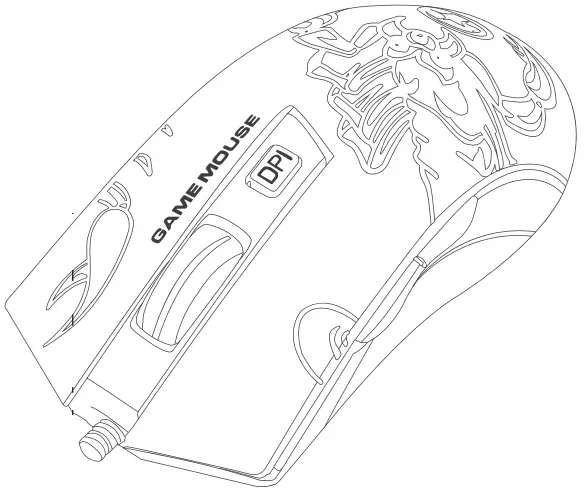
 | 6400 DPI OPTICALSENSOR |
 | DPISTEPS 1000-1600-3200-6400 |
 | ERGO DESIBN |
 | 3MILLION SWITCH RATING |
 | GAMING DESIGN |
SAFETY NOTES
- Keep the equipment dry. Keep away from precipitation, humidity, all types of liquids and condensation.
- Do not use the product with wet hands.
- Do not use or store the equipment i n dusty or dirty areas.
- Do not store the equipment under high-temperature or low-temperature conditions (this may damage it).
- Do not drop, knock or shake the equipment as it may damage it.
INSTALLATION
Connect the mouse to an available USB port on your computer.
When connecting for the first time, wait 15 seconds until the generic driver is installed. 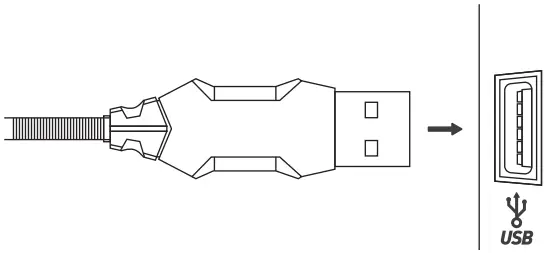
NOTE:
This mouse does not have a specialized driver and does not require one for proper operation and functionality.
USE
Press the button below the scroll wheel to change the sensitivity according to predefined DPI steps.
TROUBLESHOOTING
In case of incorrect operation follow the steps below:
- Check the integrity of the connectors;
- Check the connection to the computer;
- Check your computer settings;
- Disconnect and reconnect the equipment; restart the computer.
If the problem persists, please contact your local seller.
GENERAL INFORMATION
- Unauthorized repairs or disassembly of the product will void the warranty and may cause its damage.
– This product is safe and complies to EU requirements.
– This product is manufactured conforming with the European RoHS standard.
This standard was introduced to reduce the amount of electrical and electronic waste emitted into the atmosphere.
– Using the WEEE symbol (the crossed-out bin) indicates that this product is not household waste. When recycling waste properly, you protect the environment and people health.
Segregated household waste collection, aids recycle materials and components used for the production of this device. For detailed information about recycling, please contact your retailer or a local authority.
Warranty Card
Product Model: ————
Product Serial No: ————
Date of Purchase: ————
Customer Name: ————
TEL: ————
Address: ————
Distributor Name: ————
TEL: ————
Warranty Card is the important certificate for after-sale service of Marvo products, please keep it safe.
BORN FOR GAMING
 |  |
 FACEBOOK Scan Me FACEBOOK Scan Me | Wanna Know More? Scan Me |
| https://www.facebook.com/Shenzhenmarvotechnology/ | http://www.marvo-tech.com |