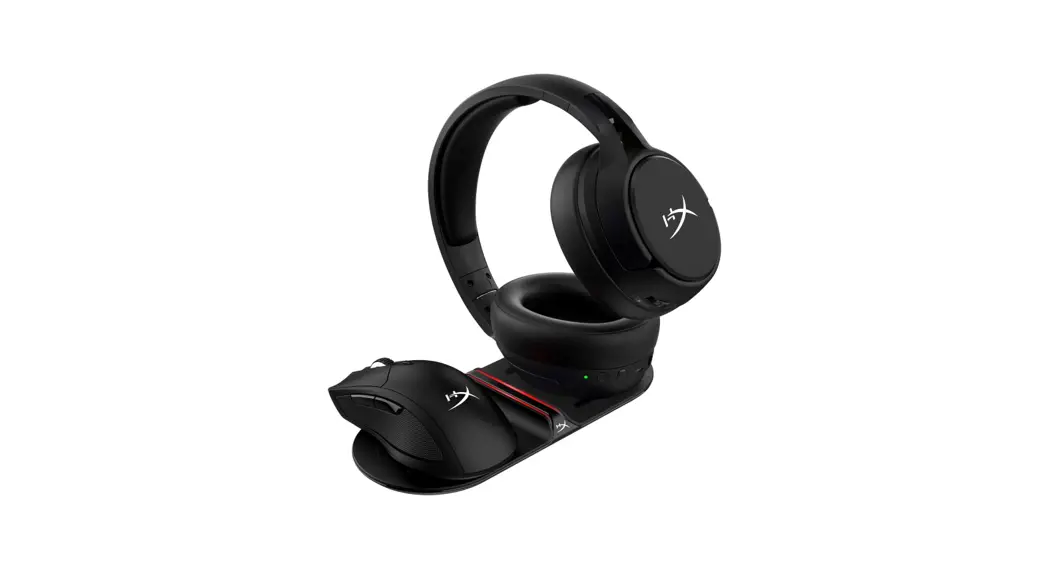
 HyperX ChargePlay™ Base
Qi Wireless Charger
Quick Start Guide
Overview
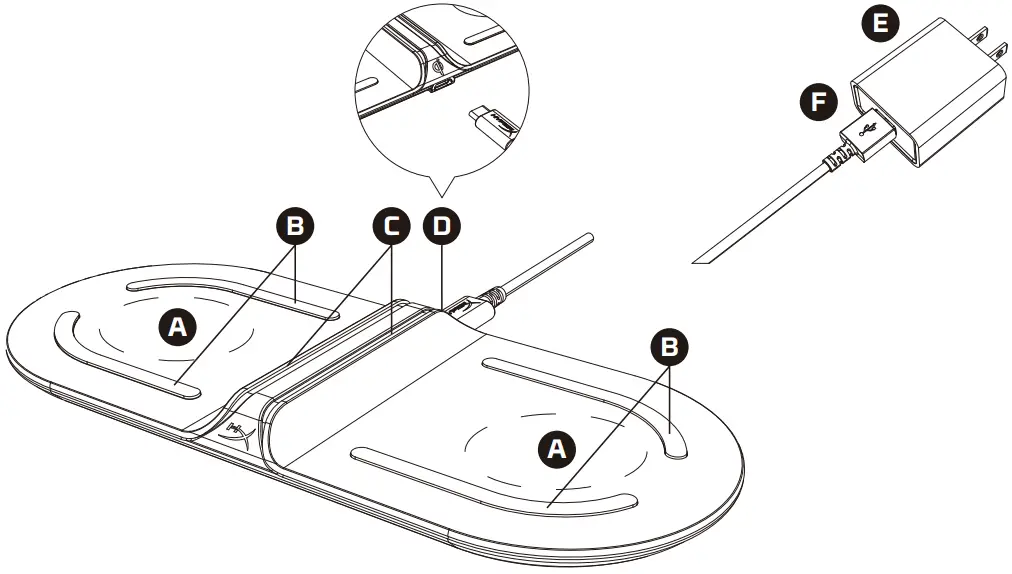
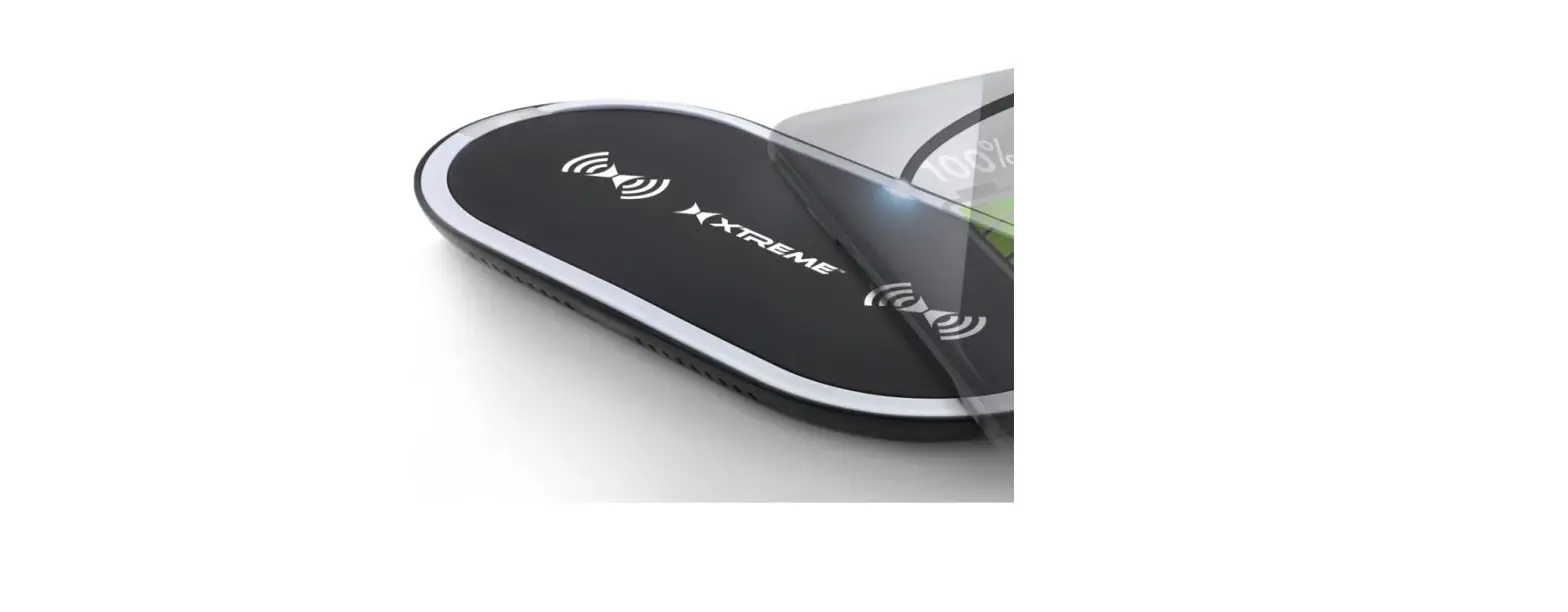
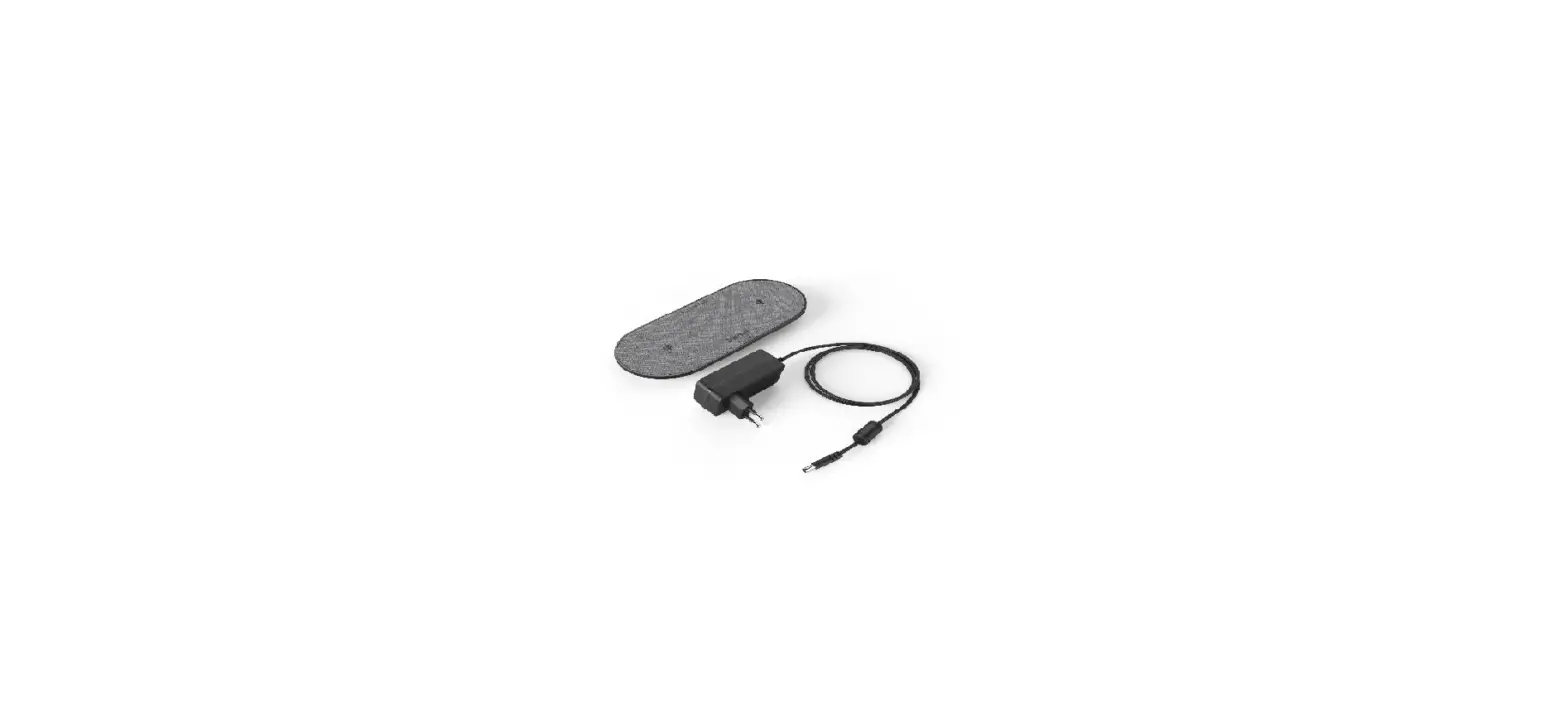
A Charging Pads
B Anti-slip grips
C Charging Status Indicators
D USB Type-C Port
E AC Wall Adapter
F USB Type-C to USB Type-A Cable
Installation
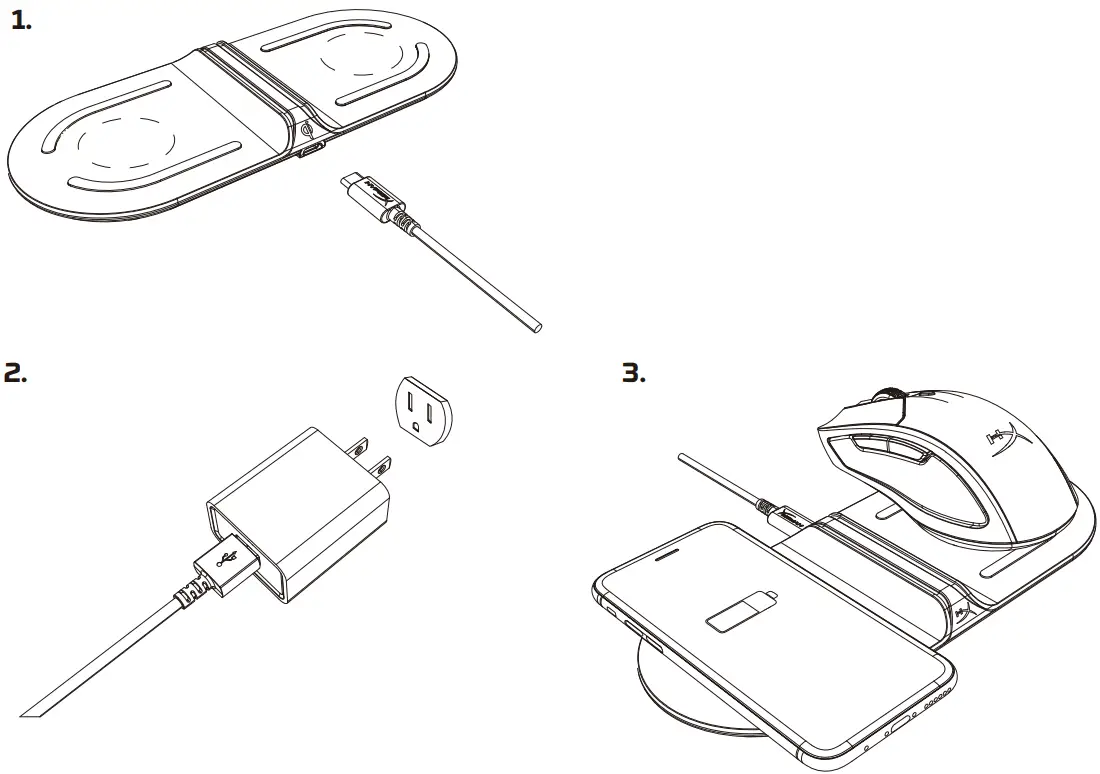
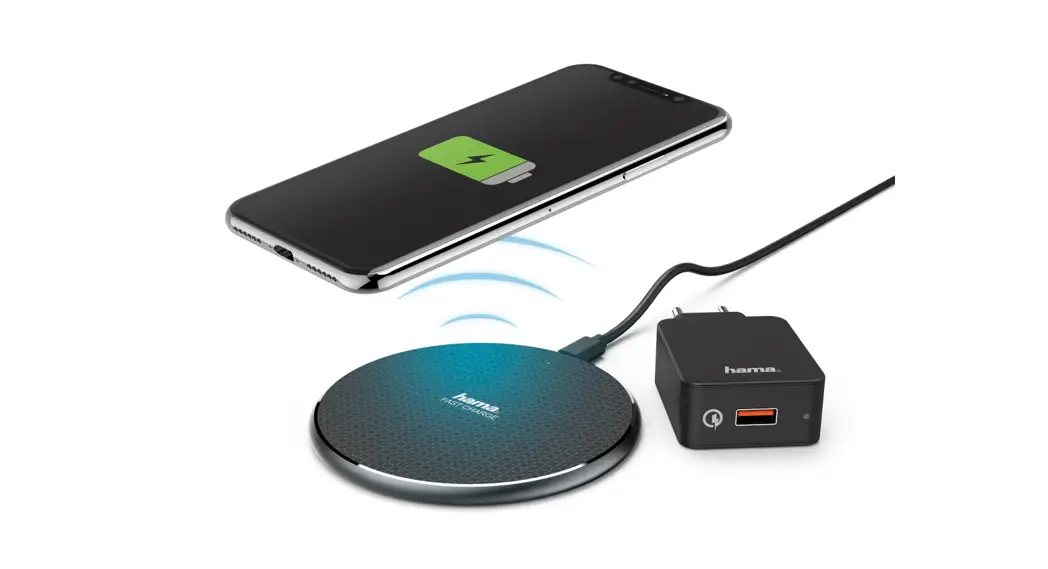
Charging
Included AC Adapter supports 2 devices up to 10W per pad (up to 15W total when charging 2 devices).
USB Cable supports 1 device up to 5W (AC Adapter recommended for 2 devices).
Your device may have additional charging limitations.
Charging Status
| LED ON | Charging |
| LED OFF | Not Charging |
| LED BLINKING | General Error |
Questions or Setup issues?
Contact the HyperX support team or see user manual at: hyperxgaming.com/support
HyperX is a division of Kingston.
THIS DOCUMENT SUBJECT TO CHANGE WITHOUT NOTICE
©2019 Kingston Technology Corporation, 17600 Newhope Street, Fountain Valley, CA 92708 USA.
All rights reserved.
All registered trademarks and trademarks are the property of their respective owners.
 HyperX | High Quality Gaming Gear