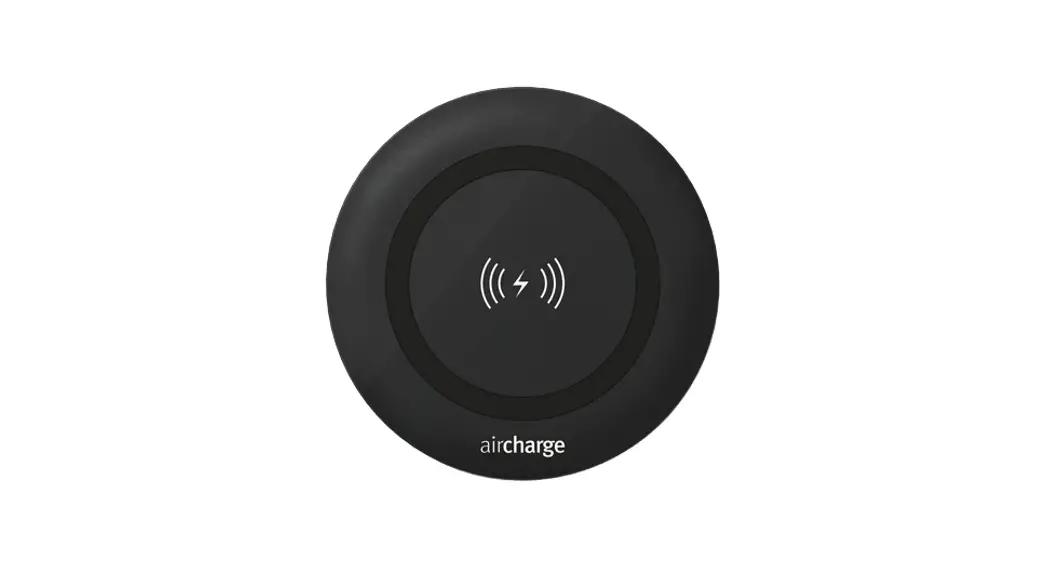
 Qi Wireless Charging
User Guide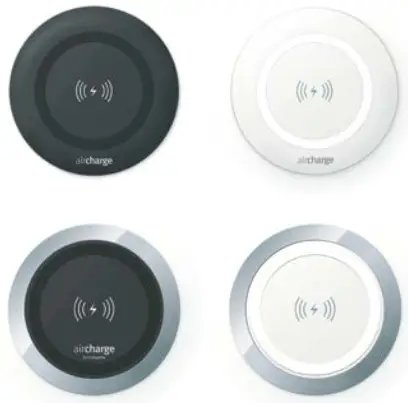
User Manual
Qi Wireless Charging

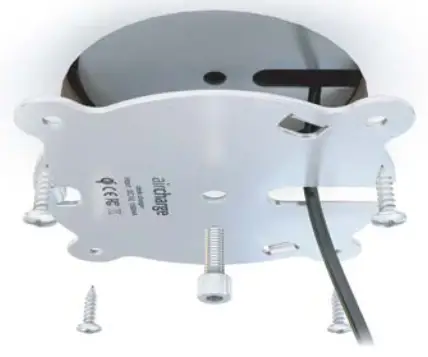
 Steel Plate
The plate clamps the charger to the desk
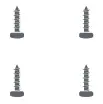 Wood Screws
For added security, the plate can be fixed to the desk using the wood screws provided
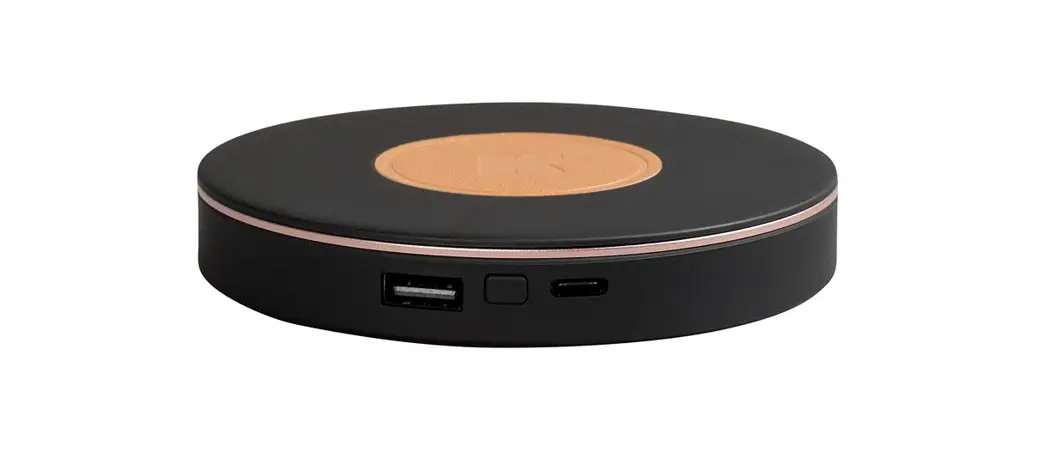
Charger
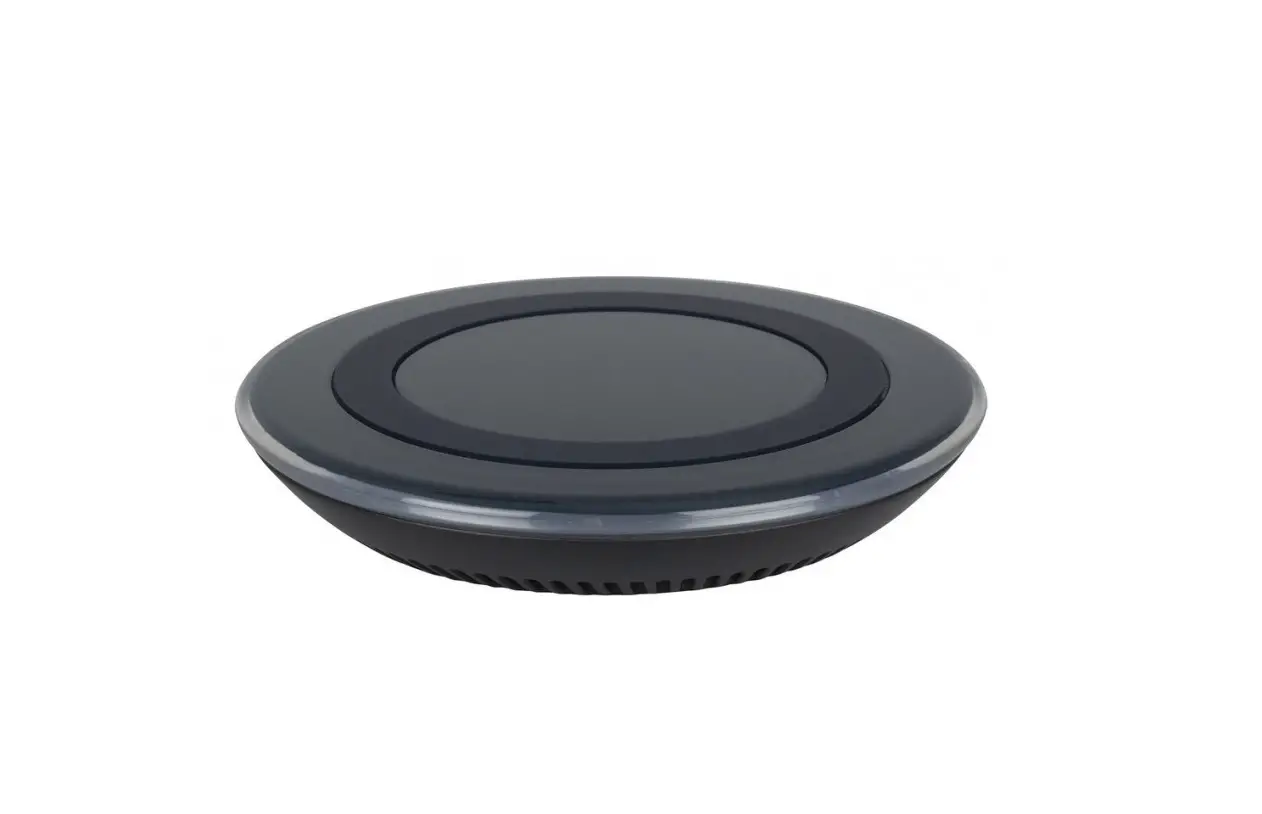
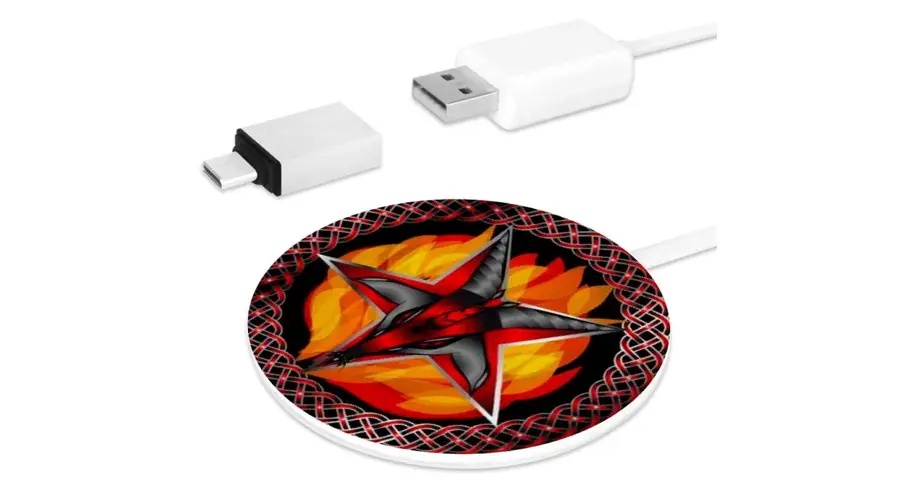
The charger comes with a 2m long USB cable, ready to plug in to a transformer, computer, or hub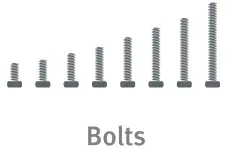 8 different length bolts are provided t o enable you to secure your charger to a range of desk thicknesses
 Spacers provided may need to be used with the bolt for certain desk thicknesses
 To tighten the bolt
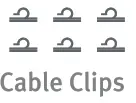 Use adhesive cable clips provided to tidy the power cable to the underside of the desk
Installation
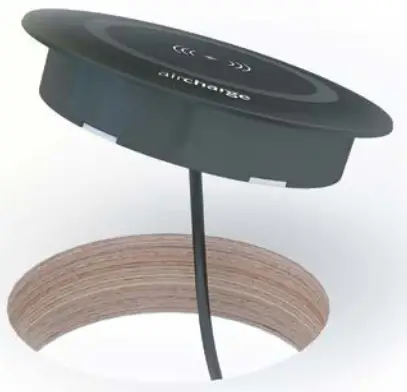
- Fit the charger into 80mm hole in work surface ( i . e . standard grommet hole)

- Secure the charger to the work surface with the steel plate provided, using the appropriate length bolt (use 16mm bolt for standard 1” desk) – use wood screws for extra security

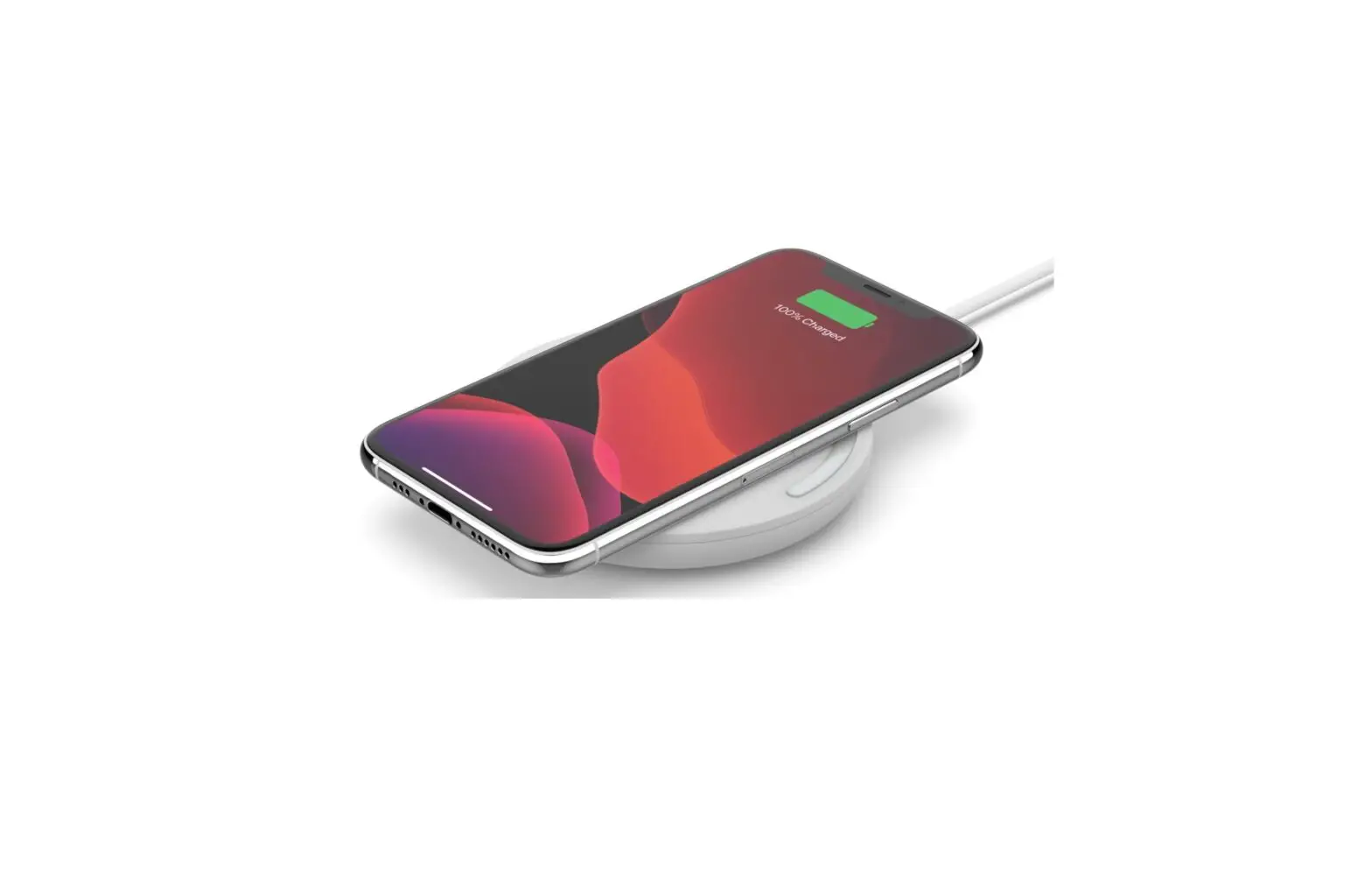
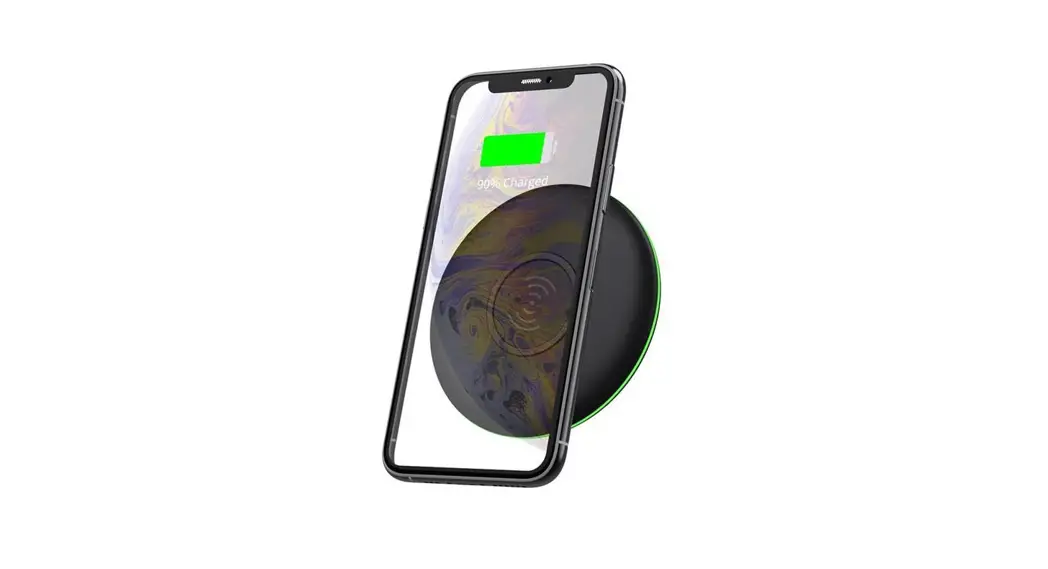
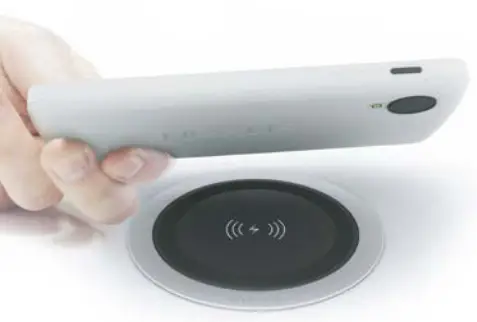
- Plug USB cable into power source (USB plug or hub) and then the charger will be ready to charge devices when placed on top
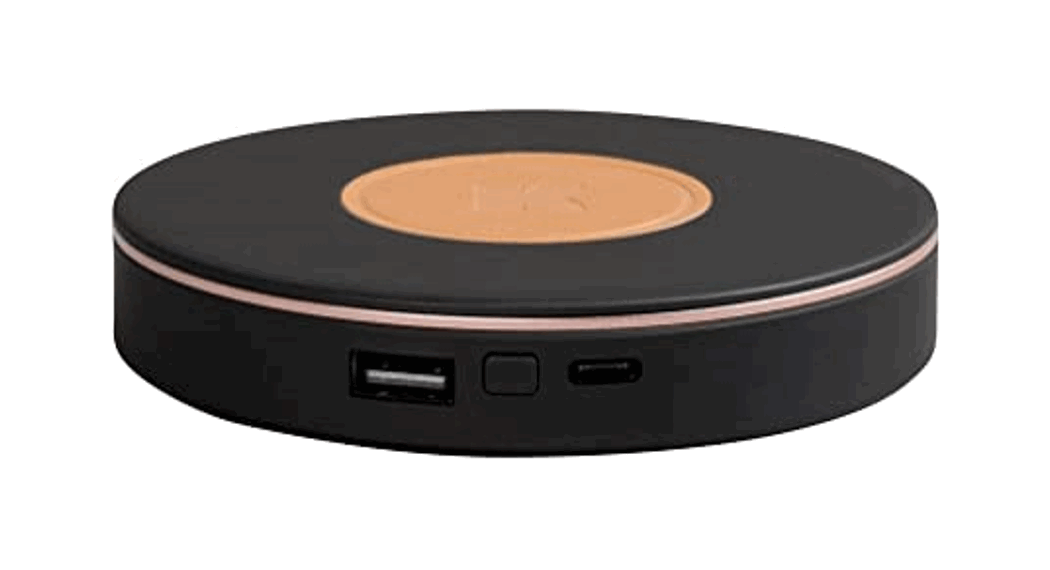
Wireless Surface Charger
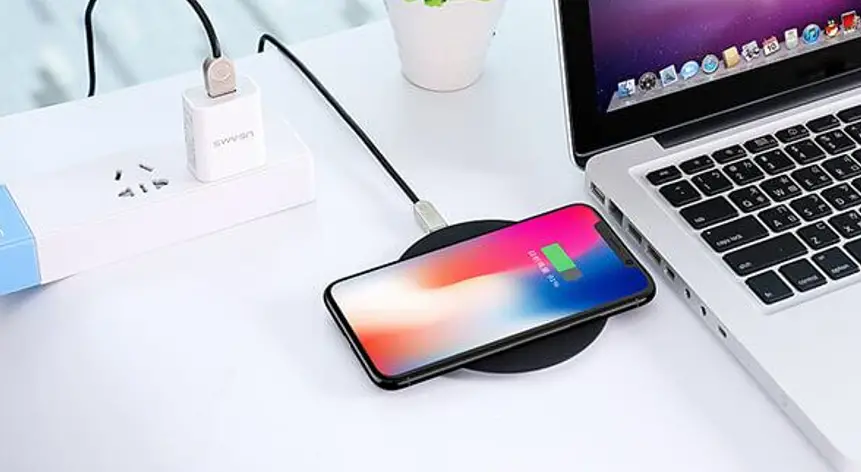
Install this wireless surface charger in any desk, meeting table or other worksurface, and enjoy the convenience o f being able to charge smartphones and tablets without being tethered or having the hassle of finding a power point.
Features:
Supports Qi compatible devices and aircharge accessories
Fits to range of work surface thicknesses (18mm – 50mm) Can be secured to work surface using screws provided
USB power cable allows mul tiple units to be connected to hub (plug / hub supplied separately) 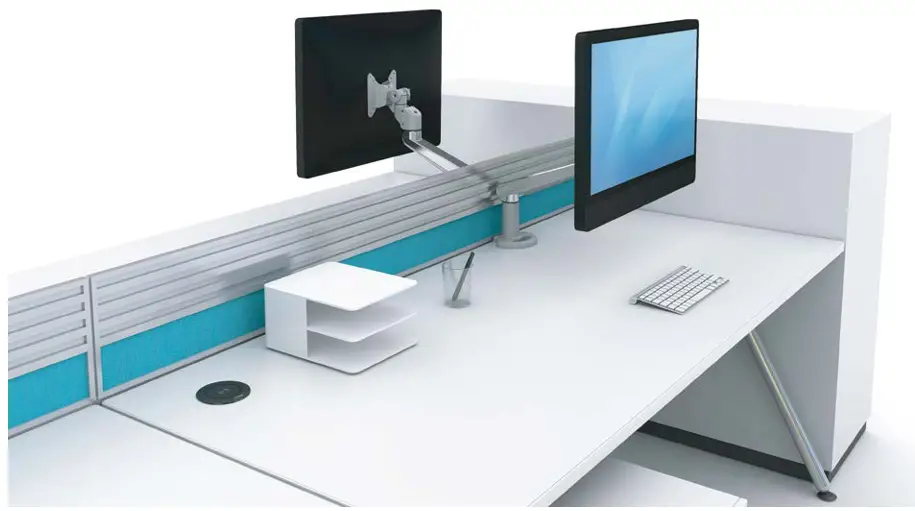
Specification
Power cable: 2m USB
Input: DC 5V, 14400mA
Frequency: 100-200kHz
IP Rating: IP55
NOTE: USB plug must be of DC 5V, 1500mA output specification (supplied separately)
This product supports any Qi compatible smartphone or case / accessory. Qi is a global standard for wireless power, and aircharge are a member of the wireless power consortium. Find out more about Qi at www.wirelesspowerconsortium.com
Please recycle when disposing of this product, and do not trash or throw in fire. Avoid close proximity of bank cards, other magnetic strips, and implantable medical devices to prevent interference o r corruption.
Learn more
You can find out more about aircharge products at www.air-charge.com
You can also scan the QR-code below to view a video of this product.