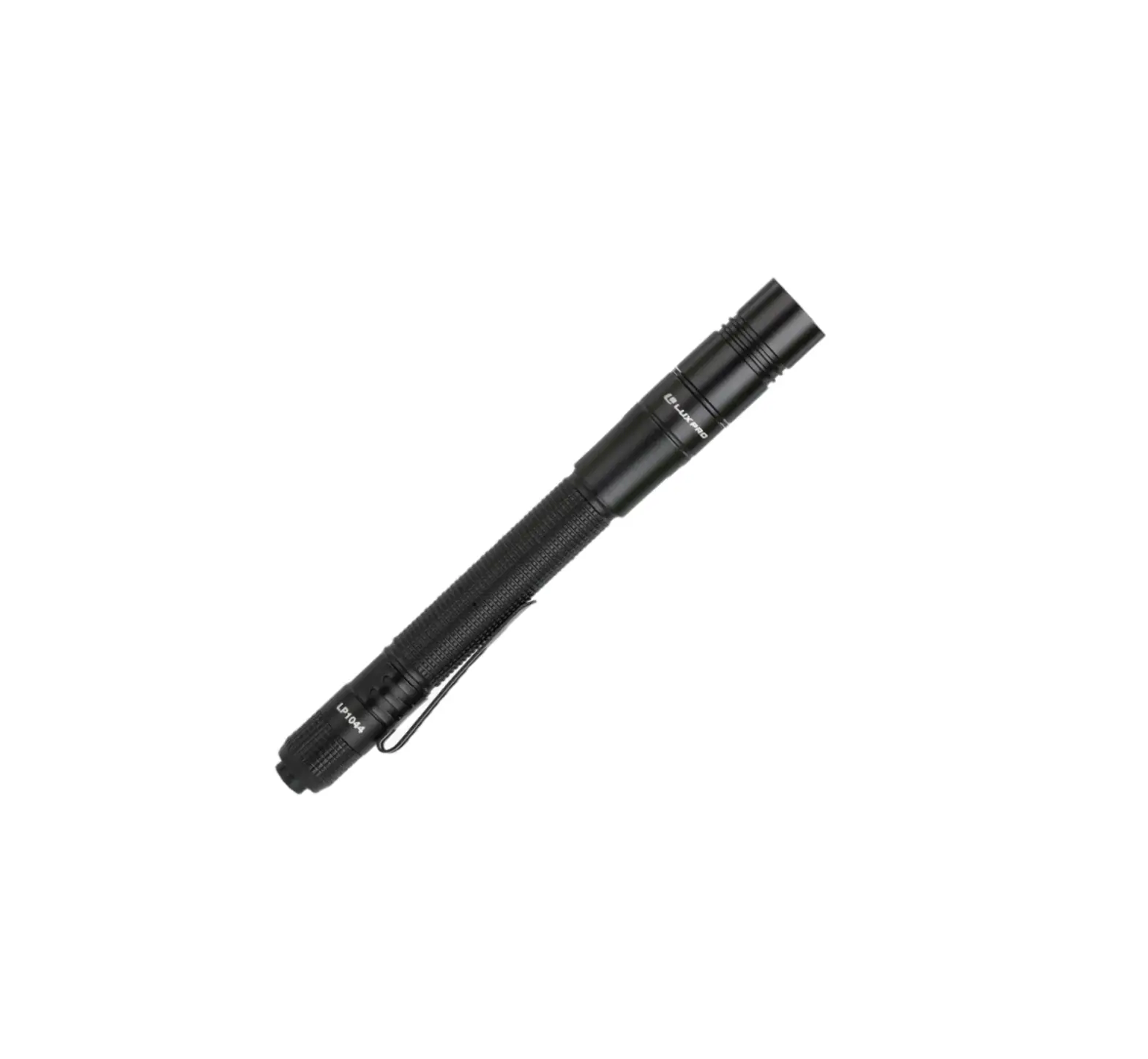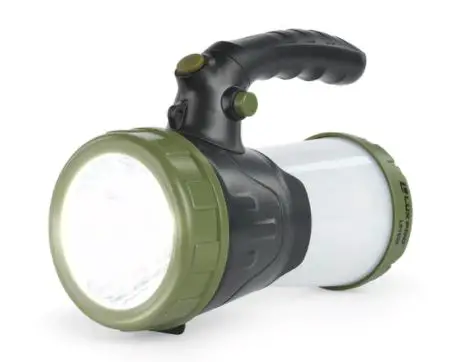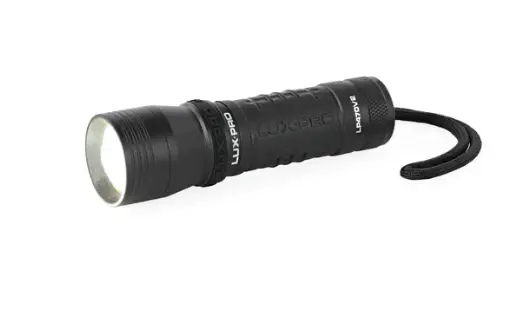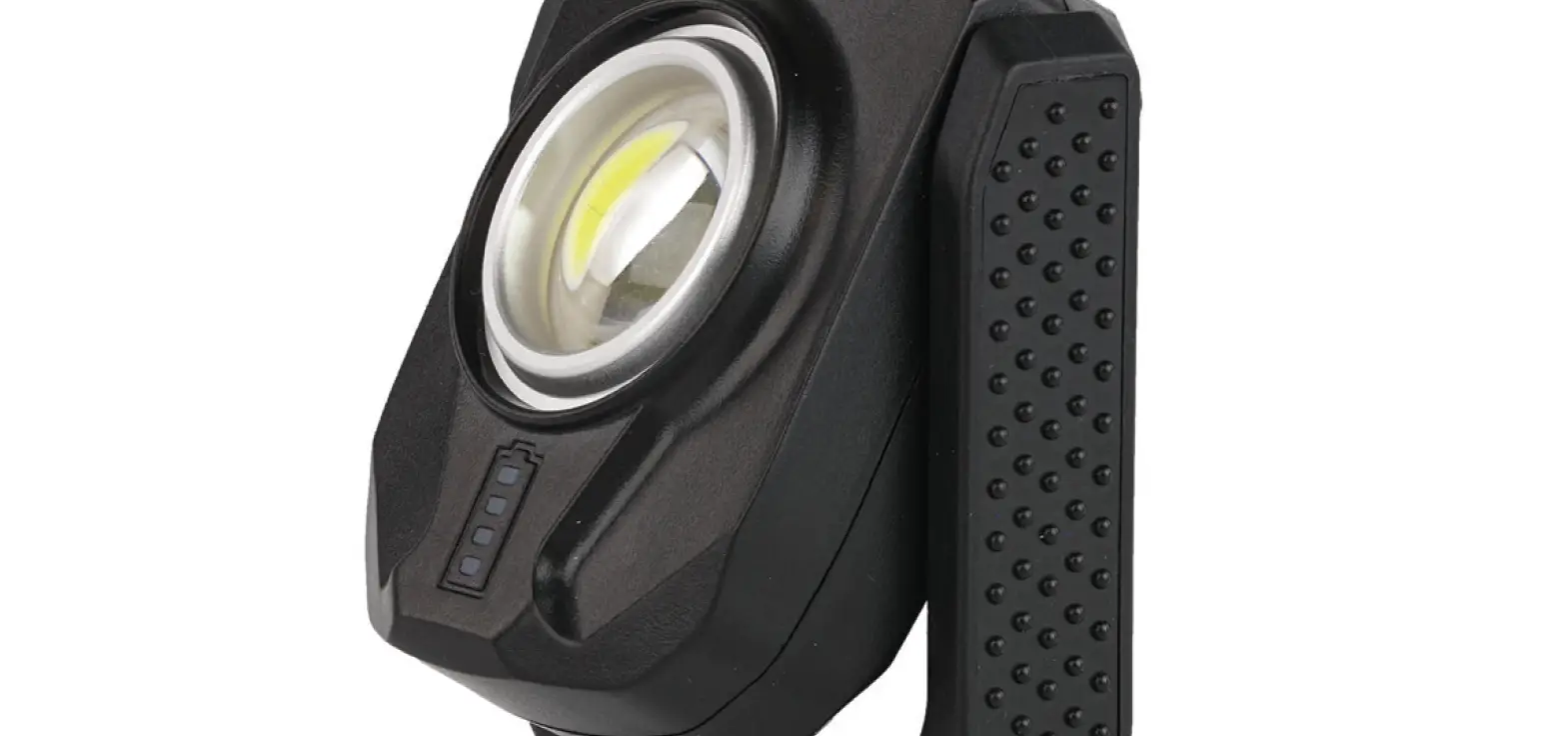

LUXPRO LP385 Rechargeable Palm Light w Powerbank
Features
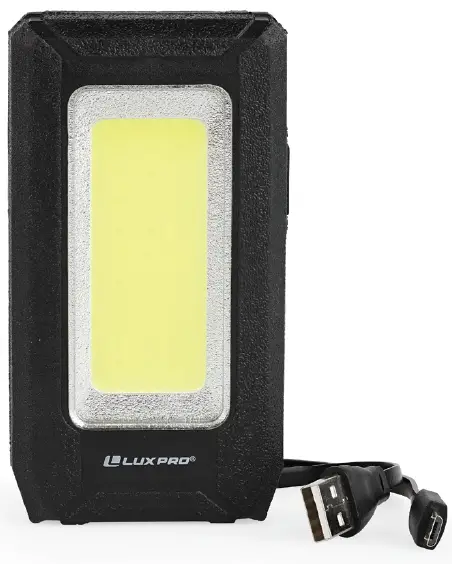
- Durable rubberized compact design
- Strong magnet and hook
- Power bank to charge other devices
- Rechargeable 3000mAh battery (USB cable included)
- PX4 waterproof rating
Product Warranty
The LP385 has a Limited 90-Day Warranty Against Manufacturer’s Defects from time of purchase. For warranty claims please contact us by calling 801-553-8886 or sending an email to [email protected]
ANSI/PLATO FL1 STANDARD
| MODES | LUMENS | RUN TIME | BEAM DISTANCE |
| High | 500 lm | 4h | 28m |
| Low | 250 lm | 8h | 20m |
| Strobe | 500 lm |
Operation Instructions
On/Off
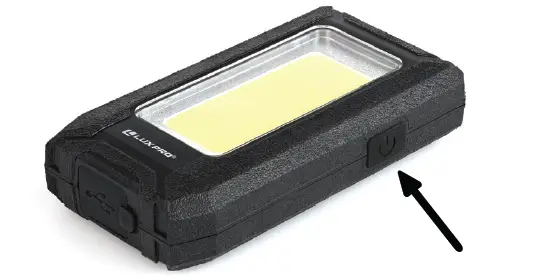
Press and release the button on the right side of the palm light to turn on and off.
Cycle Modes
Press and release button repeatedly to cycle through modes High/Low/Strobe.
Charging Instructions
Charging Product
The LP385 uses a Lithium 4.2V, 3000mAh rechargeable battery. To charge the palm light, first reveal the charge port by lifting the rubber dust cover on the bottom of the light.
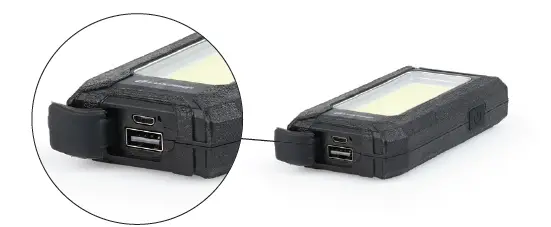 Plug the small end of the Micro-USB charging cable (included) into the port on the light. Plug the opposite end of the charging cable into a 5V USB power source.
 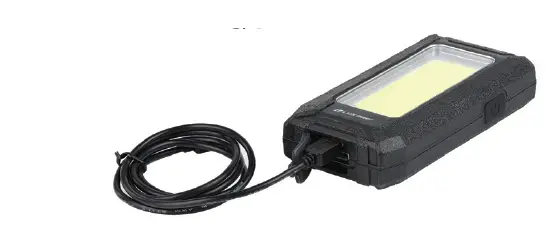 An LED indicator light will illuminate red after plugging in to indicate the light is charging, then turn green once the battery is fully charged. Rechargeable battery is sealed, and replacement is not necessary. The LP385 has a charge time of approximately 6 hours.
Charging Other Devices
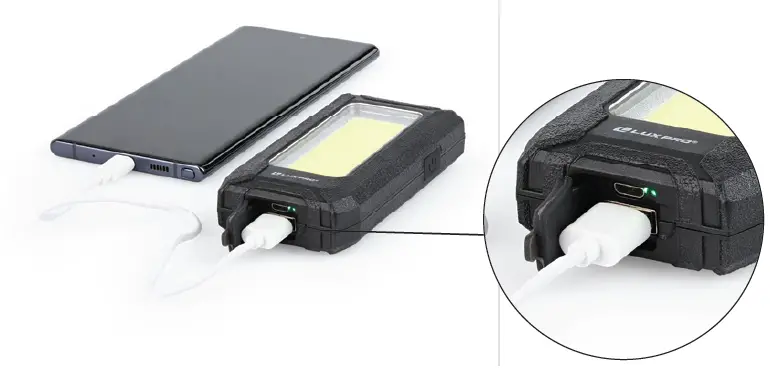
The LP385 can also be used as a power bank to charge other devices. To use as a power bank, plug the large end of your charging cable into the larger USB port, plug the opposite end of the cable into your electronic device.