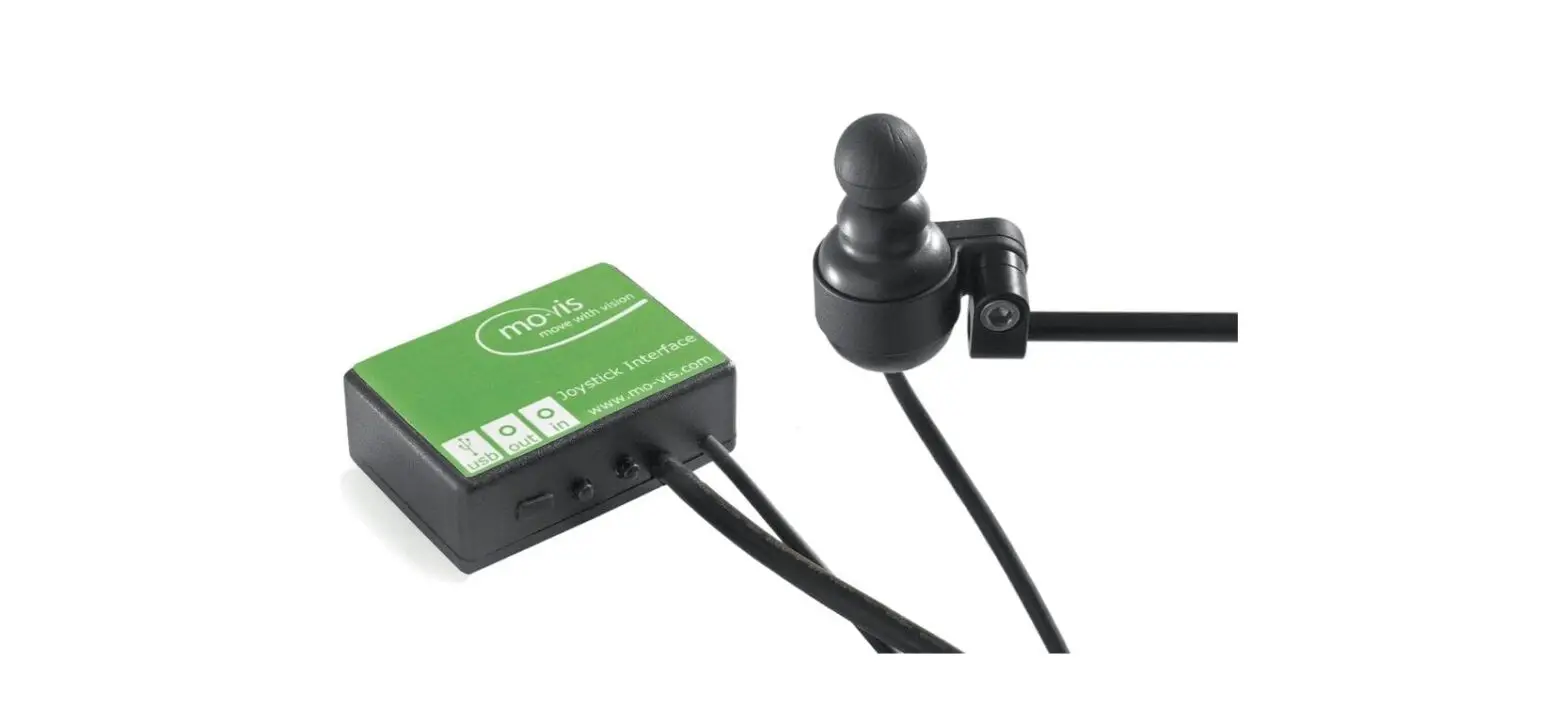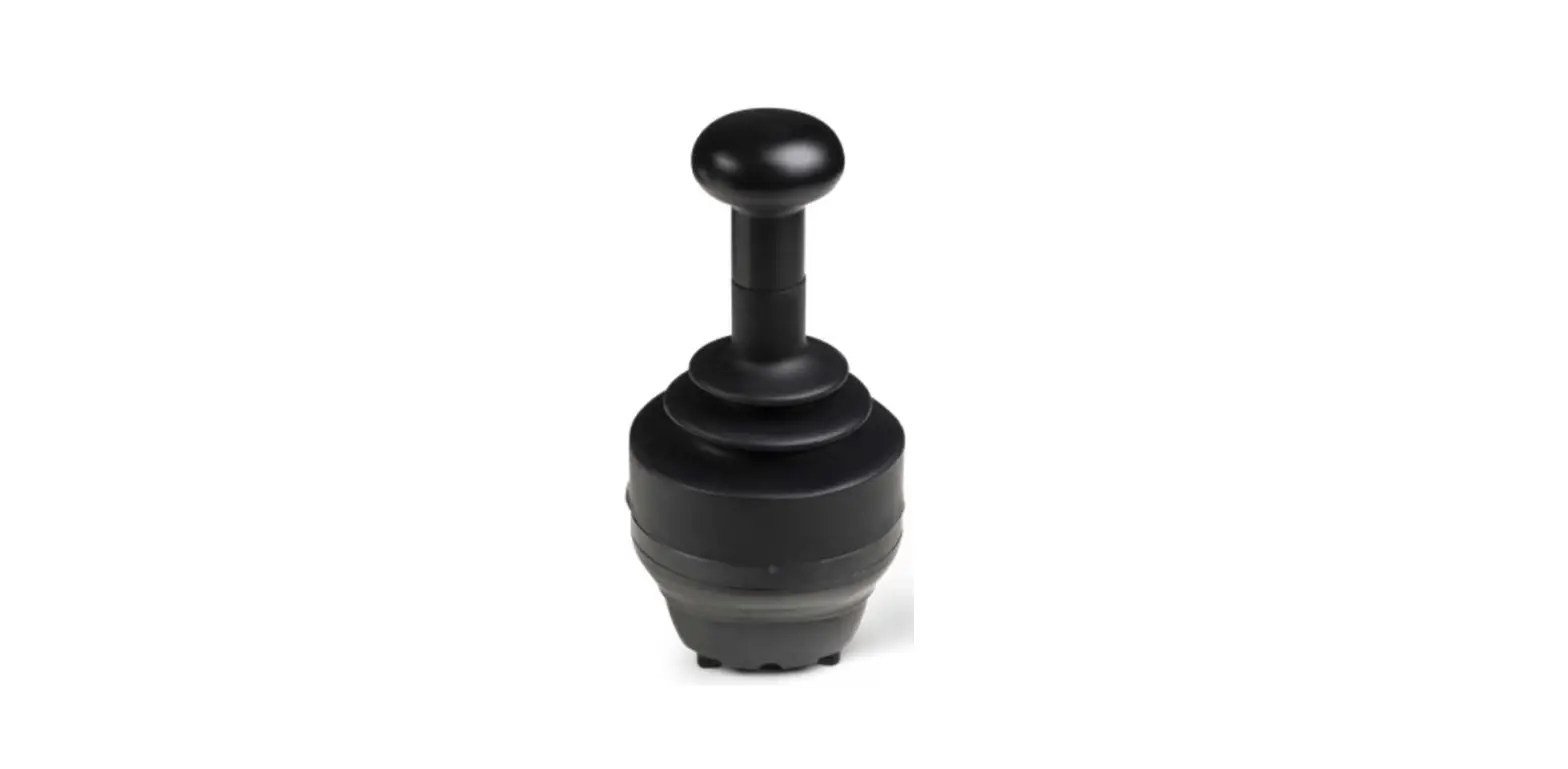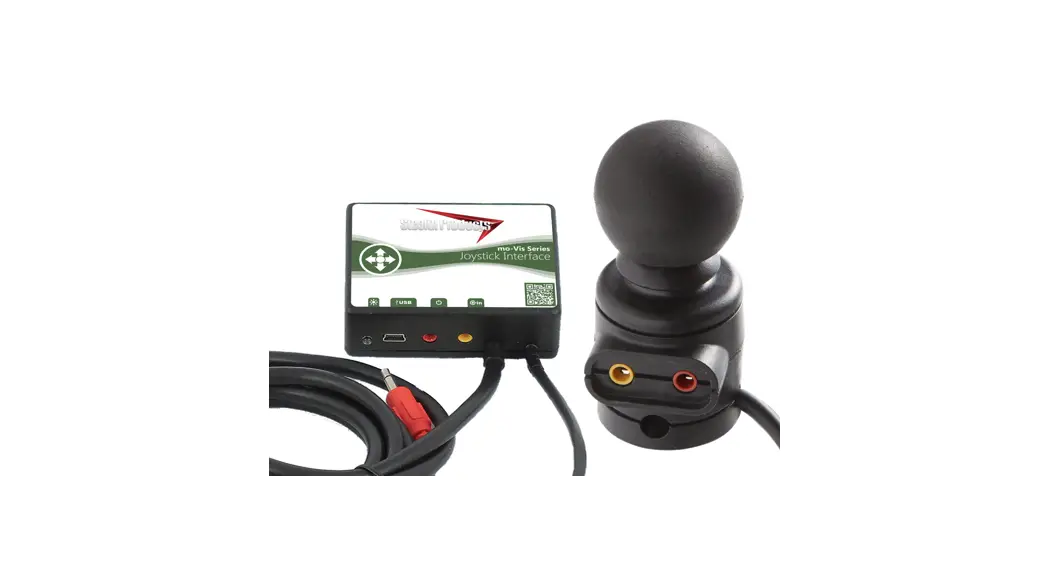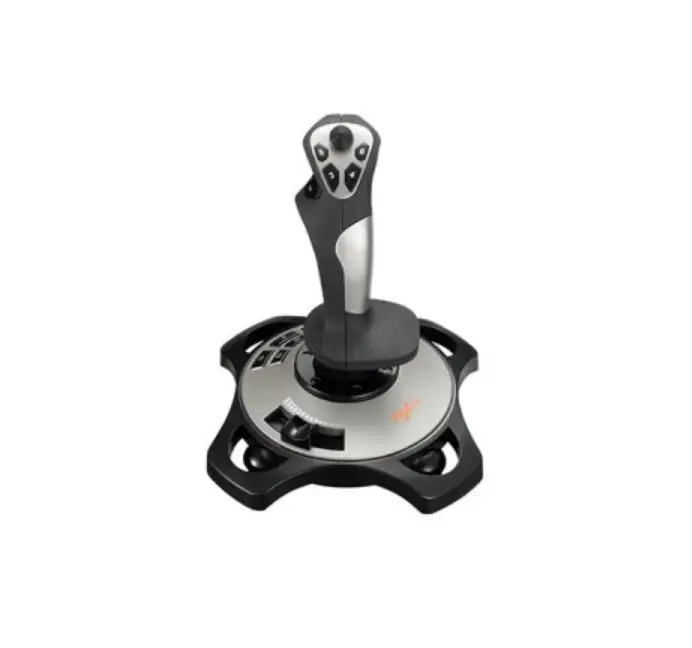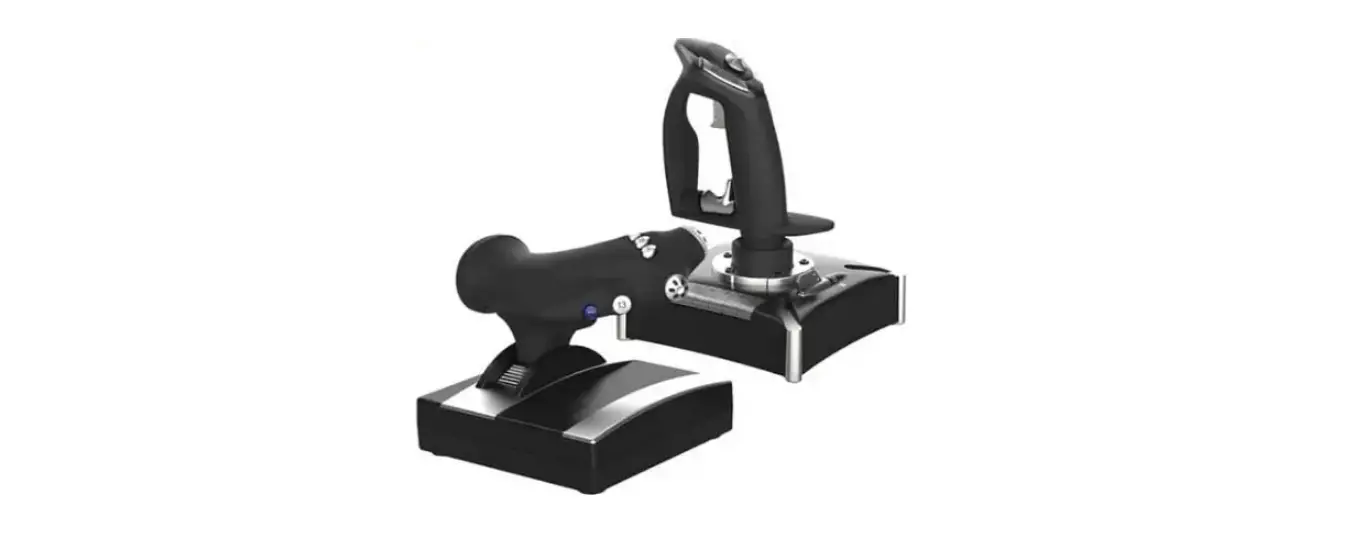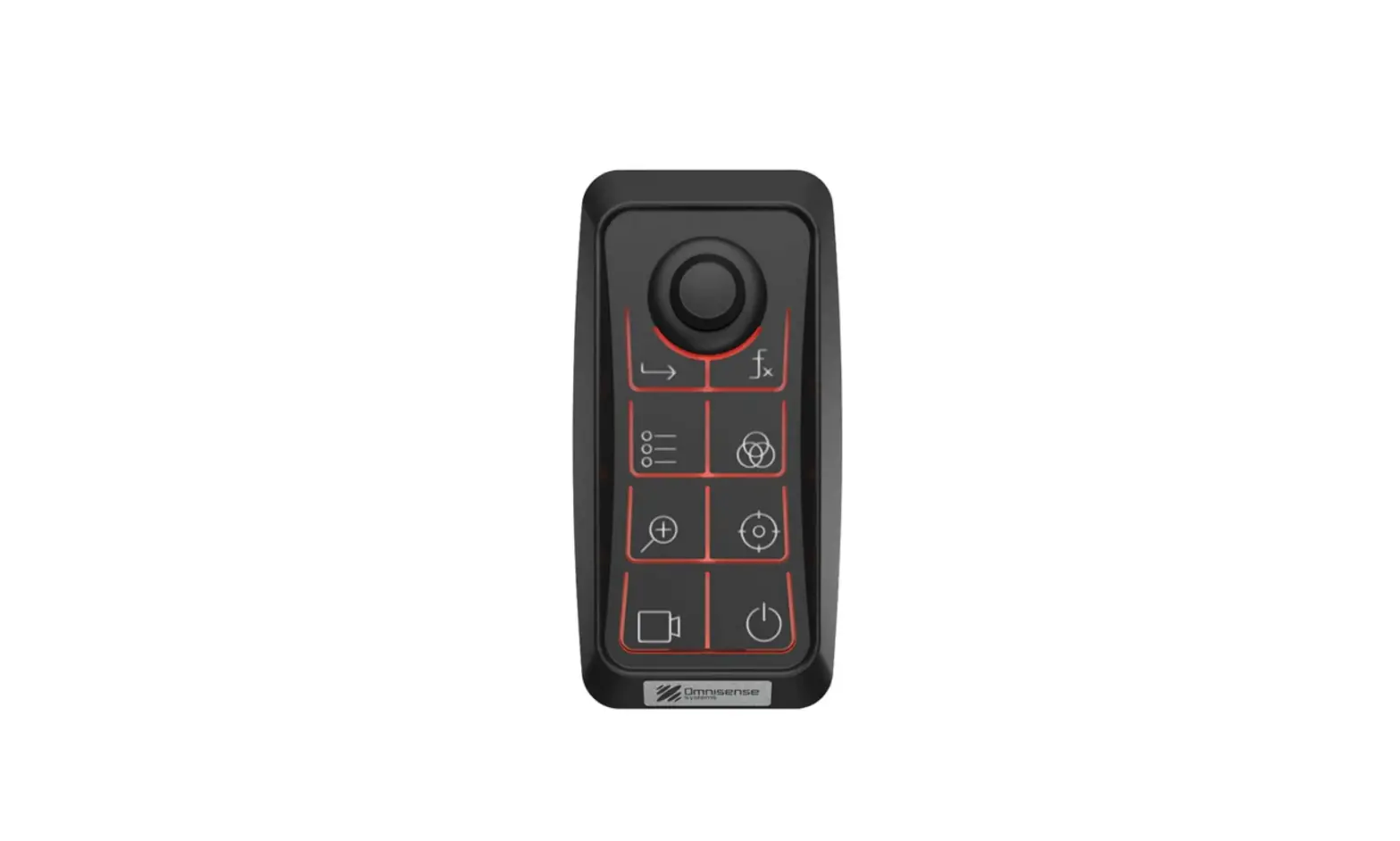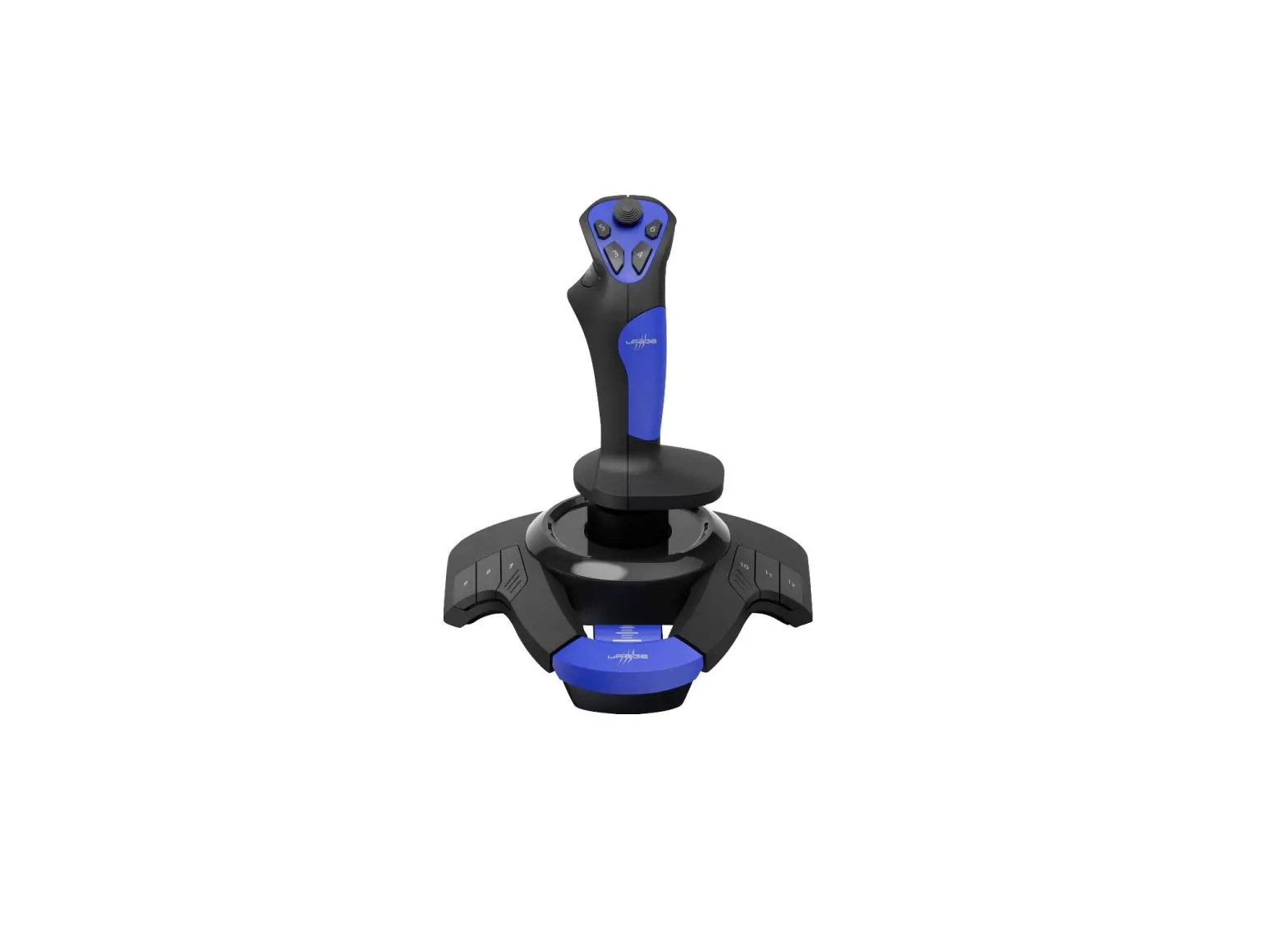

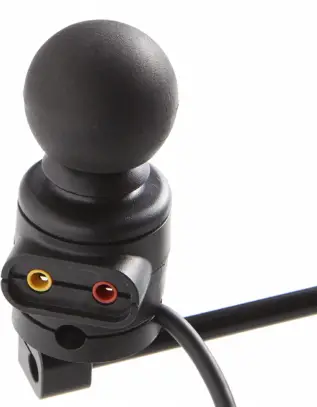
mo-vis D-P009-50-70-M8-00 Multi Joystick
Cleaning the COM ports
Sometimes the configurator will not show or recognize your mo-vis device. In that case, follow the steps below. If this still doesn’t work, please contact mo-vis.
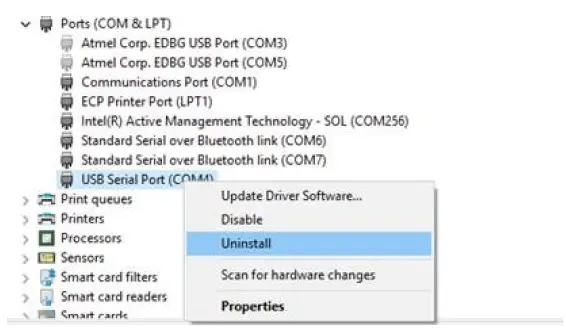
Uninstalling the USB serial port driver
- Go to Device Manager and Universal Serial Bus Controllers.
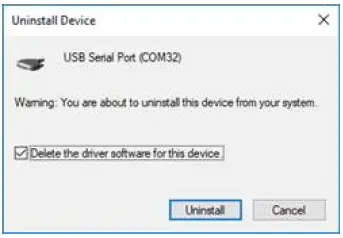
- Right click the USB Serial Port (COM) and select uninstall.

- Make sure the checkbox is checked.

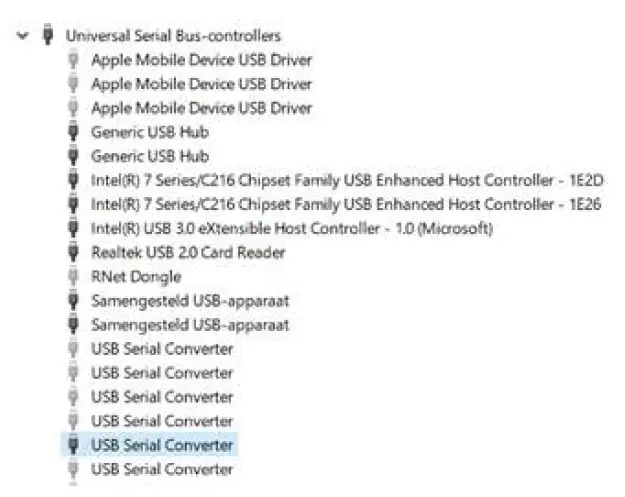
Uninstalling the USB serial controller driver
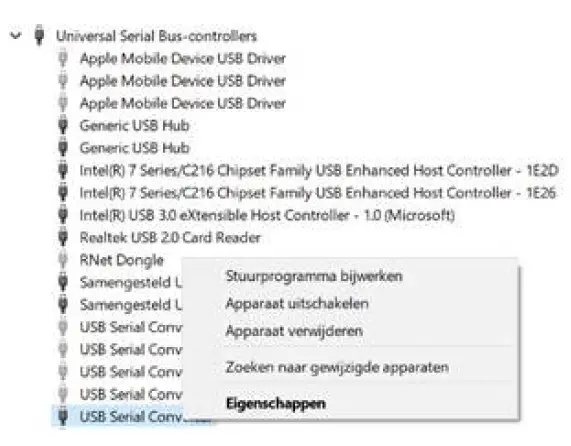
- Unfold Universal Serial Bus Controllers in the Device Manager.
- Select the USB Serial Convertor that is not greyed out.

- Right click on Properties.

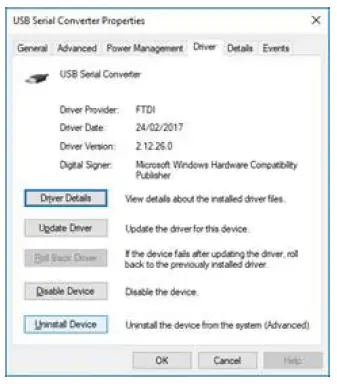
- Select the Driver tab and uninstall the device.

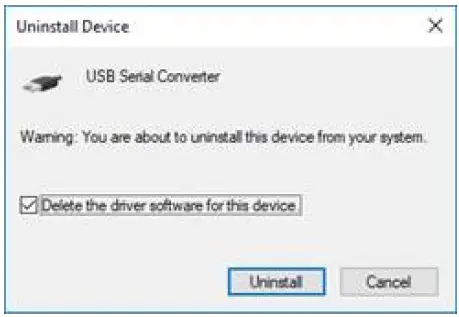
- Uninstall the USB Serial converter. Make sure you check the checkbox.

mo-vis bv . Biebuyckstraat 15D . 9850 Deinze – Belgium
- www.mo-vis.com
- [email protected] .
- +32 9 335 28 60
- Go to our website for more information on our products or share your experience with us via email.
 vis.com
 mo-vis | electric wheelchair accessories