PS2 Wireless Joystick
PS2 Wireless Joystick
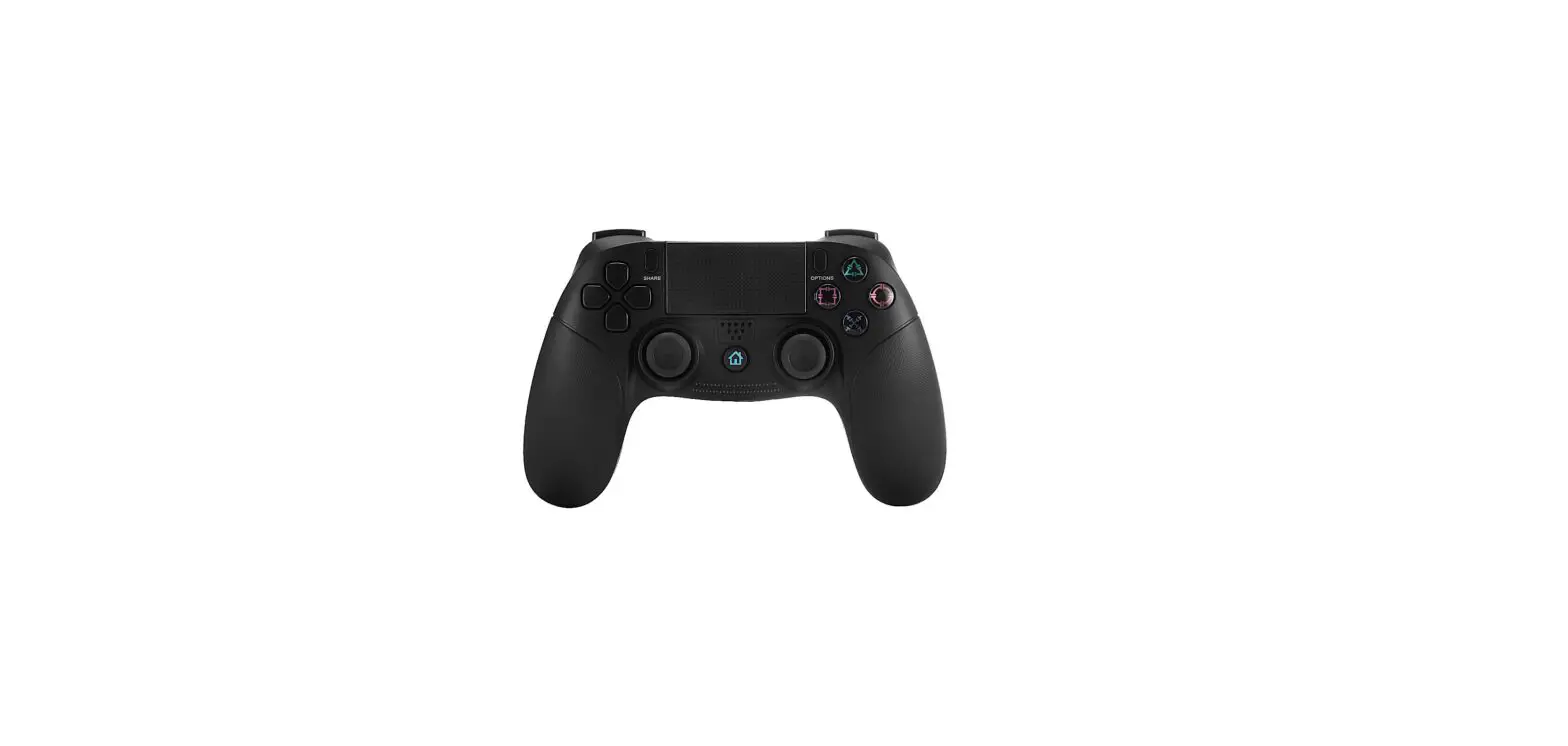
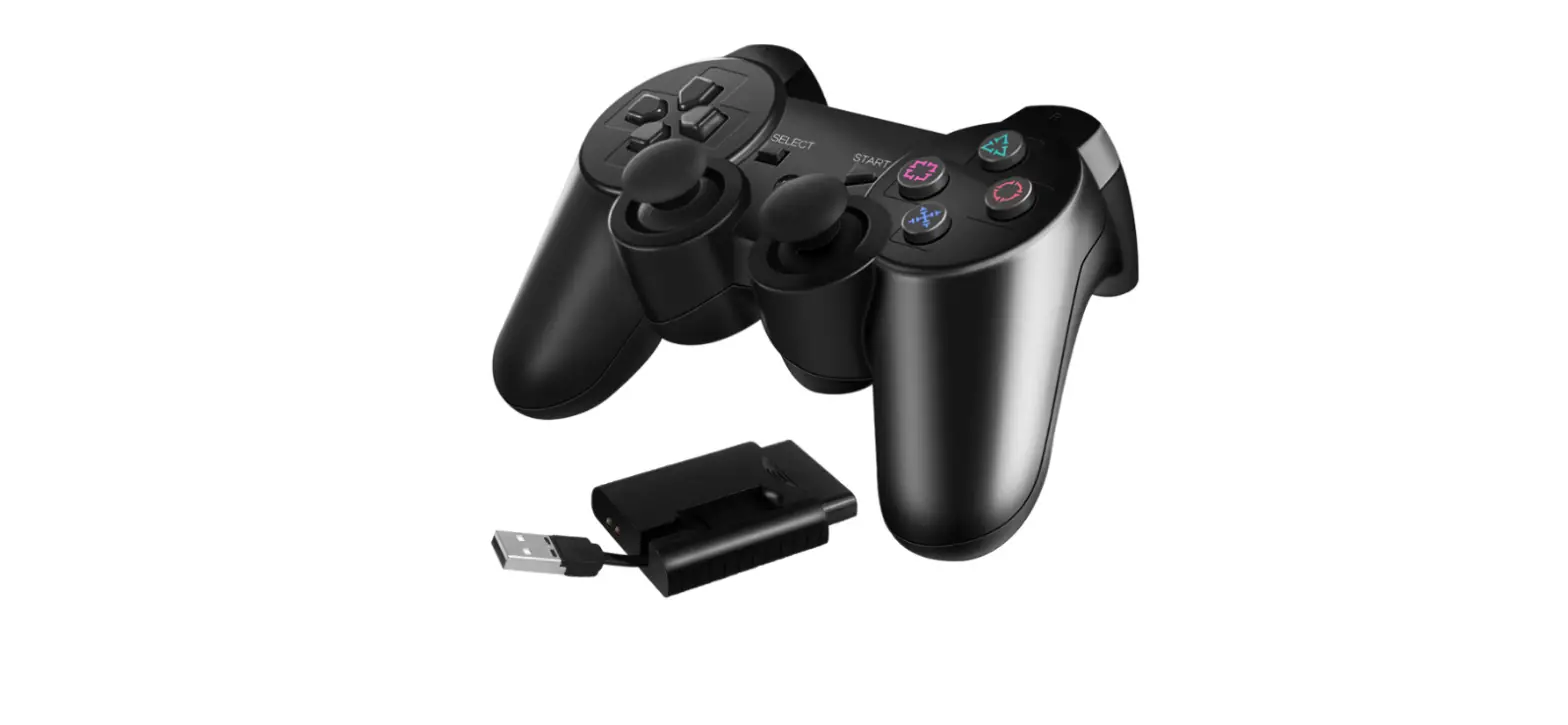
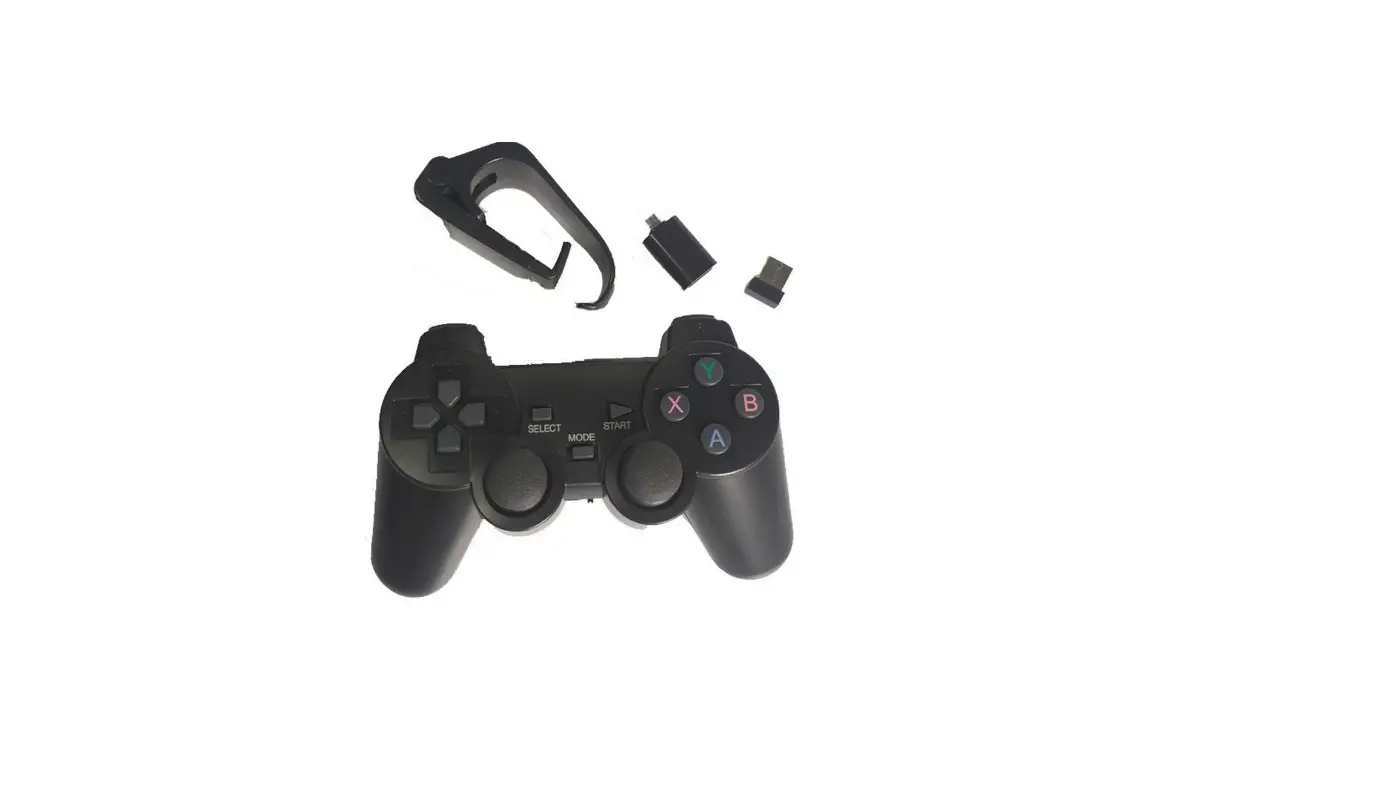
The PS2 Wireless Joystick is a gaming controller that allows you
to play games on your PlayStation 2 wirelessly. It provides a
convenient and comfortable gaming experience.
Transmitter
The transmitter is the main control unit of the PS2 Wireless
Joystick. It has several functions and features:
- Power on: To power on the joystick, press and
hold the START key for more than 2 seconds. - Power off: To power off the joystick, press
and hold the START key for more than 3 seconds. - Bind Mode: During normal operation, you can
enter the bind mode by pressing and holding the L3 key for more
than 2 seconds. - Neutral point correction: To calibrate the
neutral point of the joystick, press and hold the L1 and R1 keys
simultaneously, and then power on the joystick for more than 2
seconds. The LED will flash twice to indicate the completion of the
calibration. - LED indication: The LED on the joystick
provides various indications:
- a. Normal emission & Analog Mode (Default) – LED remains
constantly bright. - b. Normal emission & Digital Mode – LED flashes for 0.5
seconds ON, then OFF continuously. - c. Low battery voltage warning – LED flashes for 0.25 seconds
ON and OFF continuously. - d. Bind Mode – The LED flashes for 0.1 seconds ON and OFF for 3
consecutive seconds before returning to normal operating mode. - e. Neutral point correction – The LED flashes for 0.15 seconds
ON, 0.15 seconds OFF, 0.15 seconds ON, and 0.15 seconds OFF before
returning to normal working mode. - f. Sleep mode – If the joystick is not operated for more than
15 minutes, the LED flashes for 1 second and then remains ON and
OFF continuously. It returns to normal working mode once any
function is activated.
FCC Statement
This equipment complies with FCC radiation exposure limits for
an uncontrolled environment. To ensure compliance with FCC exposure
requirements, please follow the operation instructions provided in
this manual. Any changes or modifications not approved by the
responsible party could void the user’s authority to operate the
equipment.
PS2 Wireless Joystick Operation and Function Description
Transmitter:
1. Power on: Press and hold the START key for more than 2 seconds.
2. Power off: Press and hold the START key for more than 3 seconds.
3. Bind Mode: Press and hold the L3 key for more than 2 seconds during normal operation.
4. Neutral point correction: Press and hold the L1&R1 keys and then Power on for more than 2 seconds. After the execution is completed, the LED flashes twice before returning to normal working mode, and the LED remains on.
5. LED indication: a Normal emission&Analog Mode (Default) LED constant brightness
b. Normal emission&Digital Mode – LED flashing for 0.5 seconds ON OFF Continuous.
c. Low battery voltage warning – LED flashes for 0.25 seconds, ON and OFF continuously.
d. Bind Mode – The LED flashes 0.1 seconds ON and OFF for 3 consecutive seconds before returning to normal operating mode.
e. Neutral point correction – LED flashes 0.15 seconds ON, 0.15 seconds OFF, 0.15 seconds ON, and 0.15 seconds OFF before returning to normal working mode.
e. Sleep mode – After each function has not been operated for more than 15 minutes, the LED flashes for 1 second and remains ON and OFF continuously. After the function is activated, it returns to normal working mode.
FCC Statement
The equipment has been tested and found to comply with the limits for a Class B digital device, pursuant to part 15 of the FCC Rules. These limits are designed to provide reasonable protection against harmful interference in a residential installation. This equipment generates, uses and can radiate radio frequency energy and, if not installed and used in accordance with the instructions, may cause harmful interference to radio communications. However, there is no guarantee that interference will not occur in a particular installation. If this equipment does cause harmful interference to radio or television reception, which can be determined by turning the equipment off and on, the user is encouraged to try to correct the interference by one or more of the following measures: -Reorient or relocate the receiving antenna. -Increase the separation between the equipment and receiver. -Connect the equipment into an outlet on a circuit different from that to which the receiver is connected. -Consult the dealer or an experienced radio/TV technician for help
This device complies with FCC Rules Part 15. Operation is subject to the following two conditions: · This device may not cause harmful interference. ·This device must accept any interference received, including interference that may cause undesired operation.
This equipment complies with FCC radiation exposure limits set forth for an uncontrolled environment. End users must follow the specific operating instructions for satisfying RF exposure compliance. To maintain compliance with FCC exposure compliance requirement, please follow operation instruction as documented in this manual.
You are cautioned that changes or modifications not expressly approved by the part responsible for compliance could void the user’s authority to operate the equipment