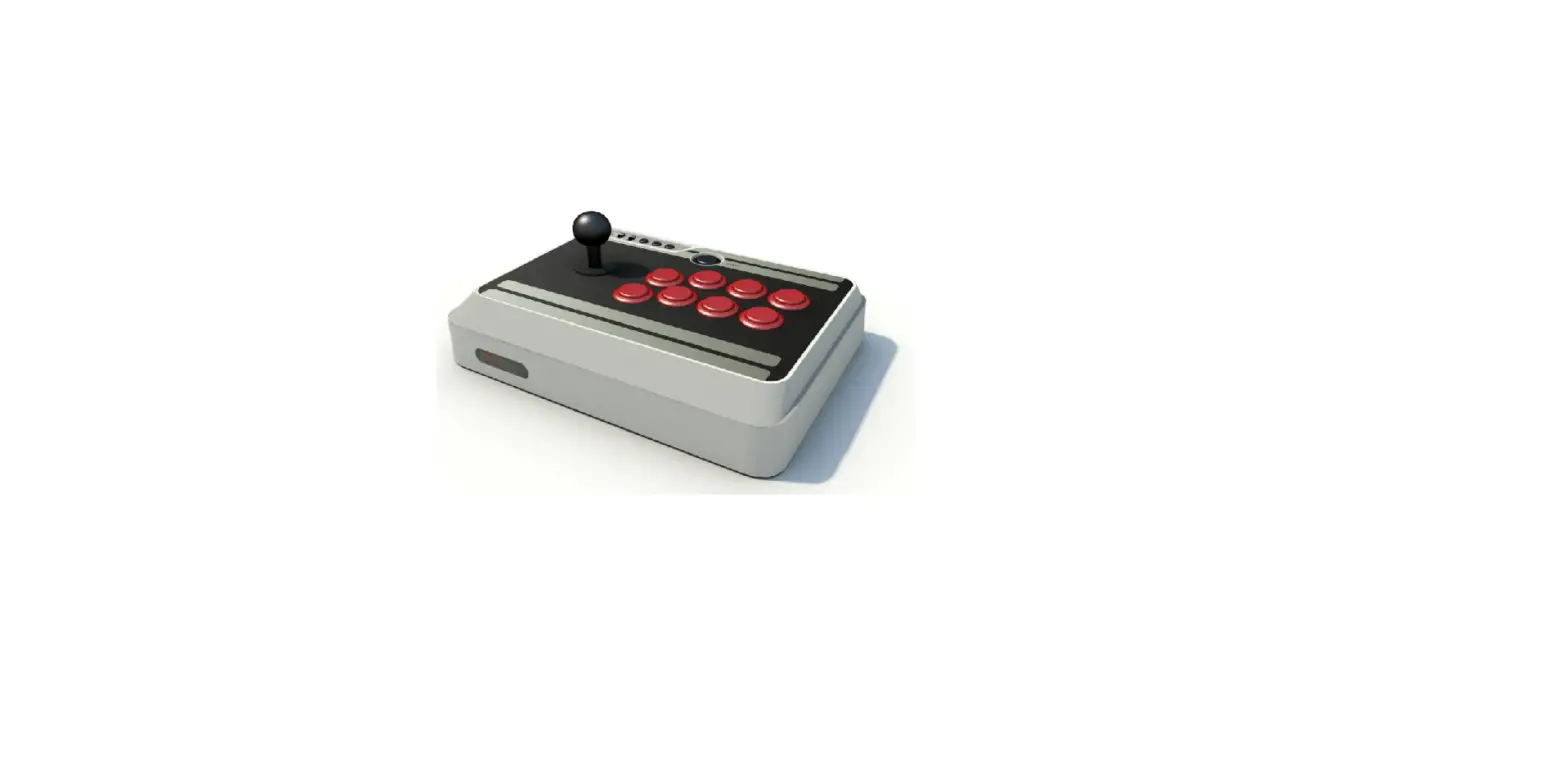
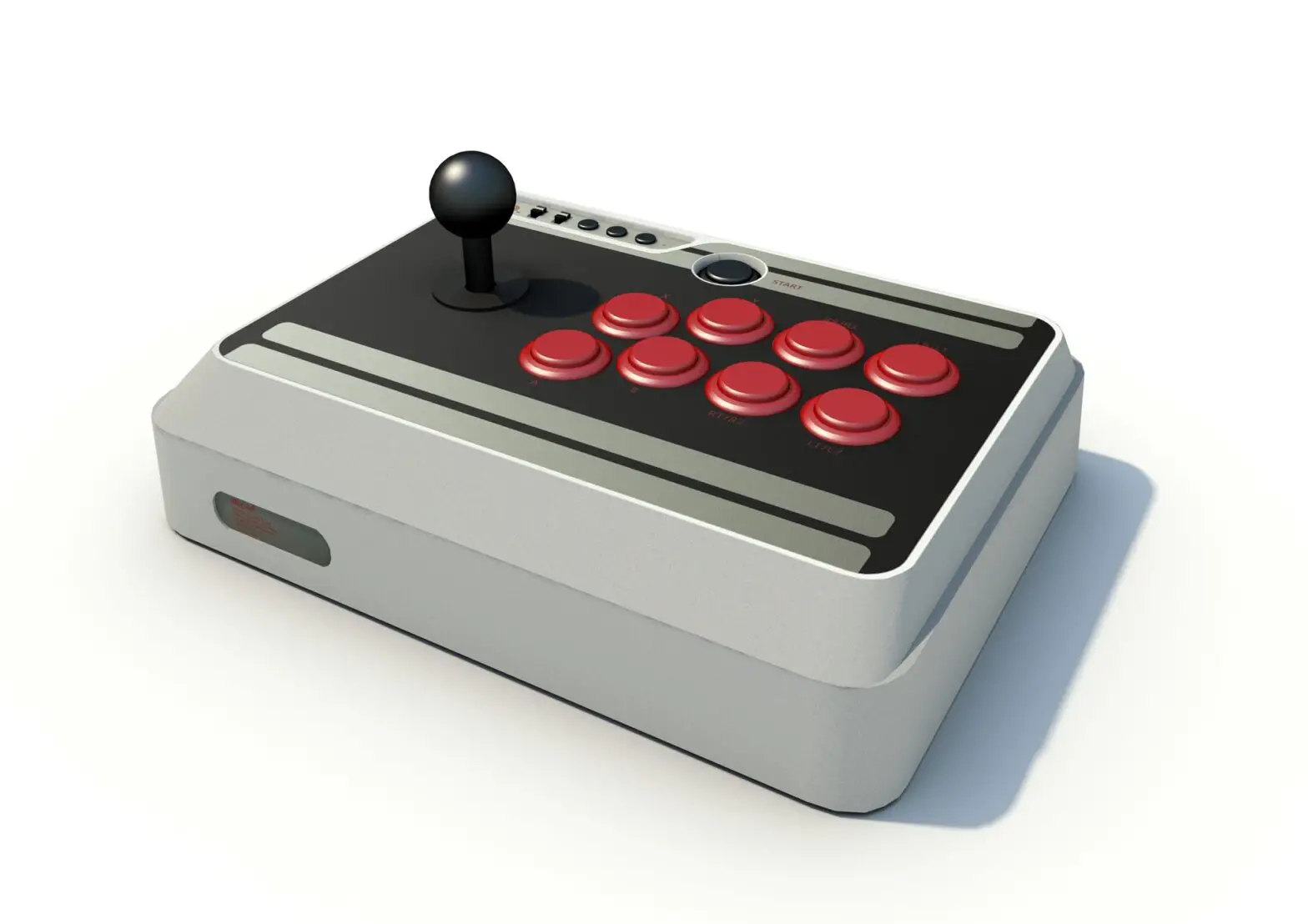
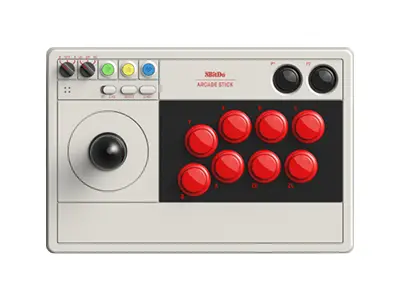
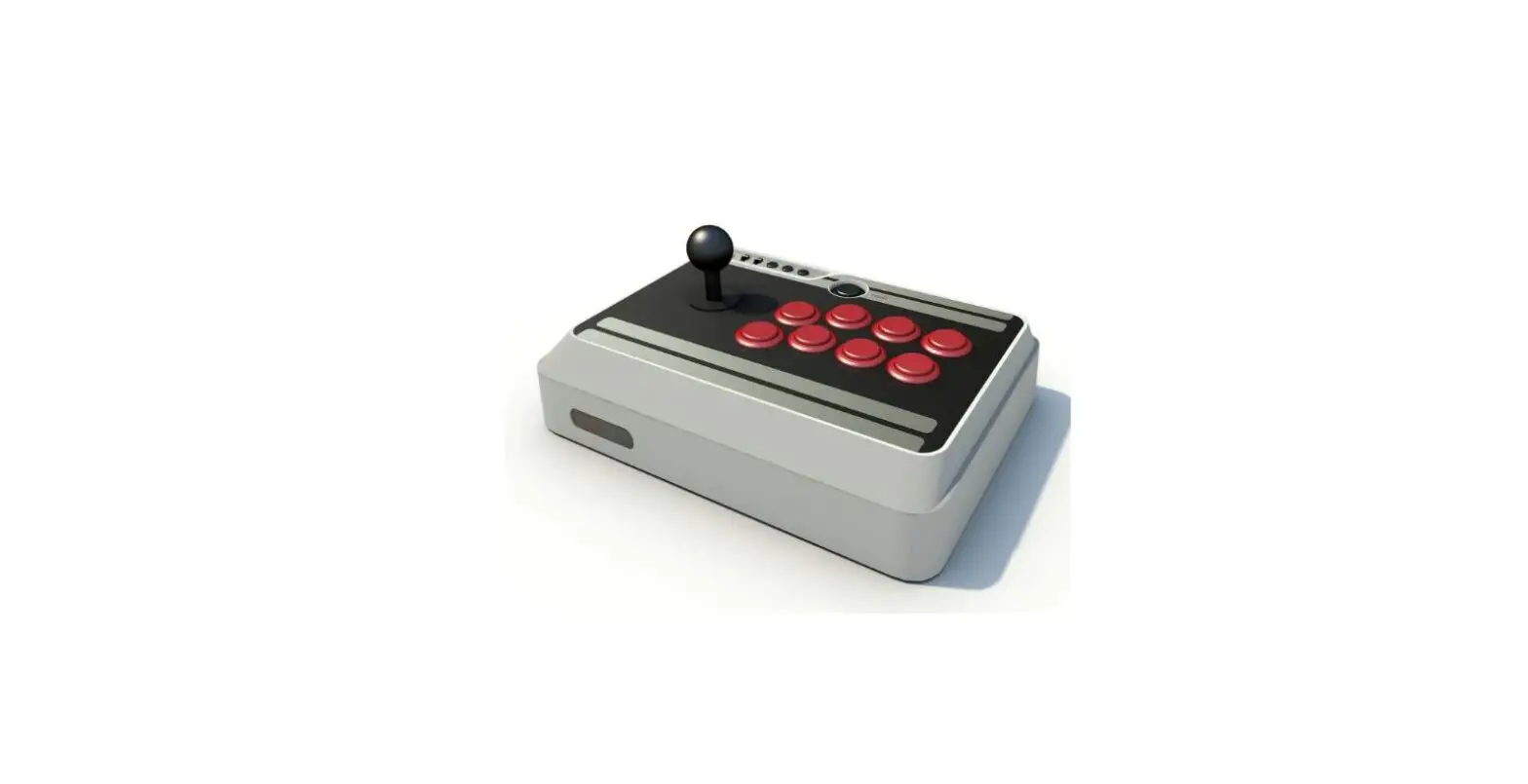
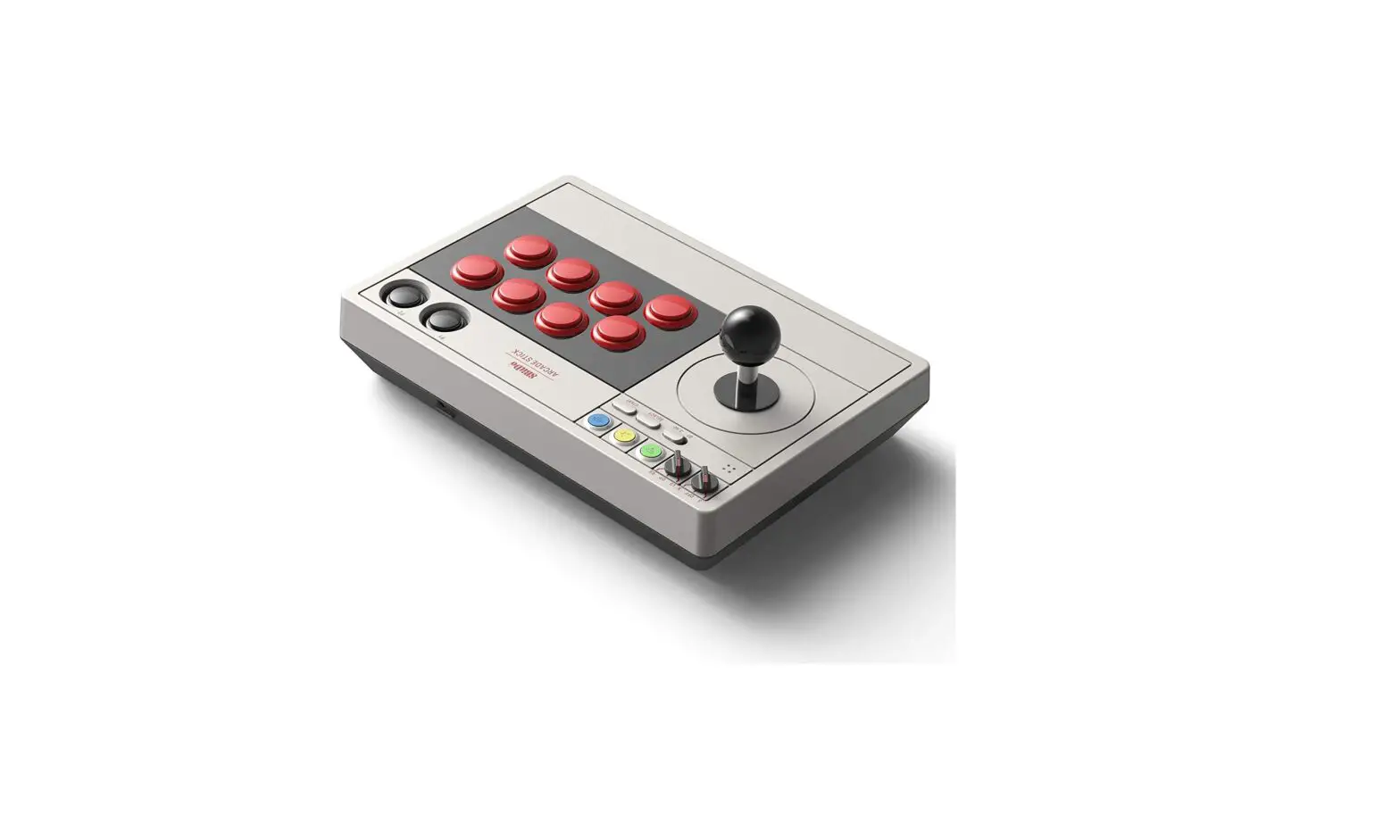
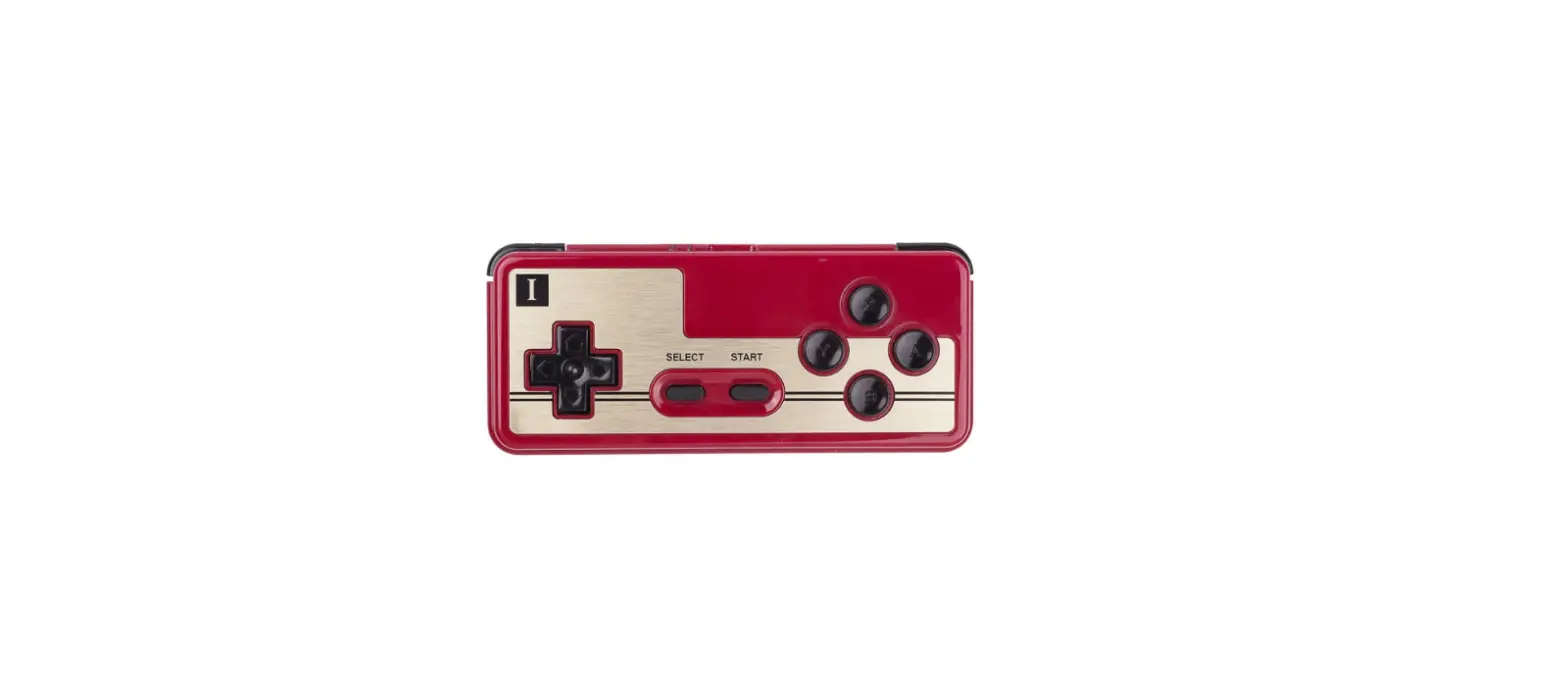
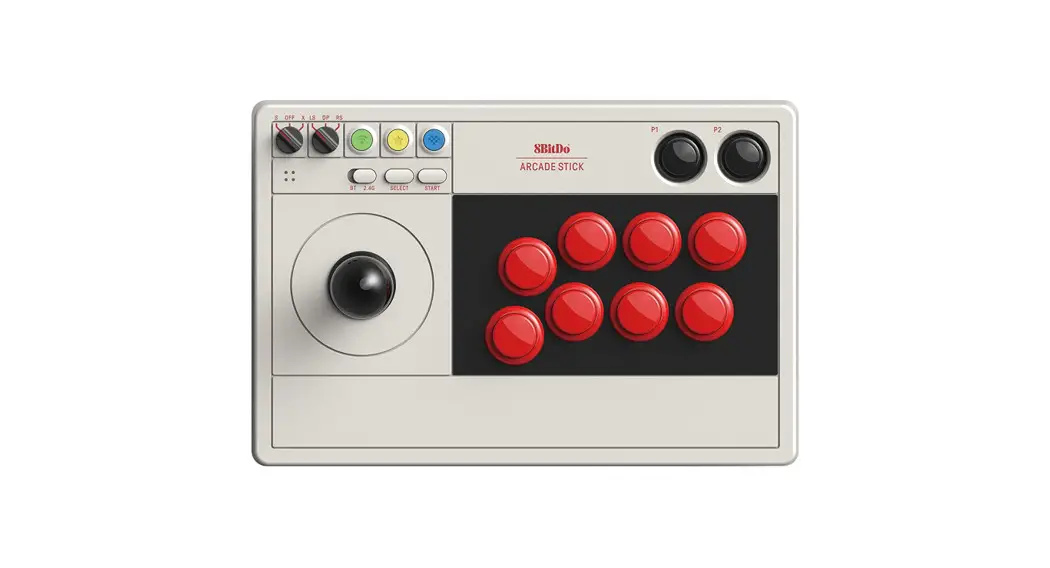
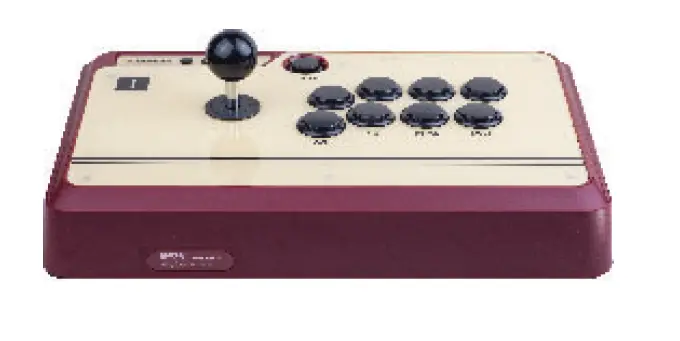
8BitDo FC30 Arcade Joystick User Manual
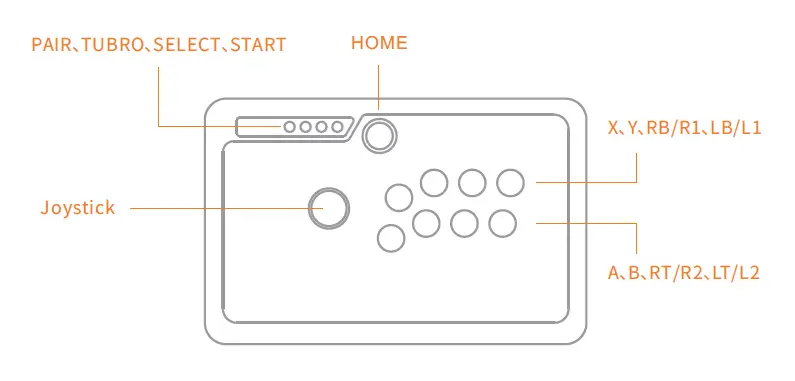
Connecting with Bluetooth
iOS
1. To enter pairing mode, press and hold HOME + A for 3 seconds. The blue LED will rapidly blink
2. Enter your iOS devices Bluetooth settings. Pair with [8Bitdo Joy].
3. The LED will be solid blue when the connection is successful.
macOS / Windows / Android
1. To enter pairing mode, press and hold HOME for 3 seconds.The blue LED will rapidly blink.
2. Enter your devices Bluetooth settings. Pair with [3Bitdo Joy].
3.The LED will be solid blue when the connection is successful.
Note: USB OTG might he needed with some Android devices.
Connecting with USB
1. Press and hold HOME for 3 seconds. The blue LED will rapidly blink.
2. Connect the Micro USB cable to your controller and preferred device.
Please note: your IOS device must be in English
LED Indicator
| Status | LED Indicator |
| Low battery mode | Red blinking LED |
| Battery charging | Green blinking LED |
| Battery fully charged | Green LED turns off |
Firmware Upgrade ( Windows / MacOS )
To Upgrade the firmware, Please visit: www.8bitdo.com
Additional Support
We are continuously developing and providing additional support for new game systems and products. Please visit www.8bitdo.com for more information on how to update your controller with unique features.
Kind Reminders
1. Please visit our official website for up-to-date information.
2. Please charge the controller for 20 minutes before using it again if it has been put away for a lengthy period of time
3.To avoid any physical damage of the controller, please ensure to keep it in a clean and dry place, away from high temperature, grease or any chemical substance.
Technical Specifications
| Dimensions | Width: 360 mm (14.17 inches) Height: 231 mm (9.09 inches) Depth: 59 mm (2.32 inches) |
| Connectivity | Wireless Bluetooth, Micro-LAB |
| Range | 10 Meters |
| Compatibility | mac OSX, Windows, iOS, Android |
| Battery Type | Built-in 1000 mAh Li-on, rechargeable |
| Battery Life | 40 Hours with 1-2 hour charging time |
| Controller Modes | Bluetooth Keyboard, Cade, Android Joystick Emu-Touch Screen |
| Weight | 2.980 kg with packaging |
Download
8BitDo FC30 Arcade Joystick User Manual – [ Download PDF ]