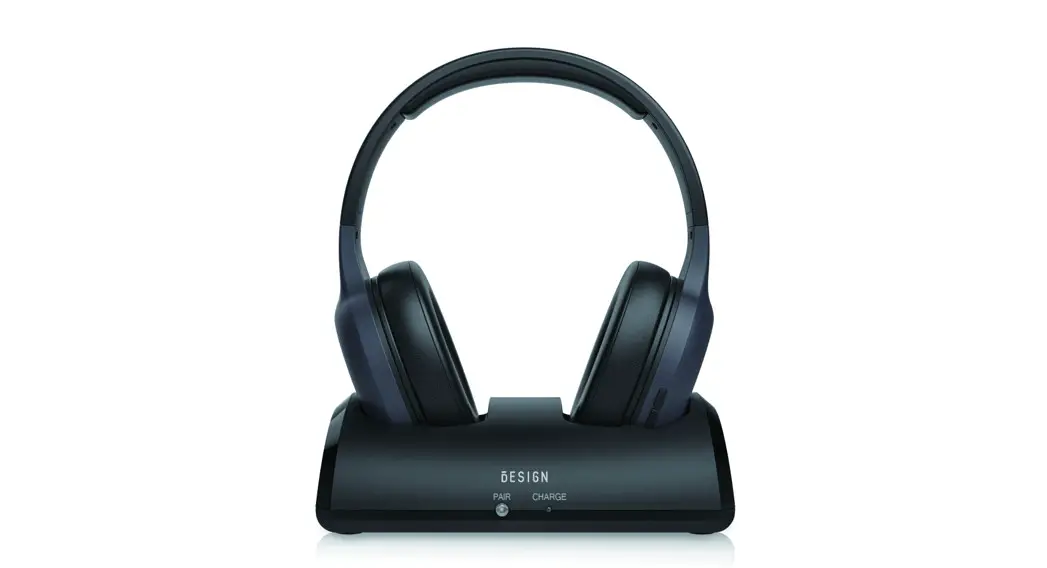
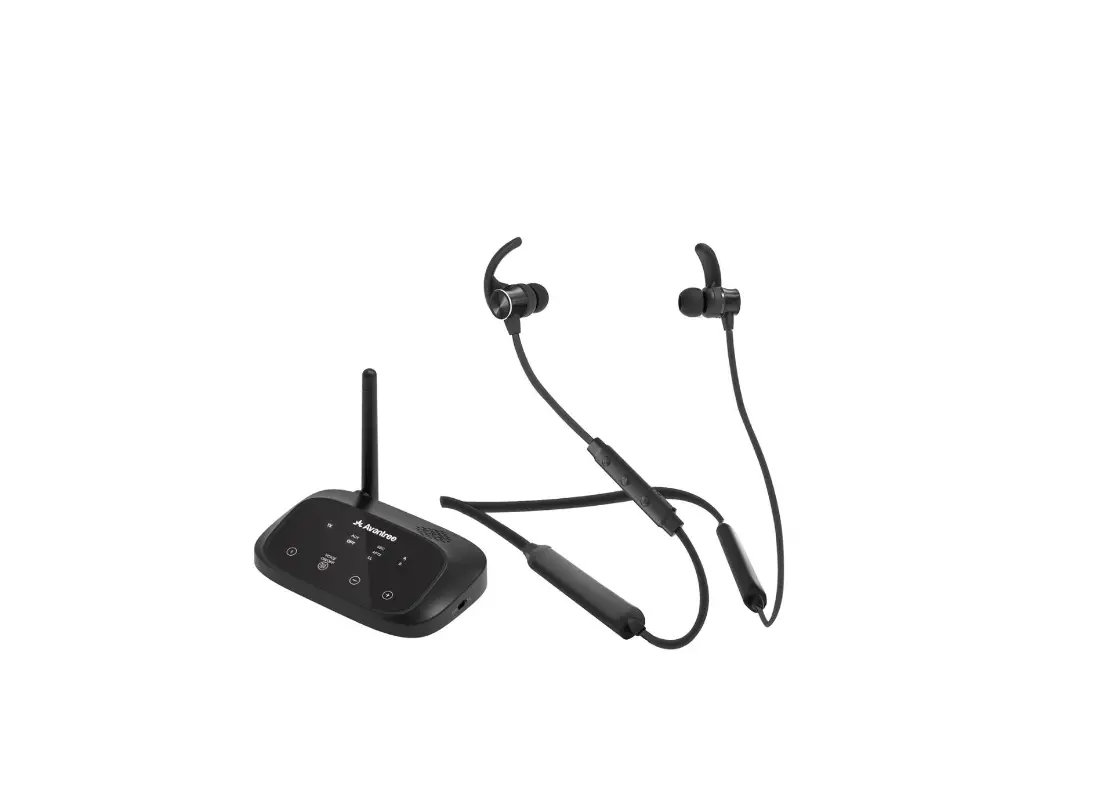
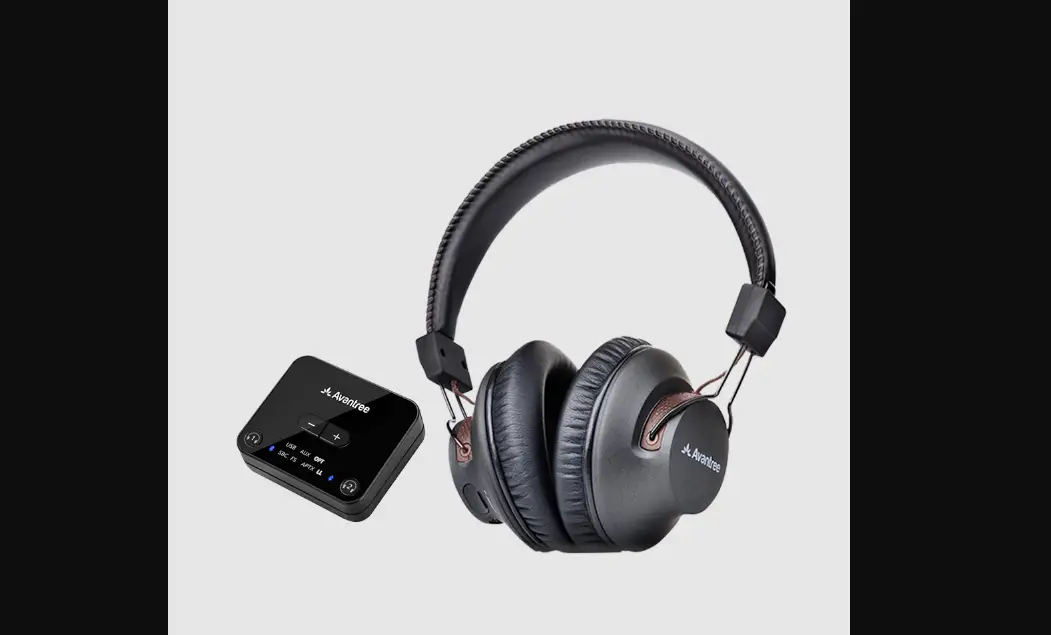
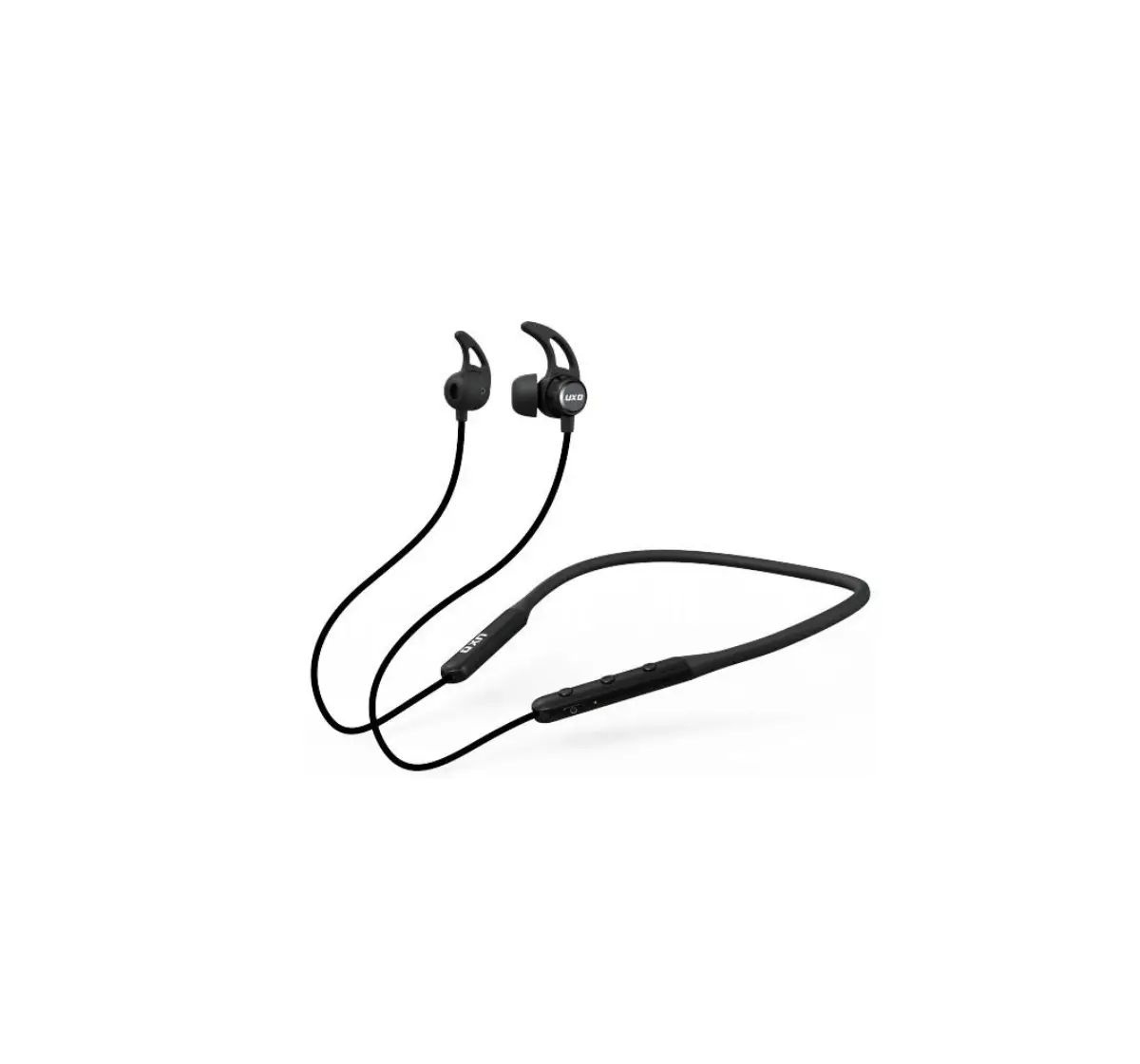
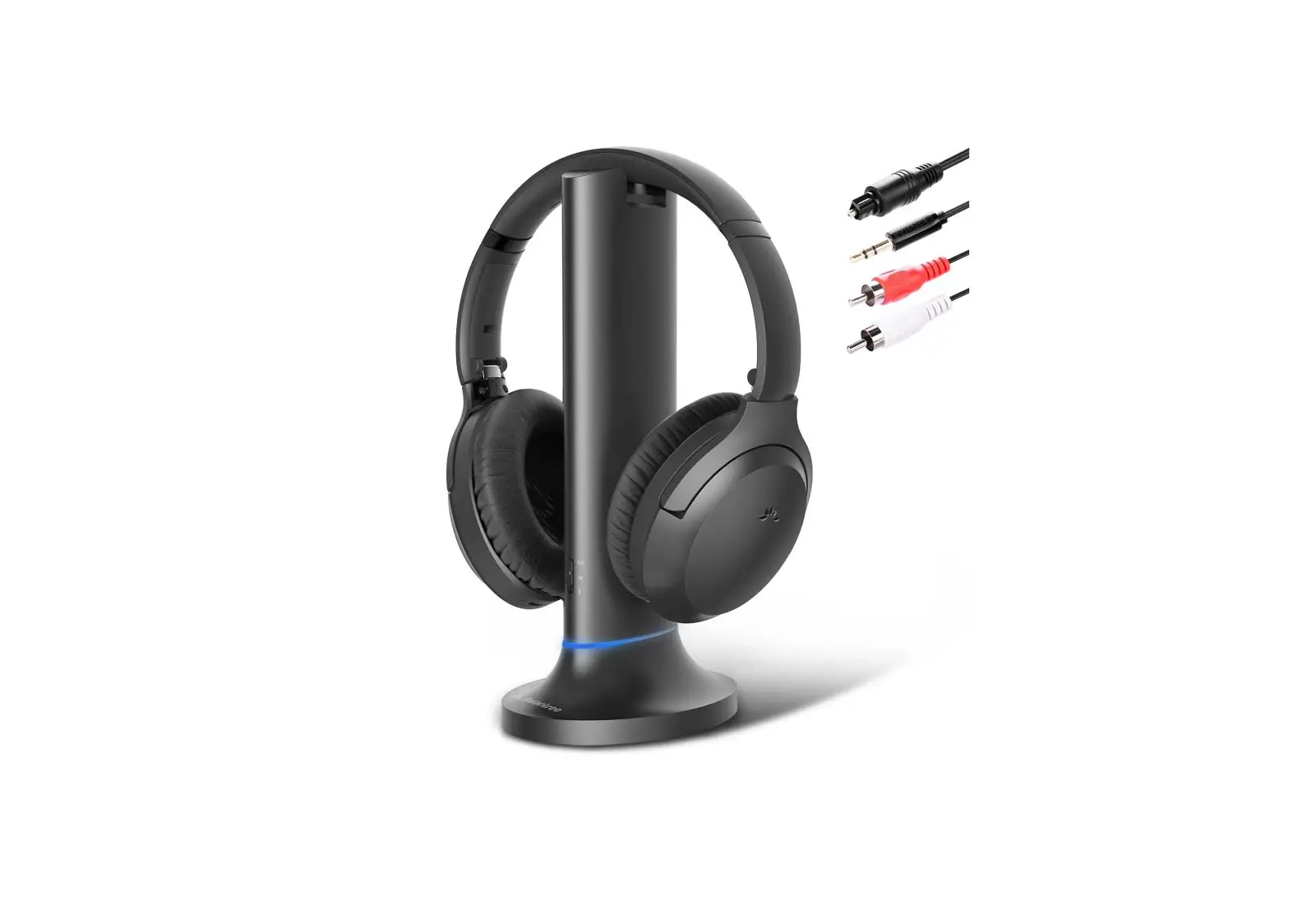
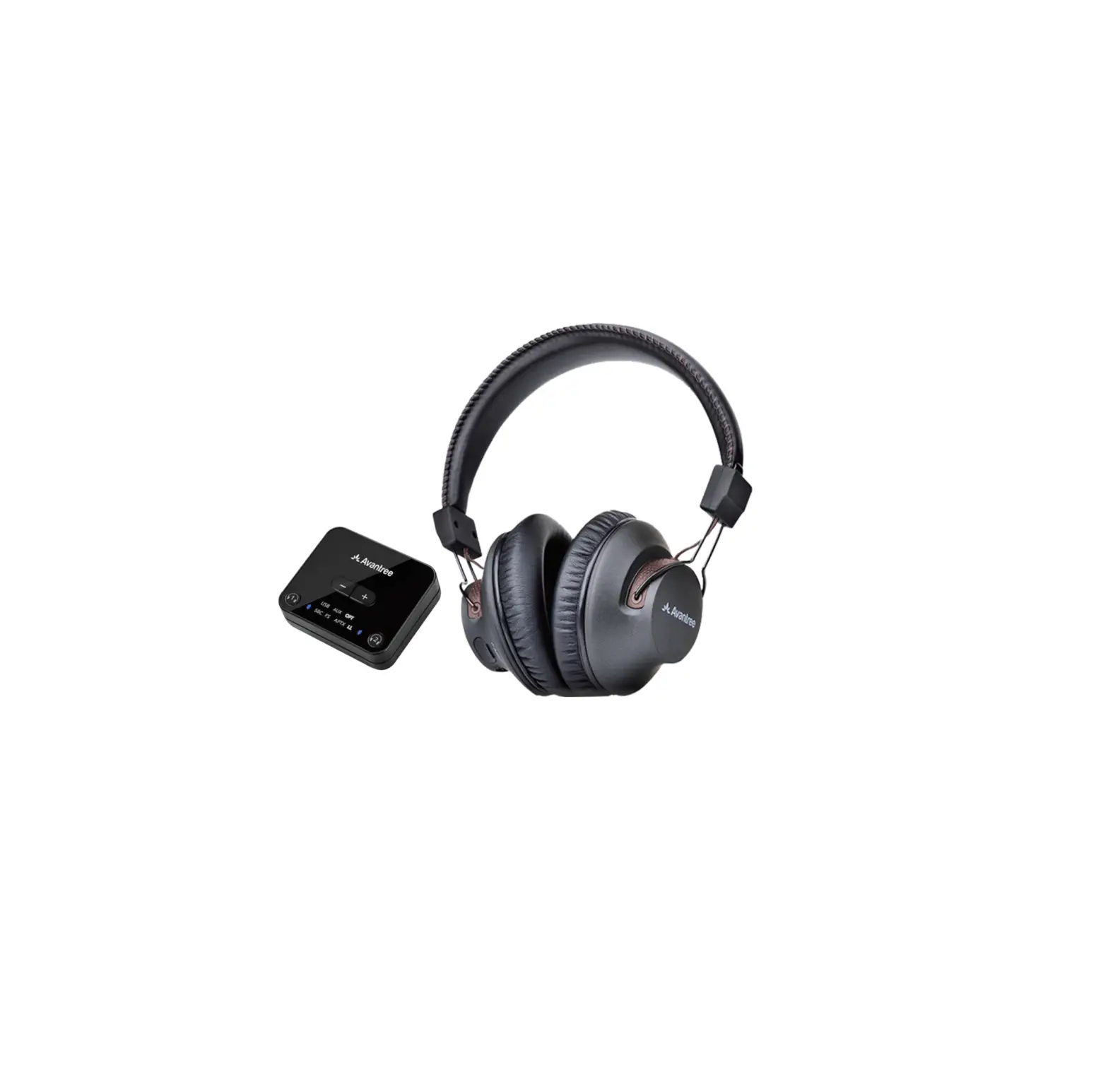
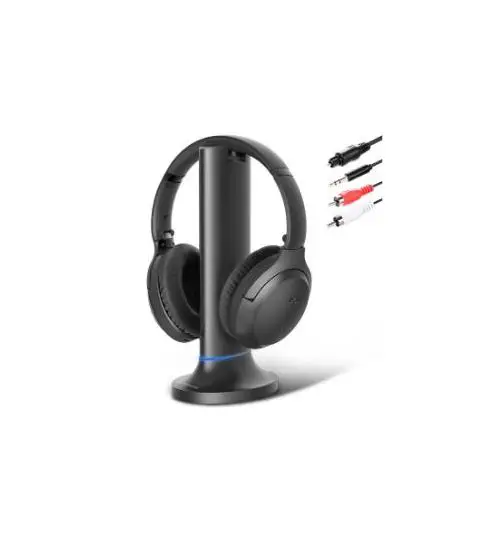
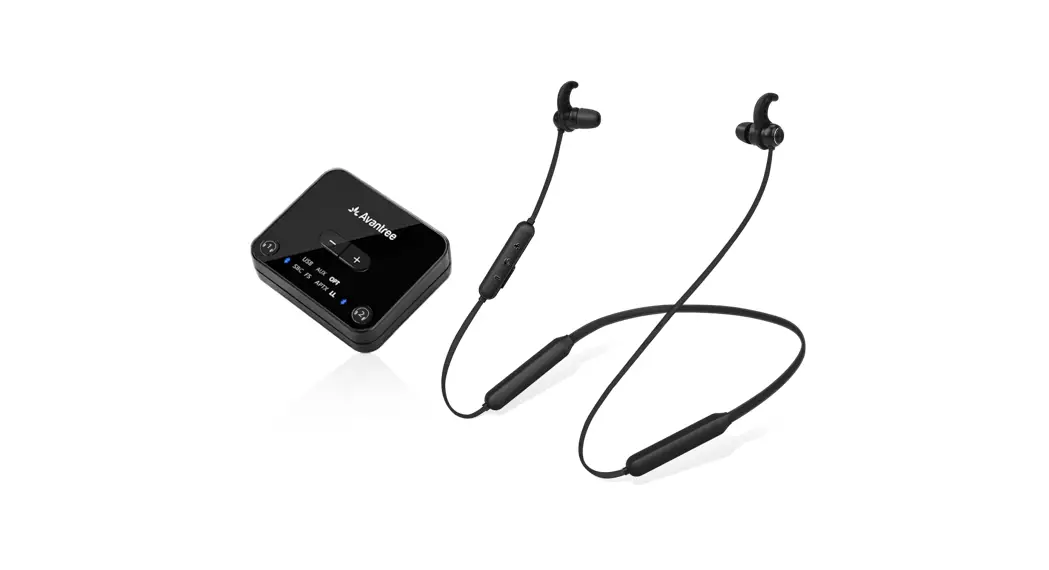
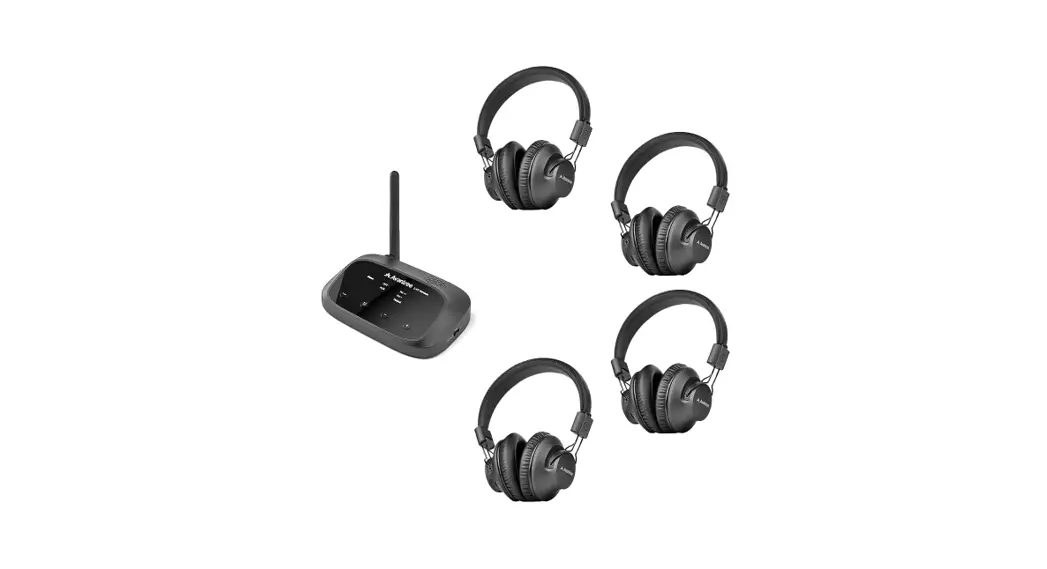
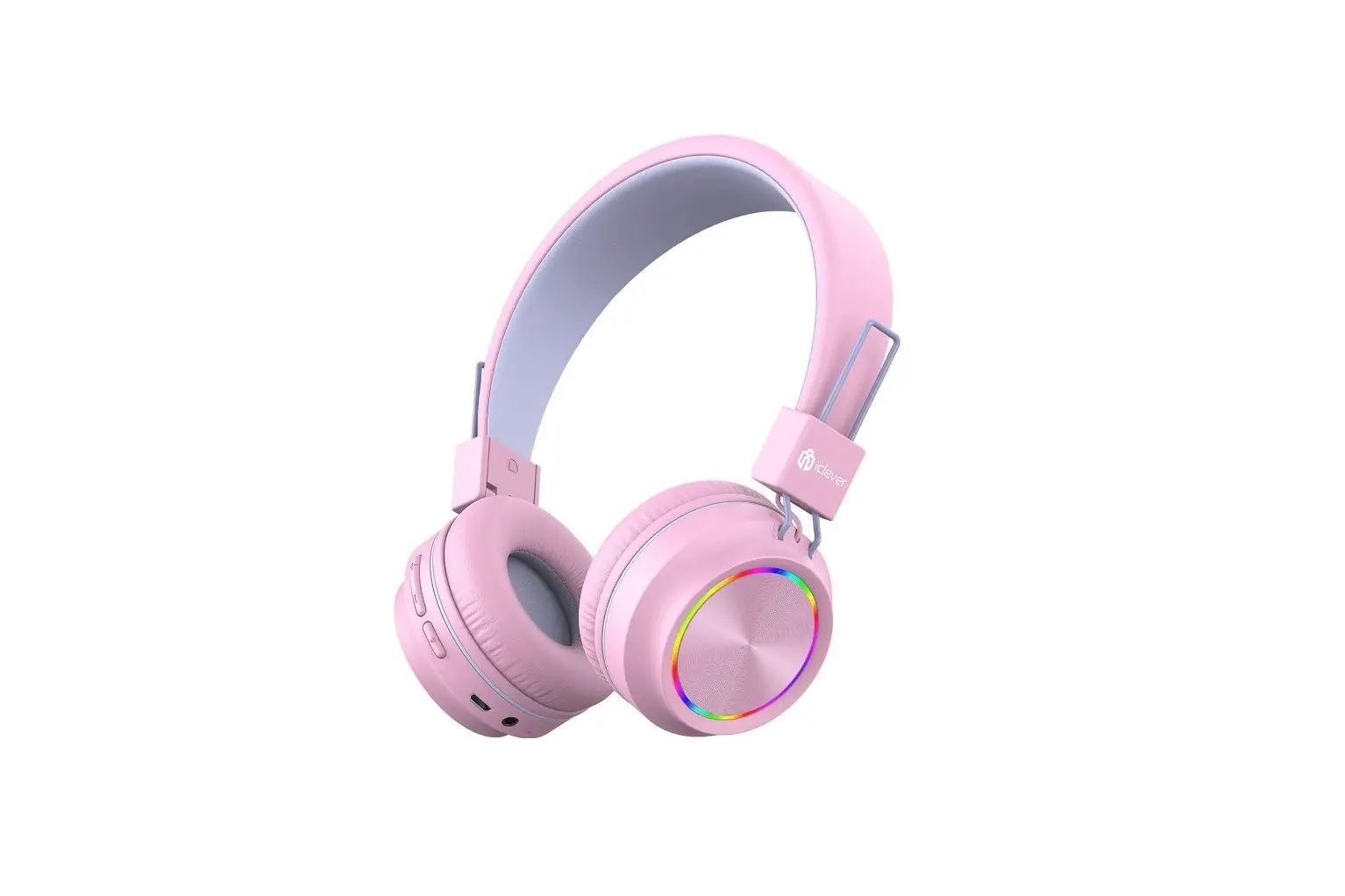
BTH01 Wireless Headphones and Transmitter Set
Product Information
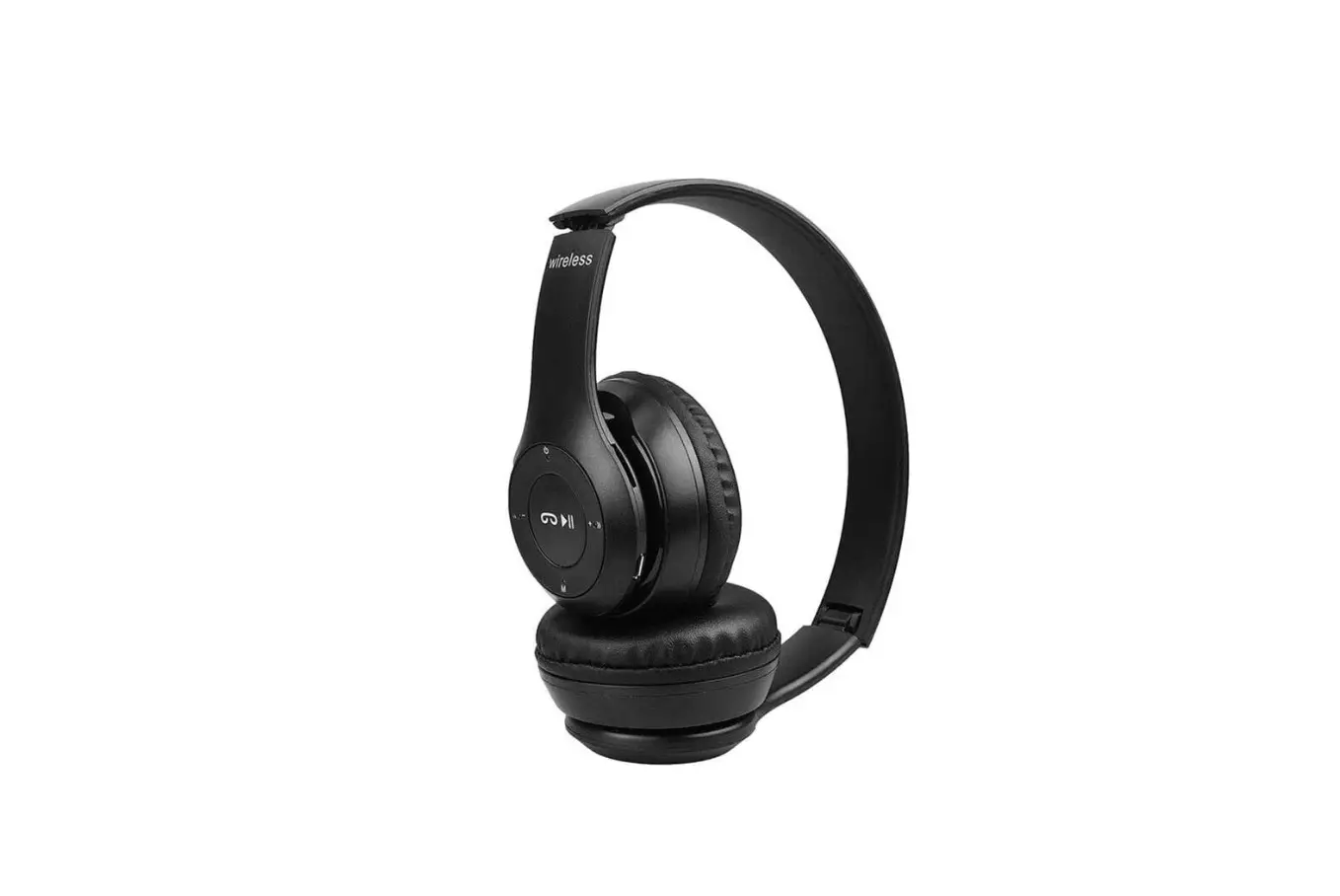
Overview Headphones:
- Volume +
- Charging Contacts Points
- Led Indicator
- Aux/3.5mm Headphone Jack
- Charging Port
- Microphone
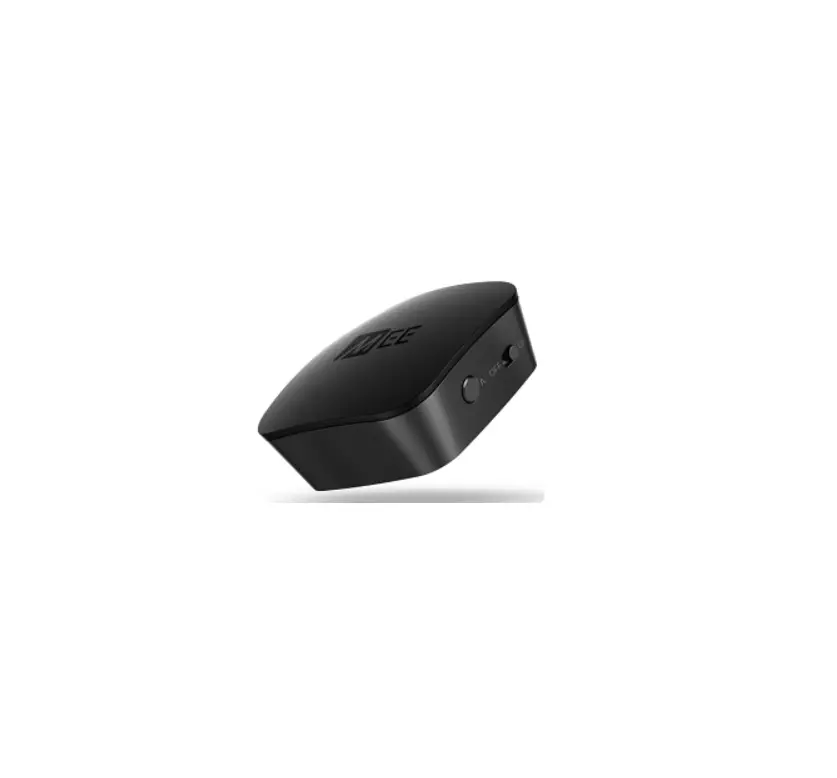
Transmitter:
- Power ON/OFF Switch
- Headphone charging contact pins
- Blue Led/Pair Button
- Red Led/Headphone Charging Indicator
- Optical Audio Port
- Micro USB Power Port
- 3.5mm Audio Port
LED Indicators of the transmitter:
- LED Indicator Flashing Red and Blue alternately
- Solid Blue LED
- Blue LED flashes once per second
- Red LED on/off
LED Indicators of the headphones:
- Flashing Red and Blue alternately
- Blue LED flashes once in 8 seconds
- Blue LED flashes twice in 5 seconds
- Red LED on/off
- Red LED flashes twice in 7 seconds with reminding voice
Product Usage Instructions
Charging the Headphones:
- Connect the charging cable to the charging port of the
headphones. - Connect the other end of the charging cable to a power
source. - The red LED on the headphones will indicate charging.
- Once fully charged, the red LED will turn off.
Pairing the Headphones with the Transmitter:
- Make sure both the headphones and transmitter are powered
on. - Press and hold the Pair Button on the transmitter until the LED
indicator starts flashing red and blue alternately. - On the headphones, press and hold the power button until the
LED indicator starts flashing red and blue alternately. - The LED indicators on both the transmitter and headphones will
turn solid blue when they are successfully paired.
Connecting the Transmitter to Audio Source:
There are multiple options for connecting the transmitter to
your audio source:
- If your audio source has an optical audio port, use an optical
audio cable to connect it to the optical audio port on the
transmitter. - If your audio source has RCA jacks, use RCA cables to connect
it to the corresponding RCA jacks on the transmitter. - If your audio source has a 3.5mm audio port, use a 3.5mm audio
cable to connect it to the 3.5mm audio port on the
transmitter.
Note: The specific connection method will depend on your audio
source and the available options.
Using the Headphones:
- To adjust the volume, use the Volume + button on the
headphones. - To listen to audio, make sure the headphones are paired with
the transmitter and the transmitter is connected to an audio
source.
BTH01 Quick User Guide
– 01 –
– 02 –
Overview Headphones:
Volume +
Multifunction button Volume
Charging Contacts Points Led Indicator Aux/3.5mm Headphone Jack
Charging Port Microphone
– 03 –
Transmitter:
Power ON/OFF Switch
Headphone charging contact pins
Blue Led/Pair Button
Red Led/Headphone Charging Indicator
Optical Audio Port
Micro USB Power Port
3.5mm Audio Port
– 04 –
LED Indicators of the transmitter
LED Indicator Flashing Red and Blue alternately Solid Blue LED Blue LED flashes once per second
Red LED on/off
Status
Pairing mode
Connected Power on and not connected Headphone Charging/ Charging complete
LED Indicators of the headphones
LED Indicator
Status
Flashing Red and Blue alternately Pairing mode
Blue LED flashes once in 8 seconds Connected
Blue LED flashes twice in 5 seconds
Red LED on/off Red LED flashes twice in 7 seconds with reminding voice
Power on and not connected Charging/charging complete
Low battery
– 05 –
RED
(off)
(CHARGE)
Complete when indicator rurns off
– 06 –
– 07 –
– 08 –
Jack Options
Optical OUT
RCA jacks Other RCA
AUX/3.5mm
labeled jacks(usually
“AUDIO OUT” audio IN)
Big Phone Jack
R
L
Natively Supported?
Speakers
Internal speakers External speakers Headset
Settings Audio Format
PCM Dolby Digtal DTS DTS Neo 2:5
OPTICAL Optical audio cable
– 09 –
– 10 –
AUX/3.5 mm
AUX/3.5 mm audio cable
AUDIO OUT
AUX/3.5 mm audio cable
AUDIO OUT
3.5mm to RCA audio cable
Speakers Internal speakers External speakers Headset
– 11 –
TV REAR
AUDIO OUT R
L
COMPONENT IN VIDEO IN
Speakers
Internal speakers External speakers Headset
– 12 –
SCENE
INFO IWPD
MEMDRY
1
2
3
4
MULTI ZONE
FM
AM
ZONE 2
ZONE 3
ZONE 4
AUX
OWFOL
PRESET TUNING
L AUDIO R
PHONES
PHONES
6.35mm to 3.5mm Converter (purchase separately) 3.5mm audip cable
– 13 –
– 14 –
– 15 –
– 16 –
– 17 –
– 18 –
– 19 –
– 20 –