Besign
Besign SH03 Sports Bluetooth 4.1 Headphones
Specifications
- DIMENSIONS: 5.91 x 4.72 x 0.98 inches,
- WEIGHT: 3 ounces,
- CONNECTIVITY: Wireless,
- BLUETOOTH VERSION: 4.1,
- MUSIC TIME: 25 hours,
- MANUFACTURER: Besign
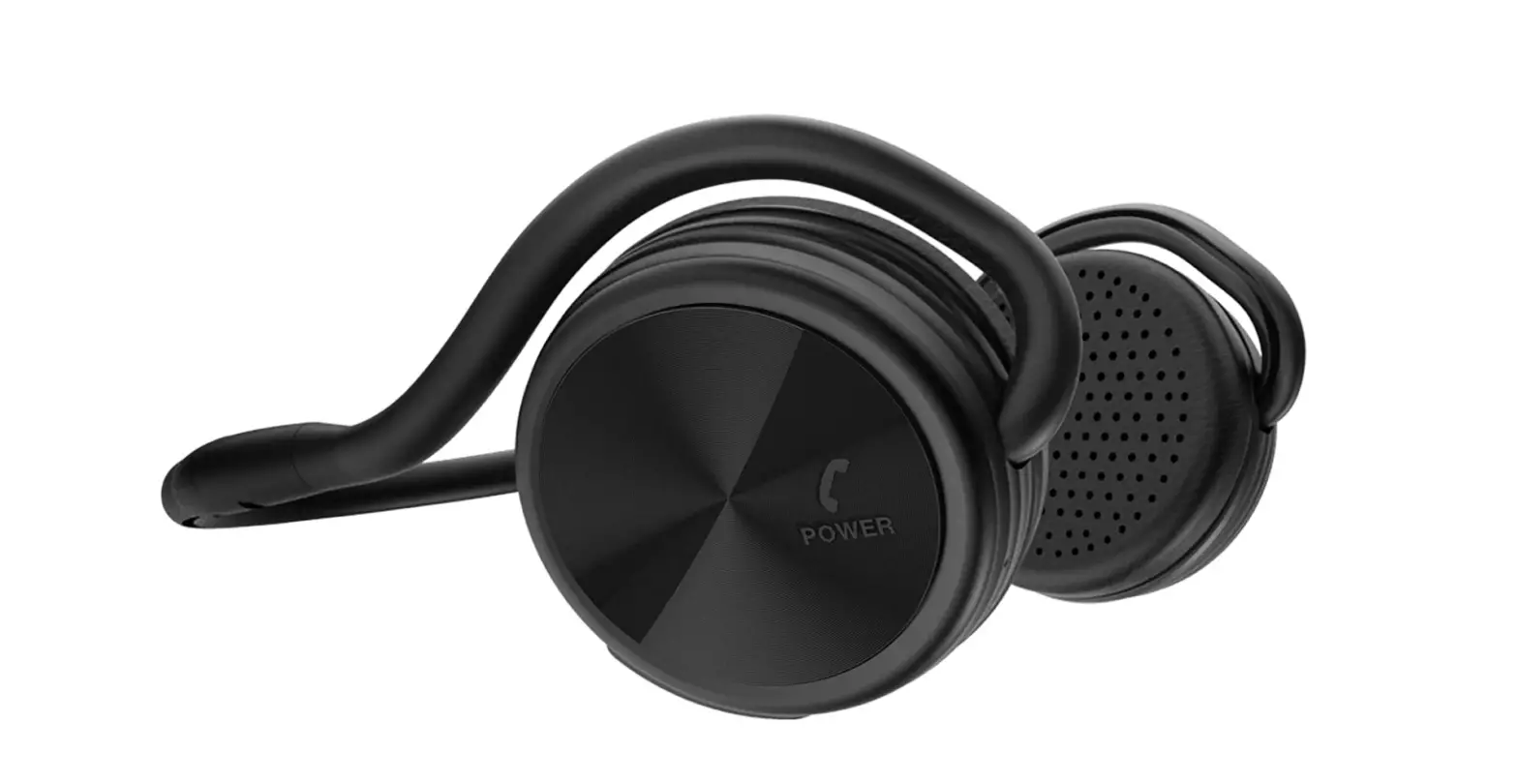
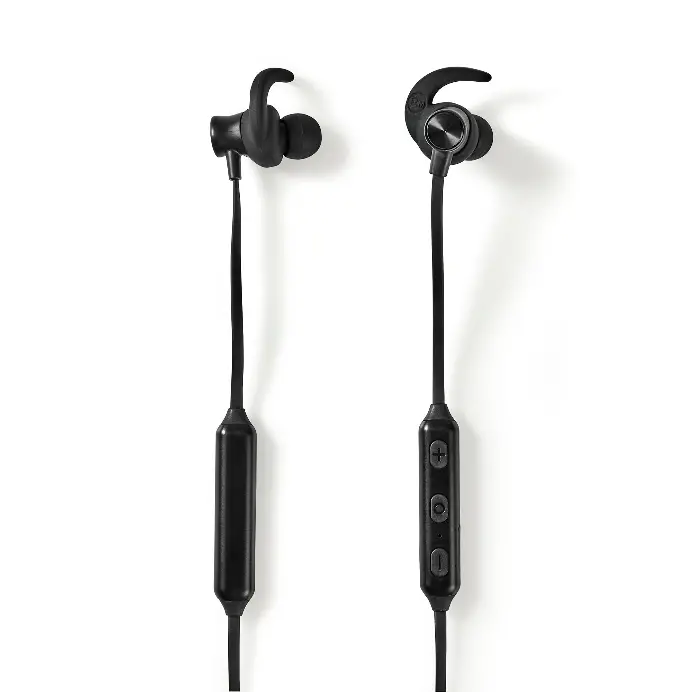
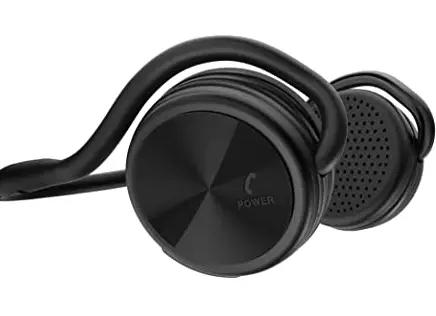
Besign SH03 Sports Bluetooth headphones are one of the best sellers on Amazon. These on-ear headphones feature a lot of functions starting from wireless connectivity and including long music time, good sound quality, a built-in microphone, and much more. These headphones are a perfect companion for sports and workouts in the gym. They don’t fall off easily which means you can use them to listen to music while on a run and moving a lot. They have a built-in microphone which allows you to have a hands-free calling.
DESIGN
The design of these headphones is over-ear-based. They have a head design that provides a secure fit to your head without the earphones falling out again and again. The arms of these headphones are foldable which makes them super comfortable to be carried around. The earpads are covered with a soft memory pad making them ultra-light on the ears.
SOUND QUALITY
The quality of sound produced by these headphones is high and clear. They have the advanced CSR 4.1 Chipset and built-in noise reduction. They offer moderate quality, clear and balanced audio.
COMPATIBILITY
These headphones are wireless and don’t come in wired mode. They feature Bluetooth of version 4.1 and are compatible with all devices that are Bluetooth enabled.
BATTERY LIFE
The battery life of these headphones is also good however, it isn’t as long as other headphones, but this is expected at this budget. They have lithium polymer battery of 450mAh. These headphones have a standby period of 600 hours and provide a music time of 25 hours. They provide a talk time of up to 30 hours.
What’s in the Box?
- SH03 Bluetooth Headphones x 1
- USB charge cable x 1
- Manual x 1
- Travel Pouch x 1
Besign Sh03 Sports Bluetooth Headphones Controls
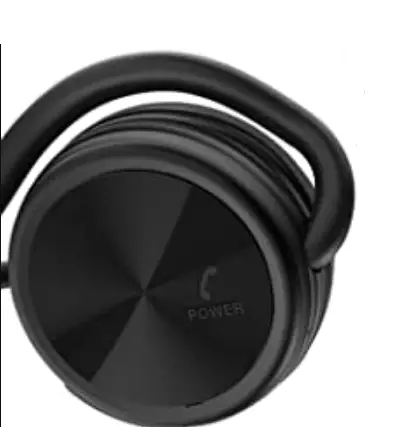
The Bluetooth headphones feature a single multifunction control which is used to carry out various features like answering calls and connecting to Bluetooth.
How to turn on the Besign Headphones?
- Press and hold the multifunction button for about 6 seconds. The LED indicator will flash red and blue light.
How to enter into pairing mode?
- Once turned on the Headphones enter in to pairing mode automatically.
How to connect the headphones to your device?
- Turn on the headphones by pressing and holding the multifunction button for 6 seconds. The LED will start flashing red and blue light alternatively, showing that the headphones have entered pairing mode.
- Turn on the Bluetooth of your device and look for the headphones in the devices list.
- Connect to the headphones.
How to Charge the Headphones?
- You can charge the headphones by using the provided USB cable. Connect one side of the charging cable to the headphones and the other side to a wall charger.
PROS
- Lightweight
- Good Battery Life
- Volume Controls
CONS
- Noise Cancellation can be improved.
VERDICT
The Besign sports headphones are a good pair of wireless overhead sports headphones. They provide good bass quality and decent sound quality. However, these headphones aren’t much durable.
FREQUENTLY ASKED QUESTIONS
- Is it comfortable?
Yes, they are comfortable to be worn for exercising and running as they don’t fall out easily. However, they can cause a little discomfort to people wearing glasses. - Do the headphones light up when plugged in?
Yes, these headphones have an LED indicator on one of the earcups which lights up red when charging. - Does it work with S20 5G?
Yes, these headphones are compatible with all Bluetooth-enabled devices. - Will these stay on while running?
Yes, their on-ear design makes them quite stable while running and exercising - Can I mute myself while being on a call?
Yes, while on-call press and hold the V button for about 2 seconds to mute the microphone. - What type of charger is used to charge the headphones? Micro USB or mini-USB?
The charging USB cable that comes with these headphones is the Micro USB cable. - Does it come with a sticker?
No, it doesn’t come with a sticker. - Does the device let you end a call using Bluetooth?
Yes, press the multifunction one time to end the call, while being on call.