Hadisala
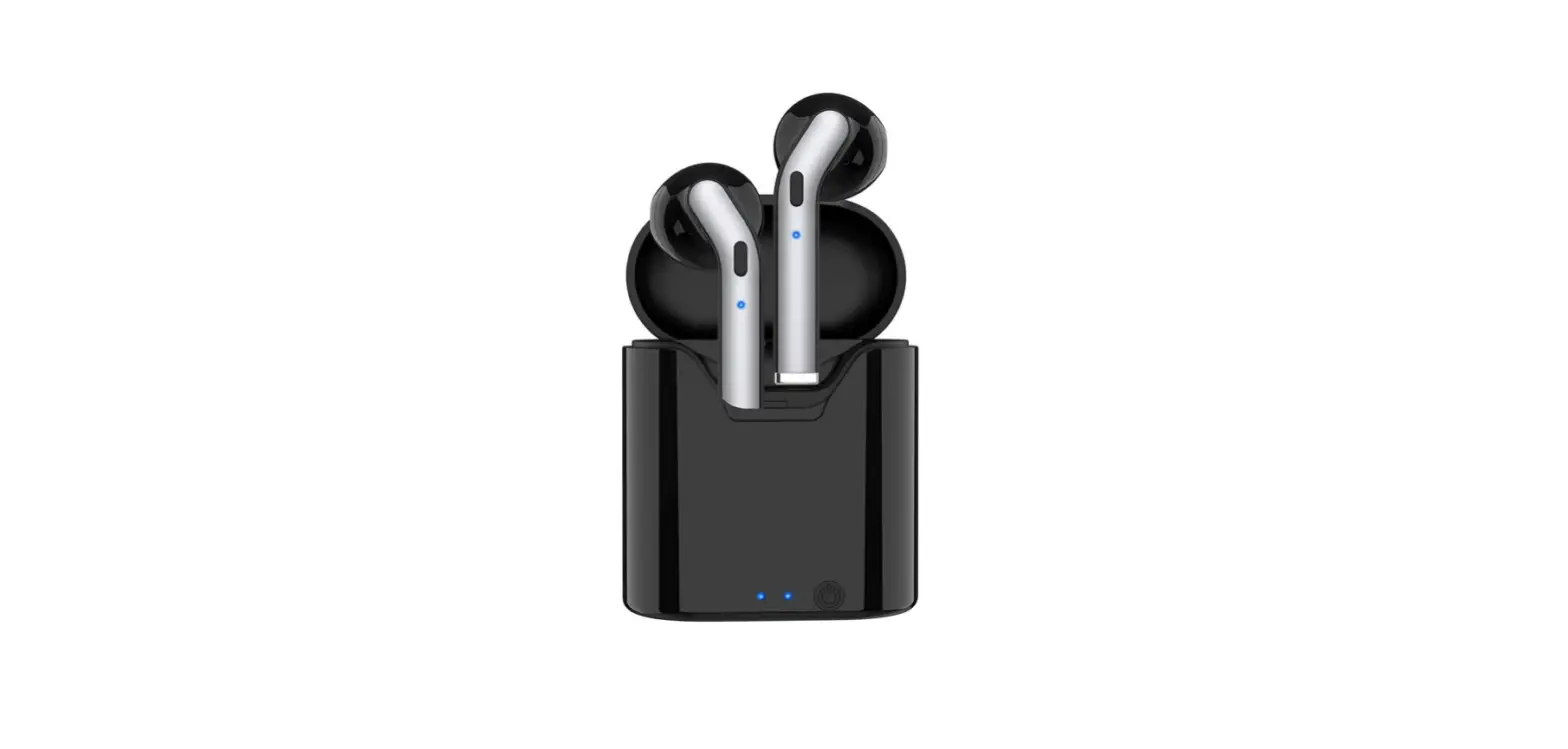
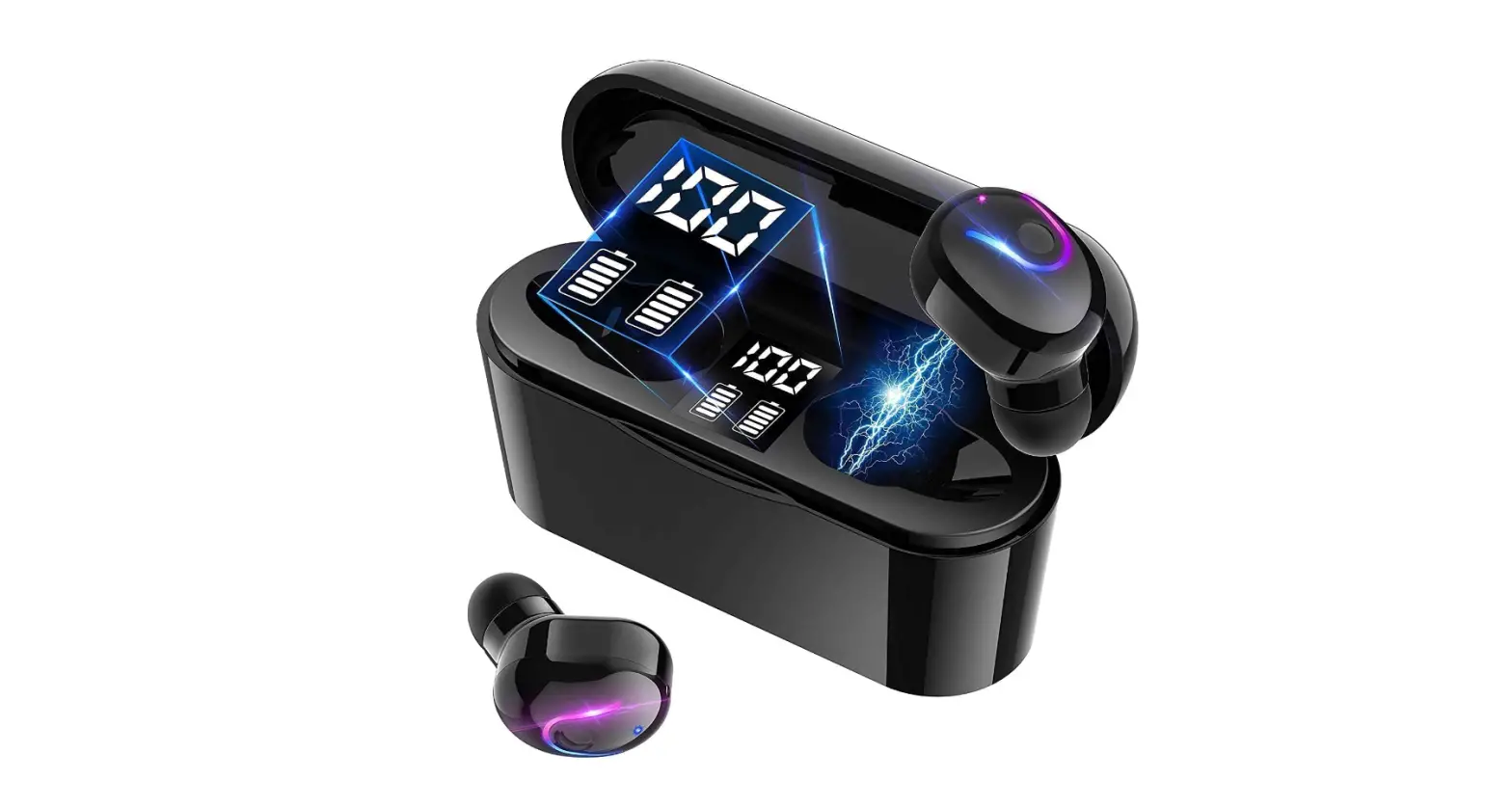
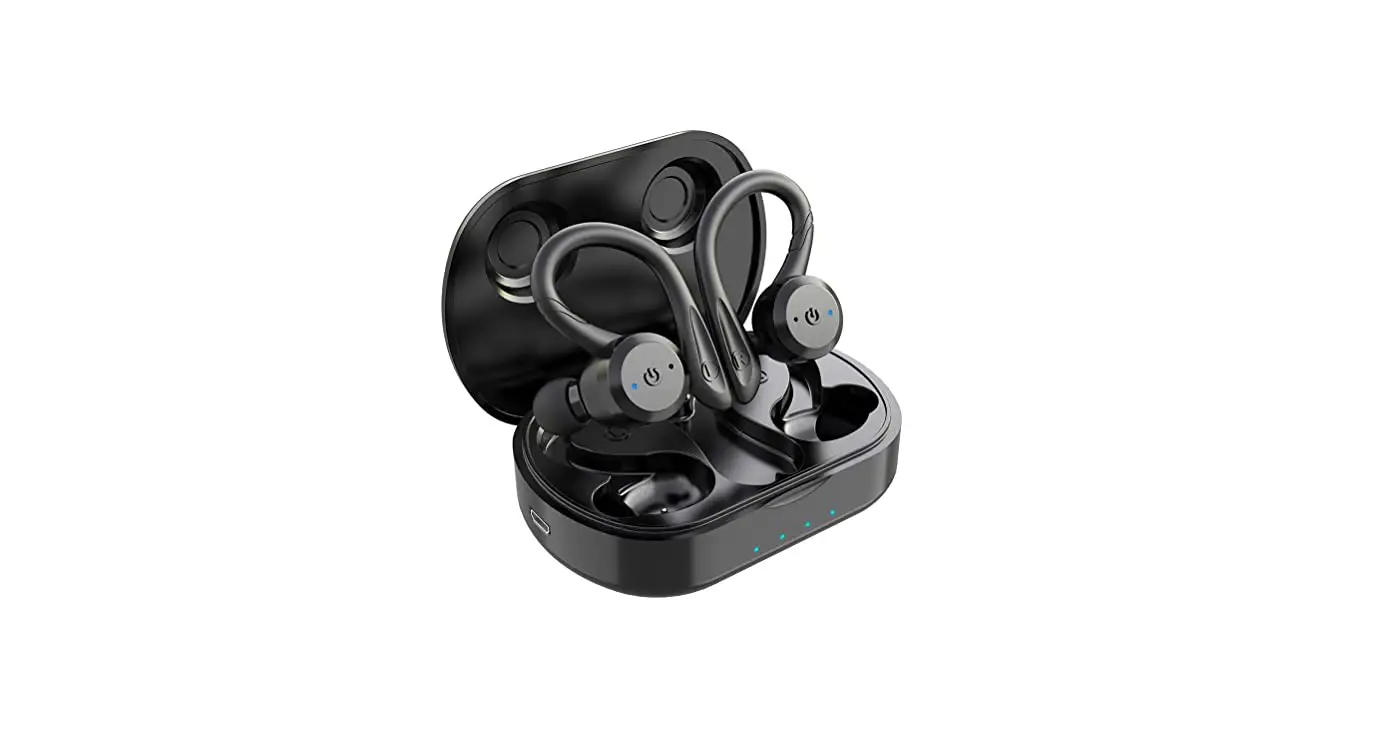
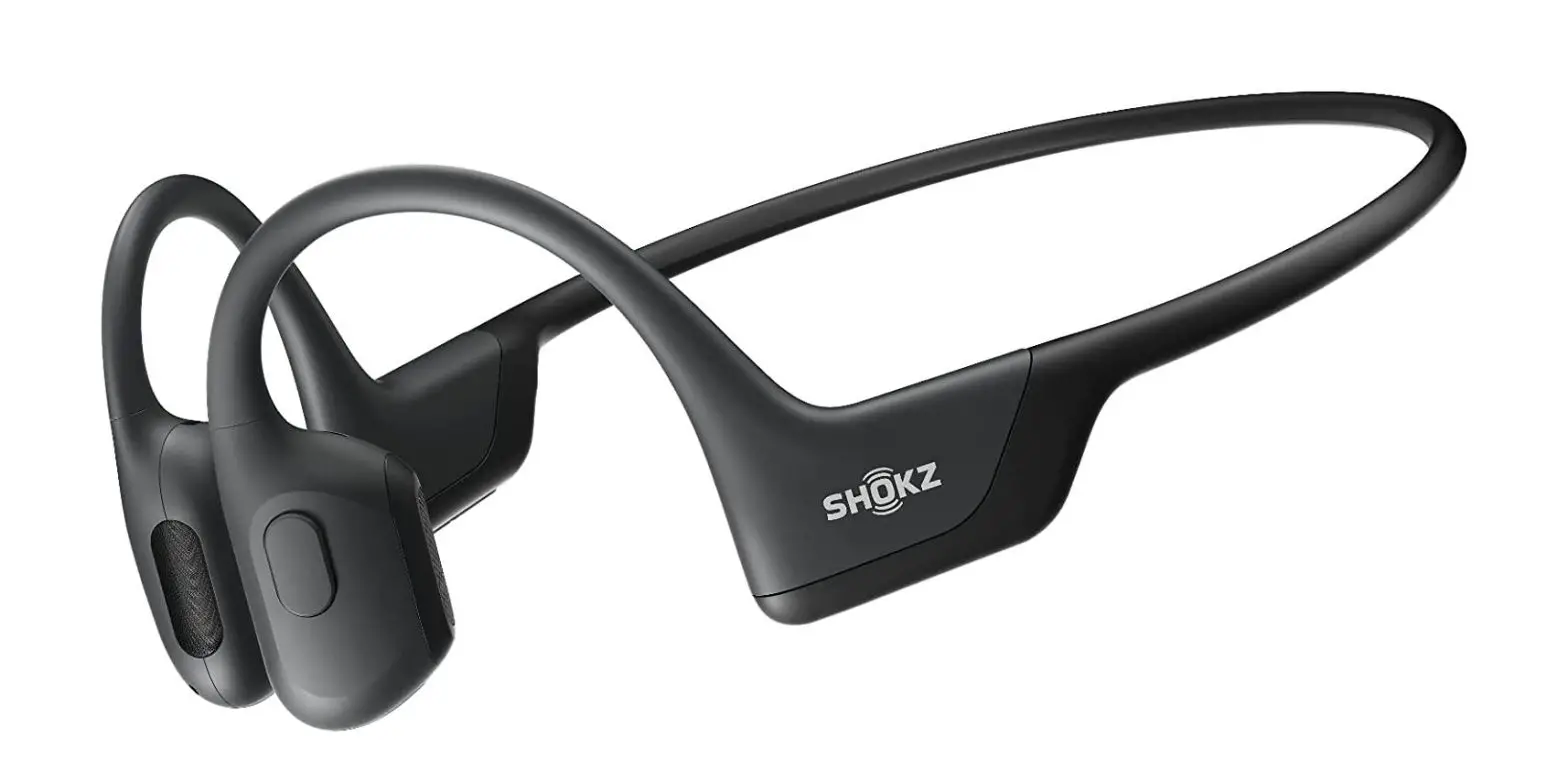
Sports Wireless Earbuds, Hadisala Bluetooth headphones
Specifications
- DIMENSIONS: 5.67 x 3.07 x 1.54 inches,
- WEIGHT: 4.6 ounces,
- CONNECTIVITY: Bluetooth V5.1,
- PLAY-TIME: 50 hrs.,
- WATERPROOF: IPX7,
- COMPATIBILITY: iOS/Android/Windows,
- MANUFACTURER: iClever
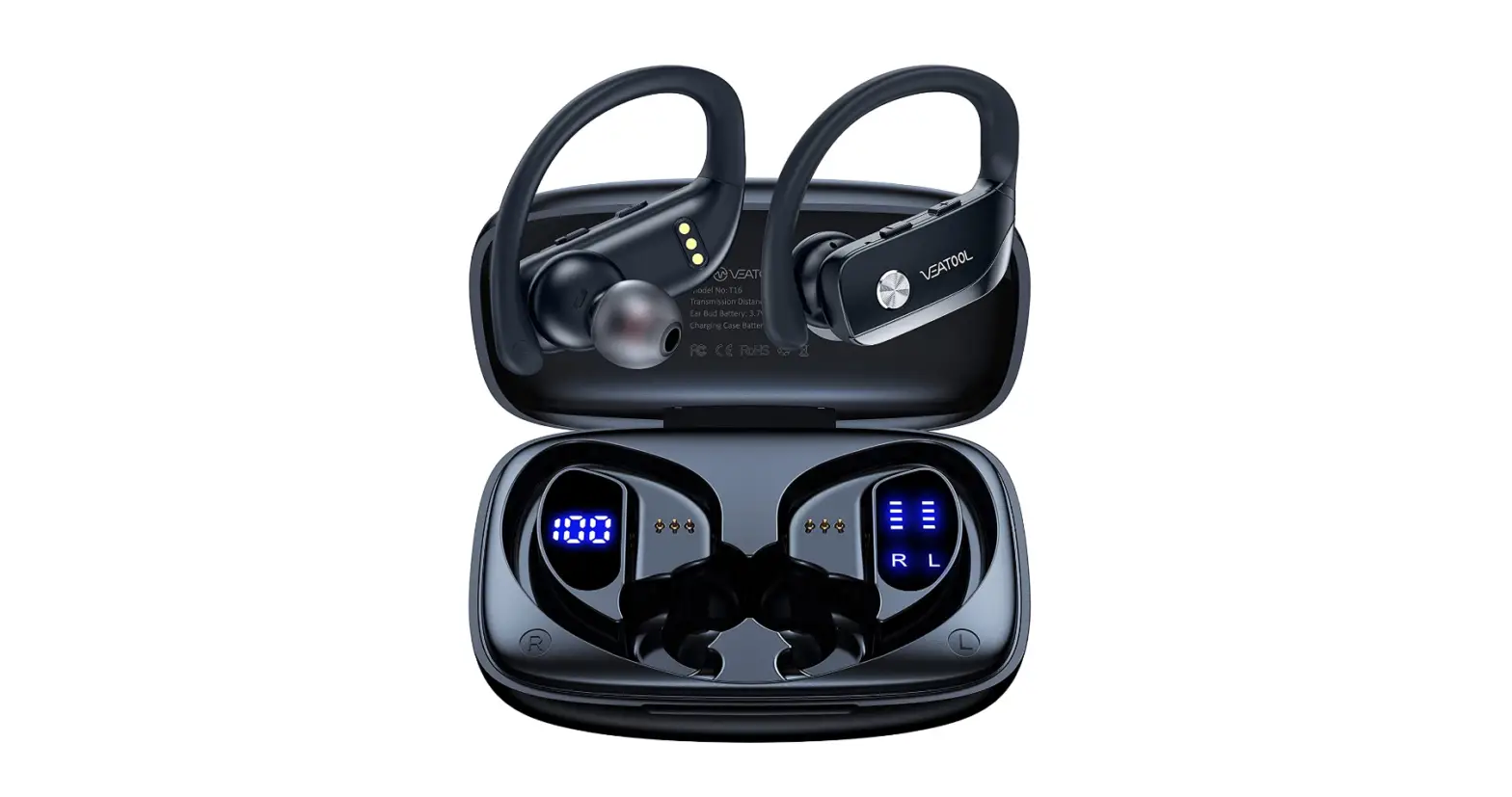
Hadisala sports wireless headphones are one of the best sellers of Amazon. They provide an outstanding playtime of 30 hrs. with a single charge. The quality of the sound produced by these headphones is also very impressive and superior with powerful bass. Another prominent feature of these headphones is that they can be charged by fast charging using the Type C charging cable. They provide a good experience to their users, by producing good quality sound, fast charging and battery indicators displayed on the charging case.
DESIGN
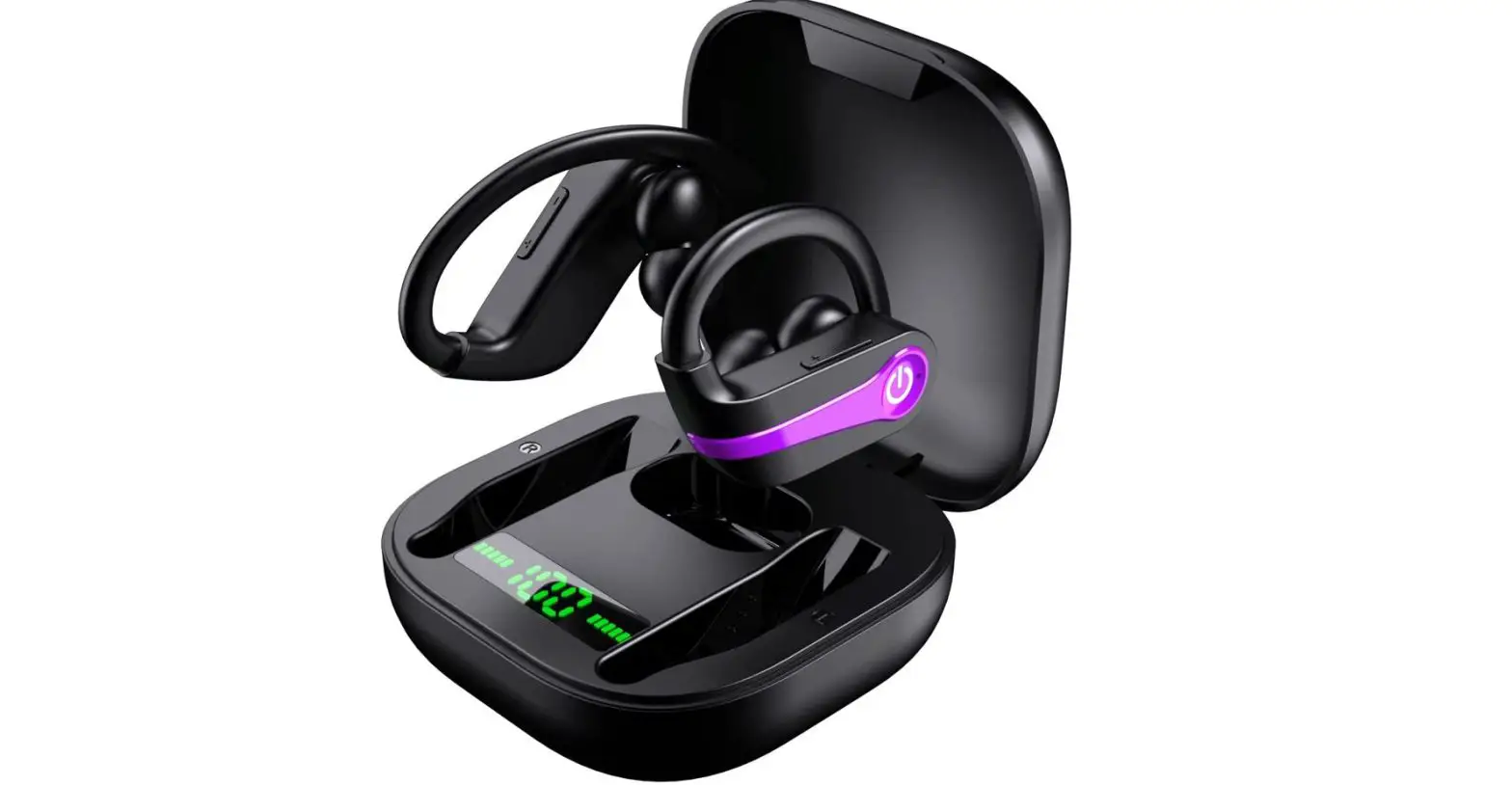
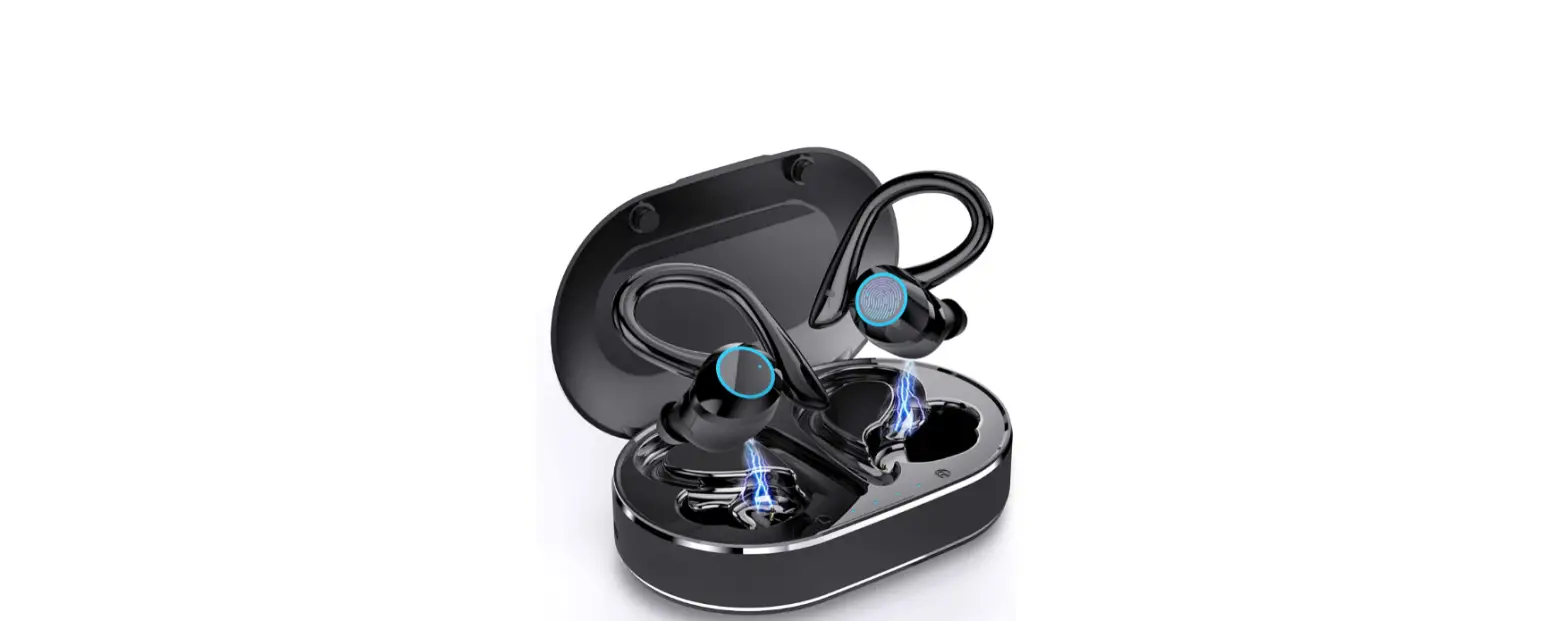
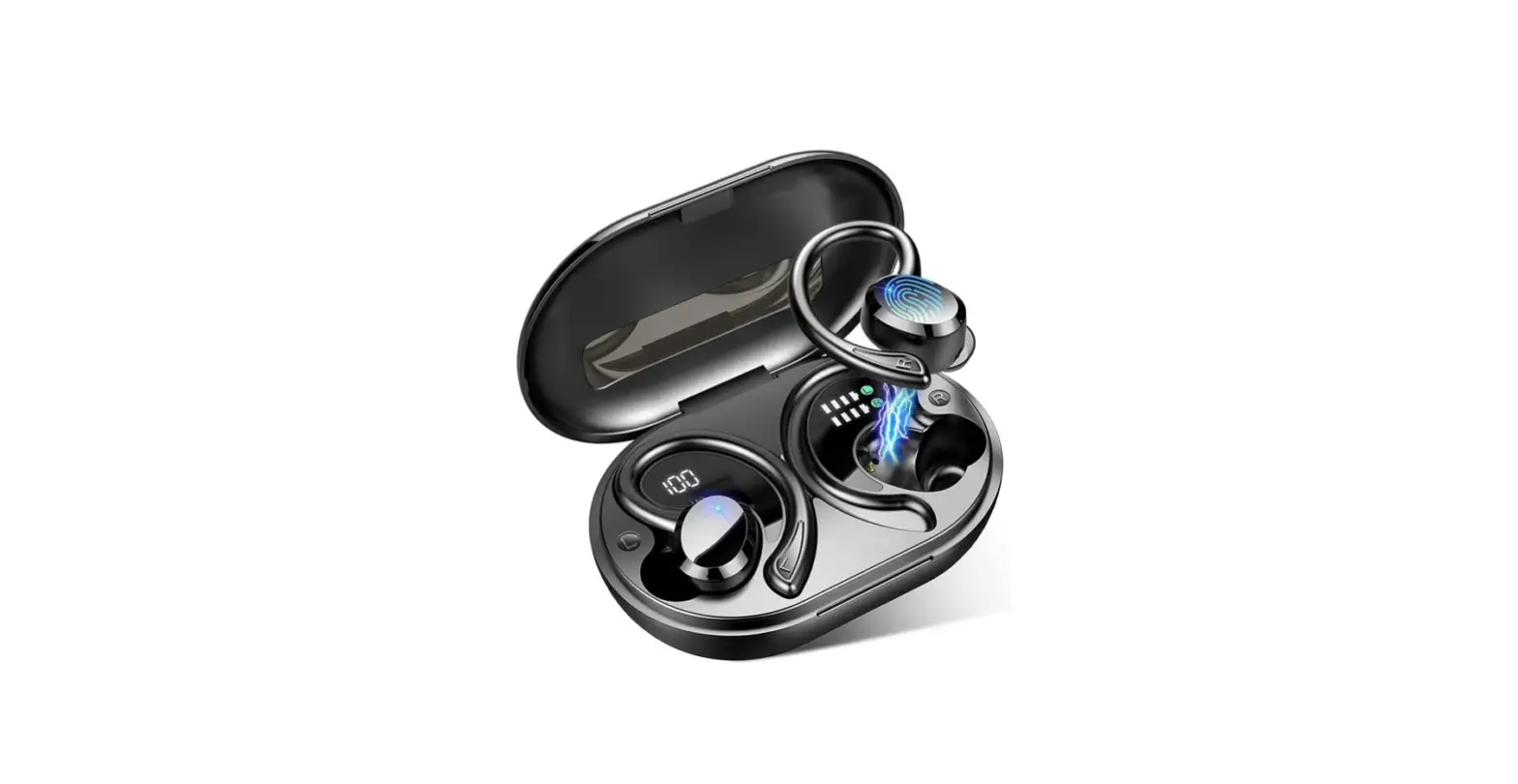
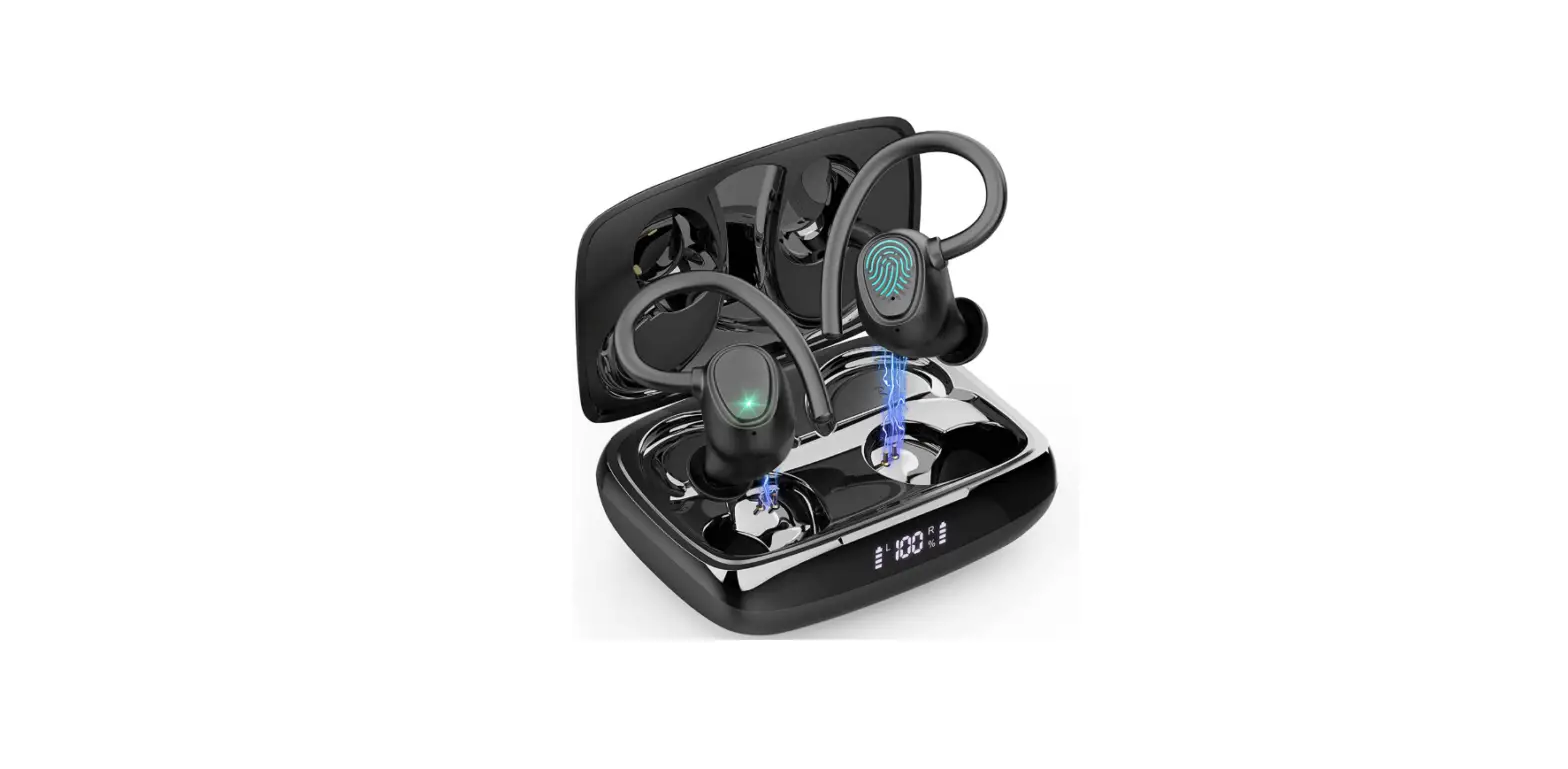
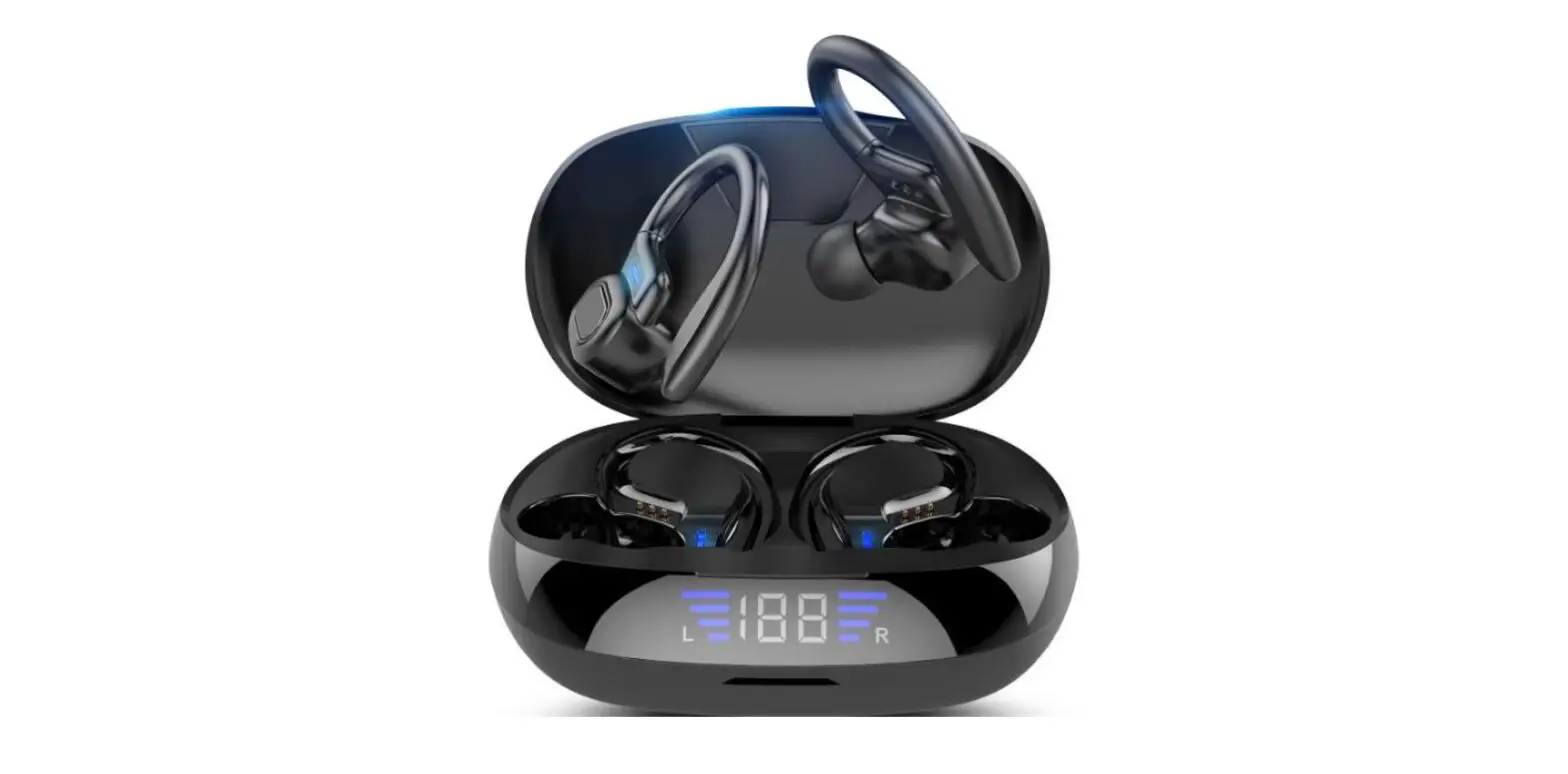
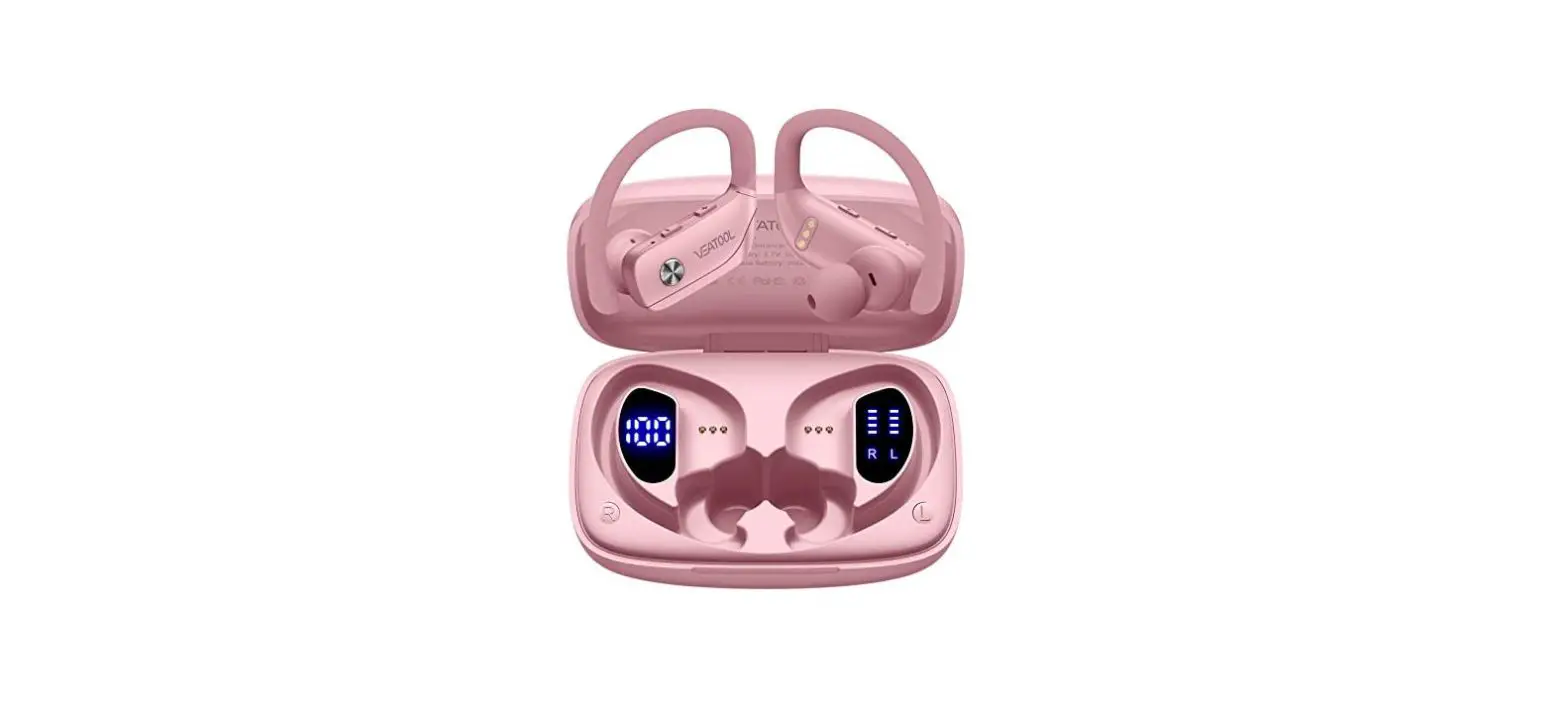
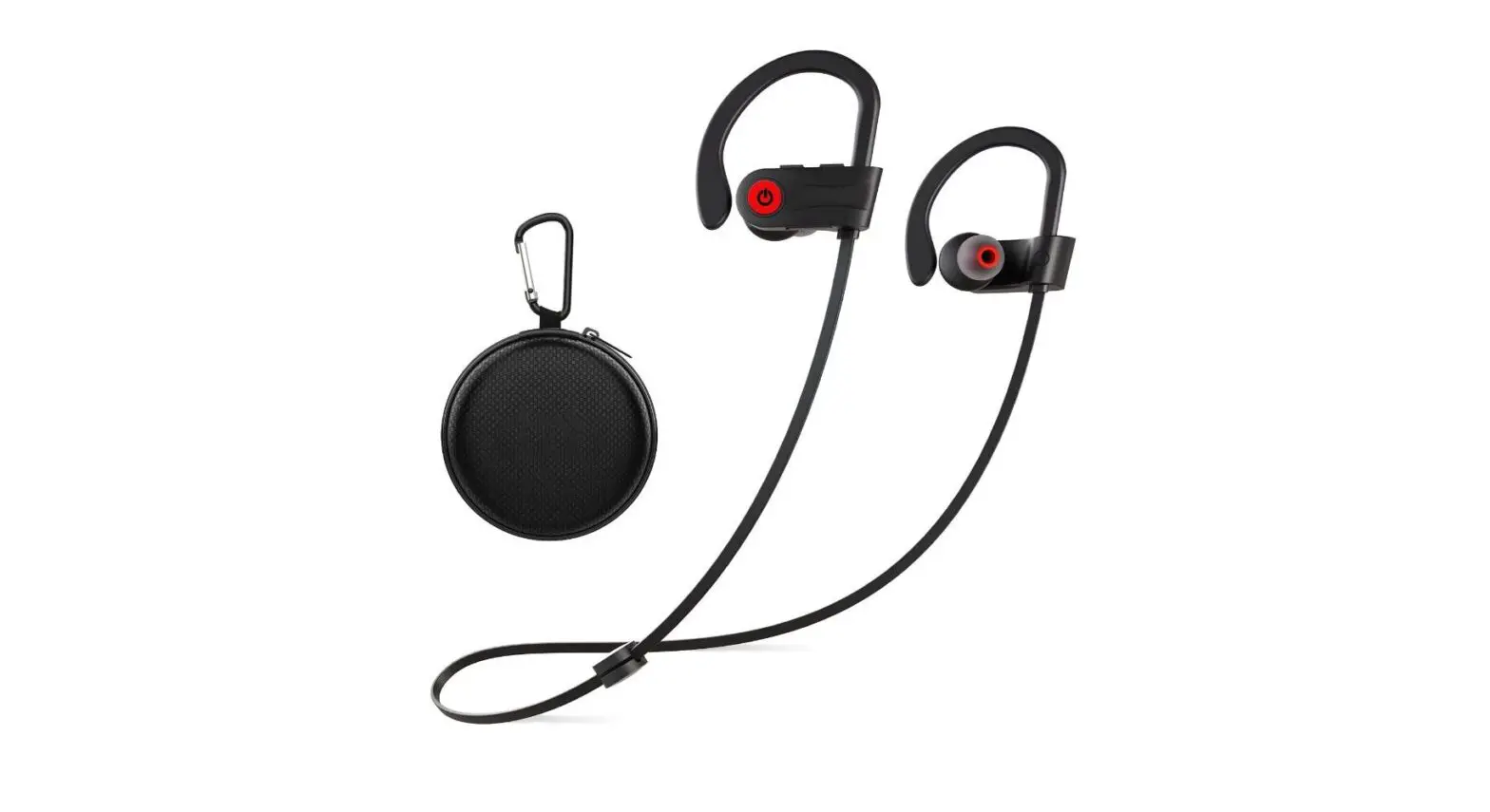
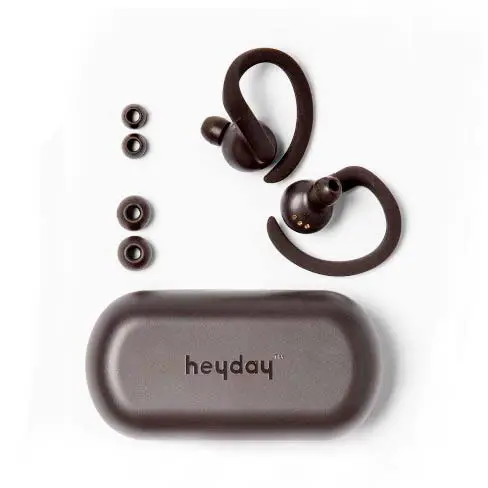
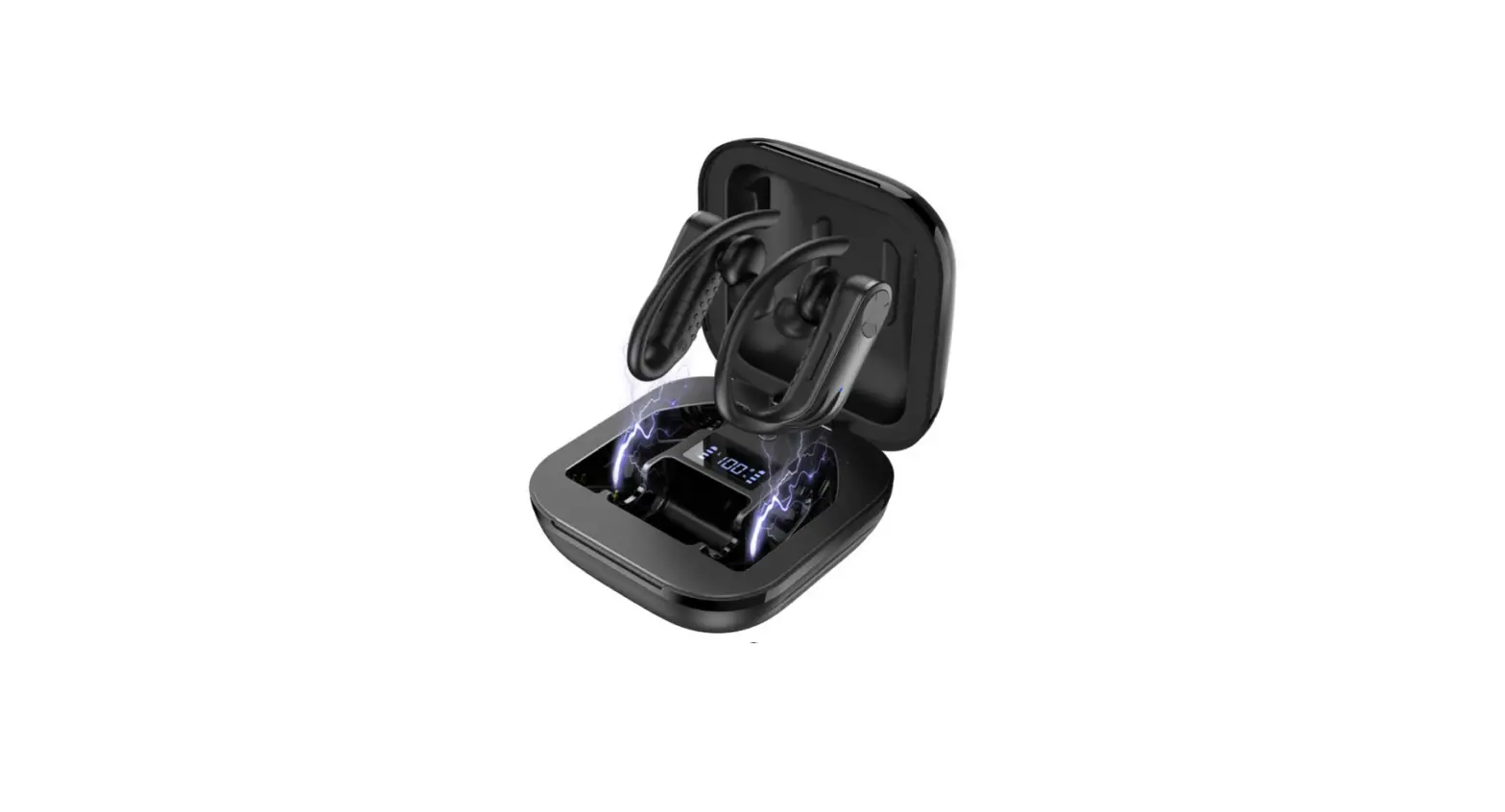
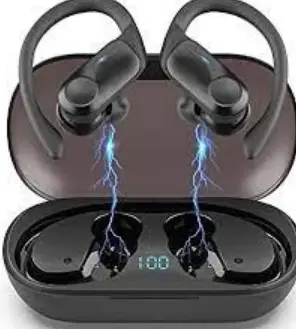
These earbuds are designed with a comfortable fit and the ear Ergonomic Design which makes them a perfect companion for workouts and exercises. They are stable and don’t fall off easily which means you can use them while being on long runs. They come with three different ear tips of different sizes namely small, medium and large to fit your ears perfectly. The case is also designed efficiently as it shows the battery of the case in numerical form as a percentage. Each earbud also has LED indicators.
SOUND QUALITY
The sound quality of these headphones is superior. They are equipped with a large-aperture dynamic driver that provides deep bass and crystal-clear treble. They also have built-in CVC8.0 noise reduction, which cancels out the noise and provides a good calling and hearing experience.
BATTERY LIFE
The headphones have impressive battery life. They support type C charging. One complete charge provides a non-stop playtime of 50 hours. The battery capacity is 500mAh. The headphones require only 1 to 2 hours to fully charge.
OTHER FEATURES
These headphones are IPX7 waterproof which means they are perfect for sports as they are sweatproof. They can protect the ears from getting damaged by sweat, light rain, water drops, etc.
Hadisala Wireless Earbuds Controls
The headphones can be used to control the following features:
- Answer Calls
- Hang Up Calls
- Reject Calls
- Play/Pause Audio
- Previous/Next Song
- Voice Assistant
- Volume Adjustment
How to connect the Hadisala Wireless Earbuds to your Device?
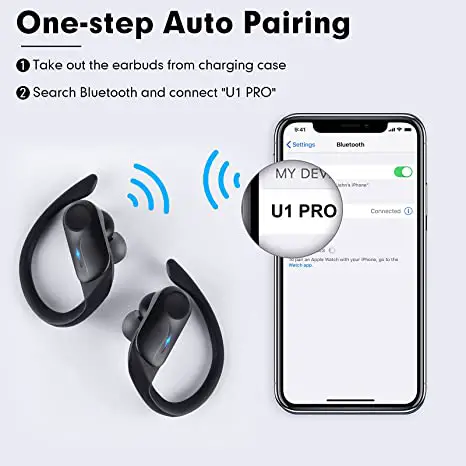
These headphones feature one-step pairing. You can follow the simple steps indicated below to connect your device to the headphones.
- Take out the earbuds from the charging case.
- The earbuds will go in to pairing mode directly.
- Turn on the Bluetooth of your device.
- Look for “U1 PRO” in the devices list and connect to it.
PROS
- Built-in Bluetooth V5.0 chips that provide an efficient and stable connection.
- IPX7 Waterproof
- Battery Indicators of the Case
- Over Ear-hook design for exercising
CONS
- No earbuds battery indicators on the case.
VERDICT
These headphones are a good companion for exercising, that provide a good fit, with good quality sound and good battery life all at a budget friendly value.
FREQUENTLY ASKED QUESTIONS
- Can you shower with these?
No, these headphones are light waterproof which means that will work fine with light sweat and little water but using them while showering isn’t recommended - Is this BPA-free?
Yes, they are made of BPA-free non-toxic plastic. - Is it possible to control the volume from the earbuds and if so, how?
No, you can’t control the volume from the headset, however, you can use them to pause/play or select the next song. You also use their tapping feature to answer/reject calls. - Will it be shattered if drops off on the ground?
No, the headphones are made of plastic and not glass so they won’t shatter when dropped on the ground. - It is only connecting for calls not audio. what do I need to do?
You can use the following steps and try again to reconnect them:
- Check if the protective film on the earphones has been removed.
- Place the earphones back in the case.
- Press 3 times rapidly the button on the charging box. The LED indicator on the box will flash red and white lights alternatively.
- Close the charging case and wait for 10 seconds.
- Take out the earphones again and try to connect them again.
Make sure the headphones are fully charged.
- How can I pair these headphones to multiple devices like my computer and phone?
No, you can’t connect the headphones to multiple devices at once.