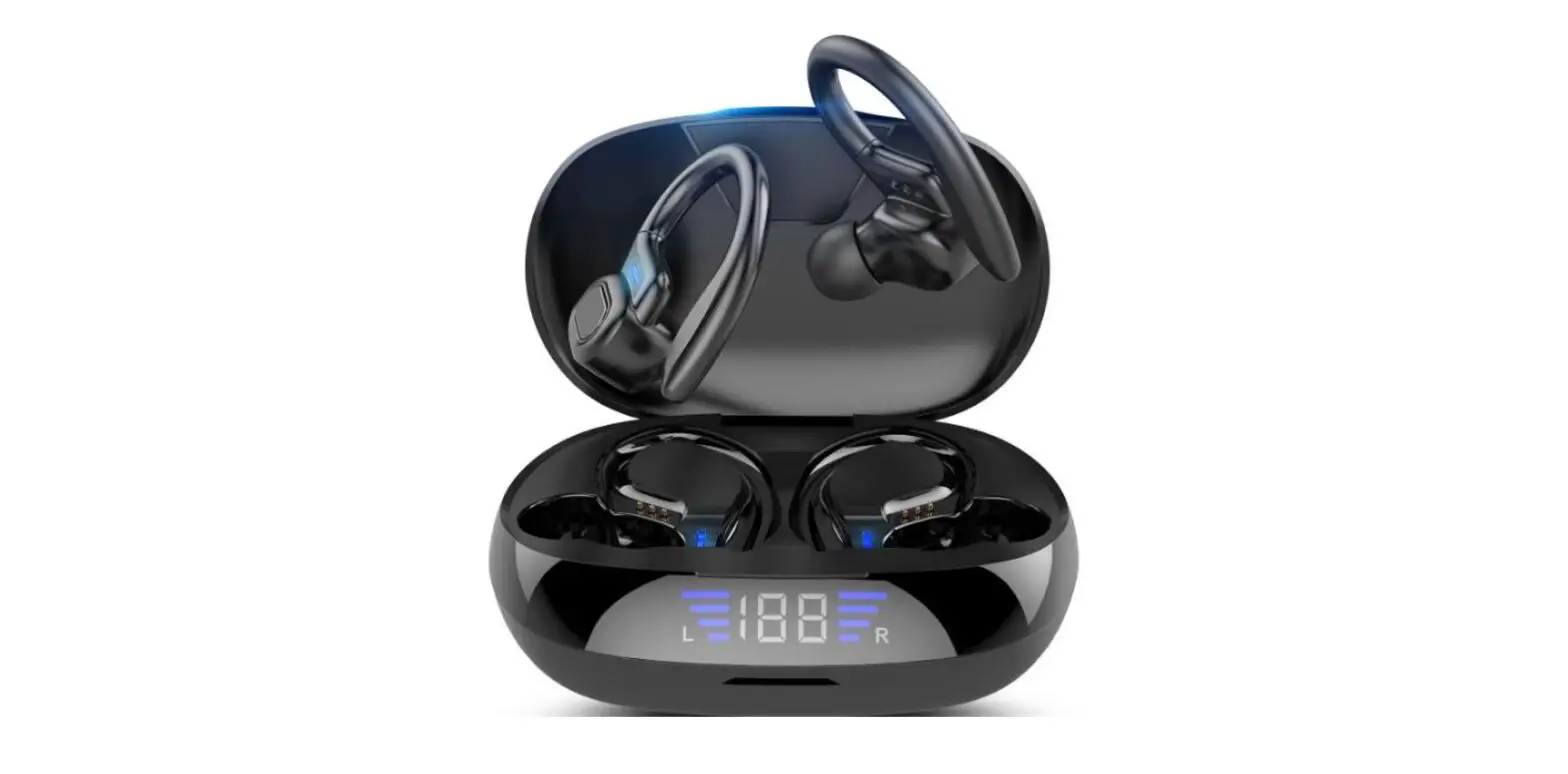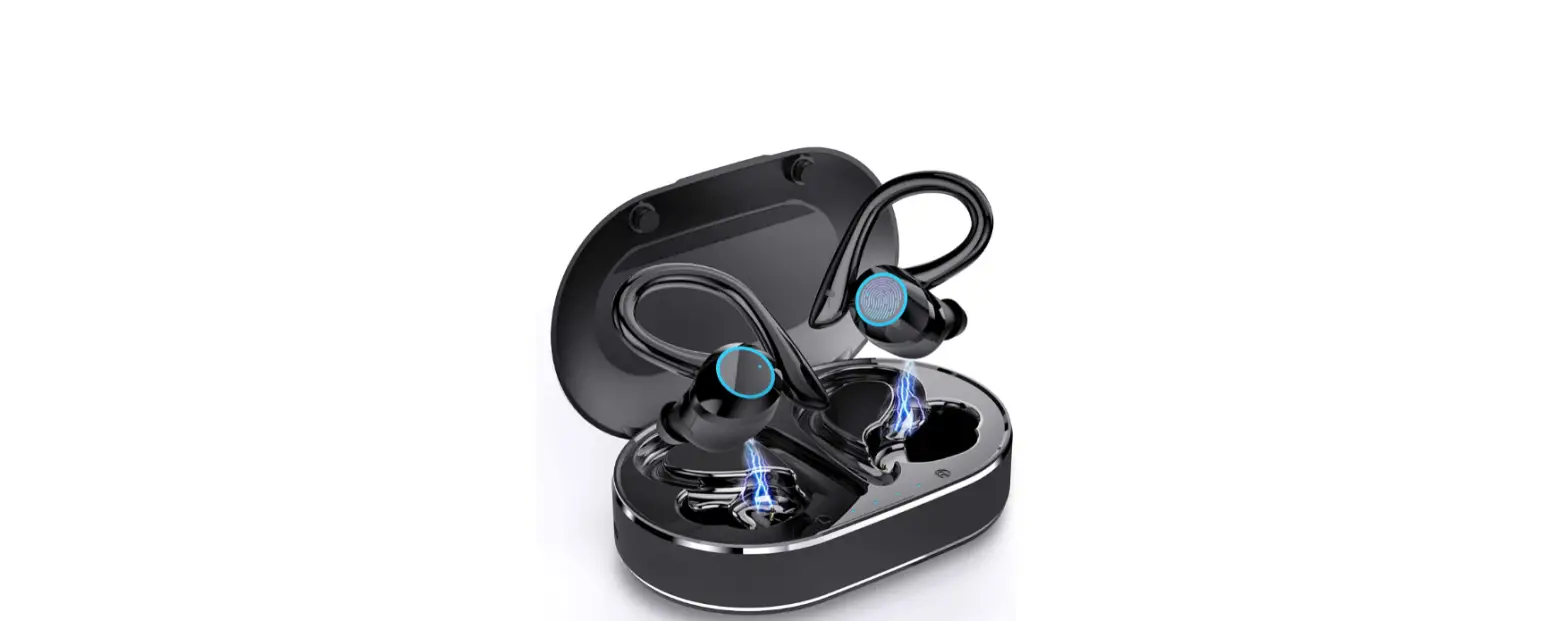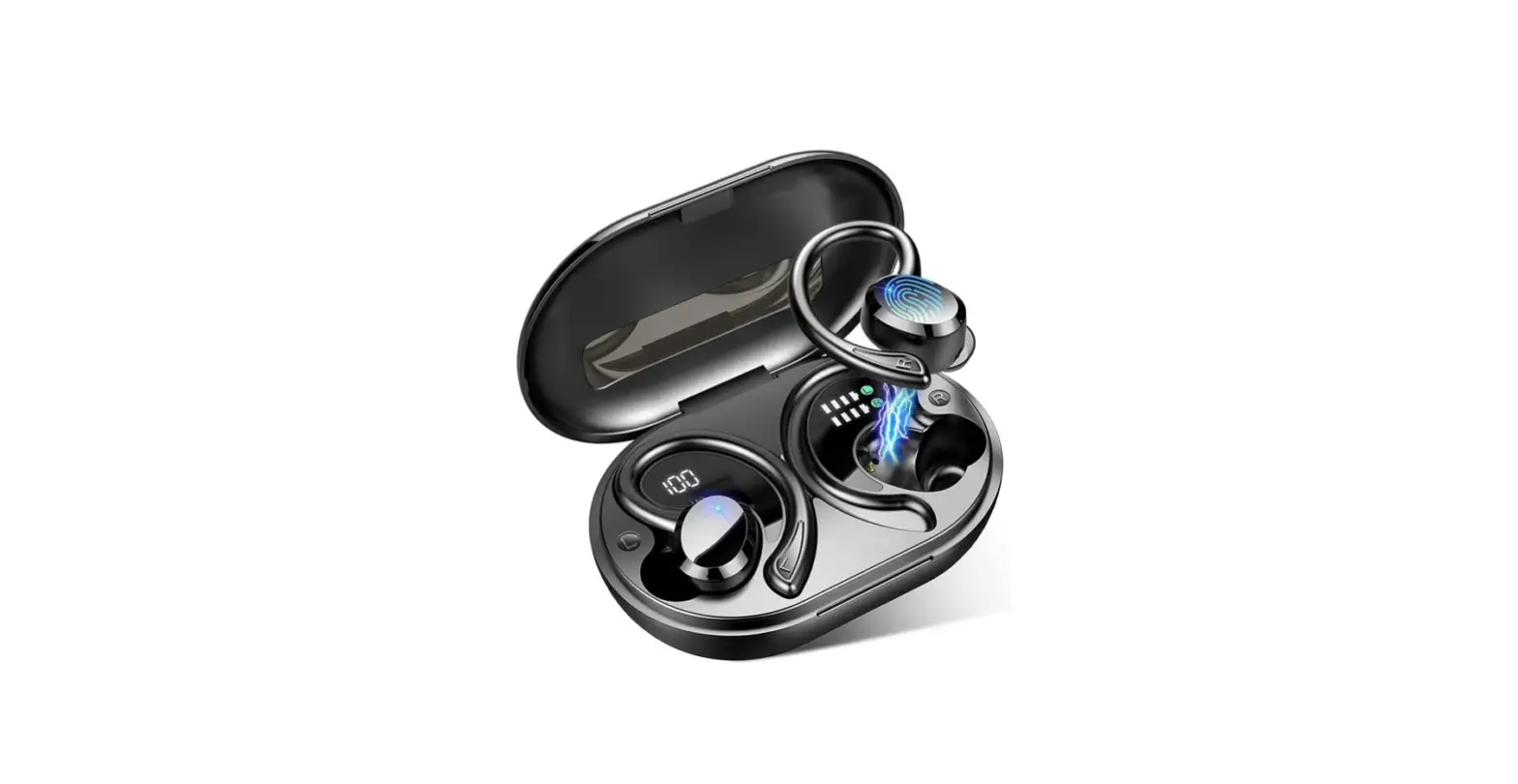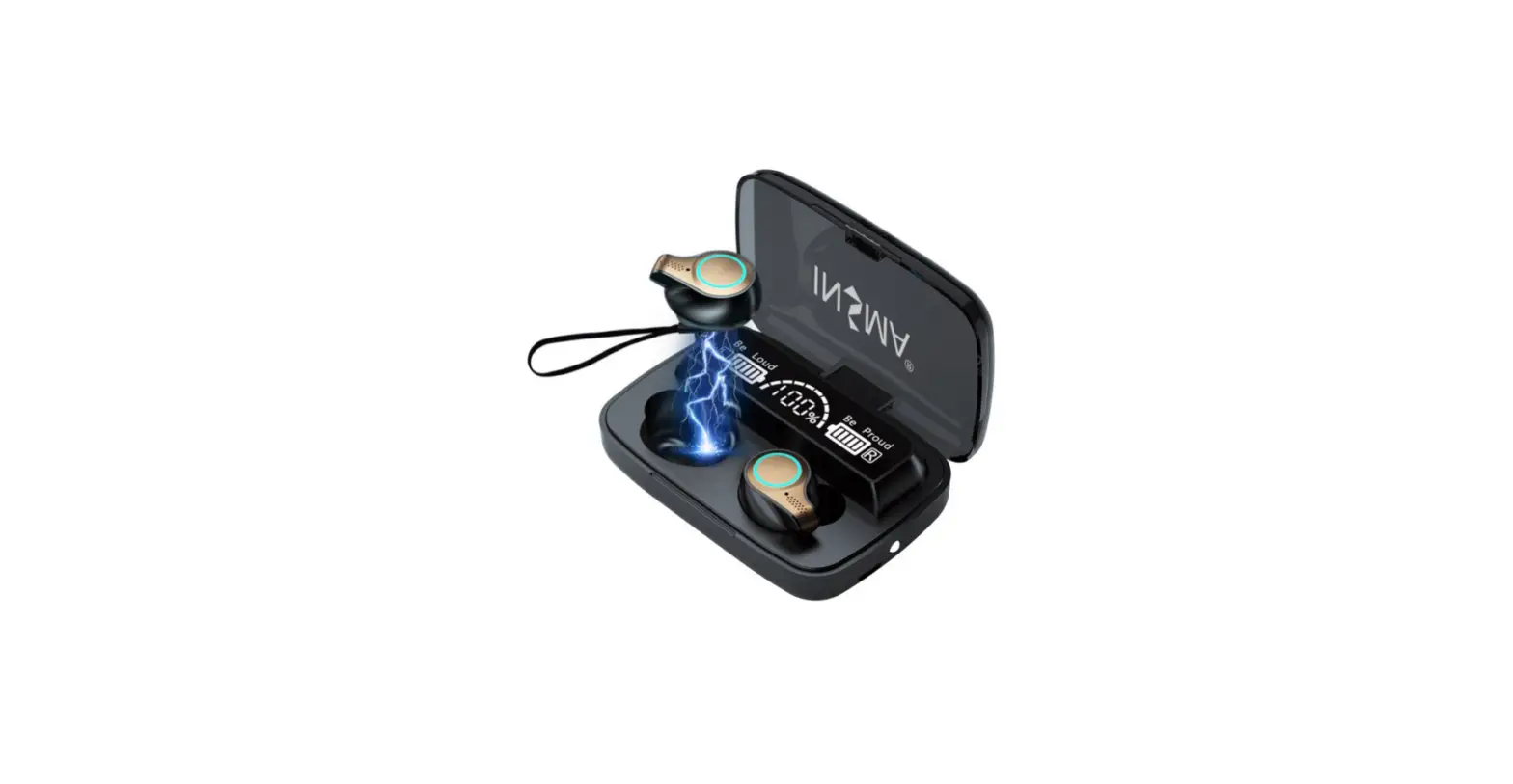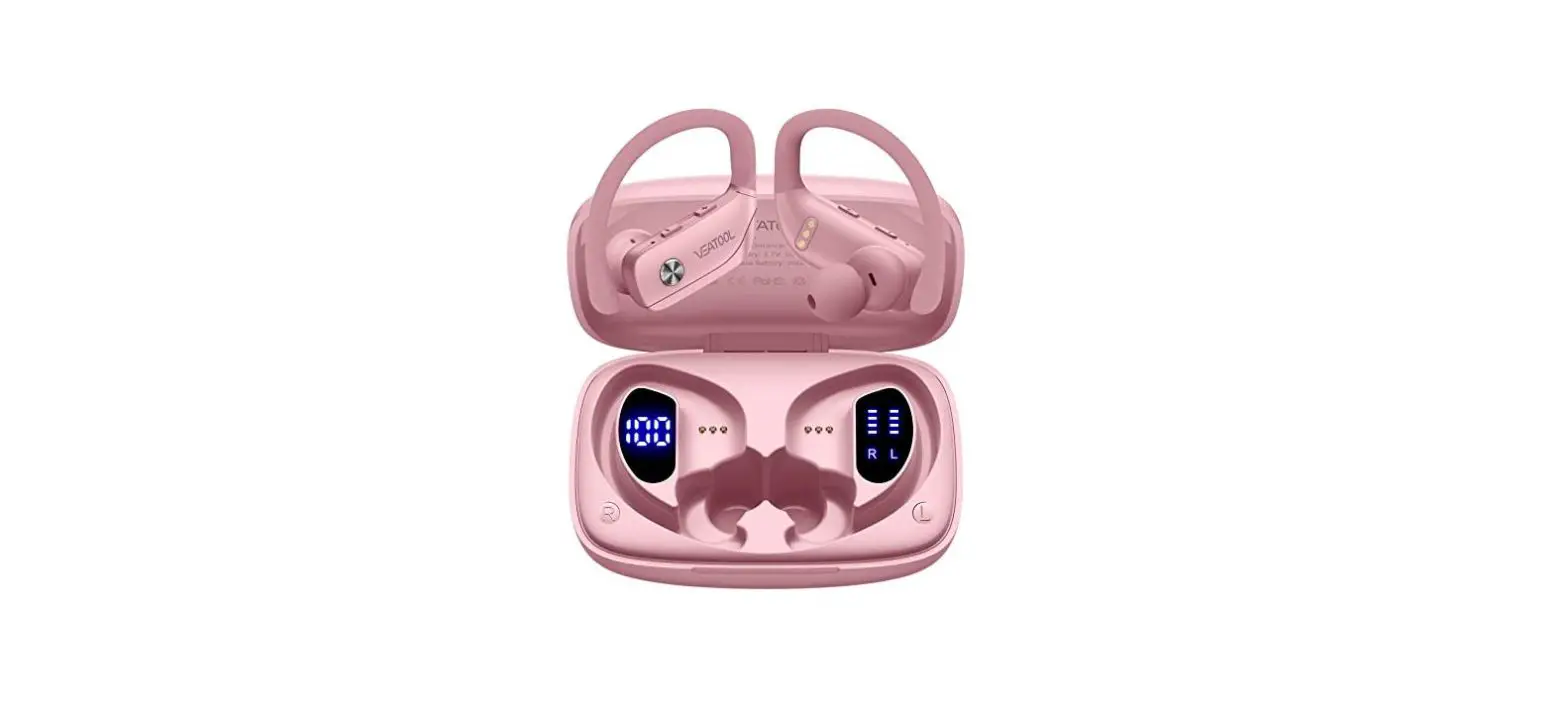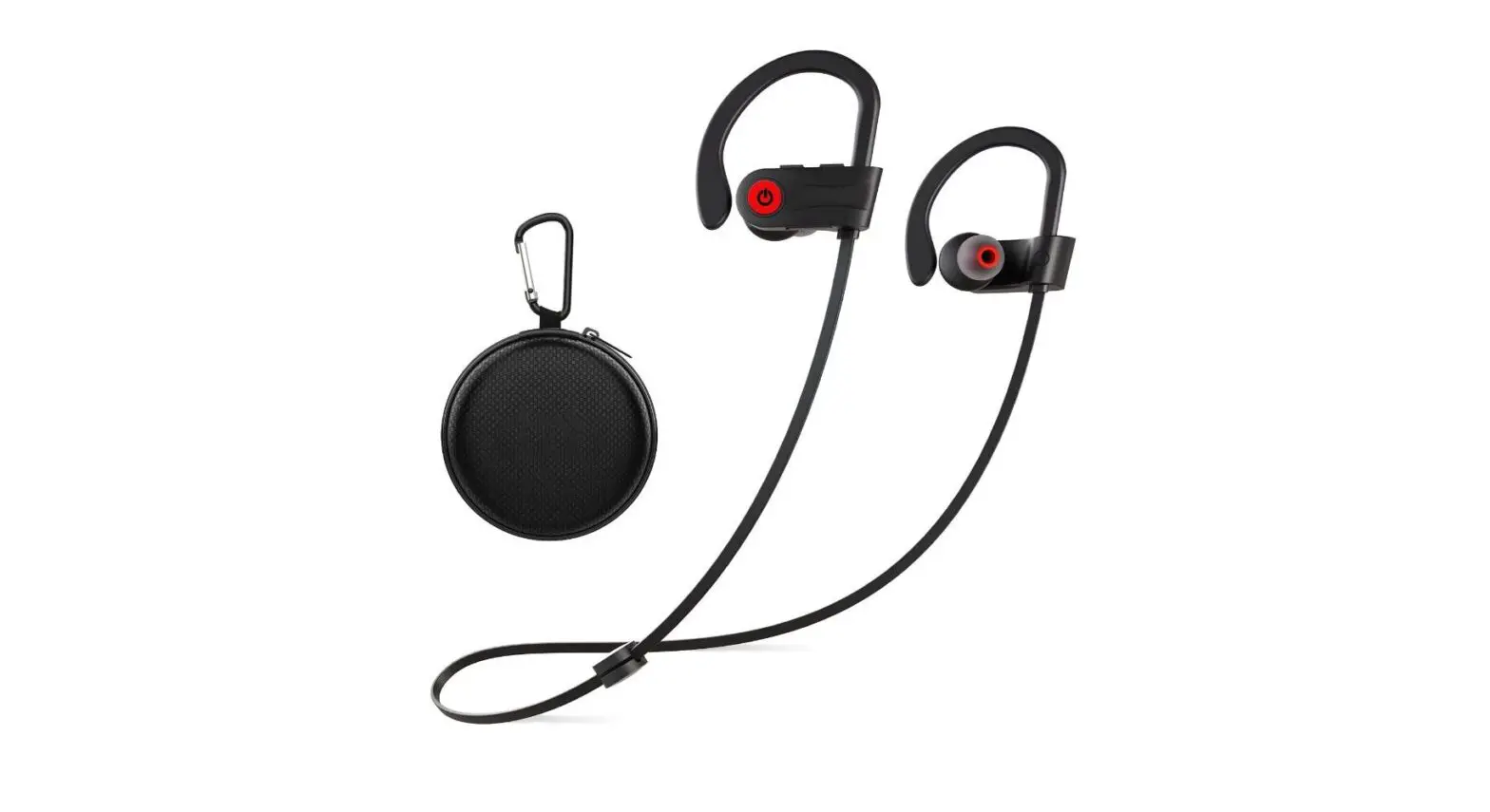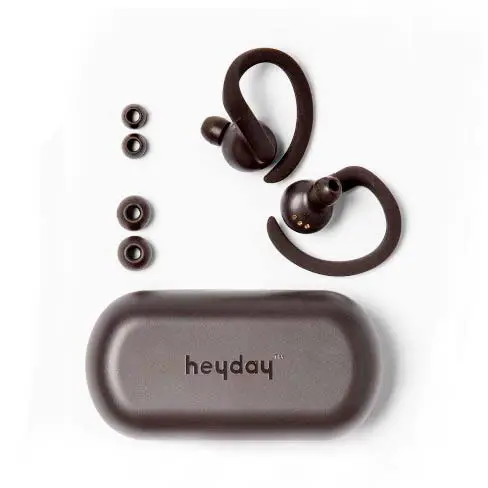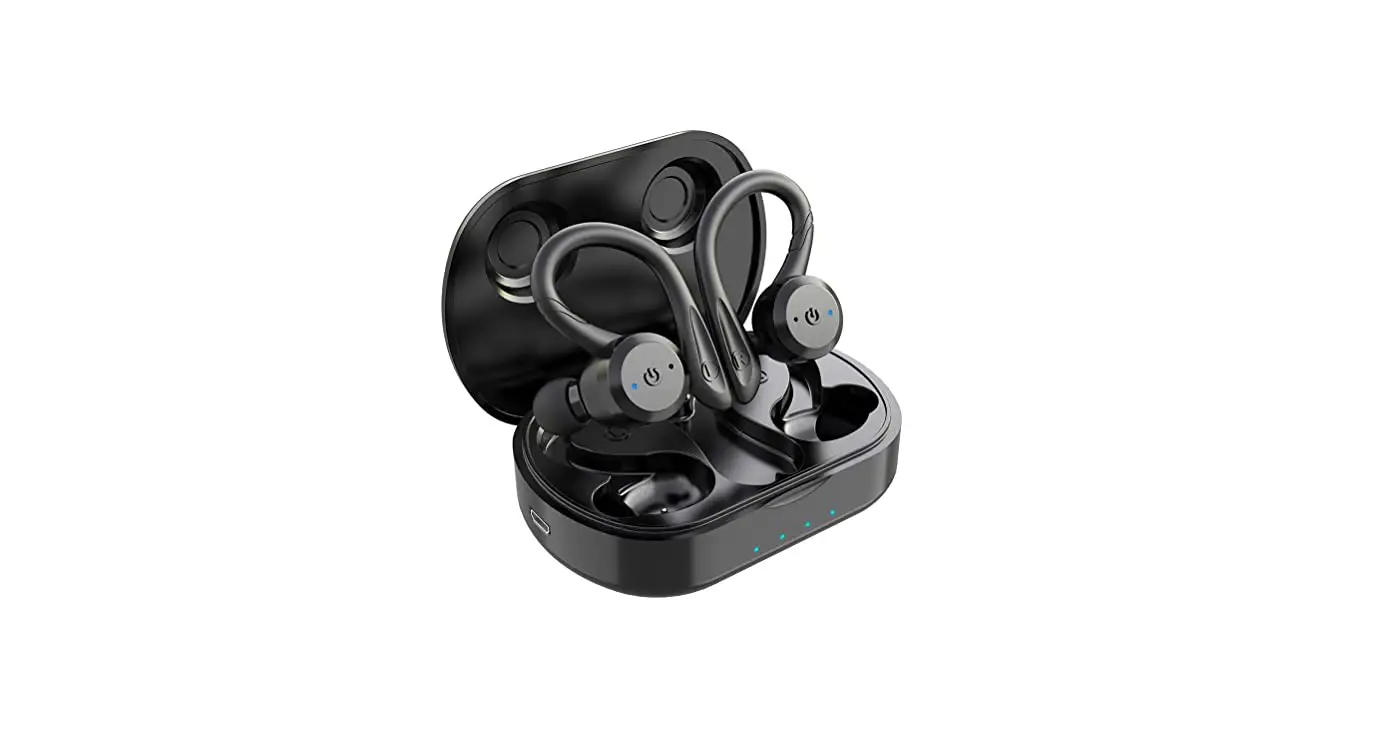

Sport in-Ear TWS Headphone APEKX True Wireless Bluetooth 5.1 Sports Earphone
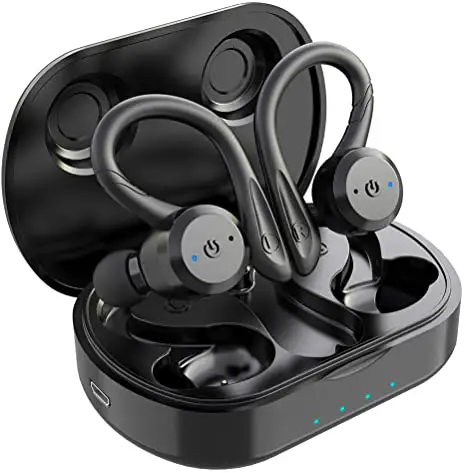
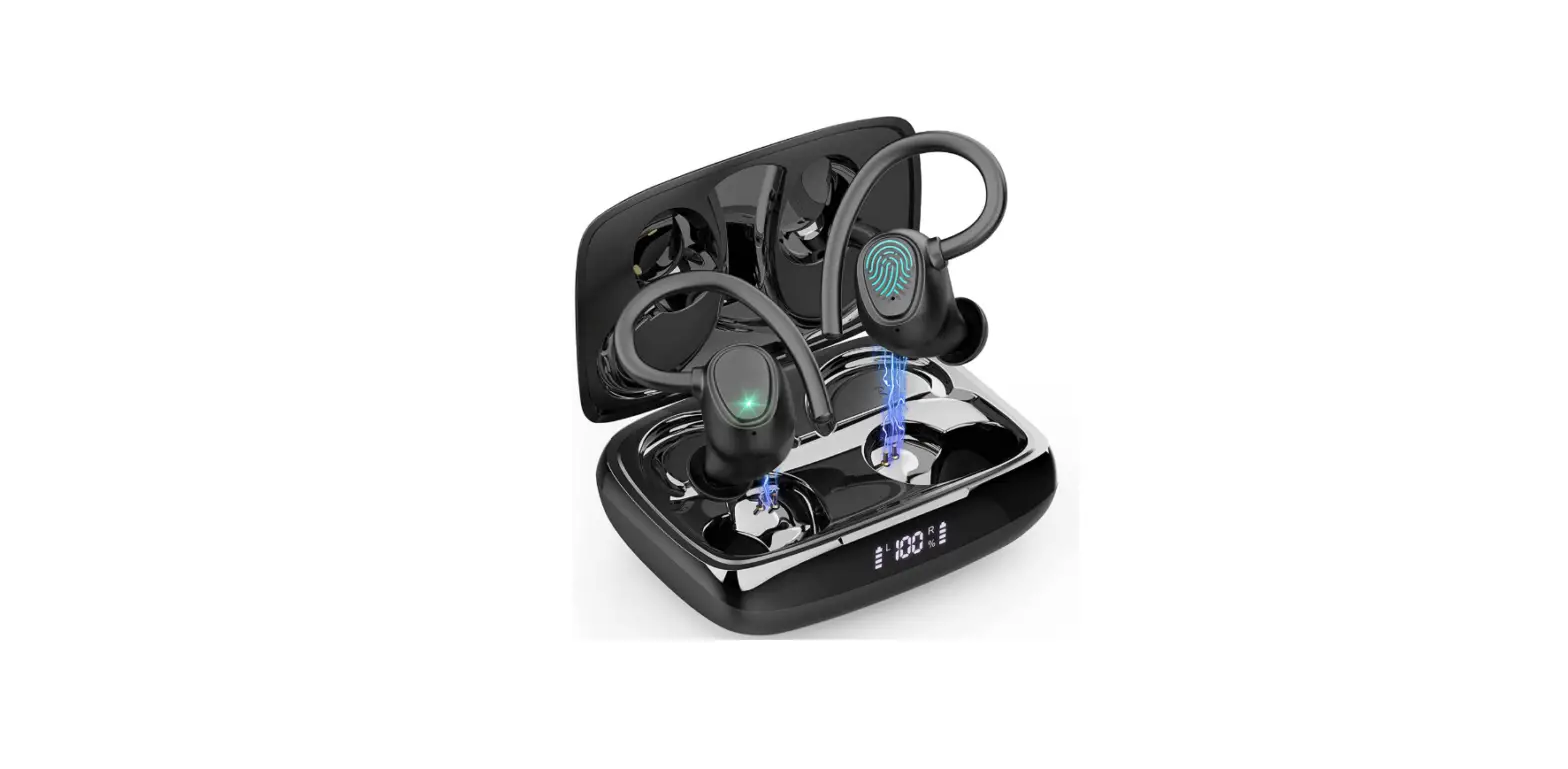
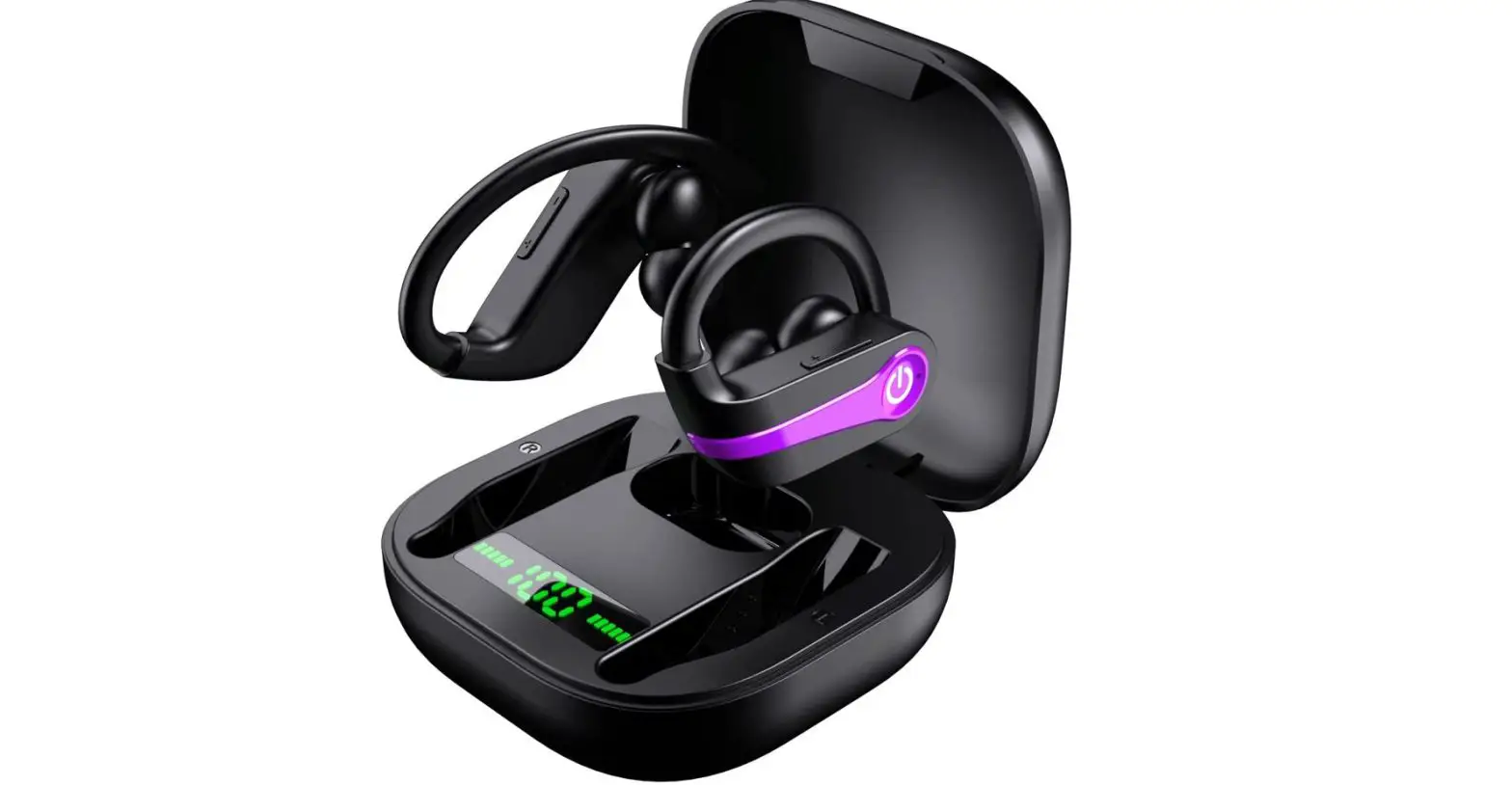
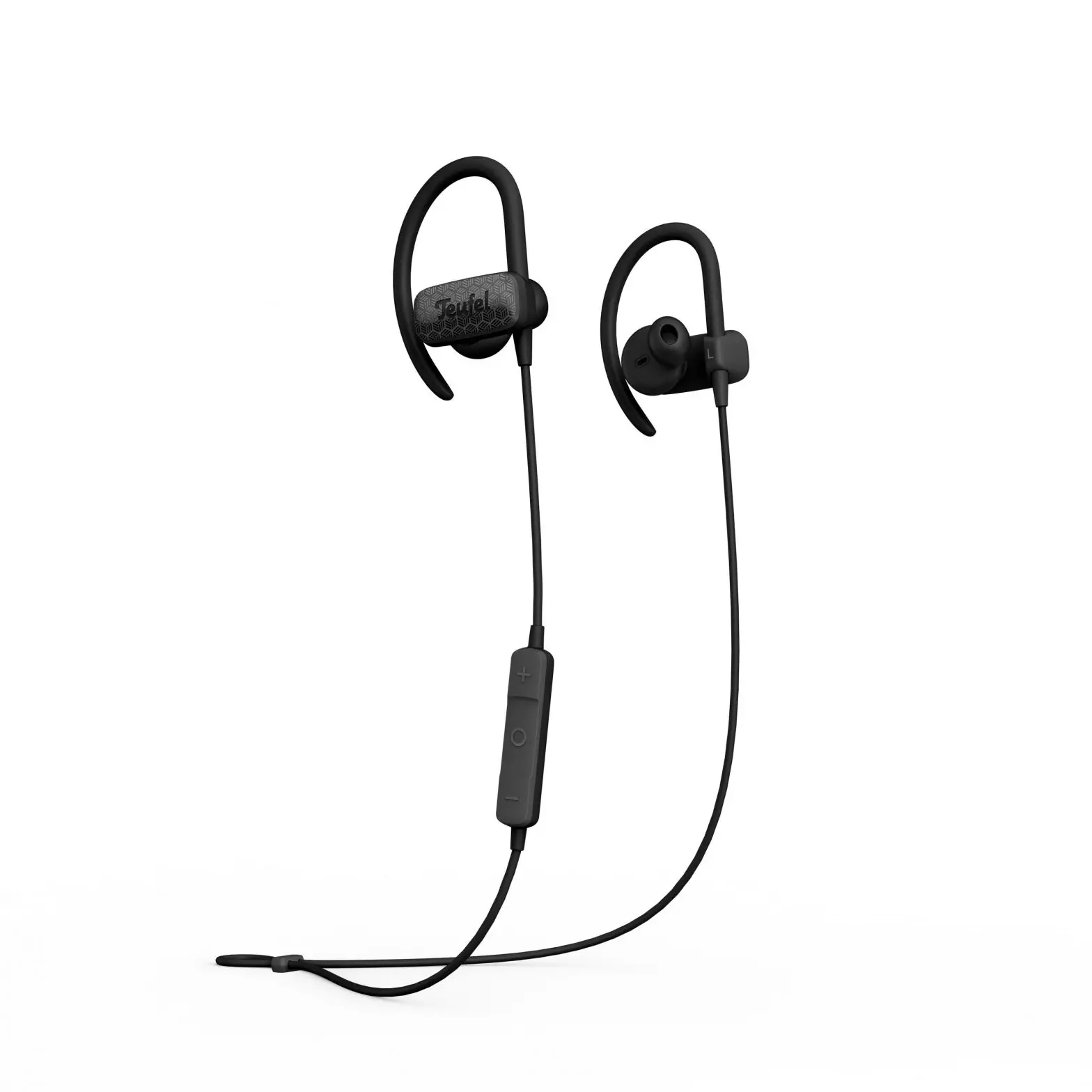
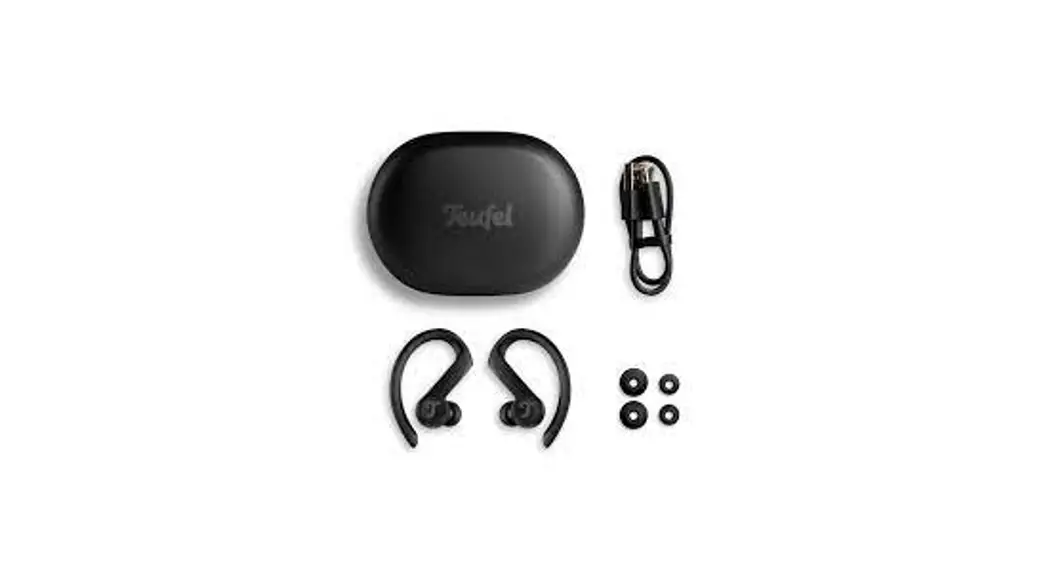
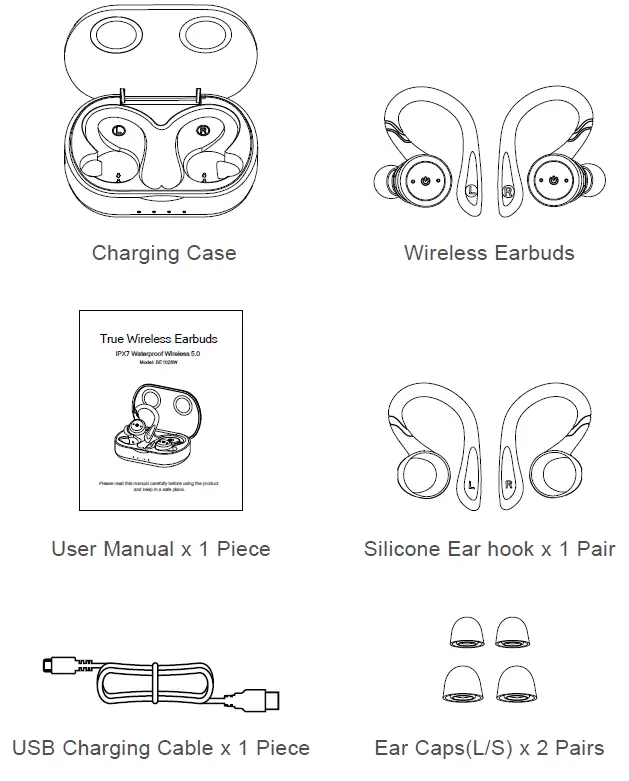
Packing List
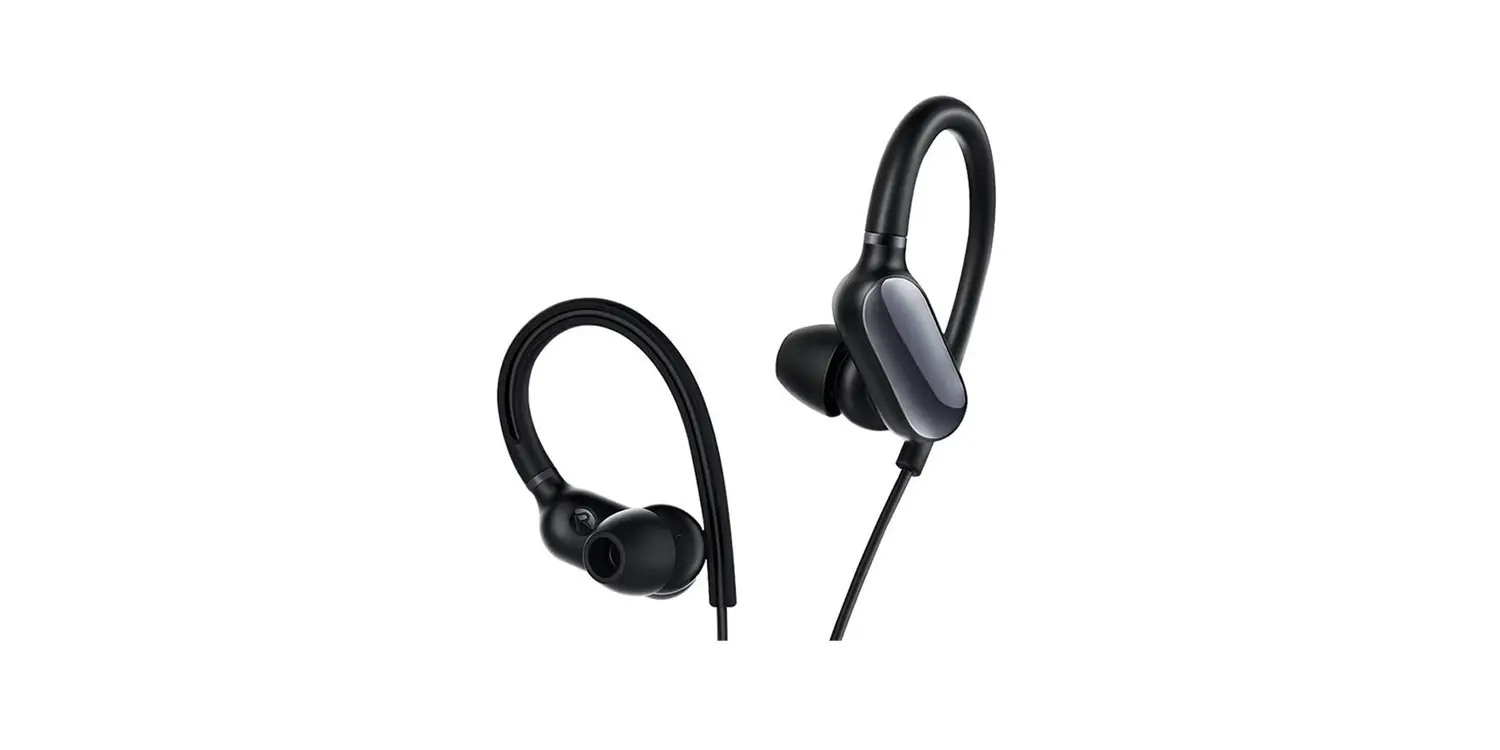
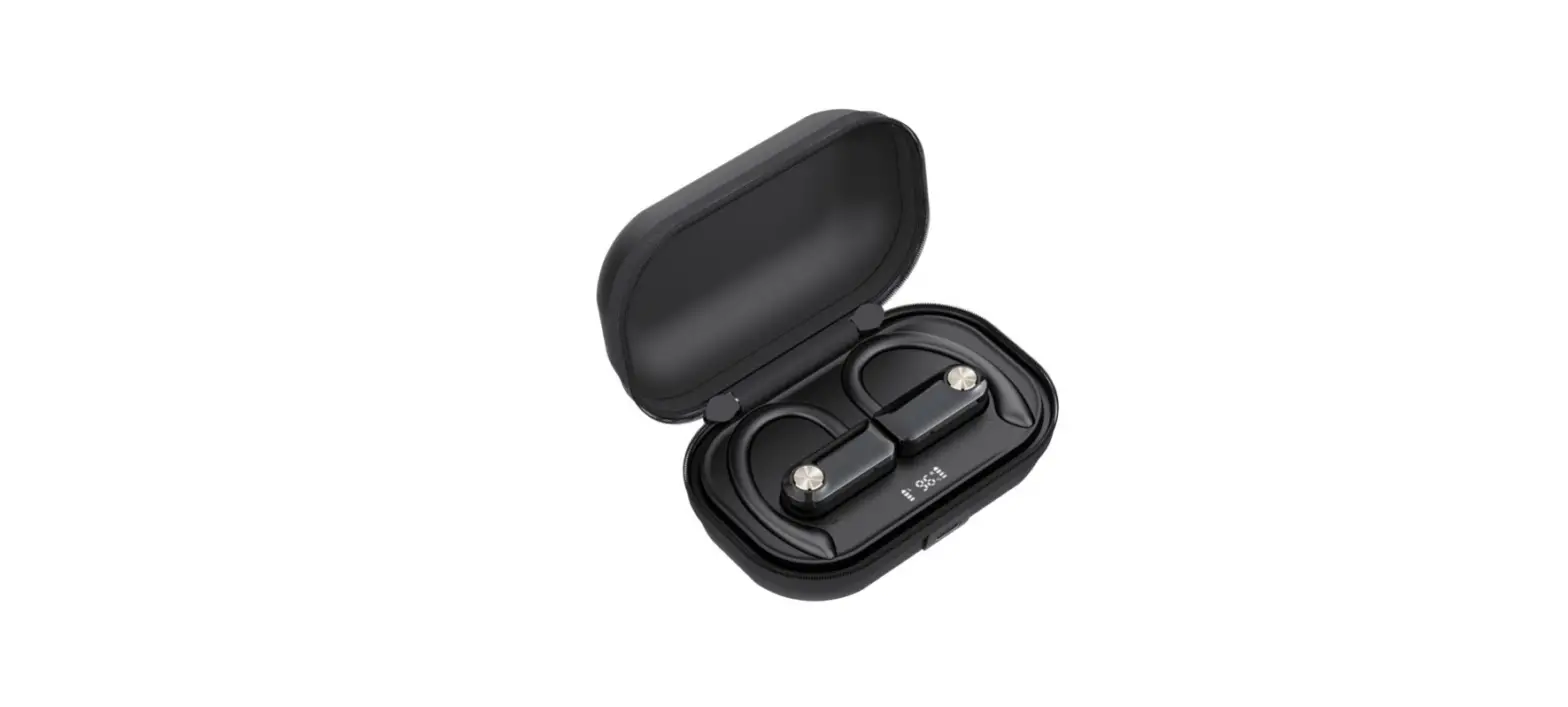
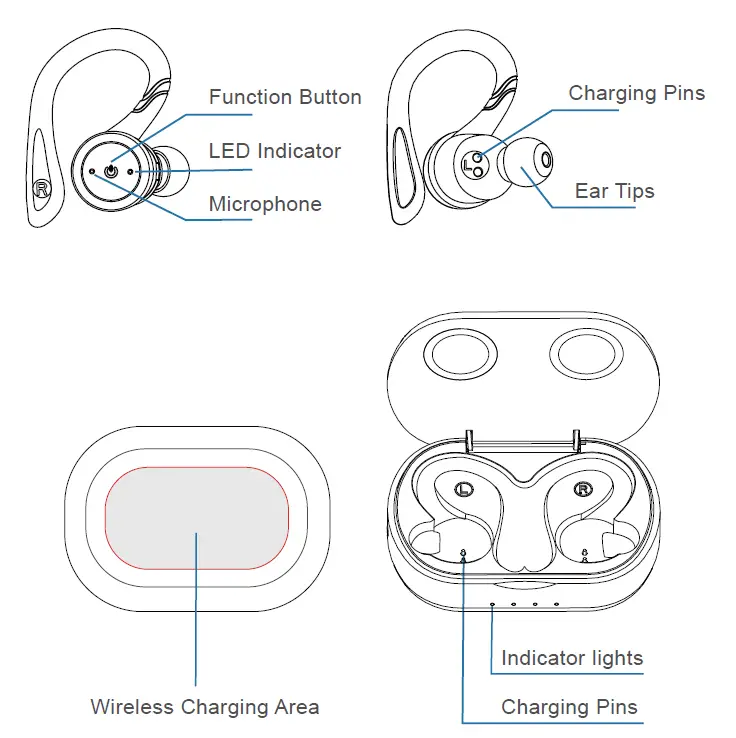
Product Details
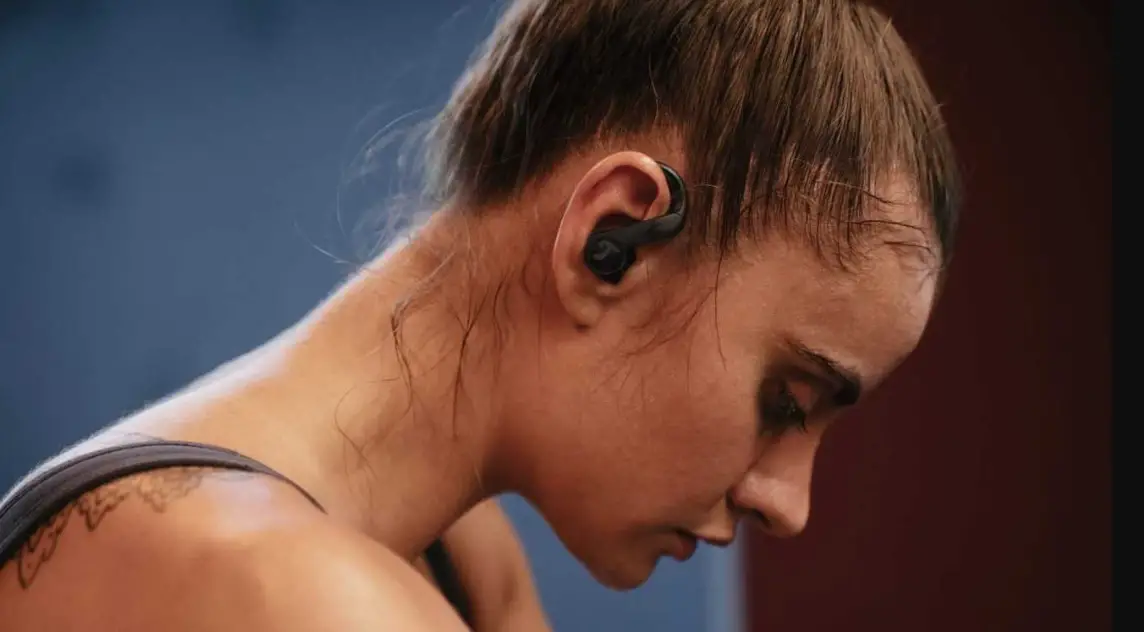
Wear Method
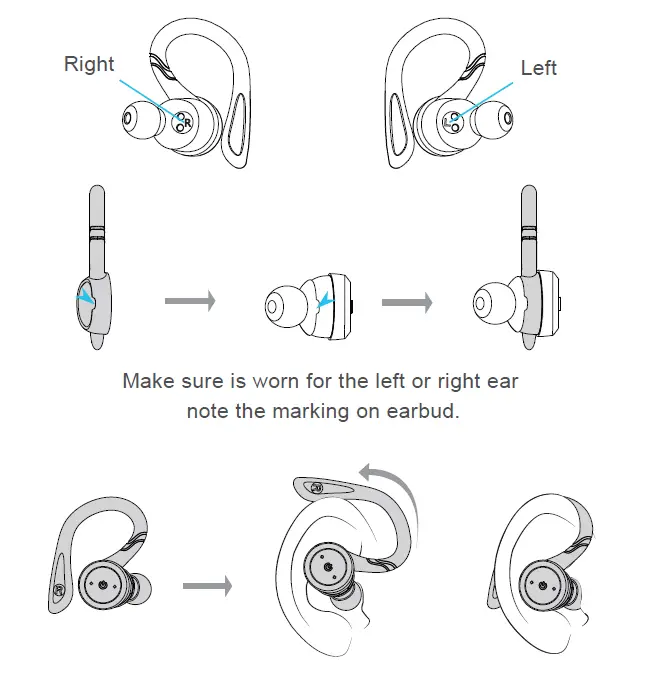
Plug the earplug along the ear canal into the ears Revolving earbud till the end of the ear hook is inserted behind the ears.
Start Listening
Step-1
Remove the stickers
Step-2
Put both earbuds back to the charging case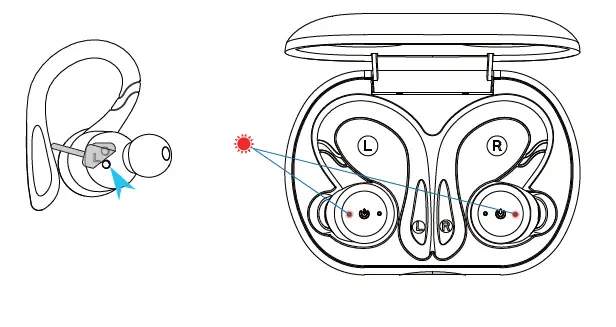
Step-3
Take both earbuds out from the charging case
Step-4
Search and select “BE1028W”
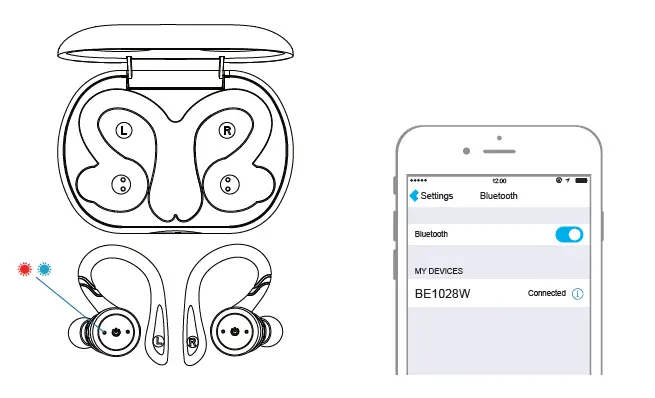
Single Earpiece Mode
Step-1
Take one of earbud out from the charging case.
Step-2
Press the earbud for 3 sec to turn off the earbud.
Step-3
Press the earbud for 6 sec to turn on the earbud and go into pairing mode.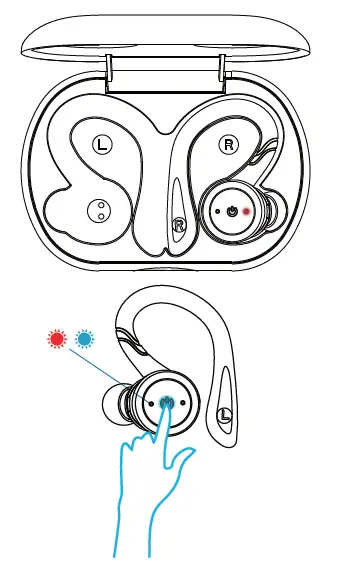
Step-4
Search and select “BE1028W” or “BE1028W-R”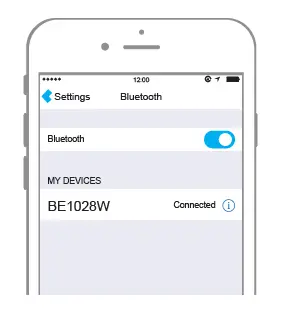
Control Function
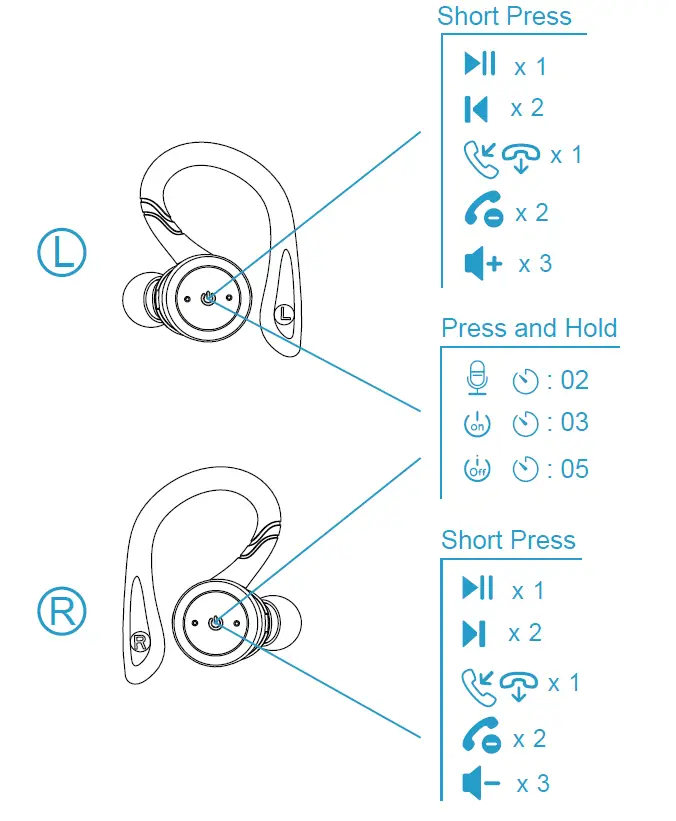
Auto Power On/Off Earbuds
Take both earbuds out from the charging case, earbuds will auto power on.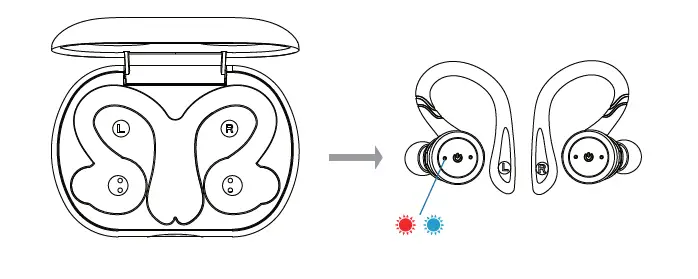
Put both earbuds back to the charging case, earbuds will auto power off.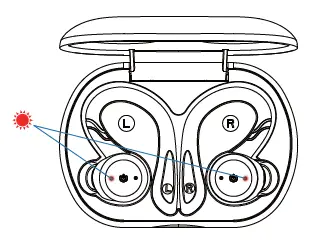
Note: If the charging case running out of battery, earbuds will not auto power on while take out the earbuds from the charging case.
Charge
Method 1: Connect charging case with computer or AC adapter by using provided charging cable.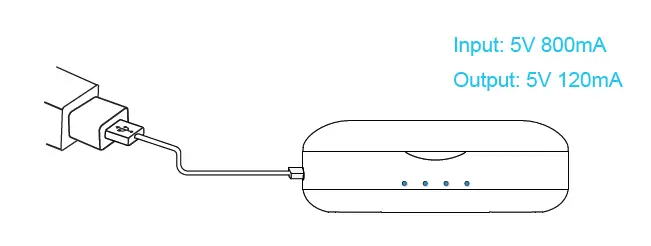
Method 2: Put the charging case on wireless charging pad, it will be charged automatically.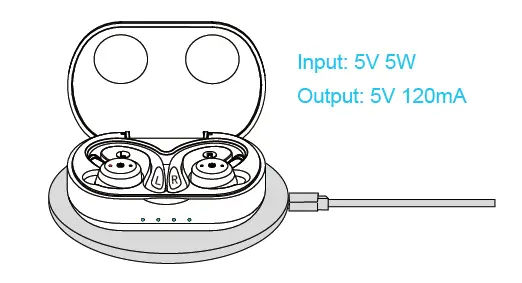
Input: 5V 1A
Output: 5V 100mA
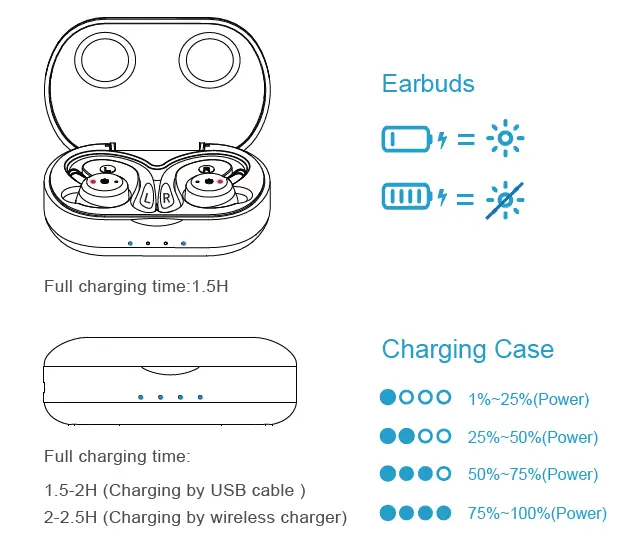
Note: While charge for the charging case, also support to charge for the earbuds at the same time.
Troubleshooting
In the course of using the product, if any of the following conditions occur, it can be resolved independently.
Left & Right Earbud cannot pair with each other
Method 1: Turn off both earbuds, then press and hold both earbuds 5s to power on and enter into pairing mode, both earbuds blink red and blue light alternately and pair.
Method 2: Put both earbuds back into the charging case. While the charging case is charging earbuds, both earbuds show red light. Then take both earbuds out of the case, both earbuds will automatically power on and pair.
Method 3: Factory reset
While charging case is charging for the earbuds, press and hold both earbuds for 15 seconds, earbuds will shows purple lights 2 times, means factory reset successful.
Then take out both earbuds from the charging case and turn off the earbuds. lastly, press and hold both earbuds for 6 second to go into pairing mode, earbuds will auto pair with each other.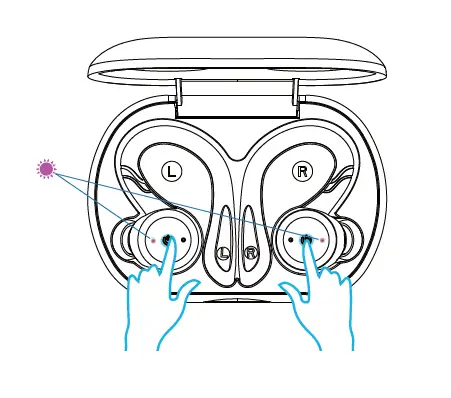
The bluetooth name of earbuds cannot be searched from your mobile phone
Method 1: Check the earbuds to see whether or not the they are in the status of pairing(If yes both earbuds blink red and blue light alternately)
Method 2: Turn off the mobile phone’s bluetooth and earbuds, then turn on again to search
The earbuds cannot connect to the mobile phone or cannot connect back with the mobile phone
- Turn off the mobile phone’s bluetooth and earbuds, then turn on again to research.
- If earbuds has connected to the mobile phone before, then choose the earbud’s bluetooth name displayed in the phone connection list and click to connect.
- Delete the connection record that displayed in the phone connection list. Then research the earbuds’s bluetooth name to connect.
While charging earbuds, earbuds donot show red light:
It is because the battery of earbuds is too low. At this time please keep charging until the earbuds show red light to enter into normal charging mode.
Specifications
Earbuds
- Bluetooth version: V 5.0 dual mode
- Distance: Up to 10-15 meters
- Battery: Rechargable Li-battery 60mAh
- Full charging time: 1.5 hours
- Play time: About 4.5 hours
- Earpiece weight: 7.5g
Charging case
- Battery: Li-battery 800mAh
- Full charging time:1.5-2H(USB cable charging)
- 2-2.5H(Wireless charging)
- Input: 5V 1A
- Output: 5V 120mA
- Dimension: 89.3*62*31.5mm
- Weight: 76g
- When the charging case is full of power, it can charge earbuds about 4-5 times.
FCC Warning
This device complies with Part 15 of the FCC Rules. Operation is subject to the following two conditions:
(1) This device may not cause harmful interference, and (2) this device must accept any interference received, including interference that may cause undesired operation.
NOTE 1: Any changes or modifications to this unit not expressly approved by the party responsible for compliance could void the user’s authority to operate the equipment.
NOTE 2: The device has been evaluated to meet general RF exposure requirement. The device can be used in portable exposure condition without restriction.