Bem
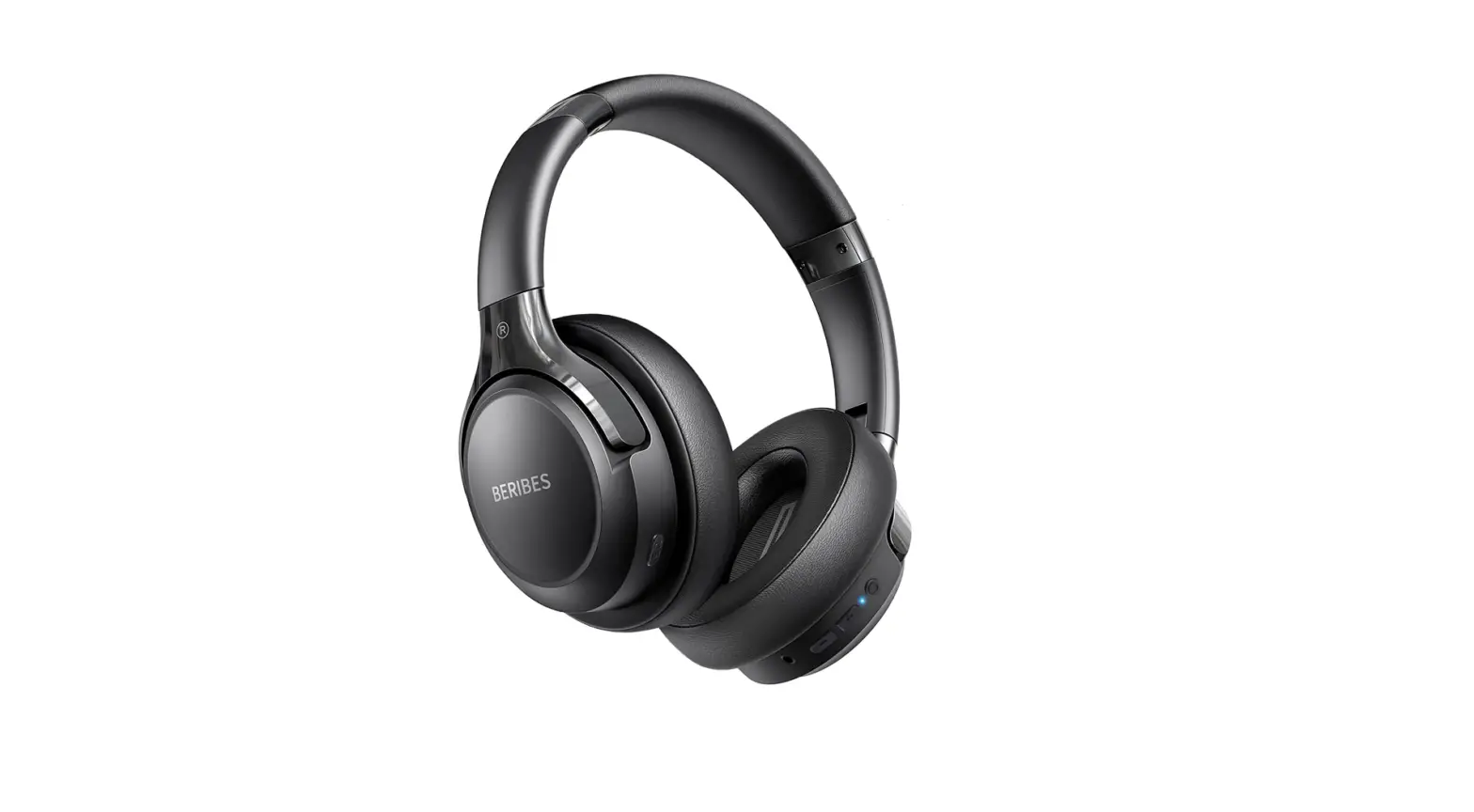
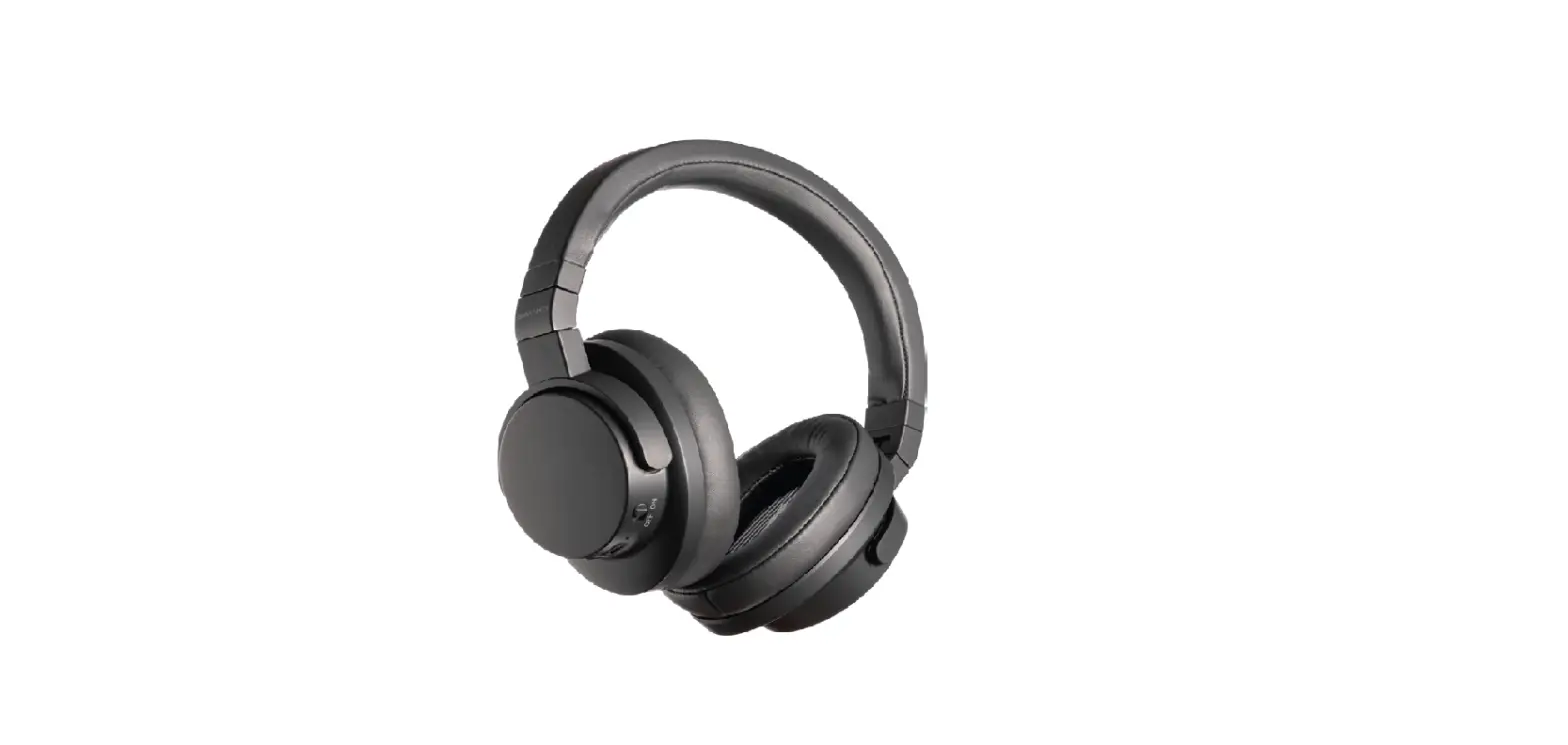
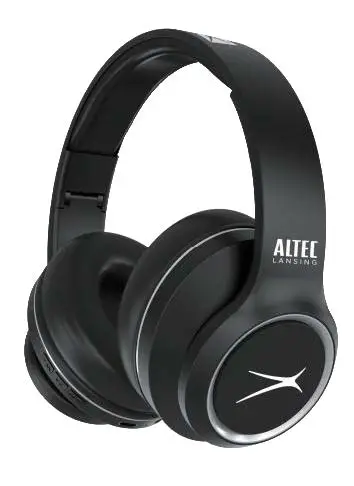
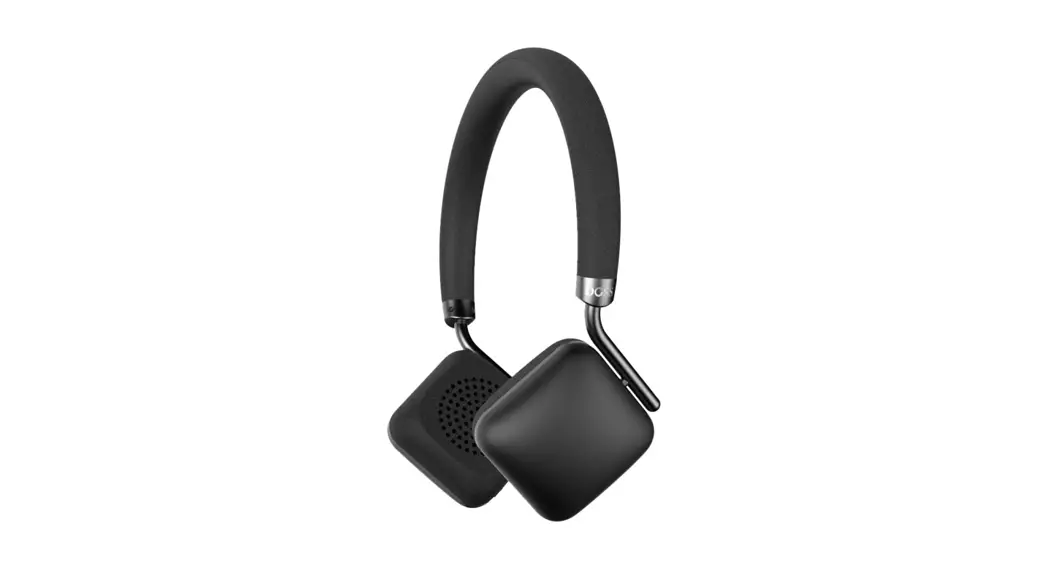
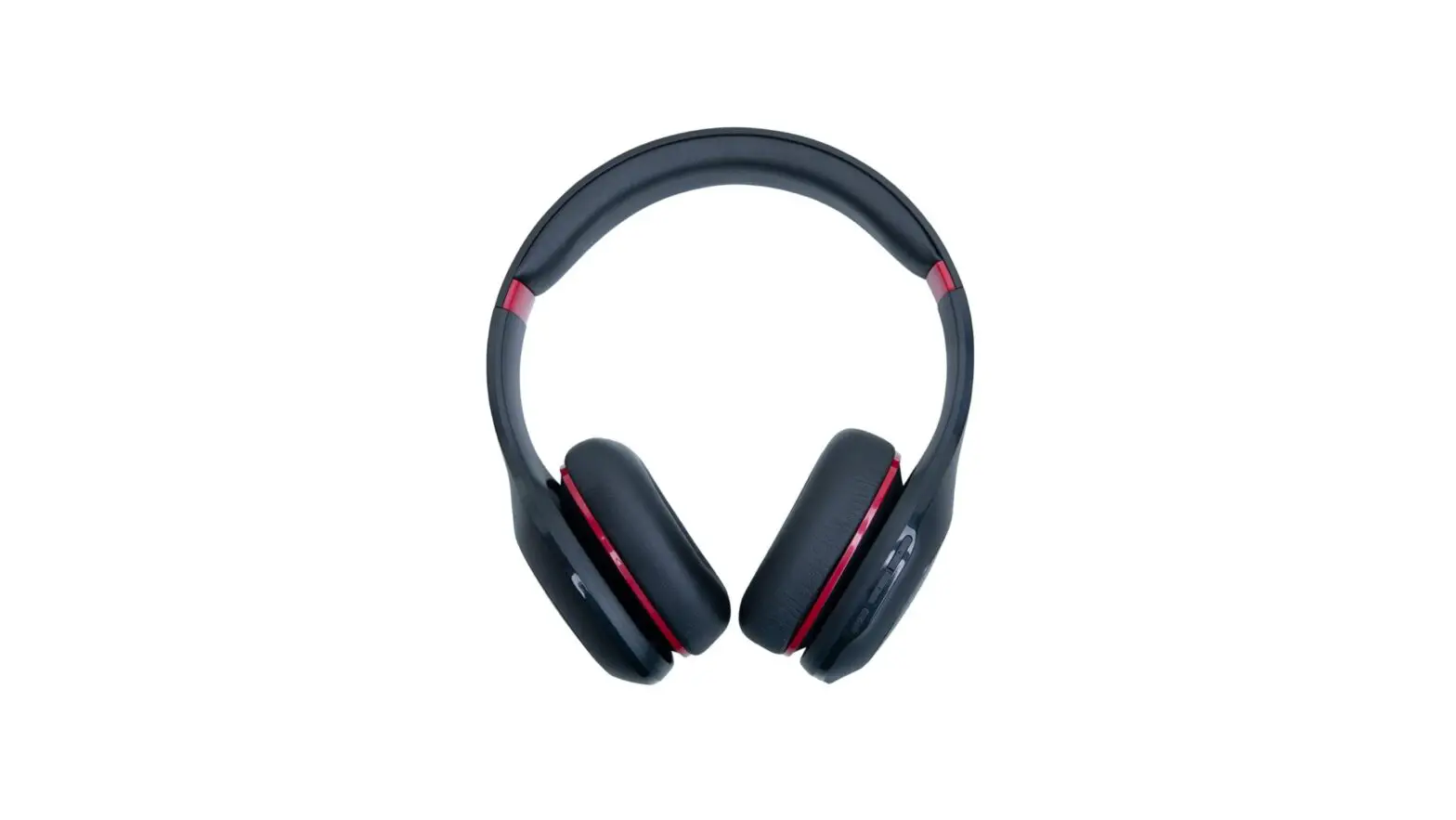
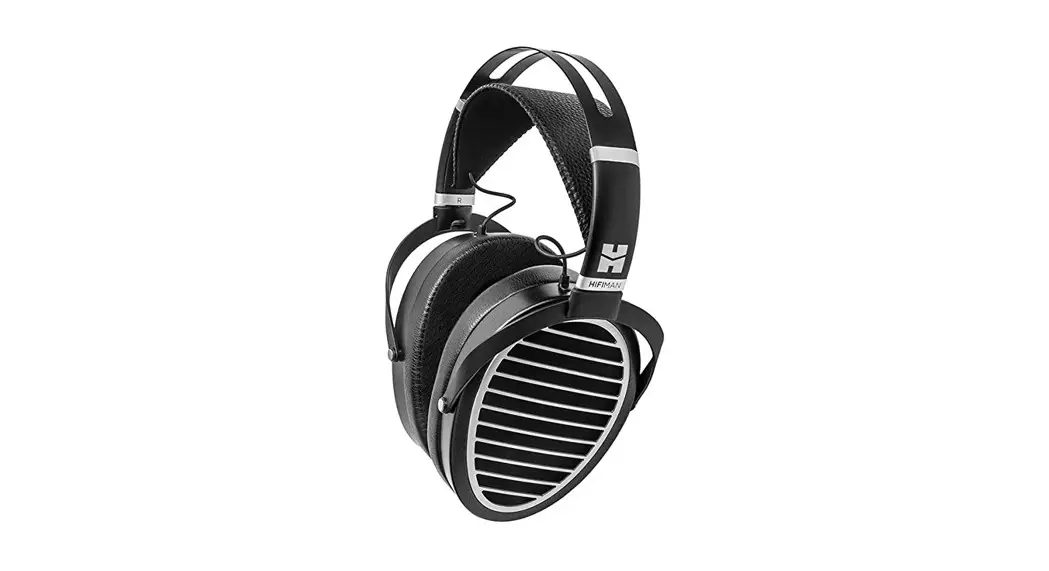
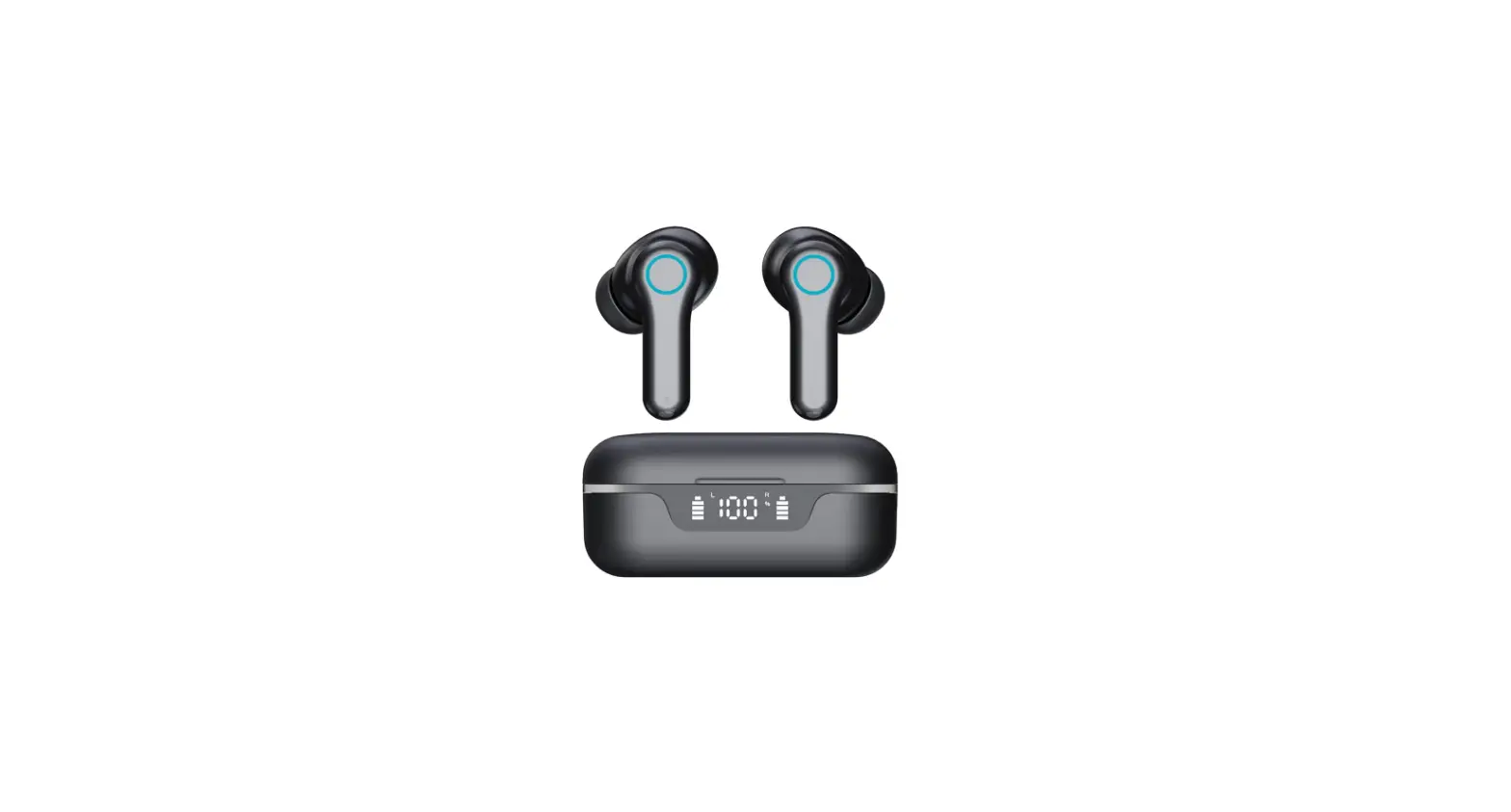
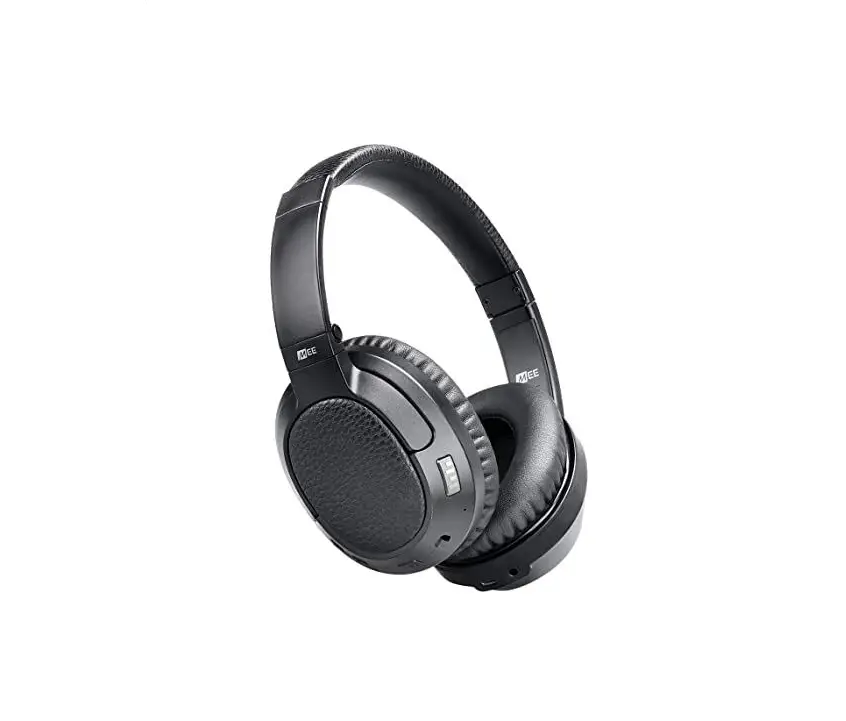
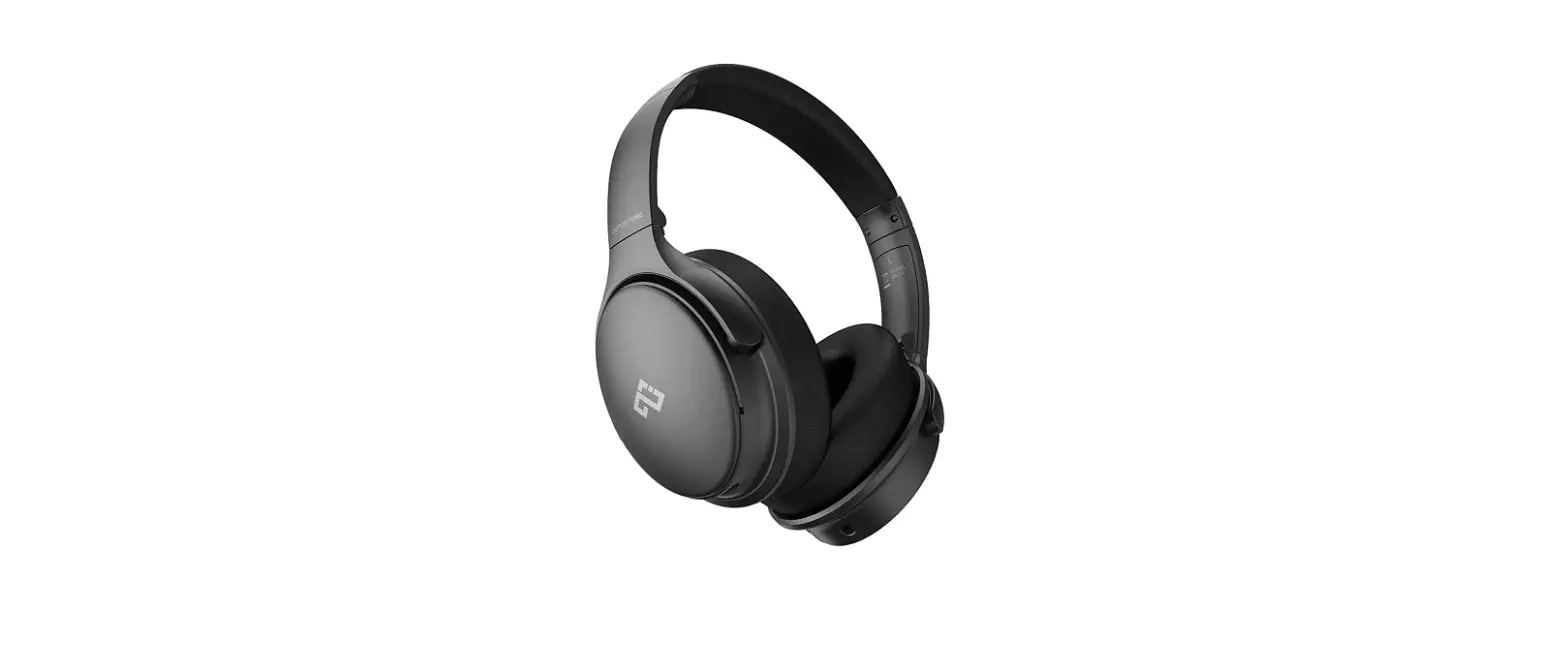
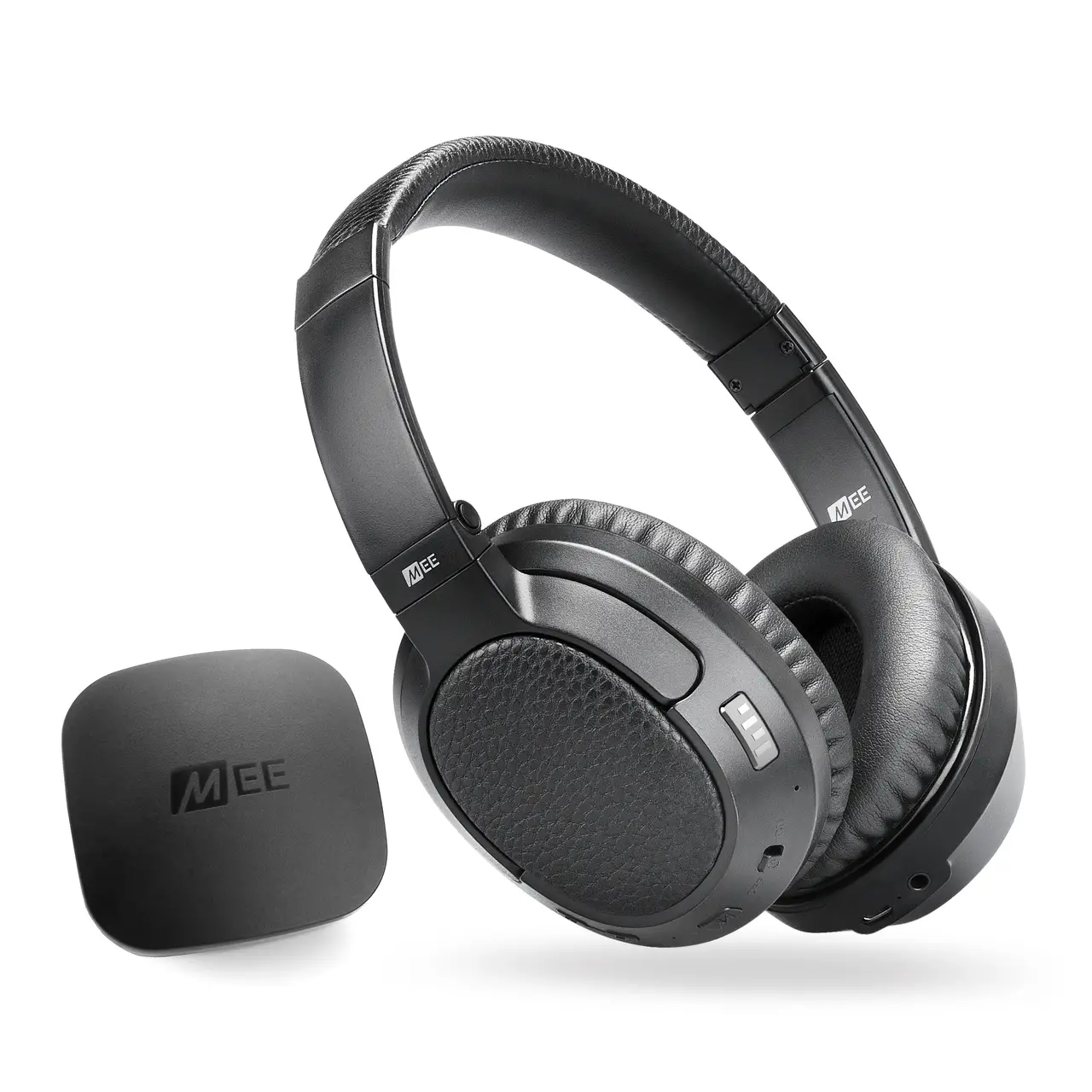
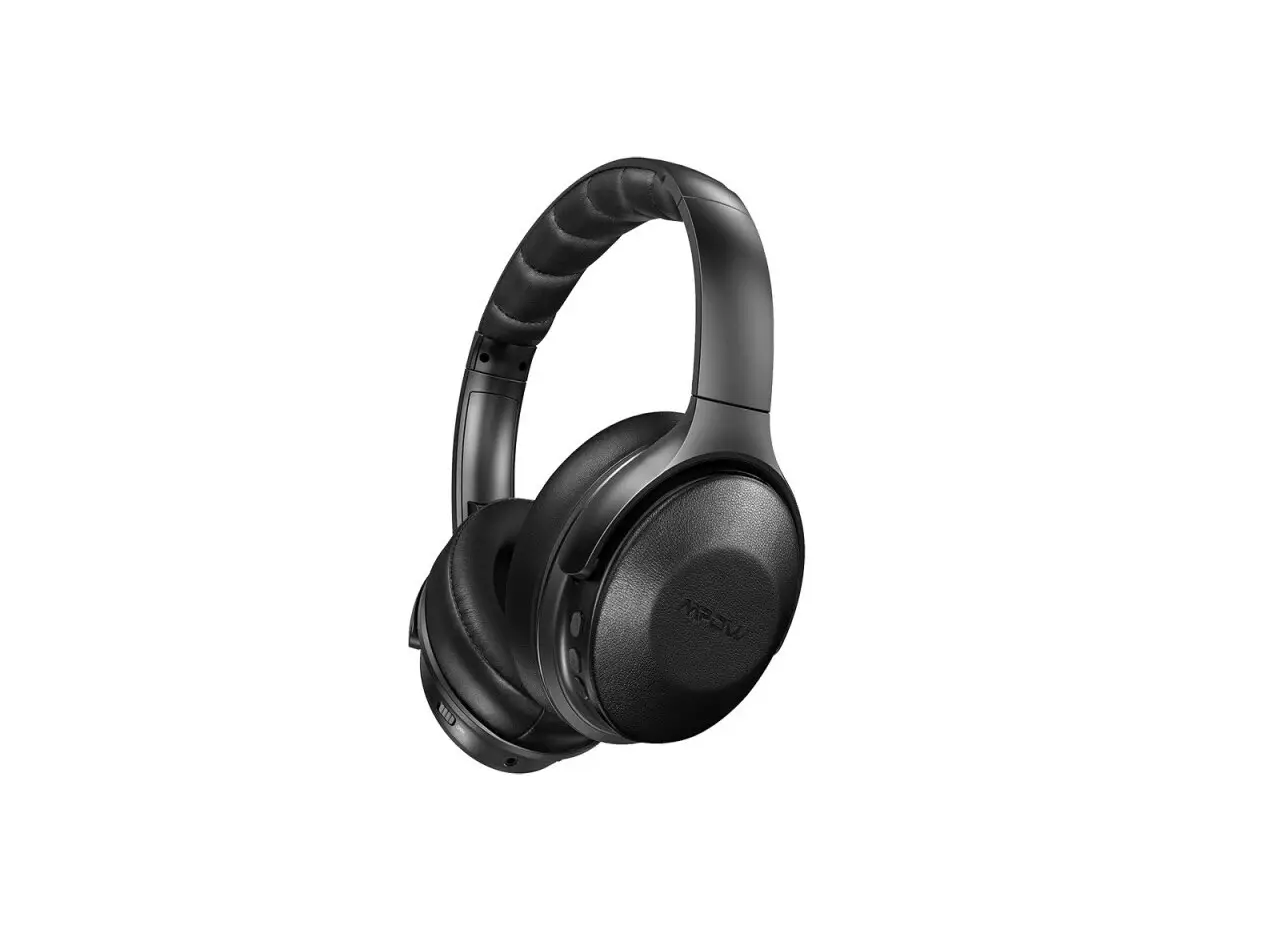
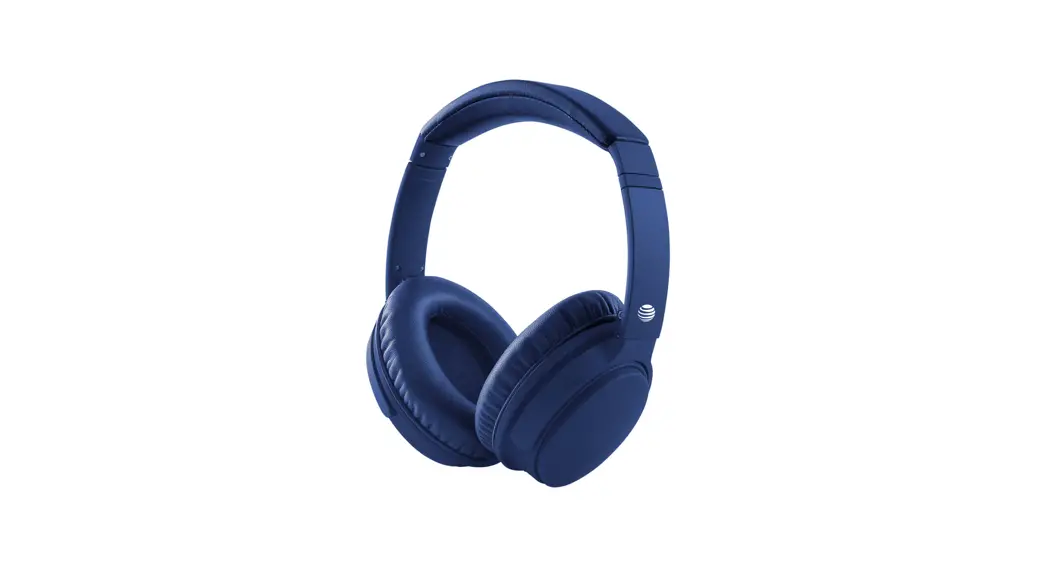
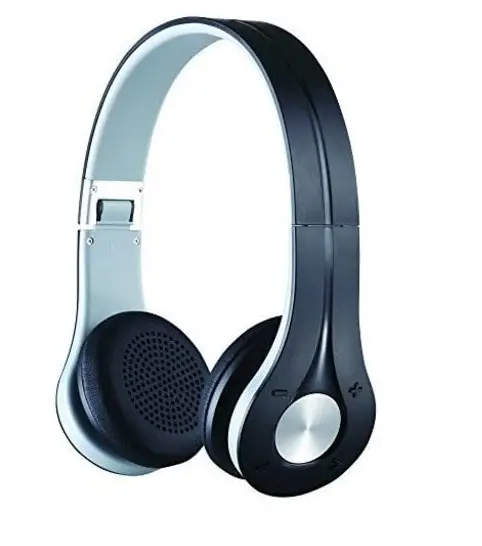
Bem HT1071 EV 300 Bluetooth Headphones
Specifications
- BRAND: Bem
- COLOR: Black
- FORM FACTOR: Over Ear
- CONNECTIVITY TECHNOLOGY: Wireless
- WIRELESS COMMUNICATION TECHNOLOGY: Bluetooth Wireless 3.5MM Aux
- AUX: In Port
- CHARGES VIA: micro USB
- BLUETOOTH VERSION: 4.0+
- SUPPORTS: NFC pairing
- WIRELESS RANGE: 30 Ft.
Introduction
BT Over Ear Headphones EV300. Bluetooth 4.0+EDR is the version. It Supports SBC, AAC, and NFC pairing. It has 30 foot wireless range. It is Lightweight, portable, and foldable design.
WHAT’S IN THE BOX
- 1 Micro USB Cable
- 1 User Guide
- 1 Aux Cable
HOW TO SET UP
- Make your Bluetooth gadget discoverable by turning it on. The method you use to make it discoverable is determined by the device.
- Choose Start > Settings > Bluetooth & devices > Add device > Bluetooth on your computer.
- Select the Bluetooth device, adhere to any further instructions that pop up, and then click Done.
HOW BLUETOOTH WORKS
A Bluetooth® gadget connects to your mobile phone, smartphone, or computer using radio waves rather than wires or cables. Millions of the goods we use on a daily basis employ the Bluetooth wireless short-range communications technology standard, including headsets, smartphones, laptops, and portable speakers.
HOW TO TURN ON
Pull down the phone’s top shade on an Android device, then long-press the Bluetooth icon. It will immediately take you to the Bluetooth menu, where you may enable it and then start looking for devices. To link a pair of headphones, tap their name.
Between the volume control buttons, there is a circular button. Once pressed to pause audio, twice pressed to toggle on or off. Hold the button down after turning it on to pair Bluetooth.
HOW TO RESET
Remove the headphones’ charging cable from the device. For 10 seconds, press and hold the power button. When the LED light starts to blink, your headphones have been successfully reset.
HOW TO STOP HEADPHONES FROM BLINKING
- Start the headphones’ pairing process.
- To reduce the volume, press the button.
- Disconnect your headphones.
- Reset them to on.
Frequently Asked Questions
Furthermore, Bluetooth headphones are inefficient energy users. So as to help with energy conservation, they will switch themselves off when not in use. The device might also shut off on its own when the battery runs out. When not in use, the Bluetooth headphones are set to shut off.
The Bluetooth® connection’s range is roughly 30 feet (10 meters). However, depending on obstructions (people, metal, walls, etc.) or the electromagnetic environment, the maximum communication range may vary. NOTICE: Not every audio equipment comes with Bluetooth functionality.
Simply put, no. Bluetooth may be used without turning on your phone’s data plan, and it won’t use any mobile data while it’s active either. While utilizing Bluetooth, if you notice that your data is running low, an app is usually the cause.
If your Bluetooth devices aren’t connecting, they probably aren’t in pairing mode or are out of range. Try rebooting your devices or letting your phone or tablet “forget” the connection if you’re experiencing persistent Bluetooth connection issues.
Check your headphones’ charging port for any damage, such as bent metal or connectors. Additionally, check to see if the port feels tight when you touch it, as this can indicate that the connectors have come loose from the headset.
It often has a red charging indicator light. The battery is fully charged when the light goes off, indicating. You must learn how to charge a Bluetooth headset properly, that is, just when the battery is running low, if you want to get the most life out of it.
Yes. While using the USB charging wire to charge your headset, you can still use it. If a cable—such as an audio or charging cable—is attached to the headset’s USB port, you might notice a modest increase in warmth there.
In a word, yes. WiFi is not necessary for Bluetooth headphones, and they function perfectly without it.
It is in pairing mode and needs to connect to your device if the red or blue flashes. If you continue to hold down the power button after it has turned on for a second, this may occur.
Turning them off while not in use will help you save energy because Bluetooth technology uses a lot of power. Depending on the headset model, the procedure could change a little, but it won’t be tough.