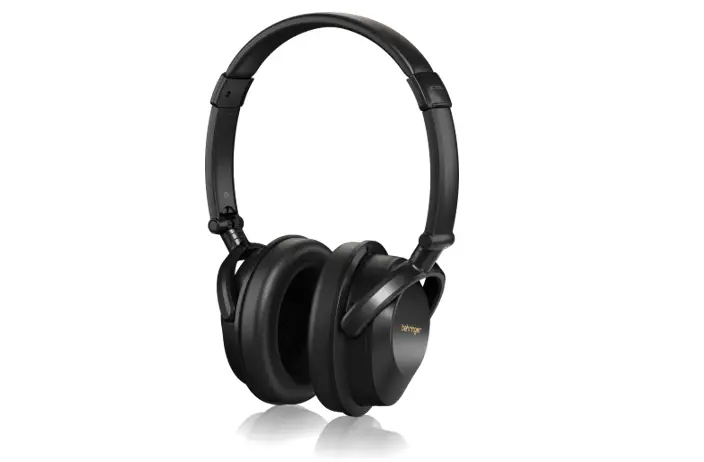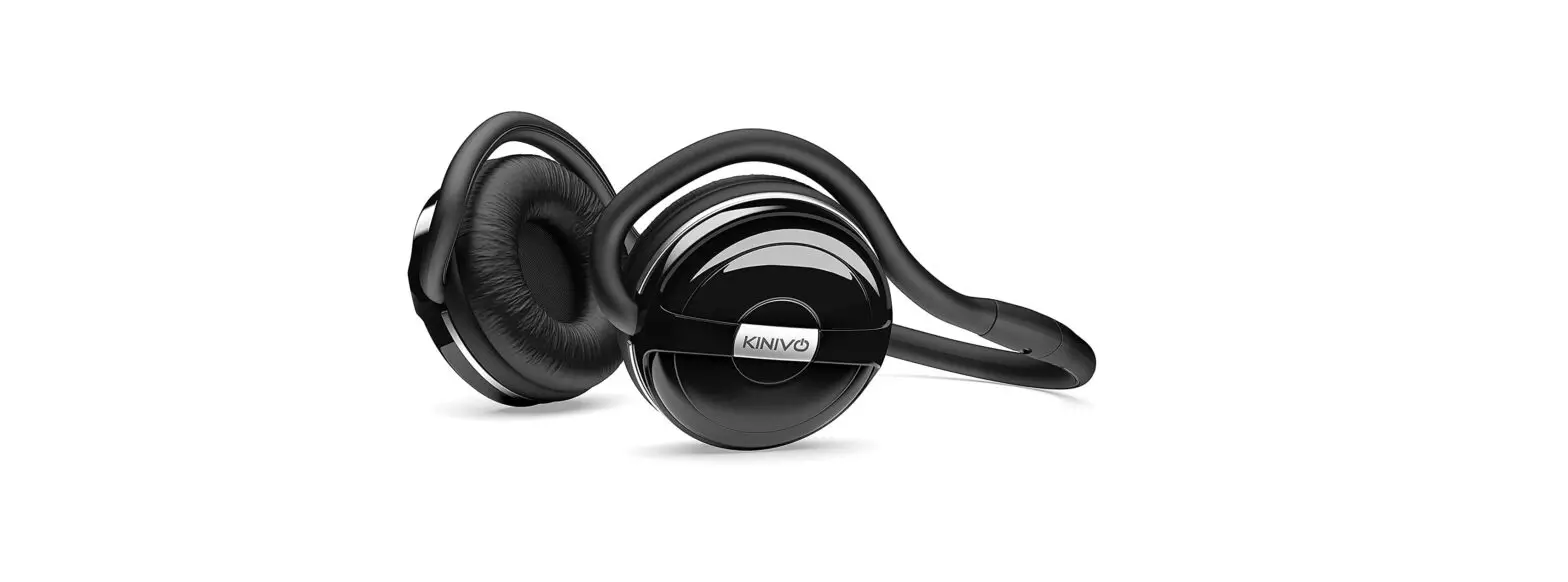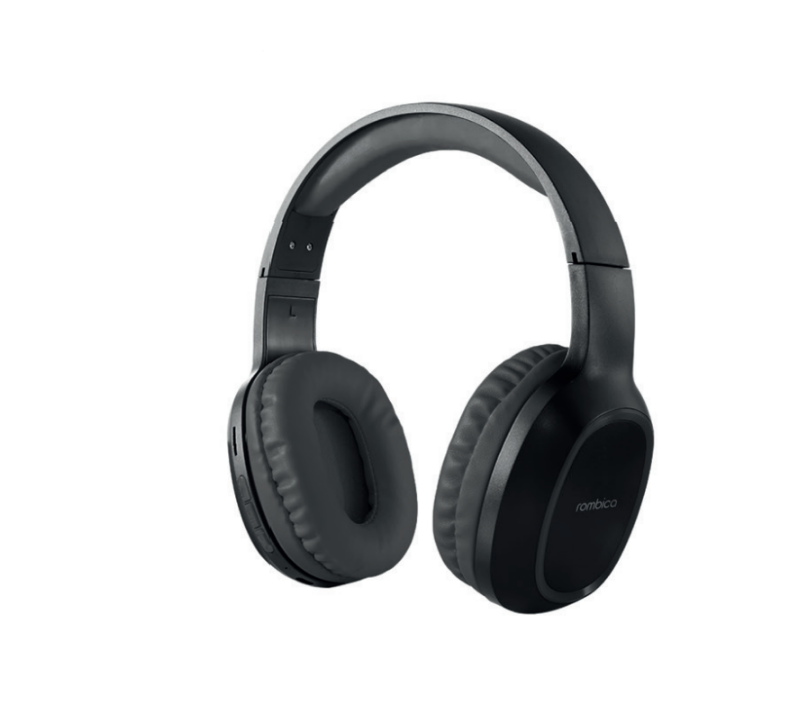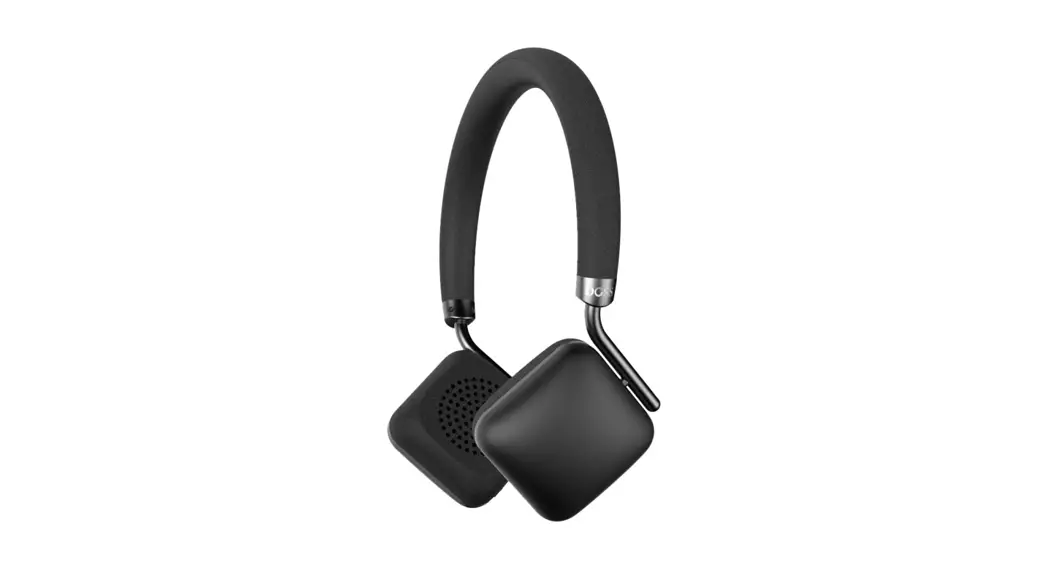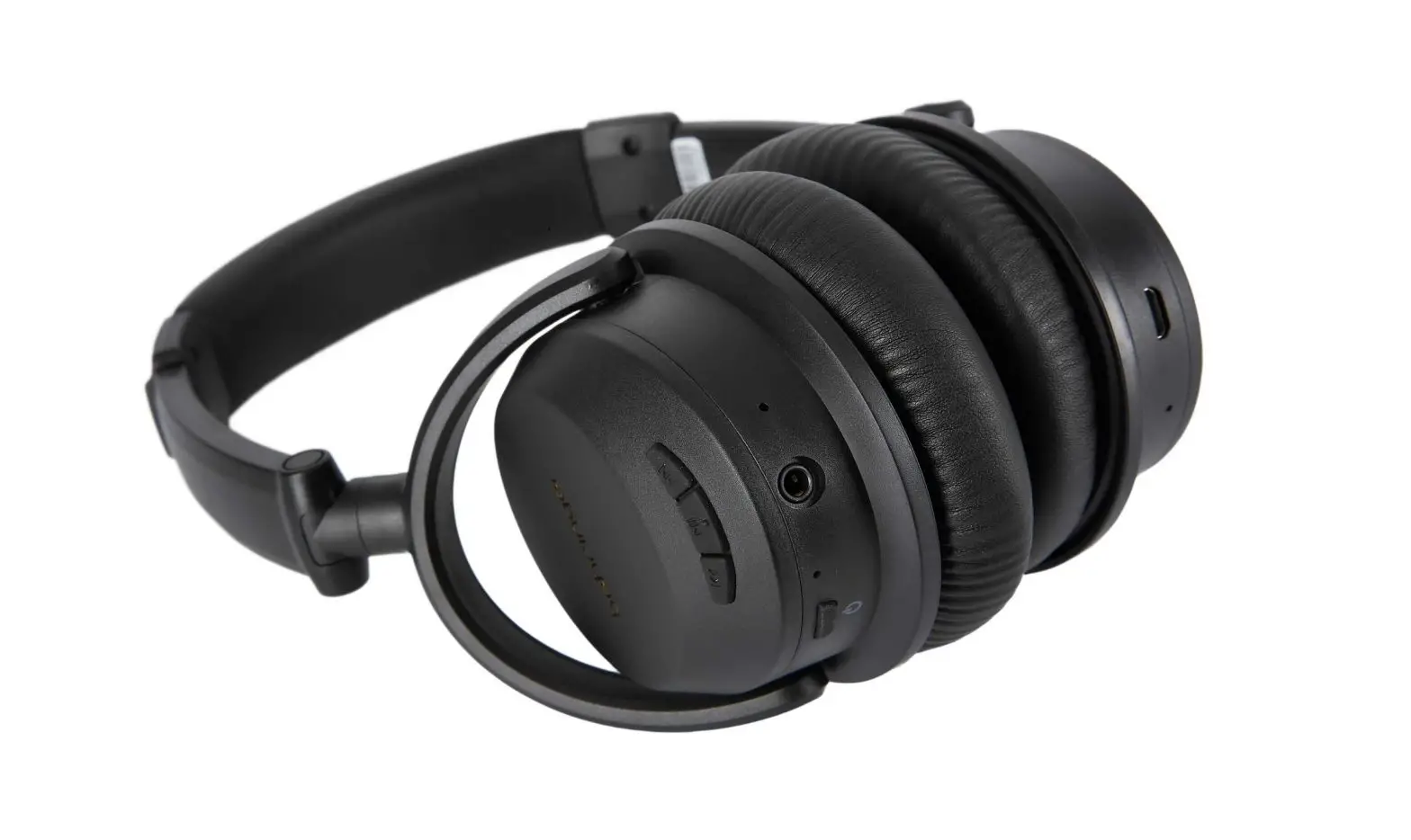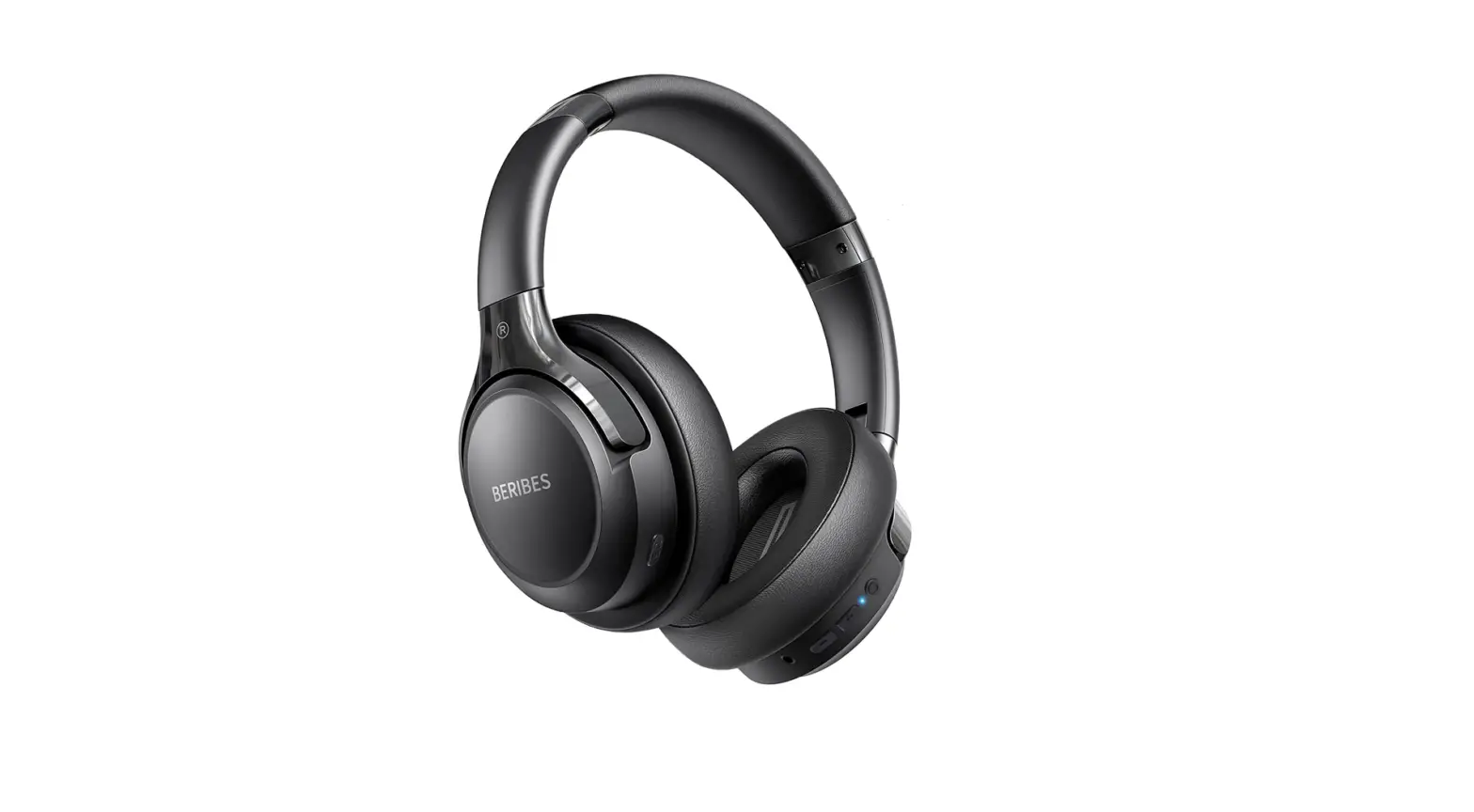

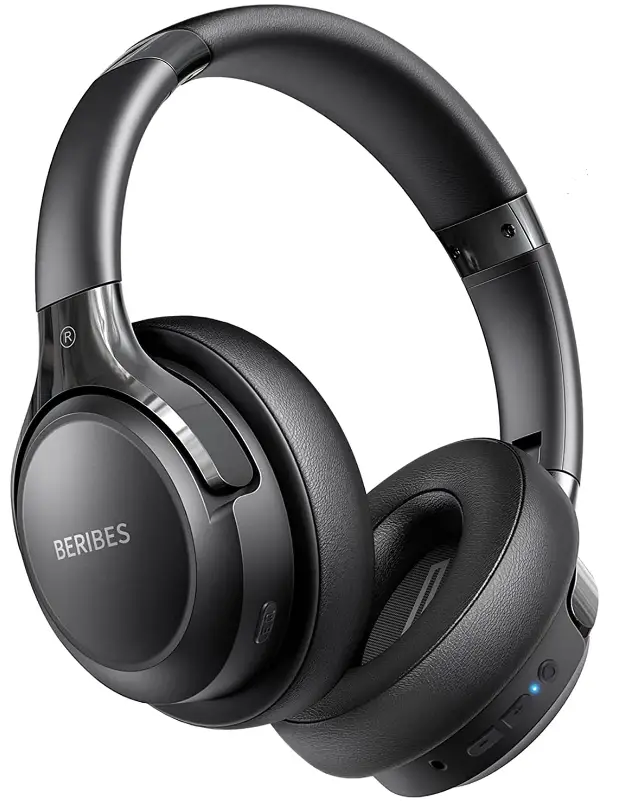
BERIBES 22 Bluetooth Headphones
Specifications
- Package Dimensions 26 x 5.08 x 3.35 inches
- Item Weight4 ounces
- Batteries 1 Lithium Ion batteries
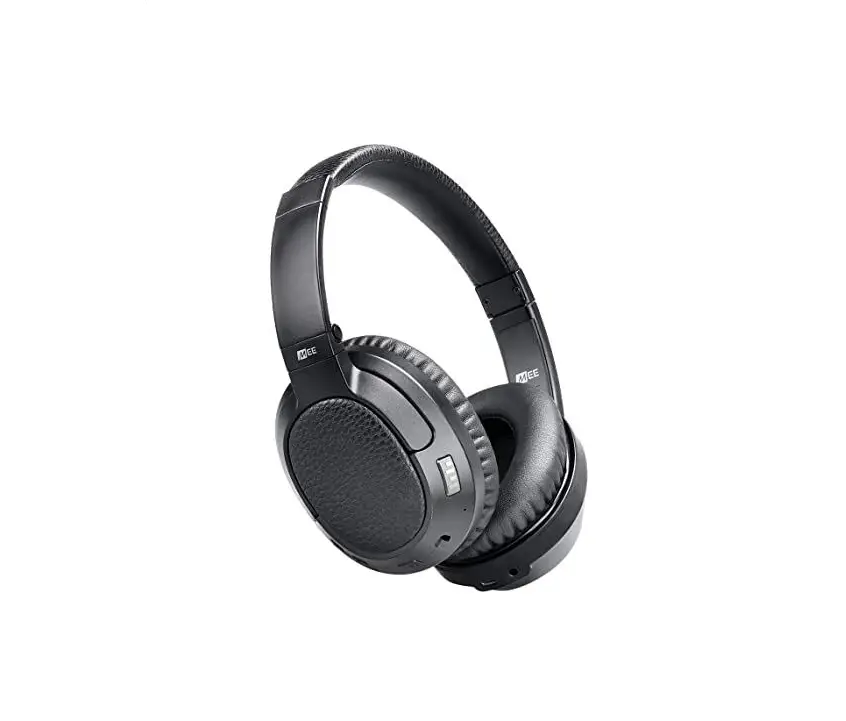
- Form Factor Over Ear
- Connectivity Technology Wireless, Wired
- Impedance 32Ω±15%
- Driver (Full Range) 2 × 40 mm
- Range 33ft
- Sensitivity4±3dB
- Charge Time 2 Hours
- Brand:Beribes
Introduction
At any volume, the BERIBES Bluetooth headphones will provide you with a rich, potent, and immersive sound that will enhance your overall listening experience. As the core of our engineering, we have always been committed to giving our clients better sound quality.
What’s in the box
- User Manual
- Carrying Pouch
- 5mm Audio Cable
- USB Charging Cable
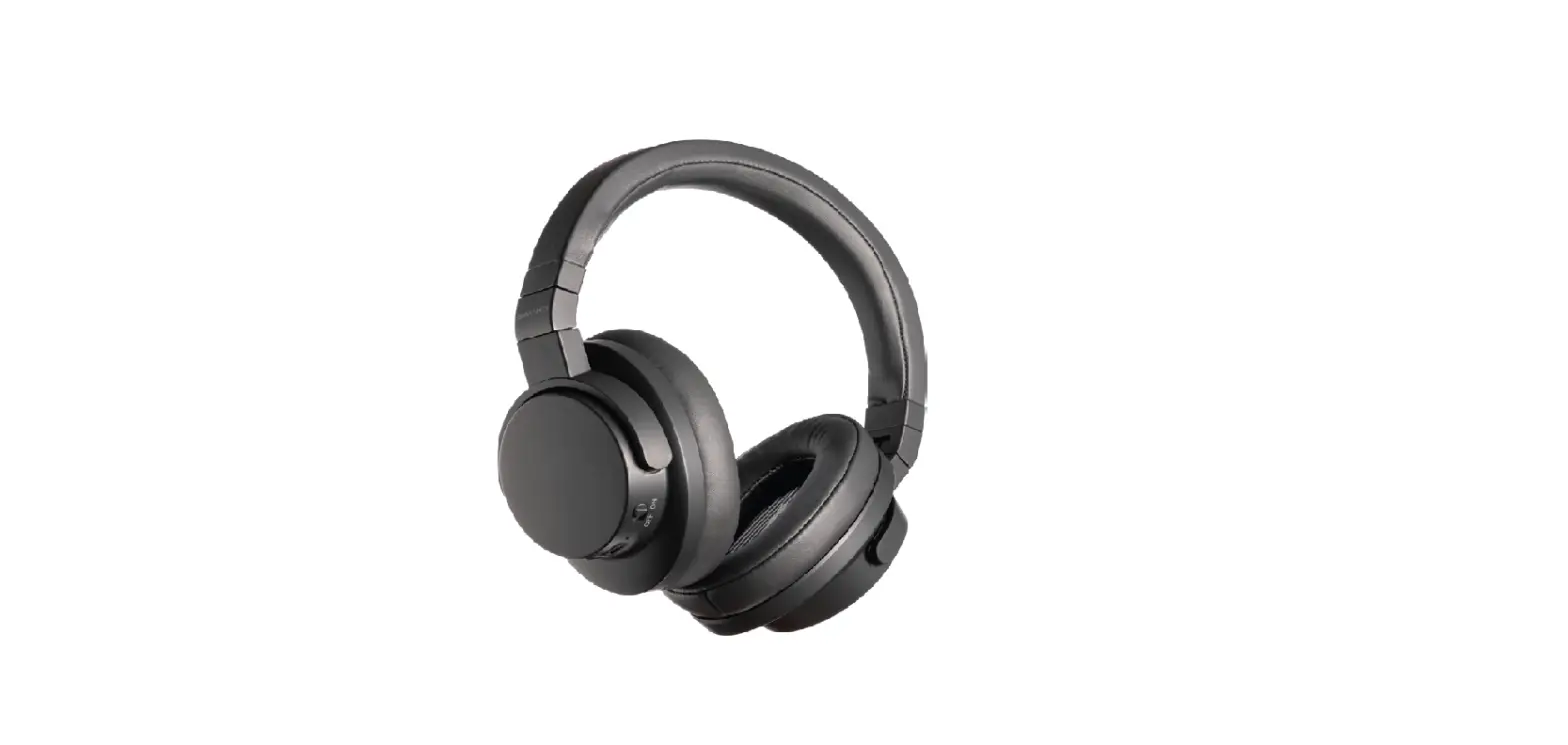
- BERIBES 3EQ Modes Headphones
Using Smart One Connect Two
- Following the headphones’ connection to the first device. After then, turn off the first device’s Bluetooth.
- Locate the name of the headphones in the Bluetooth List section of your second device’s settings, then pair the headphones with that device.
- Return to the first device’s Bluetooth list, activate Bluetooth and reattach the headphones under My Device.
- Once two devices have established a connection using Bluetooth, you can switch back and forth between the two devices’ headphone connections.
Superior Headphones
High-quality materials used in the construction of the BRIBES 3EQ Headphones provide them a longer lifespan, a more upscale appearance, a better texture, and greater functionality.
Fit Comfort
The only 0.38 lb Bluetooth headphones and memory protein earmuff offer all-day comfort for the head and ears, and the headphones’ distinctive earcup design makes them more ear-friendly.
Wired Mode
If the device suddenly loses power while in use, you can put in the accompanying 3.5mm audio cable to complete a smooth toggle, and with the help of the included lightweight carrying pouch, you can continue to listen to music wherever you are.
Bluetooth 5.1 and microphone technology
With the newest Bluetooth 5.1 chip, pairing Bluetooth takes just 1-3 seconds after startup. The transmitter range of the Beribes Bluetooth headphones with microphone is 33 feet and is faster and more stable. Beribes over-ear headphones allow you to connect two smart devices simultaneously, enabling you to take a call on your phone while viewing a movie on your iPad without switching devices.
Powering the headset
Power On
Press the multi-function button for 2-3 seconds until the blue indicator light flashes (the headset says: “The blue-tooth is ready to pair”).
Power Off
Press the multi-function button for 2-3 seconds until the blue indicator light goes off (the headset says: “The blue-tooth is powered off”).
Charging the headset
Insert USB charging cable into the USB block. Connect the cable to a USB power supply that provides 5VDC power (charging block not included). Connect charging cable to the charging port of headset. When the red light is on, the headset is in charging. When the red light is off, the headset is fully charged. It takes 2 – 2.5 hours to fully charge the headset.
The battery is rechargeable. Low-power indicator: When the alert tone “beeps” and the indicator turns red, this indicates the battery has discharged and needs to be charged. First time charging: please be sure the battery has been fully charged before initial use.
Wired headphone function
When blue-tooth connectivity is not available, connect one side of 3.5mm stereo sound supply extension line to headphone audio jack. Connect the other side to the audio jack of the playback device (such mobile phone, computer, ipad, MP3 players, etc). Playback will start from the device.
Frequently Asked Questions
What is the distance from the source to the phone that is still effective for connectivity? 20ft.? 30ft? 40ft?,
This Bluetooth headphones has an effective range of 33ft.
Would this work with a stereo receiver that doesn’t have bluetooth? Just a audio jack?
Yes it does have blue tooth and audio Jack
Does a charger come with them?
Yes, it comes with a usb “C” charger but no wall plug.
Is there a way to turn off the “maximum volume” notification?
No.
I charged until blue light came on but can not pair with my new air pad air. It keeps searching. I can pair with other devices. What to do?
If there are other connected devices, try turning off other devices while connecting.
Can these headphones work with car DVD player?
As long as your car dvd palyer supports bluetooth, then can connect our wireless headphones.
Is there a way to see how much battery is remaining?
Not on the headphones themselves. But if you look at the Bluetooth connection for them on your phone, sometimes that will show battery level.
Do these sit around the ear or are they a bit smaller and just sit on the ears?!
They fit very comfortably OVER the ears. The battery life is incredible. Enjoy.
Can I use these headphones with my Vizio HDTV?
If it is Bluetooth equipped yes. These headphones have a cord port like conventional wired headphones
Are the ear cups comfortable enough?
yes, it is very comfortable and the wearing experience is very good
Just got my headphone but the left/right were swapped. Is anyone else seeing this? Should I ask for a replacement?
Yes, i don’t have this issue.
Any problem with the hookup to tv set?
No problem as long as your TV has Bluetooth.
Is this water resistant?
BERIBES Bluetooth headphones is waterproof and sweatproof, but please avoid direct immersion in water.
I charged turned blue but won’t pain nothing else is connected to Bluetooth. will not turn on when audio cable plugged in. what else do i do?
Blue tooth is tricky. I toggle mine on and off. I had no problem with it pairing.