BliTZWOLF BW-BC2 FM Transmitter User Manual
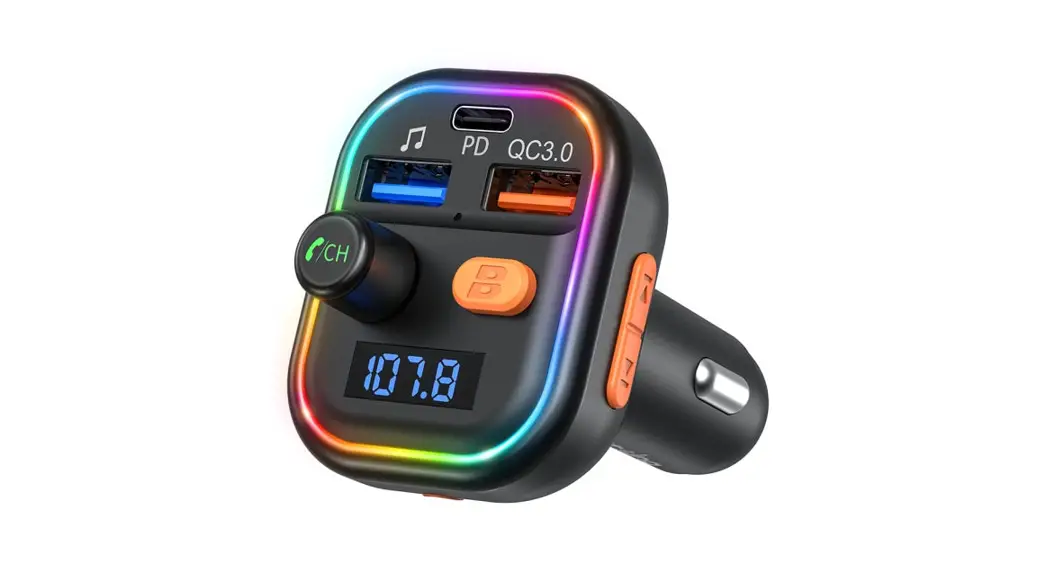
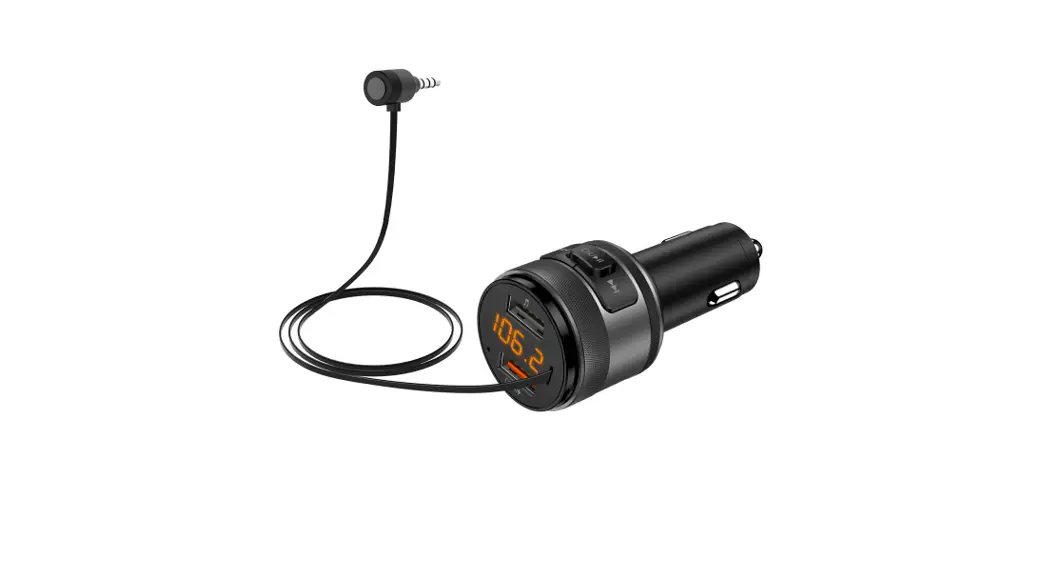
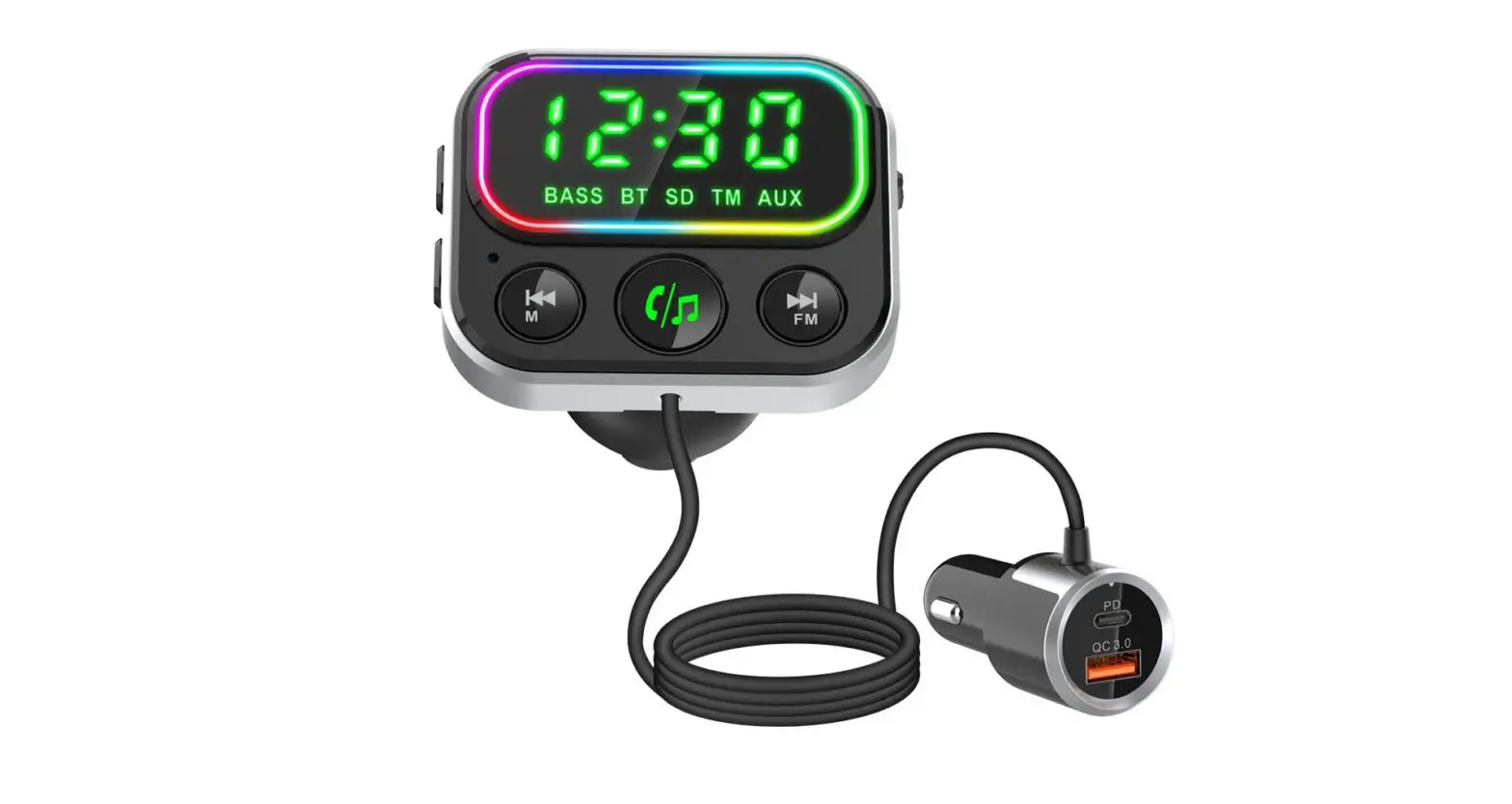
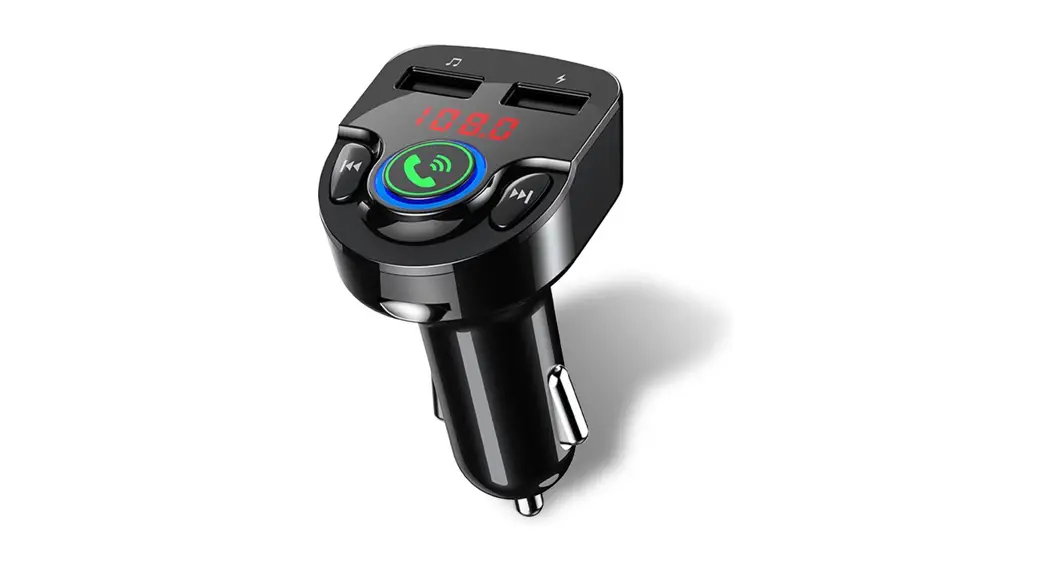
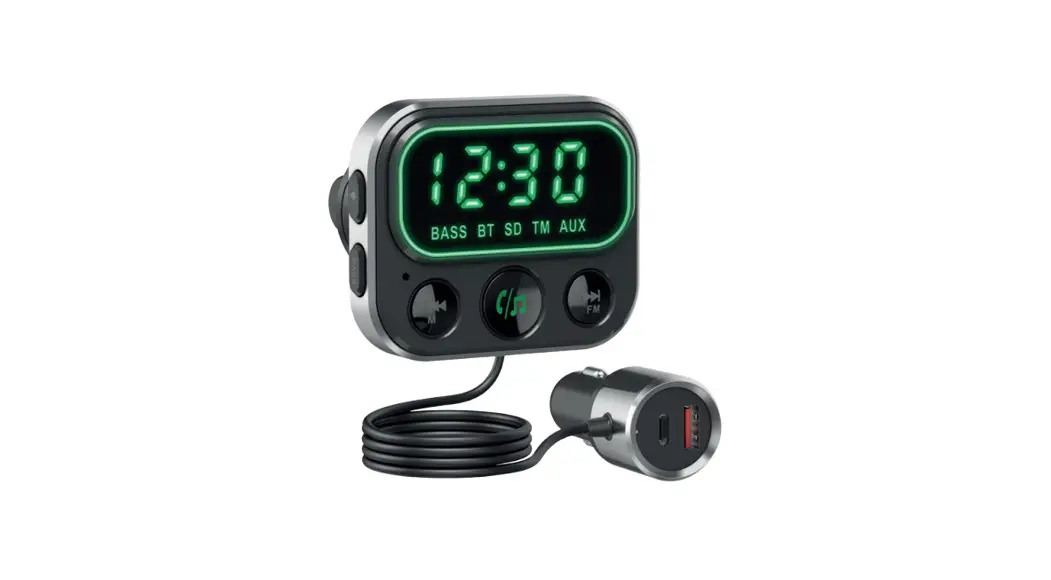
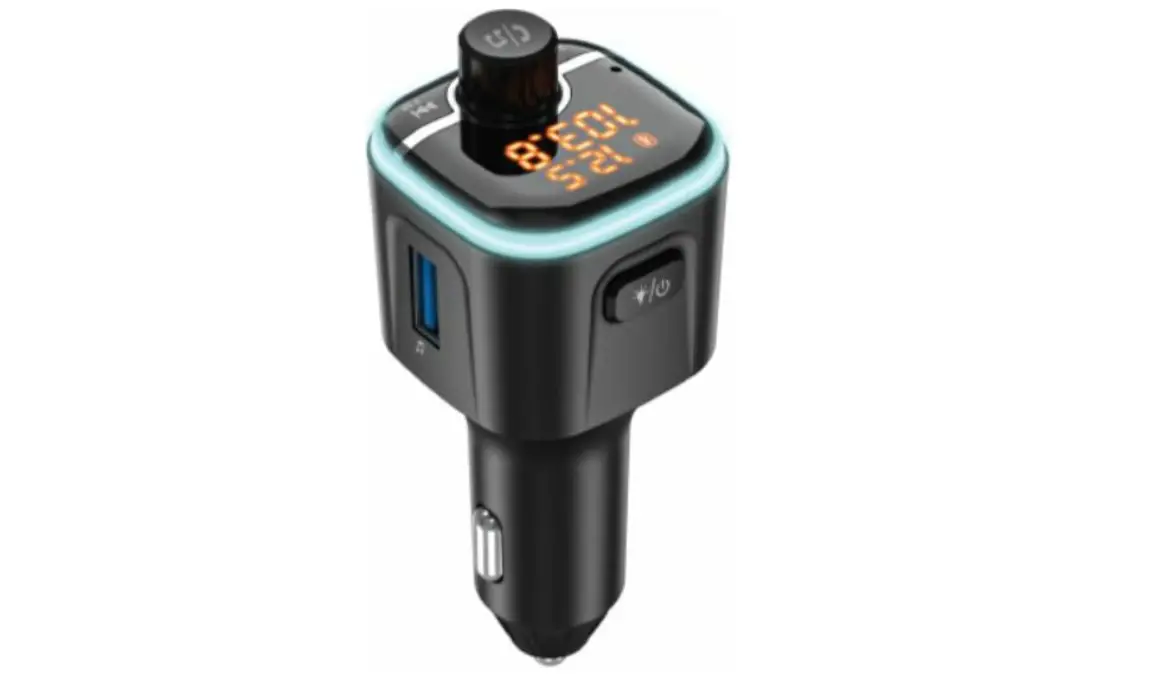
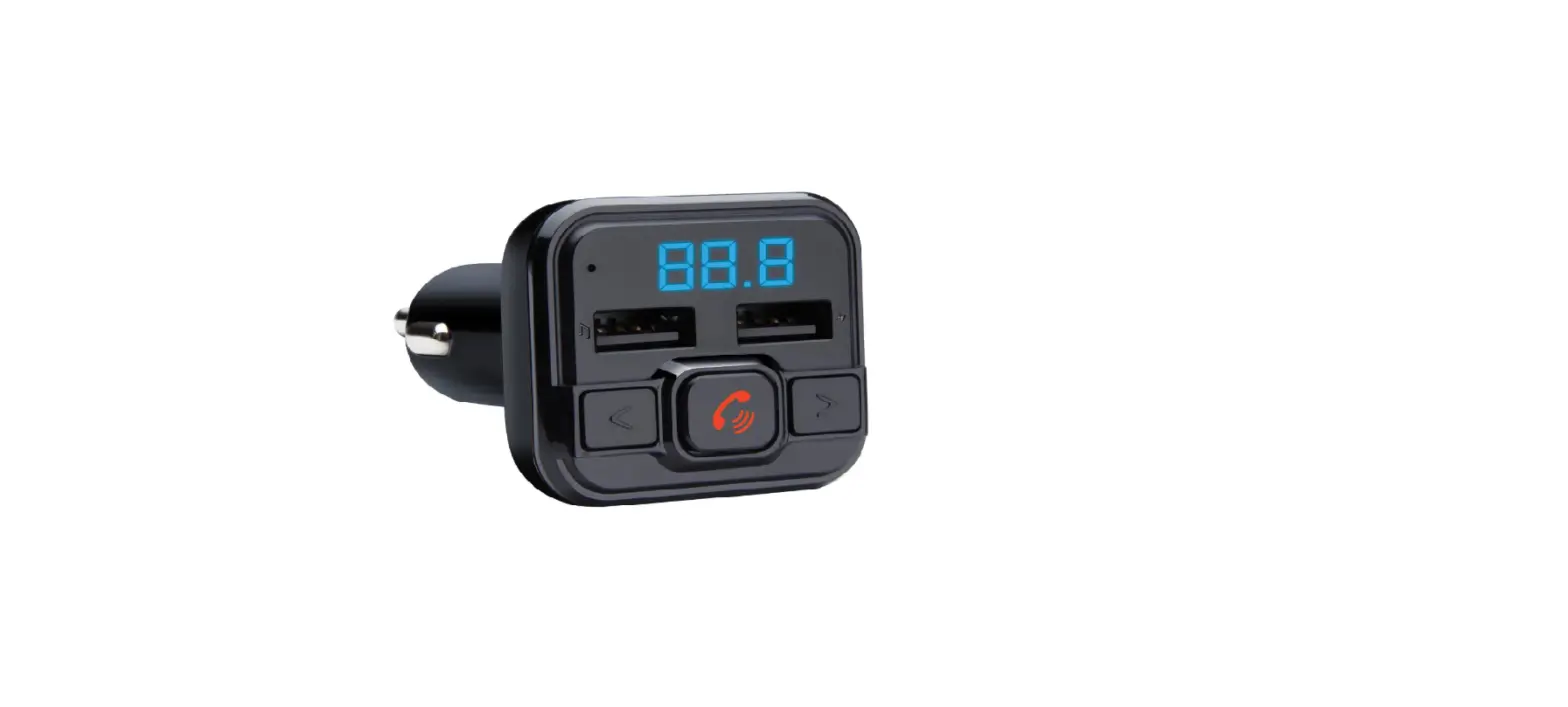
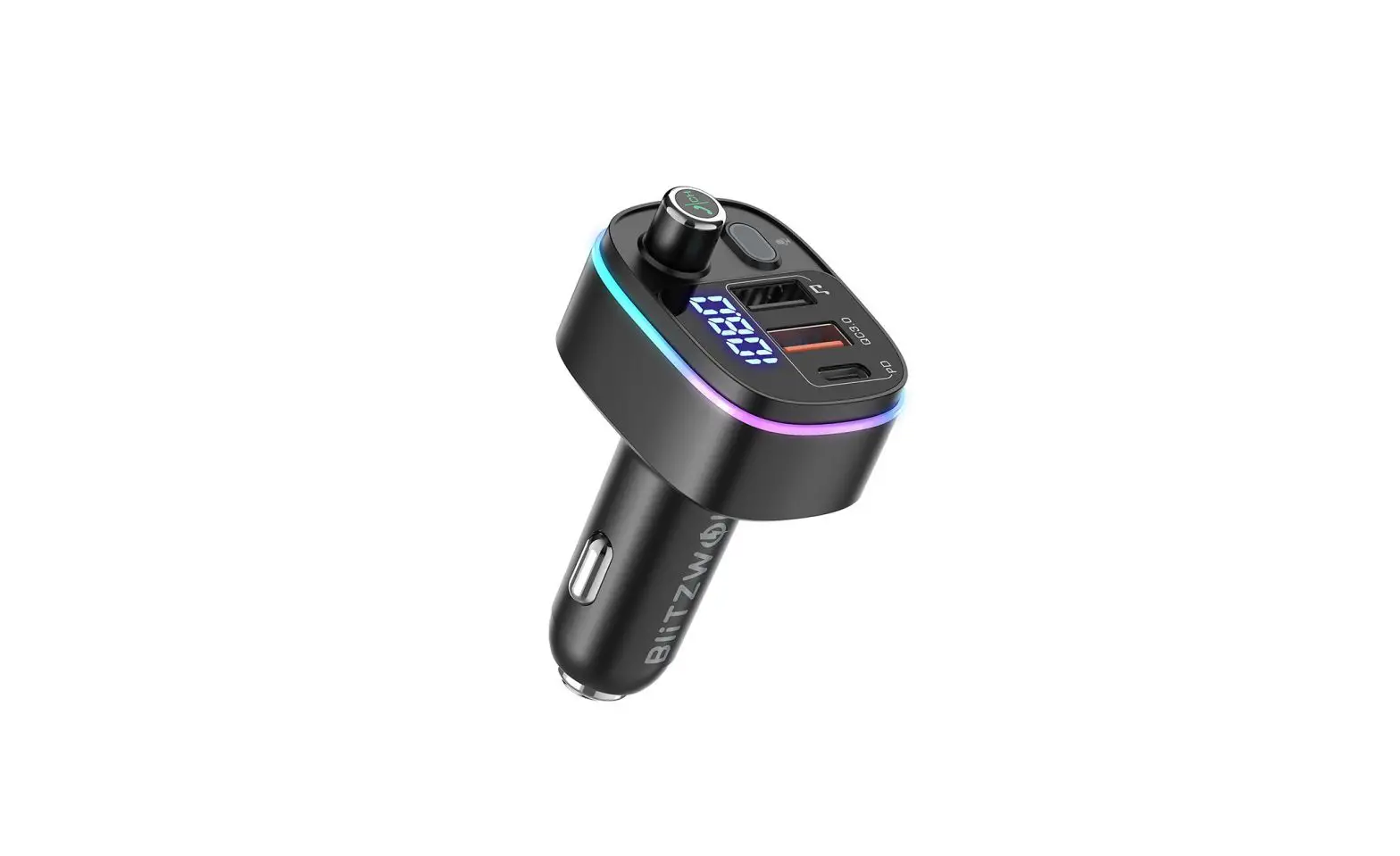
Product Diagram
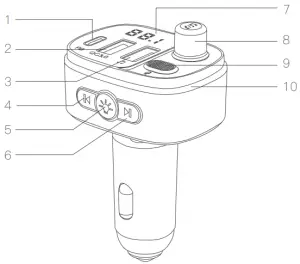
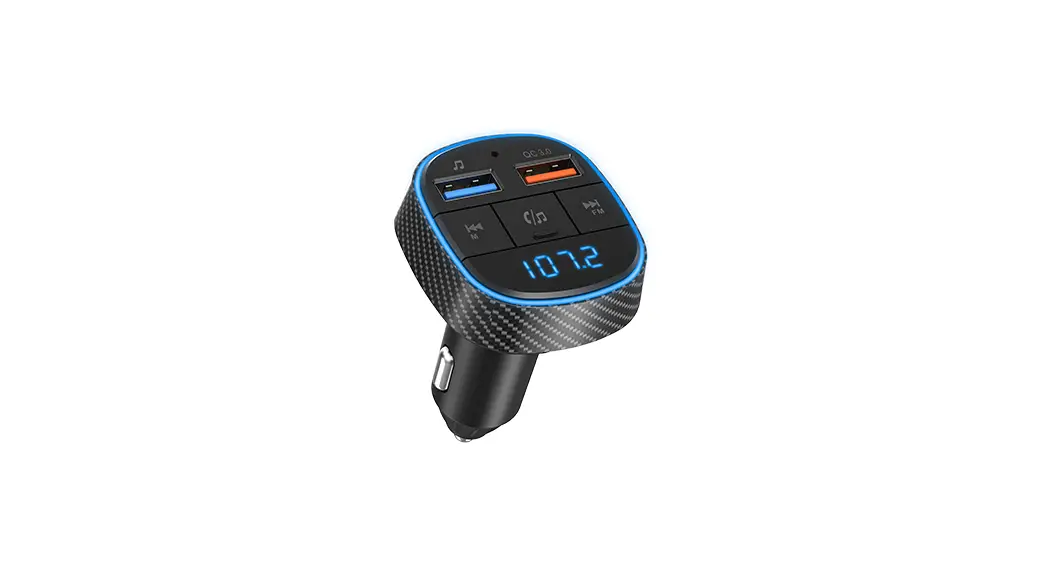
- PD
- QC3.0 port
- Read U disk
- Previous
- Light switch
- Next
- Display screen
- Multifunction button
- Microphone
- LED Light
Instruction
| Adjust FM Frequency | Press the Multifunction button for about 2 seconds, the display flashes means it entered FM frequency adjust mode. |
| Rotate the Multifunction button to increase or reduce frequency. | |
| Press the “Next” or “Previous” button to increase or reduce frequency. | |
| Adjust Volume | Rotate the Multifunction button to increase or reduce volume. |
| Make/Answer a Call | Redial the last number: Double-click the Multifunction button. |
| Reject a call: Long press the Multifunction button for about 2 seconds. | |
| Answer a call: Press the Multifunction button once. | |
| Hang up a call: Press the Multifunction button once. | |
| Music Play/Pause | Play/Pause: Press the Multifunction button once. |
| Next song: Press the “Next” button. | |
| Previous song: Press the “Previous” button. | |
| Change Light | Press the light switch. |
| Music Source | The product plays music from the last connected music source, aid will memorize it next time. If bluetooth, U disk, micro SD all connected, long press the “Next” button for about 4 seconds to switch music source. When switch to bluetooth music, you have to press play button to start the music. |
| Activate Phone Voice Control | In bluetooth mode, long press the “Light switch’. button. |
Operation
Bluetooth Mode: Step 1-5 U Disk Mode: Step 1,3,4,6
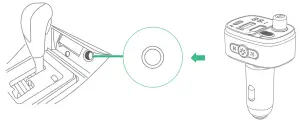
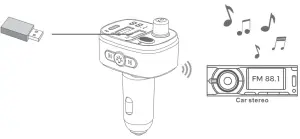
- Plug the transmitter into the car cigarette socket, tie display flashes means it is in pairing mode.

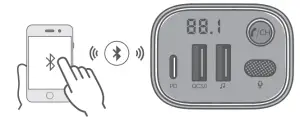
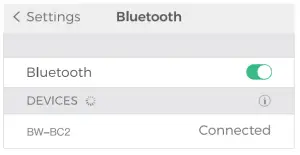
- Turn on the bluetooth function of your smart device. Search for bluetooth devices and select “BW-BC2”.If pairing is successful, the display will stop flash and show the FM frequency.


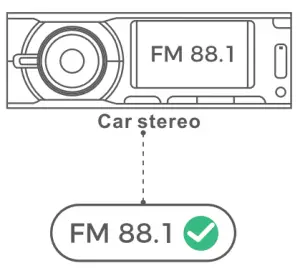
Auto-Connect: It will auto-connect the last paired device when turned on next time. (Turn on the bluetooth of your smart device first, and then turn on the product.) - Tune the car FM radio to a blank FM station, for Example: 88.1.

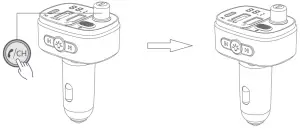
- Long press Multifunction button until the LED flashes. Tune the FM transmitter into the same frequency with the car FM radio.

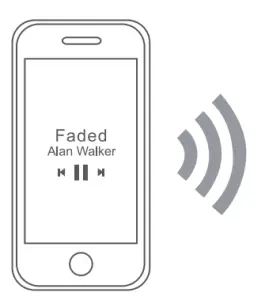
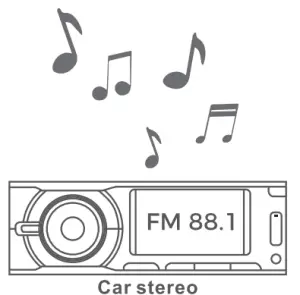
- Open the music player/navigation of your smart device, now it can transmit the phone calls, music or navigation to car stereo system.


Tips
- For the best audio quality, please turn the volume of your smart device and FM transmitter into the max level.
- The signal of any FM transmitter sometimes can be interfered oy the surrounded radio or the similar frequency signal thus cause noise, this is normal.
- If the noise is too loud, please try another blank FM station. 6. Insert the U disk/micro SD card into the device, it will automatically detect and play the MP3/WMA/FLAC/WAV/APE format music.
- To prevent yaw car battery from being drained, please remove the product from the car charger port after use.

Warning
- This product is only for use on the car.
- It is forbidden to throw this product into fire.
- Do not disassemble, strongly impact, or squeeze this product.
- When leaving the car, be sure to pull the product out of the cigarette lighter.
- Please take care of the children to ensure that they do not play with the product as a toy.
- Please store the product in a dry place away from moisture and corrosive materials.
- Please keep the product clean and dry. Do not wipe the product with chemicals, soap, or damp cloth.
Specification
| Model | BW-BC2 | |
| Input | DC 12/24V | |
| Output | PD | |
| DC 5V 3A/9V — 2.1A/12V =1.5A | ||
| QC3.0 | ||
| DC 5V — 3A/9V — 2A/12V —1.5A | ||
| Lighting Effect | 8 Lighting Modes (7 colors & 2 Colorful Lights) | |
| Effective bluetooth Range | 5 m | |
| FM Frequency | 87.5MHz-108.0MHz | |
| Audio Format | MP3/WMA/FLAC/WAV/APE | |
| Audio support | Bluetooth | |
| U disk (Up to 32G) | ||
Company: Lotus NL B.V. Address: Koningin Julianaplein 10, le Verd, 2595AA, The Hague, Netherlands.
E—mail: [email protected]
Tel: +31644168999