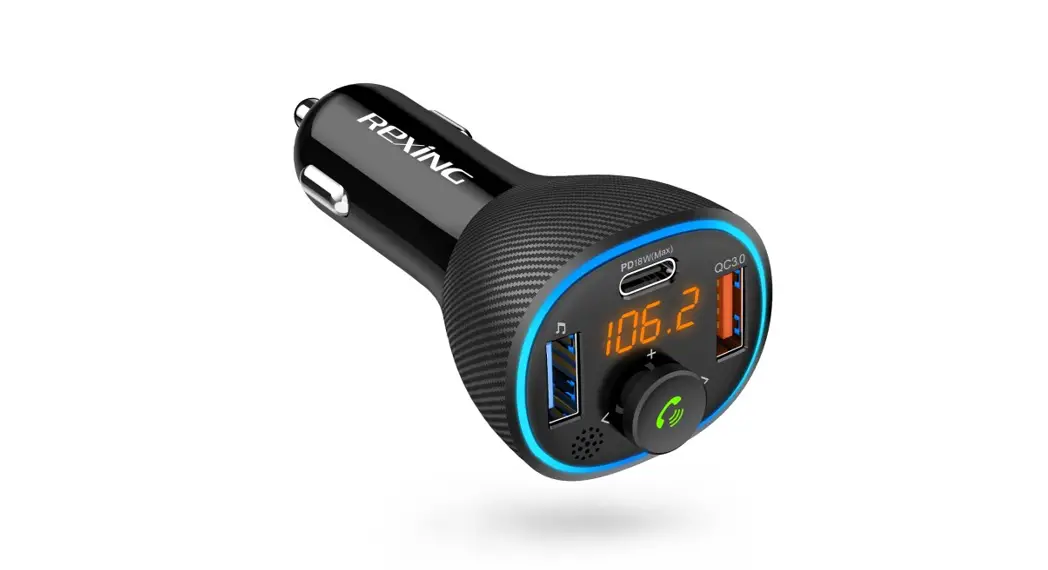

FM3
FM Transmitter
User Manual
The information in this manual is subject to change without notice.
Rexing All Rights Reserved
www.rexingusa.com
Overview
Thank you for choosing RACING!
We hope you love your new products as much as we do. If you need assistance or have any suggestions to improve it, please contact us.
 [email protected]
 (877) 740-8004
Our support team will respond to you as soon as possible. Always a surprise in Rexing.
Check us out here.
• https://www.facebook.com/rexingusa/
• https://www.instagram.com/rexingdashcam/
• https://www.rexingusa.com/support/registration/
  https://www.facebook.com/rexingusa/ https://www.facebook.com/rexingusa/ |   https://www.rexingusa.com/support/registration/ https://www.rexingusa.com/support/registration/ |   https://www.rexingusa.com/support/ https://www.rexingusa.com/support/ |   https://www.rexingusa.com/support/ https://www.rexingusa.com/support/ |
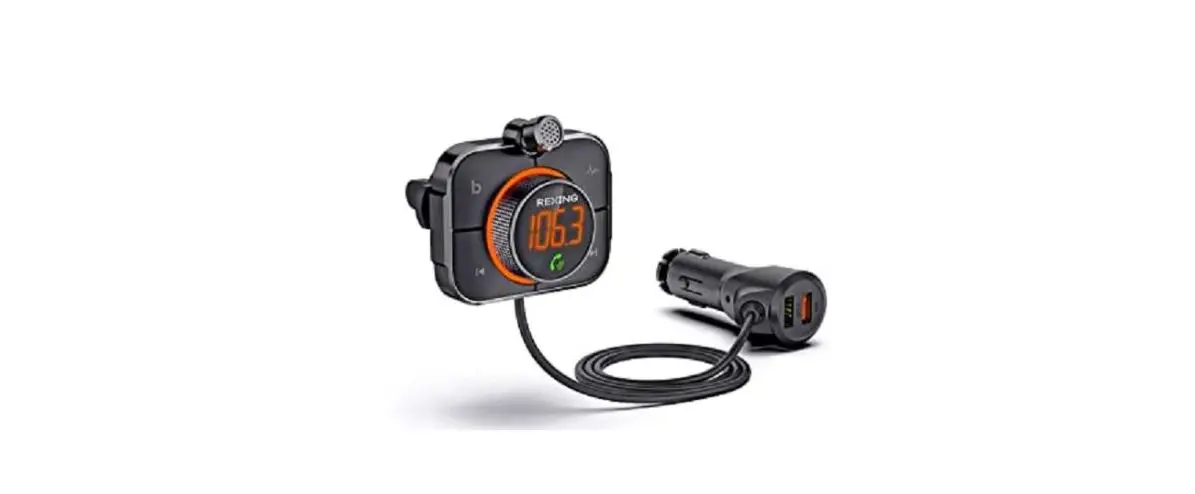
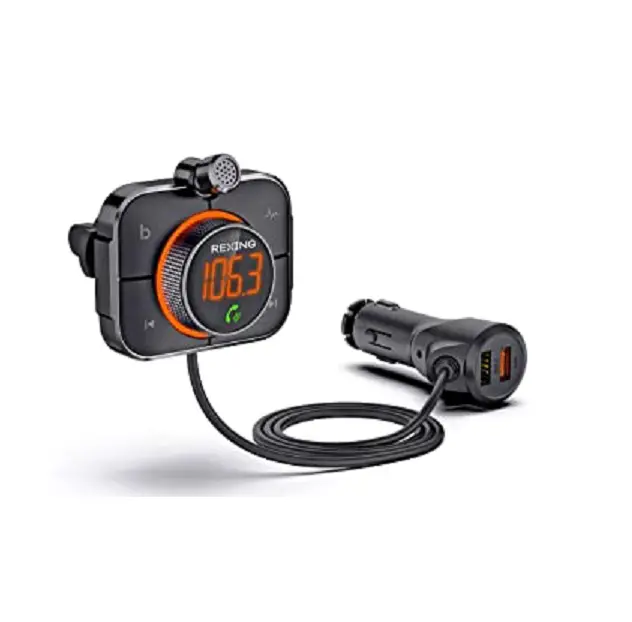
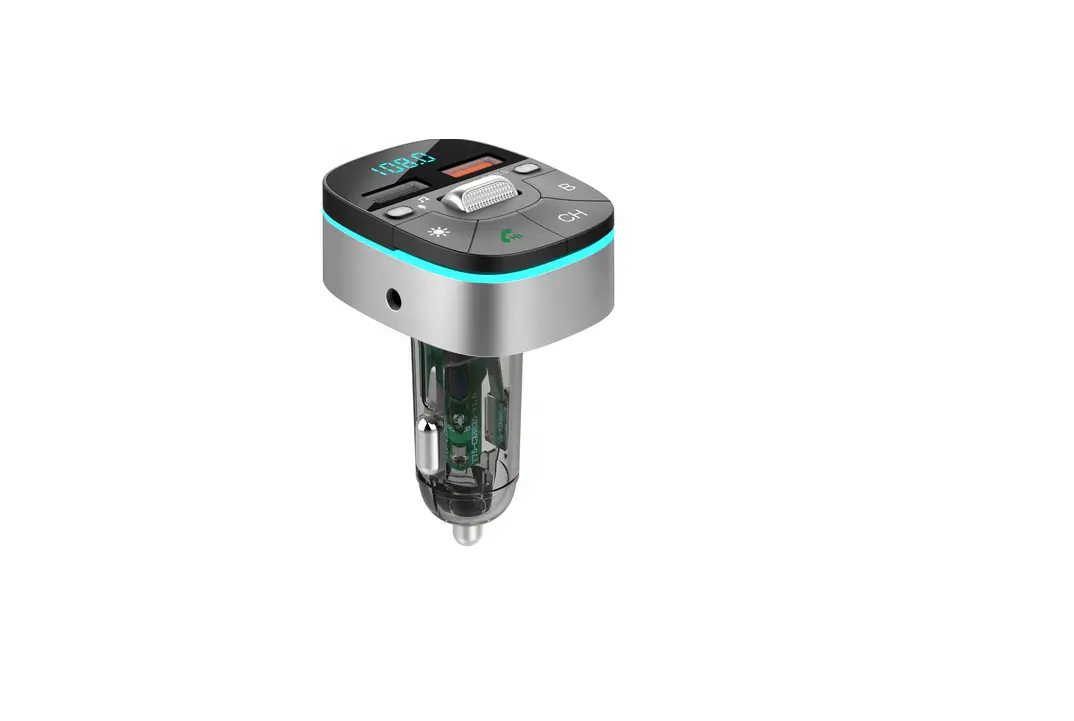
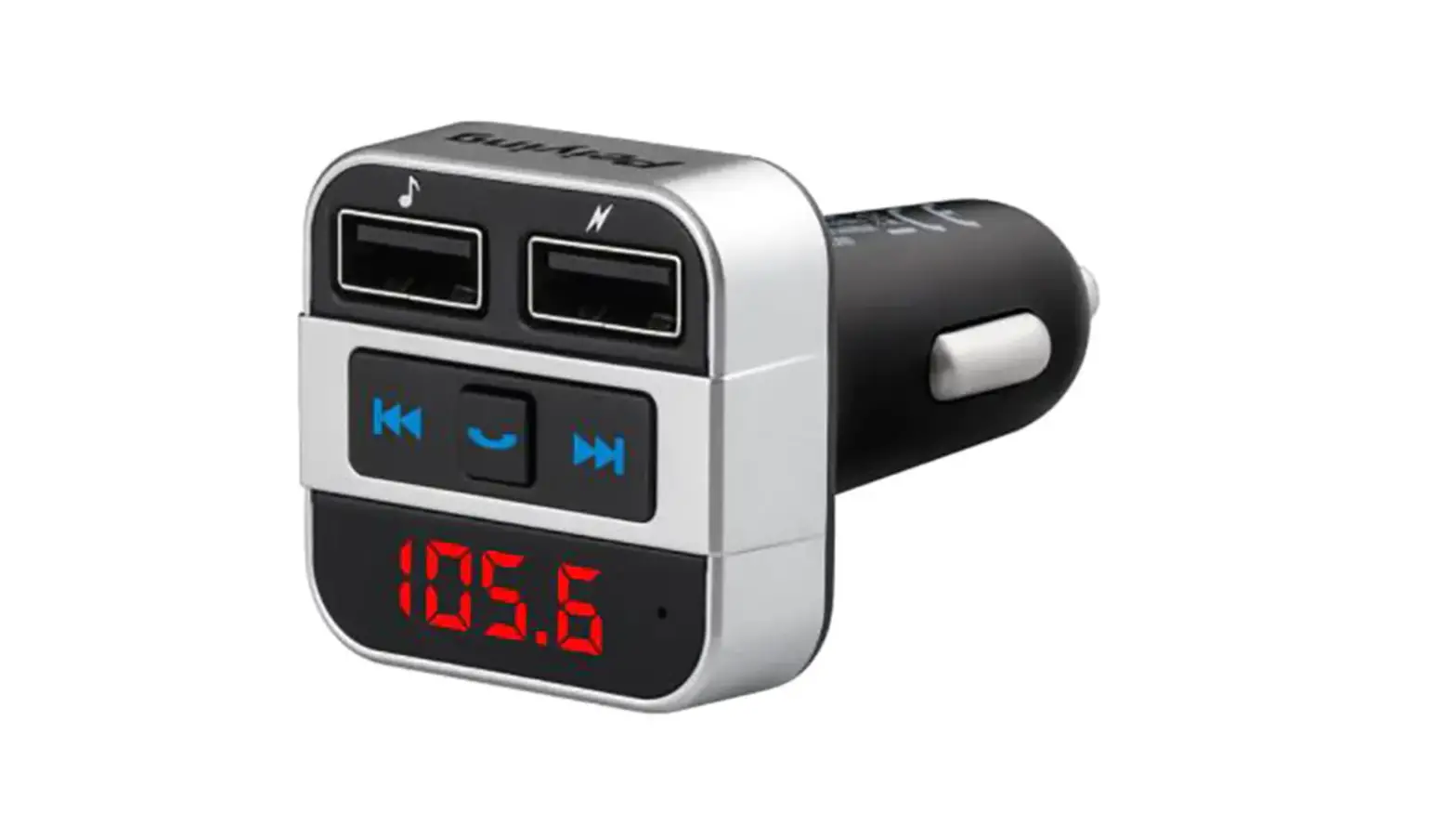
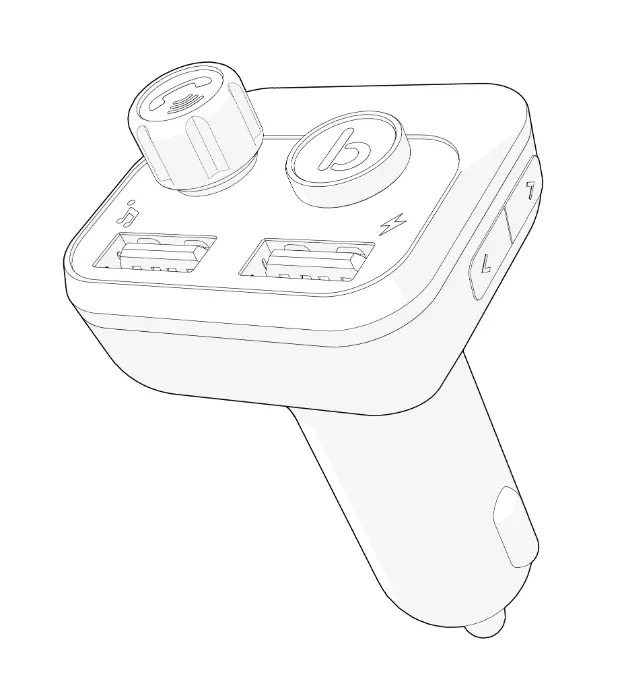
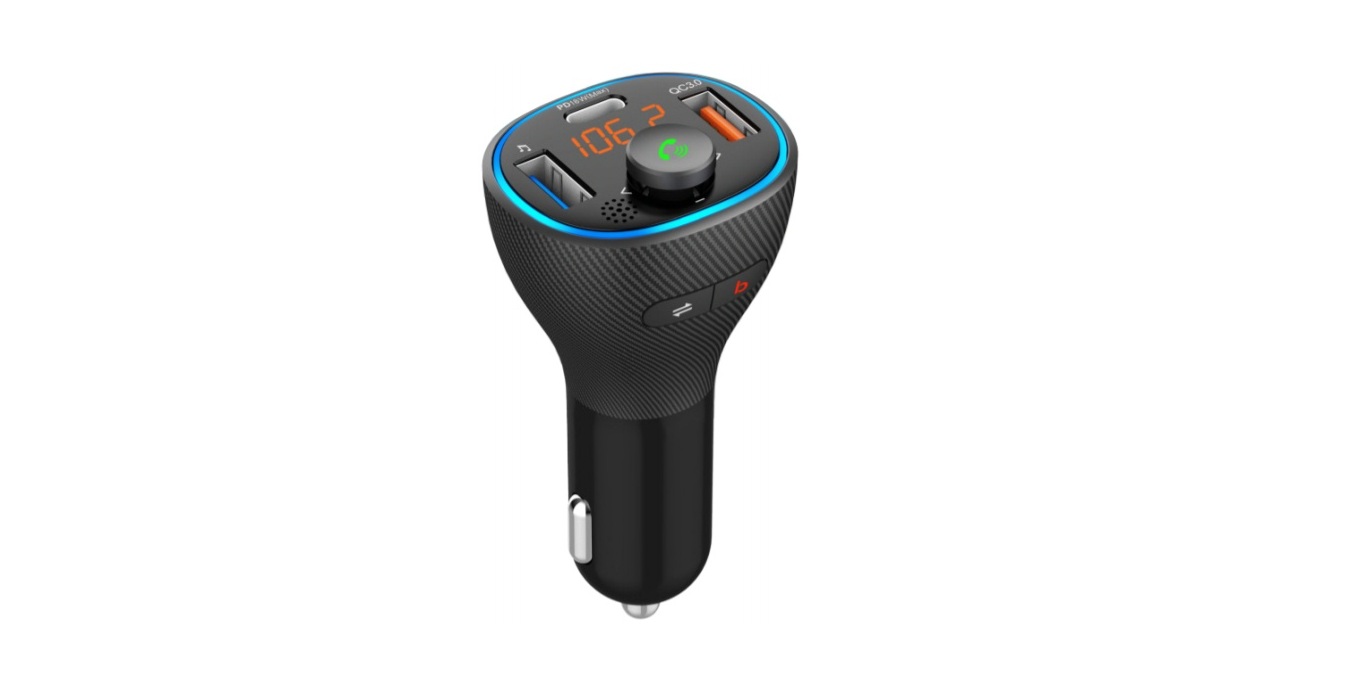
Product details.
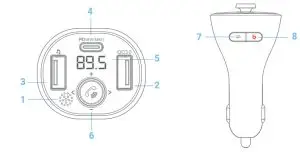
- Microphone.
- QC3.0 fast charge (DC 3.6-6.5V/3A, 6.5-9V/2A, 9-12V/1.5A).
- USB (maximum 64G)/5V-1A charging output.
- Type-C fast charge PD 18W fast charge protocol (DC5V/3A, 9V/2A/12V/1.5A).
- Yellow LED display.
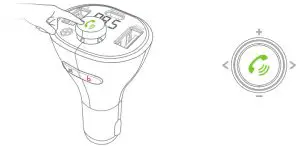
- Phone button:
Long press for 2 seconds to enter FM mode. In the off state, long press for 3 seconds to turn on. In the power-on state, long press for 3 seconds to turn off.
Five-way button:
• Click pause/play/hands-free (answer/hang up/reject).
• Left dial the previous song.
• Right dial next song.
• Up dial volume plus V+
• Dial down volume to reduce V7. - Switch button:
•In music mode, click to switch audio source mode (USB Flash Drive/Wireless mutual switching).
• In the working state, double-tap to wake up Siri / Google voice assistant.
• In working status, long press for 3 seconds to turn off.
• FM, screen, Wireless, and keep charging. - BASS sound enhancement button.
What’s in the Box?
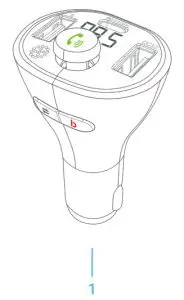
Features
Adjust the channel of this unit to the car radio channel to be the same, you can transmit USB Flash Drive music to the car stereo to play, and connect to the mobile phone Wireless can realize the Bluetooth call hands-free function through the car stereo.
Parameter
Product name: FM3
Effective distance: 16FT
USB Flash Drive format and capacity: FAT32 format, maximum support 64G
FM frequency range: 87.5MHz-108.0MHz
Compatible audio format: MP3.WMA.WAV.FLAC
Compatible with Wireless protocol: A2DP/AVRCP/HSP/HFP
Orange fast charging port supports QC3.0 Protocol: (DC 3.6-6.5V/3A, 6.5-9V/2A,
9-12V/1.5A)
Type-C port support: PD18W fast charging protocol: (DC5V/3A, 9V/2A, 12V/1.5A)
Power on/off
Turn on: Insert FM3 into the cigarette lighter hole of the car. After the car is started, the yellow display will automatically turn on and flash once per second. If it is off, long-press the  button for 2 seconds to turn on FM3.
Shutdown: Cut off the power to shut down or long press for 3 seconds to shut down.
Note:
Even if FM3 is turned off, the charging port can still work normally.
Screen Display
- After power is on, the yellow display shows bt and frequency flashing alternately.
- After the pairing is successful, the screen displays bt will be on.
- Long press the
 button to enter the frequency modulation mode (display digital frequency).
Basic Operations
1. FM and Wireless Pairing
Note:
In order to let you enjoy higher-quality music, you need to adjust the blank frequency of FM3 to be the same as that of the car (non-local broadcast channel) when using it for the first time. Every time you use it, please make sure that the frequency between the transmitter and your car is the same (not the local broadcast channel).
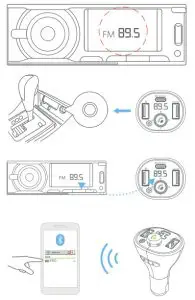
1.1. Turn the car radio to a blank frequency point (that is, a channel without any broadcasting). The reference is clear rustling,
1.2. Long press the  button for 2 seconds, the number flashes, and it enters the FM mode. Click left and right to increase or decrease the frequency and adjust to the same frequency as the car radio, such as FM 88.8. Click the button again or wait 3 seconds to exit the FM mode.
1.3. Wireless connection:
A. After powering on, the screen of FM3 displays HI, and then displays the current car battery voltage. After 2 seconds, it enters the bt state, which means it enters the pairing state, waiting for pairing.
B. Turn on the Wireless of the smart device, search for “FM3”, and then connect. After connecting, the screen will display bt long-on, and you can play music via Wireless. Usually, the connection will be automatically paired but sometimes it will ask you to enter a password. If prompted, enter the initial password “0000”.
When used for the second time, FM3 will connect to the last device connected last time.
2. Wireless hands-free function
- Answer the call: Click the button.
- Hang up the call: Click the button.
- Last replay: Double click the button.
- Reject the call: Long press the button for 2 seconds.
- Switch private calls: Press and hold the button for 2 seconds during the call.
Music function
Note:
Please make sure the connection is successful before use.
3.1 Settings
3.1.1 Audio source: Wireless/USB Flash Drive.
3.1.2 Music sound effect: button (red), during music playback, click the button to turn on the b1 bass surround enhancement effect, which will strengthen the music surround bass effect, suitable for dance music, DJ, RAP, and other heavy bass songs. (For light music, please use b0 sound effect, click the button to restore).
A. Wireless mode: Refer to the instructions of the smart device. Such as a phone. After the Wireless connection is successful, the music on the smart device can be played and synchronized to the car’s built-in speaker.
B. USB Flash Drive Mode: Plug in the USB Flash Drive, FM3 will automatically recognize and play the music inside.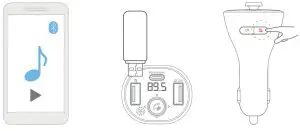
Note:
To ensure a better experience of the product, when using this product, please select only one audio source.
3.2. Audio source selection
A. Used between Wireless and USB Flash Drive it will recognize the last connected device to play by default.
B. Auto-play option via USB Flash Drive plug and play.
C. After power off or restart, FM3 will enter the previous playback mode (automatically play music in USB Flash Drive mode, and manually play music in Wireless mode.
D. In the music mode, click to switch between Wireless and USB Flash Drive devices, seamlessly switch the audio source selection, choose your favorite music more quickly, and enhance the pleasant driving experience.
3.3. Audio playback operation
A. Play/Pause: click.
B. Previous song/Next song: Left dial phone key is the previous song, right dial phone key is the next song.
C. Volume increase and decrease: dial up the phone key for volume V +, dial down the phone key for volume V-.
Voice assistant
- Double-click the switch key
 to start the voice assistant.
 - Double-click the switch key to exit the voice assistant.
QC3.0 charging port description
- For devices that do not support QC3.0 fast charging, the maximum output is 5V/2.4A.
- Smart devices that support QC3.0 fast charge, meet QC3.0 fast charge protocol:
DC 3.6-6.5V/3A, 6.5-9V/2A, 9-12V/1.5A.
Type-C charging port description
- For devices that do not support PD fast charging, the maximum output is 5v/2.4A.
- Devices that support PD fast charging, meet PD 18W fast charging protocol: DC5V/3A, 9V/2A, 12V/1.5A. (Please use C to C data cable, or C to C lighting data cable to insert and use).
Frequently Asked Questions (Block Diagram)
7.1. Noise problem
Solution:
A. Reduce the volume of the speaker by one-third and increase the volume of the smart device.
B. Signal interference. Please switch to another empty white frequency point.
The other party cannot hear you during a call
Reason 1: The dialing method is wrong.
Solution:
A. Click the FM3 phone button to answer the call through the speaker in the car when there is an incoming call.
B. Activate the phone speaker to answer the call. Reason 2: The call volume is low.
Solution:
A. Increase the volume of the phone.
B. The volume of the other party is too low during the call, just ask the other party to increase the volume.
Reason 3: The microphone is broken.
Solution:
Please reach out to the customer service team via [email protected] for assistance.
Suggestion: Contact customer service for help
(Waste electrical & electronic equipment)
The label on the product or literature indicates that it cannot be disposed of with household waste at the end of its useful life.
To prevent the impact on the environment or human health caused by improper waste disposal, please separate this from other wastes and recycle them to promote sustainable development.
Friendly reminder
After receiving the product, do not rush to insert the product into the cigarette lighter jack of the car. After starting the car, first, turn on the idle FM radio and patiently select a blank channel with no local programs on the car radio. The standard is a slight rustle. Then insert the product into the cigarette lighter jack and adjust the FM frequency of the product to be the same as the FM frequency of the car. At this time, the car radio will be very quiet, without static electricity interference. (If it is still not quiet, please try to find a new blank channel again), and finally, connect to your phone via wireless. When they are successfully paired, you can listen to songs on your phone and make hands-free calls on your phone.
Warranty & Support
Warranty
The Rexing FM3 comes with a full 12-month warranty. If you register your product on our official site https://www.rexingusa.com/support/registration), you can extend the warranty to 18 months.
Support
If you have any questions regarding your product, please do not hesitate to contact us at [email protected], or call us at (877) 740-8004. Queries are typically answered within 12-24 hours.
Your opinion matters
Rexing is firmly committed to always improving our products, services, and user experience. If you have any thoughts on how we can do even better, we welcome your constructive feedback and suggestions.
Connect with us today at [email protected]
Thank you for choosing Racing!
FCC ID: 2AJ5B-C73
This device complies with part 15 of the FCC Rules. Operation is subject to the following two conditions: (1) This device may not cause harmful interference, and (2) this device must accept any interference received, including interference that may cause undesired operation.
Changes or modifications not expressly approved by the party responsible for compliance could void the user’s authority to operate this equipment.
 MADE IN CHINA