 BHF02 FM Transmitter
User Manual
Introduction
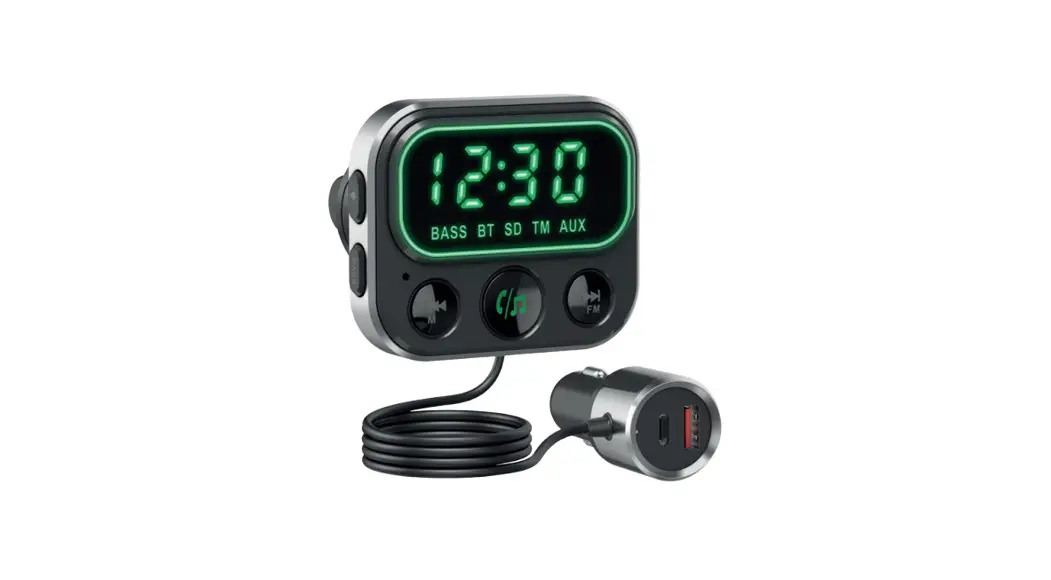
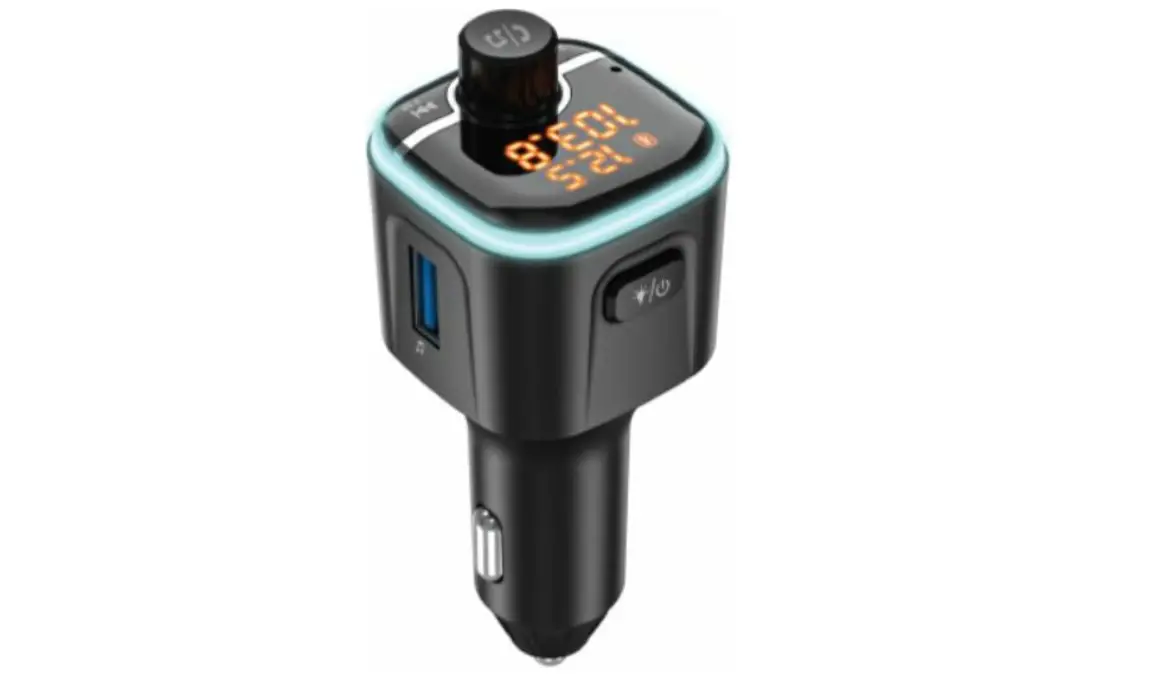
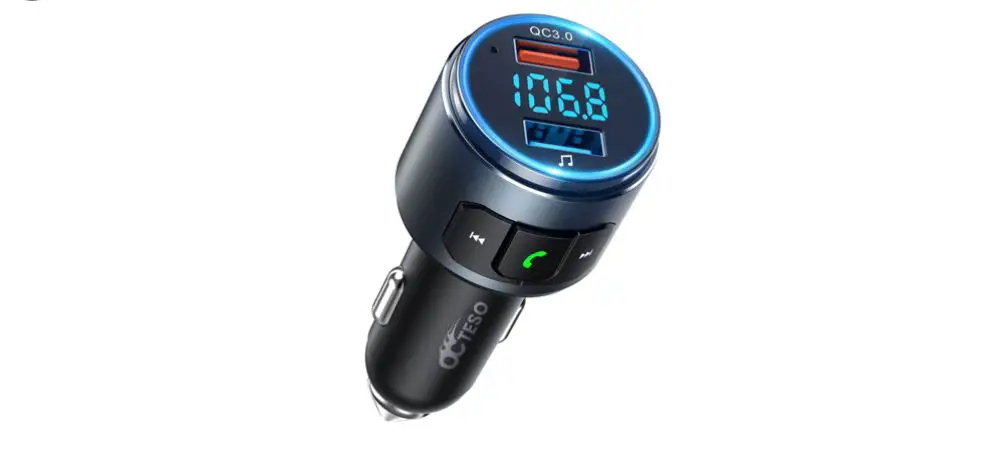
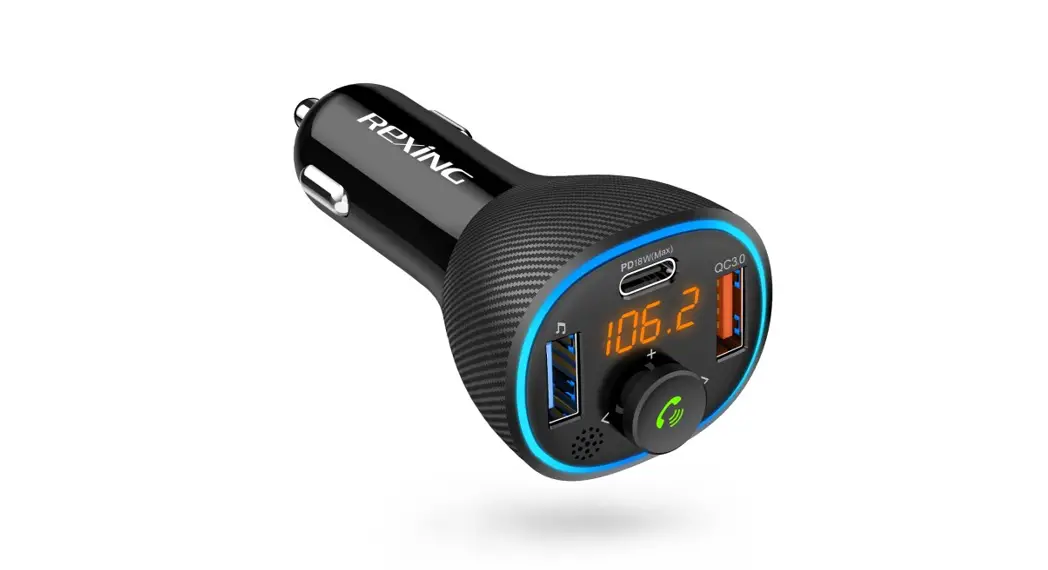
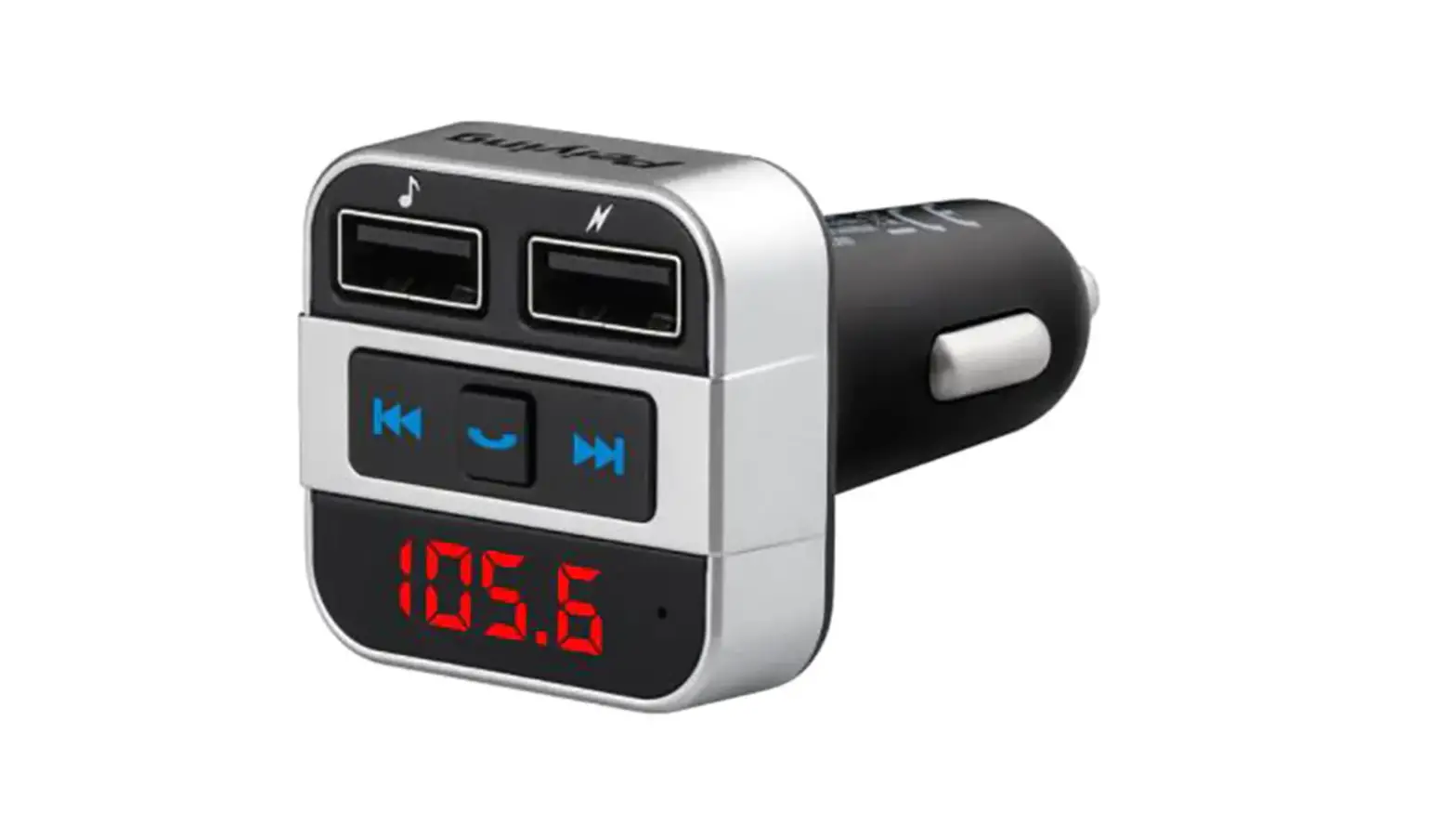
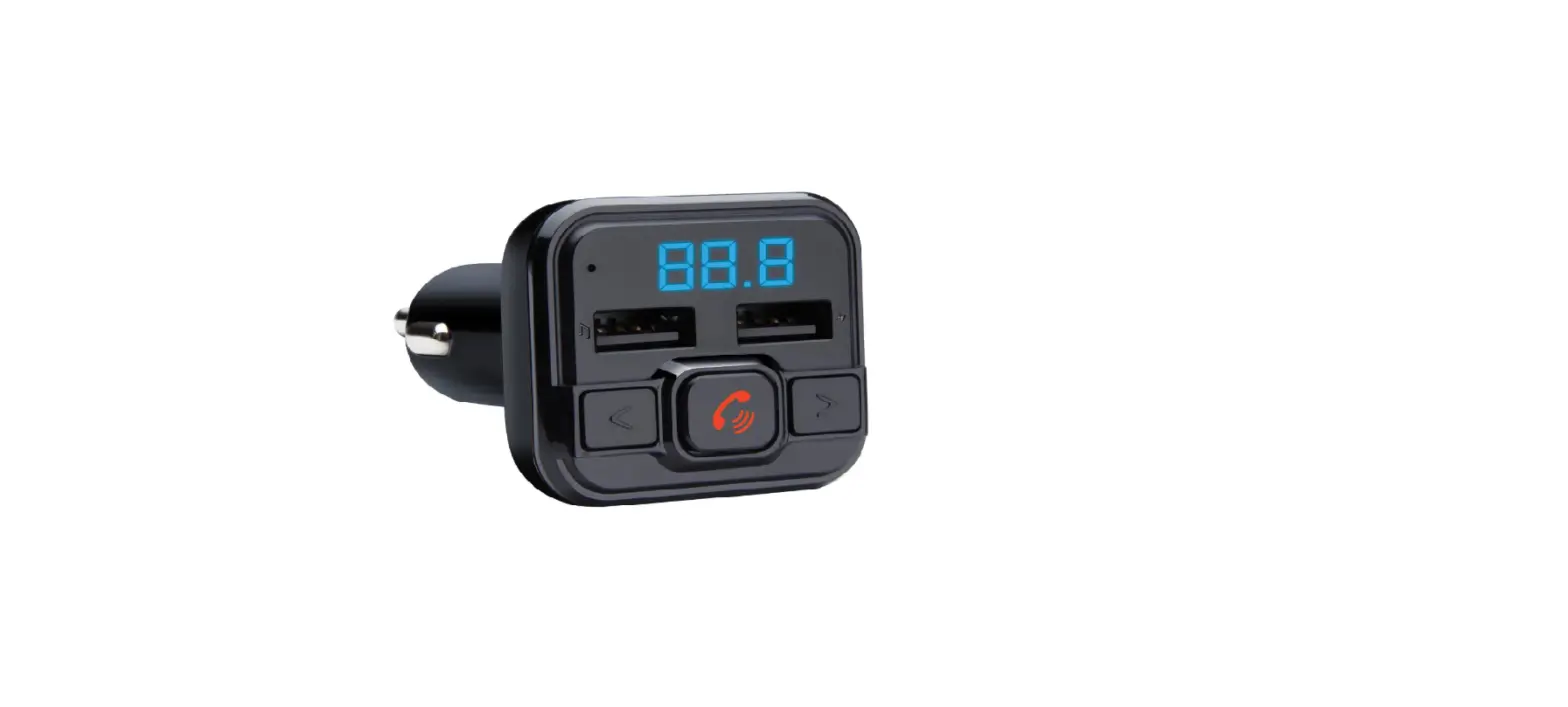
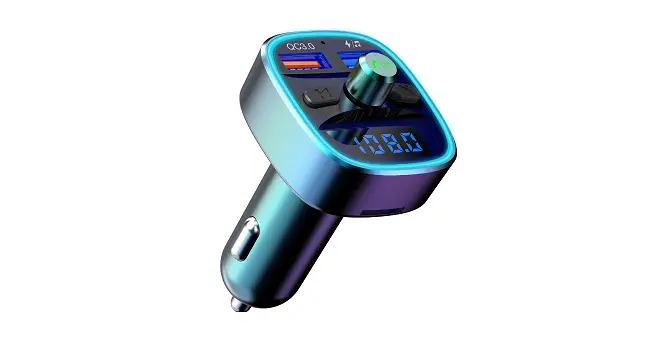
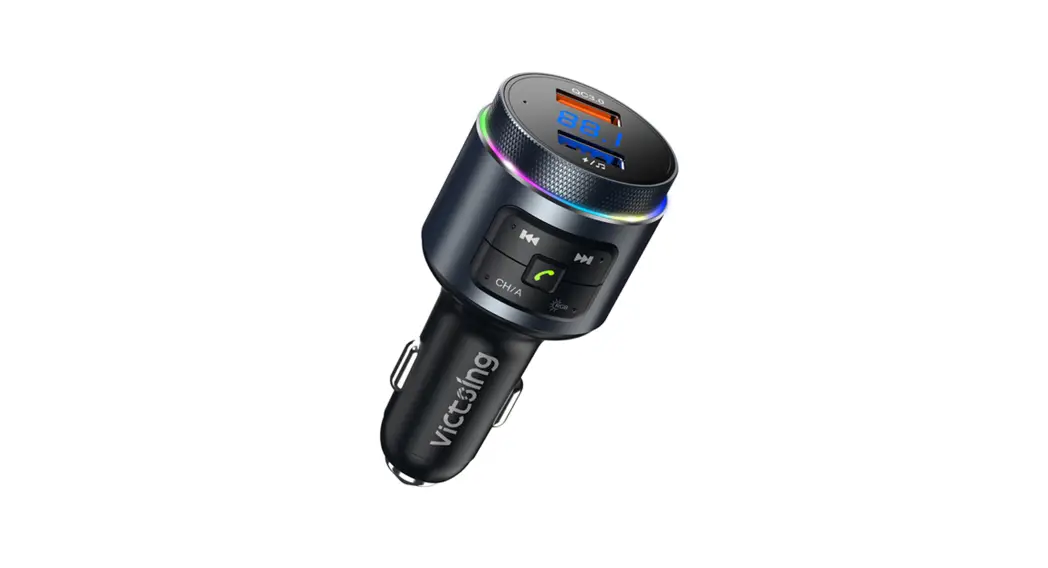
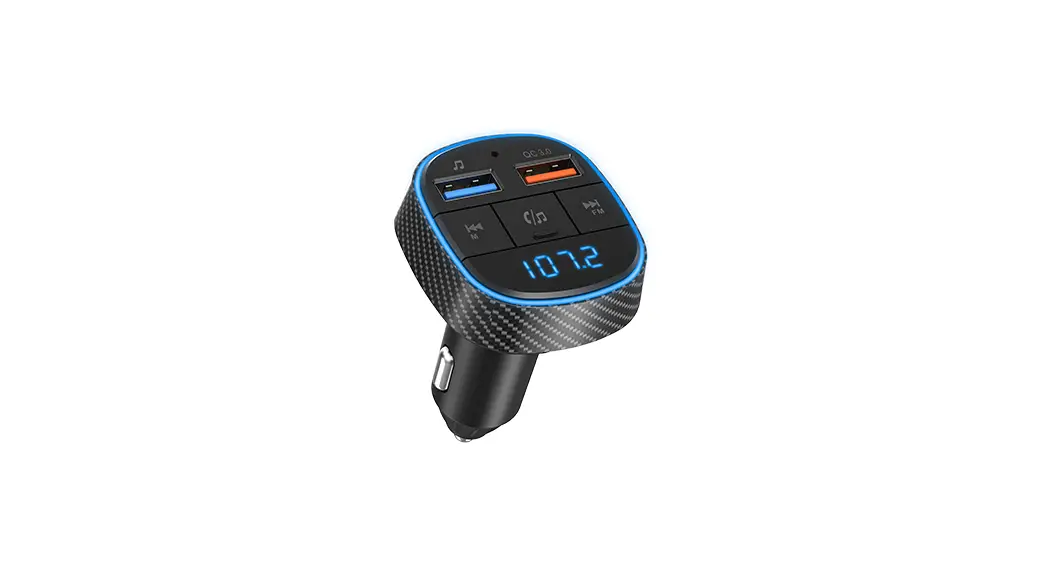
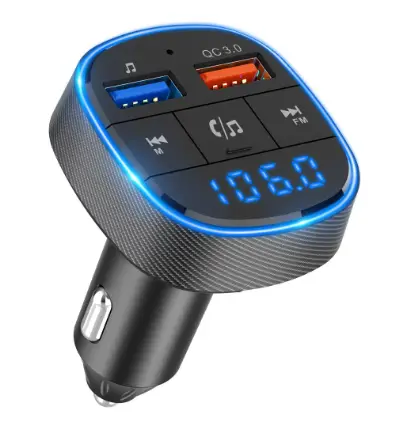
NAVITEL BHF02 BASE – FM transmitter with handsfree function, capable of playing audio files from external USB-drives, via Bluetooth protocol or microSD memory cards.
Device layout
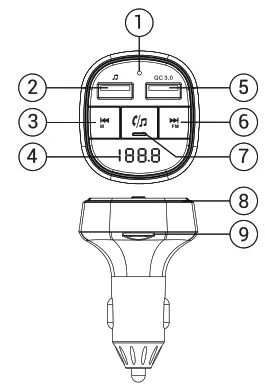
- Microphone.
- USB-A connector for connecting a flash drive with media files.
- Click to switch to the previous song/hold to switch the operating mode.
- Display.
- USB-A connector with Quick Charge support.
- Click to switch to the next track / long press to adjust the FM frequency.
- Press to pause/resume music, answer incoming call/end call, long press to activate voice assistant, and turn to adjust the volume.
- LED backlight.
- MicroSD slot.
Specifications
| Bluetooth version | 5.1 |
| Bluetooth audio processing | DSP; A2DP |
| Working voltage | 12V / 24V |
| Quick charge | QC3.0, QC2.0, Huawei FCP, Samsung AFP, Apple 2.4. |
| Power | 5V – 15W; 9V – 18W; 12V – 18W |
| Support play format | МР3/WMA/WAV/FLAC |
| Bluetooth transmission distance | straight line up to 10m obstacle up to 5m |
| FM transmitting frequency | 87.5 – 108 Mhz |
| MIC effective distance | 0,5 – 1m |
Installation
- Insert the device into the cigarette lighter or power socket. The device will turn on automatically. The voltage of the on-board network will be shown for 1 sec. after turn on.
- Set the transmit frequency on the device, then tune your radio to the same frequency.
- To play files from a USB drive or microSD card, install them in the appropriate slots on the device.
- Bluetooth connection – open the Bluetooth connection menu on your device. Find BHF02 BASE in the list of available devices and click connect.
- Check if your mobile device (MP3 player, mobile phone, etc.) supports Bluetooth®. If not, the only way to use the FM transmitter for playback is to use a USB stick or
microSD card.
Troubleshooting
| Problem | Possible Solution |
| The device does not turn on | Make sure that the device is securely fixed in the cigarette lighter socket. Check if power is being supplied to the cigarette lighter socket. To do this, start the vehicle, let the engine warm up for a few minutes. Insert the cigarette lighter head into the socket – make sure that the evice is securely fixed in the socket. After 10-15 seconds, remove the igarette lighter head – it should be very hot. If the device is cold or arely warm, then power is not being supplied. |
| Music is not playing | Check if a USB drive is connected to the device or try another media. Make sure that the storage device contains files in formats supported by the device. Make sure the volume is not set to 0. Make sure the FM receiver is turned on and tuned to the same frequency as the FM transmitter. Always select a free FM channel during tuning. |
| Device Interference | Most electronic devices such as computers, telephones, televisions, etc. generate a magnetic field. Do not place any electronic devices near the FM radio to avoid interference. |
Precautionary measures
- Do not use the device while driving, to avoid distraction and create an emergency.
- When starting the car engine, the device must be disconnected from the cigarette lighter.
- When using this product, obey applicable local laws and traffic regulations.
- Ensure that components such as airbags, safety zones, controls, instruments, etc., and visibility are not blocked or restricted.
- Do not operate the device if it is visibly damaged.
- Permissible ambient temperature in operating mode: 0 to +50 °С. Storage temperature: +5 to +45 °С. Relative humidity: 5% to 90% without condensation (25 °С).
- Put the device away from fire sources to avoid explosion or fire.
- Do not expose the device to physical impacts.
- Avoid contacting the device with sources of electromagnetic radiation.
- Strictly follow the laws and regulatory acts of the region where the device is used. This device can not be used for illegal purposes.
- Do not disassemble or repair the device by yourself. In case of device failure, contact the service center.
- The manufacturer is not liable for damage resulting from incorrect installation/mounting, improper use of the product or non-observance of the operating instructions and/or safety instructions.