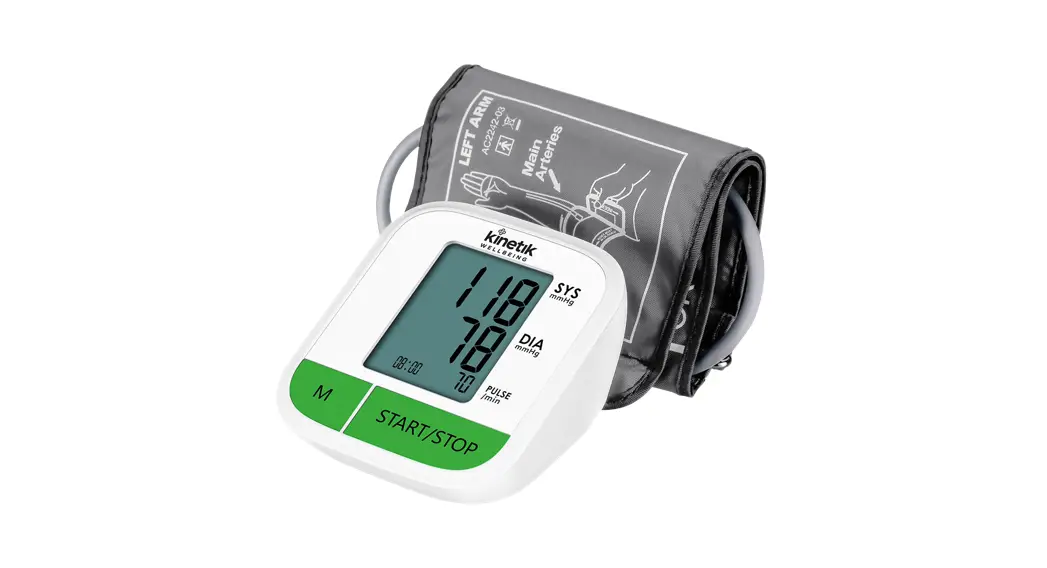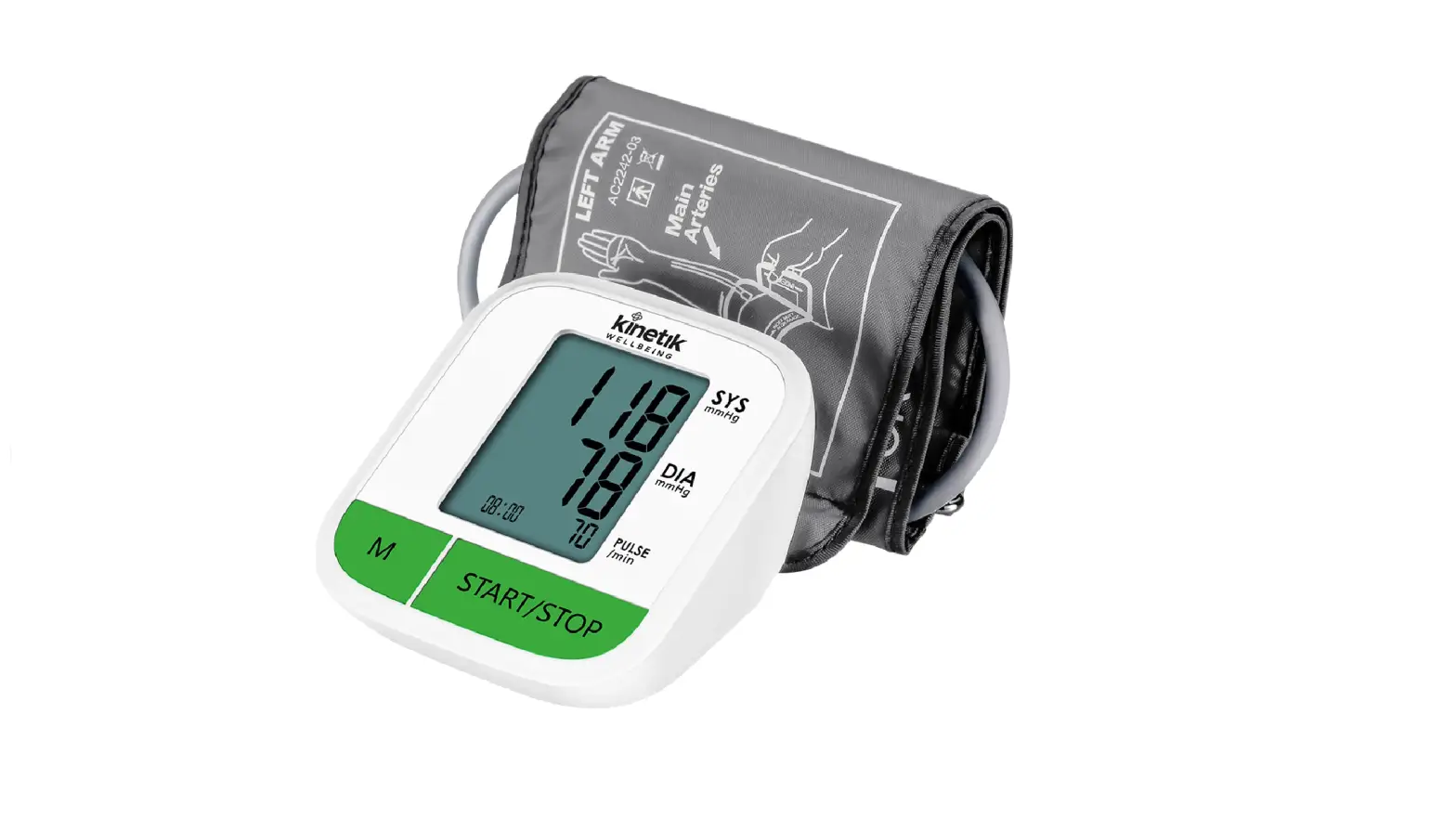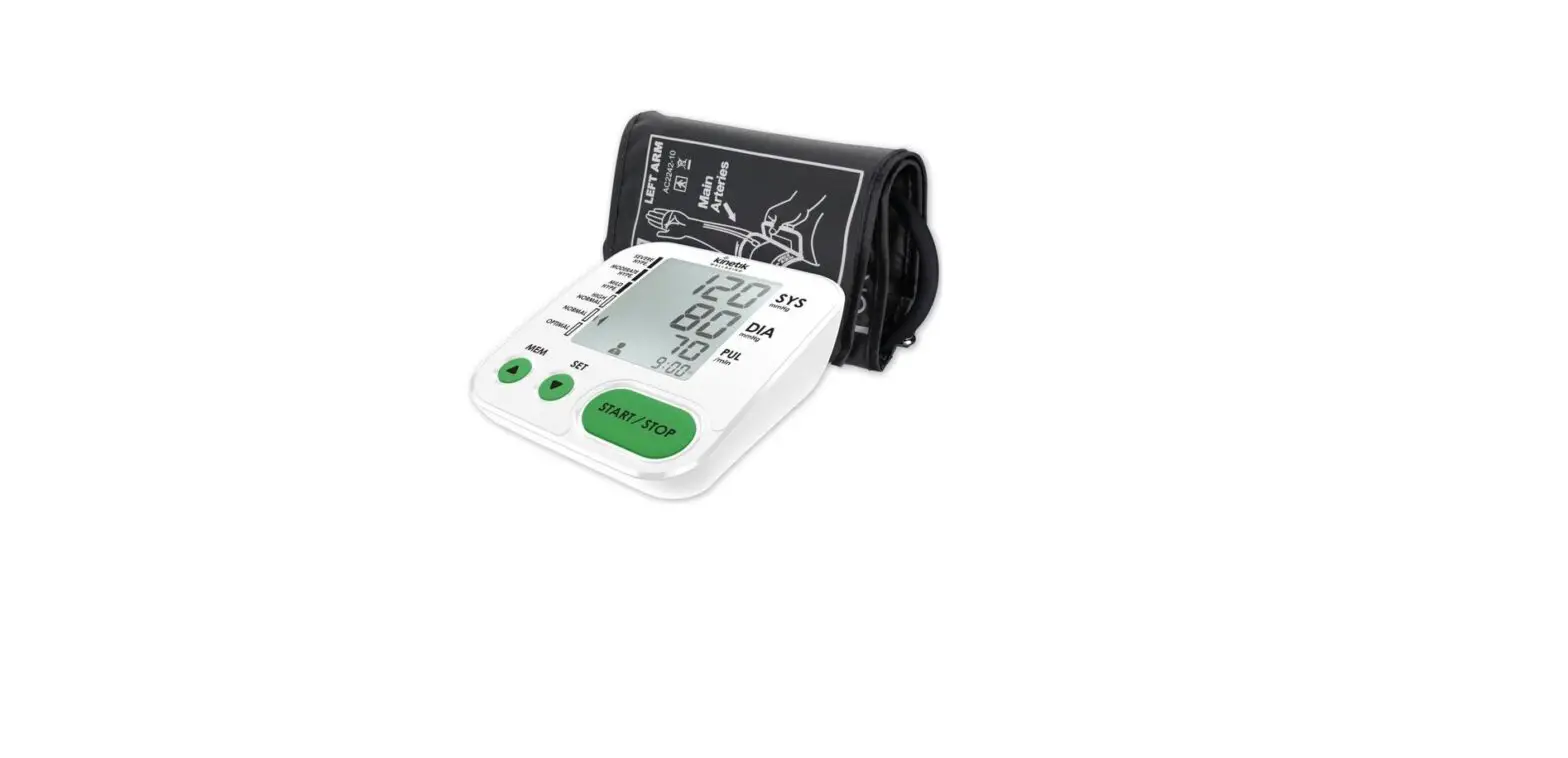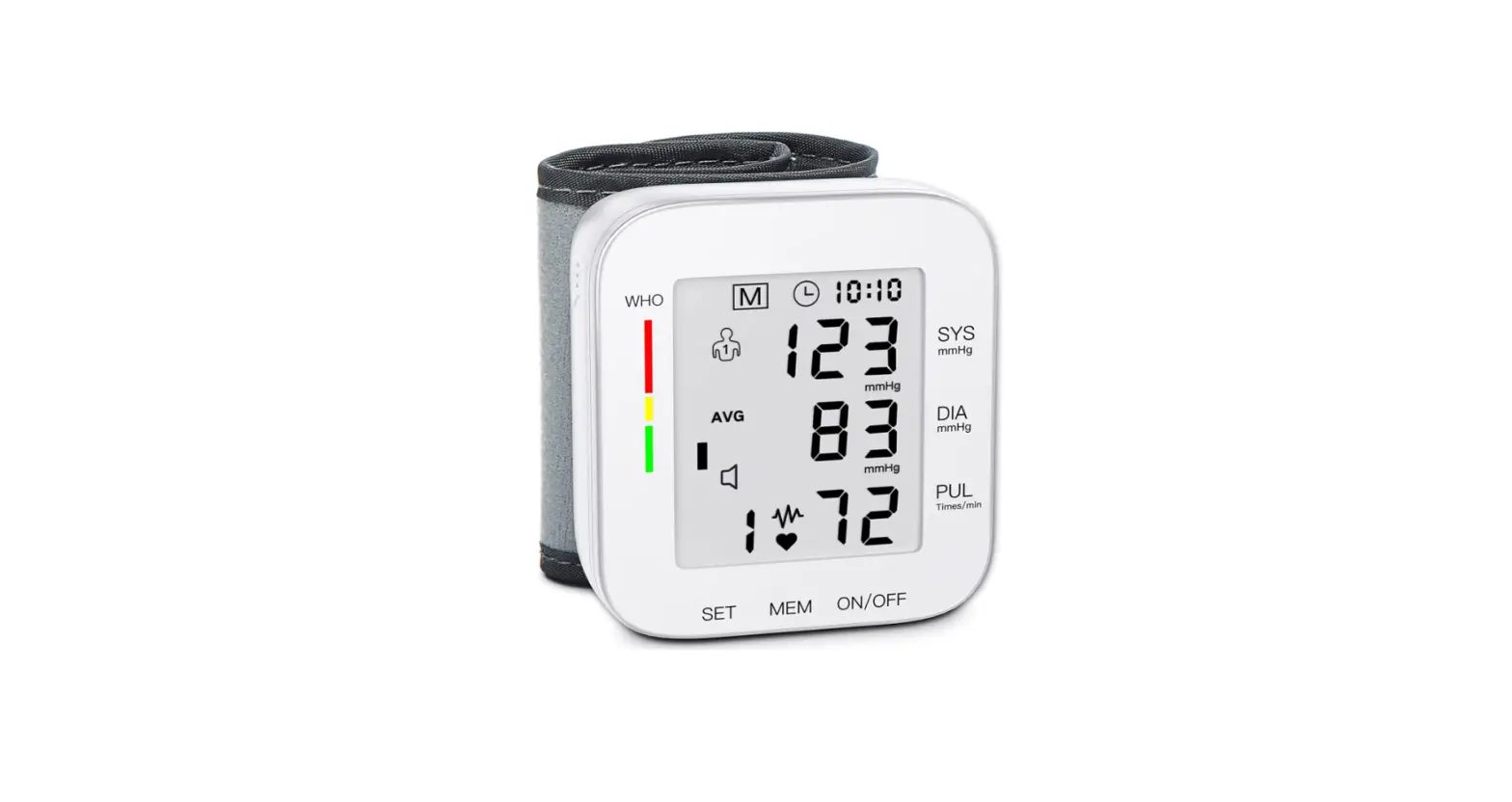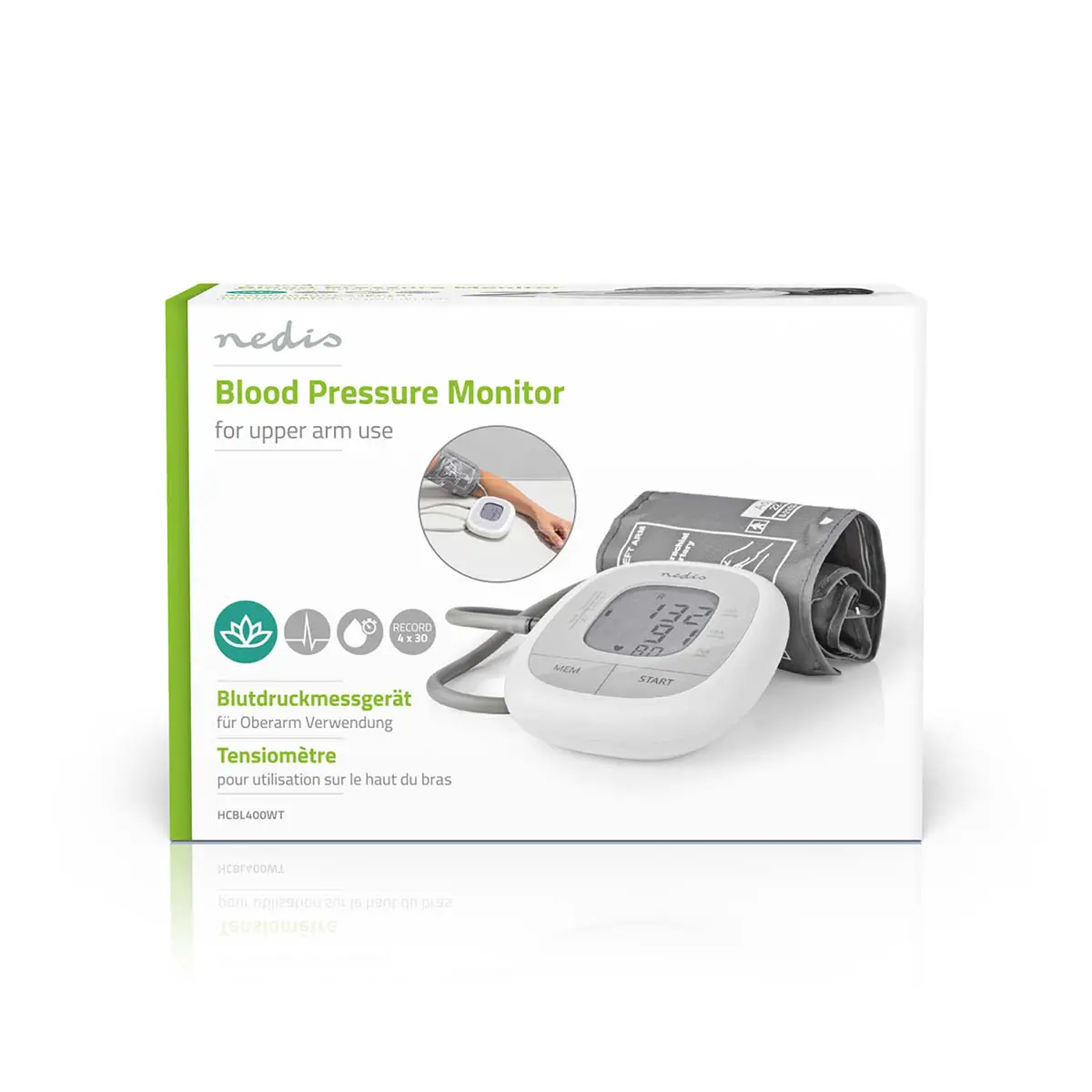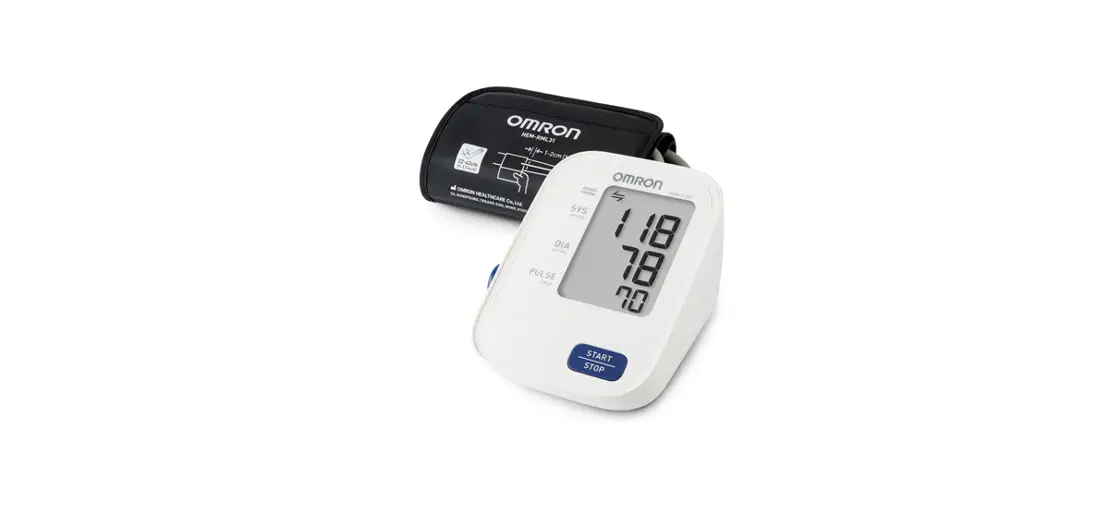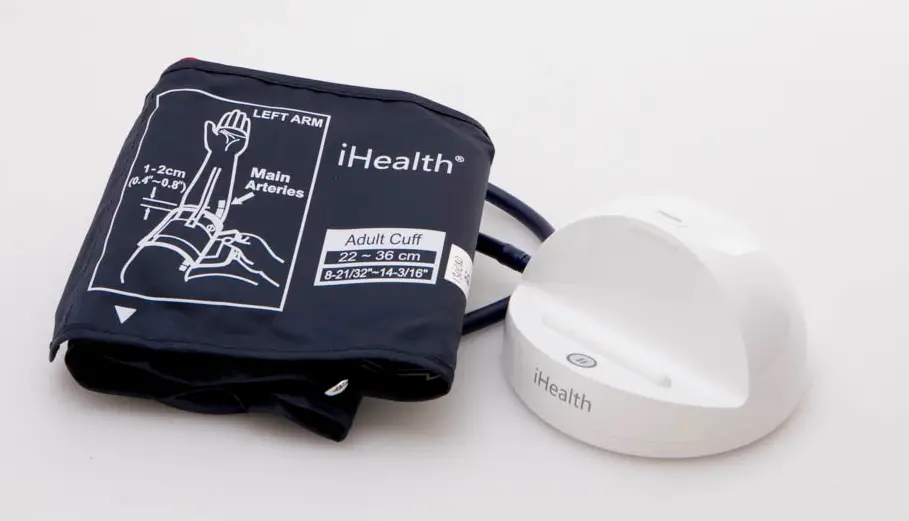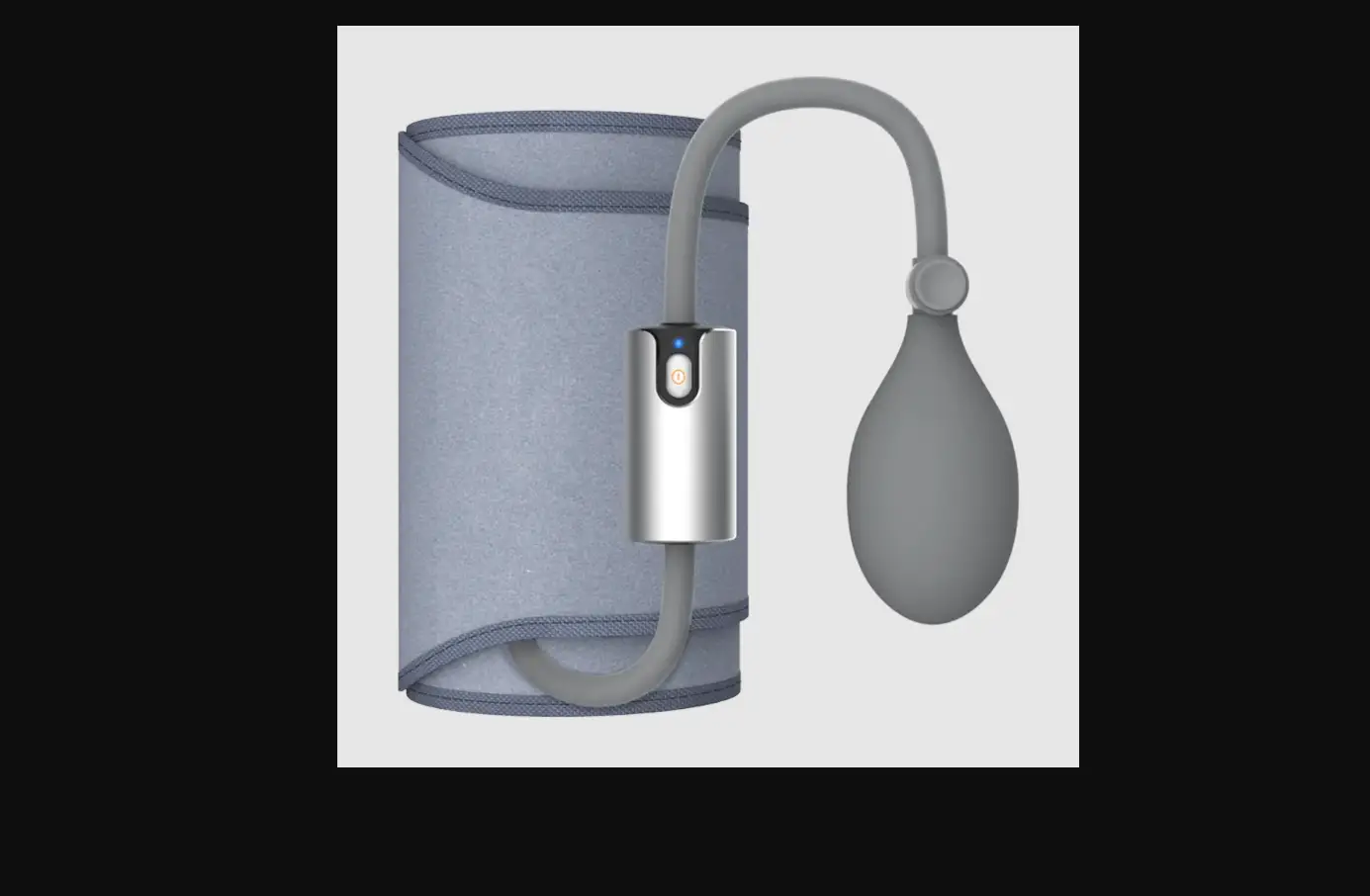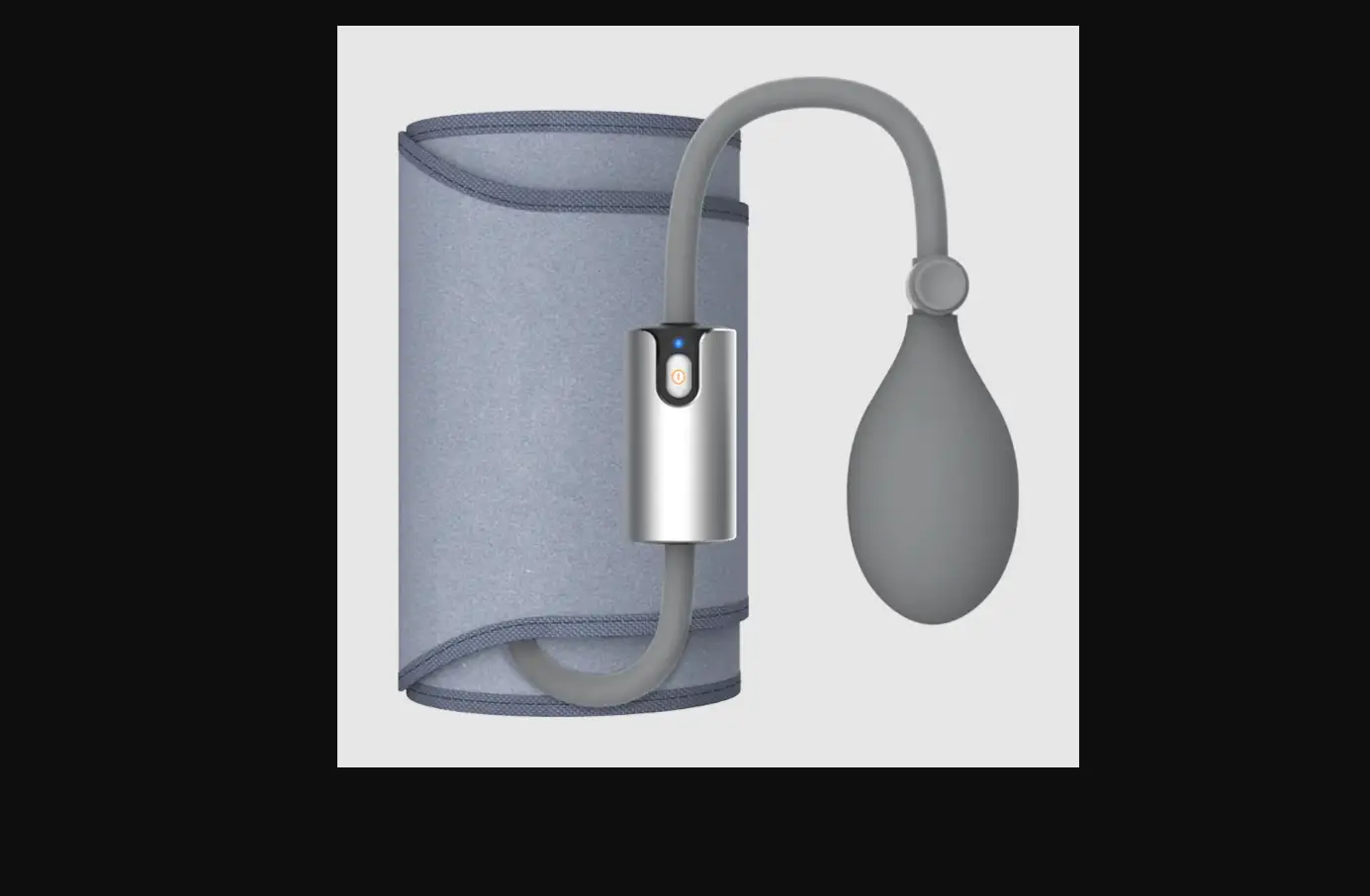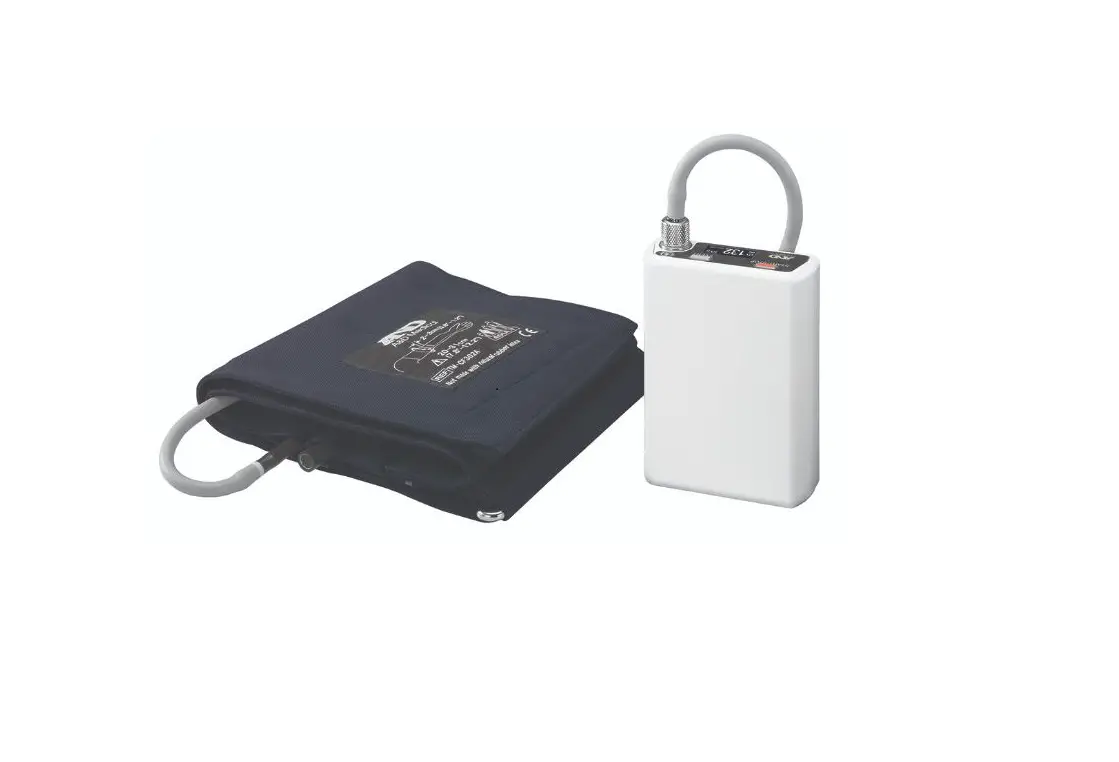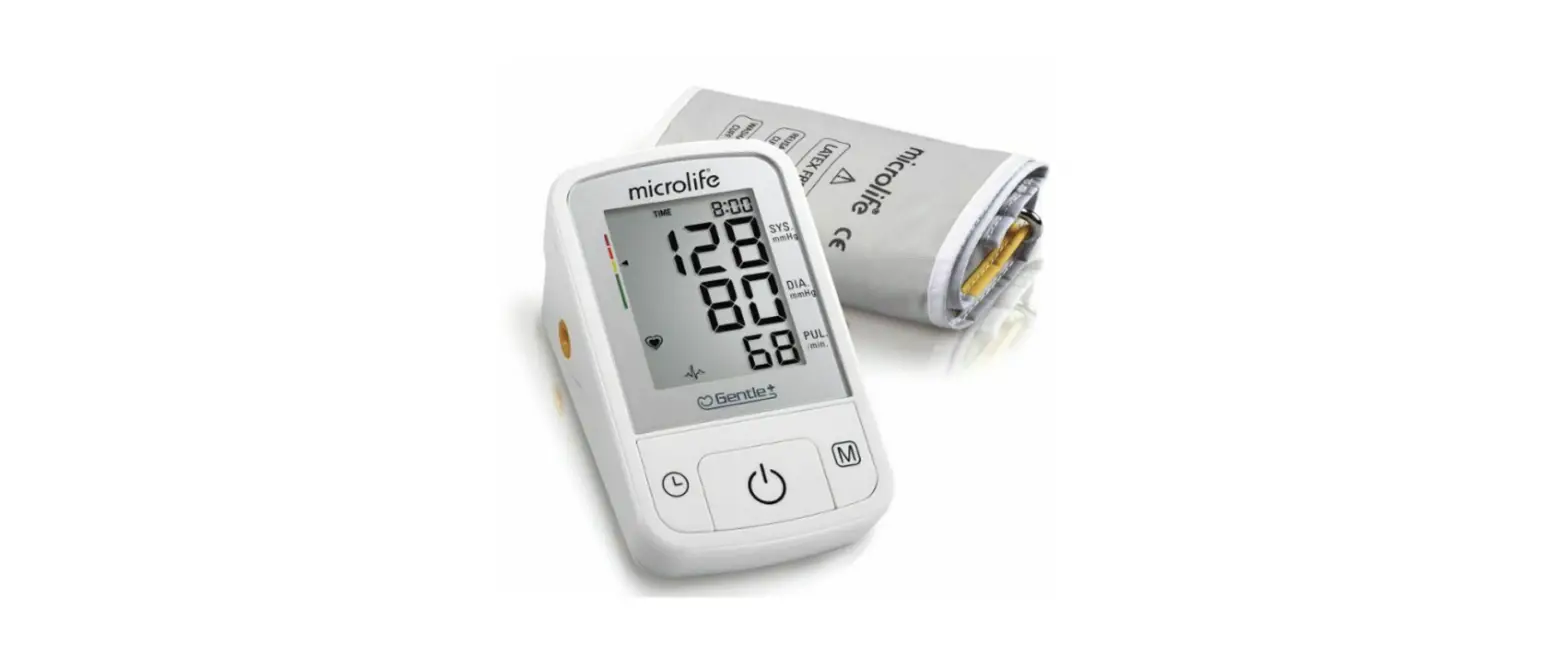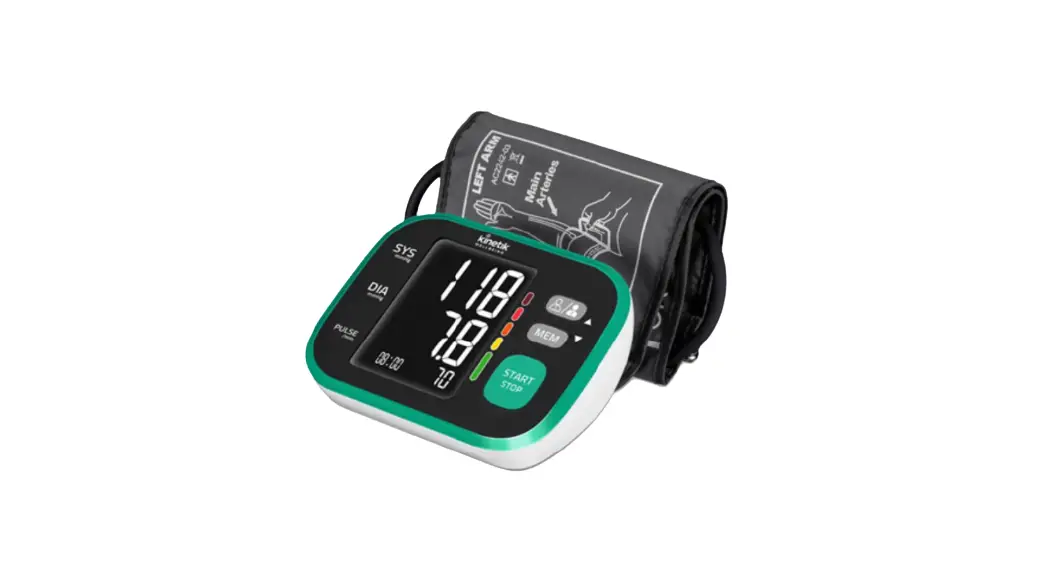

 Advanced Blood Pressure Monitor
WBP2
Quick Start Guide
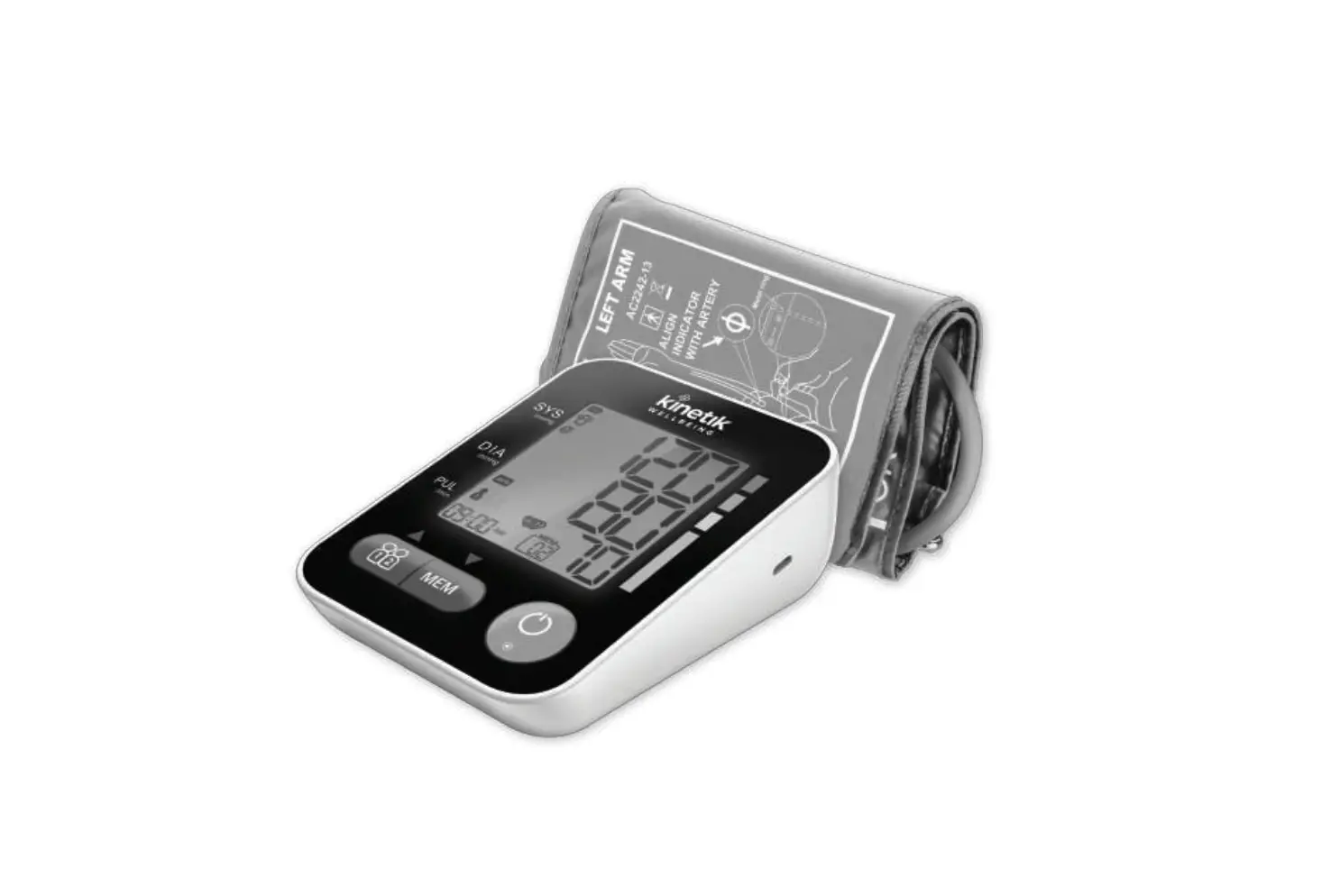
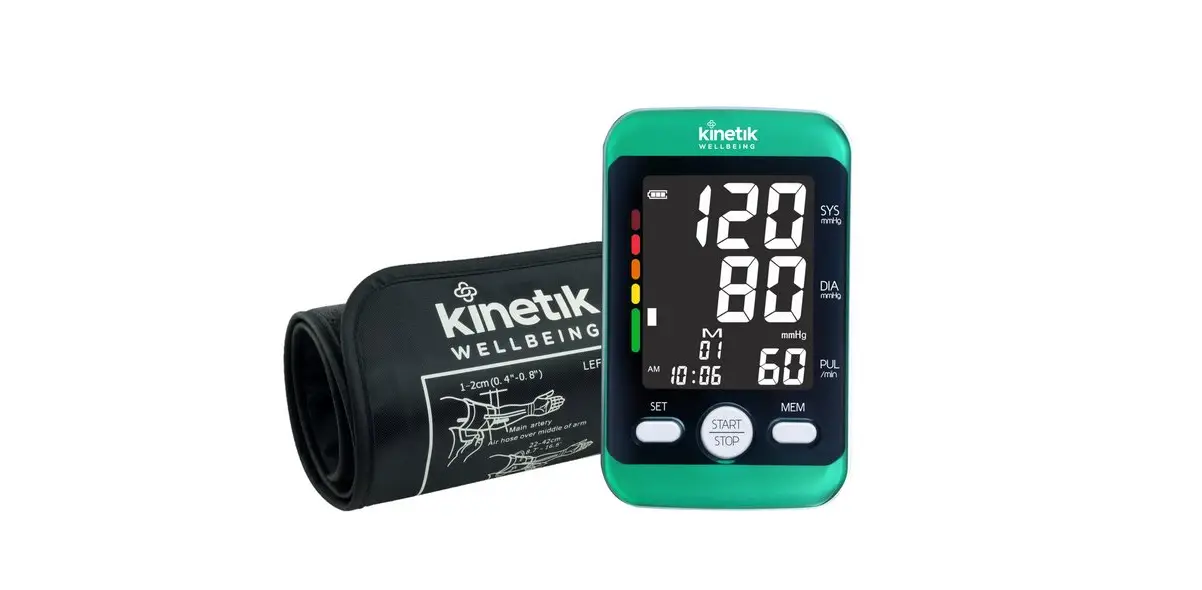
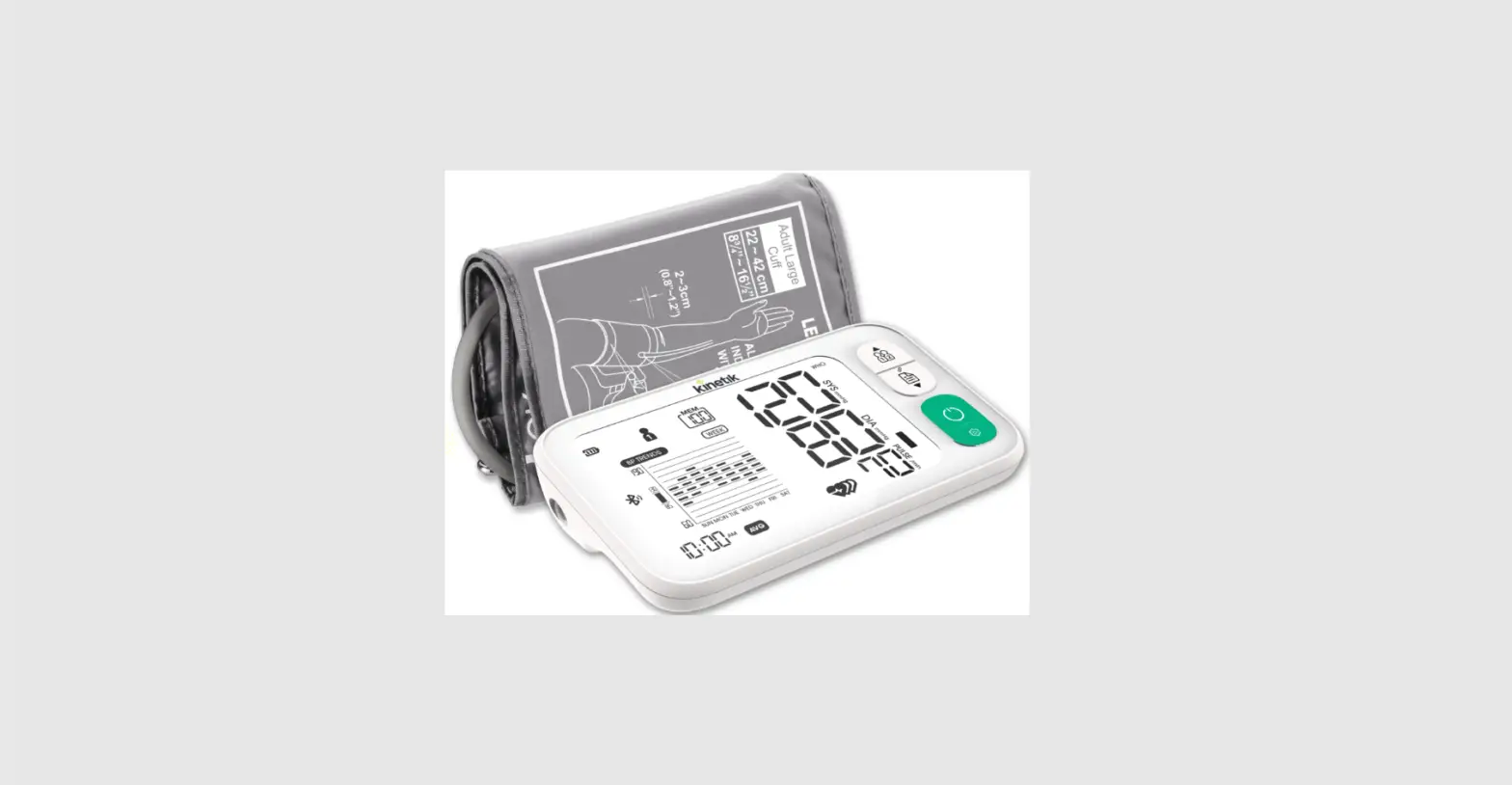
WBP2 Advanced Blood Pressure Monitor
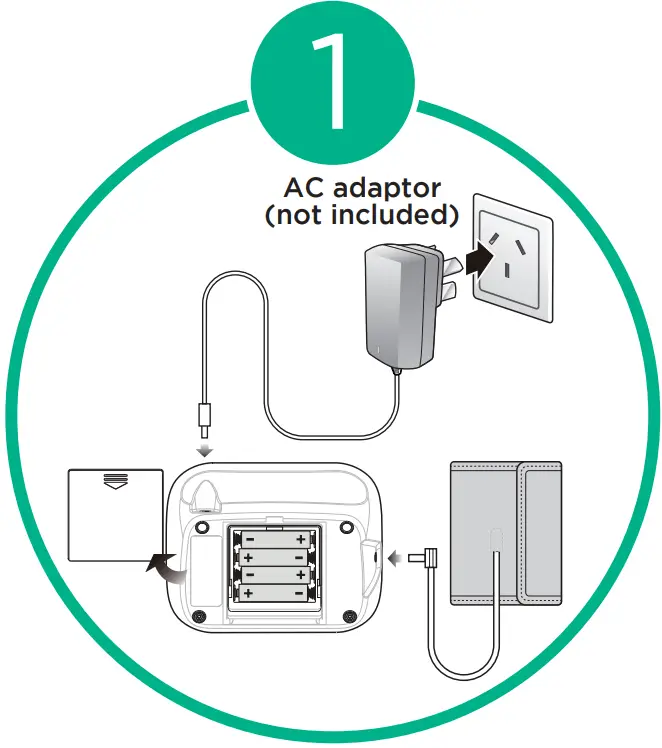 | Unpack, set up, and connect the cuff to the Blood Pressure Monitor. |
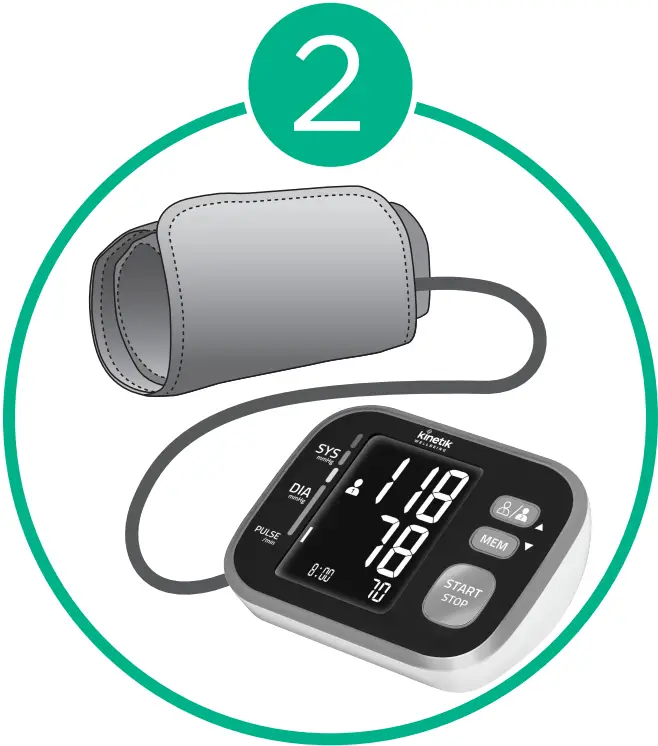 | Insert connector plug into the left side of the monitor unit. |
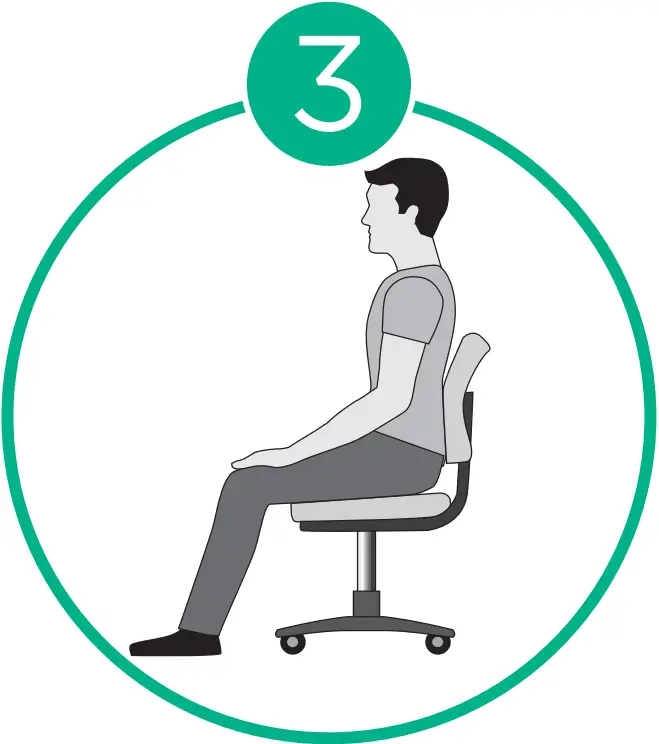 | Rest for a few minutes in a relaxed position. |
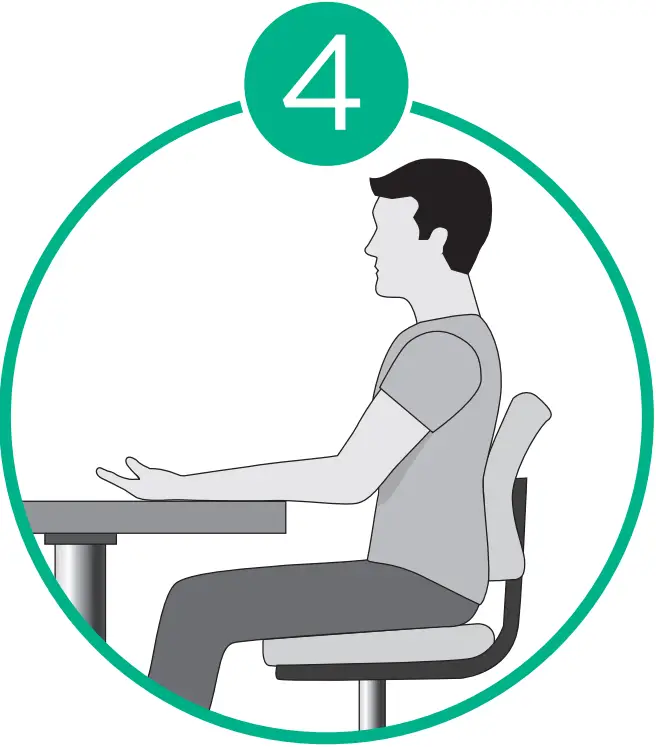 | Rest your arm on a firm surface. |
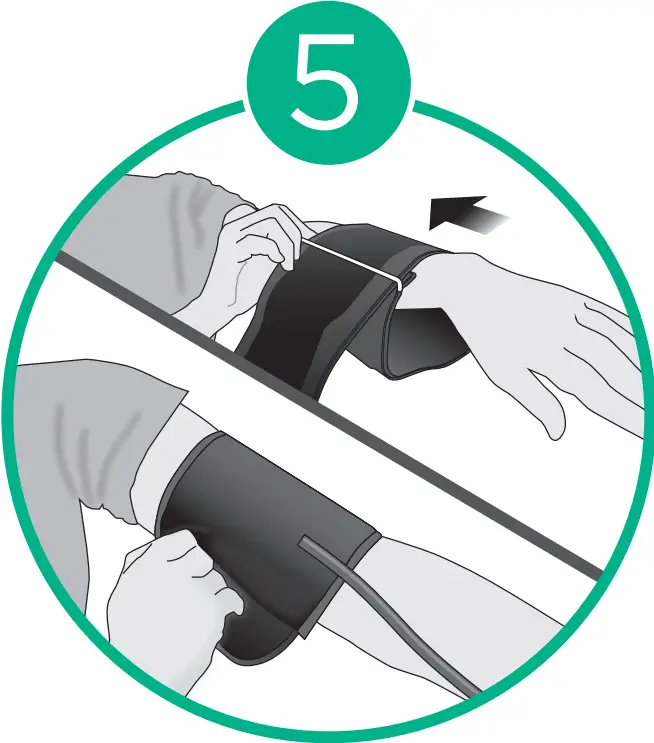 | Put your arm through the cuff loop. |
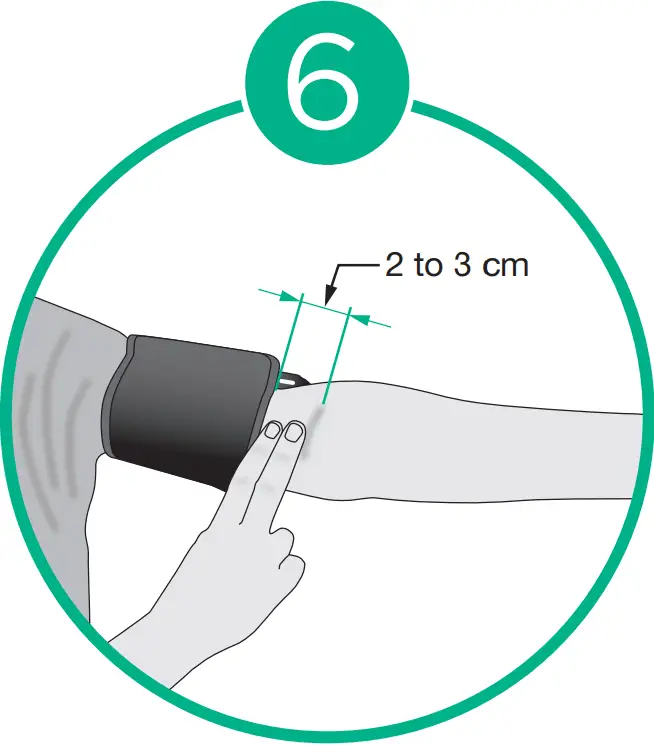 | The bottom edge of the arm cuff should be 2 to 3 cm above the elbow. The marker (arrow under the air tube) is centered on the middle of your inner arm. |
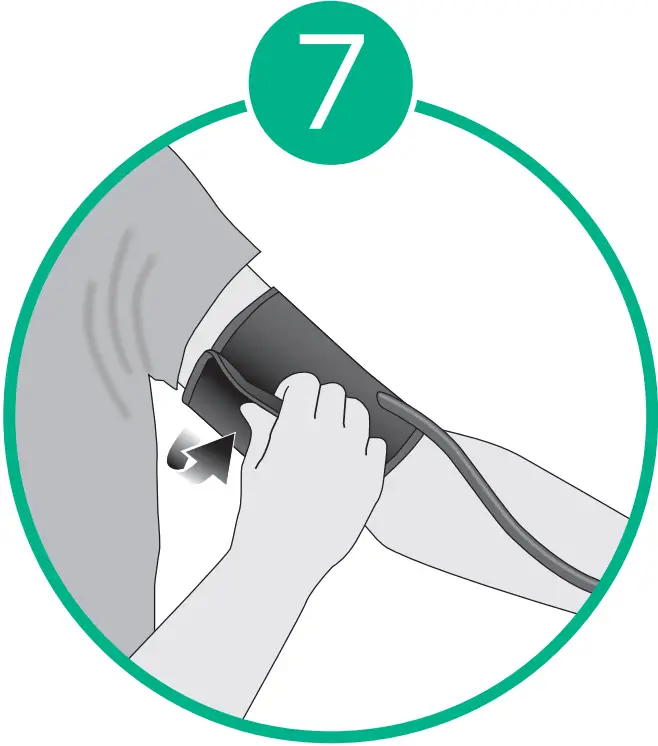 | Close the fabric fastener FIRMLY. |
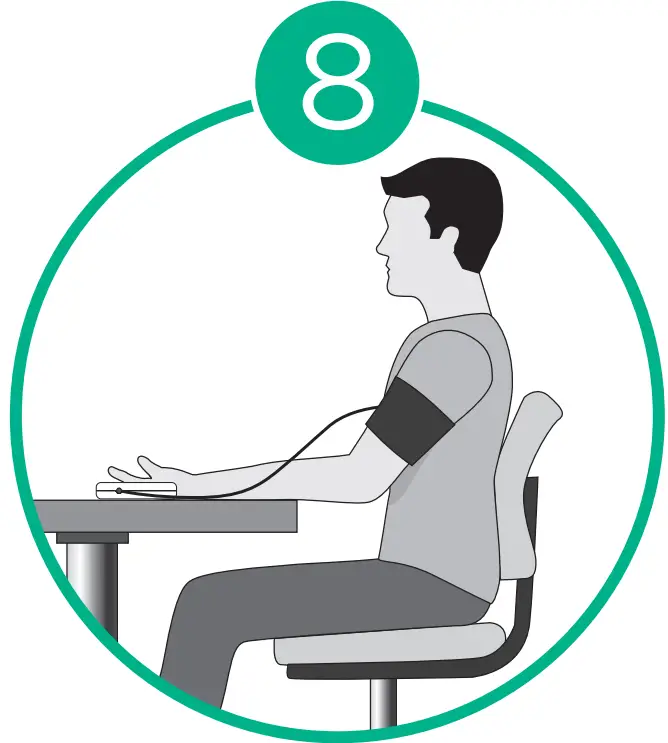 | Wear a cuff on the left arm and keep level with the heart. |
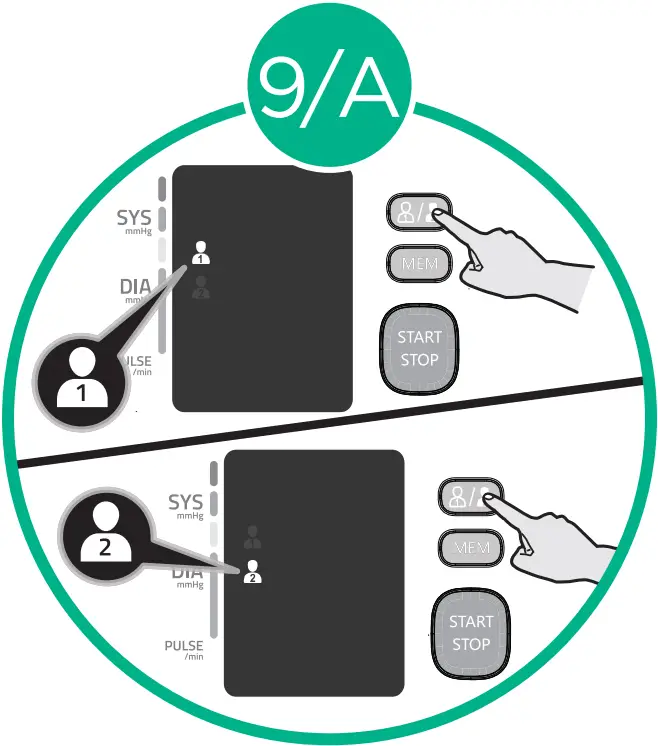 | Before you start the measurement, please select the desired user ID first. |
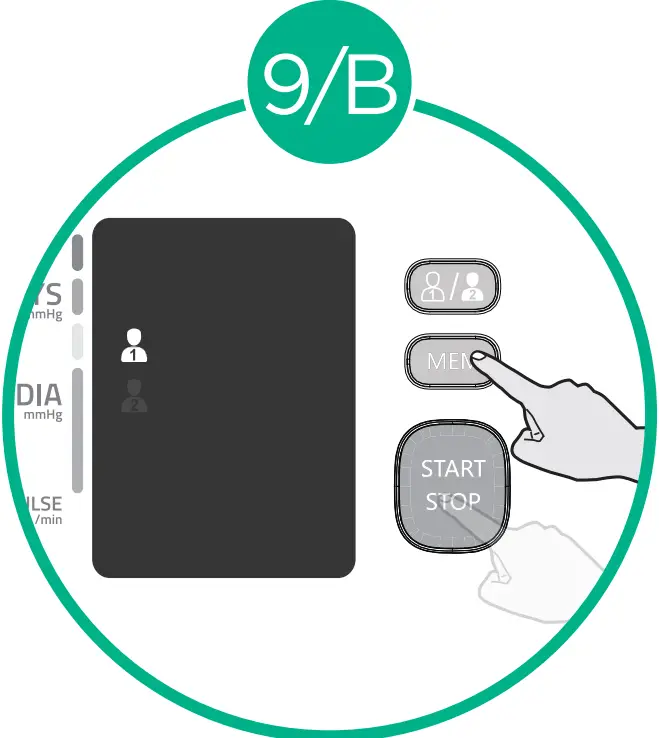 | Confirming the user ID, press the “MEM” button or the “START/STOP” button to recall the records. |
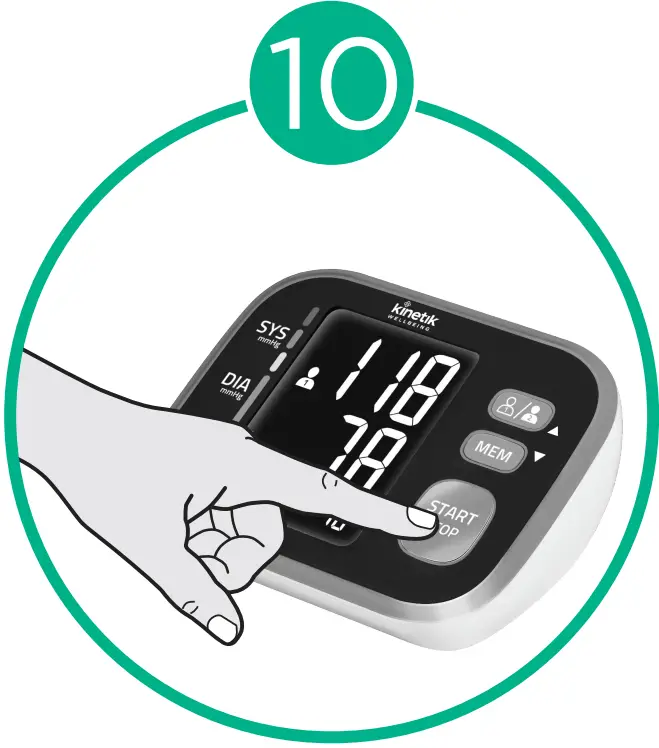 | Press the start button to begin blood pressure measurement. |
Kinetik WBP2 NZ version Quick Start Guide
Size: 50(W) x 75(H) mm [Cover and Back Cover Size: 54(W) x 79(H) mm]
Date: 20210624
20210726(V2) *Revised as per the comments of 2021-07-23 22:50
20210803(V3) *Revised as per the comments of 2021-08-03 11:53
20211027(V4) *Revised as per the comments of 2021-10-25 17:20
Colour:  Pantone 339C (CMYK reference is C84 M0 Y59 K0);
  Black
Black
Kinetik Logo Colour :
Pantone 382C 
(CMYK reference is C30 M0 Y100 K0)
Pantone Cool Grey 11 
(CMYK reference is C44 M34 Y22
for more information visit :
kinetikwellbeing.com
WBP2 NZ QS Guide
20211027
 We Deliver Health To The Home | Kinetik Wellbeing