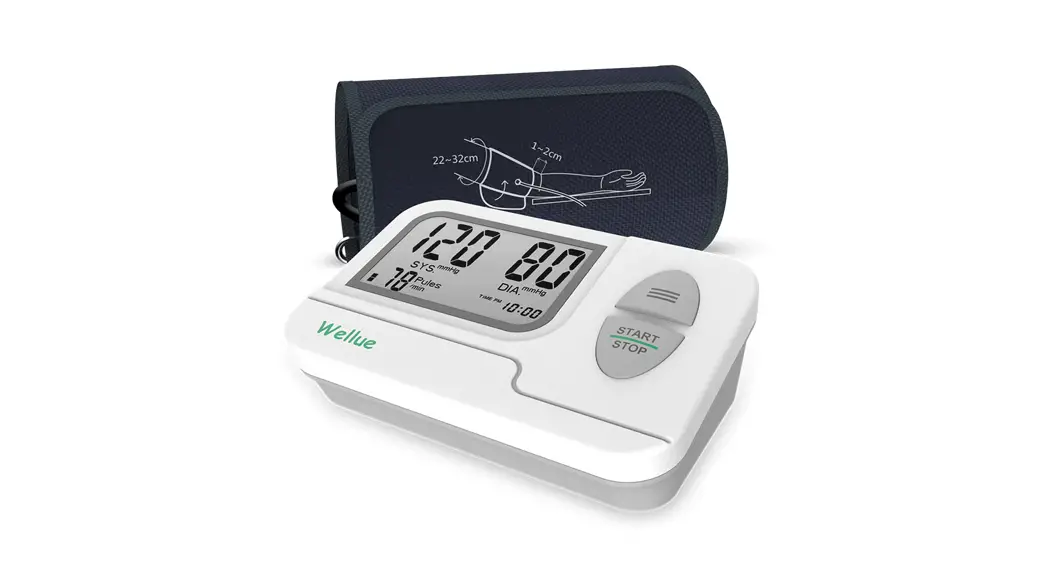
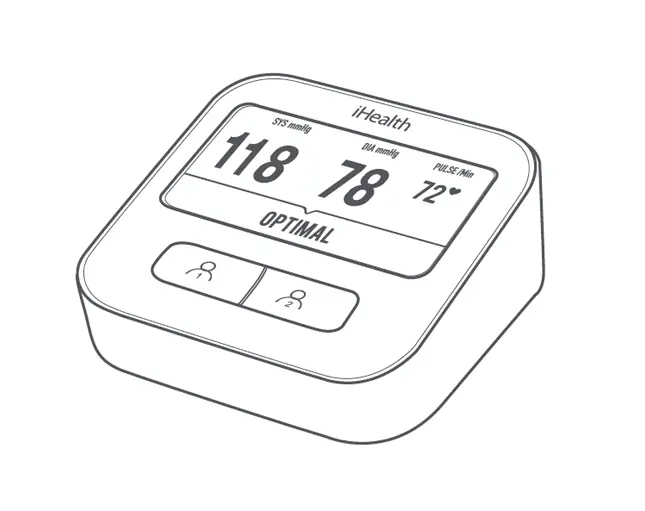
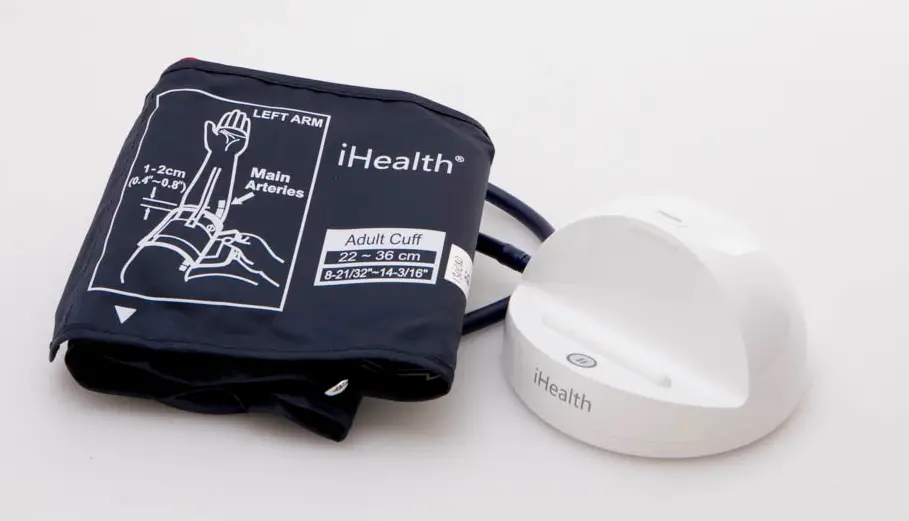
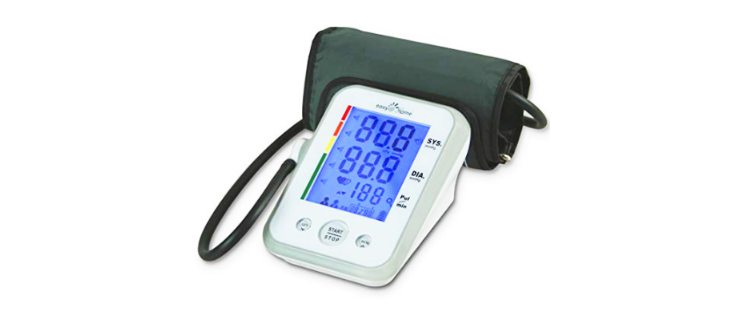
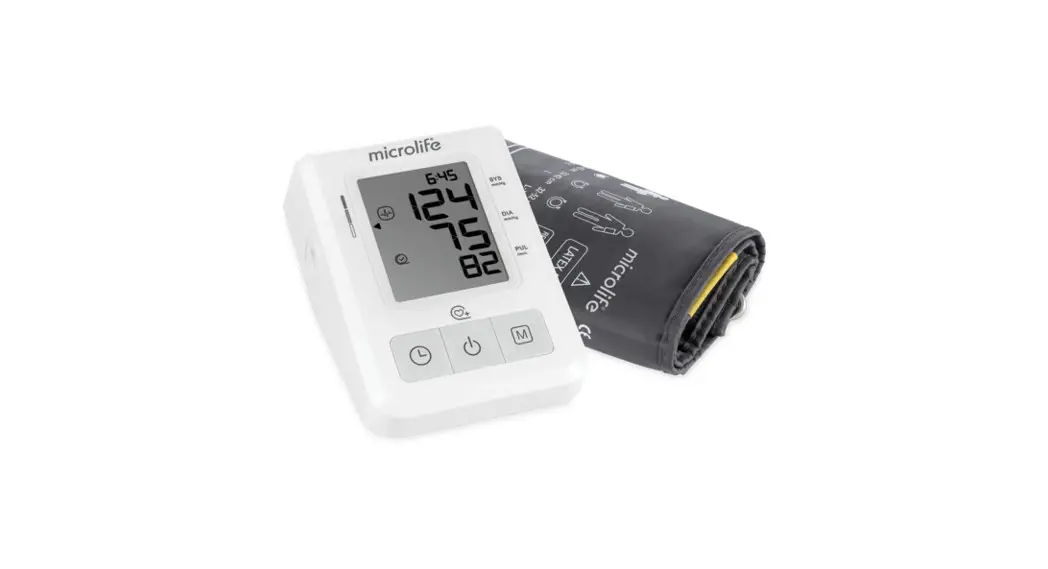
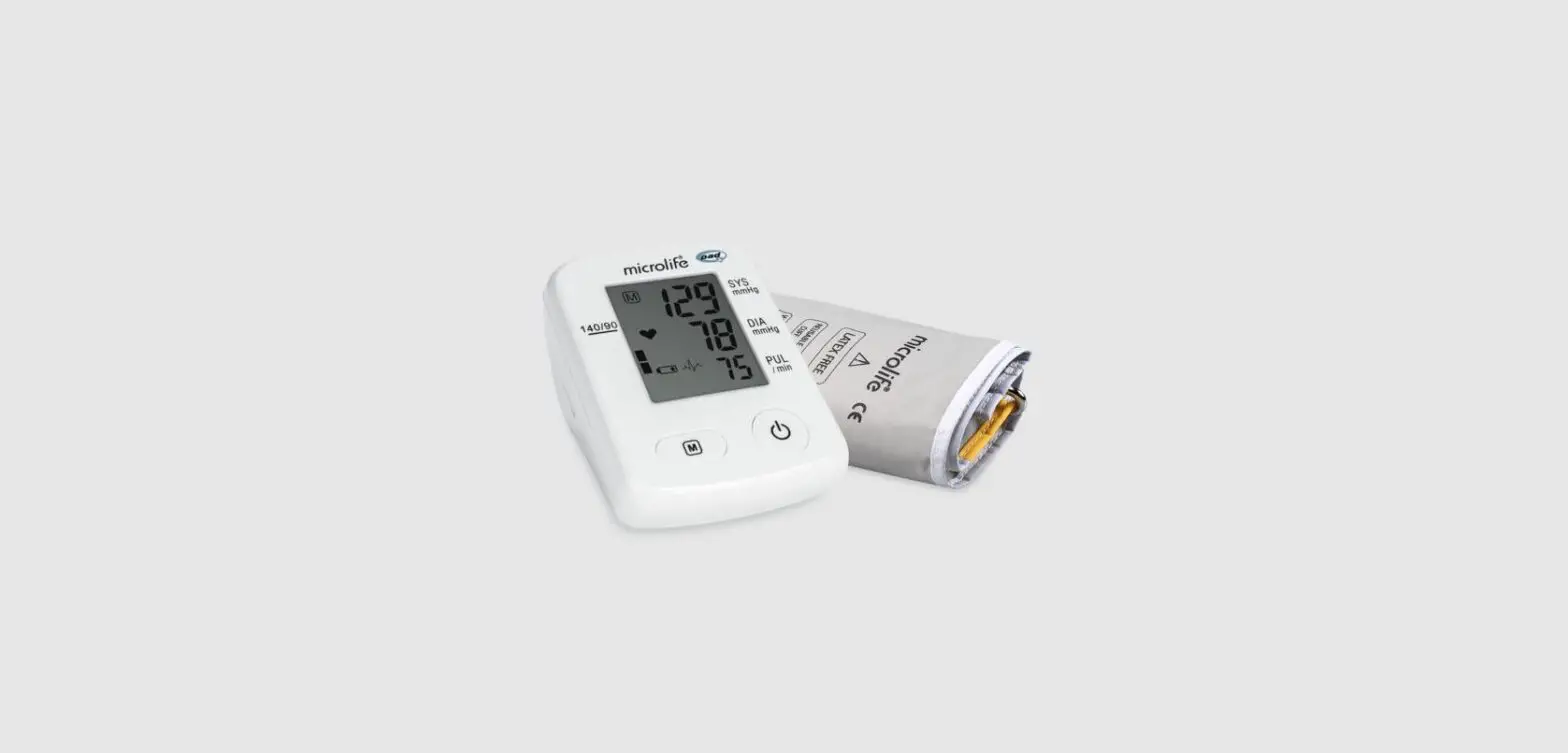
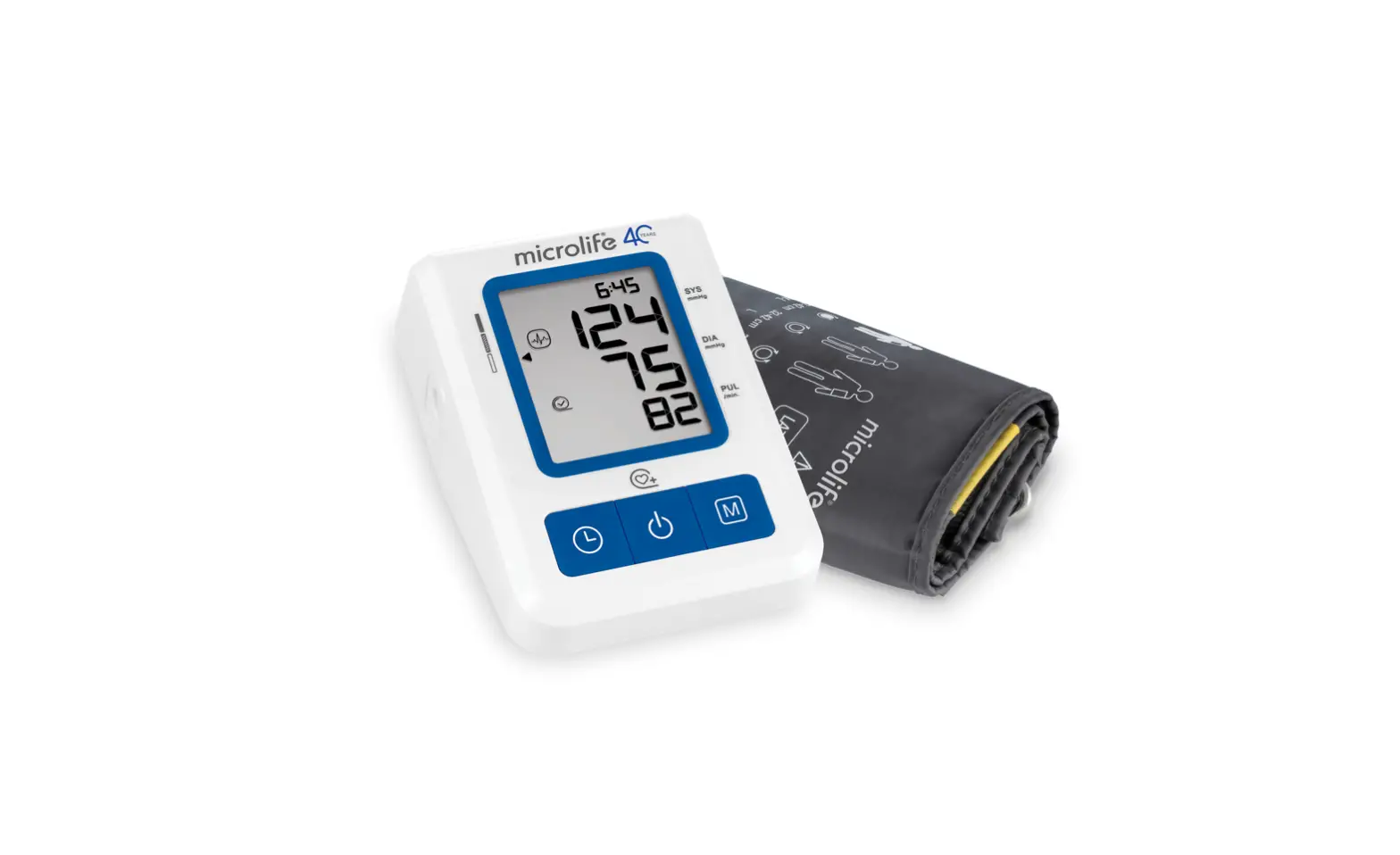
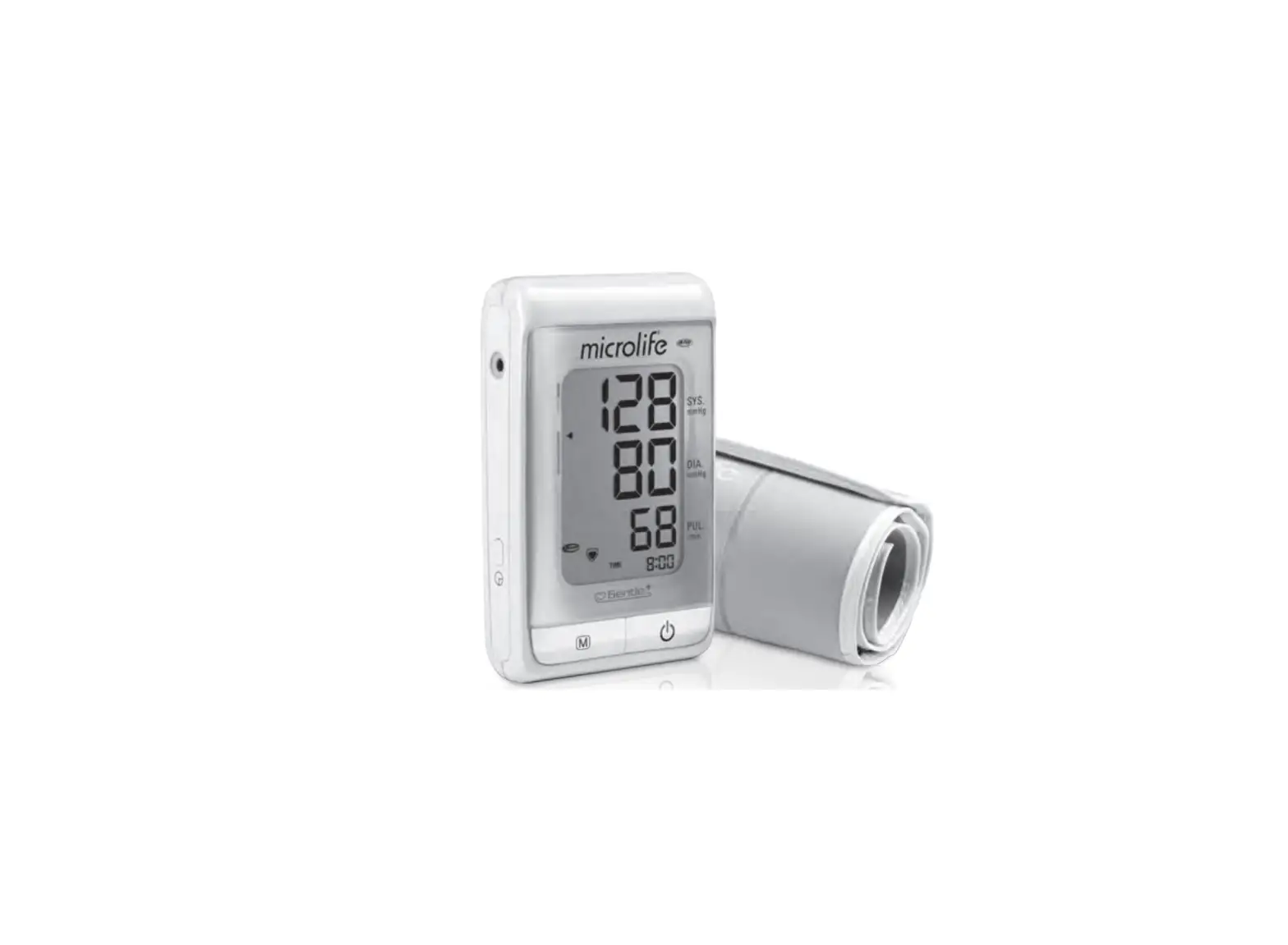
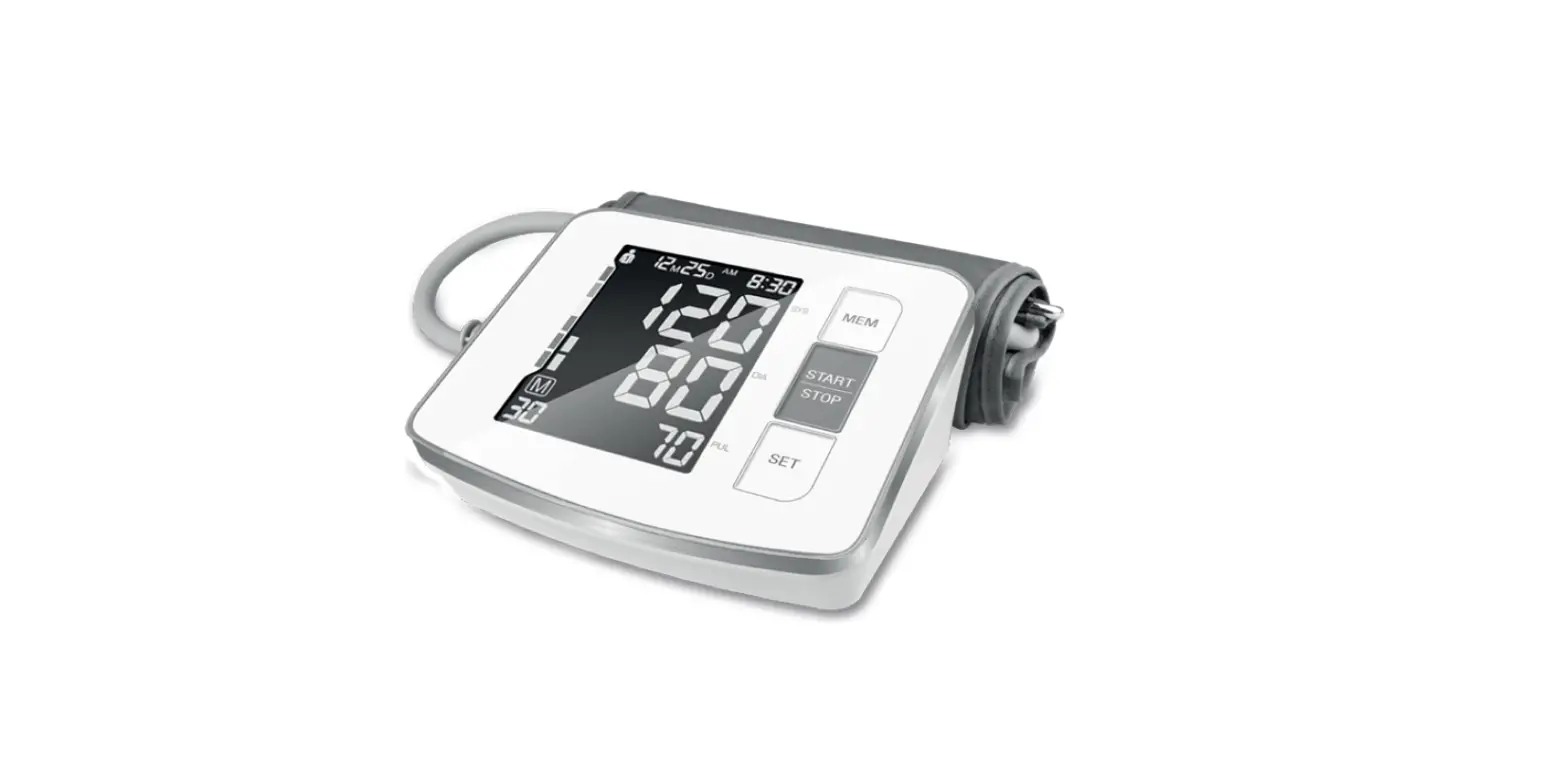
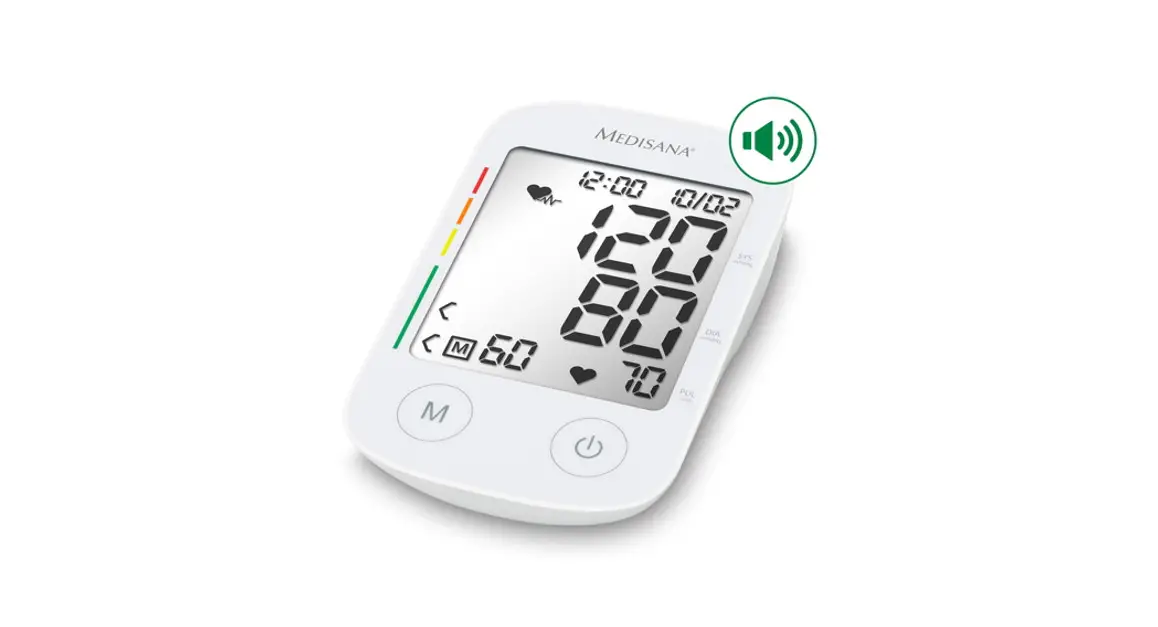
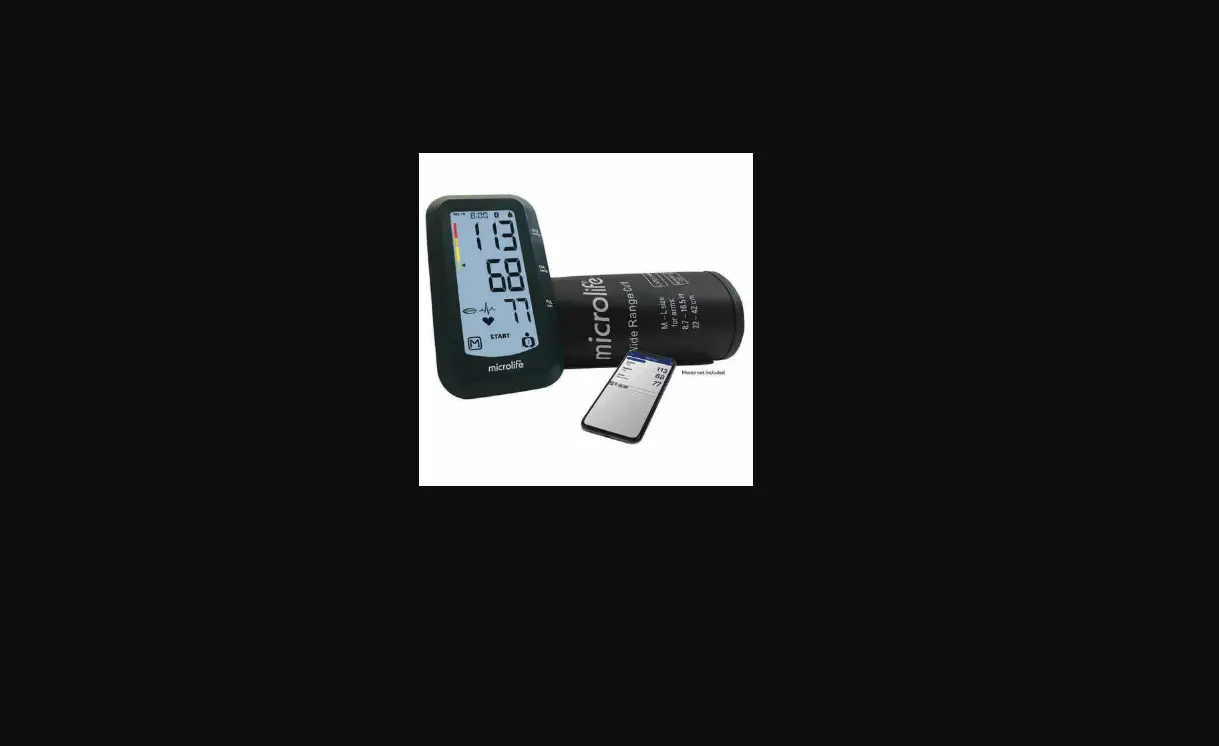
BP1 Blood Pressure Monitor
Automatic Upper Arm Blood Pressure Monitor
Model BP2/BP2A
User Manual
Contents
- The Basics
- Safety
- Introduction
- Intended Use
- Contraindications
- About the Product
- Using the Monitor
- Charging the Battery
- Blood Pressure Measurement
- Recording ECG
- Reviewing History Records
- Connecting with the App
- Troubleshooting
- Maintenance
- Maintenance
- Cleaning
- Storage
- Specifications
- Electromagnetic Compatibility
Product Information:
Intended Use:
The product is intended to be used for measuring, displaying,
reviewing, and storing ECG and blood pressure variations in the
home or healthcare facilities. ECG and Blood pressure variation is
intended for use with adults. The data and results provided by this
device are for precheck screening purposes only and cannot be
directly used for diagnosis or treatments.
Product Features:
| Model | Blood Pressure Measurement | ECG Measurement |
|---|---|---|
| BP2 | Yes | No |
| BP2A | Yes | Yes |
Contraindications:
- This device is contraindicated for use in ambulatory
environments. - This device is contraindicated for use on aircraft.
About the Product:
- Start/Stop button: Power On/Off. Press to Start/Stop measuring
blood pressure. - Function button: Press to start the ECG measurement. Press and
hold for 2 seconds to review historical data. - Display screen
- LED indicator: Blue light is on when the battery is charging.
Blue light is off when the battery is fully charged. - ECG electrodes: Press and hold them while taking ECG
measurements. - Cable connector
Product Usage Instructions:
Charging the Battery:
To charge the battery, connect the device to a power source
using the cable connector. The LED indicator will show a blue light
when the battery is charging. Once the battery is fully charged,
the blue light will turn off.
Blood Pressure Measurement:
To measure blood pressure, press the Start/Stop button. Follow
the on-screen instructions to properly position the device on your
upper arm. The device will automatically inflate and deflate to
measure your blood pressure. The results will be displayed on the
screen.
Recording ECG:
To record an ECG, press the Function button. Ensure that the ECG
electrodes are properly attached to your body. The device will
start recording the ECG. Press and hold the Function button for 2
seconds to review the historical data.
Reviewing History Records:
To review the history records, press and hold the Function
button for 2 seconds. Use the display screen to navigate through
the recorded data.
Connecting with the App:
To connect the device with the app, follow the instructions
provided in the app manual. Ensure that Bluetooth is enabled on
your smartphone or tablet. Once connected, you can transfer and
analyze your measurement data using the app.
Maintenance:
Regular maintenance of the device is important to ensure its
proper functioning. Follow the instructions below:
- Cleaning: Use a soft, damp cloth to clean the device. Do not
use abrasive cleaners or immerse the device in water. - Storage: Store the device in a cool and dry place. Avoid
exposing it to extreme temperatures or humidity.
Specifications:
Refer to the product specifications provided in the user manual
for detailed information on the device’s technical
specifications.
Electromagnetic Compatibility:
Ensure that the device is used in accordance with the
electromagnetic compatibility guidelines provided in the user
manual.
Automatic Upper Arm Blood Pressure Monitor
Model BP2/BP2A
User Manual
English|Deutsche|Italiano|Español|Français
Contents
User Manual………………………………… English 1-20 Benutzerhandbuch……………………. Deutsch 21-43 Manuale d’uso…………………………… Italiano 44-65 Manual de usuario…………………….. Español 66-87 Manuel de l’utilisateu………………. Français 88-109
User Manual Contents
1. The Basics………………………………………………………… 2 1.1 Safety……………………………………………………. 2
2. Introduction………………………………………………………6 2.1 Intended Use…………………………………………..6 2.2 Contraindications……………………………………. 6 2.3 About the Product………………………………….. 7 2.4 Unpacking……………………………………………… 7 2.5 Symbols…………………………………………………. 8
3. Using the Monitor…………………………………………… 10 3.1 Charging the Battery………………………………10 3.2 Blood Pressure Measurement………………… 10 3.3 Recording ECG……………………………………….12 3.4 Reviewing History Records…………………….. 14 3.5 Connecting with the App……………………….. 15
4.Troubleshooting………………………………………………..15 5. Maintenance………………………………………………….. 17
5.1 Maintenance…………………………………………17 5.2 Cleaning………………………………………………. 17 5.3 Storage…………………………………………………17 6. Specifications…………………………………………………. 18 7. Electromagnetic Compatibility…………………………..20
1
1. The Basics
This manual contains the instructions necessary to operate the product safely and in accordance with its function and intended use. Observing this manual is a prerequisite for proper product performance and correct operations, which ensures patient and operator safety.
1.1 Safety
Warnings and Tips Before using the device, please ensure that you have
read this manual thoroughly and fully understand the corresponding precautions and risks. This device has been designed for practical use but is not a substitute for visiting the doctor. The data and results displayed on the device are for reference only and cannot be directly used for diagnostic interpretation or treatment. We recommend not using this device if you have a pacemaker or other implanted devices. Follow your doctor’s advice, if applicable. Do not use this device with a defibrillator. Do not use this device during an MRI exam. Do not use the device in a combustible environment (i.e., oxygen-enriched environment). Never submerge the device in water or other liquids. Do not clean the device with acetone or other volatile solutions. Do not drop this device or subject it to strong impacts.
2
Do not place this device in pressure vessels or gas sterilization devices. Do not dismantle the device because this could cause
damage or malfunctions or impede device operations. This device is not intended for use by people (including
children) with restricted physical, sensory, or mental acumen or a lack of experience and/or a lack of knowledge unless they are supervised by someone responsible for their safety, or they receive instructions from this person on how to use the device. Children should be supervised around the device to ensure they do not play with it. Do not allow the electrodes to come into contact with other conductive parts (including the ground). Do not use the device on anyone with sensitive skin or allergies. Do not store the device in the following locations: locations in which the device is exposed to direct sunlight, high temperatures or levels of moisture, or heavy contamination; locations near sources of water or fire; or locations that are subject to strong electromagnetic influences. Do not swing the device with the strap, which may result in injury. This device displays changes in heart beat, blood oxygenation, etc. which may have varying causes. These may be harmless, but may also be triggered by illnesses or diseases of differing degrees of severity. Please consult a medical specialist if you believe you may have an illness or disease. Vital sign measurements, such as those taken with this device, cannot identify all diseases. Regardless of the measurements taken using this device, you should
3
consult your doctor immediately if you experience symptoms that could indicate a serious disease. Do not self-diagnose or self-medicate based on this device without consulting your doctor. In particular, do not start taking any new medication or change the type and/or dosage of any existing medication without prior approval. This device is not a substitute for a medical examination for your heart or other organ functions, or for medical electrocardiogram recordings, which require more complex measurements. It is not possible to use this device to diagnose illnesses or diseases. This is exclusively the responsibility of your doctor. We recommend that you record the ECG curves and other measurements and provide them to your doctor if required. Clean the device and cuffs with a dry, soft cloth or a cloth moistened with water and a neutral detergent. Never use alcohol, benzene, thinners, or other harsh chemicals to clean the device or cuffs. Avoid tightly folding the cuffs or wrapping the hoses for long periods, to avoid shortening the component use period. The device and cuffs are not water-resistant. Keep rain, sweat and water from getting on the device and cuffs. Measurements may be distorted if the device is used close to televisions, microwave ovens, mobiles phones, X-rays, or other devices with strong electrical fields. Do not modify the device. It may cause damage to the device. To measure blood pressure, the arm must be squeezed by the cuff hard enough to temporarily stop blood flow
4
through the artery. This may cause pain, numbness, or a temporary red mark on the arm. This condition will appear especially when measurements are repeatedly taken. Any pain, numbness, or red marks will disappear with time. Do not apply the cuff on an arm with another electronic medical device. The equipment may not function properly. People who have a severe circulatory deficiency in their arm must consult a doctor before using the device, to avoid medical problems. Do not self-diagnose the measurement results and start treatment on your own. Always consult your doctor to evaluate the results and subsequent treatment. Do not apply the cuff on an arm with an unhealed wound. Do not apply the cuff on an arm receiving an intravenous drip or blood transfusion. It may cause injury or accidents. Do not use the device where flammable gases, such as anesthetic gases are present. It may cause an explosion. Do not use the device in highly concentrated oxygen environments, such as a high-pressure oxygen chamber or an oxygen tent. It may cause a fire or explosion.
5
2. Introduction
2.1 Intended Use
The product is intended to be used for measuring, displaying, reviewing, and storing ECG and blood pressure variations in the home or healthcare facilities. ECG and Blood pressure variation is intended for use with adult. The data and results provided by this device are for precheck screening purposes only and cannot be directly used for diagnosis or treatments.
Product Features
Model
BP2 BP2A
Blood Pressure Measurement
ECG Measurement
2.2 Contraindications
This device is contraindicated for use in ambulatory environments.
This device is contraindicated for use on aircraft.
6
2.3 About the Product
1. Start/Stop button Power On/Off Press to Start/Stop measuring blood pressure. 2. Function button Press to start the ECG measurement. Press and hold for 2 seconds to review historical data. 3. Display screen 4. LED indicator Blue light is on: the battery is charging. Blue light is off: the battery is fully charged. 5. ECG electrodes Press and hold them while taking ECG measurements. 6. Cable connector
Connect with the charging cable.
2.4 Unpacking
Main Unit; Charging Cable; User Manual; Quick Guide
7
2.5 Symbols
Symbol
SN
IP22
Description
Manufacturer
Date of manufacture Serial number Indicates a medical device that is not to be disposed of as unsorted municipal waste. Follow Instructions for Use.
Type BF Applied Part
No alarm system MRI unsafe. Presents hazards in all MR environments as device contains strongly ferromagnetic materials. Resistant to liquid ingress
CE marking
Authorized representative in the European community
UKCA marking
Authorized Representative in the United Kingdom
8
This product complies with the rules and regulations of the Federal Communication Commission. Heartbeat symbol
Battery symbol Bluetooth symbol
Data transmission symbol ECG waveform
ECG measurement progress bar
Press to display next record
Press to return to home screen
Current record / Total records
Low signal amplitude or noise
Lead off when ECG is measuring The recorded ECG satisfies a common regular pattern. The recorded ECG is erratic. It may be caused by heart issues or other conditions.
9
3. Using the Monitor
3.1 Charging the Battery
Use the USB cable to charge the monitor. Connect the USB cable to a USB charger or to the PC. It takes 2 hours to fully charge. When the battery is fully charged, the indicator will be off. The monitor works on very low power consumption, and a full charge usually lasts for months. A battery symbol, which indicates the battery status is displayed on the screen.
Note: The device cannot be used while charging.
3.2 Blood Pressure Measurement
3.2.1 Before Taking Measurements
To help ensure accurate measurements, follow these directions: Rest for at least 5 minutes before taking
measurements. Stress raises blood pressure. Avoid taking
measurements when stressed. Remove any tight-fitting clothing from your arm. A single measurement does not provide an accurate
indication of your true blood pressure. You need to take and record several results over a period of time. Try to measure your blood pressure at the same time each day to maintain consistency.
3.2.2 Applying the Arm Cuff
1. Wrap the cuff around the upper arm, about 1 to 2 cm above the elbow joint, as shown.
2. Place the cuff directly against the skin, as clothing may cause a faint pulse and result in measurement errors.
10
3. Constriction of the upper arm, caused by rolling up a shirtsleeve, may prevent accurate readings.
4. Confirm that the artery position mark is lined up with the artery.
NoteKeep the host wear position aligned with the middle finger.
3.2.3 Sitting Correctly
To take measurements, you need to be relaxed and comfortably seated. Sit in a chair with your legs uncrossed and your feet flat on the floor. Place your arm on a table, so that the cuff is level with your heart.
3.2.4 Measuring Blood Pressure
1. Power on the blood pressure monitor. 2. Press the Start/Stop button to start taking blood pressure
measurements. 4. The monitor will automatically deflate the cuff slowly
while taking measurements. A typical measurement takes about 30s. 4. The readings will be displayed when the measurement is
finished. 11
You can press Start/Stop button again to stop the blood pressure measurement. Note: While taking measurements, you should remain still and not squeeze the cuff.
3.2.5 After Taking Measurements
The monitor will automatically release the gas in the cuff once finished taking measurements. Press the button to turn the power off after taking measurements. Remove the cuff.
Note: The device has an automatic power shut-off function, which turns off the power automatically 2 minutes after taking measurements.
3.3 Recording ECG
3.3.1 Before Taking Measurements
To help ensure accurate measurements, follow these directions: Before using the ECG function, pay attention to the
following points to obtain precise measurements. The ECG electrode must be positioned directly against
the skin. If your skin or hands are dry, moisten them using a
damp cloth before taking measurements. If the ECG electrodes are dirty, remove the dirt using a
soft cloth or cotton swap dampened with disinfection alcohol. While taking measurements, do not touch your body with the hand with which you are taking measurements. Please note that there must be no skin to skin contact between your right and left hand. Otherwise, the
12
measurements cannot be taken correctly. Stay still while taking measurements, do not speak and
hold the device still. Movements of any kind will falsify measurements. If possible, take measurements when sitting and not when standing. Follow the text and voice guides on your phone to finish taking measurements.
3.3.2. Recording ECG without the Cable
There are four methods to record ECG without the cable.
A.Right hand to left Leg
B.Hand to hand
C.Right hand to abdomen D.Right hand to chest
To start an ECG Recording: 1. Put your right palm on the right side electrodes of the
monitor. 2. Place the left side electrodes to the body position that
13
you desired to measure. 3. Once the body parts are placed on the electrodes, press
the Function button to start EKG recording. 4. Wait for 30 seconds, the result readings will be displayed.
To start recording ECG again, press the Start/Stop button to return to the Home screen, then press the Function button. Note: The recording must take at least 30 seconds to
complete, and to be analyzed by the detectors You can get different signal amplitudes from different
methods. Use Lead II mode if the signal is too low in Lead I mode.
3.3.3. Turn on/off Heartbeat Sound
The buzzer beeps when a heartbeat is detected while recording ECG. You can turn on/off the heartbeat sound on the App.
3.4 Reviewing History Records
You can review the history results and replay the recorded ECG waveform on the History screen. Hold the Function button for 2 seconds to enter the History screen. The last measurement results will be displayed by default
For ECG recordings, the Heart Rate will be displayed first and then replayed over the 30-second ECG waveform.
14
To view the next records, press the NEXT button. To exit the History screen, press the HOME button.
3.5 Connecting with the App
App name: ViHealth iOS: App Store Android: Google Play
The monitor has built-in Bluetooth wireless connectivity, which enables exporting measurement records to mobile phones and tablets running iOS or Android. Hold the function button and Start/Stop button simultaneously to enable Bluetooth and start pairing it to your smart device.
4.Troubleshooting
Problem No power. No display appears on the device.
Blood pressure readings appear too high or too low
Possible Cause
Solution
Battery is depleted
Recharge the battery
Blood pressure varies constantly. Many factors including stress, time of day, and/or how you apply the arm cuff, may affect your blood pressure.
15
Hold still for a moment and try again
Error 1 Apply the arm cuff tighter.
Arm cuff is applied too loosely
Error 2 Do not move or talk, remain still.
Moving or talking while taking measurements, and the pressure of the cuff is interfered with.
Error 3 Remove any clothing interfering with the cuff. Error x (x>4) Contact customer service. Check the connection
ECG waveform drifts The ECG waveform amplitude is small
The signal is poor while measuring blood pressure.
The device has malfunctioned. The ECG cable is off, or the body parts are not placed on the electrodes closely enough. The pressure exerted on the electrode is not stable or too much. Hand or body may be moving. The measurement method you chose is not suitable for you.
Tighten the arm cuff and try again.
Remain still and do not talk while taking measurements
Take blood pressure on a bare arm.
Contact customer service. Check the ECG cable, or place the electrodes closer to your body part. Hold the device stably and gently. Try to keep perfectly still and test again. Change another lead and try again.
16
5. Maintenance
5.1 Maintenance
To protect your monitor from damage, store the monitor and the components in a clean, safe location. Caution: DO NOT disassemble or attempt to repair this monitor or other components. This may cause inaccurate blood pressure readings and/or EKG recordings.
5.2 Cleaning
Do not use any abrasive or volatile cleaners. Use a soft dry cloth or a soft cloth moistened with mild
(neutral) detergent to clean your monitor and the arm cuff and then wipe them with a dry cloth. When electrodes are dirty, use a soft cloth or cotton swab moistened with an alcohol-based sanitizer to clean the electrodes. Do not use gasoline, thinners, or similar solvents to clean your monitor and arm cuff or other components.
5.3 Storage
Keep your monitor and other components in the storage case when not in use. Store your monitor and other components in a clean,
safe location. Do not store your monitor and other components in
locations exposed to extreme temperatures, humidity, direct sunlight, dust, or corrosive vapors, such as bleach.
17
6. Specifications
Classifications
EC Directive
Degree of protection against electrical shock Environmental Item Temperature Relative humidity (non-condensing) Barometric Degree of dust & water resistance Drop test Physical Size (main unit) Weight (main unit)
Cuff size
Wireless connectivity Power Supply Charge input
MDD, 93/42/EEC RED, 2014/53/EU ROHS 2.0, 2011/65/EU
Type BF
Operating 5 to 40°C 10% to 95% 700 to 1060 hPa IP22 1.0 m
Storage -25 to 70°C 10% to 95% 700 to 1060 hPa
135mm(L)×45mm(W)×20mm(H) 240 g Adult cuff: 22-42cm Small adult cuff (optional): 17-22cm Adult cuff (optional): 22-32cm Built-in Bluetooth 4.0 BLE
Micro USB, DC5V
Battery type
Rechargeable lithium-polymer battery
18
Battery run time
500 measurements
Charge time
2 hours
Blood Pressure Measurements
Technology
Pressure measurement range Pressure measurement accuracy
Pulse rate range
Oscillometric Method 0 300mmHg ±3mmHg 40 to 200 /min
Pulse rate accuracy
±2 /min
Clinical accuracy
Meet IEC80601-2-30
ECG Recording
Lead type
Integrated ECG electrodes
Lead set
Lead I, Lead II, Chest Lead
ECG length
30s
Heart rate range Heart rate accuracy Storage
30 – 250/min
±2 /min or ±2%, whichever is greater
Blood pressure records
50
ECG records
10
Bluetooth RF
Frequency range
2.402 2.480 GHz
Max RF power
-10 dBm
19
7. Electromagnetic Compatibility
The device meets the requirements of EN 60601-1-2. Warnings and Tips
Using accessories other than those specified in this manual may result in increased electromagnetic emissions or decreased electromagnetic immunity for the device.
The device or its components should not be used adjacent to or stacked with other equipment.
The device needs special precautions regarding EMC and needs to be installed and put into service according to the EMC information provided below.
Other devices may interfere with this device even though they meet CISPR requirements.
When the inputted signal is below the minimum amplitude provided in the technical specifications, erroneous measurements could result.
Portable and mobile communication equipment may affect device performance.
Other devices that have RF transmitters or sources may affect this device (e.g. cell phones, PDAs, and PCs with wireless functionality).
The EMC table information is listed on our website: http://api.viatomtech.com.cn/documents/2017/emc_en.pdf
20
PN255-02716-00 Version: B Sept. 2021
Shenzhen Viatom Technology Co., Ltd. 4E, Building 3, Tingwei Industrial Park, No.6 Liufang Road, Block 67, Xin’an Street, Baoan District, Shenzhen, 518101, Guangdong, China
Well Kang Limited The Black Church, St. Mary’s Place,Dublin 7, D07 P4AX,Ireland Tel 1: +353(1)2542900 Tel 2: +353 (1)4433560 Fax: +353(1)6864856 Email:[email protected]
Wellkang Ltd (www.UKCA-marking.com) 16 Castle St., Dover, CT16 1PW, England Tel 1: +353(1)2542900 Tel 2: +353 (1)4433560 Fax: +353(1)6864856 Email:[email protected]
 Kang : N°1 de la Voyance par téléphone et par Chat, Astrologie, Tarot, Freelancing ...
 www.UKCA-marking.com: FAQ & Guidance: UKCA marking (UKCA mark) or CE marking (CE mark)? Using the UKCA (UK Conformity Assessed) marking if the UK leaves the EU without a deal