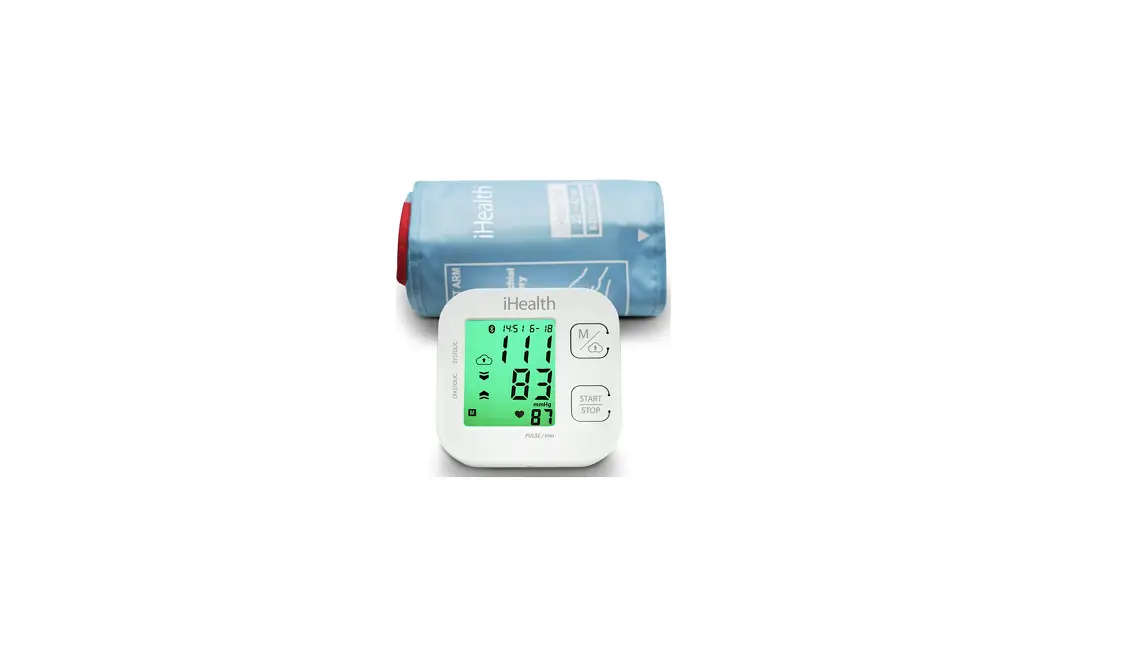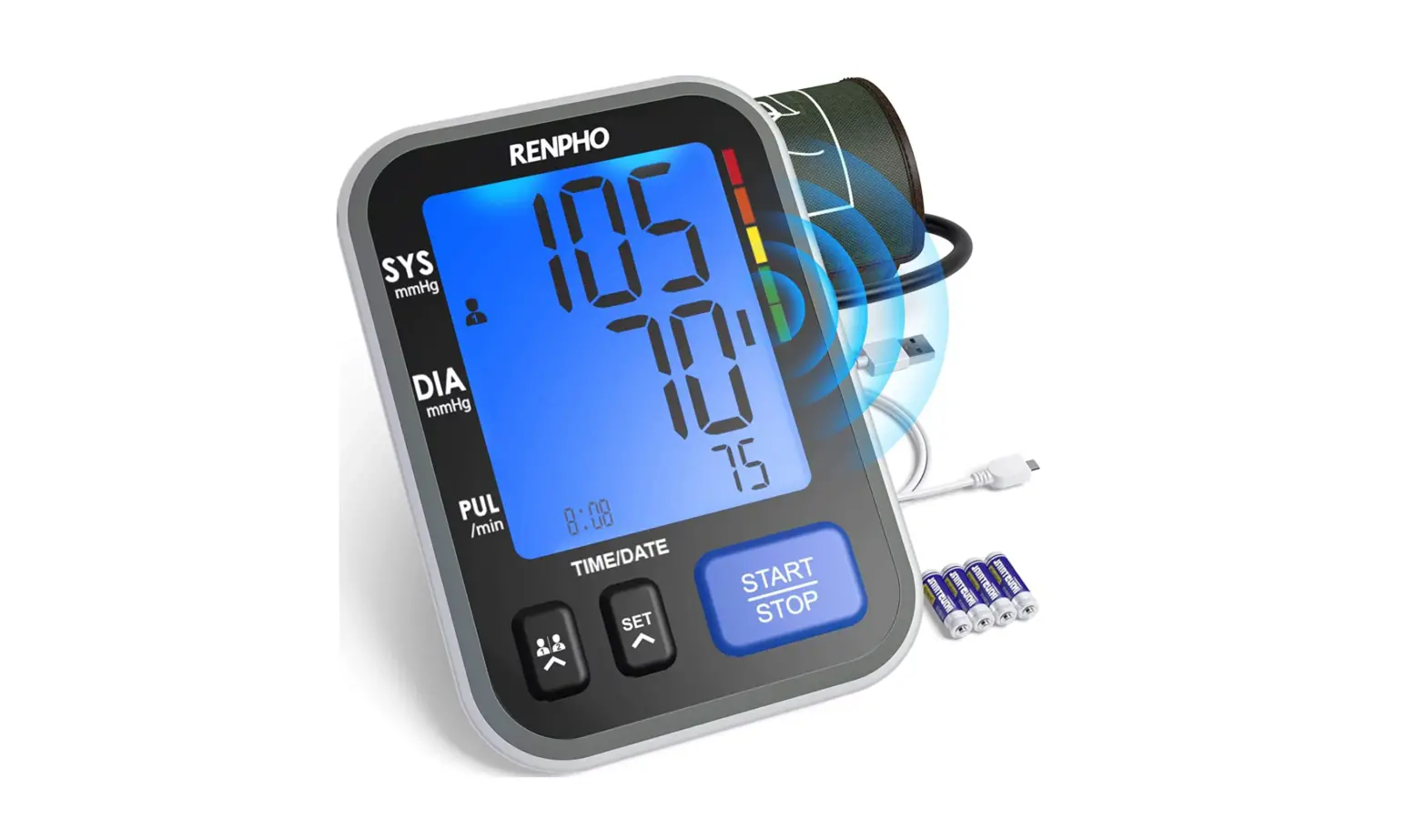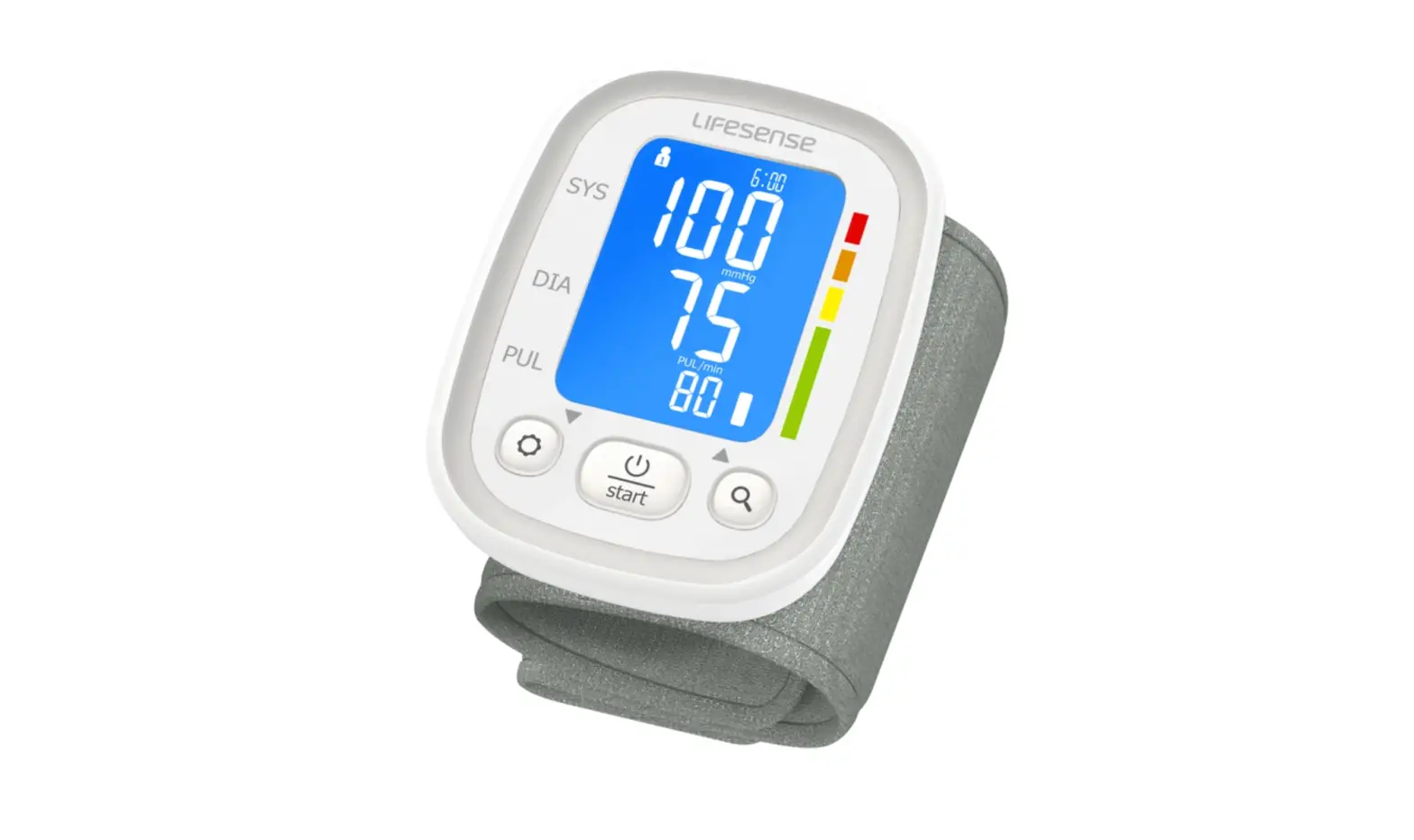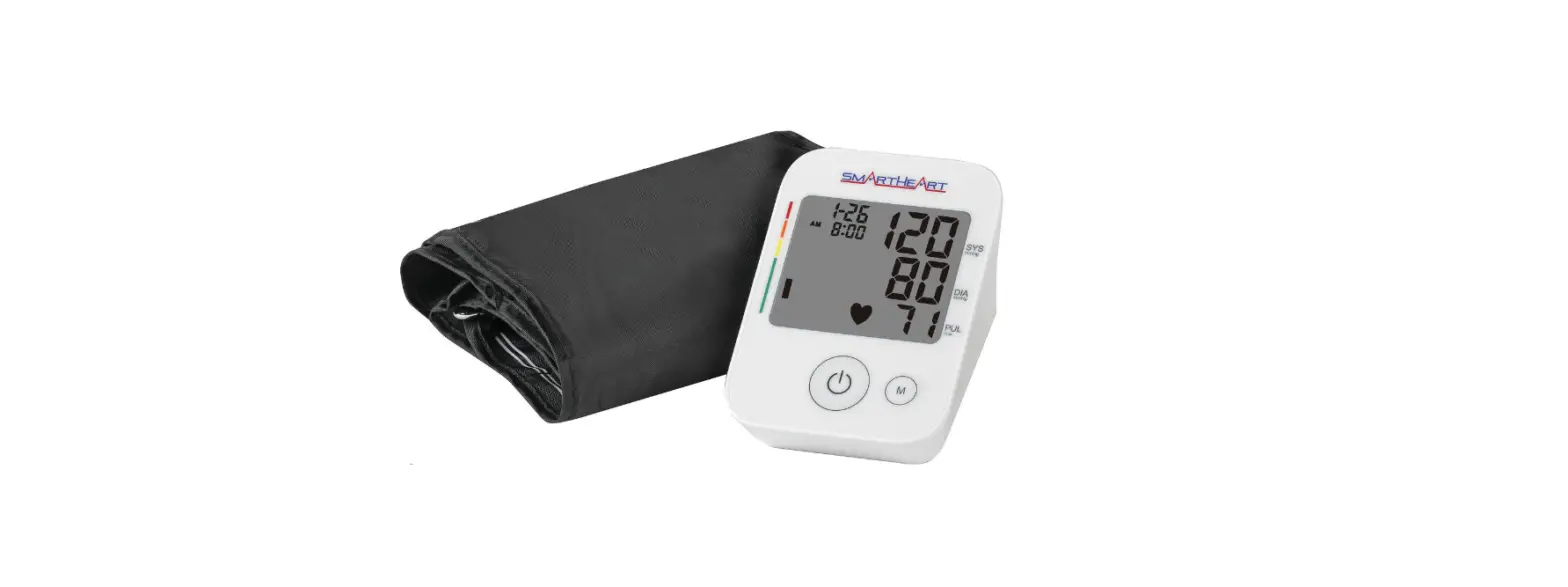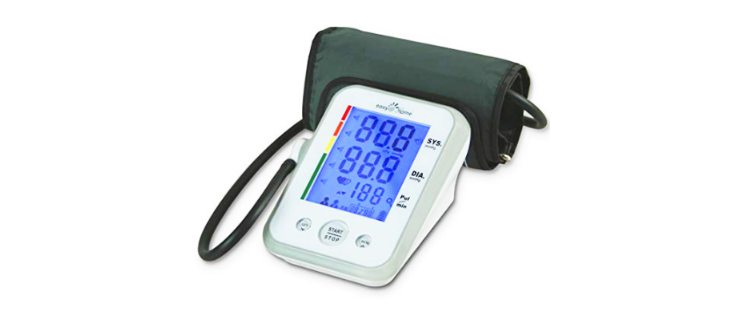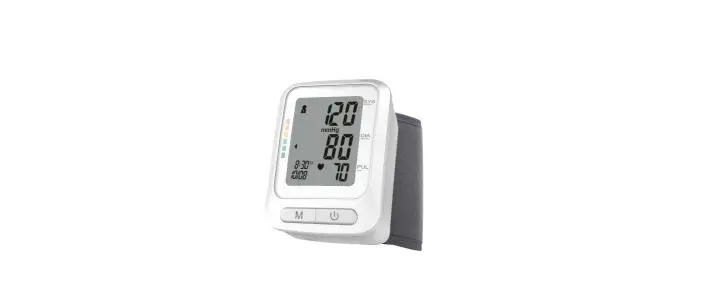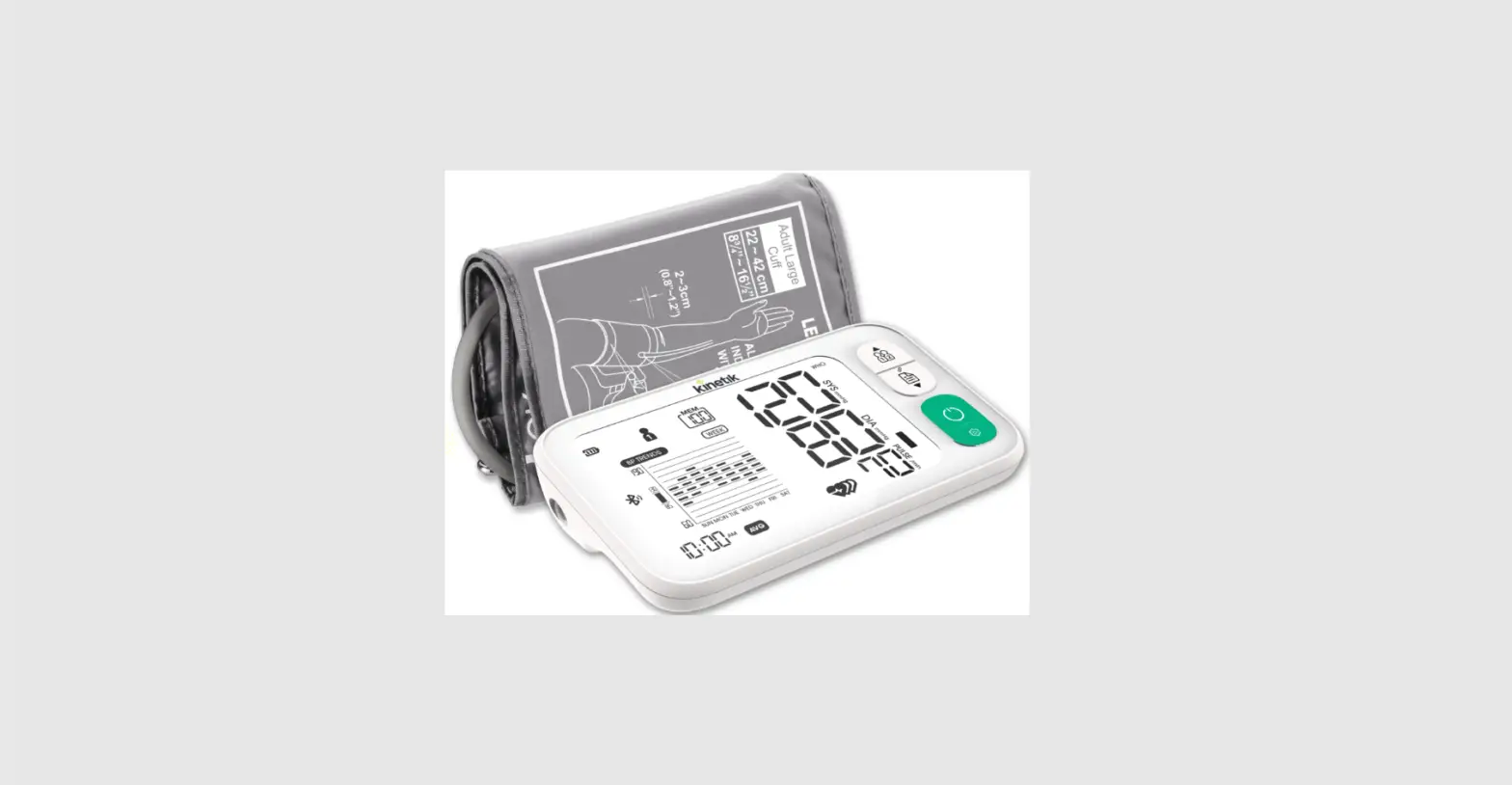

Kinetik Tmb-2088 Smart Blood Pressure Monitor User Manual

Kinetik Tmb-2088 Smart Blood Pressure Monitor User Manual

kinetik TMB-2088 smart Blood pressure Monitor-LOGO

kinetik TMB-2088 smart Blood pressure Monitor
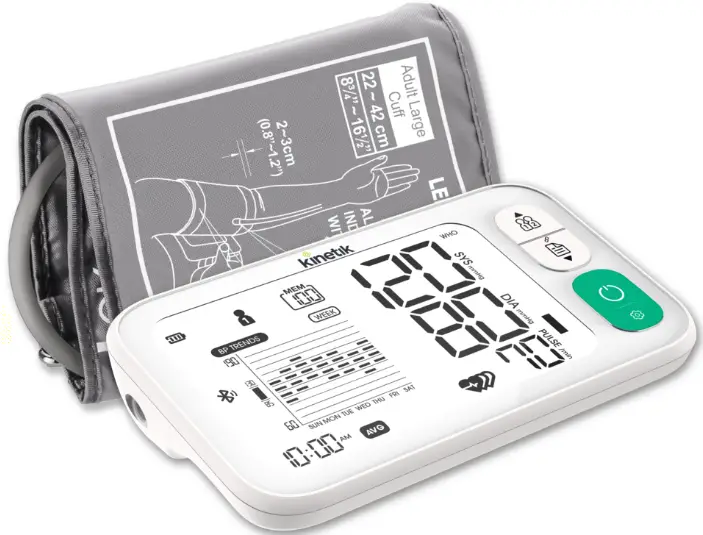
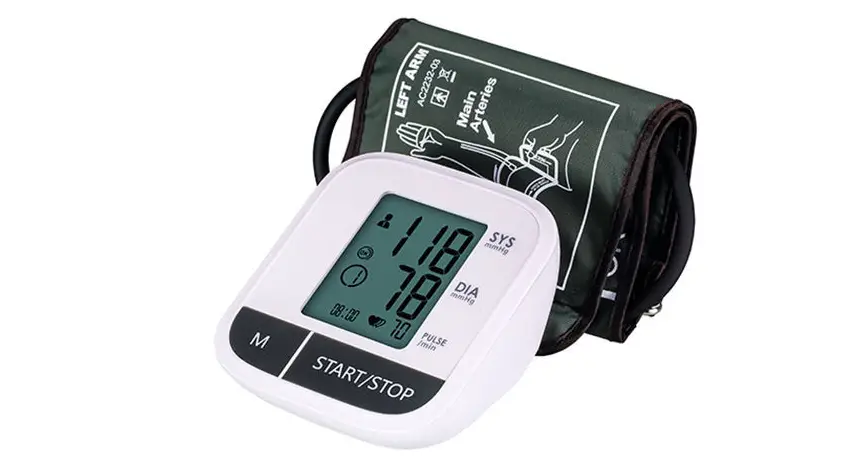
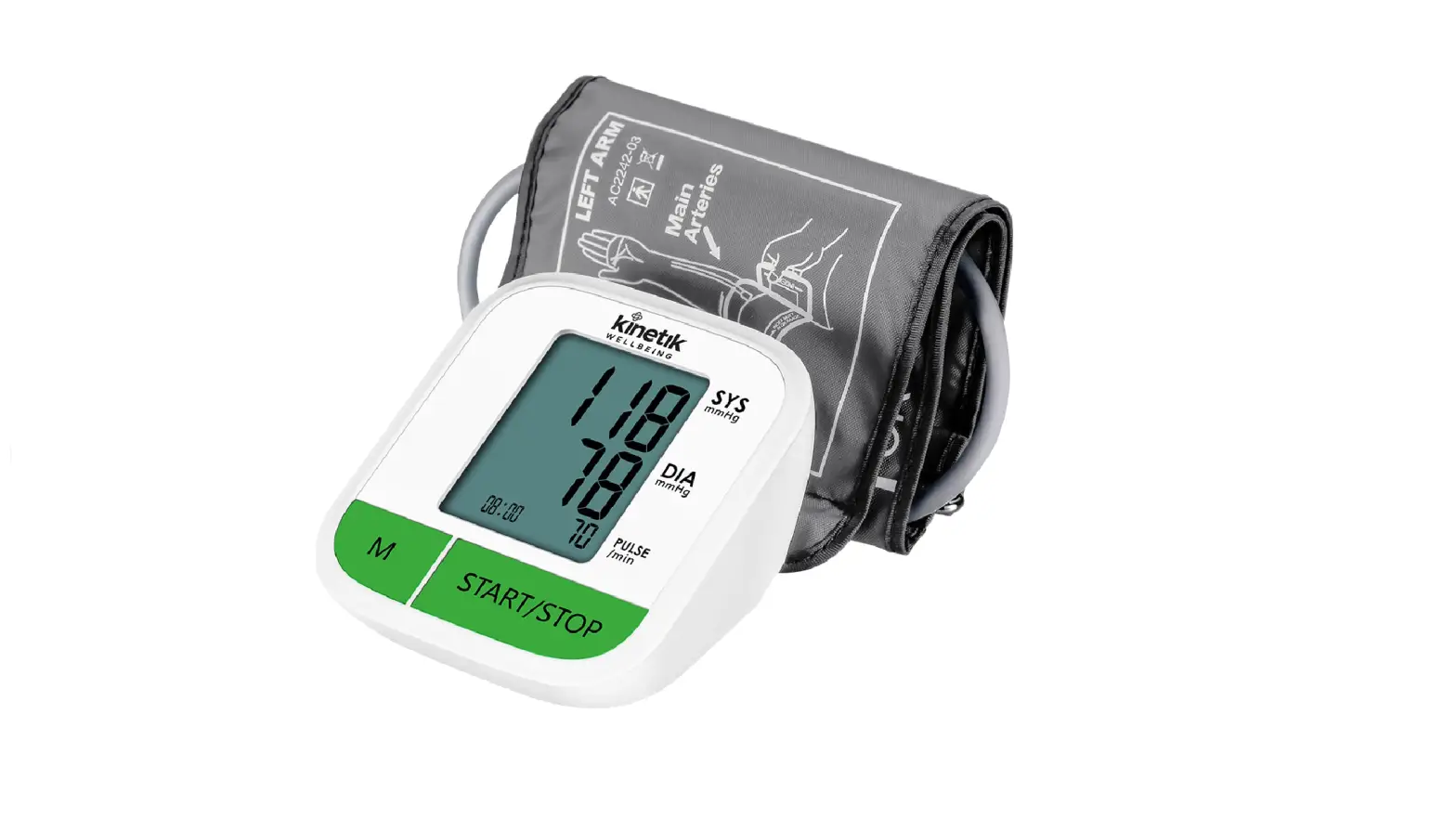
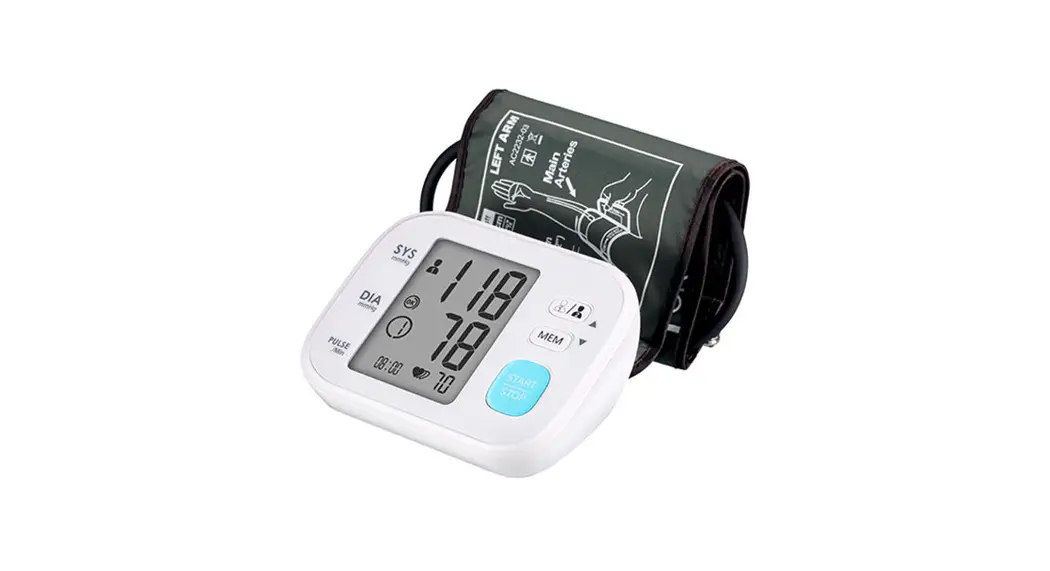
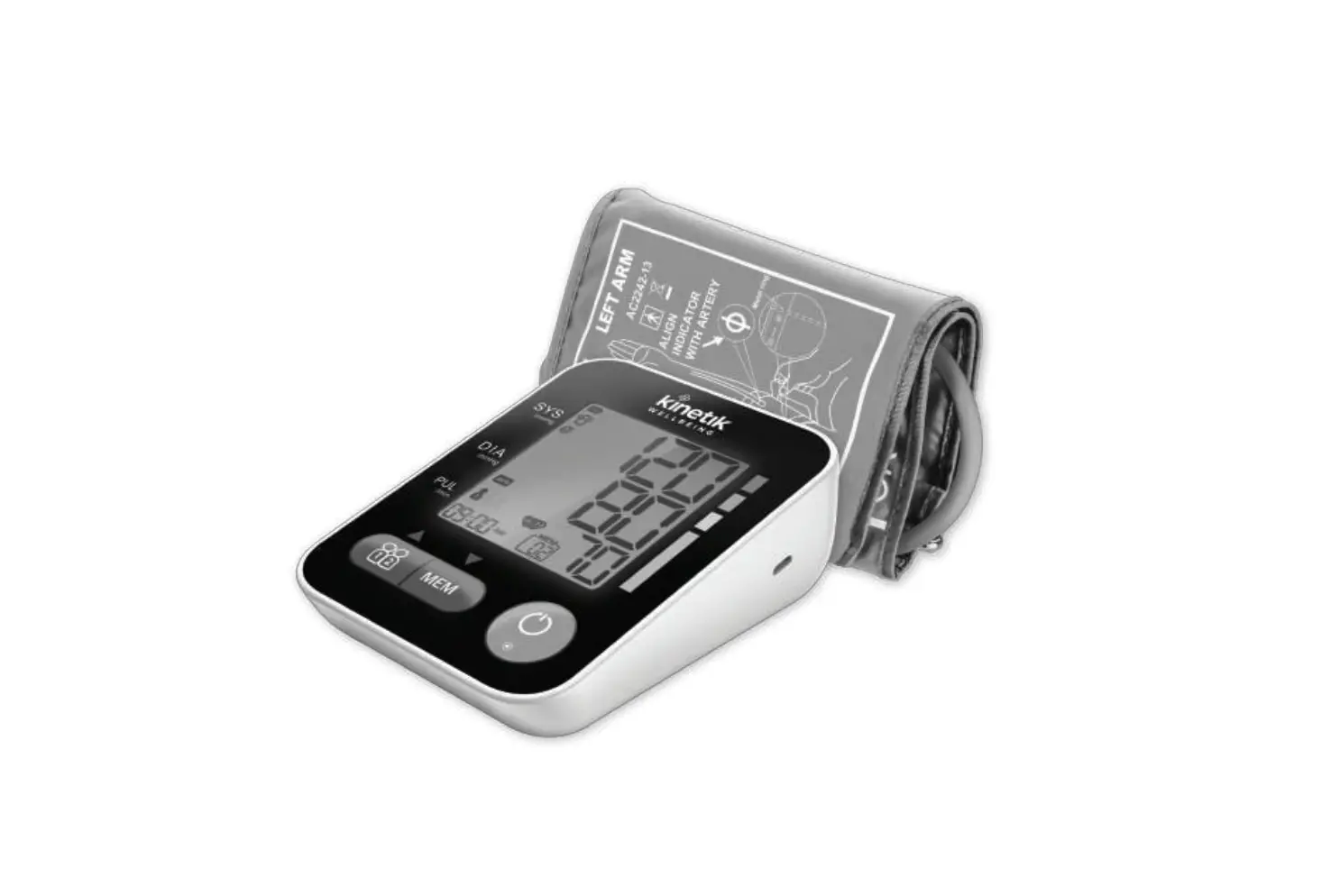
kinetik TMB-2088 smart Blood pressure Monitor-PROD

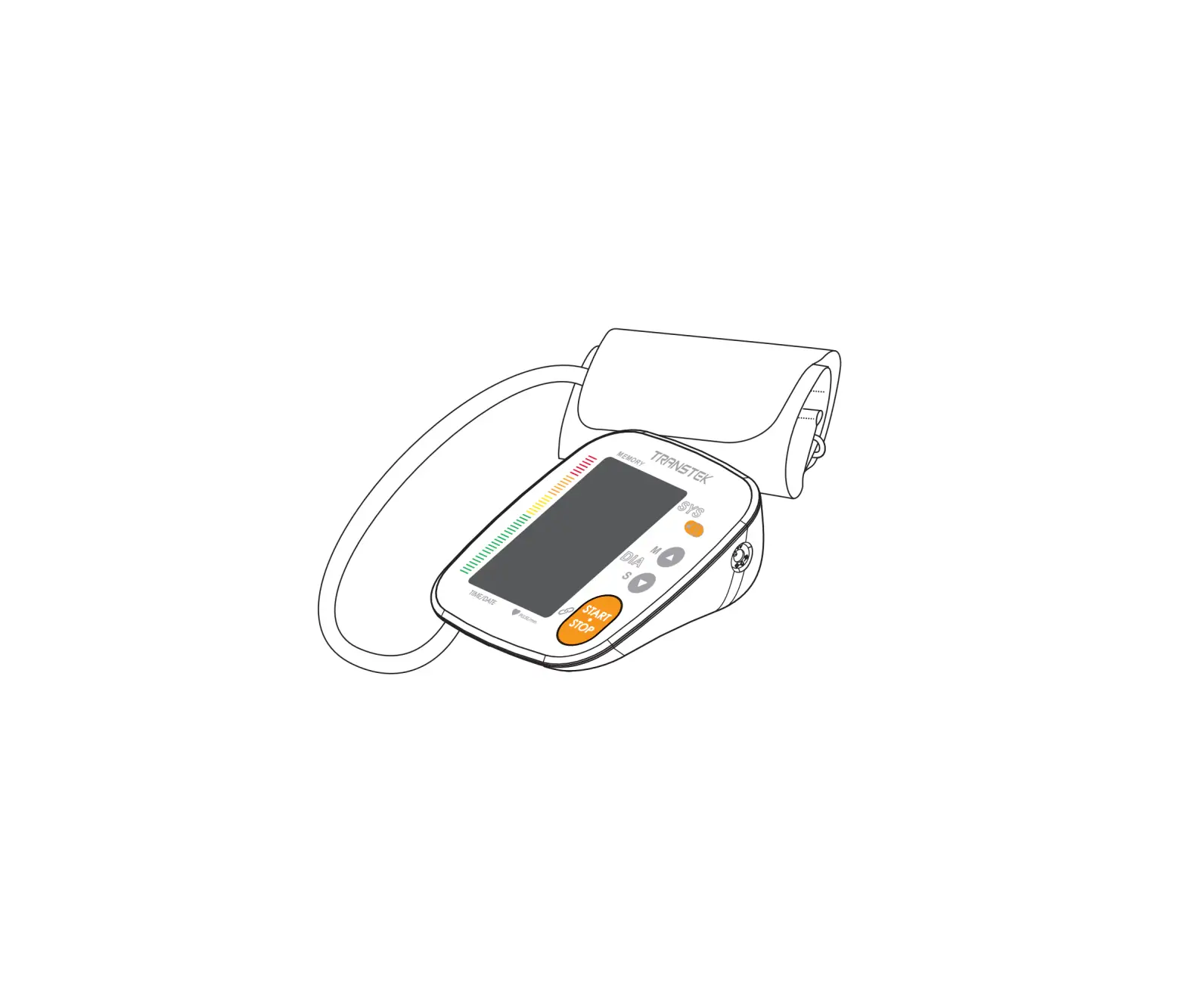
INSTRUCTIONkinetik TMB-2088 smart Blood pressure Monitor-FIG1

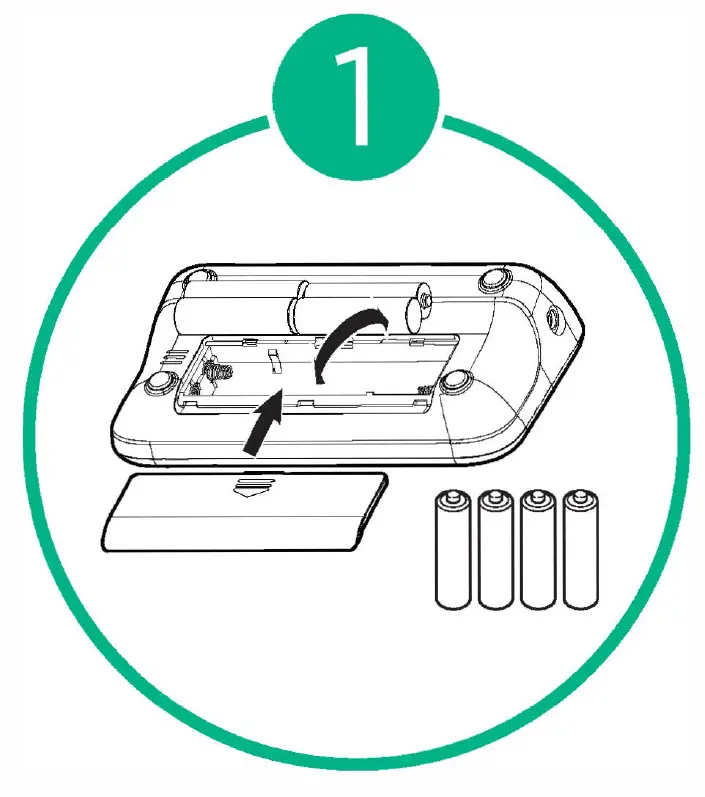
  1. Unpack the Blood Pressure Monitor and insert batteries.kinetik TMB-2088 smart Blood pressure Monitor-FIG2
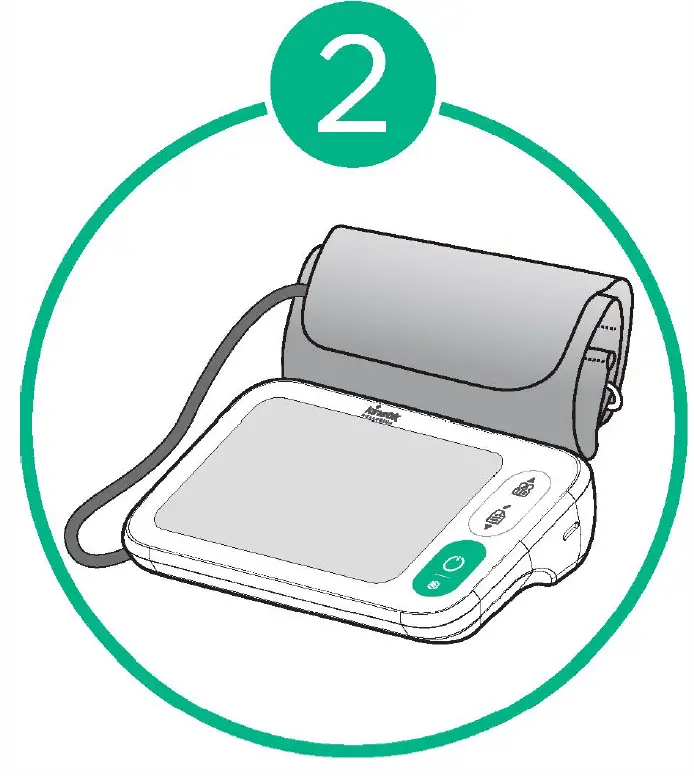
  2. Plug the connector from the cuff into the monitor on the left side.kinetik TMB-2088 smart Blood pressure Monitor-FIG3
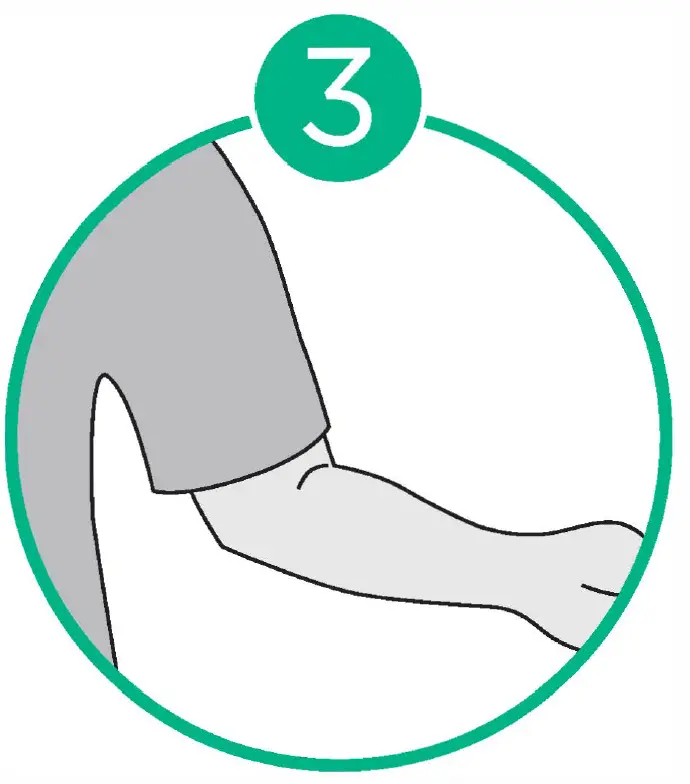
  3. Remove any thick clothing from your arm.kinetik TMB-2088 smart Blood pressure Monitor-FIG4
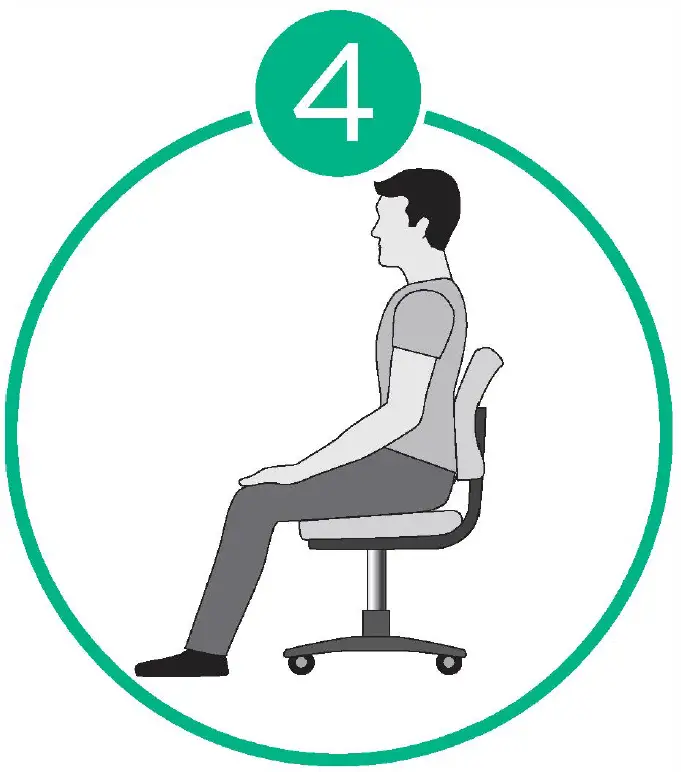
  4. Sit in a relaxed position for 5 minutes.kinetik TMB-2088 smart Blood pressure Monitor-FIG5
  5. Place your arm resting on a firm surface.kinetik TMB-2088 smart Blood pressure Monitor-FIG6
  6. Wrap the cuff on the left arm and keep level with your heart.kinetik TMB-2088 smart Blood pressure Monitor-FIG7
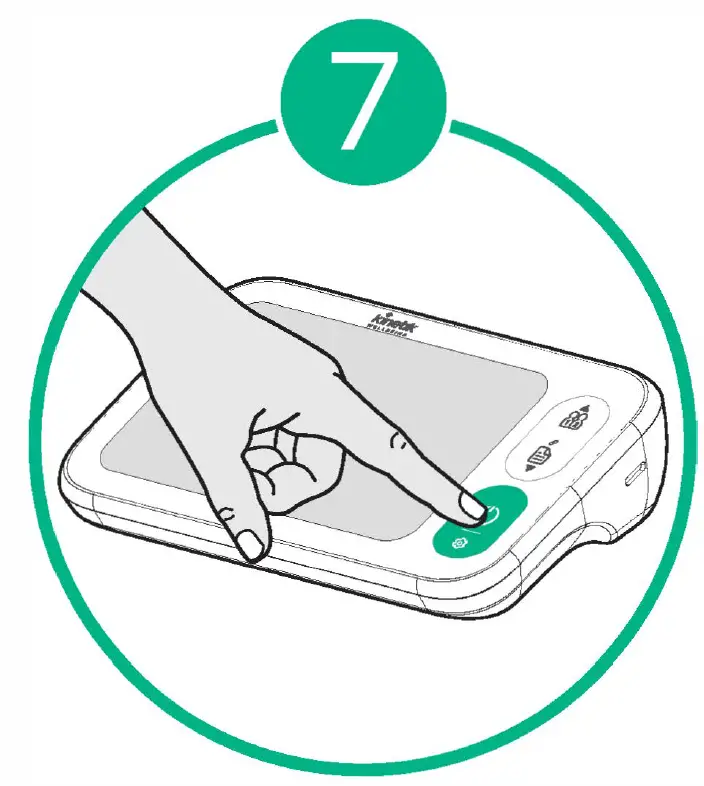
  7. Press the START button to begin measurement.
For further help contact us at
Email
[email protected]
Live Chat
kinetikwellbeing.com
Phone
+44 (0) 1483 937967
Documents / Resouces

Download manual
Here you can download full pdf version of manual, it may contain additional safety instructions, warranty information, FCC rules, etc.


Related Manuals