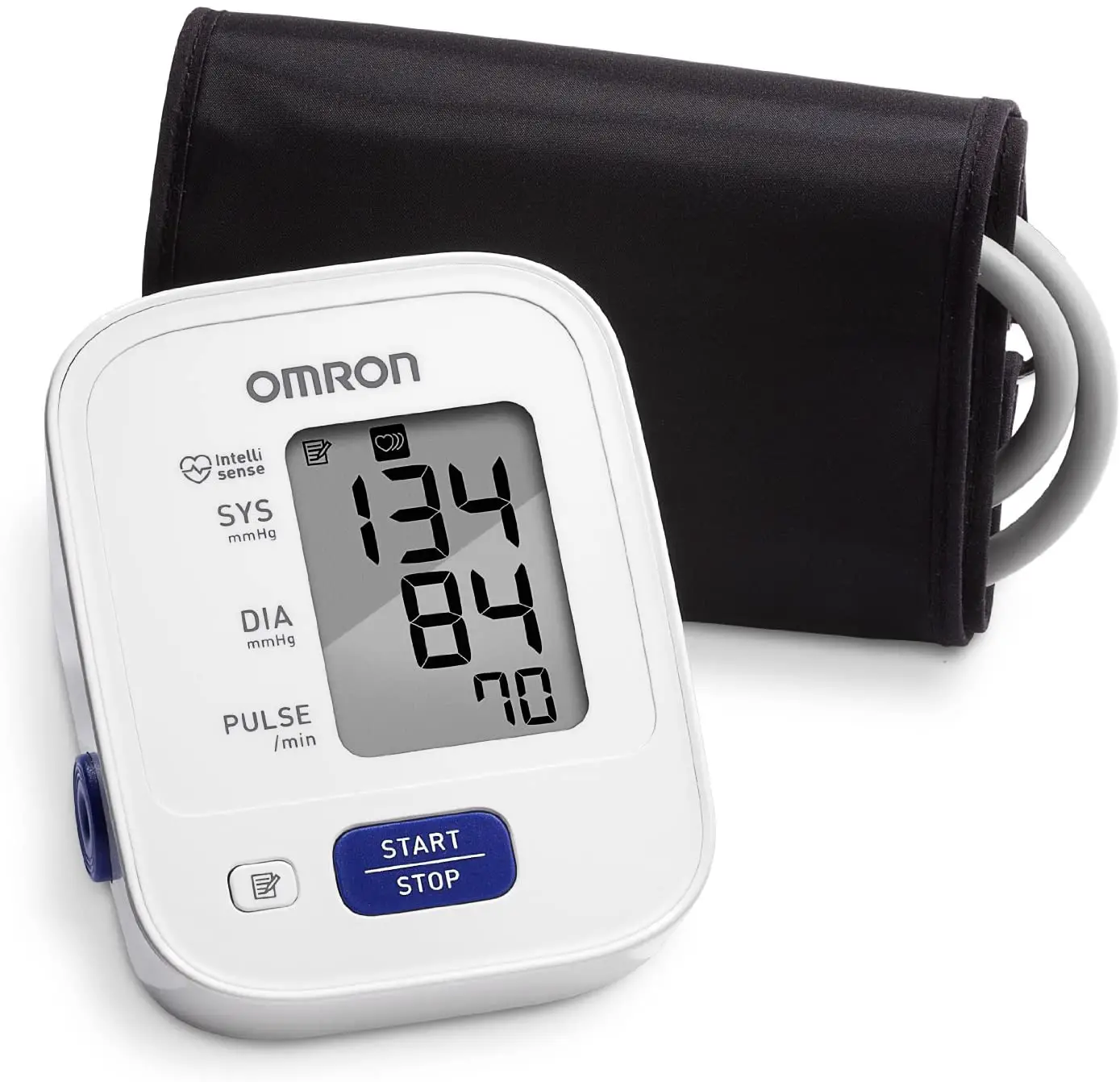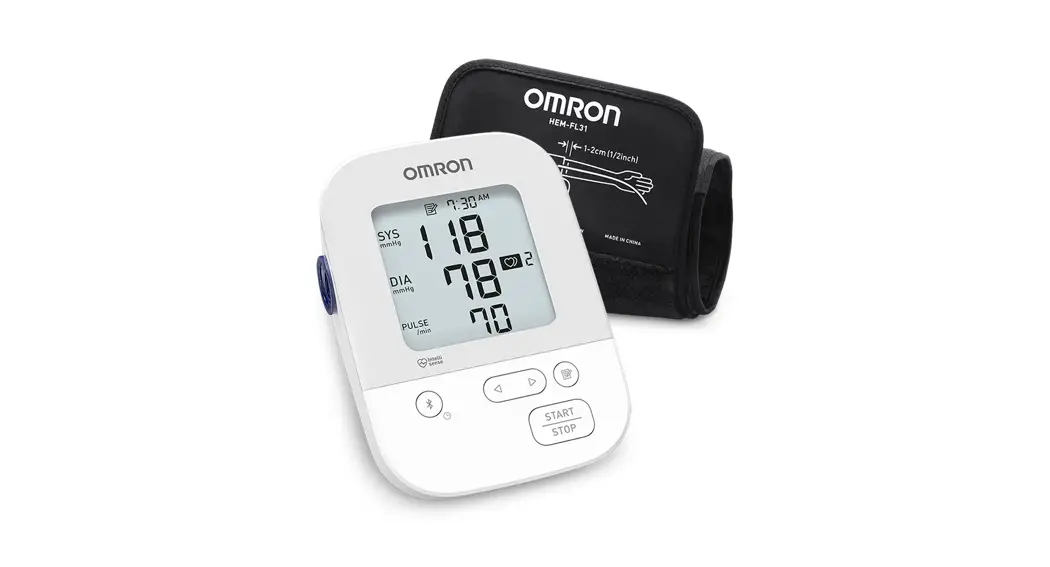

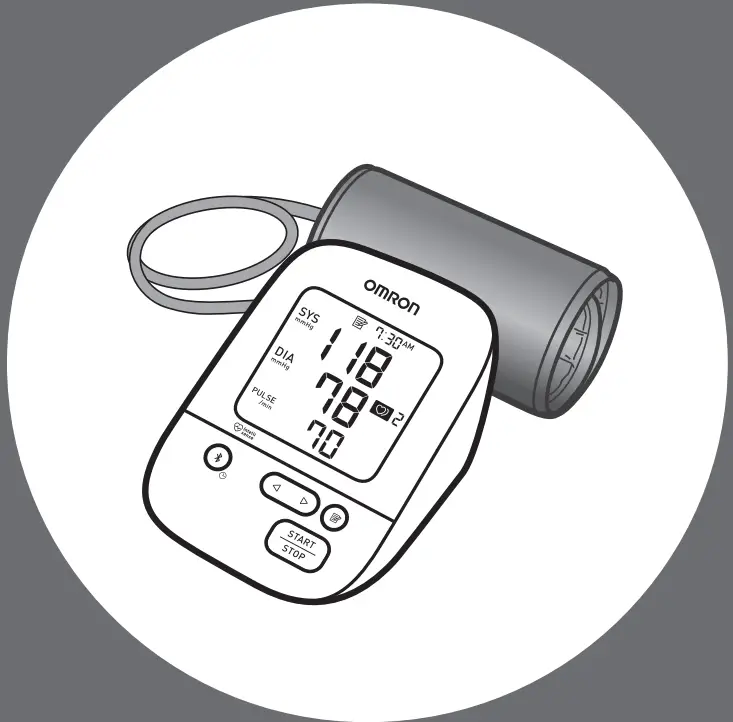
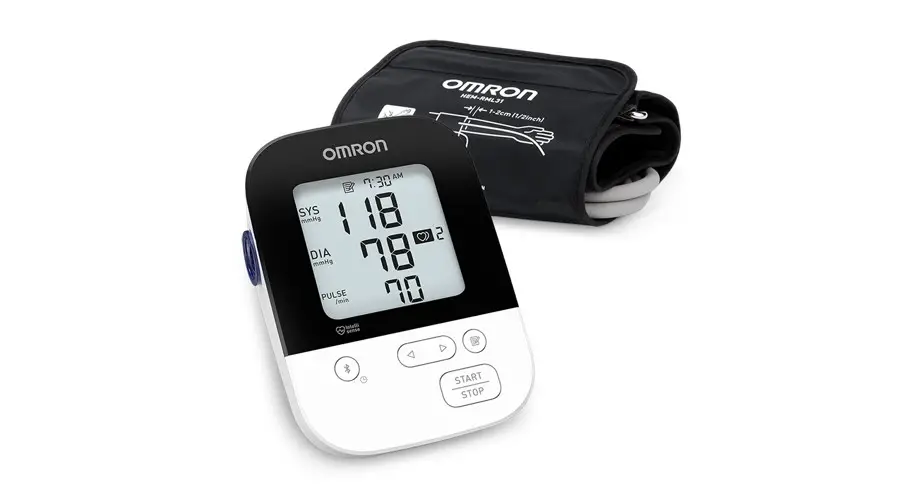
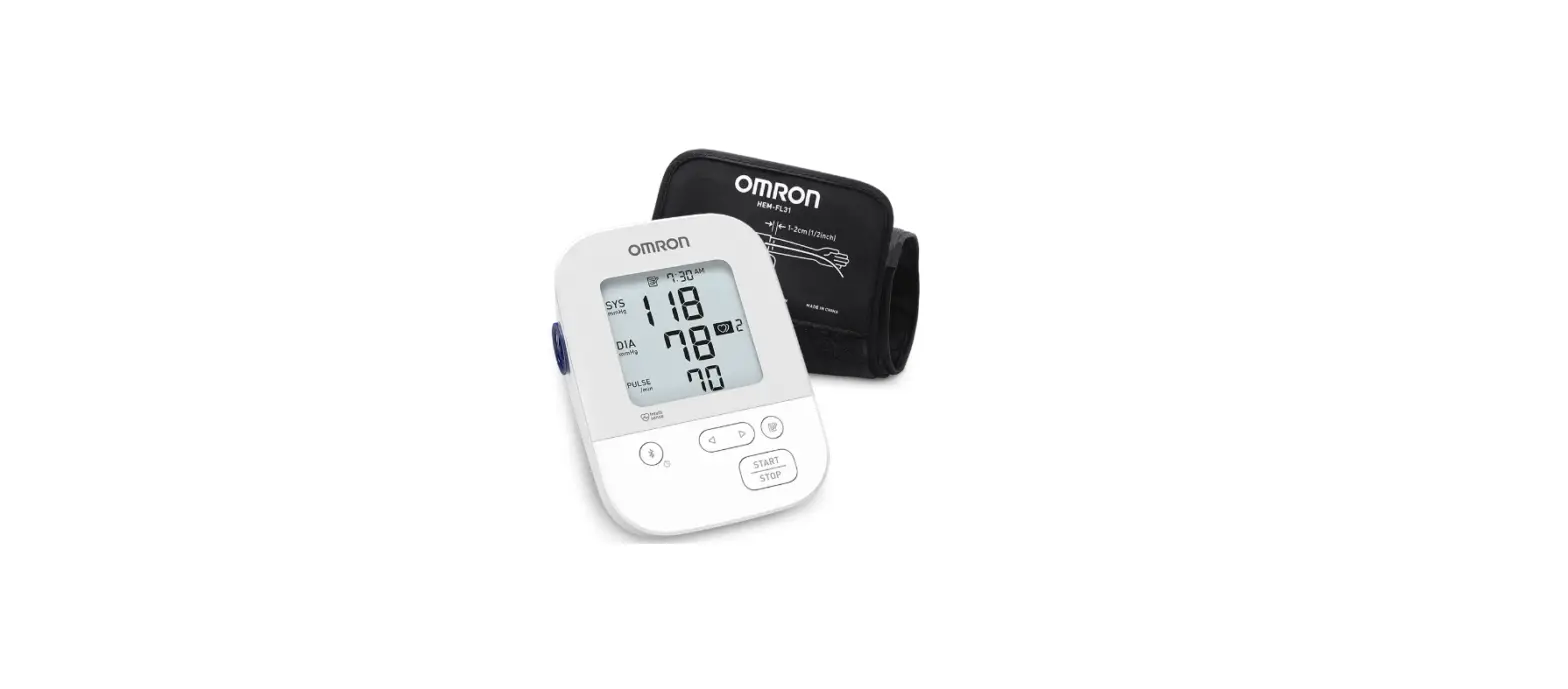
Silver Upper Arm Blood Pressure Monitor
 BP5250 Quick Start Guide
Download the app
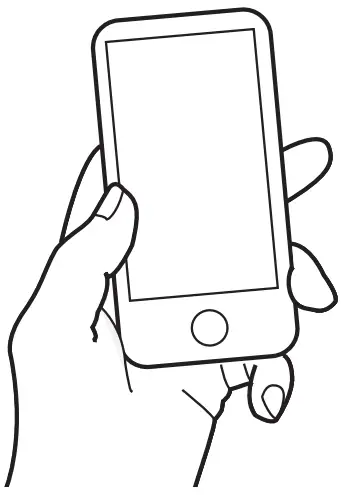
Scan the code below with your smart device camera or visit OmronHealthcare.com/app to find the OMRON compatible app for this product.
 http://OmronHealthcare.com/app
Install batteries
Push down on the hook of the battery cover and pull downward.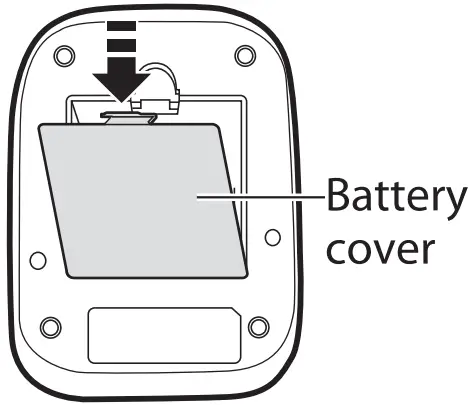
Insert 4 “AA” alkaline batteries.
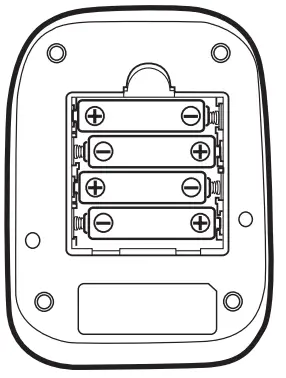 Close the battery cover. The year flashes.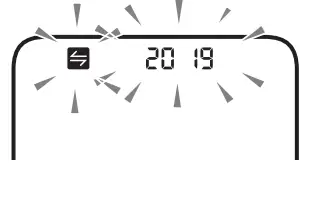
Pair your smart device
O Make sure that your monitor is off.
If the display is showing any information, press the [START/STOP] button to turn your monitor off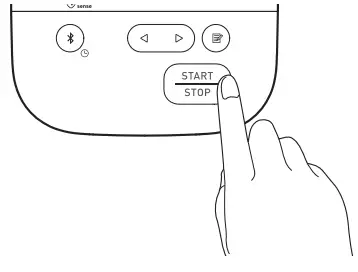
Enable Bluetooth® on your smart device.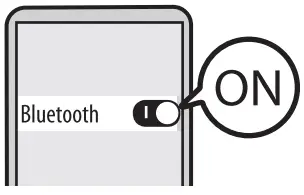
Open the app and follow the instructions.
The date and time will automatically be set when your monitor is paired with the app. To set the date and time manually, refer to sub-section 2.2 of the instruction manual. 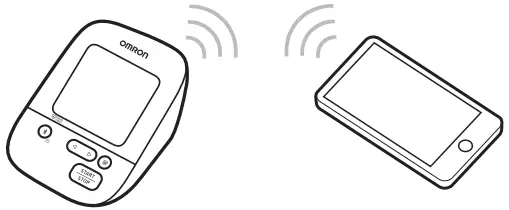
To transfer manually, refer to the “Help” section in the app.
Apply the arm cuff
Insert the air plug into the air jack securely until it clicks.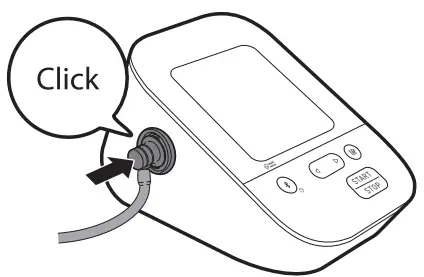
Apply the arm cuff onto your left upper arm.
The bottom edge of the arm cuff should be 0.5 inches above the inside elbow.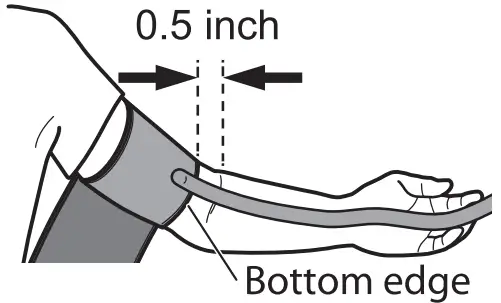
Wrap the cuff securely.
Make sure that the air tube is on the inside of your arm. 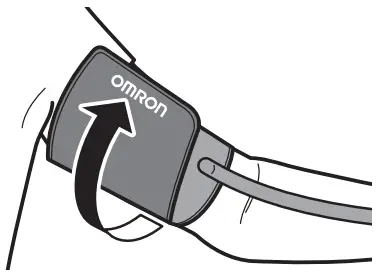
For details, refer to the instruction manual.
Sit correctly
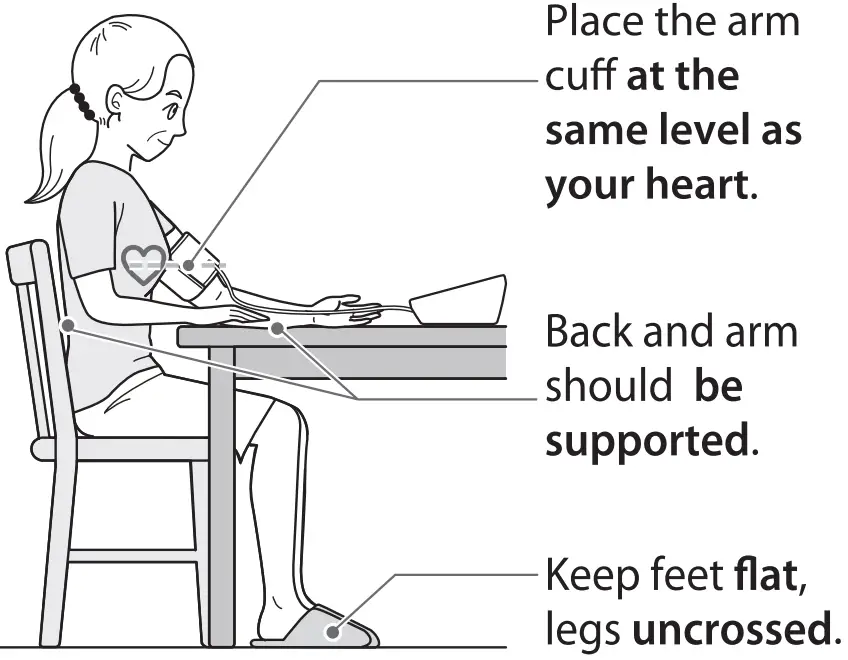
Take a measurement
Press the [START/STOP] button.
Remain still until the arm cuff deflates.
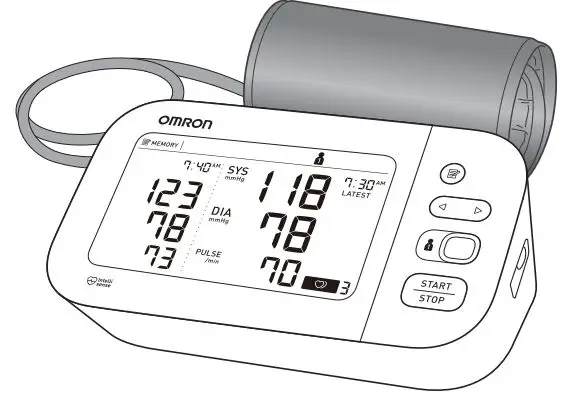
After the measurement, your reading is displayed. 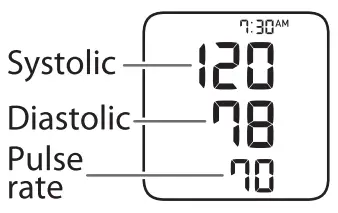
For details, refer to the instruction manual.
Check your readings on the app
Open the app on your smart device and follow the instruction.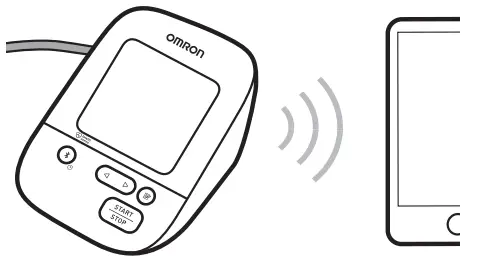
Check your readings on the app.
To turn off the monitor, press the [START/STOP] button.
To transfer manually, refer to the “Help” section in the app.
FAQ 1
Why are my blood pressure readings sometimes different?
Your blood pressure changes constantly based on your daily activities and time of day. Because of this, some fluctuations can be expected. That’s why it is important to use averages over time to compare readings. Because each person is different, it is important to consult with your physician about what your numbers mean to you.
FAQ 2
Why could my physician’s reading be different than my readings taken at home?
Having your blood pressure measured by a healthcare professional in a physician’s office can cause nervousness and may result in an elevated reading. Because these readings can vary considerably, you should take your blood pressure on a regular basis at home and share your results with your healthcare provider.
TIP 1
For accurate readings:
– Avoid bathing, drinking alcohol or caffeine, smoking, exercising, and eating for 30 minutes before taking a measurement.
– Rest for at least 5 minutes before taking a measurement.
– Sit quietly with your legs uncrossed and your feet flat on the floor.
TIP 2
Make sure that your blood pressure monitor and smart device are successfully paired, and the app is open on your smart device, before transferring your readings to the app.
Trademarks
The Bluetooth• word mark and logos are registered trademarks owned by Bluetooth SIG, Inc., and any use of such marks by OMRON HEALTHCARE Co., Ltd. is under license. Other trademarks and trade names are those of their respective owners.
For customer service
Visit our web site:
Call toll free:
For USA – OmronHealthcare.com For Canada
– OmronHealthcare.ca 1-800-634-4350

![Omron Evolv Upper Arm Blood Pressure Monitor [bp7000] Instruction Manual](https://static-data1.manualsee.com/1/img/154/17284/2020/12/Omron-EVOLV-Upper-Arm-Blood-Pressure-Monitor.jpg "Omron Evolv Upper Arm Blood Pressure Monitor [bp7000] Instruction Manual")